-
-
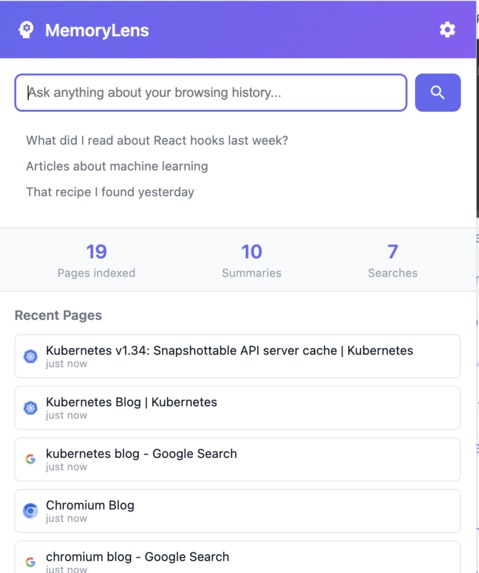
List of history
-

Search enhanced with AI
-
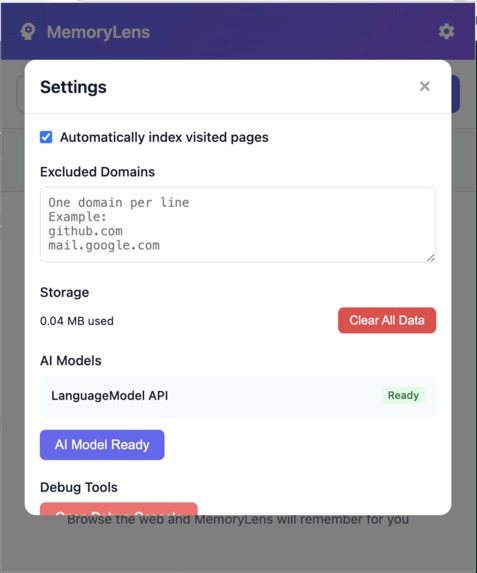
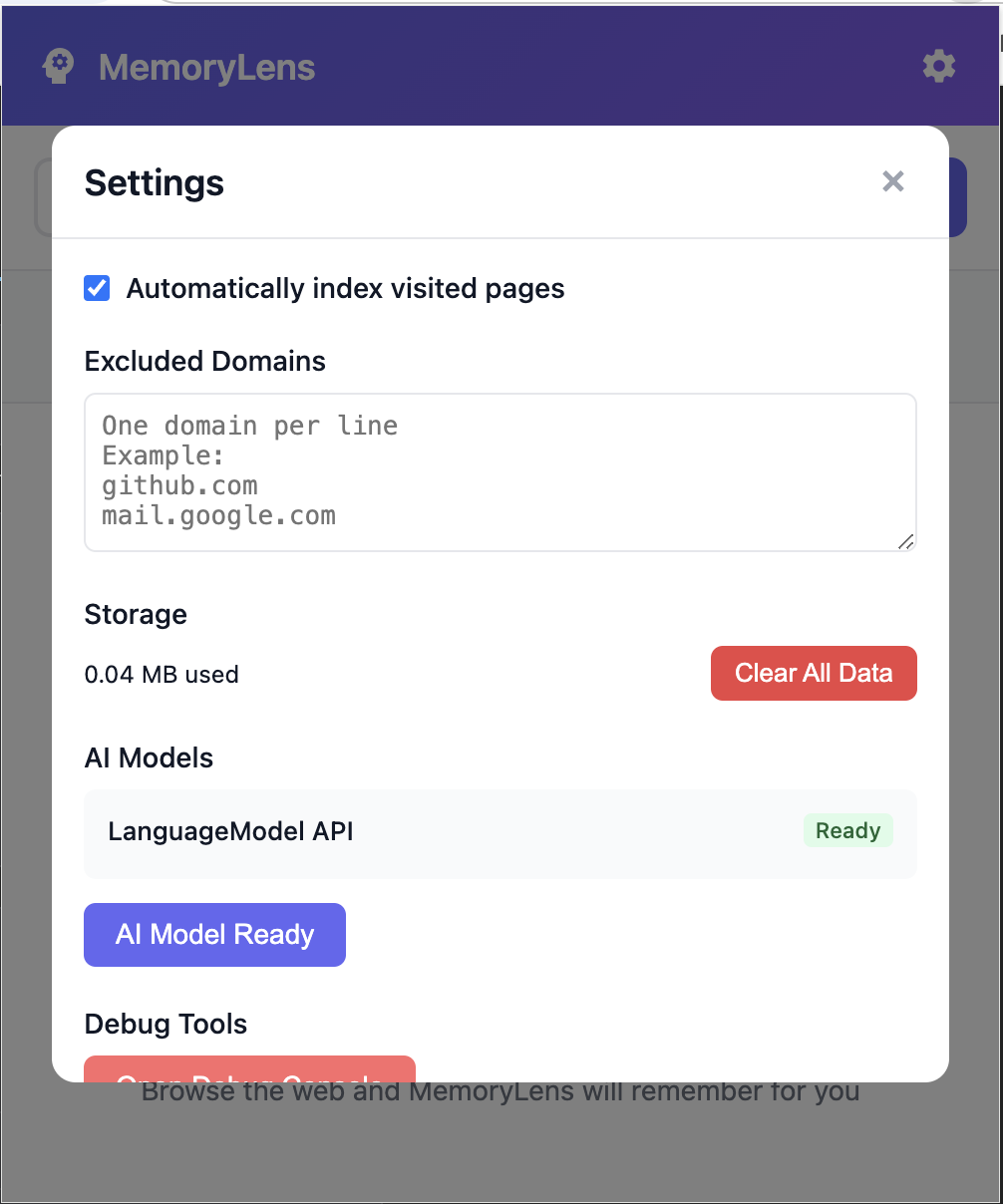
settings and model download


Inspiration
A few months ago, I was frustrated trying to find a technical article I'd read about WebSocket authentication. I knew I'd seen it, but Chrome's history search was useless - I couldn't remember the exact title or site. I initially built a solution using FAISS (local docker) and OpenAI APIs, but it required servers and sent my browsing data to the cloud. When I discovered Chrome's built-in AI APIs and this challenge, I realized I could finally build the privacy-first browser memory I'd always wanted - one that runs entirely on-device.
What it does
MemoryLens transforms your browser into an intelligent memory assistant. It automatically indexes every page you visit, understanding the content semantically using Chrome's Gemini Nano model. You can search your browsing history with natural language queries like "that article about React performance" or "the recipe with chocolate and hazelnuts." It handles multilingual content, provides AI-generated answers synthesized from your history, and tracks how often you revisit pages. All processing happens locally - your browsing data never leaves your device.
How I built it
I built MemoryLens as a Chrome extension using Manifest V3 and Chrome's Language Model API (Prompt API). The architecture consists of:
- Content scripts that extract page content and metadata
- A service worker that coordinates AI processing using Gemini Nano
- IndexedDB for local storage with instant retrieval
- Pure JavaScript with no external dependencies
The system uses a two-phase approach: pages are stored immediately for instant searchability, while AI enhancements process in the background when needed.
Challenges I ran into
The biggest challenge was making the Language Model API work reliably. Initially, I couldn't access the API - discovering it was at the global scope as LanguageModel, not window.ai. Service workers wouldn't start with ES6 modules, requiring me to bundle everything. Content script injection timing was tricky - I had to handle both regular navigation and SPA route changes. Multilingual search was complex until I implemented automatic translation. I also faced issues with duplicate indexing when revisiting pages, solved by tracking URLs and updating timestamps instead of creating new entries.
Accomplishments that I'm proud of
I'm most proud of achieving true privacy - building something more powerful than cloud-based alternatives while keeping everything local. The instant indexing provides immediate value. The extension handles modern SPAs perfectly, detecting route changes and dynamic content. Most importantly, I transformed a complex cloud architecture (Docker, Python, FAISS, API keys) into a simple browser extension anyone can install in seconds.
What I learned
I learned that Chrome's built-in AI APIs are incredibly powerful but require specific patterns to work reliably. The Language Model API can handle complex tasks with simple prompts. Service workers have strict requirements that conflict with modern JavaScript modules. Privacy-first design actually improves user experience - no login, no API keys, instant results. Most surprisingly, on-device AI can be faster than cloud APIs when you eliminate network latency. The Gemini Nano model is remarkably capable for a model running entirely in the browser.
What's next for MemoryLens
Speed is my #1 priority. Currently, AI processing can be slow, so I'm focusing on optimizing performance - better caching, smarter indexing, and selective AI usage only when necessary. I plan to implement instant fuzzy search without AI calls, background pre-processing of frequently visited sites, and intelligent result ranking based on visit frequency and recency.
Future features include:
- Visual memory search when Chrome's image APIs become available
- Knowledge graphs connecting related content
- Timeline view to explore your research history
- Smart notifications for content updates or contradictions
- Using the Writer API for personal knowledge summaries
But first and foremost: making it blazing fast. The best memory tool is one that returns results instantly.


Log in or sign up for Devpost to join the conversation.