-
-

Thumbnail
-
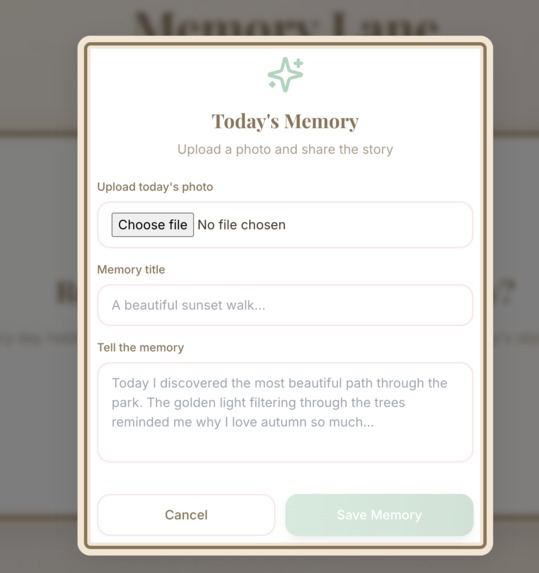
Upload Function
-
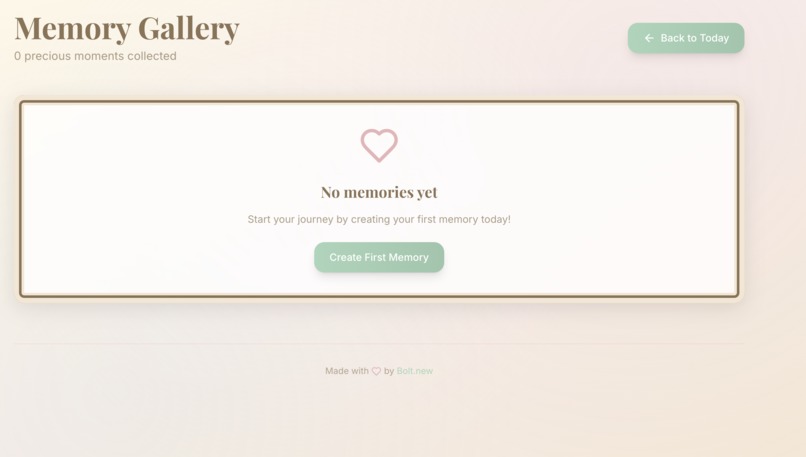
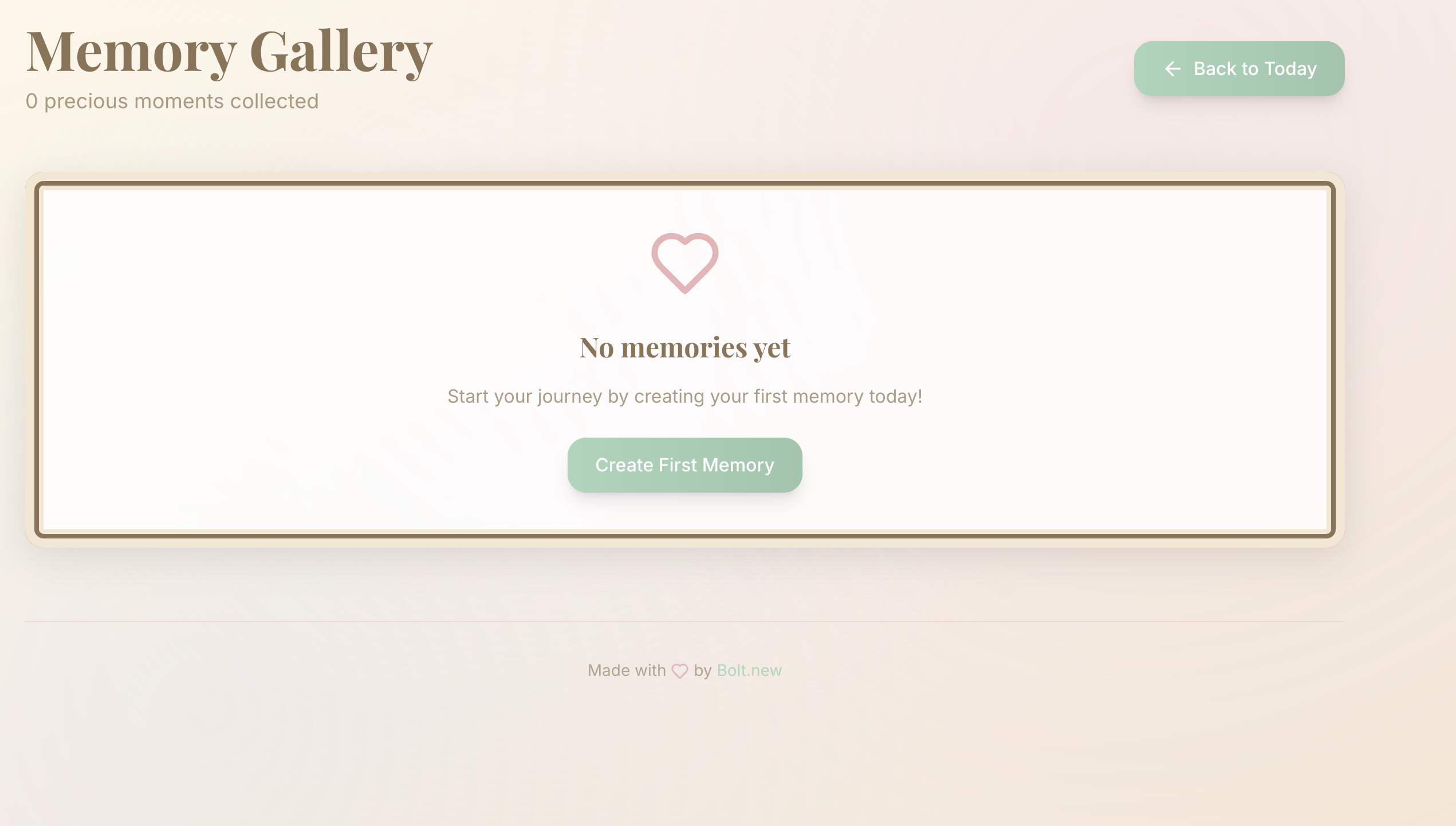
My Memories
-
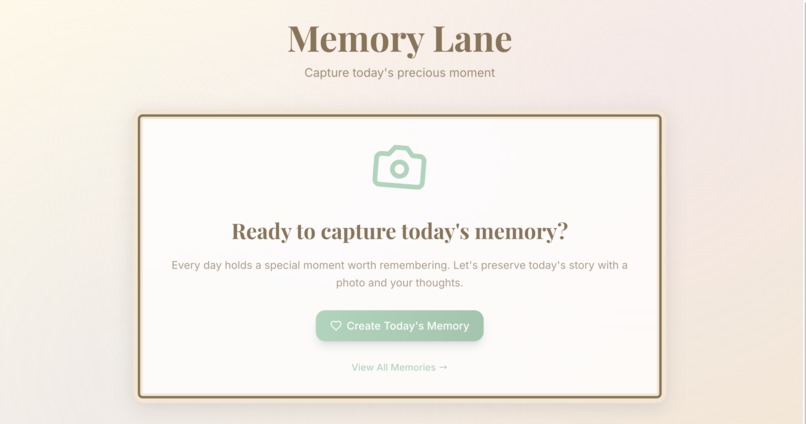
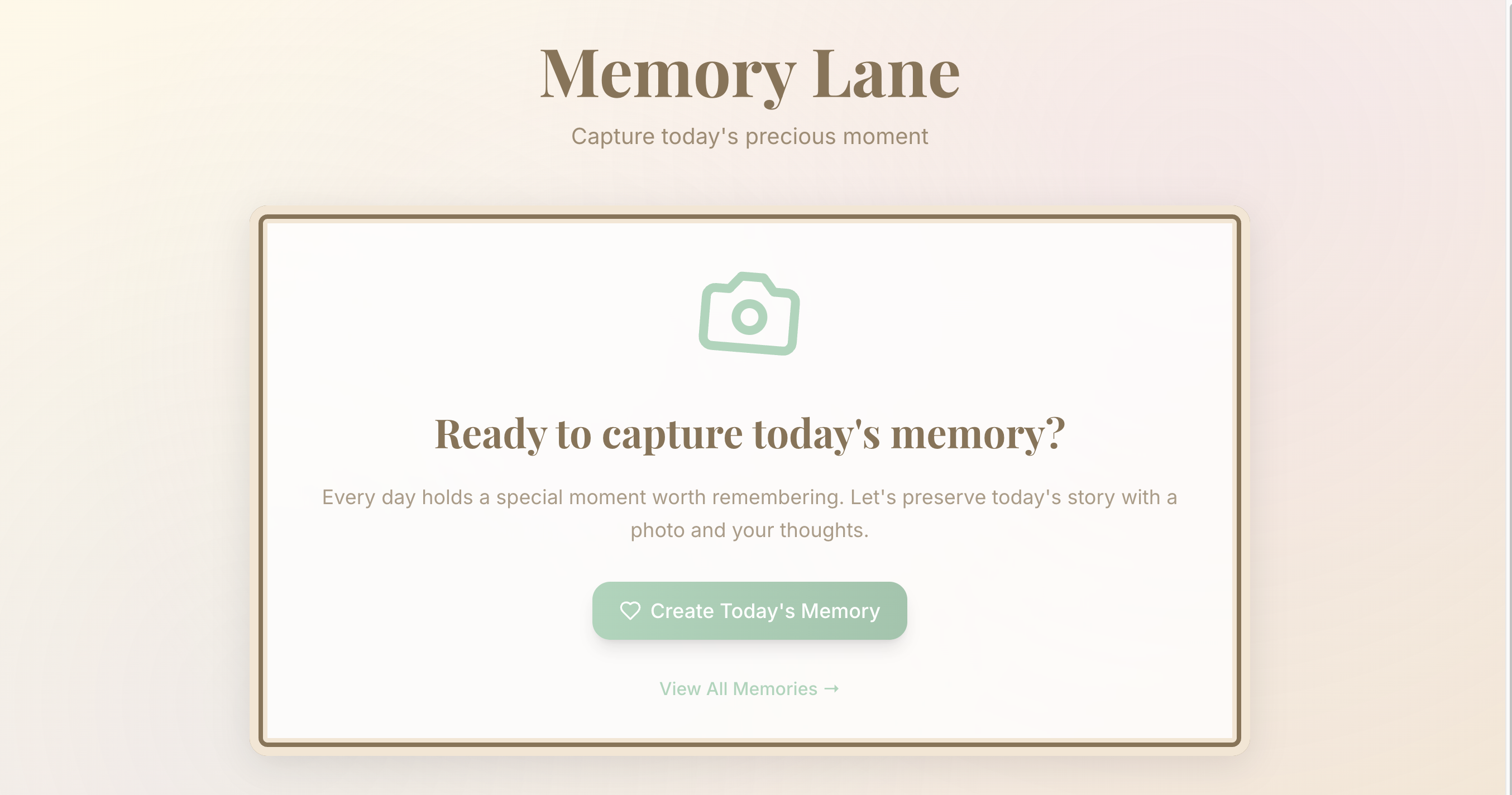
Home Screen

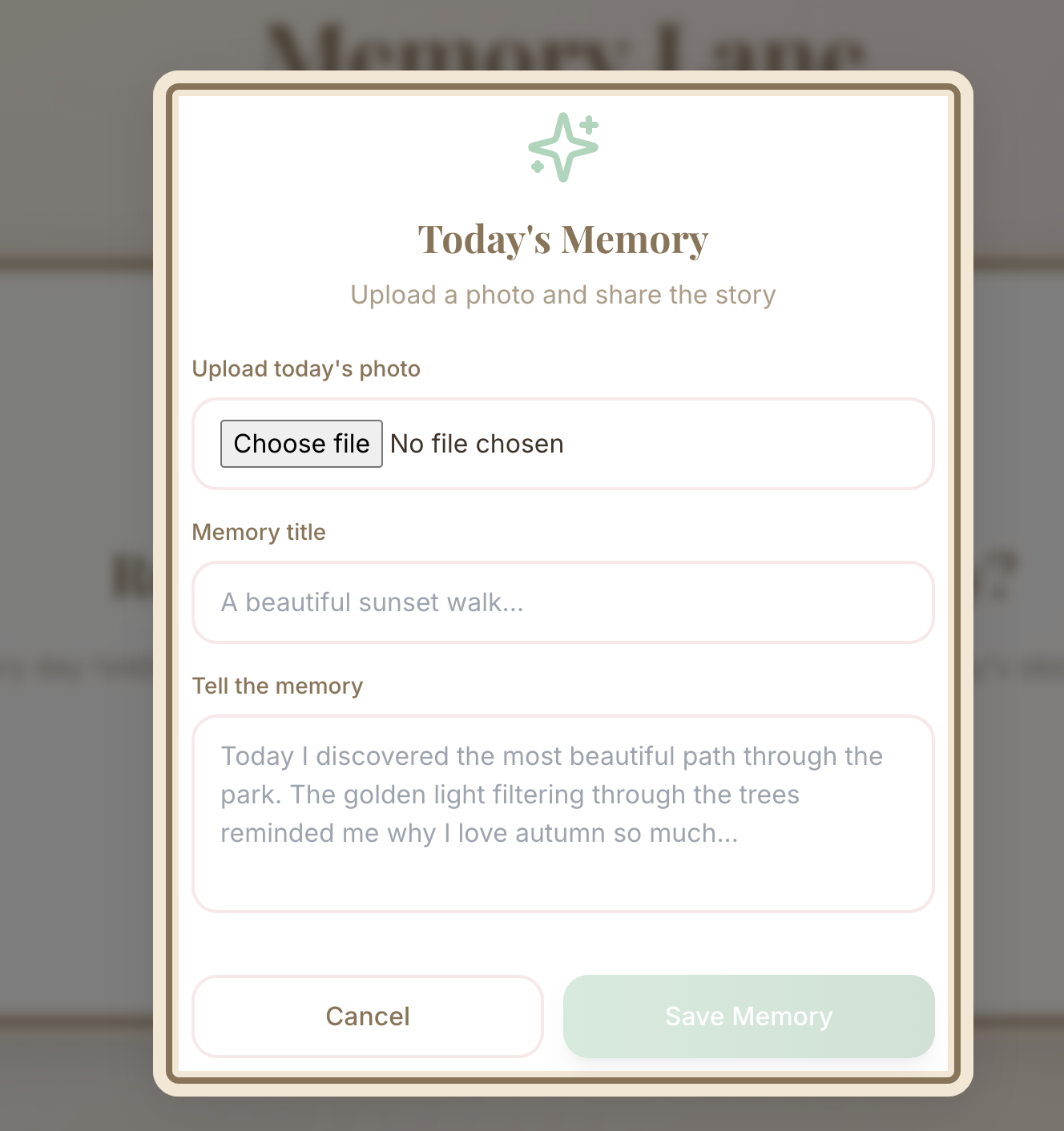
About MemoryLane
Inspiration
I’ve often found myself scrolling through old photos, wishing I’d captured more moments in real time. Anxiety over “missing out” on the present inspired MemoryLane: a gentle nudge to pause, snap a photo, and record a memory each day. I wanted an app that doesn’t feel like a chore but rather a warm daily ritual—one that reframes nostalgia as fuel for living more mindfully.
What I Learned
- Browser Notifications API: Scheduling a notification at a random time each day taught me how to request permissions, calculate delays, and persist timing across sessions.
- Next.js Routing & Data Persistence: Building two pages (
/todayand/memories) deepened my understanding of file-based routing and client-side storage patterns usinglocalStorage. - Tailwind Theme Configuration: Crafting a custom pastel palette and pairing serif (Playfair Display) with sans-serif (Inter) fonts reinforced how design tokens drive a cohesive user experience.
- Framer Motion Animations: Adding soft scale-and-fade effects to modals gave the UI a gentle, human feel—perfect for an app centered on emotion.
How I Built It
- Scaffolding with Bolt.new
Leveraged a single exhaustive prompt to generate a Next.js app with Tailwind, Framer Motion, and Notification logic. - Today’s Memory Page (
/today)
- On first load, request notification permission.
- Calculate a random delay to schedule the “Time for today’s Memory Lane photo!” alert.
- Display an upload modal for photo + title + text entry, then save to
localStorage.
- On first load, request notification permission.
- All Memories Gallery (
/memories)
- Read saved entries from
localStorageand render as “framed” cards with faux-wood borders. - Responsive grid layout: 3 columns desktop → 1 column mobile.
- “Back to Today” link for easy navigation.
- Read saved entries from
- Styling & Details
- Pastel background with subtle paper/linen texture.
- 2xl-rounded corners, soft shadows, hover lifts on buttons.
- Thin divider + Bolt.new badge in footer on both pages.
- Pastel background with subtle paper/linen texture.
- One-Click Deployment
Configured Netlify settings innetlify.tomland included comments for environment variables.
Challenges Faced
- Randomized Daily Scheduling: Ensuring the notification fires at a truly random time each day—and persists if the browser closes—required careful calculation of millisecond delays and storing the “next alert” timestamp.
- Modal UX Without Multiple Routes: Balancing simplicity (just two pages) with smooth in-page modals meant combining routing logic with Framer Motion animations to avoid jarring transitions.
- Design Polish Under Time Pressure: Fine-tuning colors, typography, and spacing in Tailwind took longer than expected; I had to iterate rapidly on theme tokens to achieve the emotional “warm nostalgia” feel.
- LocalStorage Data Consistency: Handling image data URLs alongside text entries required cleaning up stale entries and guarding against storage limits.
Building MemoryLane was a deeply personal journey—transforming my own struggle with present-moment anxiety into a gentle, daily ritual for others. I can’t wait to see how users reconnect with their memories, one photo at a time.
Built With
- bolt.new
- next.js
- react
- tailwind

Log in or sign up for Devpost to join the conversation.