The inspiration behind MemoryBox came from a simple, yet emotional question:
“What if we could tie our memories to the places where they happened?”
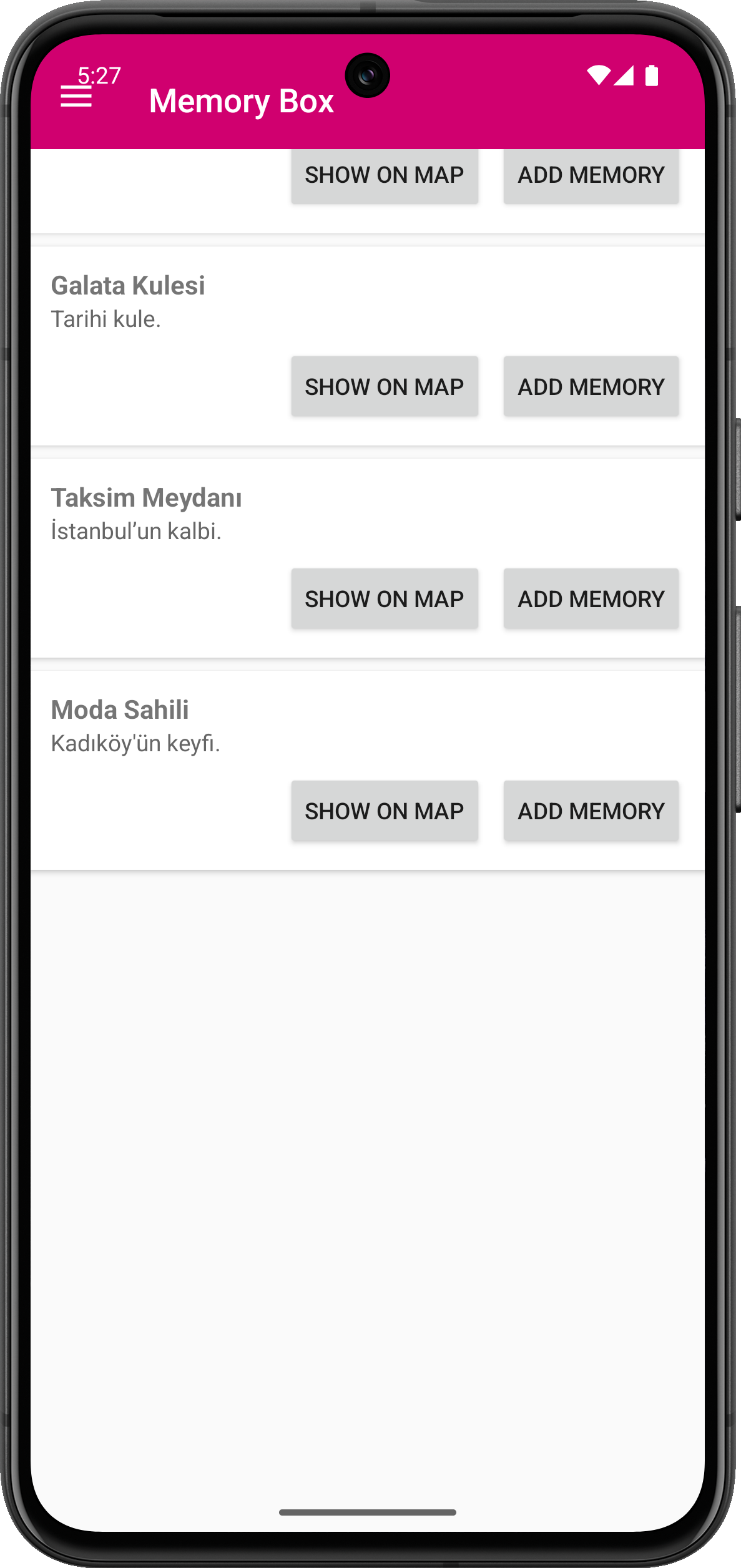
In today’s fast-paced digital world, we often forget where our most meaningful moments occurred. MemoryBox aims to bring a deeply emotional, personal layer to location-based technology by letting users attach memories (text, photos, audio) to real-world coordinates. Whether it's a heartfelt conversation at Galata Tower or a moment of peace in Sultanahmet, the app allows users to preserve memories right where they happened.
This idea was born during a walk through Istanbul, where I realized how much emotional context a location can hold — something that photos or notes alone can’t fully capture.
🛠 How It Was Built MemoryBox is a Kotlin-based Android application built with a modular architecture and seamless Google Maps integration.
🔧 Tech Stack: Language: Kotlin
Architecture: MVVM (Model-View-ViewModel)
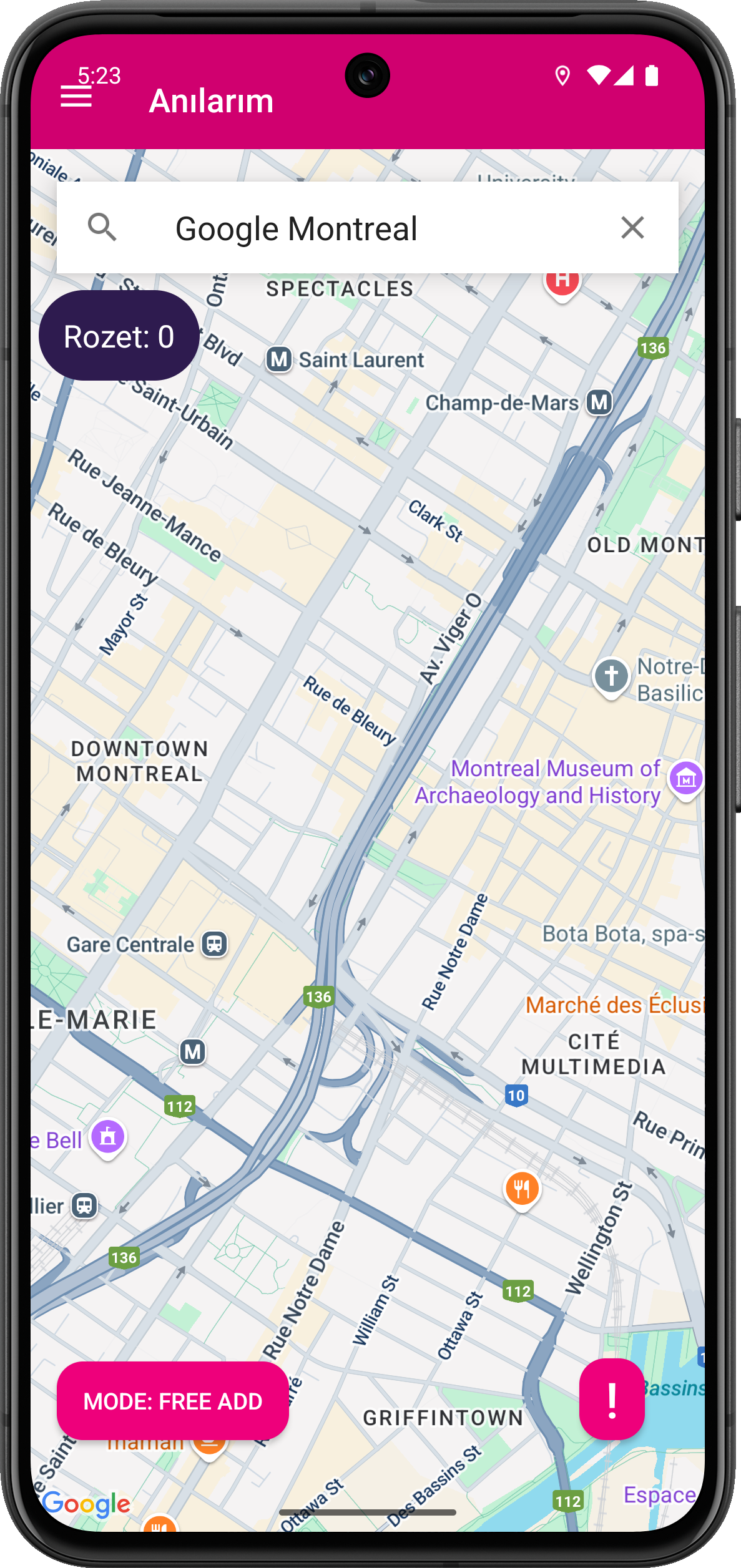
Map Integration: Google Maps SDK, Places API
Location Services: Fused Location Provider, Geofencing APIs
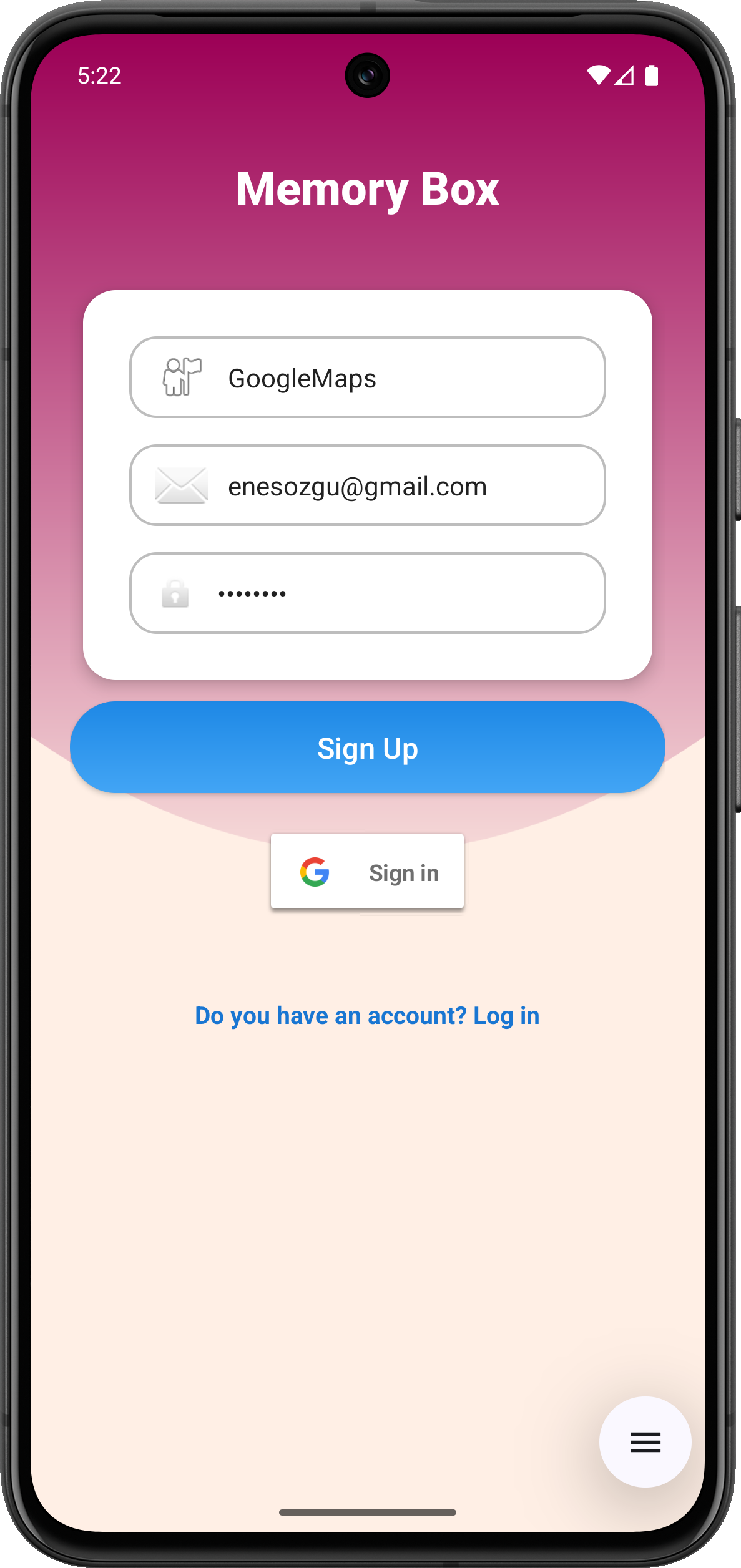
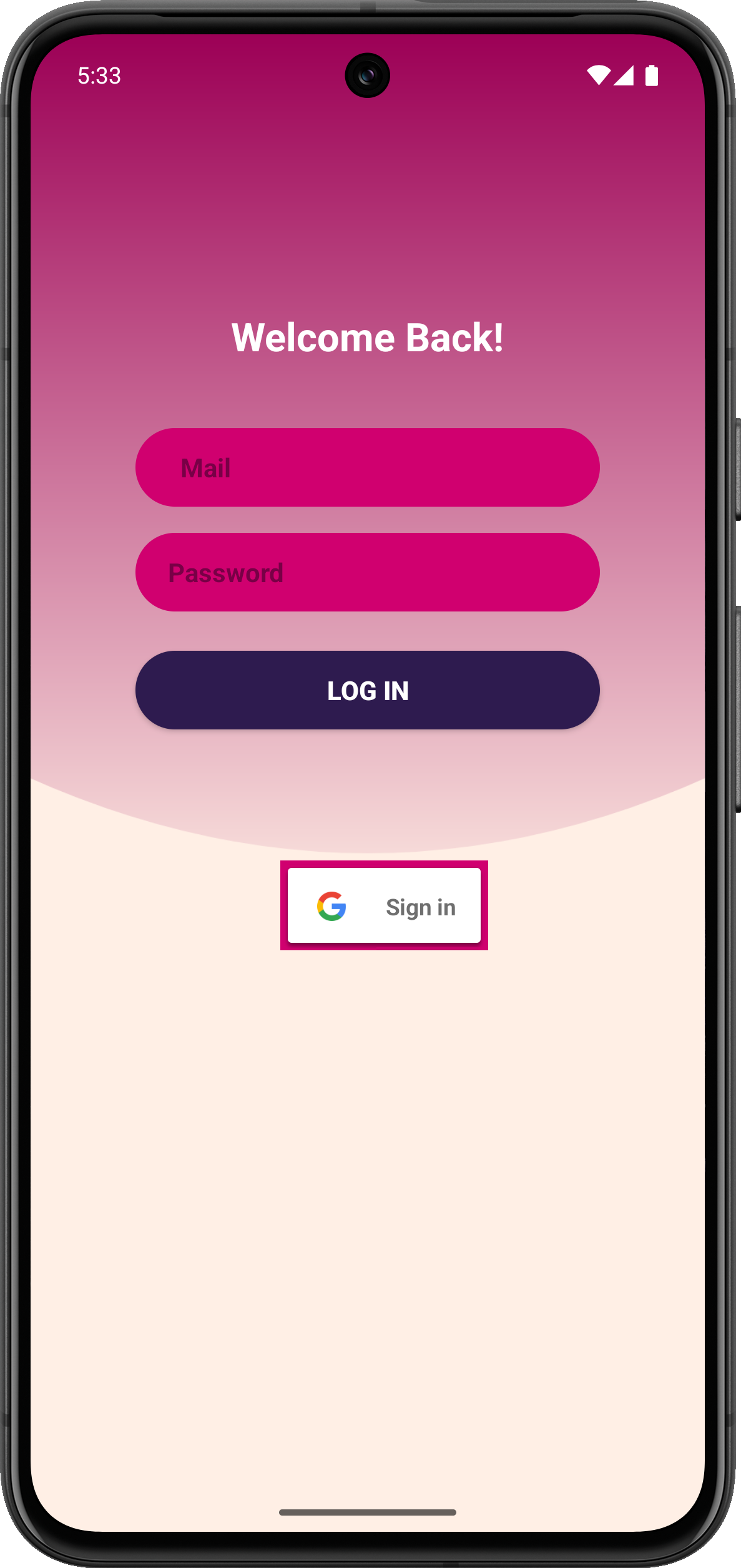
Backend: Firebase Firestore, Firebase Authentication, Firebase Storage
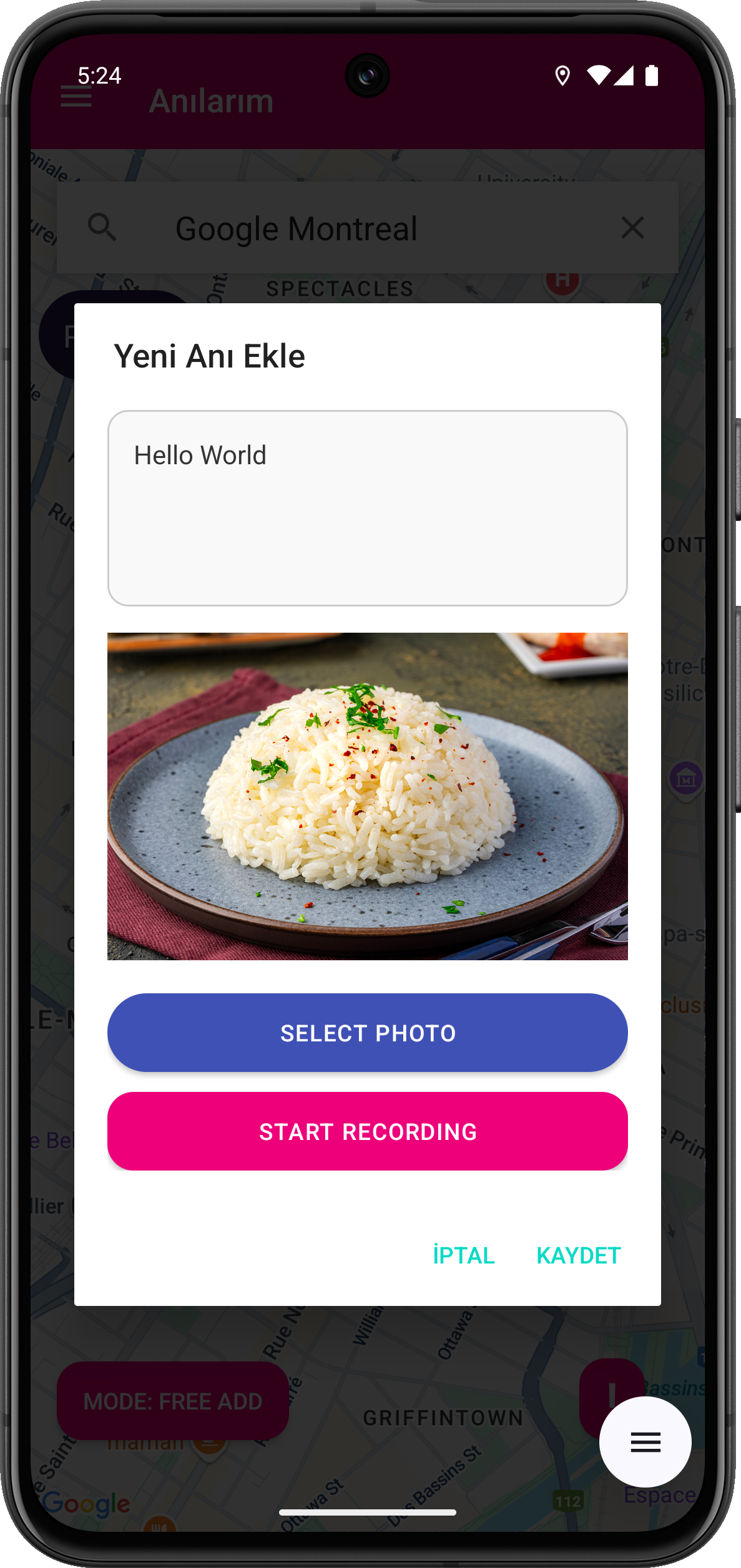
Media Support: Android MediaRecorder for audio, image pickers for photos
Others: Glide (image loading), LiveData, Coroutines
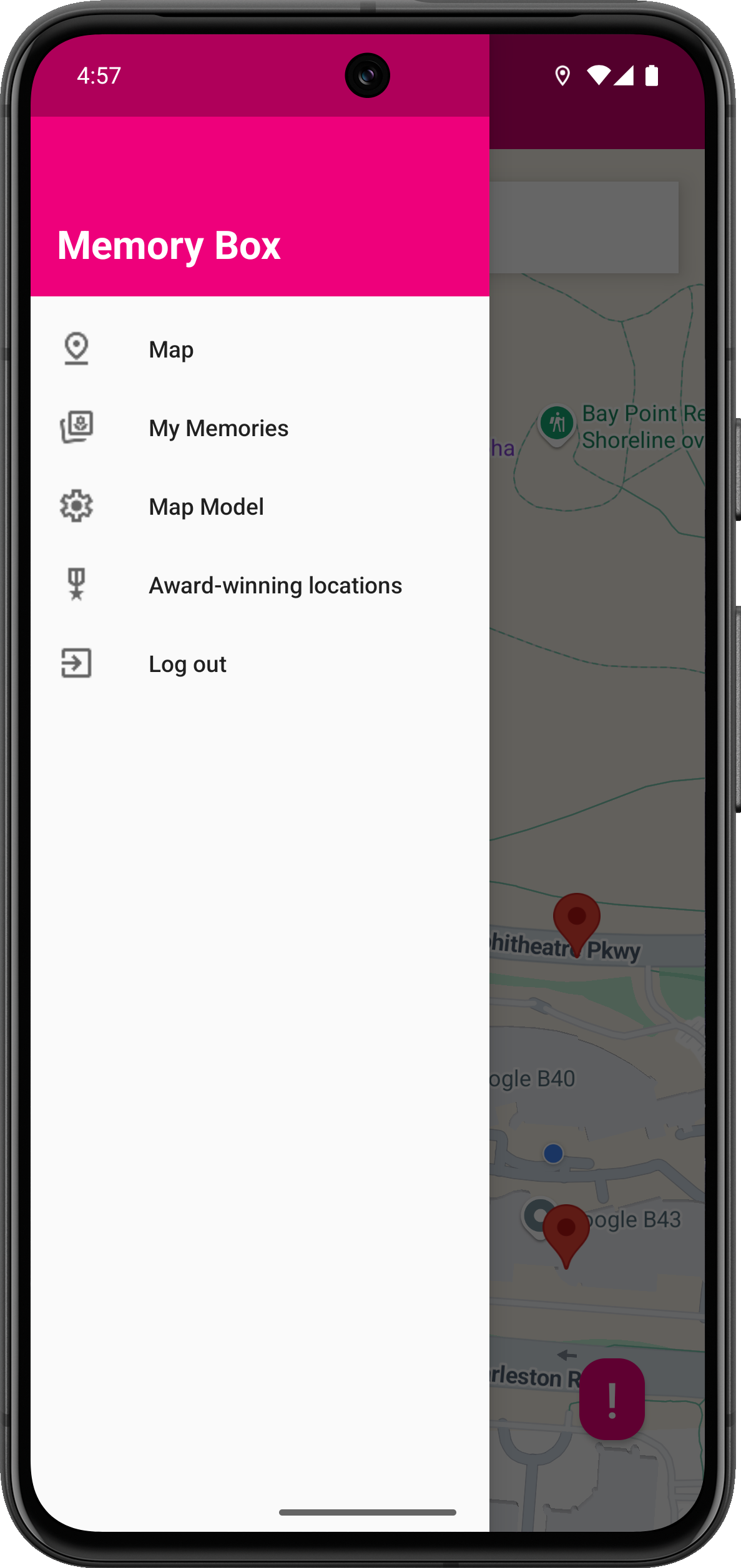
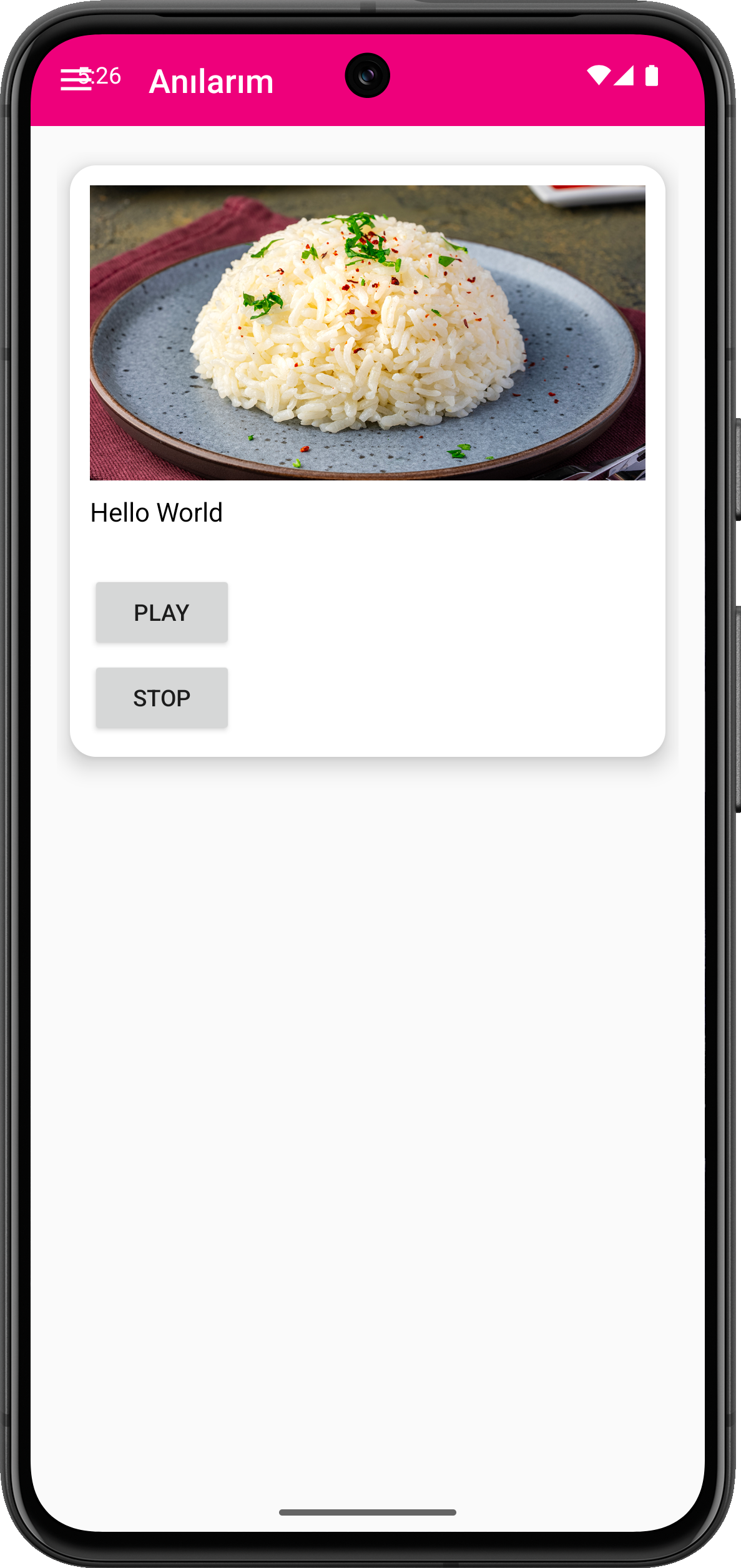
📲 Key Features: Add memories (text, photo, or voice) to any location
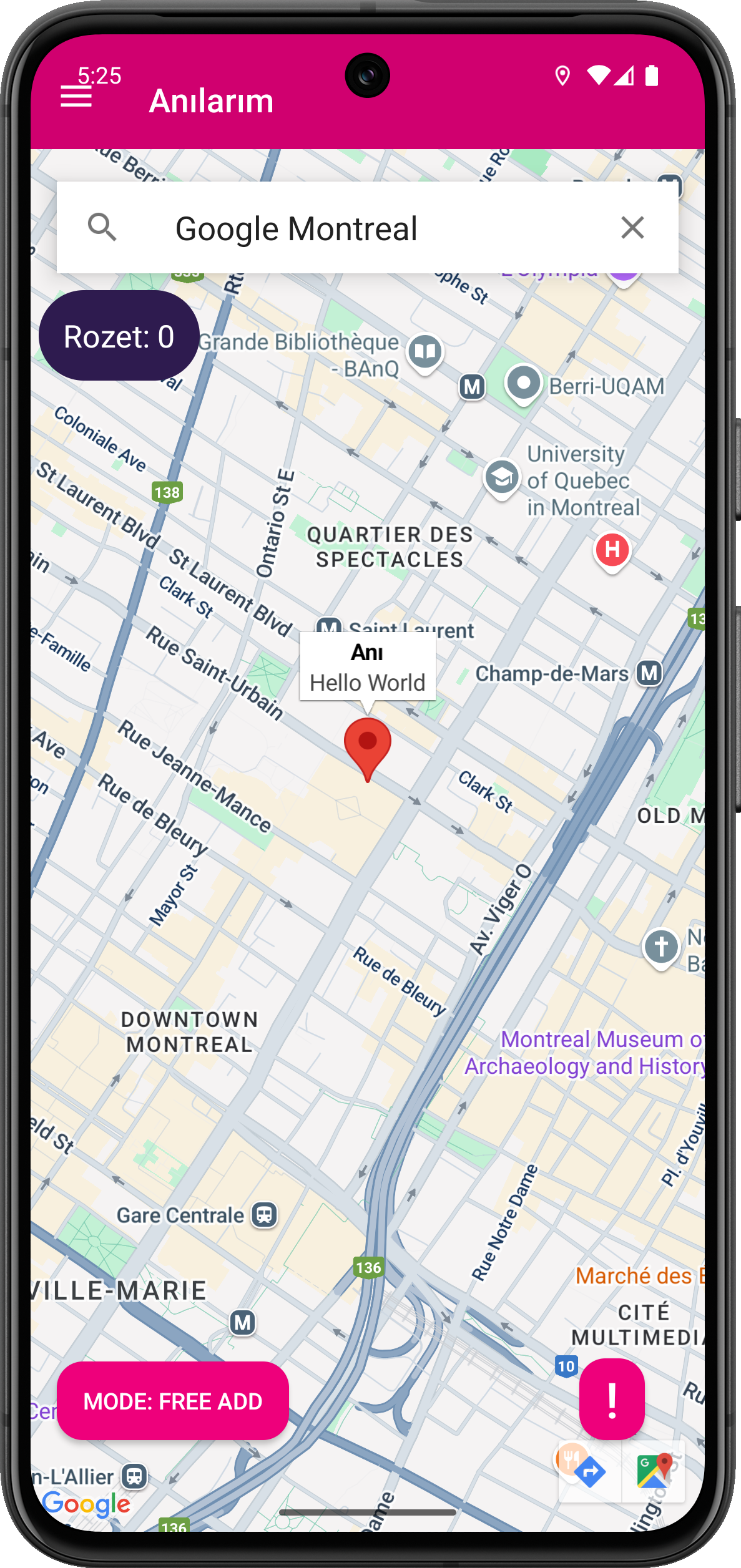
Two Memory Modes:
In-Place Mode: Requires physical presence; rewards badges
Free Mode: Add memories from anywhere
Gamified Badge System for specific real-world landmarks
Autocomplete-powered location search
Personalized, private user memory storage via Firebase
Planned: time-locked messages, AI memory recommendations, sharing & collaboration
📚 What I Learned Building MemoryBox was a deep dive into the Android ecosystem. Key areas of growth:
Mastering Google Maps SDK and Places API integration
Structuring complex Android logic with MVVM & LiveData
Designing with UX in mind, especially around emotional interaction
Managing media uploads (audio/image) to Firebase efficiently
Implementing secure, scalable Firestore schemas and access rules
Enhancing user engagement through gamification (badges, progress)
⚠️ Challenges Faced Location Permissions: Handling permission requests dynamically and consistently across Android versions.
Map UX Design: Keeping the interface clean while showing markers, inputs, and suggestions.
Geo-Fencing Accuracy: Precisely detecting when users are within badge-eligible areas.
Offline Support & Media Upload Failures: Ensuring user data syncs safely even with network interruptions.
Badge Logic: Tying Firebase data to user location while preventing abuse (e.g., faking GPS).
🌍 Future Vision AI-Powered Suggestions: Prompt users to write a memory based on mood, time, or weather
Time Capsules: Memories that unlock at future dates
Memory Sharing: Let users publish public memories and explore others’
Emotion Tags: Associate memories with emotional states (happy, nostalgic, sad)
🎯 Final Thoughts MemoryBox isn’t just an app — it’s a living archive. It blends space and emotion into a digital time capsule, creating a unique, map-based diary for every user.
It’s for those who believe that places are more than coordinates — they are carriers of memory.
Built With
- api
- firebase
- google-directions
- google-geocoding
- google-maps
- google-places
- kotlin
- maps
- timezone


Log in or sign up for Devpost to join the conversation.