-
-
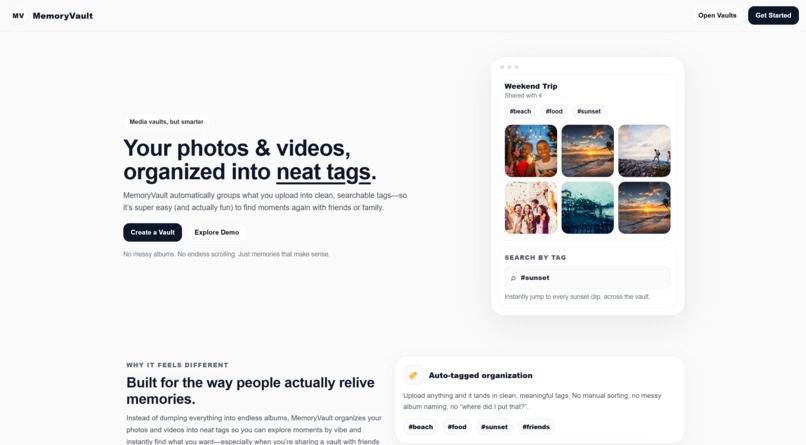
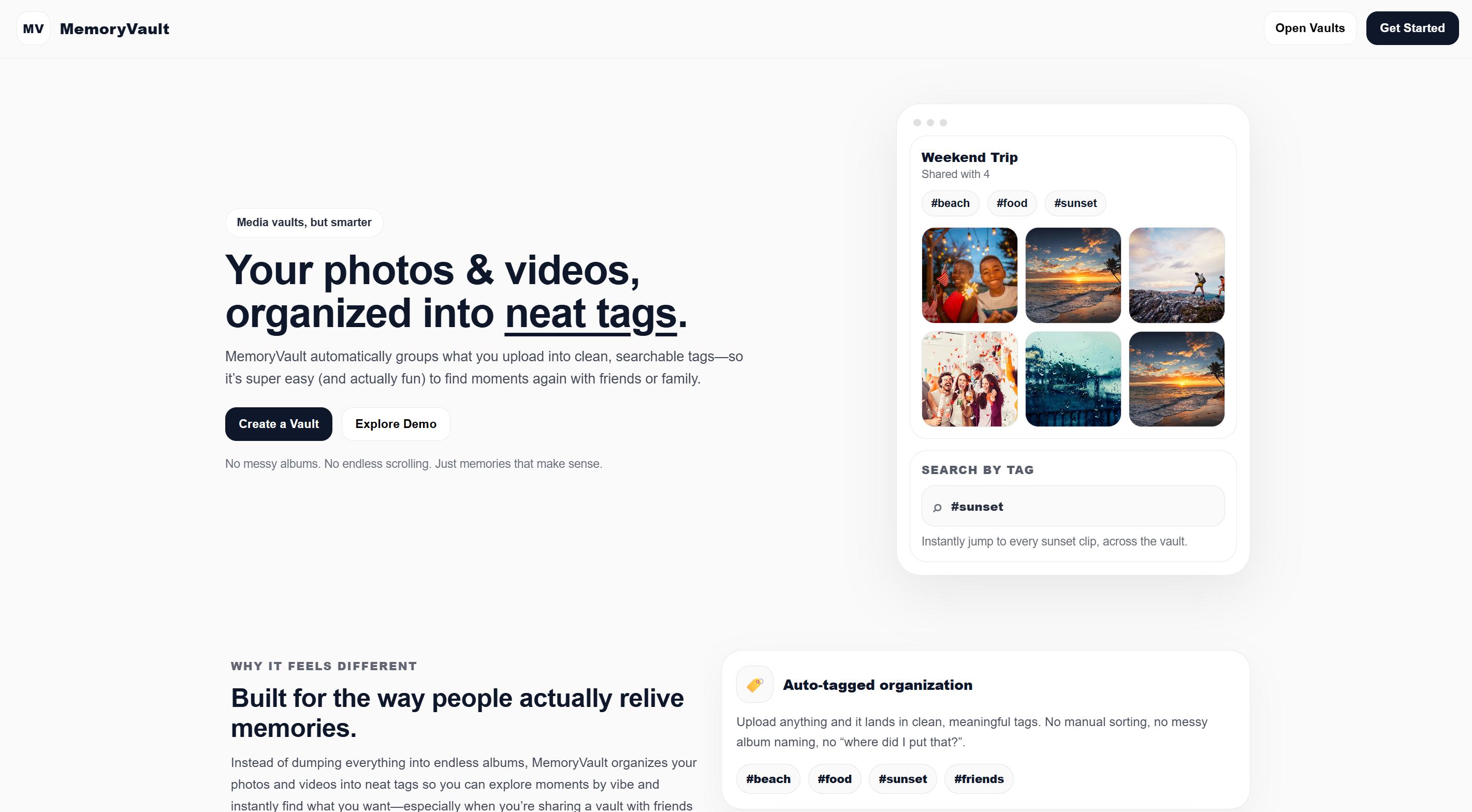
Welcome to Memory Vault!
-
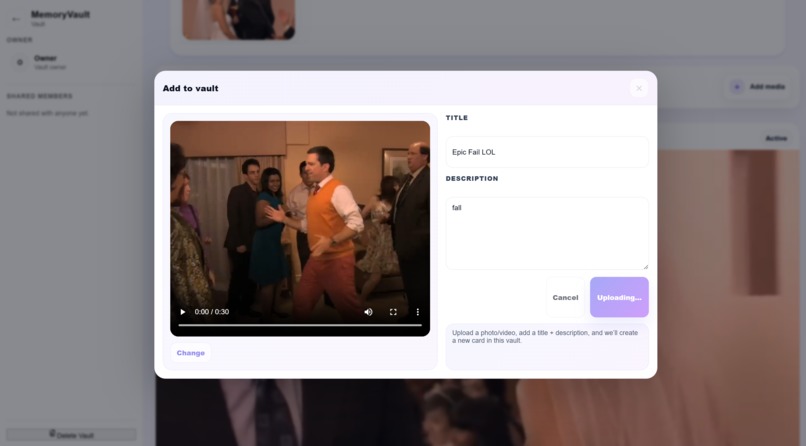
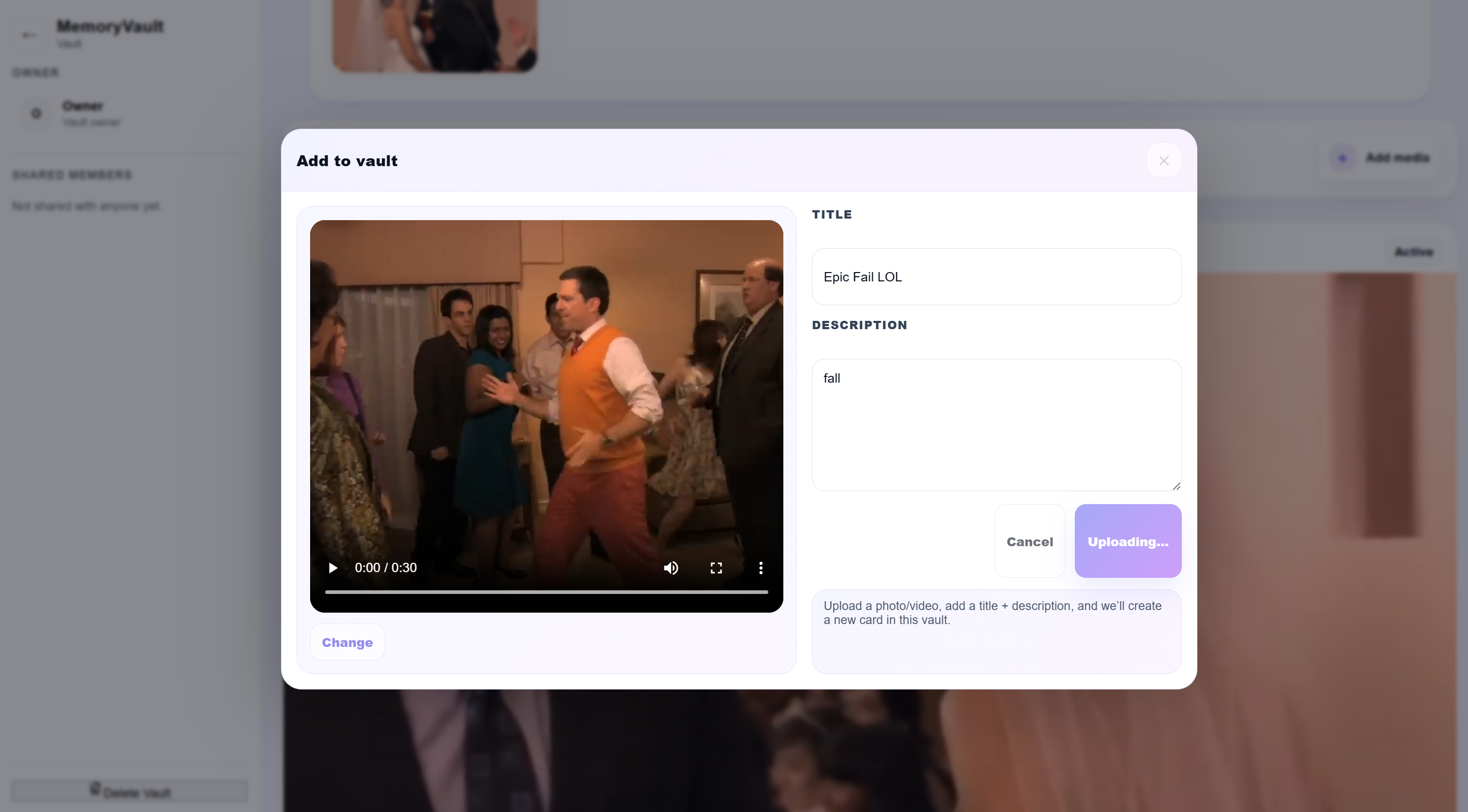
Upload Videos!
-
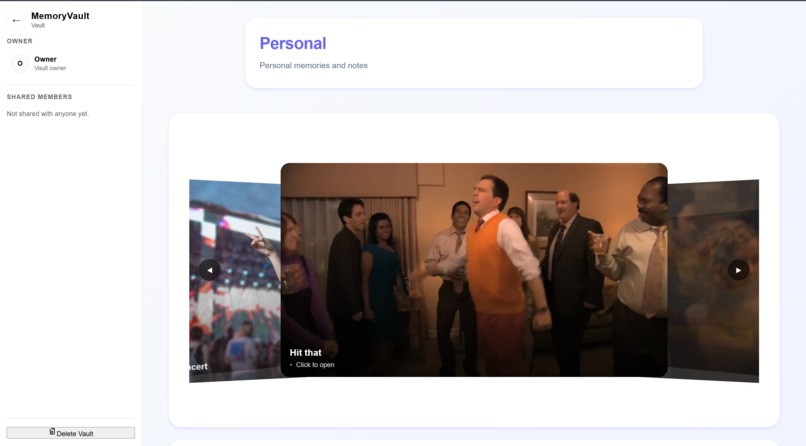
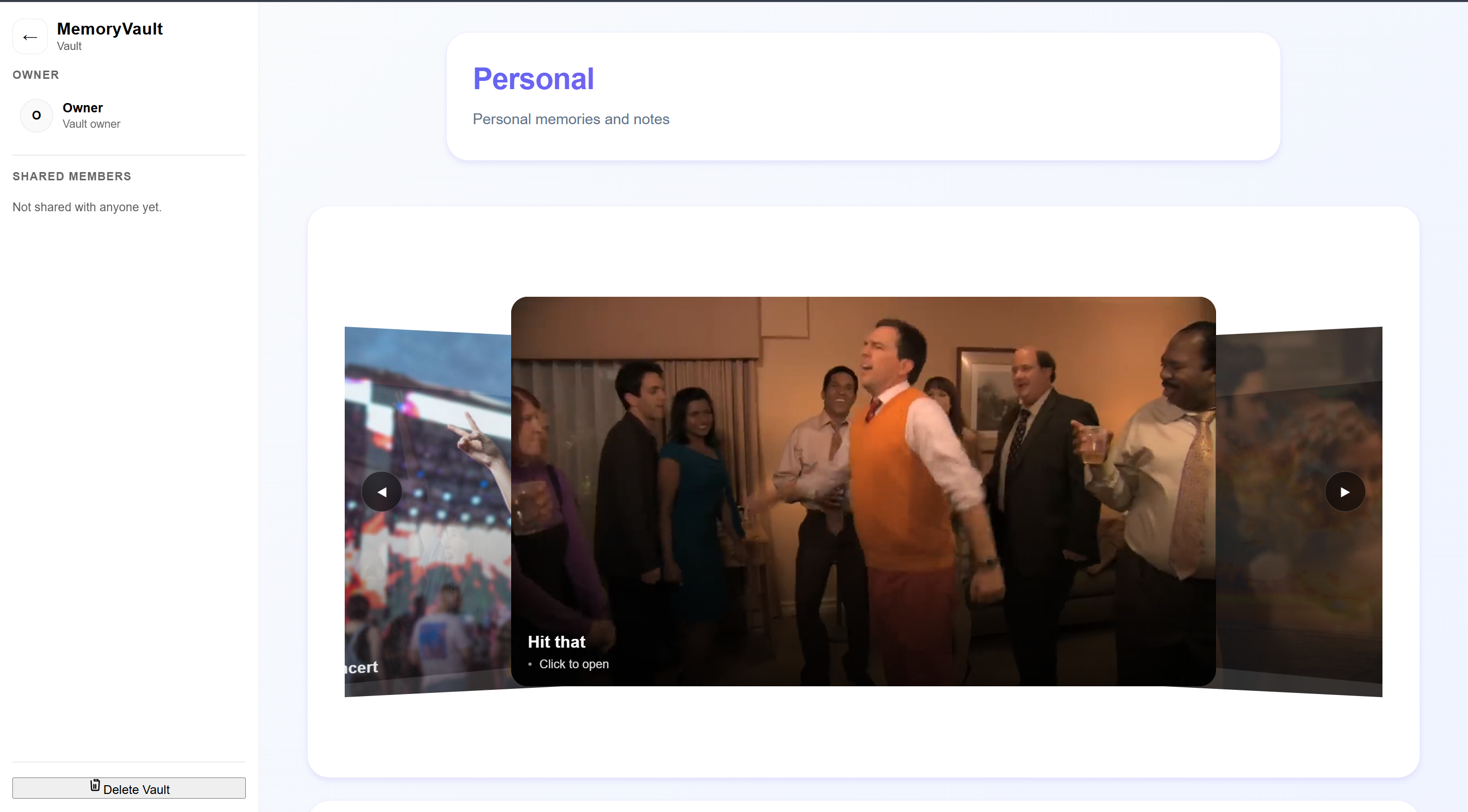
View your videos!
-
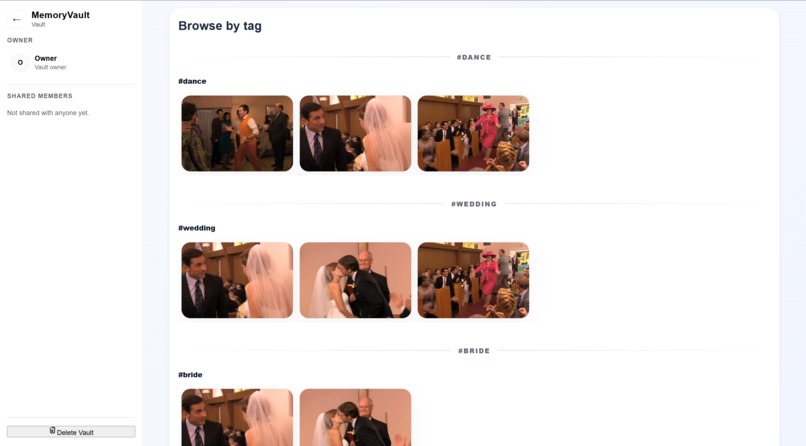
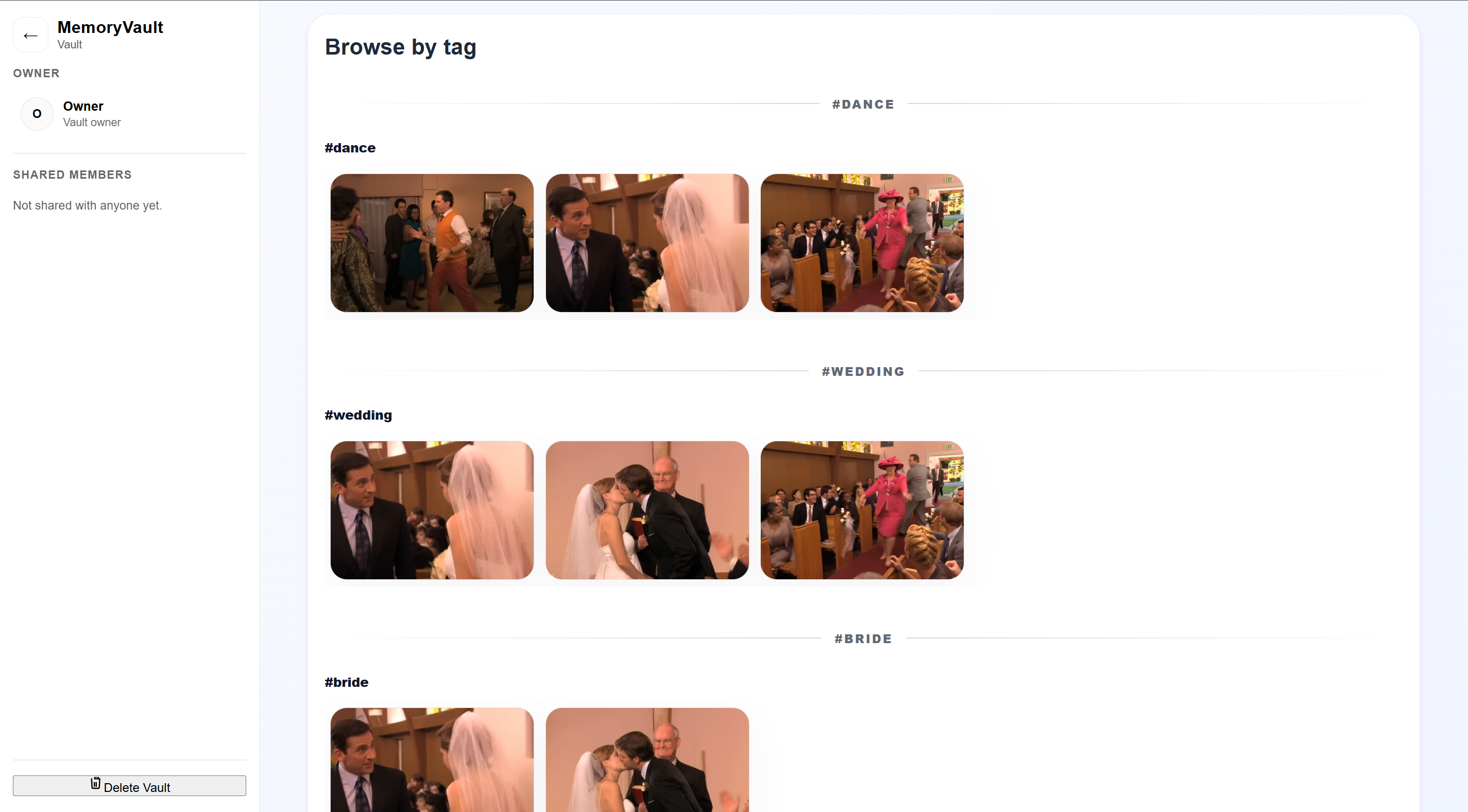
See your videos organized in real time!
Inspiration
After a weekend trip to Yosemite, our group dumped 500+ photos and videos into a shared folder. Within hours it became chaos: duplicates, random file names, no consistent organization, and no way to quickly find “that one waterfall clip” or “the group photo at Tunnel View.” We wanted something that felt like scrolling memories—not digging through storage.
What it does
Memory Vault is a private shared media vault for friend/family groups that automatically: • uploads photos + videos into a single “vault” • generates AI tags and captions for each memory • normalizes messy tags into clean canonical categories • lets you browse by category (ex: “waterfall,” “hike,” “sunset,” “friends”) and quickly jump to what you’re looking for
How we built it • Frontend: React + TypeScript (Vite) UI for creating vaults, uploading media, and browsing by tag. • Backend: FastAPI API that stores media + card metadata and returns categorized results. • AI tagging: • Twelve Labs for video understanding + hashtag/tag generation • Gemini for photo tagging • Our data pipeline: generated tags → normalization/aliasing → embedding vectorization → similarity matching → resolved categories (match/new/ambiguous) → saved to each card. This keeps tags consistent even when different models output different wording.
Challenges we ran into • Tag inconsistency across media types: photos and videos produce different styles of tags, so we had to normalize and dedupe them. • Ambiguous tags: some tags (like “party” or “energy”) overlap categories—so we built a “grey area” path to avoid polluting the main category set. • Latency + responsiveness: video analysis can take time, so we optimized the flow so the upload and UI didn’t feel stuck. • Connecting everything end-to-end: making sure the uploader, backend routes, media storage, and tag pipeline all worked together reliably was a big integration grind.
Accomplishments that we’re proud of • Built a working end-to-end vault experience: upload → AI tags → clean categories → browse instantly. • Reduced perceived latency by streamlining when and where analysis happens, and by keeping the UI responsive while processing. • Created a practical tagging pipeline that makes messy AI outputs usable for real navigation. • Strong team execution: we divided responsibilities, unblocked each other quickly, and shipped a cohesive demo under pressure.
What we learned • We learned a ton from hackathon workshops—especially around building fast prototypes that still feel product-ready. • We got hands-on experience integrating a real video AI platform and learned more about the Twelve Labs startup ecosystem (and what it takes to build on cutting-edge APIs). • We learned how quickly “simple” features become hard at scale—500 items exposed every weakness in organization and search.
What’s next for Memory Vault • Cloud deployment so vaults work beyond local demos (hosted backend + media storage). • Adding authentication and true private group sharing. • Expanding search (semantic search, event summaries, “best moments” auto-highlights). • Running a small beta to gather feedback and start gaining real users who actually share trips, concerts, weddings, and group memories.
Built With
- fastapi
- gemini
- mysql
- numpy
- python
- react
- sqlalchemy
- twelvelabs
- typescript



Log in or sign up for Devpost to join the conversation.