-
-
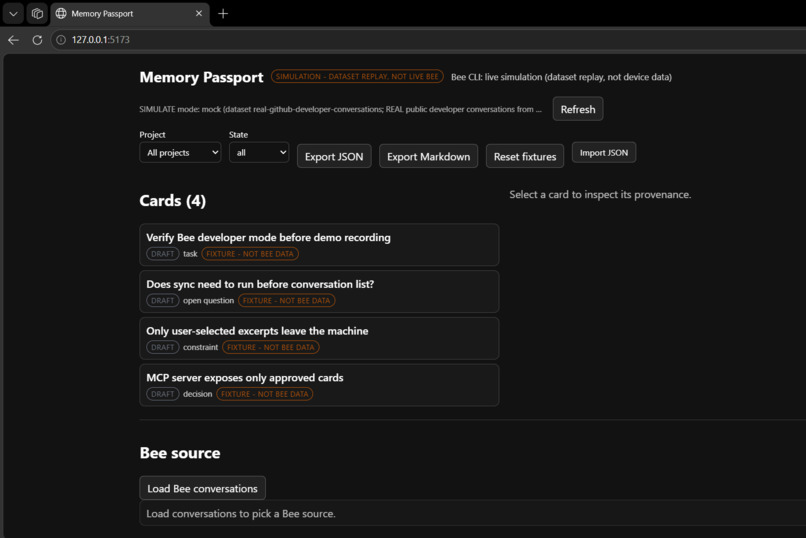
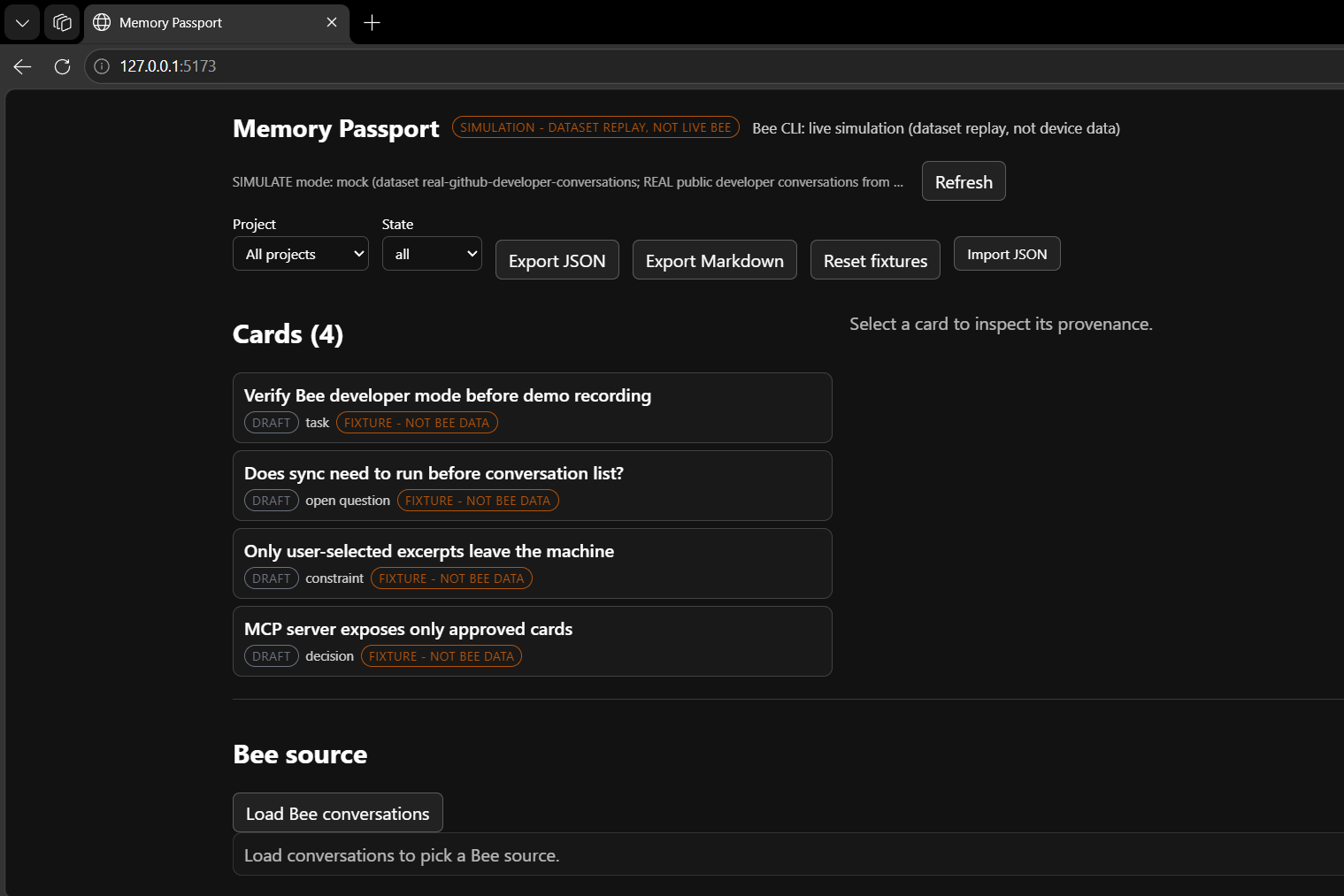
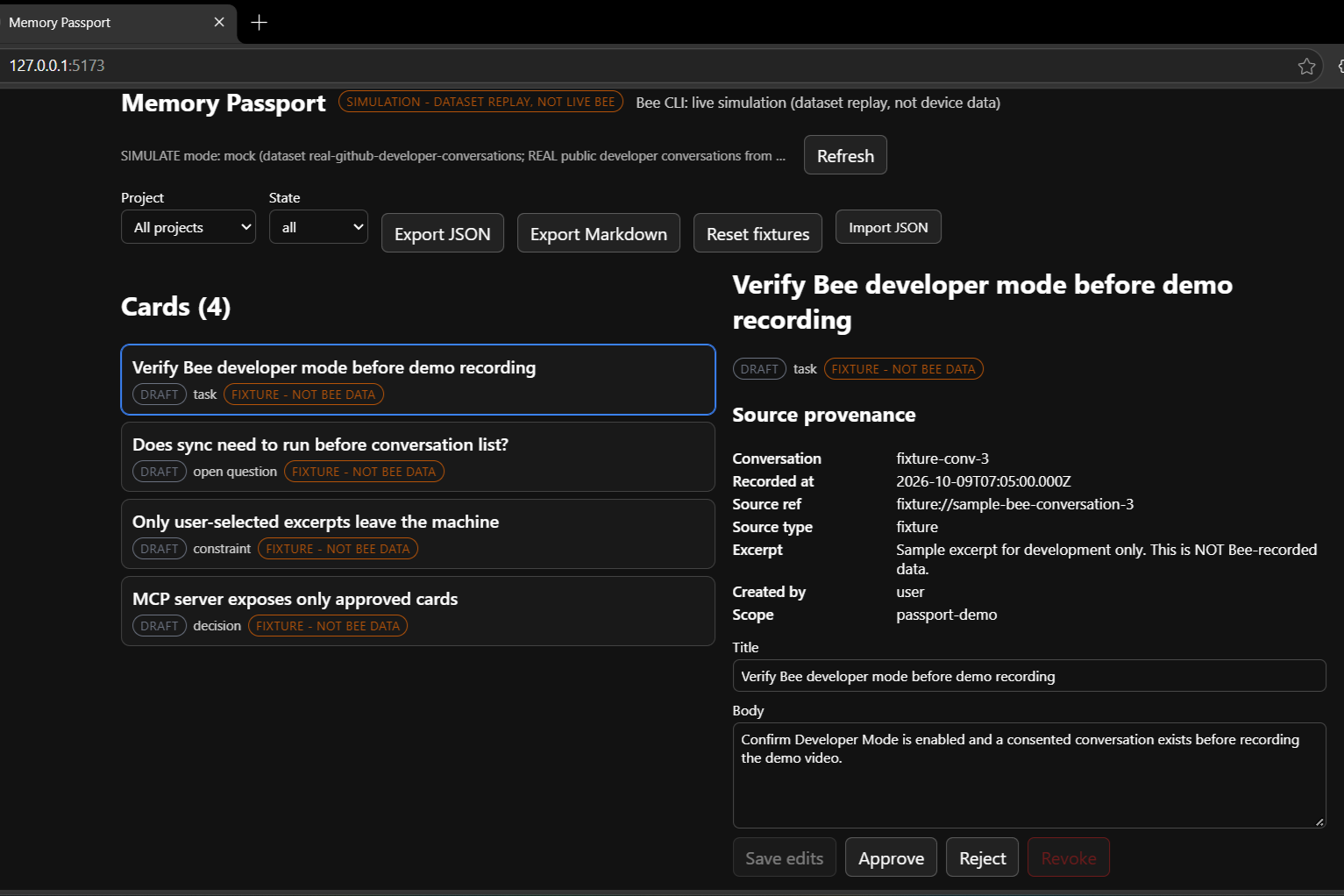
Overview screen with mode badge, filters, export/import buttons, four draft cards, and the Bee source loader.
-
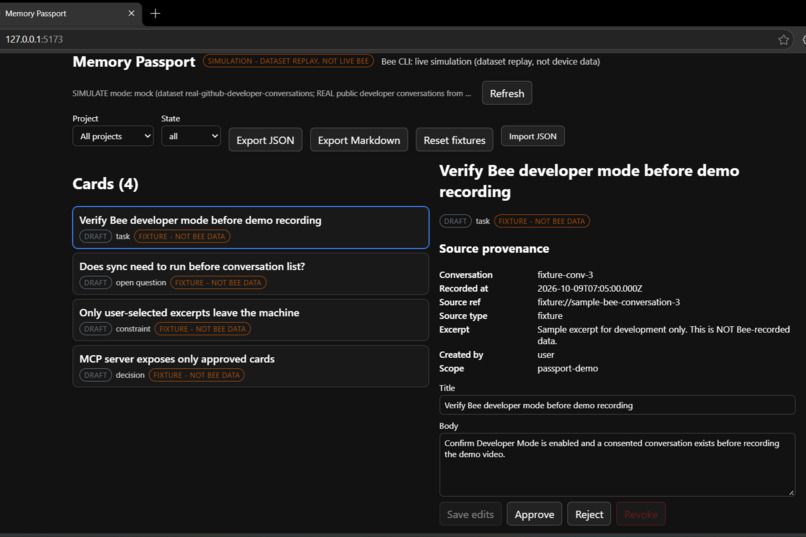
Opened draft card showing source provenance and Approve/Reject / Revoke actions.
-
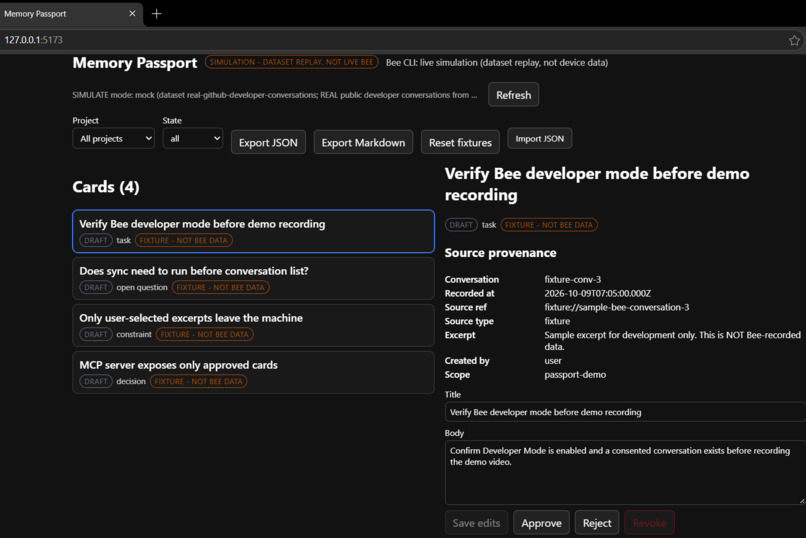
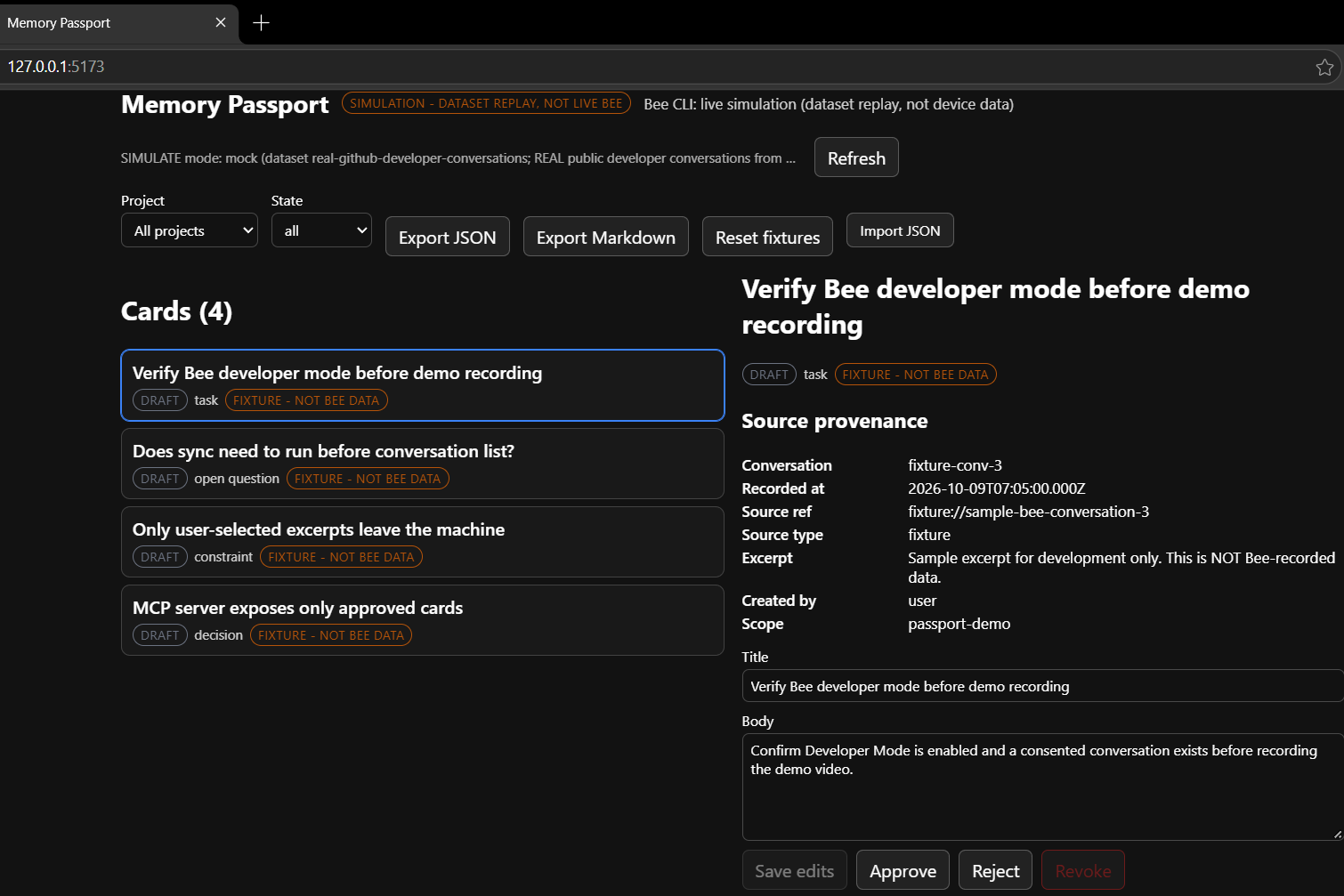
Same card opened again with editable title/body and review buttons.
-
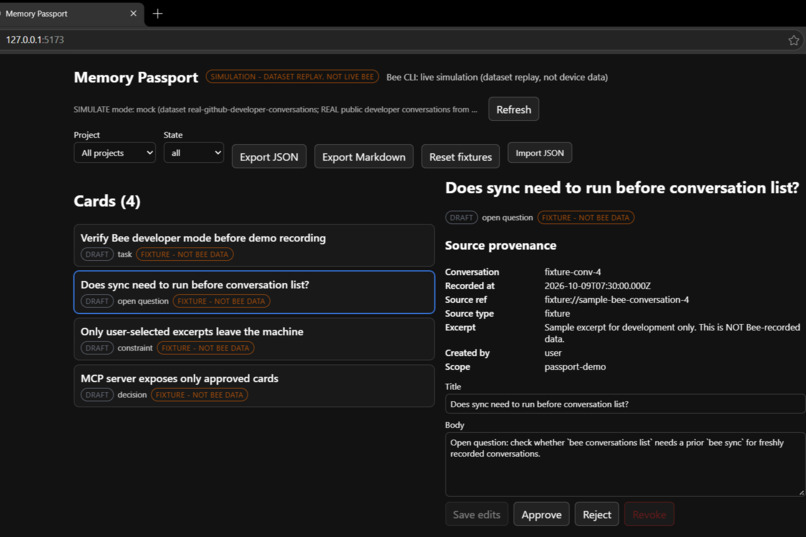
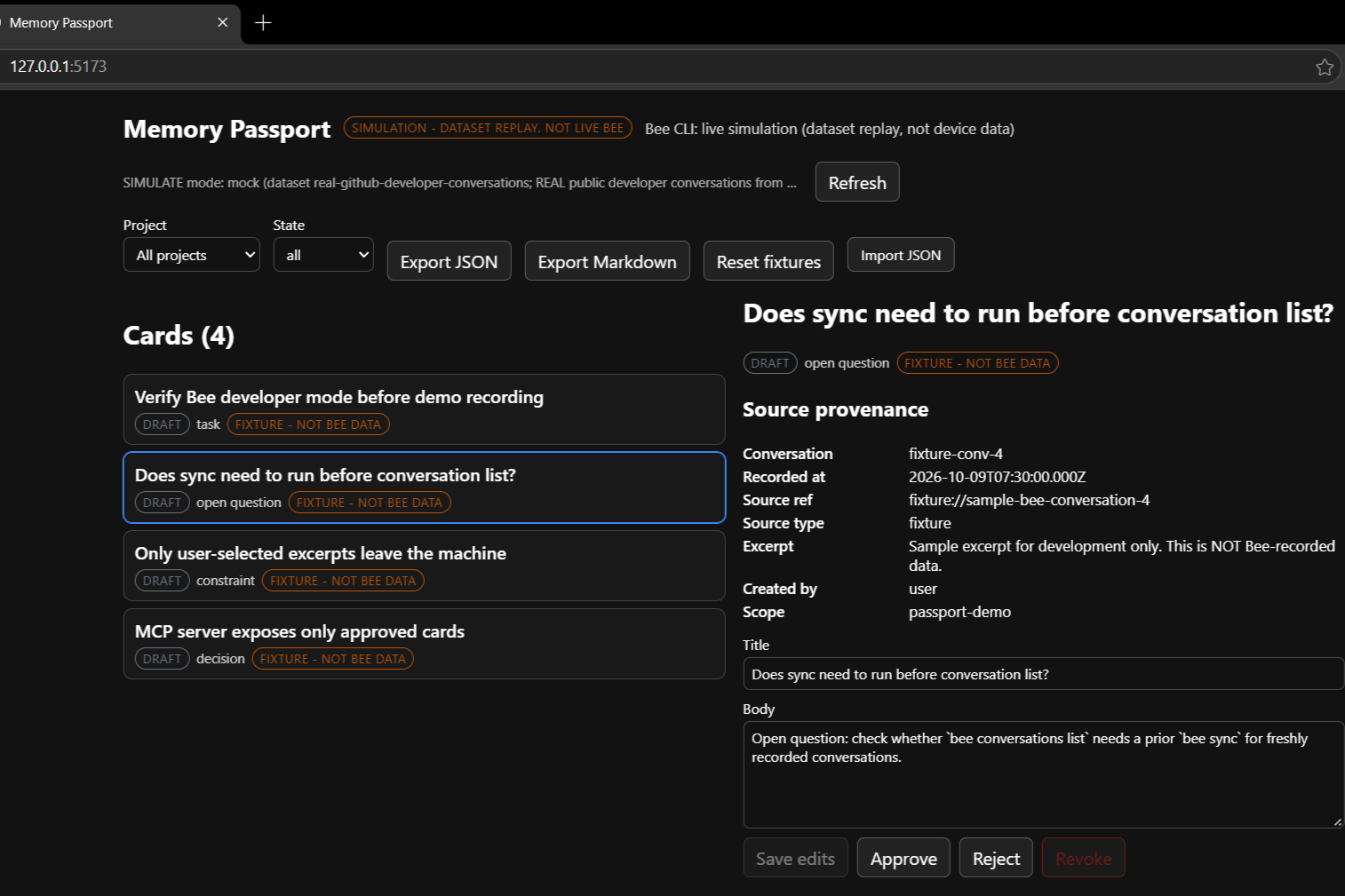
Open question card with provenance receipt and approval controls.
-
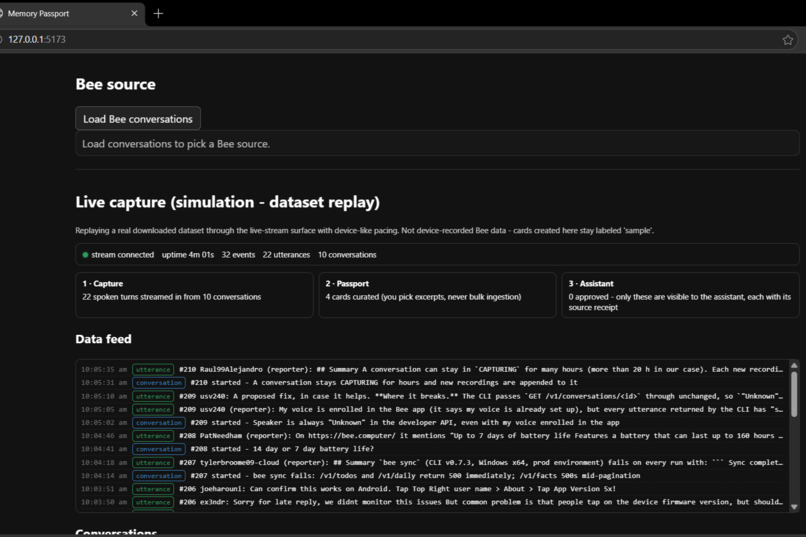
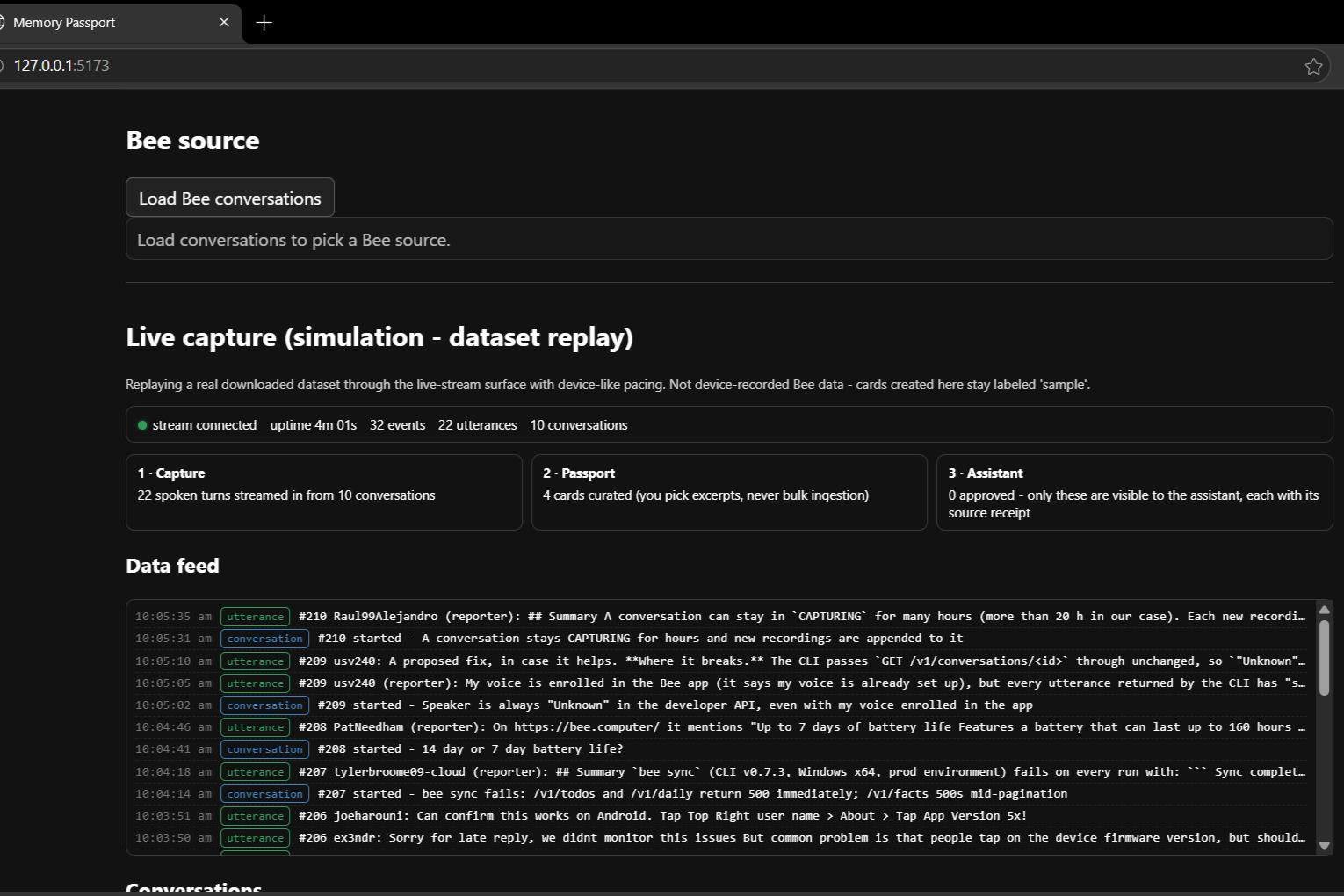
Stream-connected stats and replayed conversation/utterance feed with event counts.
-
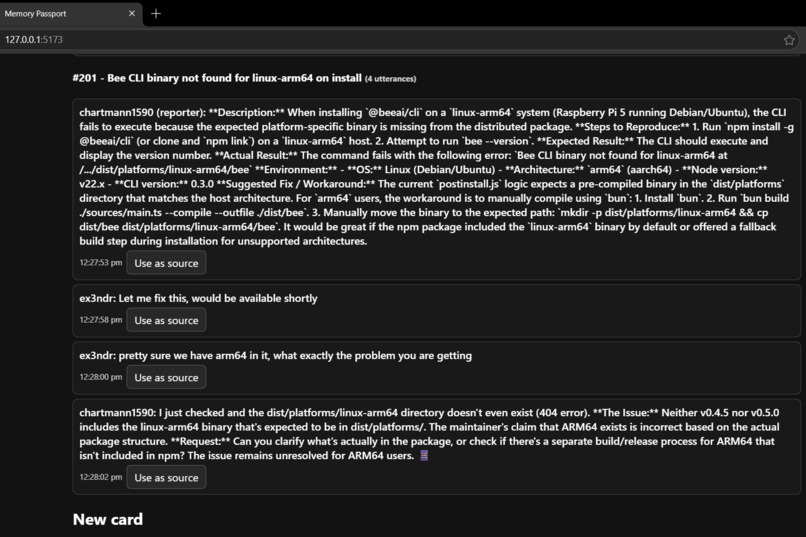
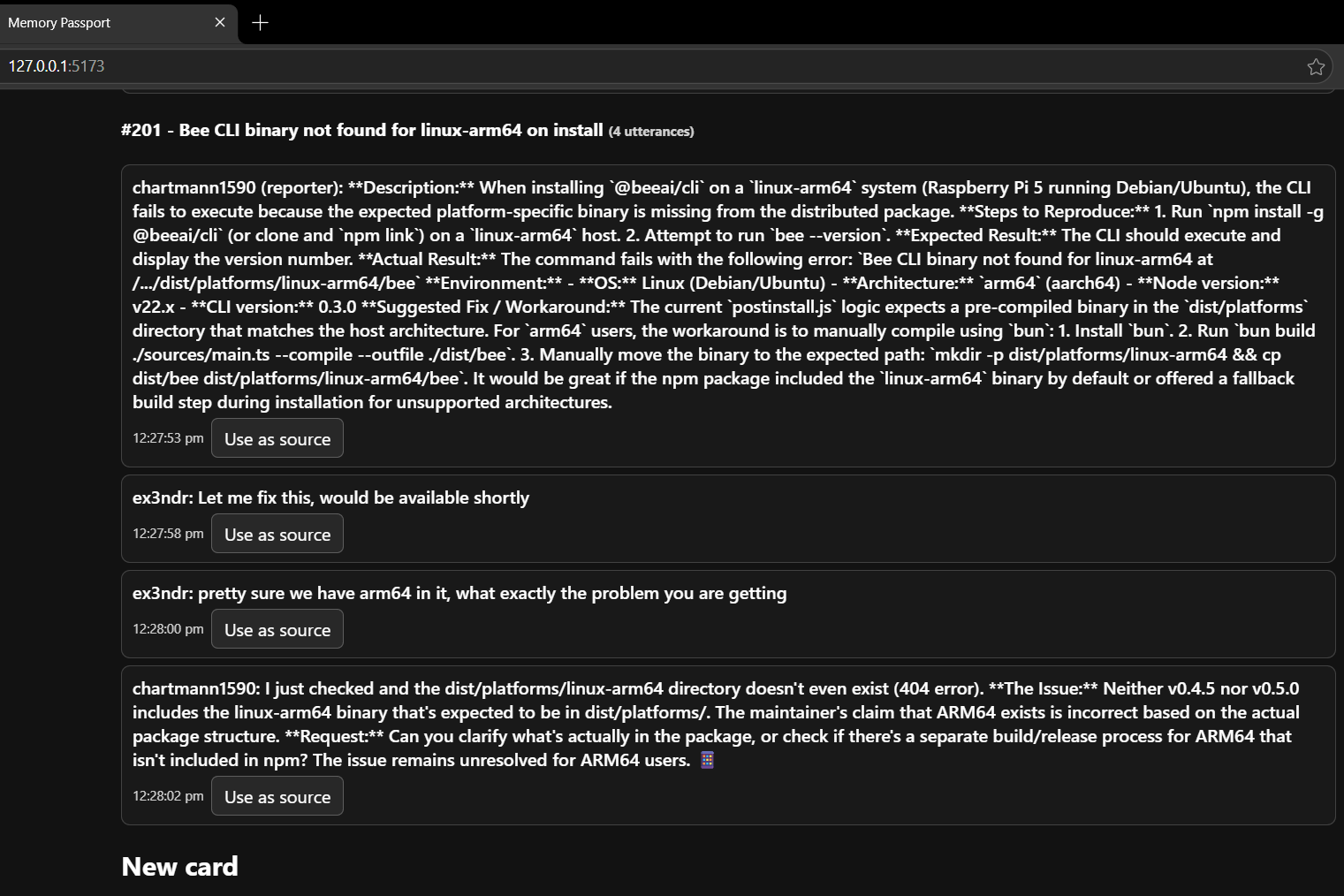
Conversation thread showing a linux-arm64 install bug, with “Use as source” buttons and a draft-card form below.
-
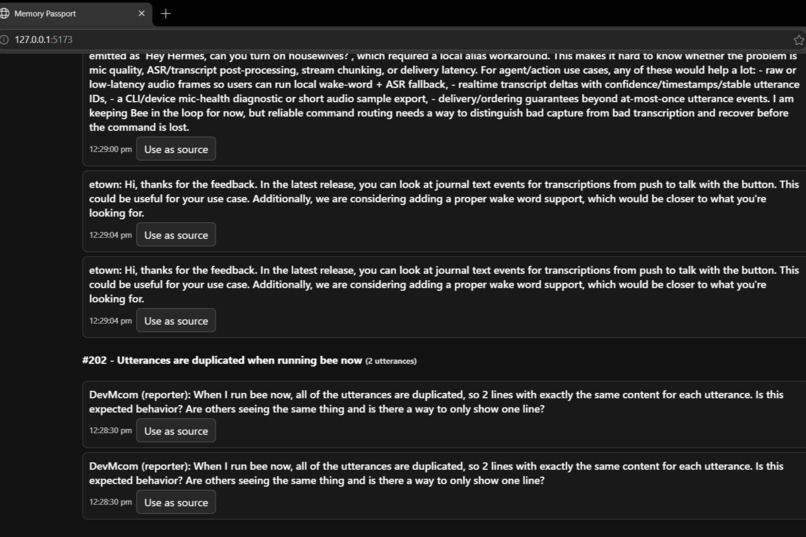
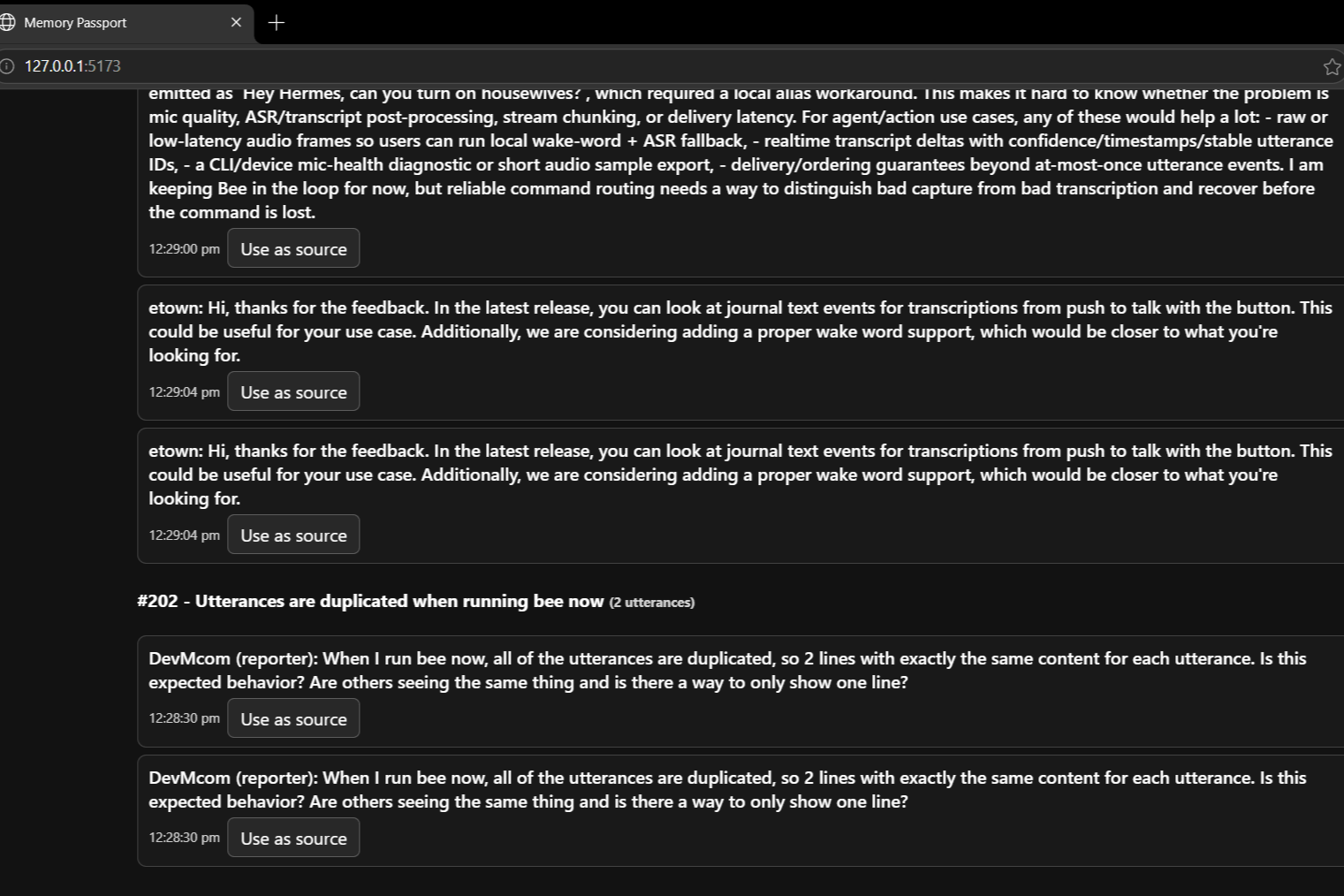
Thread discussing duplicated utterances and wake-word behavior, with repeated replies.
-
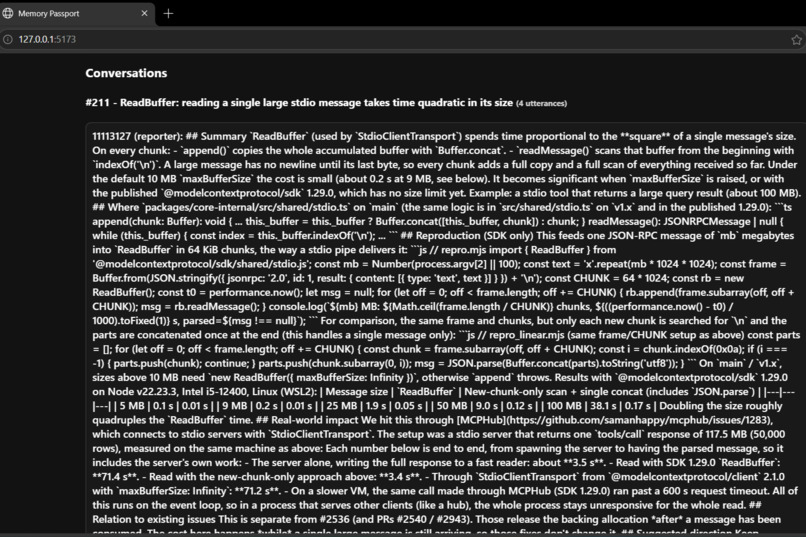
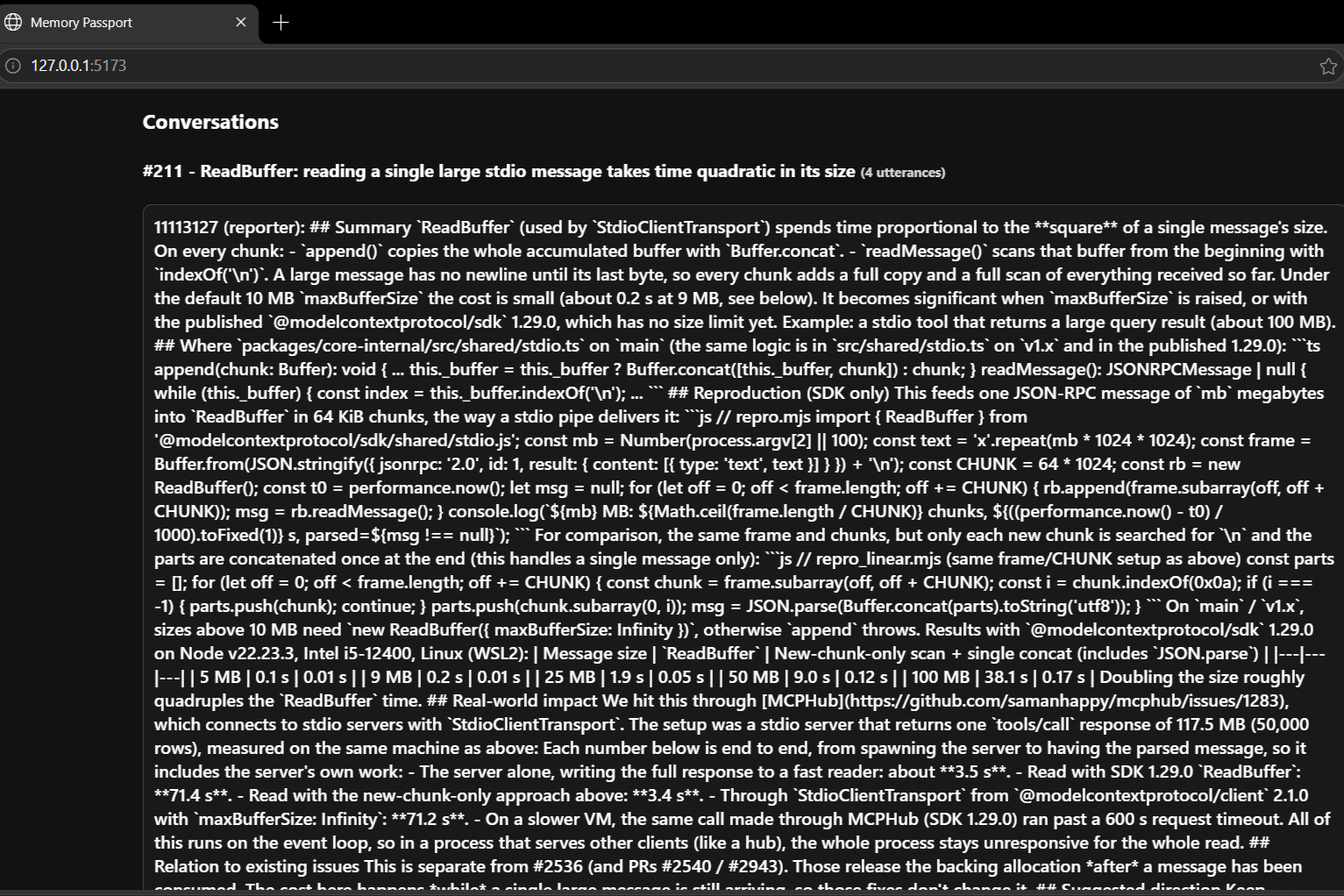
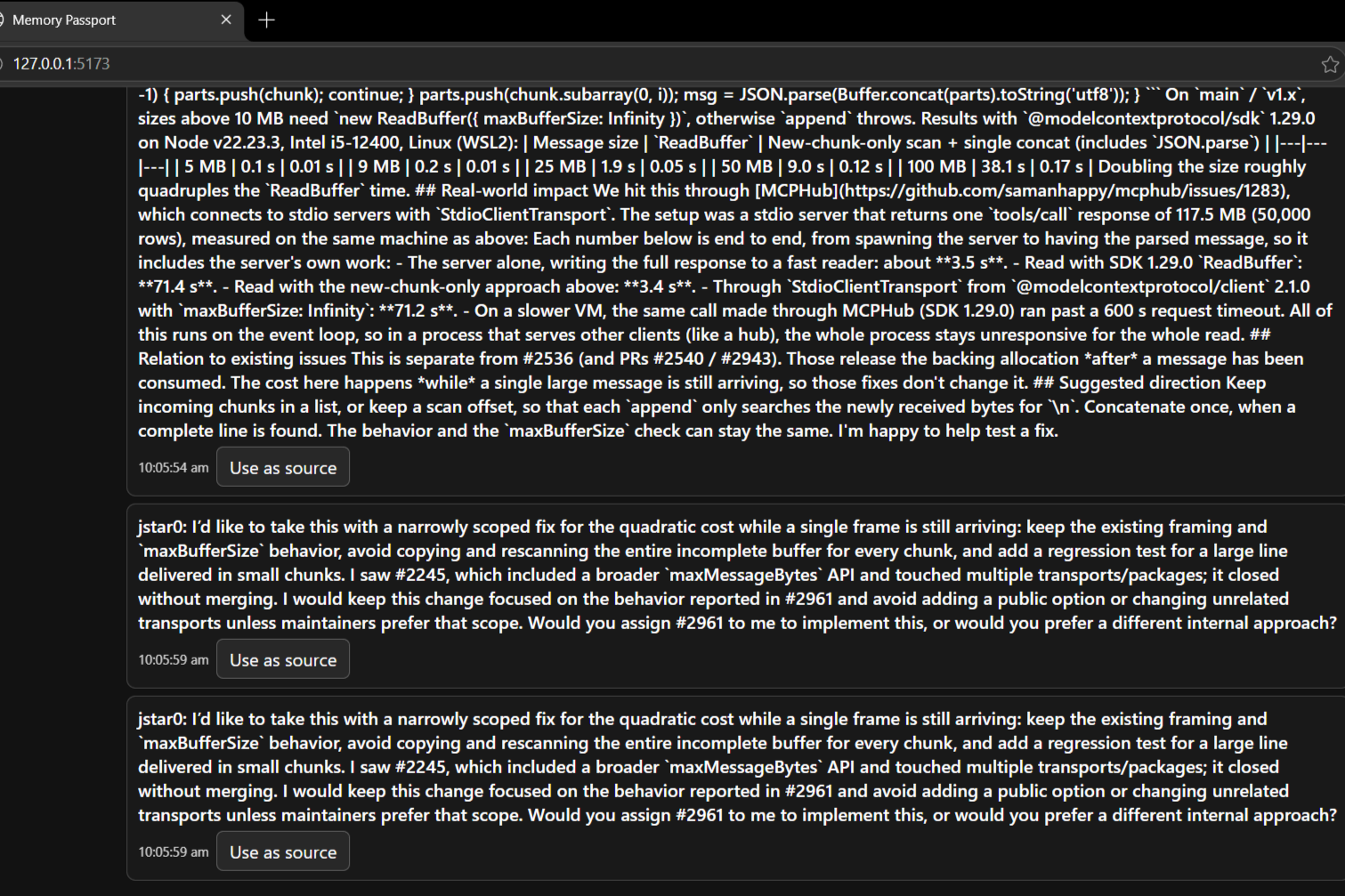
Technical thread #211 about a large stdio message performance problem.
-
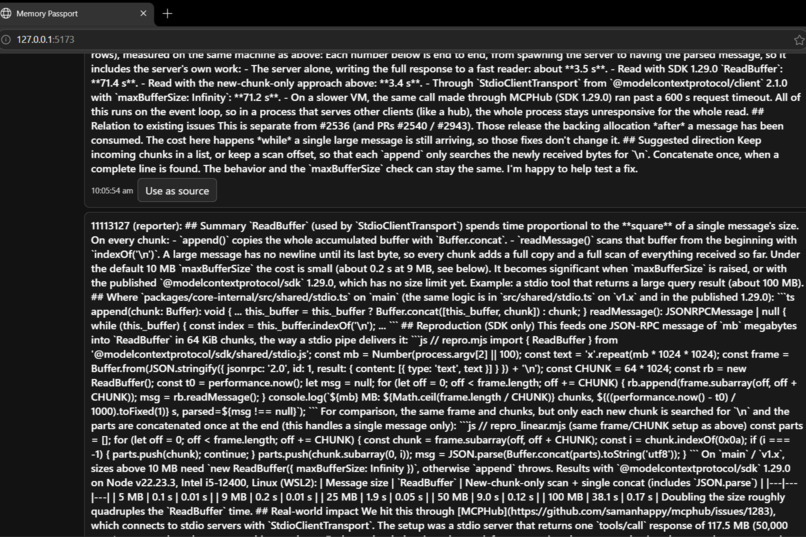
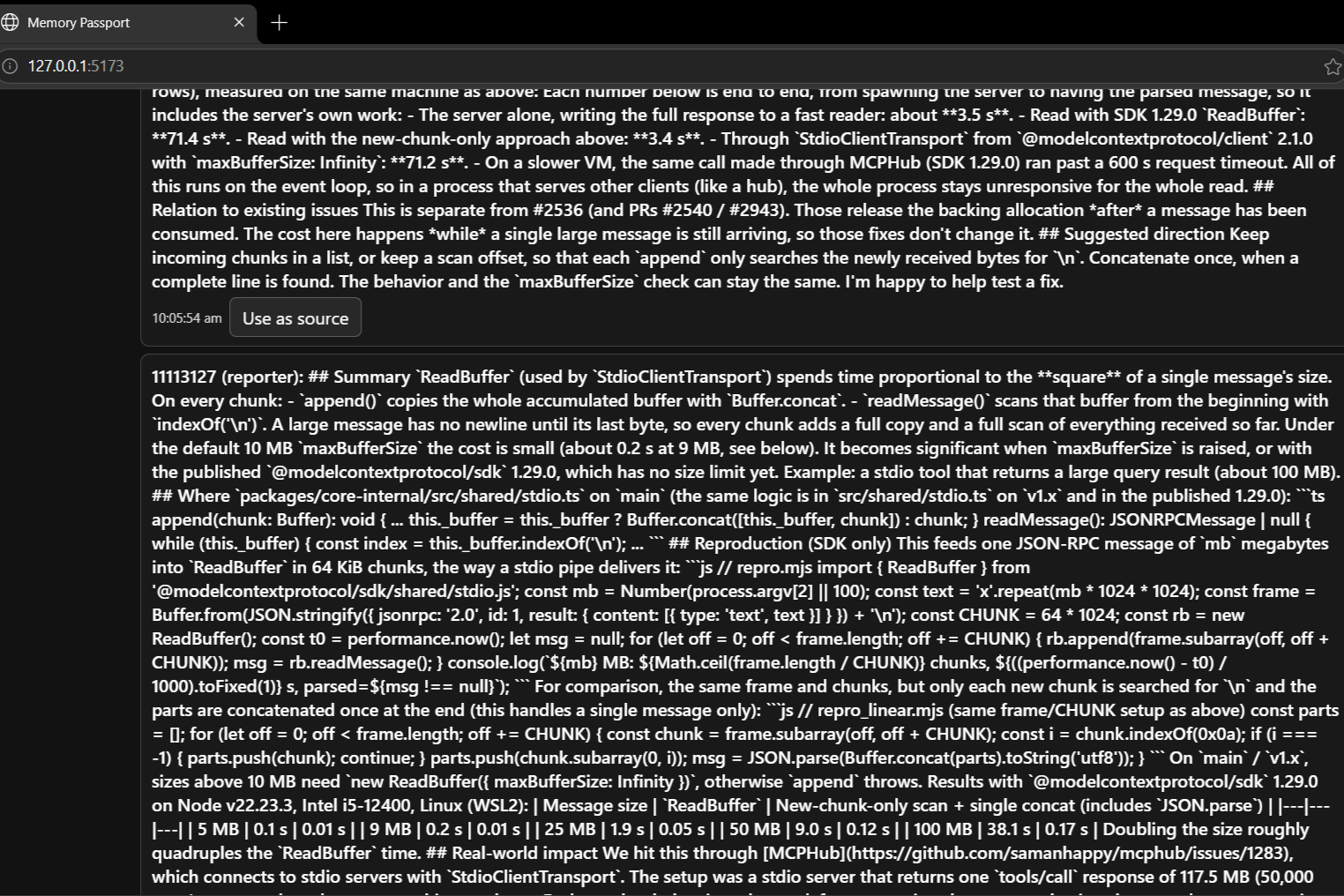
Same #211 thread showing maintainer responses and fix scope.
-
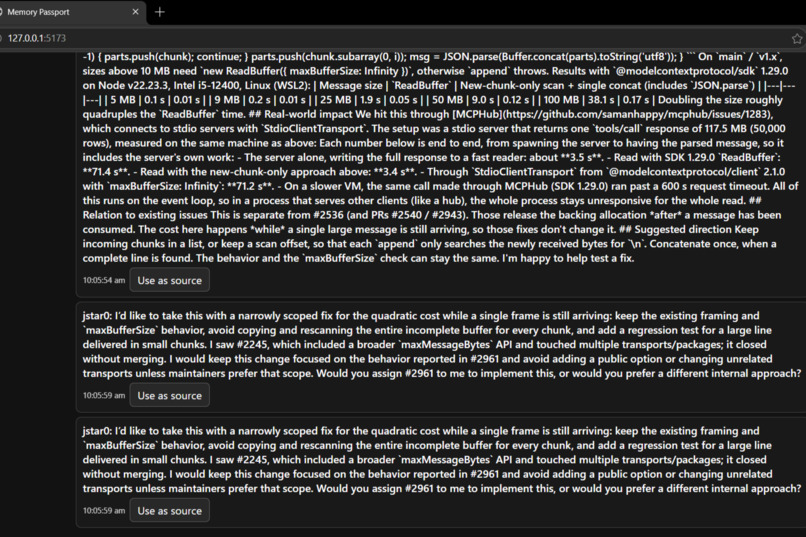
Further scroll of #211 showing duplicated jstar0 comments.
-
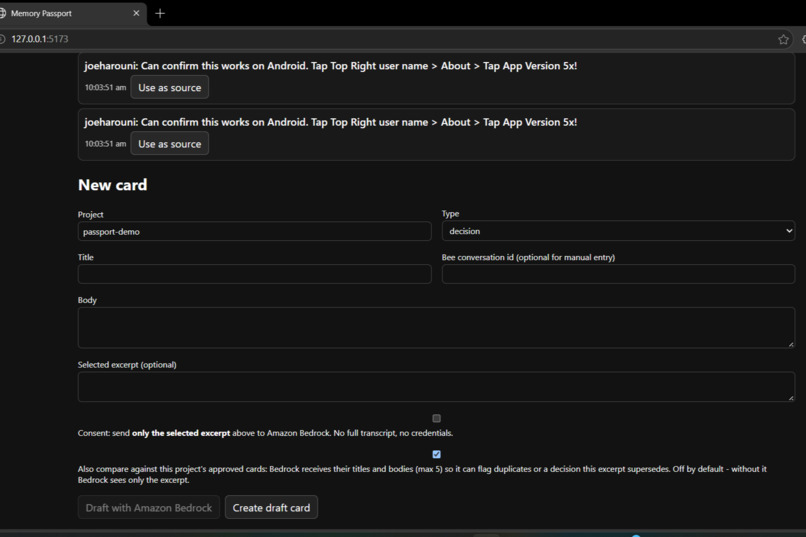
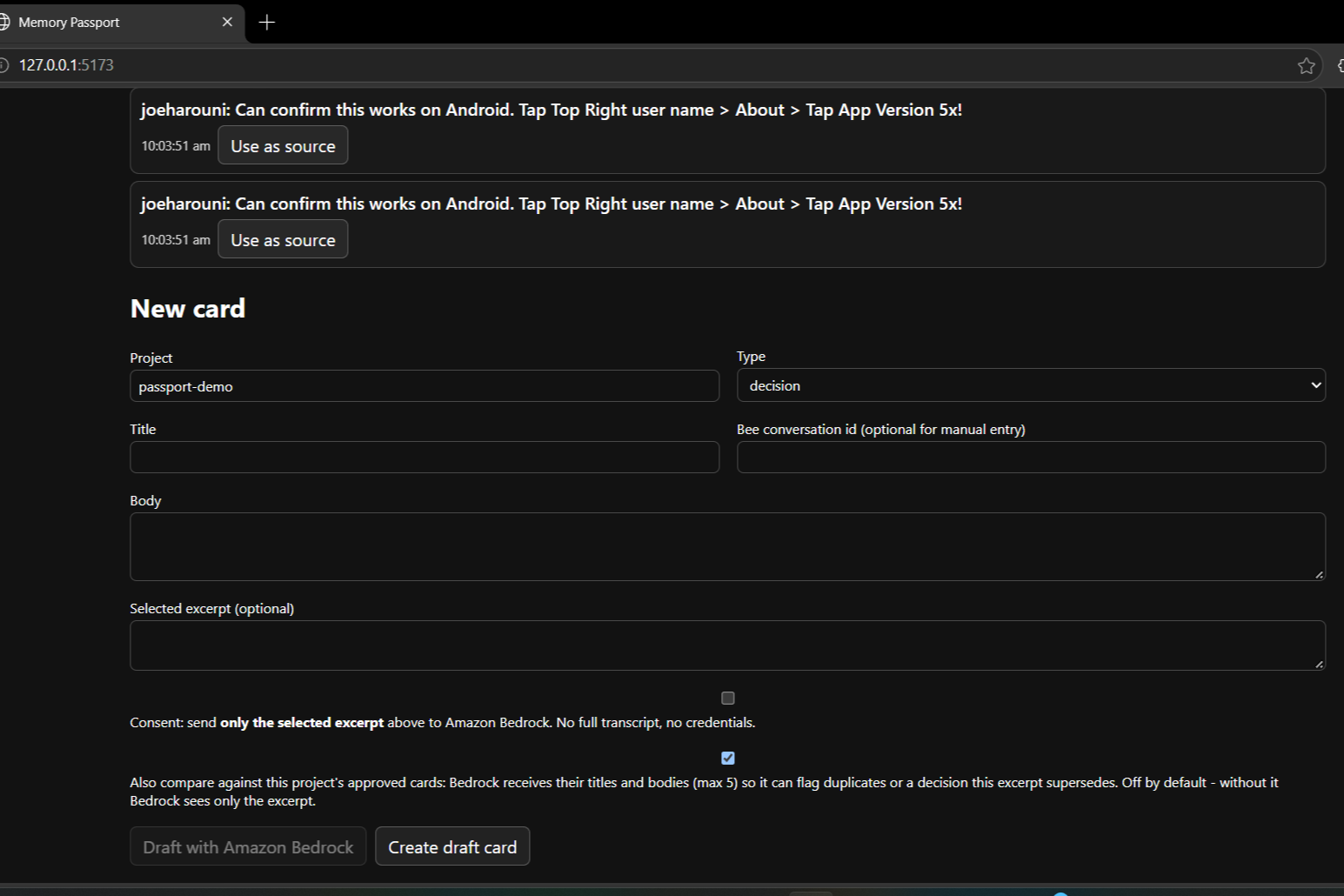
Form to create a draft card, including project, type, excerpt, and Bedrock consent options.
Inspiration
Important project decisions often happen in conversations, away from the codebase. Later, a coding assistant may not know why a team chose an approach, what constraints they agreed on, or whether a decision has changed. Sharing a full transcript can also reveal more personal context than the task requires.
We were inspired to build a small bridge between those conversations and coding assistants: let developers choose what matters, review it, and carry that context into future work.
What It Does
Memory Passport for Developers turns a selected excerpt from a conversation into a memory card: a decision, constraint, task, or open question. A person reviews and approves each card before it becomes available to an assistant.
The app connects to the Bee CLI and provides a local, read-only MCP server for assistants. Its tools can:
- Search approved cards.
- Retrieve a specific card.
- Surface relevant memory for a planned change.
- Flag potentially stale memory in a draft answer.
- Audit the memory store.
When a decision changes, a replacement card can supersede the old one. The history remains available, and cards that depend on the old decision are marked as potentially stale.
Cards can also be exported and imported, with imported cards returning as drafts for review.
How We Built It
We built the project as a TypeScript monorepo. The React and Vite web app provides the review experience; a Fastify service connects the interface to Bee and the local database; and SQLite with full-text search stores and retrieves cards.
Shared Zod schemas define the card format and API contracts.
The Bee connector supports listing conversations, retrieving transcripts, and consuming the CLI’s stream. The MCP server uses the Model Context Protocol TypeScript SDK and opens the same database in read-only mode, allowing the assistant to retrieve approved context without changing it.
We also implemented an optional Amazon Bedrock drafting path. It requires explicit consent, sends the selected excerpt to the model, and always creates a draft for human review. A separate option allows approved project cards to be included for comparison.
A hash-chained audit log records changes to memory.
Challenges We Ran Into
The biggest challenge was building the application before we had a logged-in Bee device and a consented device conversation. We used clearly labeled sample data and replayed public GitHub issue discussions to develop and demonstrate the software flow. These samples are useful for development, but they are not Bee-recorded data and do not meet the Bee track’s live-data requirement.
We also had to handle differences in CLI output and Windows process behavior while keeping the app clear about whether data came from Bee, a sample, or a fixture.
Another challenge was provenance: we learned that a conversation ID alone does not prove that a saved excerpt exactly matches its transcript. Exact excerpt-level verification is still an important next step.
Accomplishments That We're Proud Of
We built an end-to-end local application that connects conversation capture, human review, persistent project memory, and assistant retrieval. Approval is required before a card is exposed to the assistant, and imported or model-drafted cards return as drafts.
We are especially proud of how the app handles changed decisions:
- The old version remains available for historical reference.
- The replacement becomes the current version.
- Directly dependent cards are marked as potentially stale.
We also built:
- A read-only MCP server.
- Portable JSON and Markdown exports.
- A review queue.
- Automated tests across the shared contracts, storage, service, web app, and MCP server.
What We Learned
We learned that useful assistant memory needs more than a summary. It needs a clear source, a person in control of what gets saved, and a way to handle information that later changes.
We also learned that privacy and provenance need to be designed into the workflow. Keeping storage local and exposing only approved cards gives users control over what an assistant can retrieve.
Optional AI drafting needs equally clear consent, especially when the user chooses to include existing project memory in the model request.
What's Next for Memory Passport for Developers
Our first priority is to validate the complete workflow with a real, consented Bee conversation and show that interaction in the project demo. We also plan to strengthen source verification so it checks the saved excerpt against the transcript, and to validate imported Bee provenance before cards can be approved.
Next, we want to:
- Show invariant warnings in the review interface before approval.
- Complete a live Bedrock call if we submit to the AWS Builder mini-challenge.
- Demonstrate an assistant retrieving a card through MCP.
We will keep sample data visibly labeled and will not present it as Bee-device proof.
Built With
- amazon-web-services
- amazonbedrock
- aws-sdk-for-javascript
- beecli
- better-sqlite3
- fastify
- fts5
- github
- mcp
- mcpserver
- node.js
- react
- sqlite
- typescript
- vite
- vitest
- zod

Log in or sign up for Devpost to join the conversation.