Memory Mosaic
Inspiration
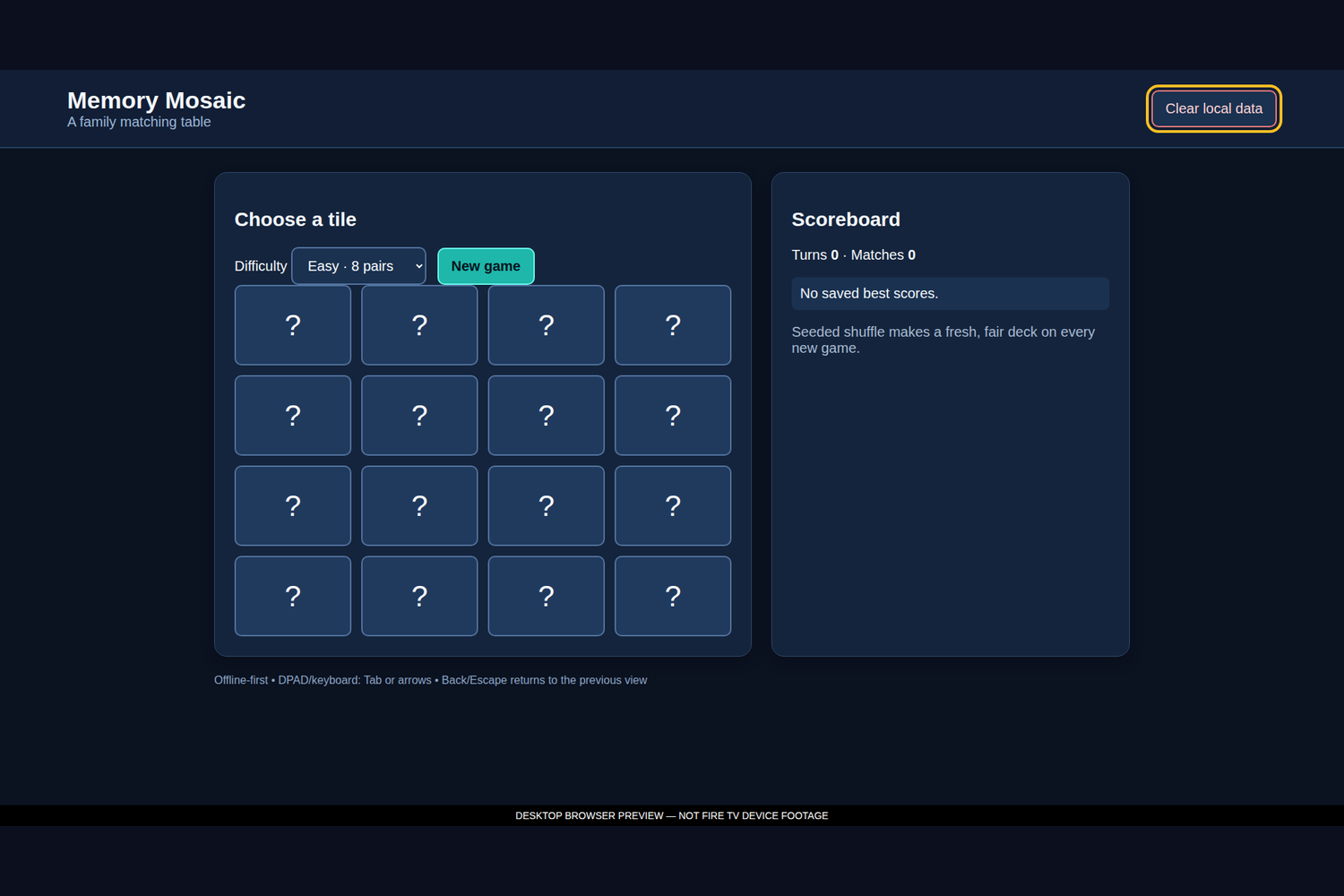
Memory Mosaic turns a familiar matching game into a shared-screen activity that is easy to understand from across a room. Its deliberately simple board, large tiles, and turn counter make the game suitable for remote play without requiring a mouse or touch input.
What it does
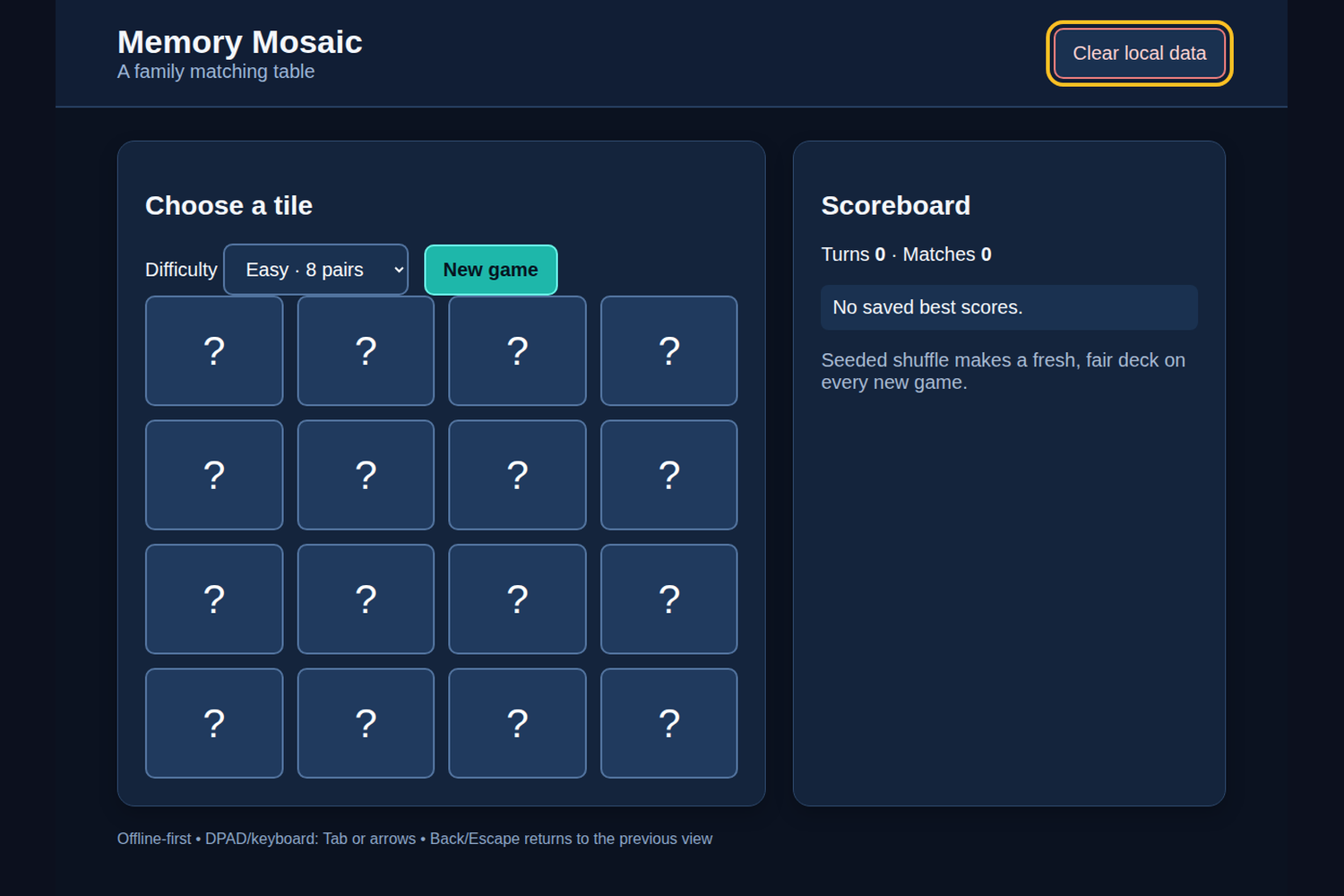
Players choose Easy · 8 pairs or Hard · 12 pairs, then start a new game. The app creates a seeded, shuffled deck with two copies of each symbol. Selecting two tiles reveals a comparison; matching pairs stay matched, while non-matches can be tried again. The scoreboard reports turns and matches and stores the best turn count for each difficulty locally. A fresh game creates a new fair shuffle, and Clear local data removes saved scores. The interface includes a clear “Choose a tile” status and does not depend on an online account.
How we built it
The FireOS app is a native Android WebView host around bundled offline HTML, CSS, and JavaScript. The Java host serves only packaged assets and blocks external resources. The web layer uses a small domain module for seeded deck creation, match results, completion checks, and best-score updates; the UI layer manages tile selection and rendering. High-contrast styling, visible focus rings, and the shared TV runtime support keyboard and DPAD navigation. No network calls, analytics, third-party fonts, or runtime frameworks are used.
What we learned
A deterministic domain layer makes a game with random-looking behavior testable: a seed still produces a repeatable deck, while each new game can use a fresh seed. Separating match rules from tile presentation also makes the turn and best-score rules easier to verify.
Challenges
A memory game has transient states—first pick, second pick, matched tiles, and a completed board—that must not be confused by rapid remote input. Tile focus and readable feedback matter as much as the board itself at TV scale. Browser storage is best-effort and local only. The supplied caption/media items are desktop local previews, not real-TV capture.
Verification and next steps
Node domain tests and desktop Chromium interaction flows were executed, including matching, mismatch, scoring, seeded-deck, and completion cases. Physical FireOS hardware was not tested. Next steps are to run the full acceptance pass on a target device: cold launch, D-pad traversal, Back, sleep/resume, focus and legibility at 1280×720 and 1920×1080, persistence, clear-data behavior, and no-internet operation. This entrant-review draft was AI-assisted and should be checked against the implementation before submission.

Log in or sign up for Devpost to join the conversation.