Inspiration
About 57 million people live with dementia. Looking back at old photos, songs and stories together is one of the few things that reliably brings a person living with dementia back into connection with their family. But preparing it is hard. The family's memories are scattered across thousands of photos, scanned letters and old recordings. A wrong photo, such as a hospital or a funeral, can cause real distress. And generic AI tools make up details, which is the last thing you want when talking to someone whose memory is already fragile.
What it does
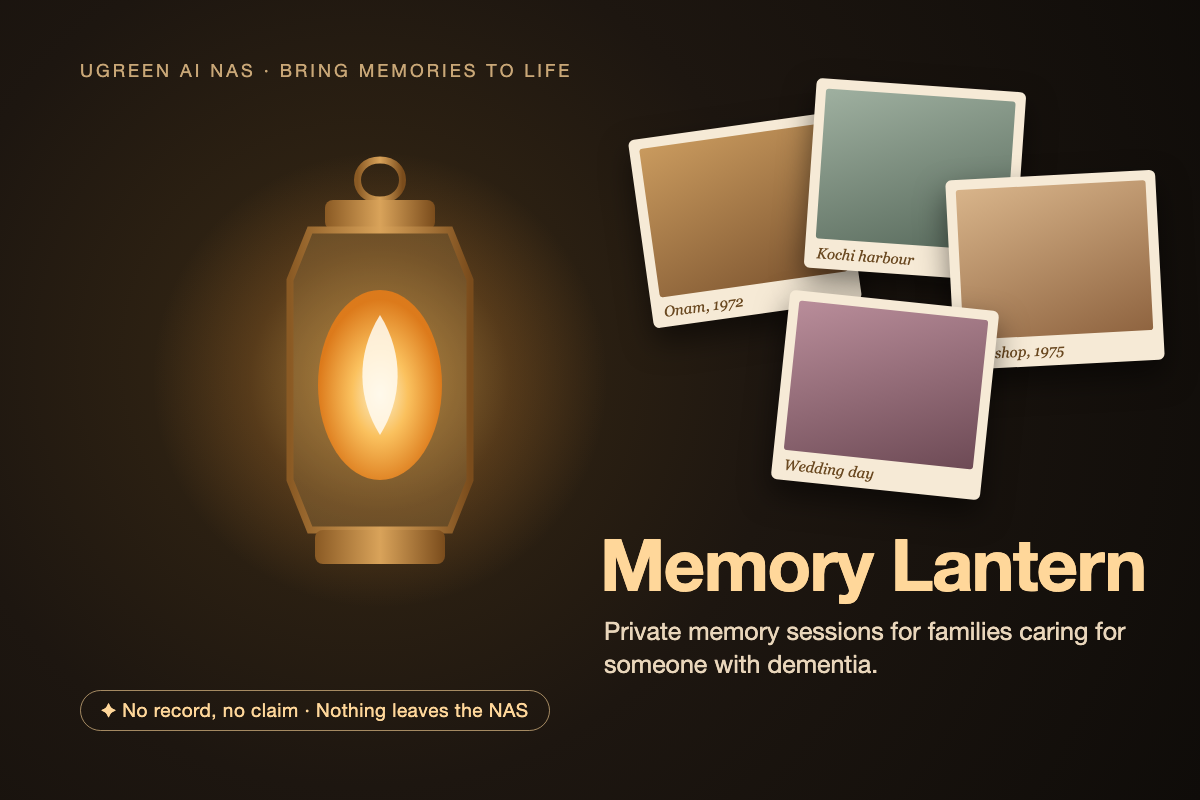
Memory Lantern is a UGOS Skill for UGREEN AI NAS. A caregiver says: "Prepare a memory session for Grandma about her years in Kochi, 1965–1980." The Skill:
- Gathers (read-only): finds Grandma's photos by person, years and place; reads handwriting on scanned photo backs; extracts names, dates and places from letters; transcribes family recordings; and finds songs from that era in the family music library.
- Curates: picks 8–12 calm, meaningful items. It leaves out anything on the caregiver's Comfort list, anything that upset her last time, and, by default, illness or funerals. The caregiver approves or swaps the choices.
- Creates: a session album, plus a caregiver guide with simple captions and open-ended prompts ("Tell me about this day", never "Do you remember?"), translated into her first language. It also writes short Life-Story notes, adds a soundtrack, and tags the sources.
- Supports the session: a Family Faces album with caregiver-confirmed names, and music that plays softly on request and stops by itself after 20 minutes.
- Learns: the caregiver records a voice note afterwards. The Skill labels each item engaged, neutral or distress, saves it to a session log, and the next session adapts.
No record, no claim
Every caption cites its source file. If there is no record, Memory Lantern says "I have no record of that. Can you show me a photo or letter?" instead of guessing. It never names people from their faces, and never reads emotions from images. Engagement labels come only from what the caregiver reports.
How we built it
It is built with the official uliya-skill-kit v0.7.3 against capability catalog 2.0.0. The parent Skill only delegates, with 16 delegate steps across seven NAS CLIs: ug-photo, ug-filesystem, ug-filemgr, ug-document, ug-knowledge, ug-video and ug-music. They go to photo-agent, file-agent, document-agent, knowledge-agent and media-agent. Every state change needs the caregiver's approval, and all five delegation statuses are handled. It passes the official checker with static-pass: 0 errors, 0 warnings.
Why the NAS
Family photos combined with health-related notes are exactly what people should not upload to the cloud. Memory Lantern runs entirely on the home NAS. Originals are never moved, changed, deleted or shared.
Challenges
- Making the AI useful without letting it invent memories, which is where "No record, no claim" came from.
- Designing a feedback loop that learns from the caregiver's own words, not from reading faces or emotions in images.
What we learned
A trustworthy AI for families is one that admits when it doesn't know. Care-first rules, like never quizzing and always leaving out distressing material, mattered more than adding features.
What's next
Testing on a real iDX6011 Pro: person recognition on faded scans, translation into Indian languages, and transcription of old cassette audio.
Prior work disclosure
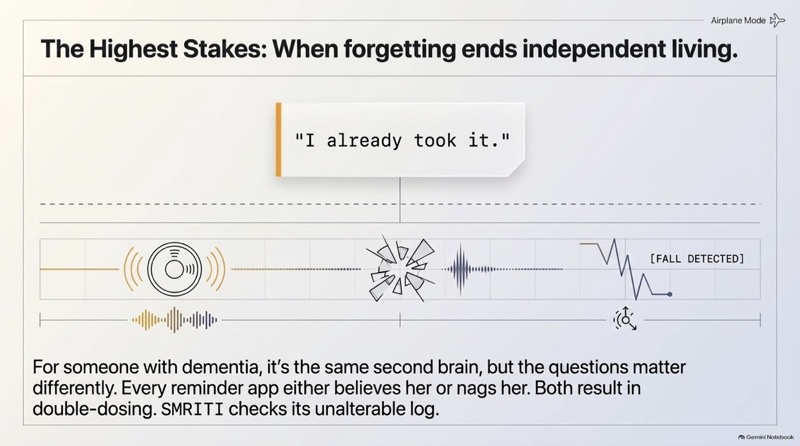
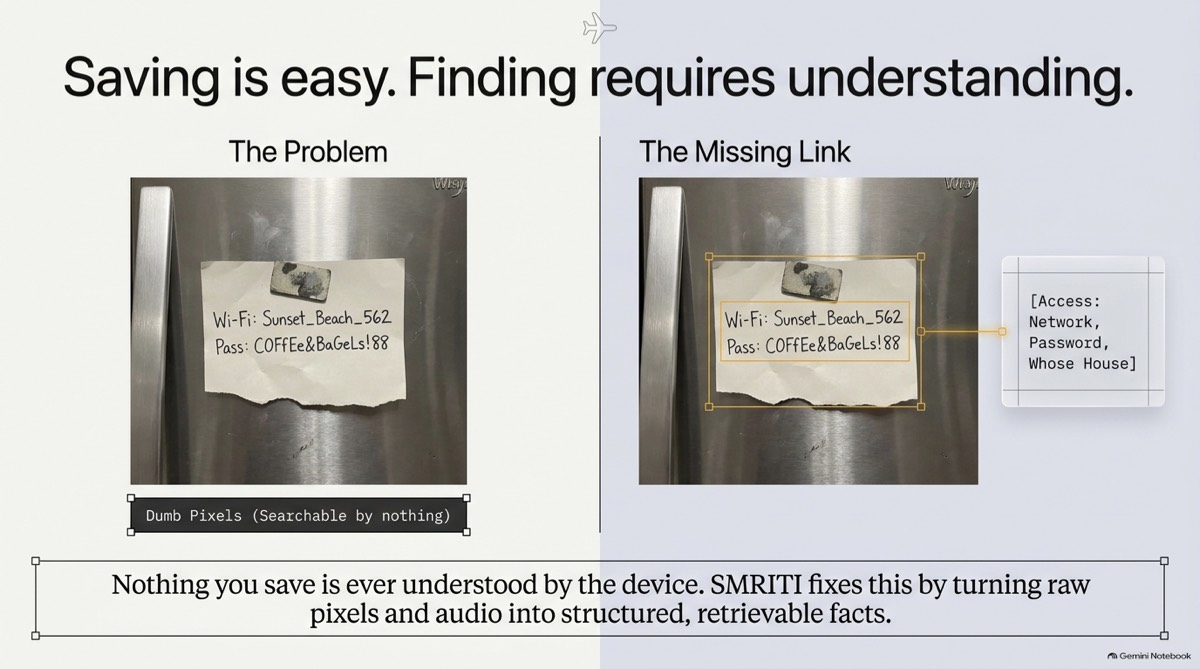
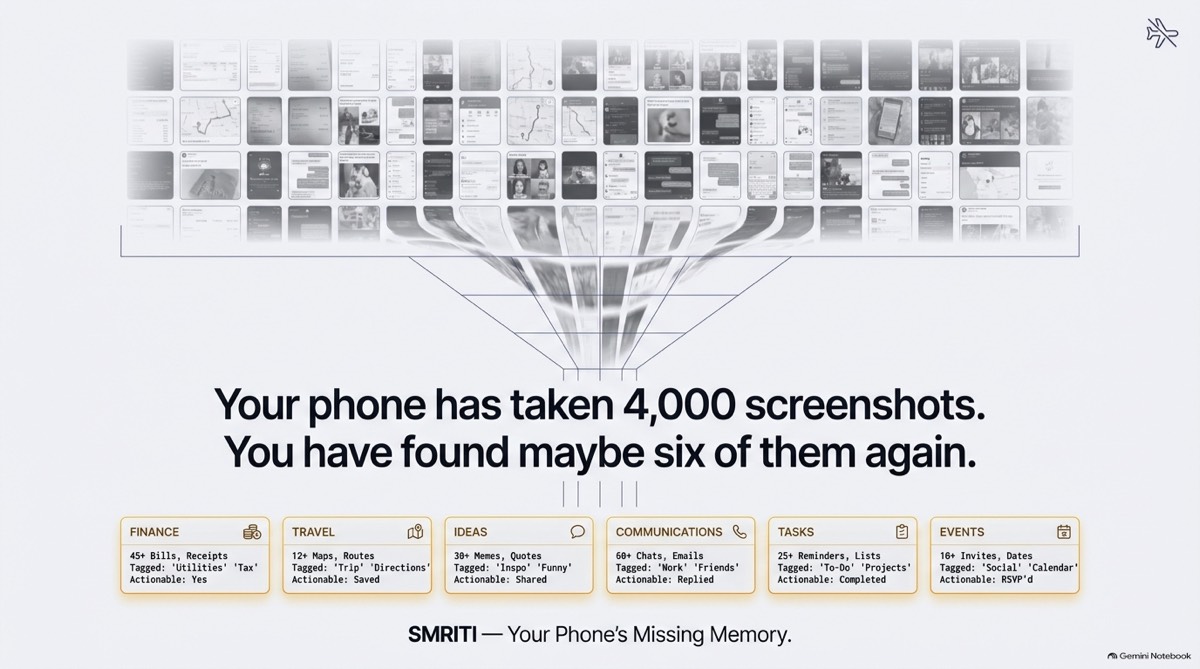
The author's earlier phone app, SMRITI, shares two design principles with Memory Lantern: on-device processing and "No record, no claim". It shares no code, content or workflow. Memory Lantern was developed new for this Hackathon.
Built With
- ai-agents
- claude
- markdown
- ugos
- ugreen-ai-nas
- uliya-skill-kit
