-
-
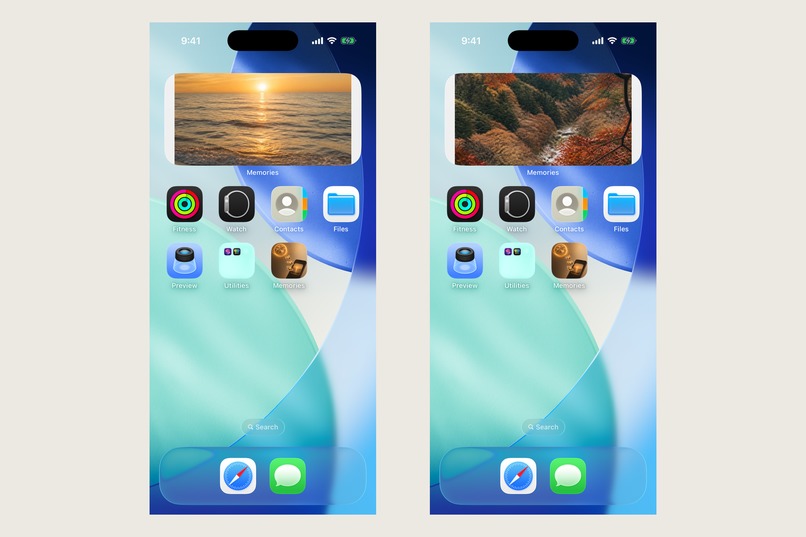
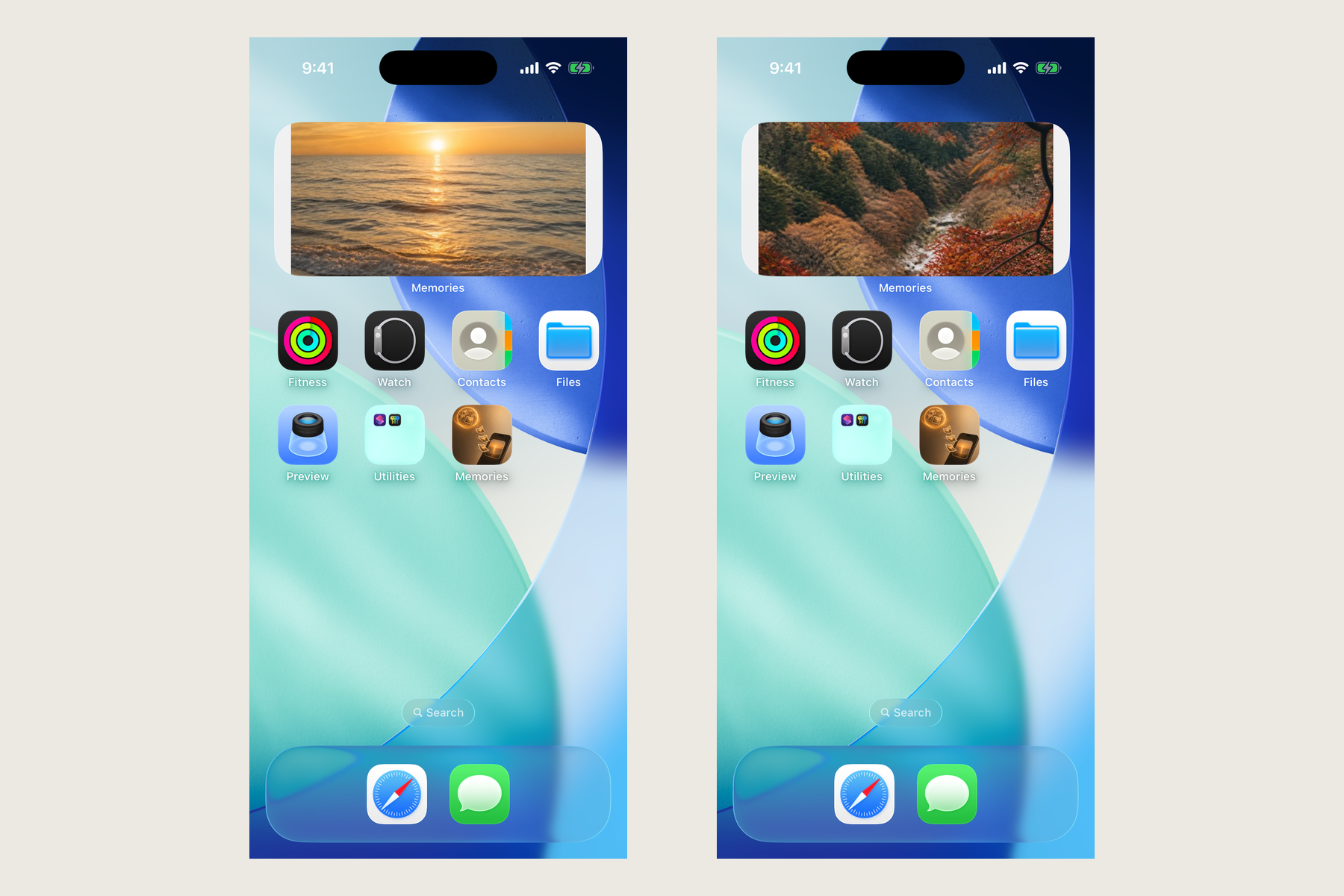
Home Screen widget: shows a photo from your NAS or cloud taken on today's date in past years, or in the last 7 days.
-
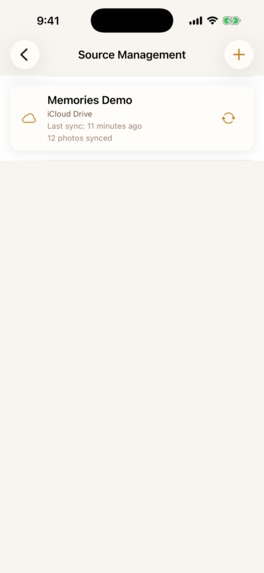
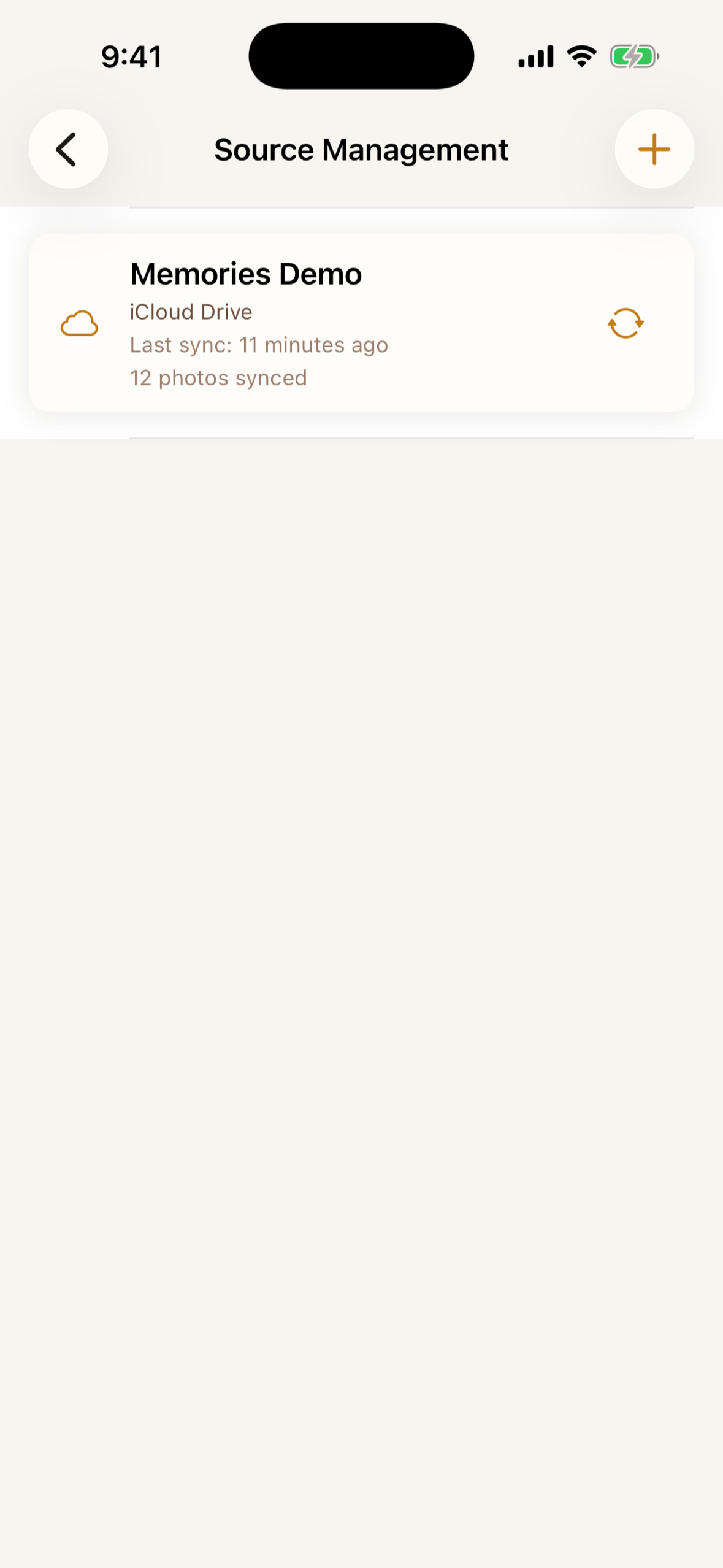
A source after its first sync — 12 photos indexed from an iCloud Drive folder. NAS over SMB, Dropbox and OneDrive connect the same way.
-
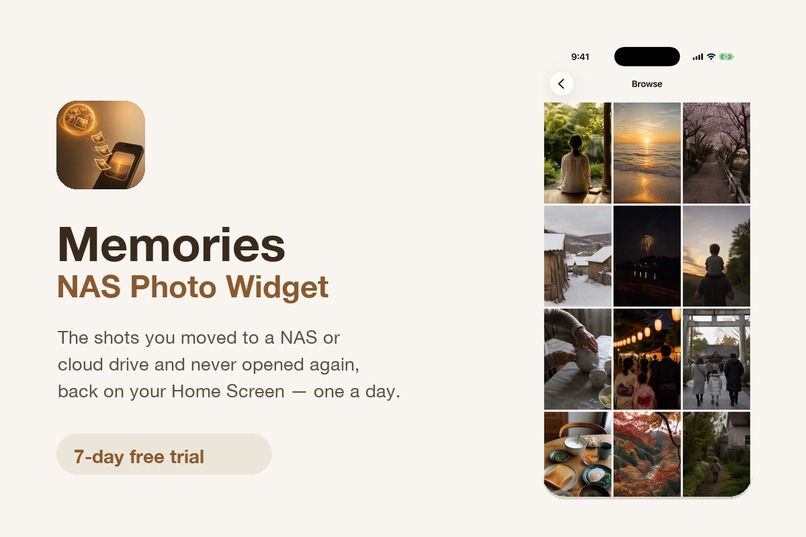
Memories brings the photos you archived to a NAS or cloud drive back to your Home Screen — one a day, changing every hour.
-

App icon, 1024x1024, uncropped.
-

Photo Frame holds one picture with no timer and no visible controls, so a phone on a charging stand reads as a desk frame.
-

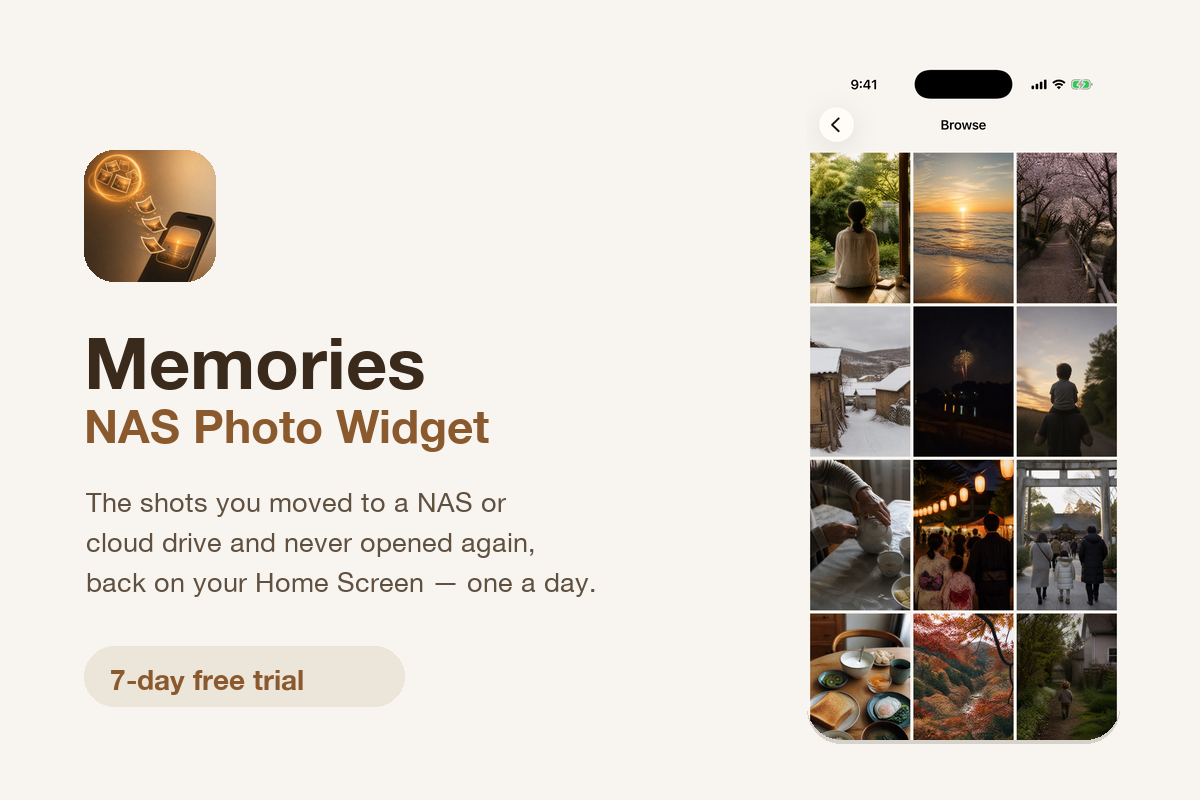
Browse shows everything cached from your connected sources, newest first. Originals never move; only small thumbnails are stored on device.



Inspiration
Every few years you run out of space on your phone, so you move the photos off to a NAS or a cloud drive. It works. You get your storage back. And you never look at those photos again.
That is the whole problem. The pictures are not lost — they are archived, which turns out to be a more permanent kind of forgetting. Opening a NAS app, waiting for a folder to load, and scrolling is a deliberate act, and nobody performs a deliberate act for a photo they were not already thinking about.
A widget is the opposite of a deliberate act. It is just there.
What it does
Memories connects to the place your photos already live and brings one back to your Home Screen every day.
- Connect where the photos are. NAS over SMB (host, share, user name, password), Dropbox and OneDrive by signing in, Google Drive and iCloud Drive through the Files app.
- Home Screen and StandBy widgets. Small, medium and large on the Home Screen; full screen on StandBy while the phone charges on its side. The picture changes every hour.
- On This Day. The widget favors photos taken on today's date in earlier years, so an anniversary surfaces without anyone remembering it.
- Three ways to look. Photo Frame keeps one picture on screen — on a charging stand it becomes a desk frame. Slideshow plays today's memories at 3, 5 or 10 seconds each. Browse shows everything cached so far as a grid.
- Several sources, one view at a time. Connect the family NAS and your own cloud drive together, then switch which one the widget is showing.
Originals are never moved or modified. Only small thumbnails are cached on the device, inside the app's own storage, with a limit you control — 2 GB by default, adjustable from 0.5 to 20 GB. NAS credentials live in the iOS Keychain, and Face ID or Touch ID can lock the app. Nothing is uploaded to our servers: photos move only between your own storage and your own device.
How we built it
Swift and SwiftUI, iOS 17 and up, with WidgetKit driving the Home Screen and StandBy timelines.
- AMSMB2 for direct SMB access to a NAS
- SwiftyDropbox and MSAL for Dropbox and OneDrive sign-in; the Files app for Google Drive and iCloud Drive
- GRDB (SQLite) for the local photo metadata index
- RevenueCat with StoreKit 2 for the subscription and the 7-day trial
- PostHog for product analytics
- iOS Keychain for NAS credentials; Face ID / Touch ID for app lock
The widget never talks to a NAS directly. A background sync builds a small local index and caches thumbnails, and the widget timeline reads only from that cache — which is what lets an hourly rotation keep working on a phone that has left the home network.
Challenges we ran into
Hourly rotation on a widget budget. WidgetKit will not let you fetch on demand. The rotation has to be precomputed into a timeline, so the interesting work is deciding which photos are worth the next few hours before you know whether anyone will look.
"On This Day" quietly depends on EXIF. While filming the demo video, the widget kept showing a placeholder. The photos were there, the sync reported twelve, and nothing appeared. The cause was that the demo images carried no DateTimeOriginal — with no capture date, the "today in an earlier year" query matches nothing and correctly returns an empty set. A feature built on dates fails silently when the dates are absent.
A localization bug that survived being fixed. The English build still showed Japanese on two screens. The translations existed. They were attached to the literal form of the key as it appears in source — \(count)枚を同期済み — while SwiftUI looks up the format form at runtime. Rewriting them as %@ fixed the string-valued keys and did nothing for the ones interpolating an integer: SwiftUI resolves those as %lld. Two keys that look identical in an editor, three different lookup identities.
Accomplishments that we're proud of
A widget that reaches into a NAS is an unusual shape for an iOS app, and doing it with no server in the middle meant every credential and every byte had to stay on the device. We shipped it with a 7-day trial that holds nothing back, because the value only becomes obvious after you connect a source and watch one of your own photos appear an hour later.
What we learned
Verify the runtime, not the intention. Both bugs above were cases where the code plainly said the right thing and the device disagreed — an absent EXIF field, a key form that differs only in how the compiler wrote it down. Neither was findable by reading.
What's next for Memories: NAS Photo Widget
Wider source support, a larger StandBy layout, and shared albums so that one family NAS can push the same memory to more than one phone.

Log in or sign up for Devpost to join the conversation.