Semantic Memory Extension — Project Story
About the Project
The Semantic Memory Extension was created for the Google Chrome Built-In AI Hackathon as an exploration of what’s possible when on-device AI becomes a first-class citizen in the browser. The idea was simple but ambitious:
“What if your browser could remember semantically relevant notes — locally — and bring them up just when you need them?”
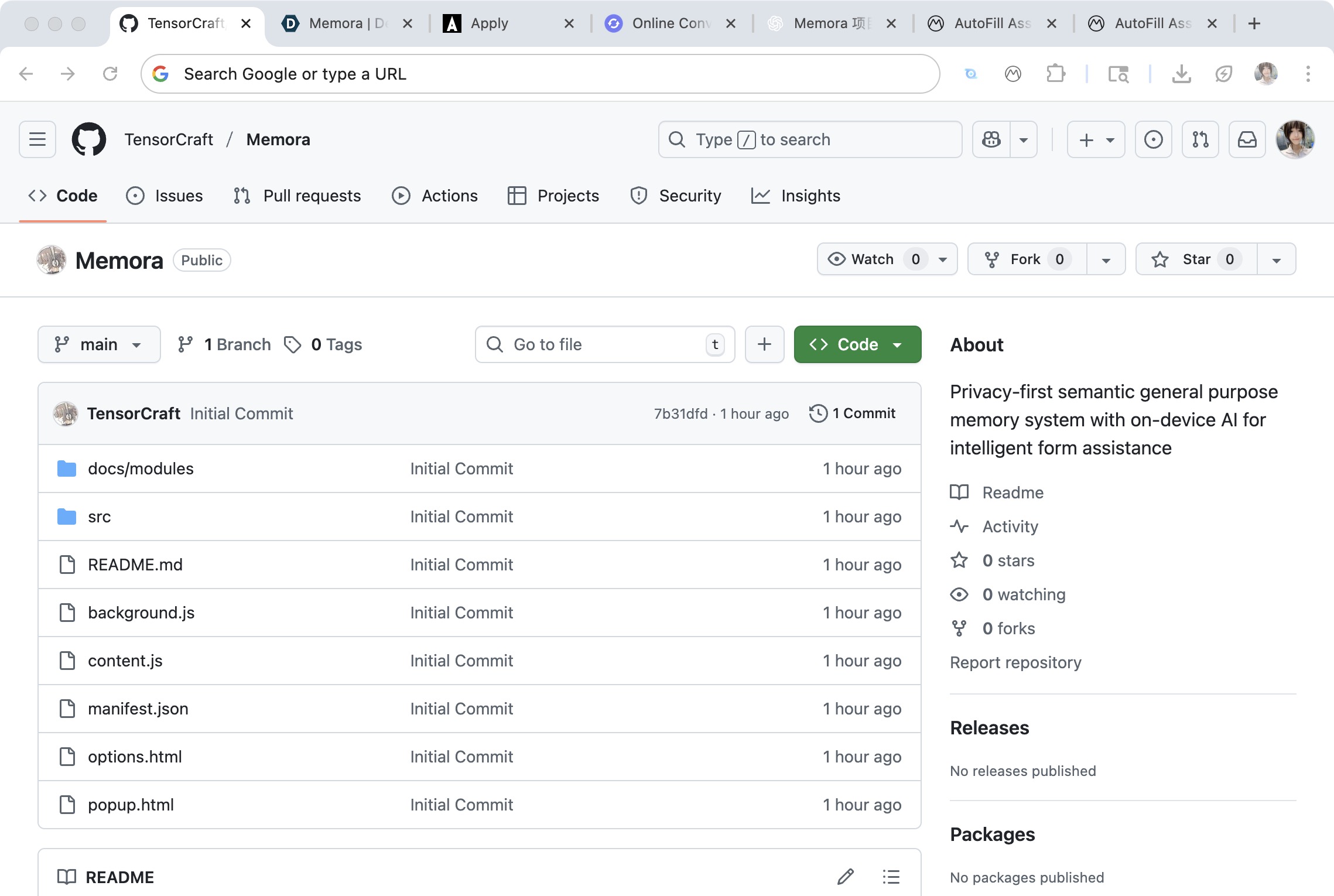
From that idea came a privacy-first Chrome MV3 extension that stores “memories” (semantic text snippets) in IndexedDB, retrieves them using on-device embeddings (via the Prompt API / Gemini Nano), and optionally integrates with OpenRouter for advanced cloud models. It features a popup workflow, a Memory Dashboard, and a floating AI chat for natural-language memory management — all unpacked, all open.
Inspiration
Modern browsers are full of forms, prompts, and repetitive input contexts — but our notes live elsewhere: Notion, Google Docs, or random scratchpads. I wanted a tool that:
- Understood what the page was asking for, semantically;
- Surfaced contextually relevant knowledge (like code snippets, country lists, or prior messages);
- And did so without sending anything to a remote server.
The hackathon’s emphasis on Chrome’s Built-In AI (Gemini Nano) provided the perfect opportunity: everything could stay local, private, and fast.
How It Was Built
Architecture
The extension consists of four main parts:
Content Script
- Extracts visible form fields (
<input>,<textarea>,<select>). - Uses label hierarchy and nearby DOM text to infer intent.
- Extracts visible form fields (
Background Service Worker
- Handles the memory store (IndexedDB).
- Runs embedding and similarity search (cosine distance; optional WebGPU acceleration).
- Routes requests to providers (Built-In AI, OpenRouter, or Local Minimal).
Popup UI
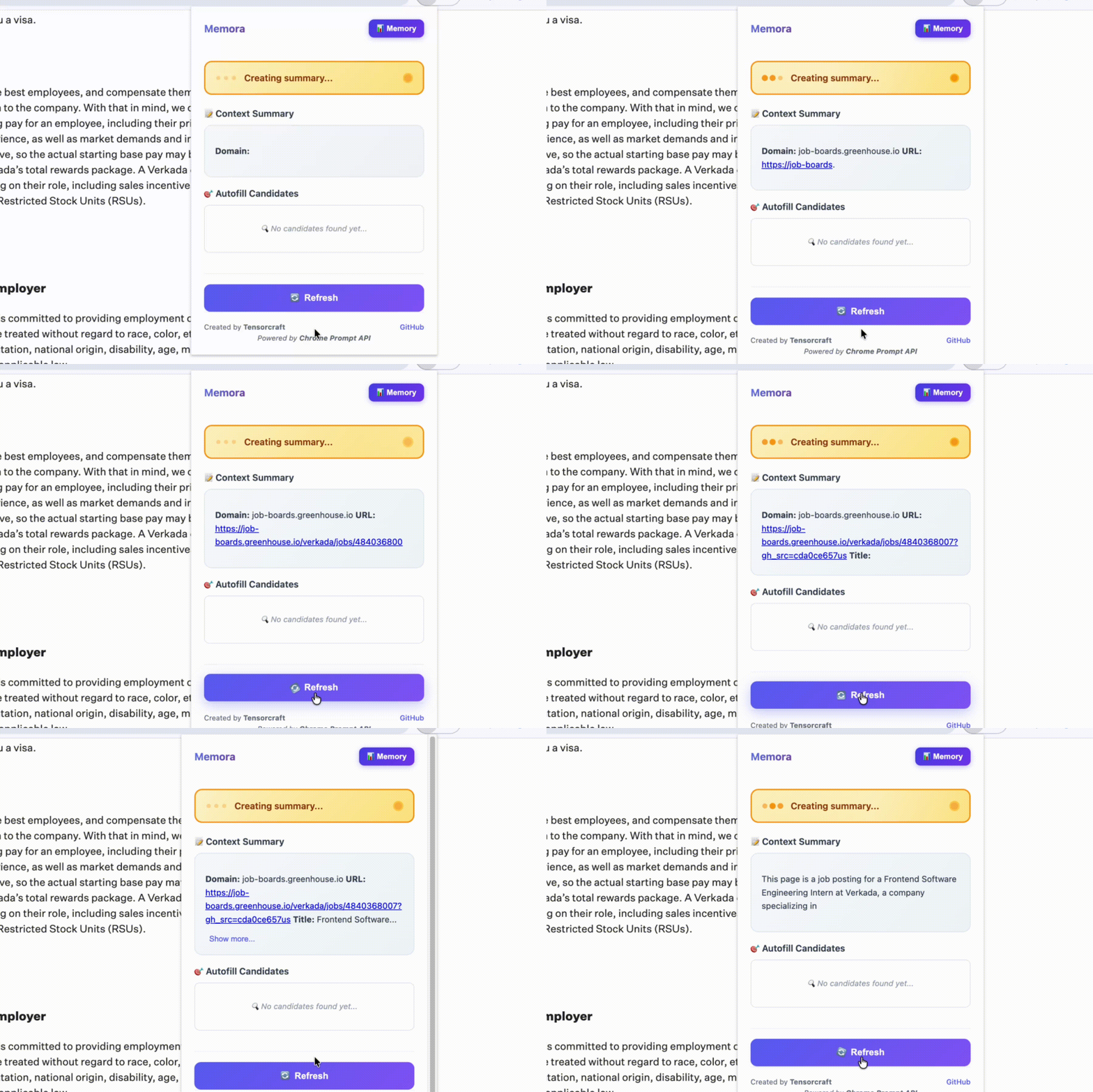
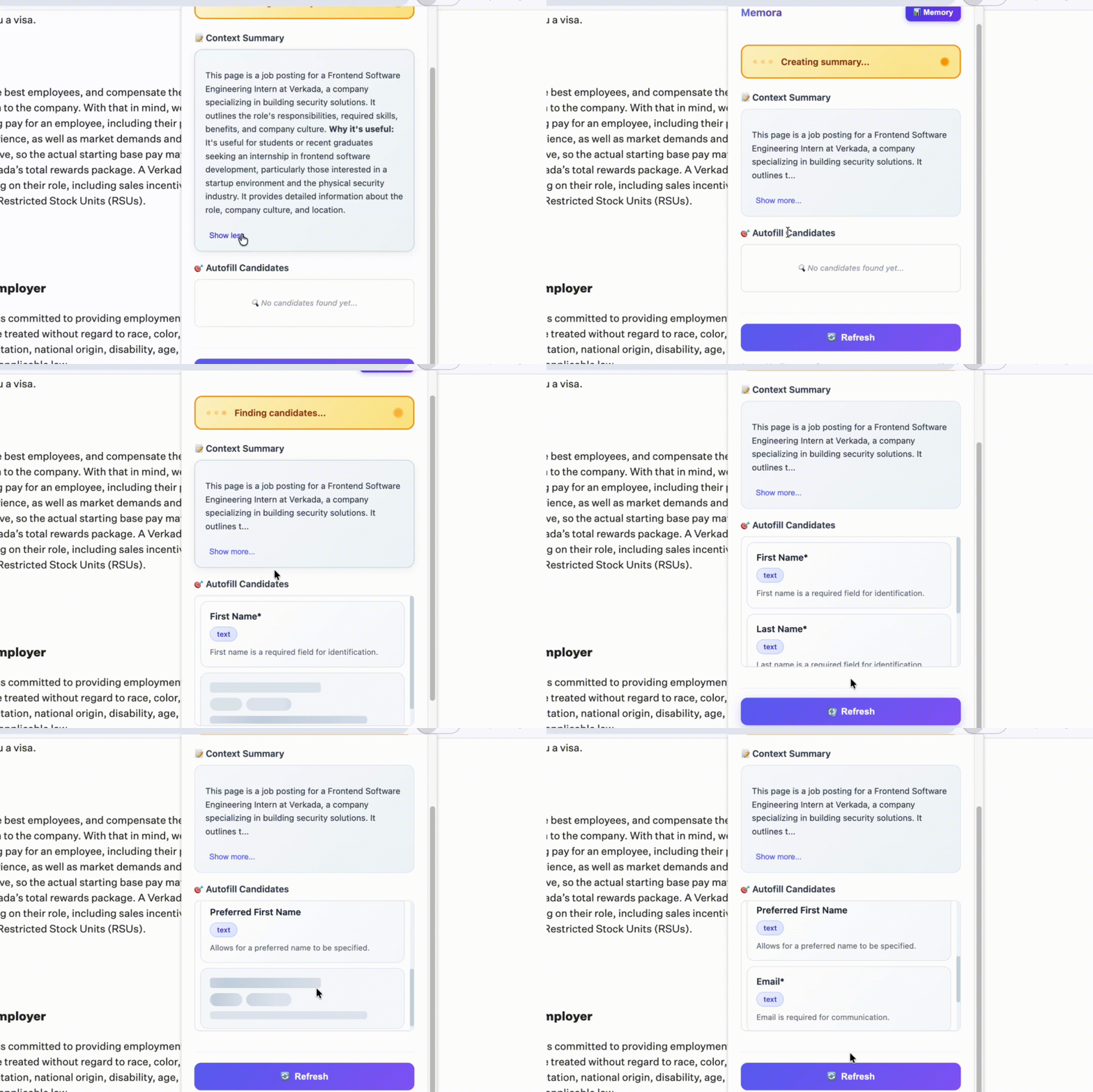
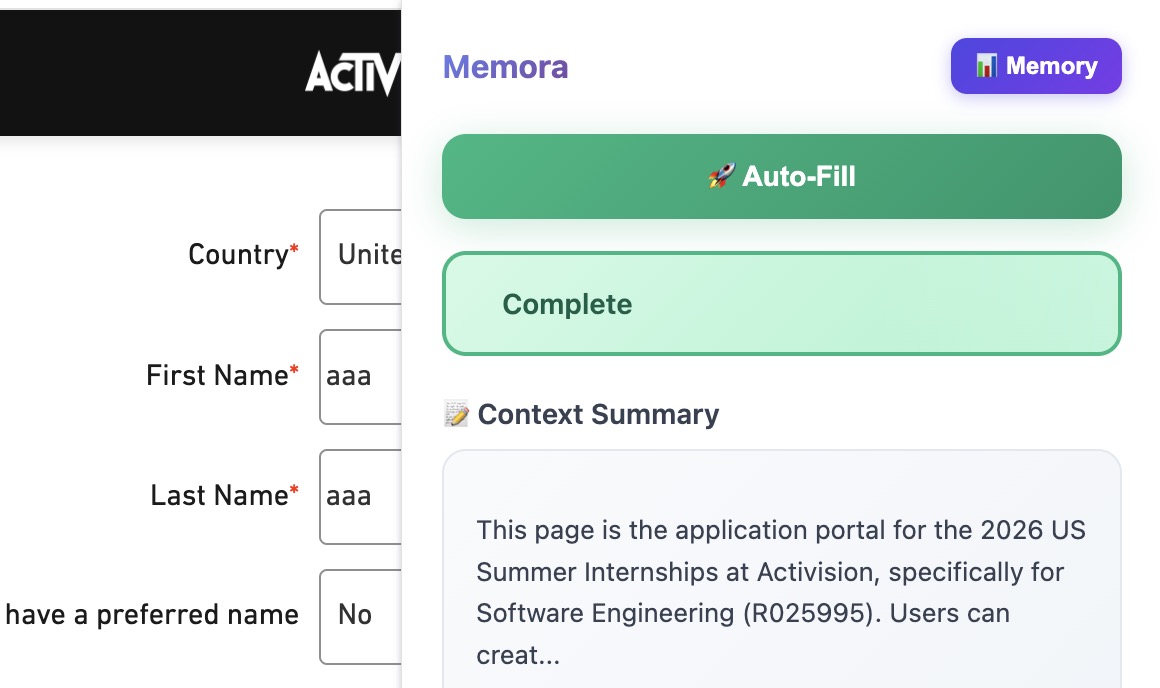
- Popup-first experience: when opened, it analyzes the page, builds a query, retrieves top-K memories, and shows them instantly.
- Skeleton loaders provide feedback while data streams in.
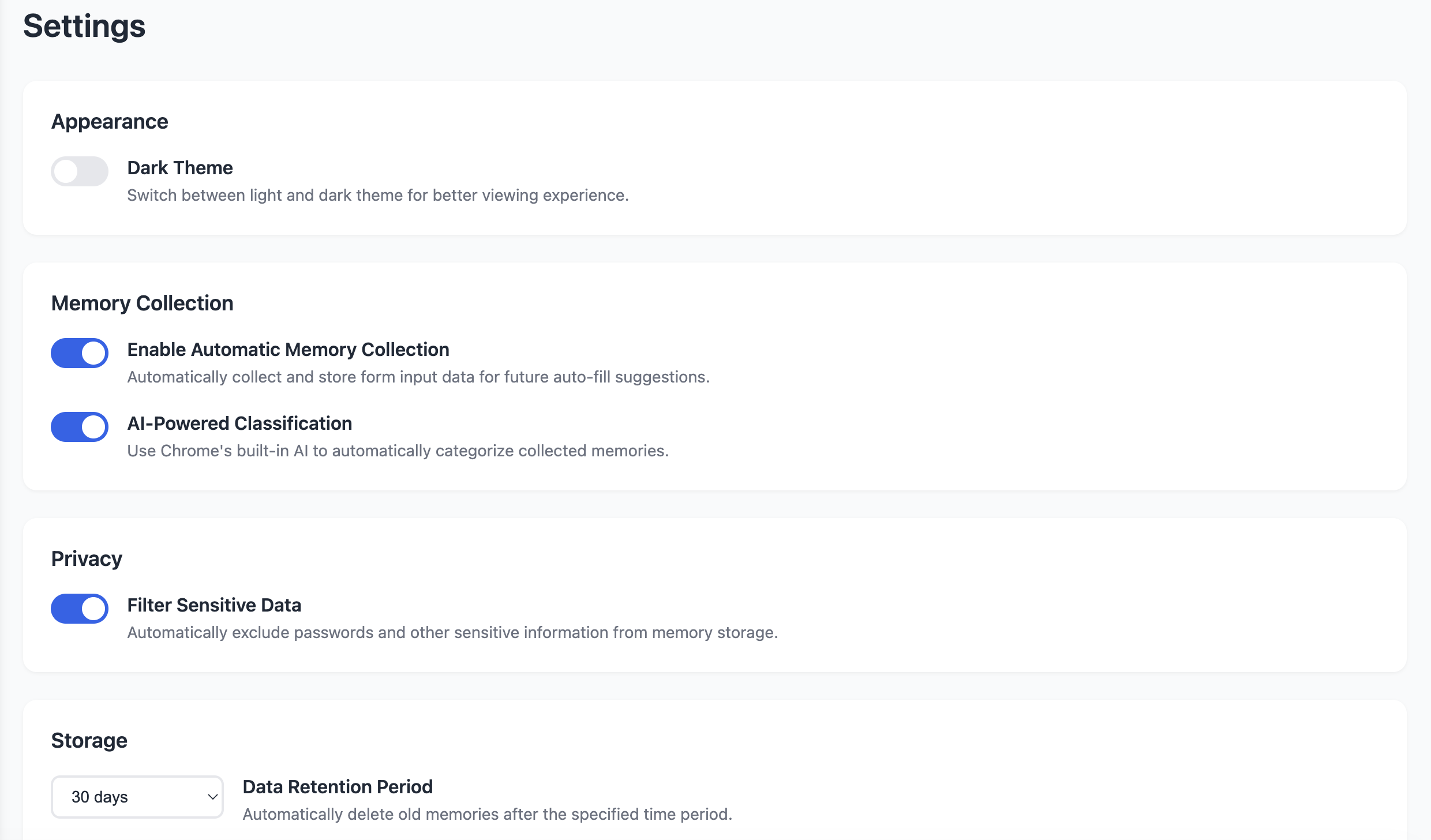
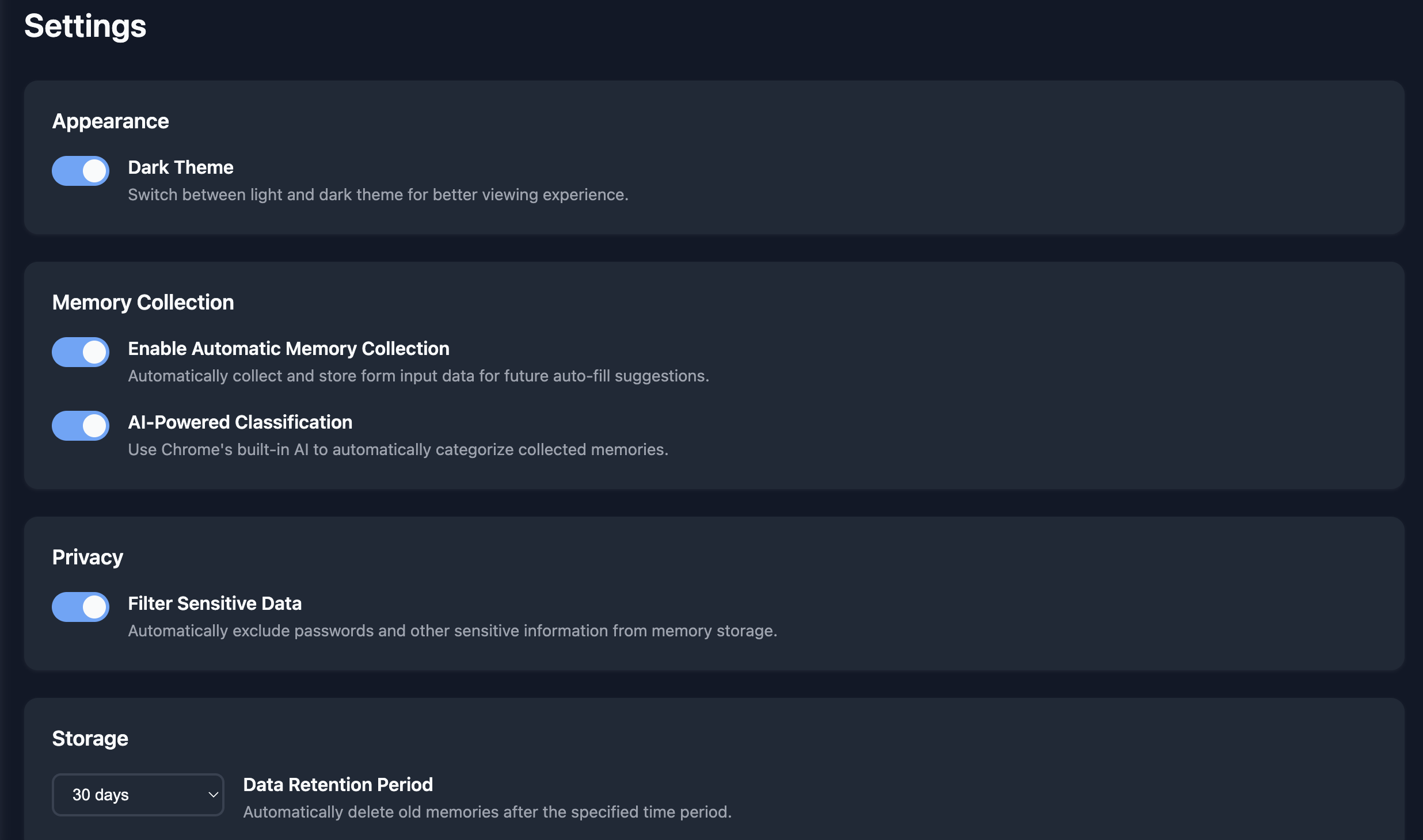
Dashboard (Options Page)
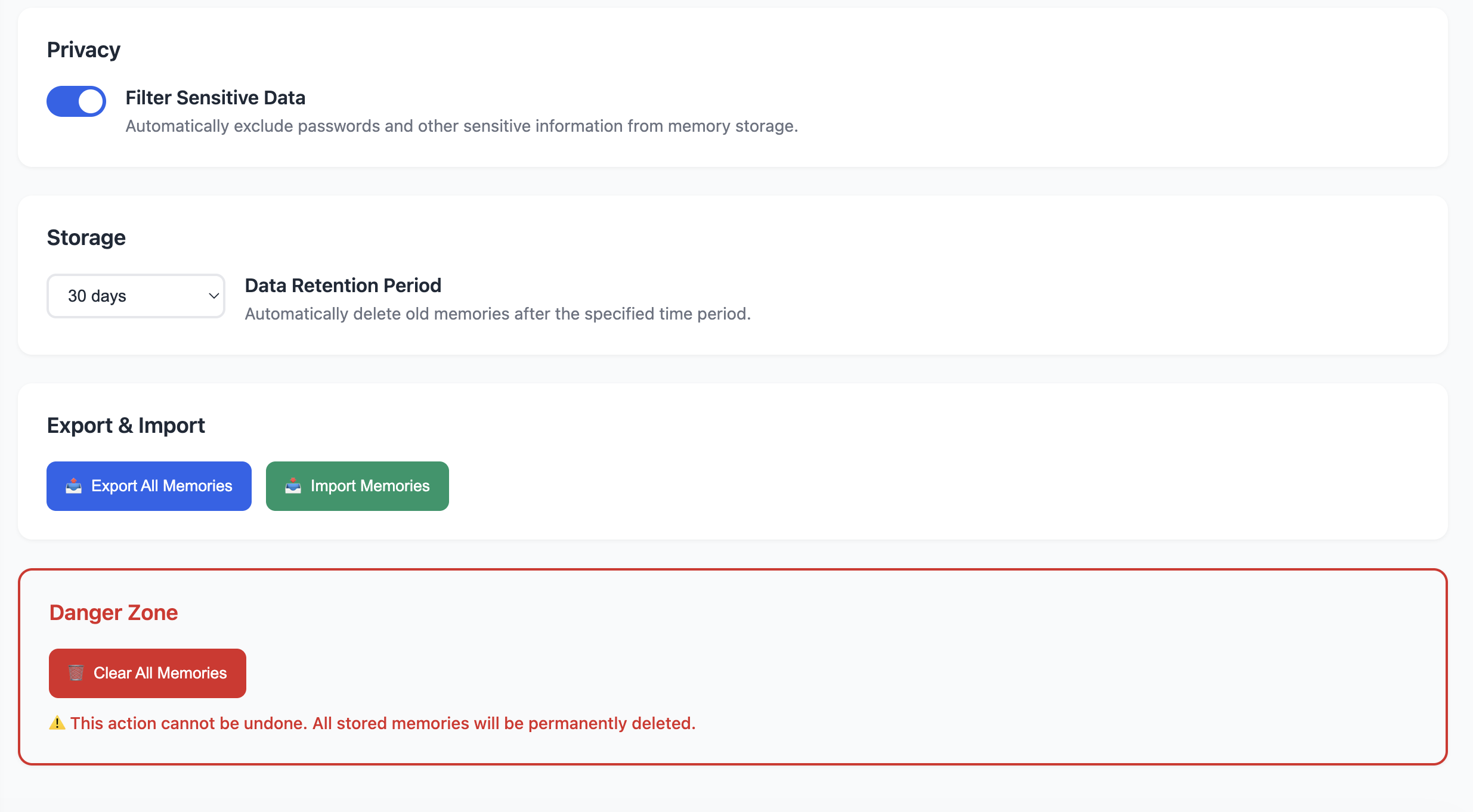
- Memory management (CRUD, import/export).
- PDF/DOCX parsing via PDF.js and js-word.
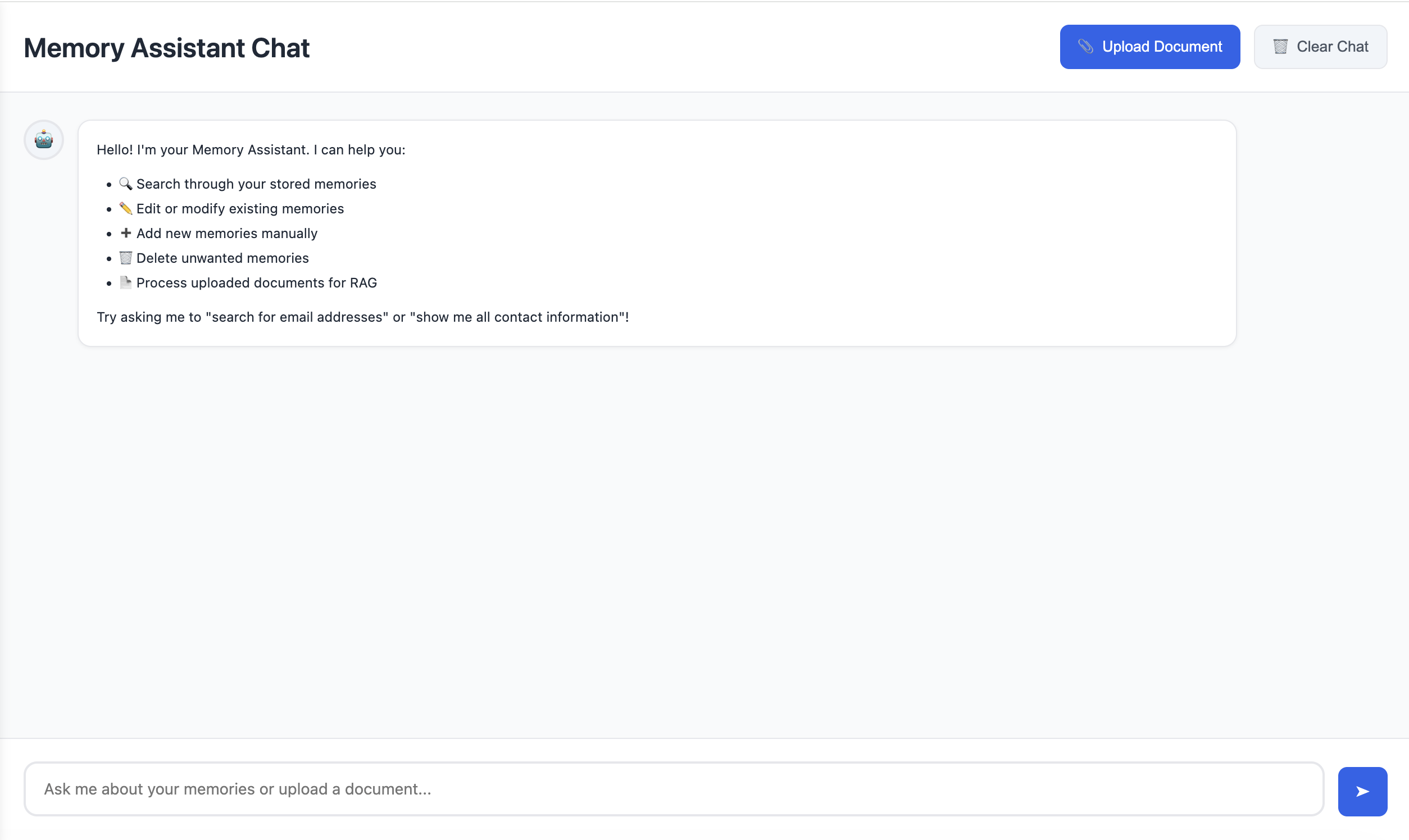
- Floating AI Chat that manipulates memories through natural language commands. ### Privacy Design
Default mode: Chrome’s on-device AI (Gemini Nano).
Local Privacy Mode: hard-disable all network calls; embeddings via Local Minimal.
Cloud Option: OpenRouter API (user-supplied key) with model picker.
MV3 constraints: no remote code, static UI, strict CSP.
Outcome
The result is a prototype Chrome extension that:
Opens instantly via popup;
Understands your current page;
Suggests relevant memories semantically;
Lets you chat with your memory base via on-device or cloud AI;
And remains 100 % client-side and privacy-respecting.
Built With
- promptapi


Log in or sign up for Devpost to join the conversation.