Inspiration
Taking notes in class, specifically Computer Science courses, is time-consuming and risks missing valuable information from lectures. Converting notes into useful study tools takes just as long as studying the material. We wanted to create an accessible web application to help students take notes and study efficiently without the stress of manual formatting and organization.
What it does
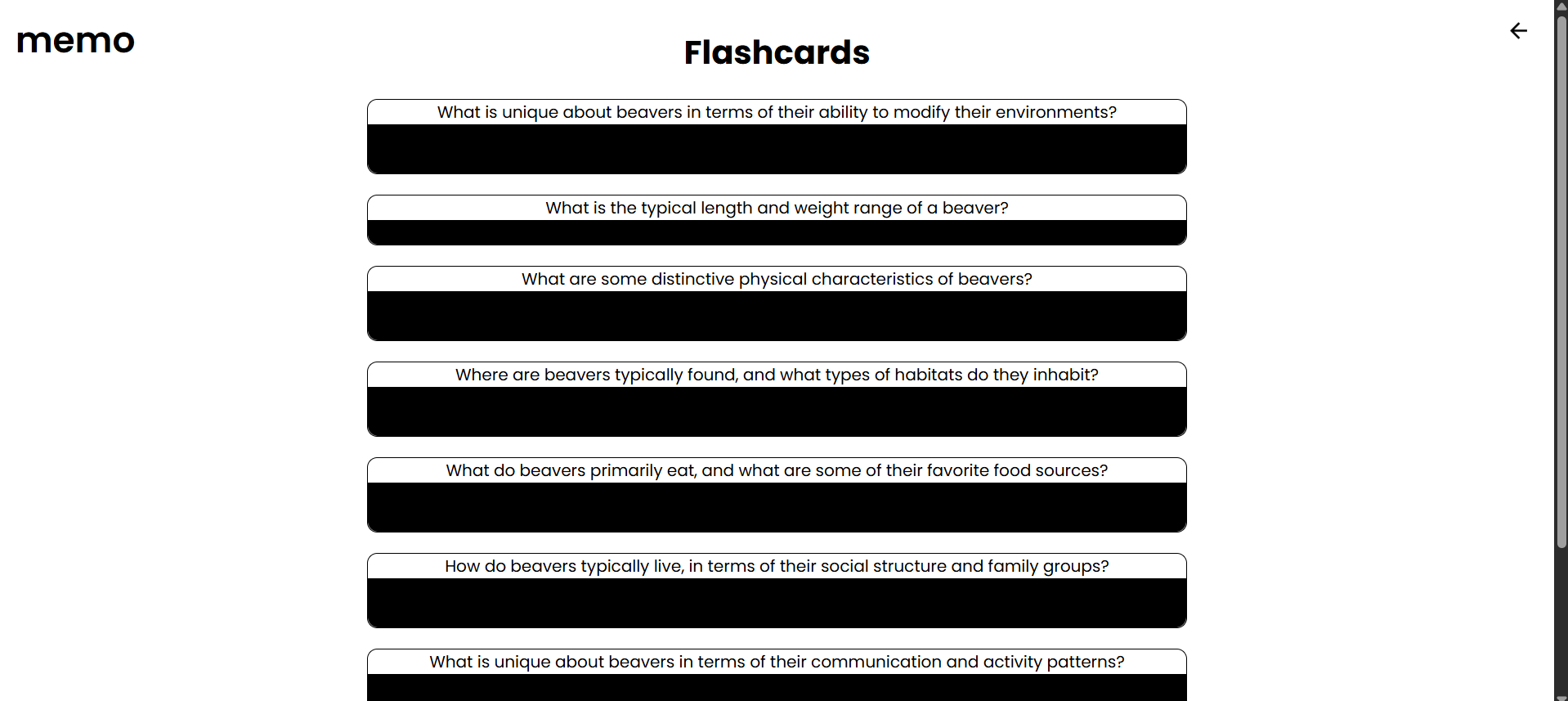
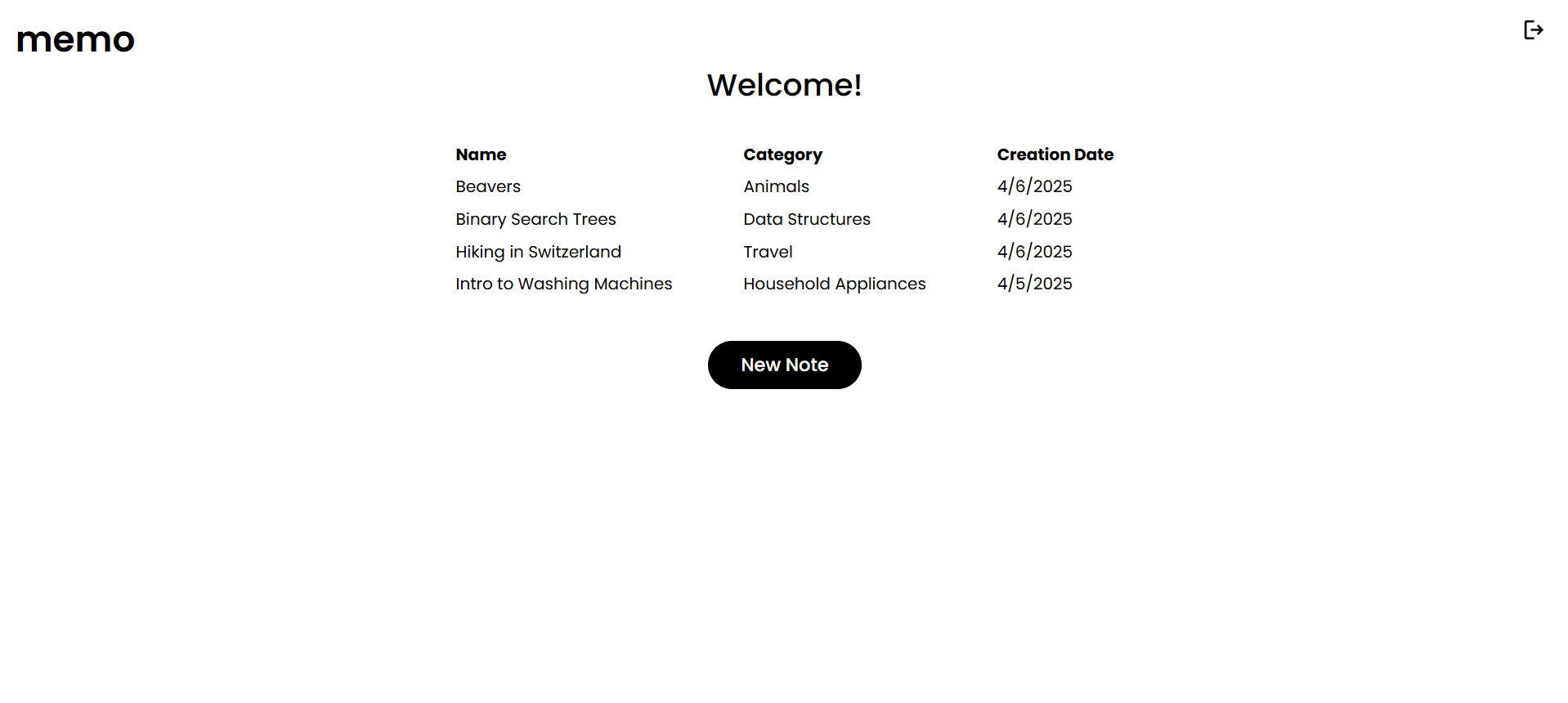
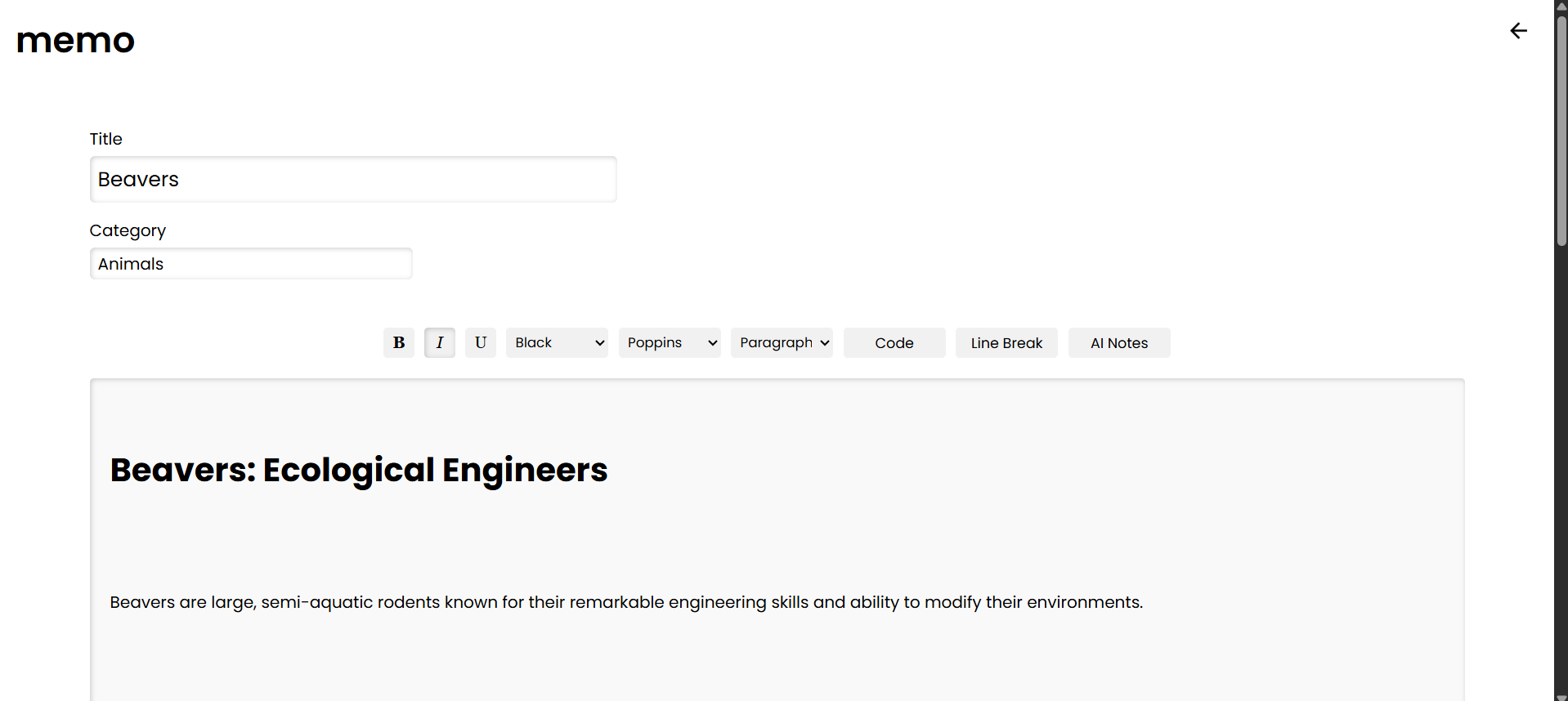
Our web app allows users to create an account where they can add, edit, and generate study material for notes. Users have full control over their formatting, whether they ask Groq AI to generate notes based on a topic that they input or take manual notes.
How we built it
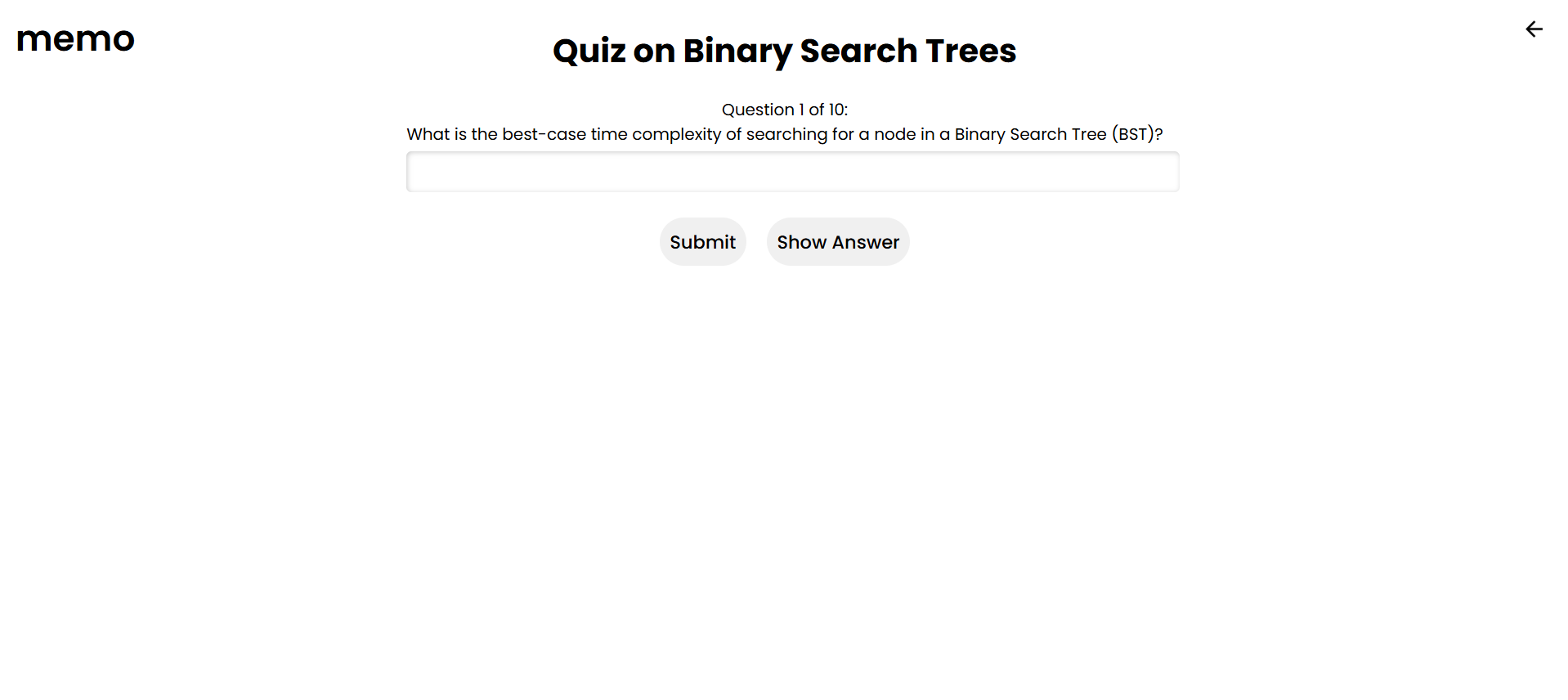
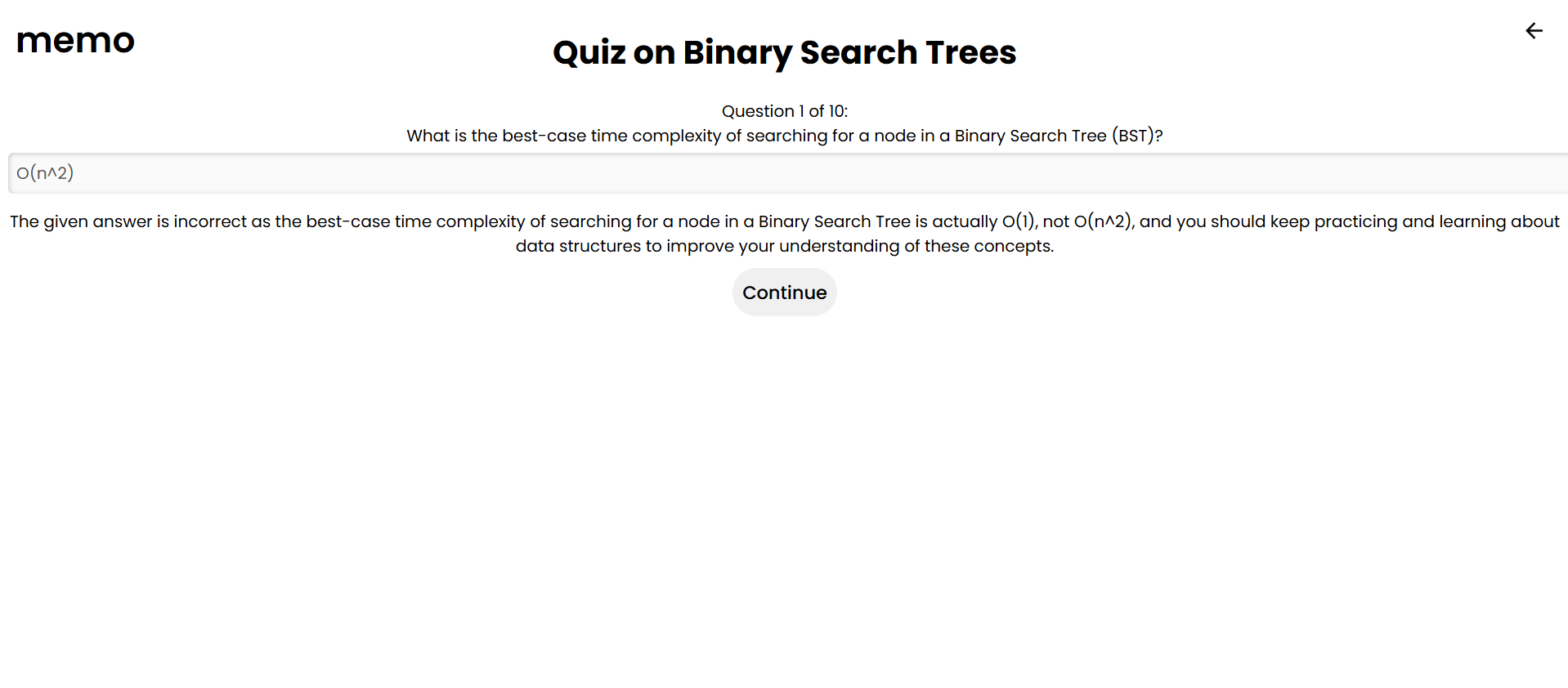
We used Vite and React to build and run our web app on our local machines. Firebase was used as the database to sign users up using email and password, and to store their notes on the cloud. Groq was used for the AI implementation to generate notes, flashcards, and quizzes based on information provided by user notes.
Challenges we ran into
- We ran into issues regarding rate limits for Groq AI. This resulted in our app to stop working abruptly. We resolved the issue by switching to a model on Groq that gives us a higher quota.
- Our initial API keys were public, so we had to get new API keys and store them privately. Thank you to the Cybersecurity team for pointing this out!
- Currently, the images for the back and logout buttons are not appearing on our hosted web app on Vercel, however, it does appear on localhost. We are aware of this issue and plan to work on it after the Hackathon. ## Accomplishments that we're proud of
- Integrating Groq AI with our web app!
- Setting up Firebase, a new database that we were unfamiliar with before this project. ## What we learned
- How to authenticate users with email and password on Google Firebase
- How to interact with multiple APIs in a web environment. ## What's next for memo
- Voice to text features
- Adding styling themes
- Adding rewards for studying
- Uploading documents (PDFs, images, etc) and converting them to text

Log in or sign up for Devpost to join the conversation.