-
-
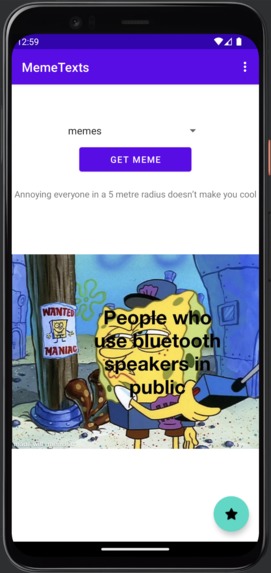
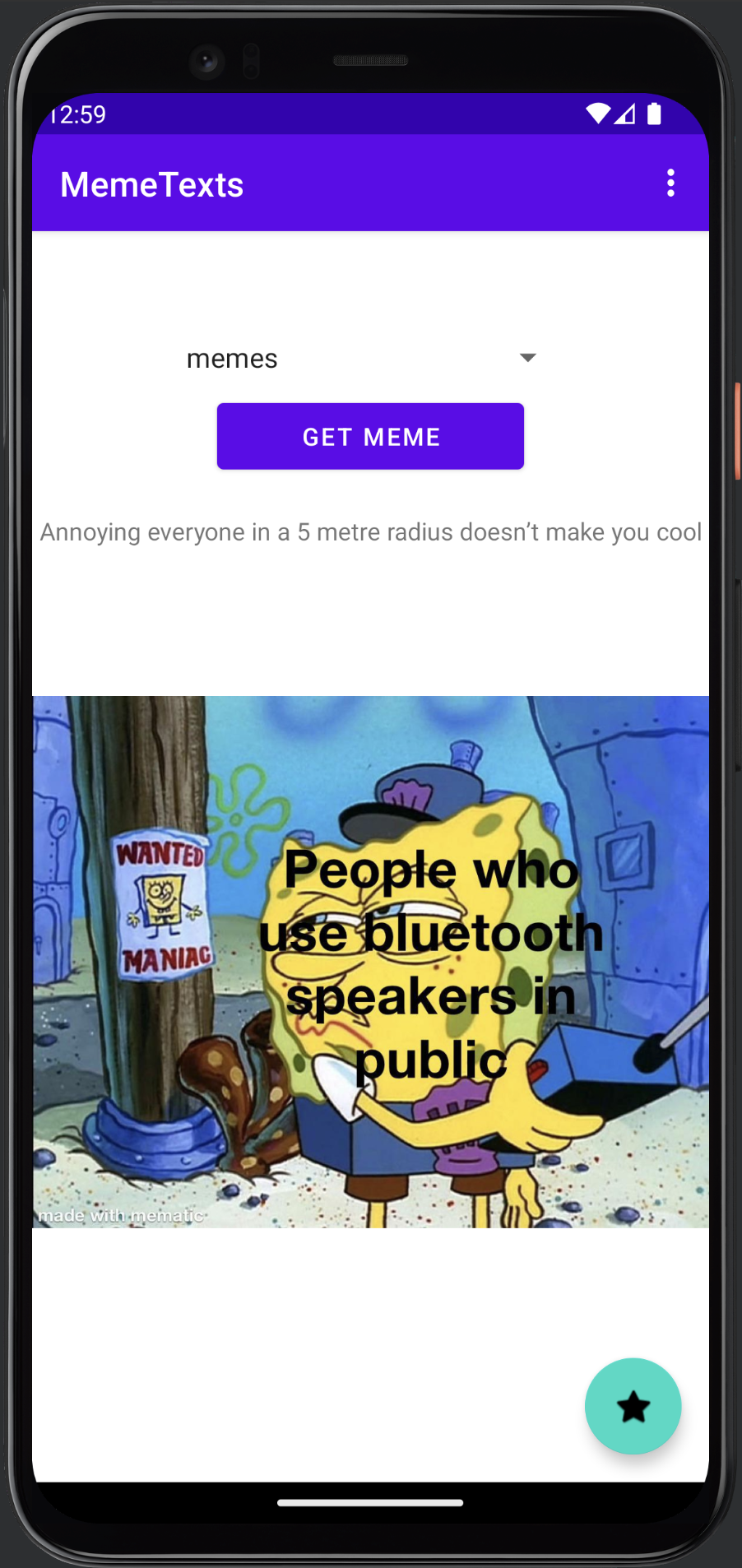
Main Get Meme page
-
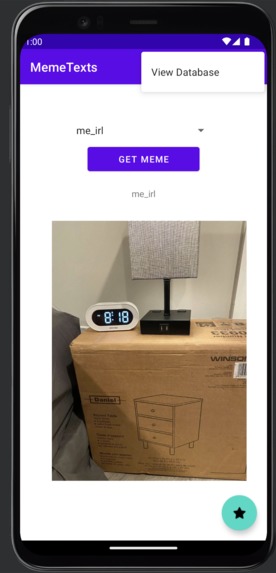
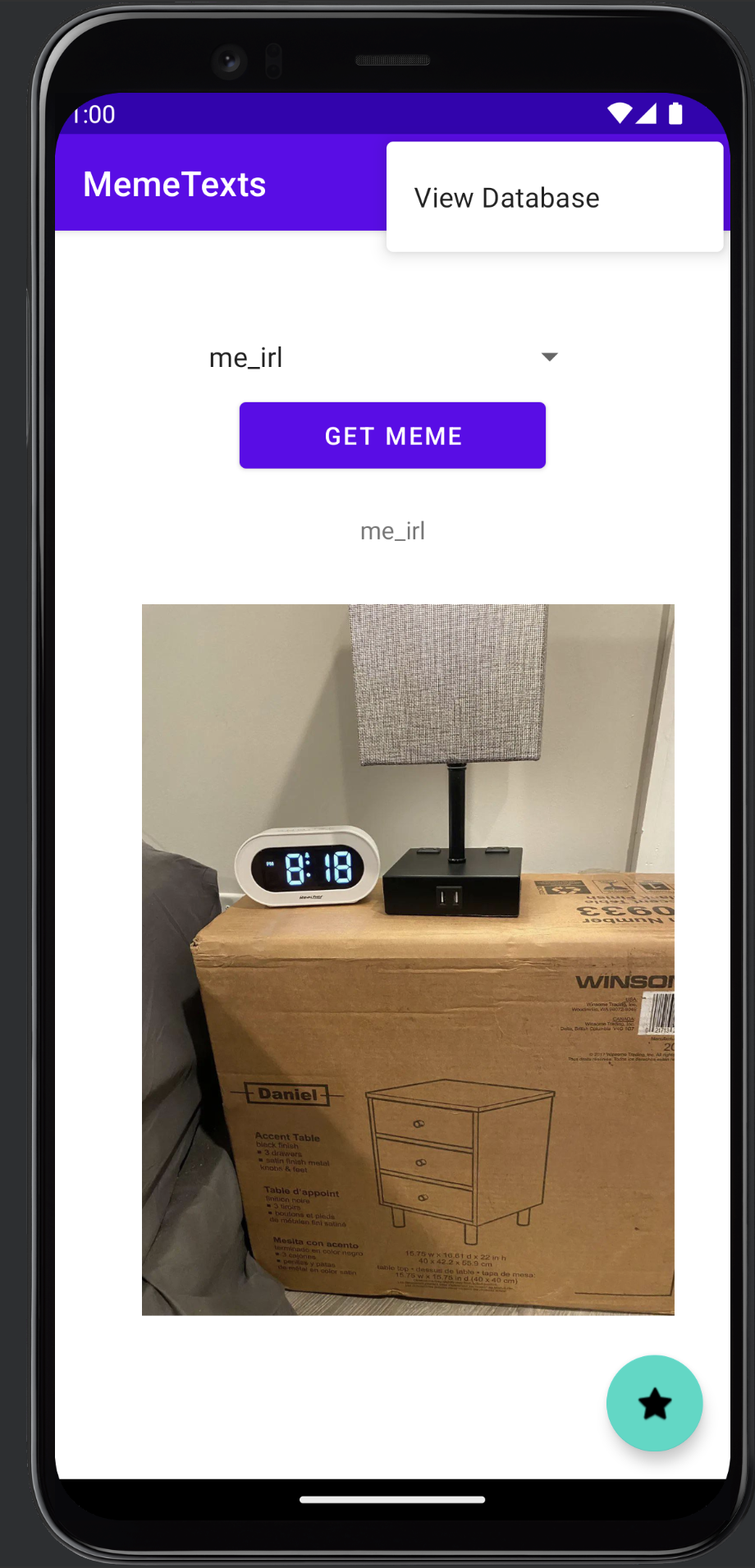
Database access button (save memes to database using green star, view them through main menu on the toolbar)
-
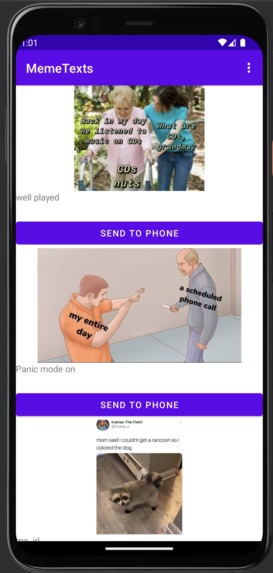
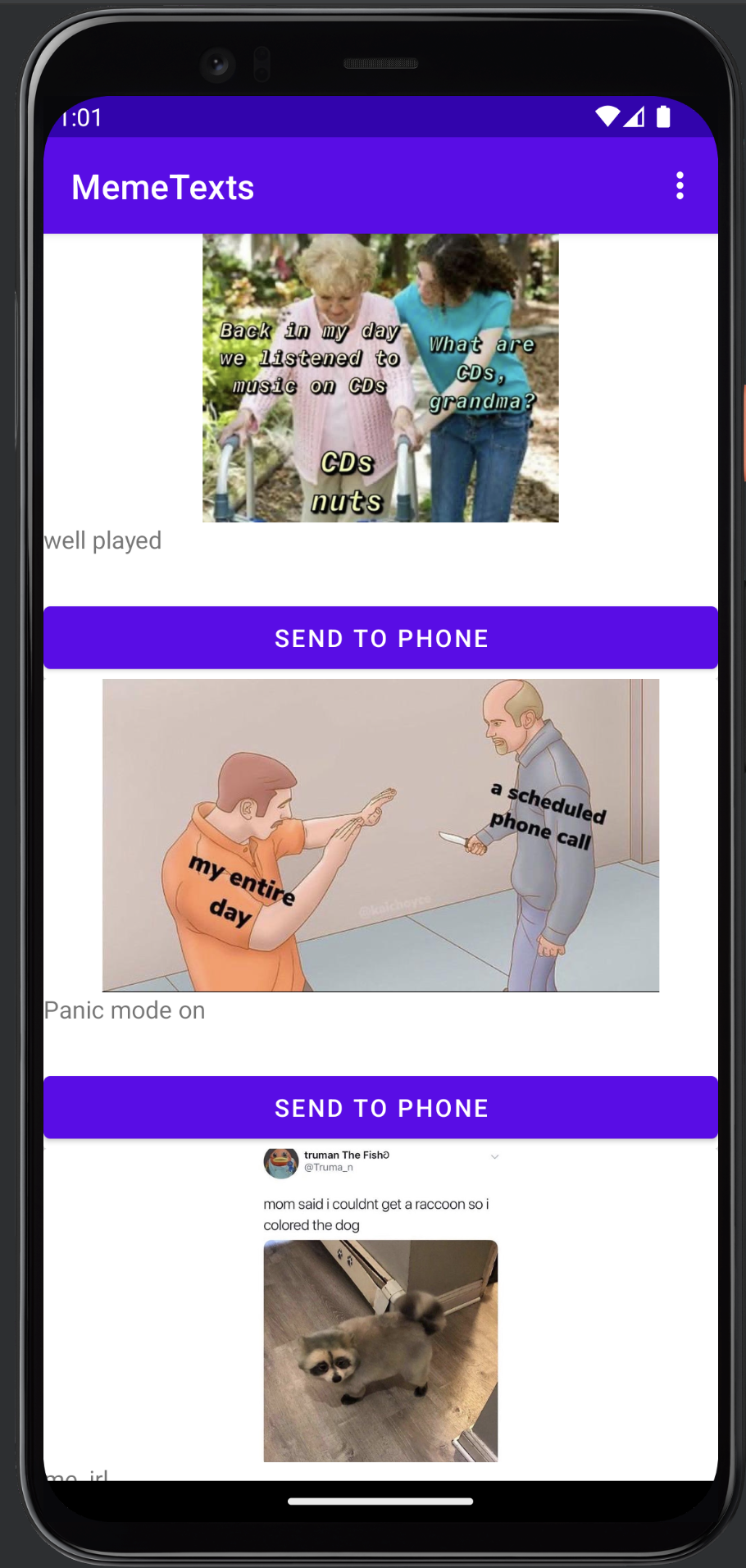
Stored meme list taken from the SQLite database
-
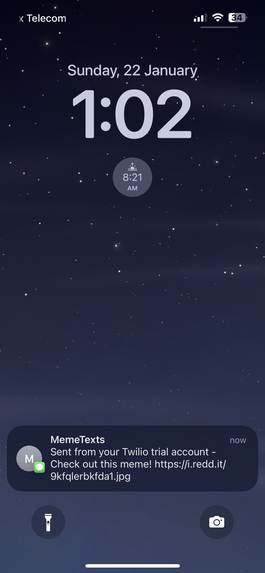
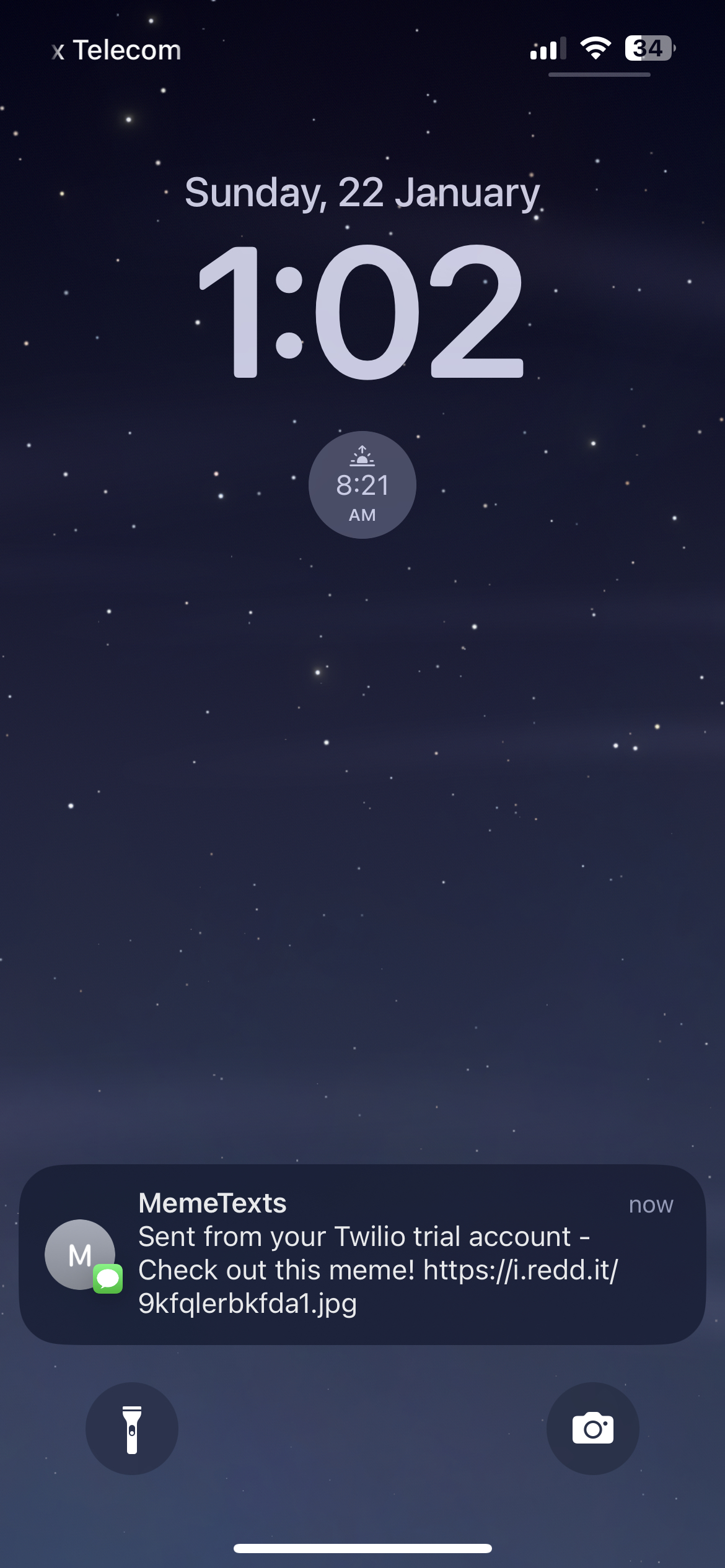
Meme text received from Twilio
-
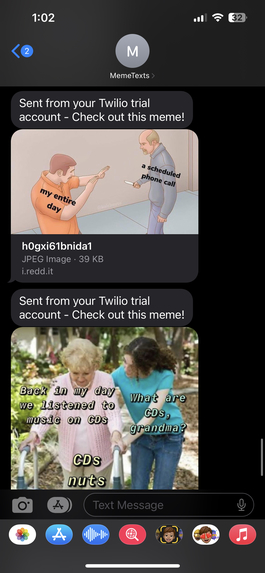
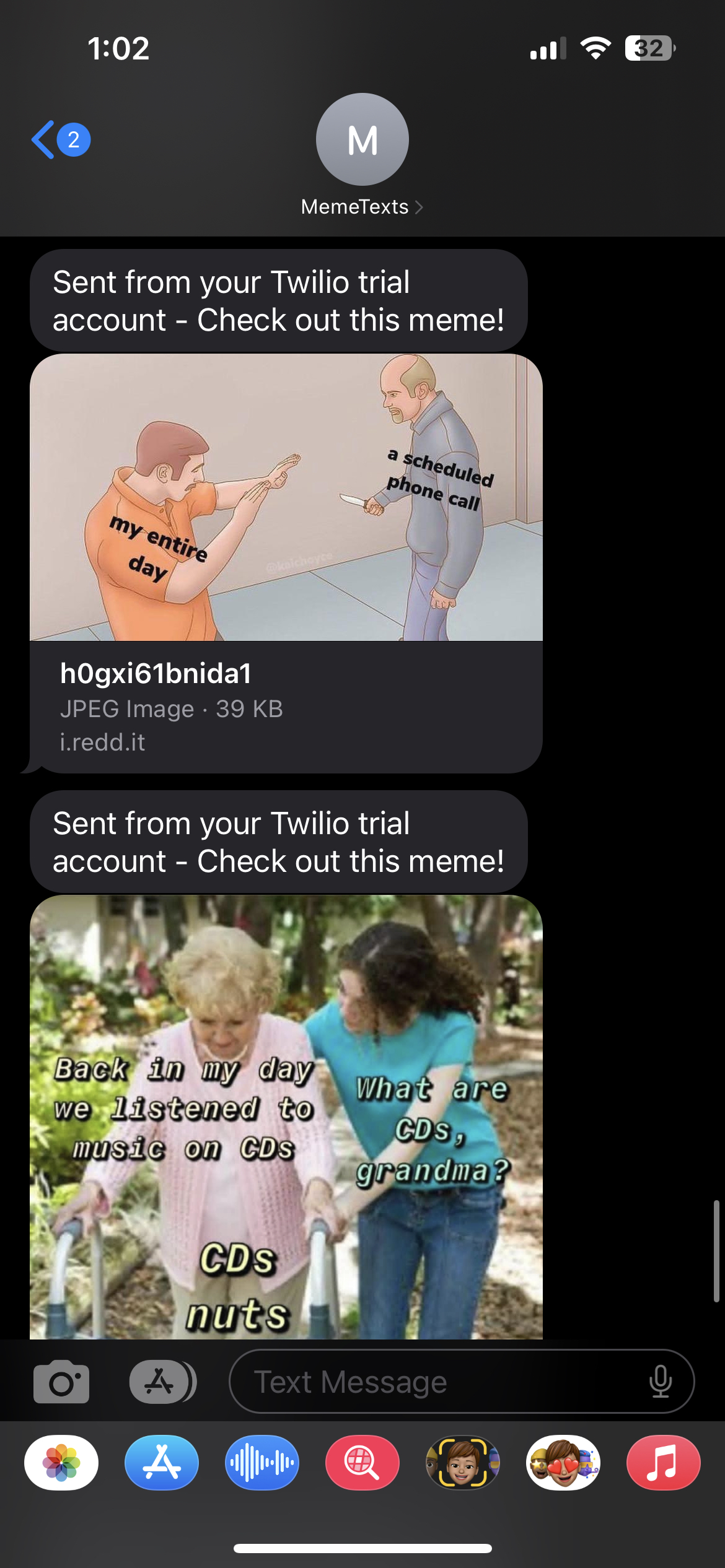
Received memes from the application via Twilio endpoint
-
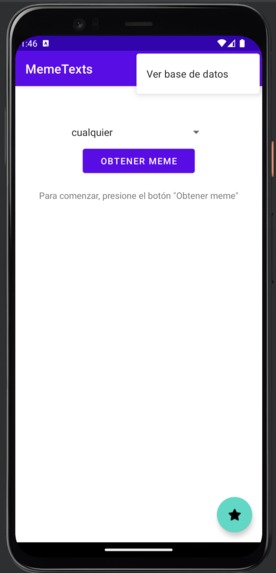
Added functionality for different languages using Android Studio's integrated strings management

Inspiration
I had an assignment to do using Kotlin and Android Studio, using at least one API as the base for the application. I chose to use a meme api because... well I was looking at memes whilst reading the assignment brief.
What it does
It uses meme-api.com to get the freshest memes off of Reddit, either from any subreddit (defaults to /r/memes, /r/me_irl and /r/dankmemes) or specific ones. It shows the meme image on screen with a title and an option to favourite the meme.
On the main page, there is a star button which favourites the meme and adds it to the local SQLite database. This means that the application stores previous favourited memes persistently. By going to the action menu, the user can view the saved memes, which uses a CardView within a RecyclerView to efficiently and effectively show the memes. Underneath each meme there is a button entitled "Send to phone". This uses a Twilio service endpoint to send a text to the user's phone (customisation preference coming soon) containing the meme image url.
There is also the support for different languages in the application using Android Studio#s built in string management, which was not shown in the demo video due to time constraints.
How I built it
Blood, sweat and tears. And no sleep.
Using knowledge built off of previous lectures at university, I had a baseline knowledge of Android Studio and Kotlin to create this software. Using AS's tooltips for methods came in very helpful as many methods in AS have unknown parameters which are not logical.
Once I had certain elements of the app working (the two APIs), I then worked to split certain aspects off into separate files for reusability, such as moving the Volley (Android API access) functionality into a separate file (VolleyManager), and moved the image processing into the Meme class file.
With this all working, I then went about implementing a SQLite database, using SQLiteOpenHelper. I broke the database functionality into two separate classes, DbHelper, which was used for initialisation of the database, and DbManager within which I created CRUD functions to access the database.
After this, I worked to create a second Activity using Intent. I had to learn how to use putExtra, the complex way of passing parameters between Activities, which required me to implement Serializable in multiple of my classes. In the second Activity, I implemented RecyclerView, a layout tool which enables viewing a list (or other layouts) of objects. I chose to use CardView for the inner object. One thing lead to another and finally I was able to get my data from the database into the CardViews in the RecyclerView.
Finally, I tidied up the application, moving the Twilio functionality into the Database Activity and created SnackBars to alert the user when a meme was added to their database or when the Twilio endpoint returned a successful text sent.
Challenges I ran into
Prior to attempting this challenge, I had not particularly created large (or indeed functional) pieces of software in Android Studio. This was definitely a challenge to create. Despite having previously worked with most of the functionality in this app separately, I had never in fact tried putting them all together. Some of the difficulties I had are listed below, in no particular order:
Intent
Intent, and .putExtra, is a challenge to get parameters between activities. This requires any parameters to be Serialized, so I had to implement Serializable in my Meme class.
Volley
Within Volley, there are different functions depending on the data sent from the API. I was taught with APIs that returned Arrays and so used JSONArray functions when the chosen APIs used JSONObject notation. This lead me down a rabbithole of editing everything until I finally realised the Array keyword.
RecyclerView
Whilst I had used RecyclerView previously, I never particularly understood how it worked, and since my applications all were very similar, I was able to copy-paste everything for those applications. Since this was a very distinct app (using images and buttons) I had to write everything from the ground-up. This included programming lambdas for the buttons on the DBView page, and having to hunt down what Context really is.
Context
Android development loves to hit you with random features. Context is one of those. I still don't quite understand where context comes from, what it is, or how it is used; I just Managed to find a context which worked for the given scenarios. As there is no "global context", I had to find a local context relevant to each section whenever I accessed context variables.
Accomplishments that I'm proud of
I managed to create a successful app in Android Studio! Here are some of the key developments:
- Linking an API to an Android App (previously I had only used fetch in JavaScript)
- Creating an Android App with multiple different screens (Activities) which successfully passed parameters between them.
- Having data from a custom class flow successfully into (and back out of) a SQLite database stored locally
- Successfully sending SMS messages using Twilio from a dynamic Android application
What I learned
Android Studio.
In all seriousness, everything above that I described was all very new to me so learning how to develop in a very different way of thinking was a valuable experience.
I got to see how different frameworks operate, how splitting files off for reusability can help code (I used it multiple times in this project) and isn't just something you're told to do in a lecture.
I learned all about the following functionalities: APIs with Volley, Databases with SQLite, RecyclerView, Activities, Intent and much much more.
What's next for MemeTexts
- Implementing changeable views, such as different colours or fonts
- Using Fragments in order to create a landscape view as well
- Create a notification based system to send new memes to the phone once an hour or at another user determined interval
- Learn more about Android features
Built With
- android
- android-studio
- kotlin
- meme-api
- recyclerview
- sqlite
- twilio
- volley


Log in or sign up for Devpost to join the conversation.