-
-
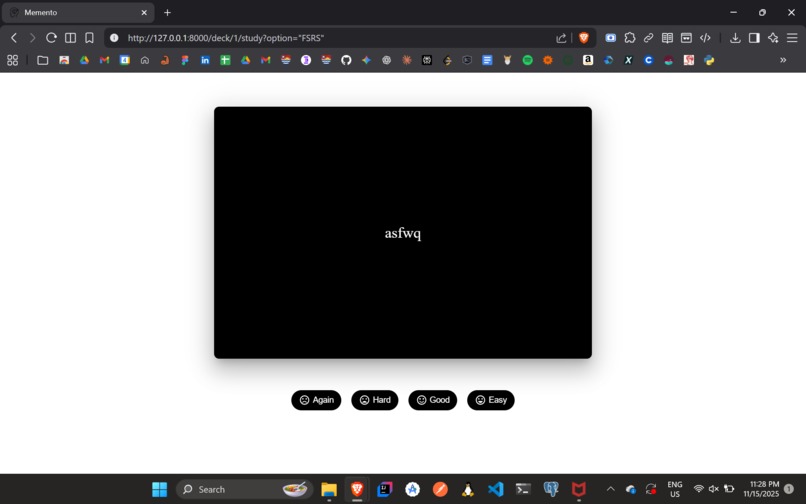
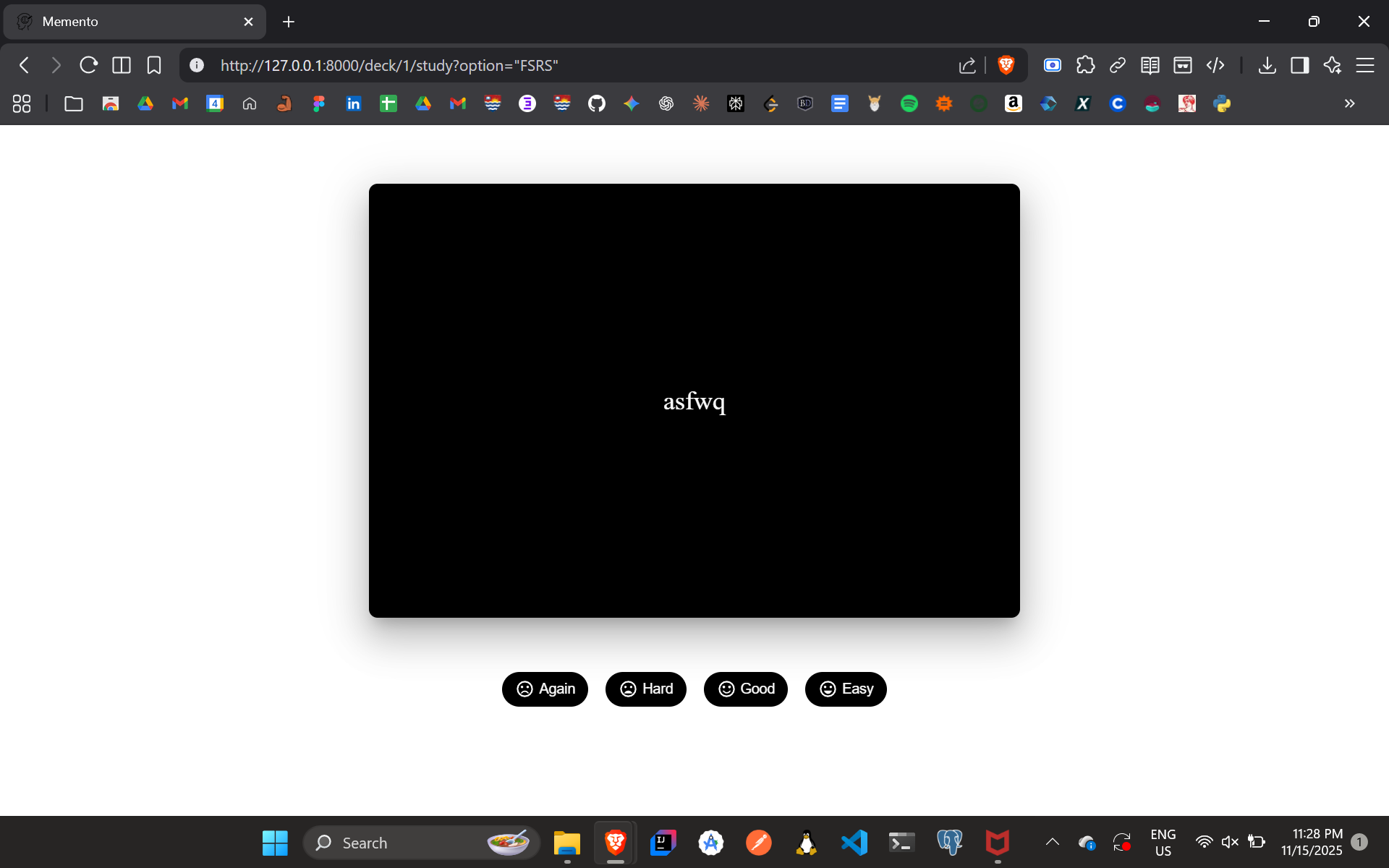
FSRS Study Mode
-
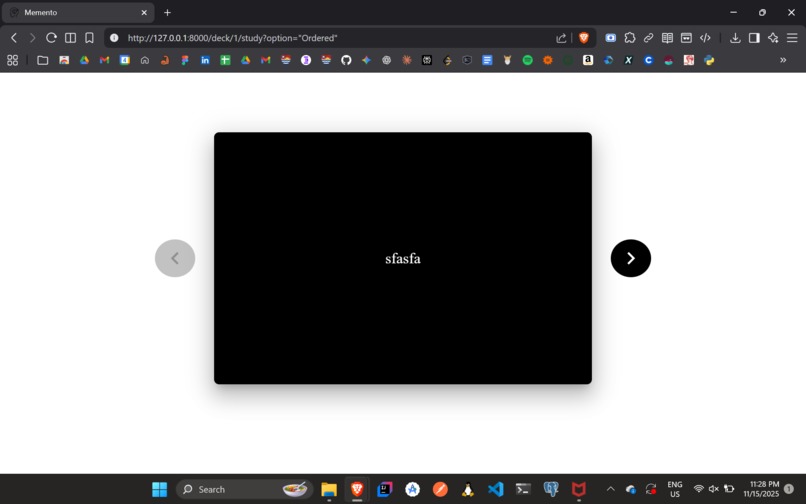
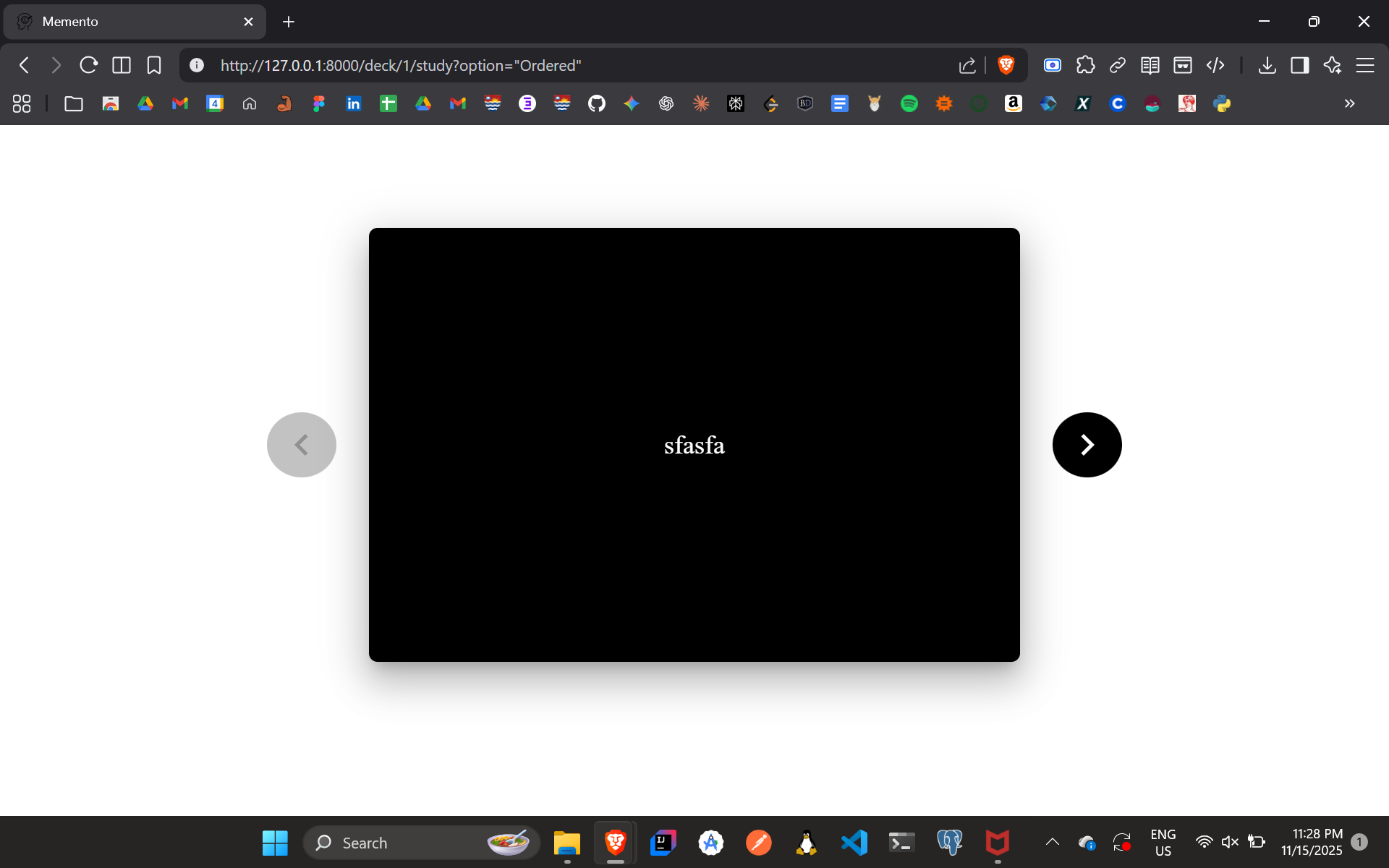
Random/Ordered Study Mode
-
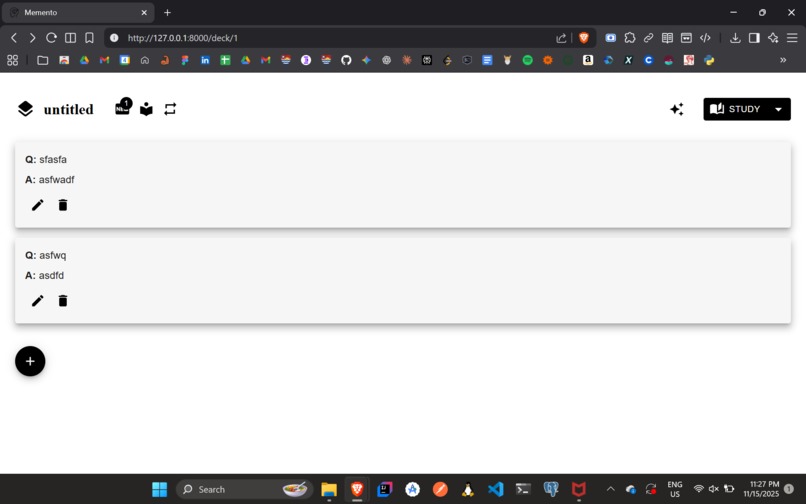
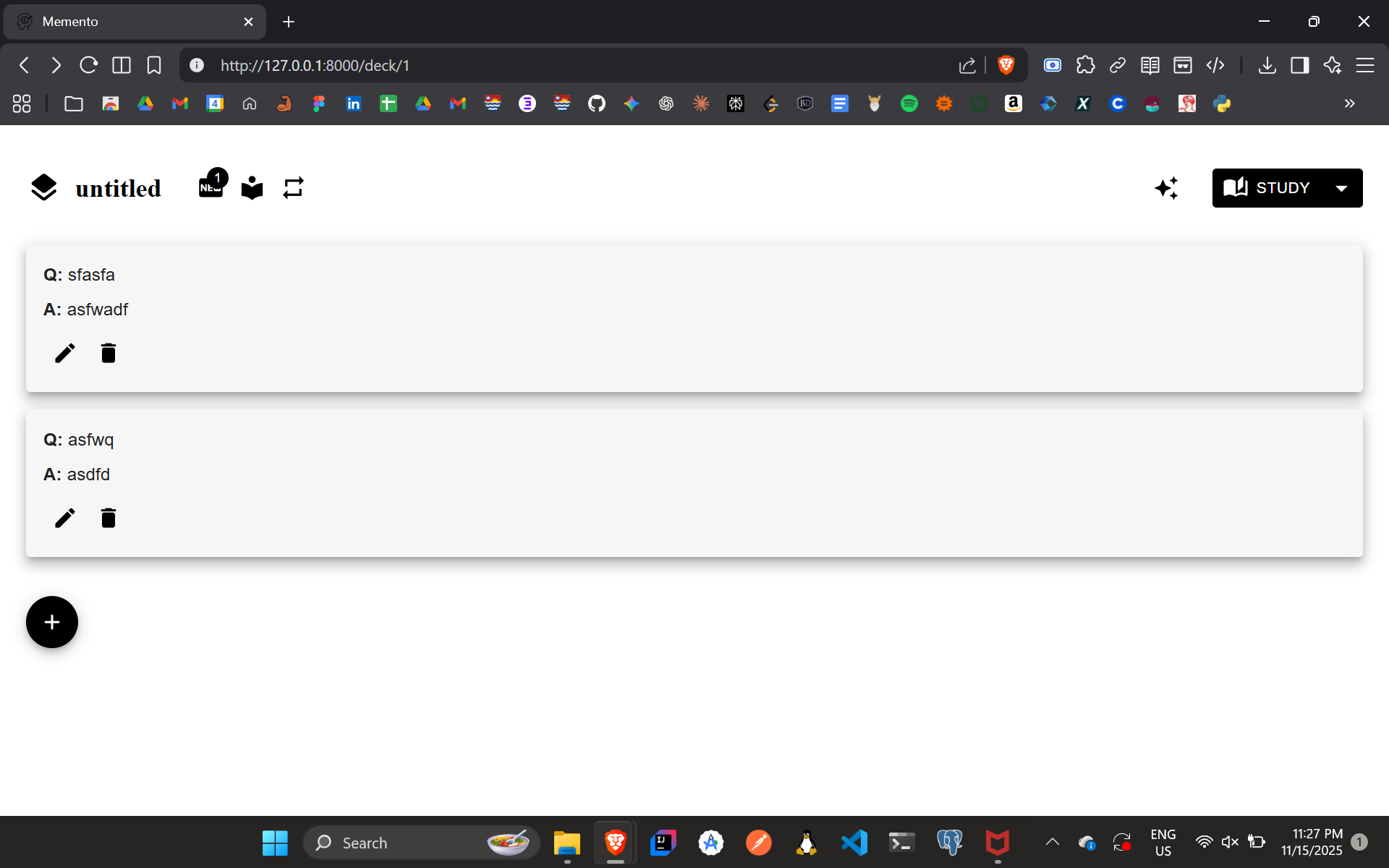
List of Flashcards in a Deck
-
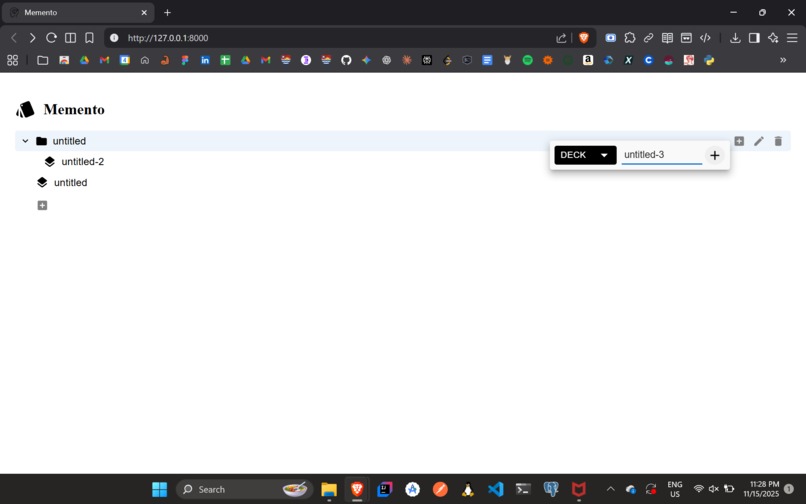
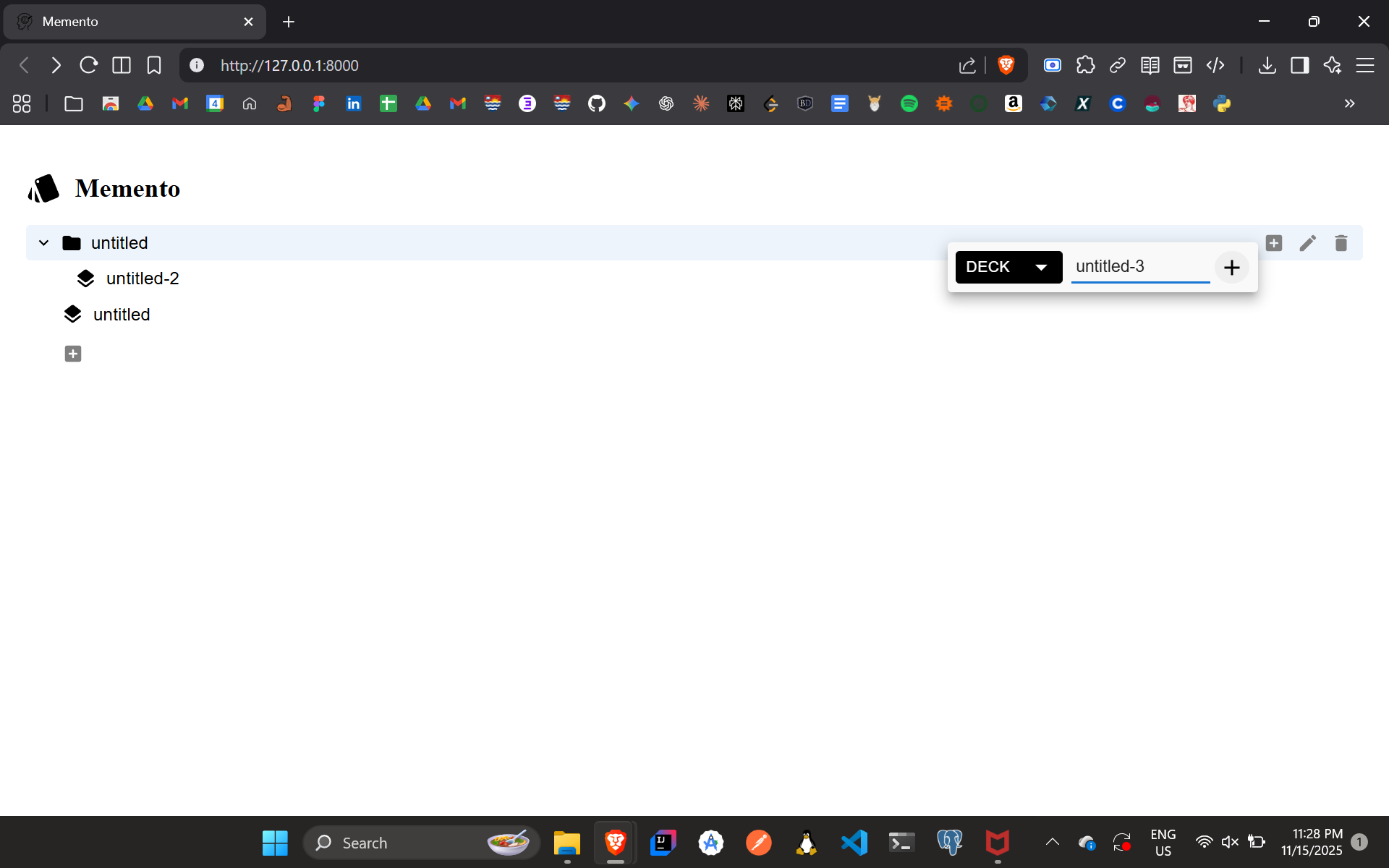
List of Folders and Decks
Inspiration
I’ve always loved the efficiency of spaced-repetition tools, but the options available felt either too bloated, too limited, or too dependent on cloud services. I wanted a flashcard app that was lightweight, private, offline-first, and flexible, while still offering powerful study tools and modern AI-powered features.
Memento Flashcards was born from that idea: a simple, organized, personal learning system designed to help anyone retain knowledge effectively without sacrificing privacy or usability.
What it does
Memento Flashcards is a desktop app that helps users learn more efficiently through:
- Organized study structures with folders, subfolders, decks, and cards
- Three study modes, including an FSRS (Free Spaced Repetition Scheduler) based review system
- AI-powered flashcard generation using the OpenRouter API
- Full control over creating, renaming, deleting, and managing study content
- 100% offline storage, keeping all data local in an SQLite database
The app launches in a browser window and provides a clean, intuitive interface for both studying and managing learning material.
How I built it
Memento was built using a modern, lightweight stack:
- Frontend: React
- Backend: FastAPI
- Database: SQLite for fast local storage
- Algorithm: FSRS implementation for intelligent spaced-repetition scheduling
- AI Integration: OpenRouter API to generate flashcards automatically from user prompts
The app is packaged as a Windows executable. On first launch, it automatically creates a local SQLite database at: C:\Users\AppData\Local\SrijanRavisankar\MementoFlashcards\memento_flashcard_db.sqlite3
Challenges I ran into
Building Memento came with several hurdles:
- Integrating the FSRS algorithm required careful state tracking and math to get scheduling right.
- Managing nested structures (folders → subfolders → decks → cards) while keeping the UI simple took extensive iteration.
- Packaging FastAPI + React into a clean Windows executable was trickier than expected.
- AI flashcard generation required prompt tuning and rate handling to ensure consistent results.
- Browser-based launching occasionally triggered Windows security warnings, which required clear installation guidance.
Accomplishments that I am proud of
- Implementing a fully offline spaced-repetition system with FSRS state transitions
- Building a smooth, nested organizational system for folders, decks, and cards
- Creating a clean, easy-to-use UI that works directly in the browser
- Integrating AI-powered flashcard generation seamlessly
- Delivering a single-download, local-only tool that prioritizes user privacy
What I learned
Throughout the project, I learned:
- How to implement and tune the FSRS scheduling algorithm
- Best practices for React–FastAPI communication
- How to structure offline-first apps with local persistence
- The importance of thoughtful UX when dealing with complex data hierarchies
- Practical experience working with AI APIs, prompt design, and error-handling
- How to package and distribute desktop applications cleanly
What's next for Memento
The future roadmap includes:
- Cross-platform support (Linux, macOS, and possibly mobile)
- Custom themes, including dark mode
- Search and filtering across folders and decks
- Advanced analytics on study progress
Hackathon New Progress (10–16 Nov 2025):
The following progress was made between 10-16 November 2025:
- Feature 1: Added comprehensive documentation: Created detailed setup guides, usage instructions, and made feature descriptions clearer to make the app accessible for new users.
- Feature 2: Recorded and published a full video tutorial: Produced an end-to-end walkthrough explaining how to install the app, create decks, study using FSRS, and generate AI flashcards.
Built With
- fastapi
- javascript
- python
- react
- sqlite


Log in or sign up for Devpost to join the conversation.