-
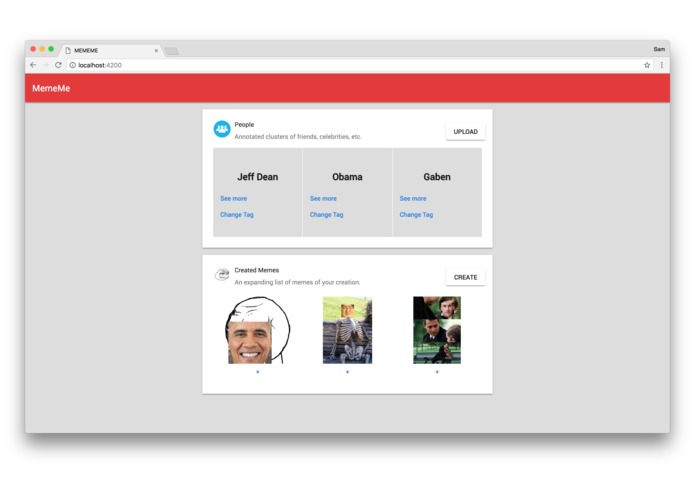
Main Page
-
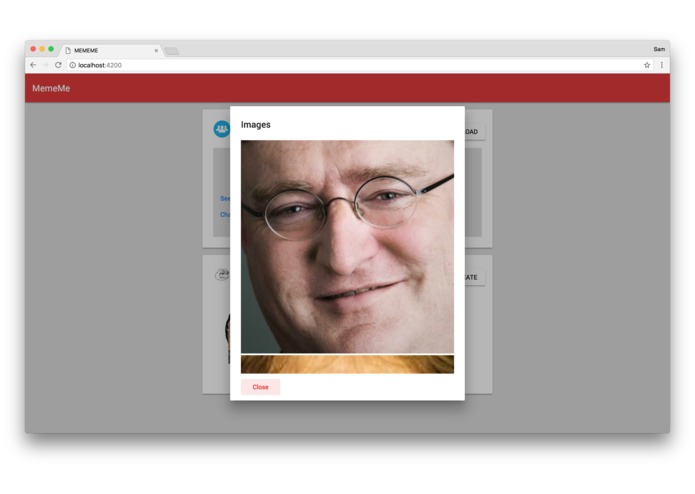
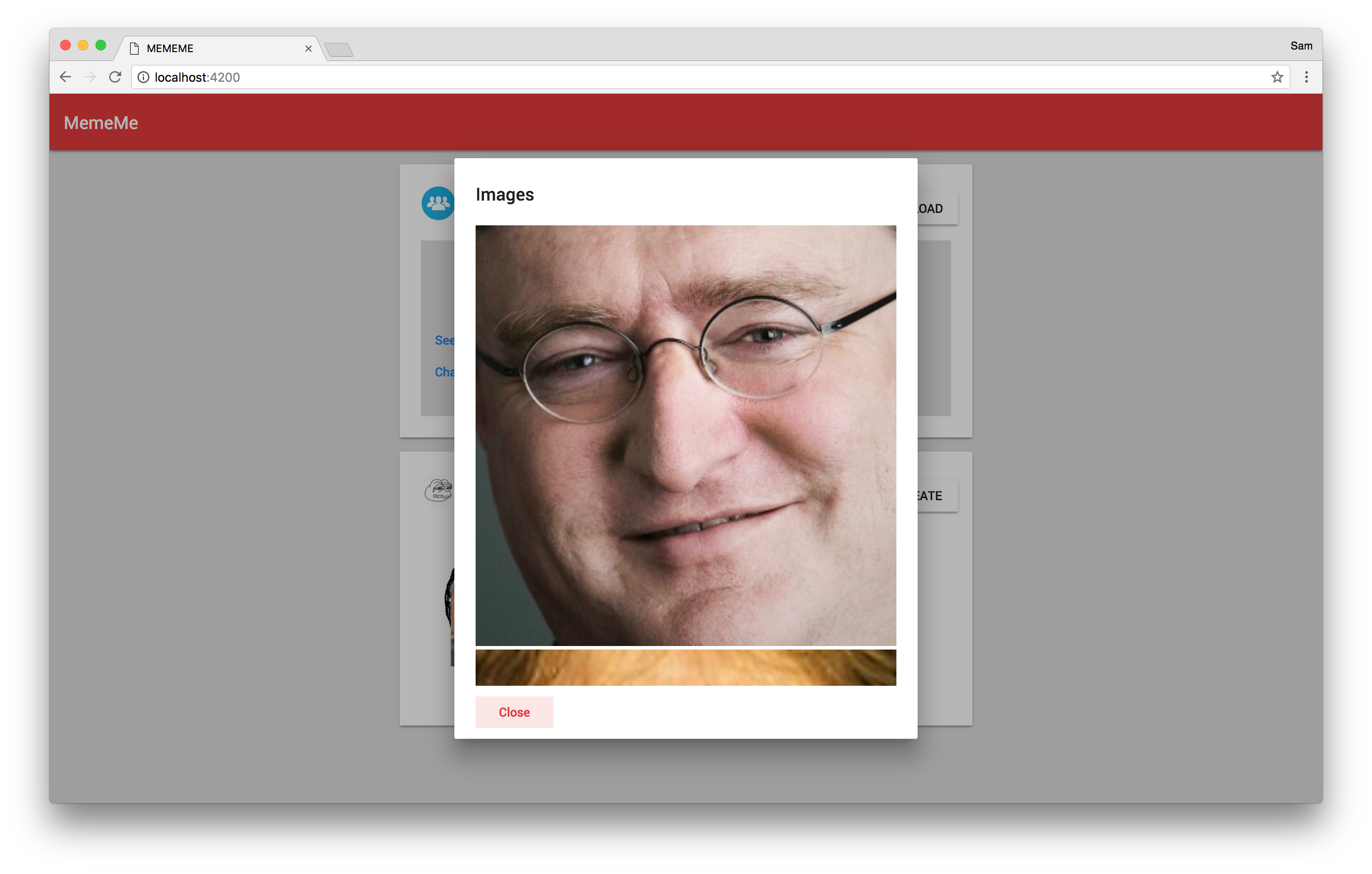
View Photo
-
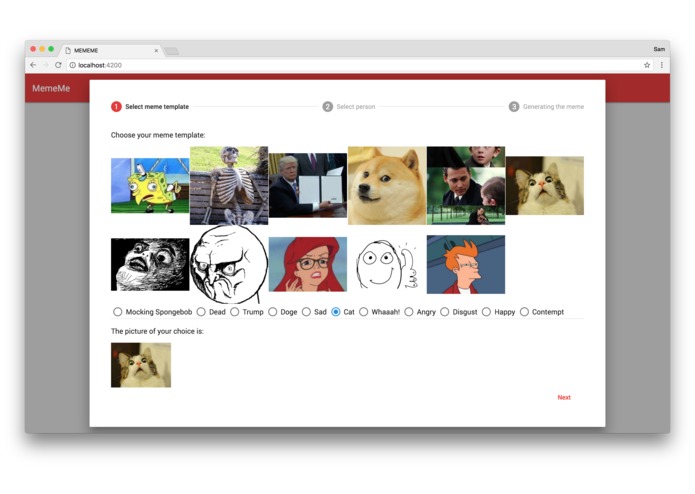
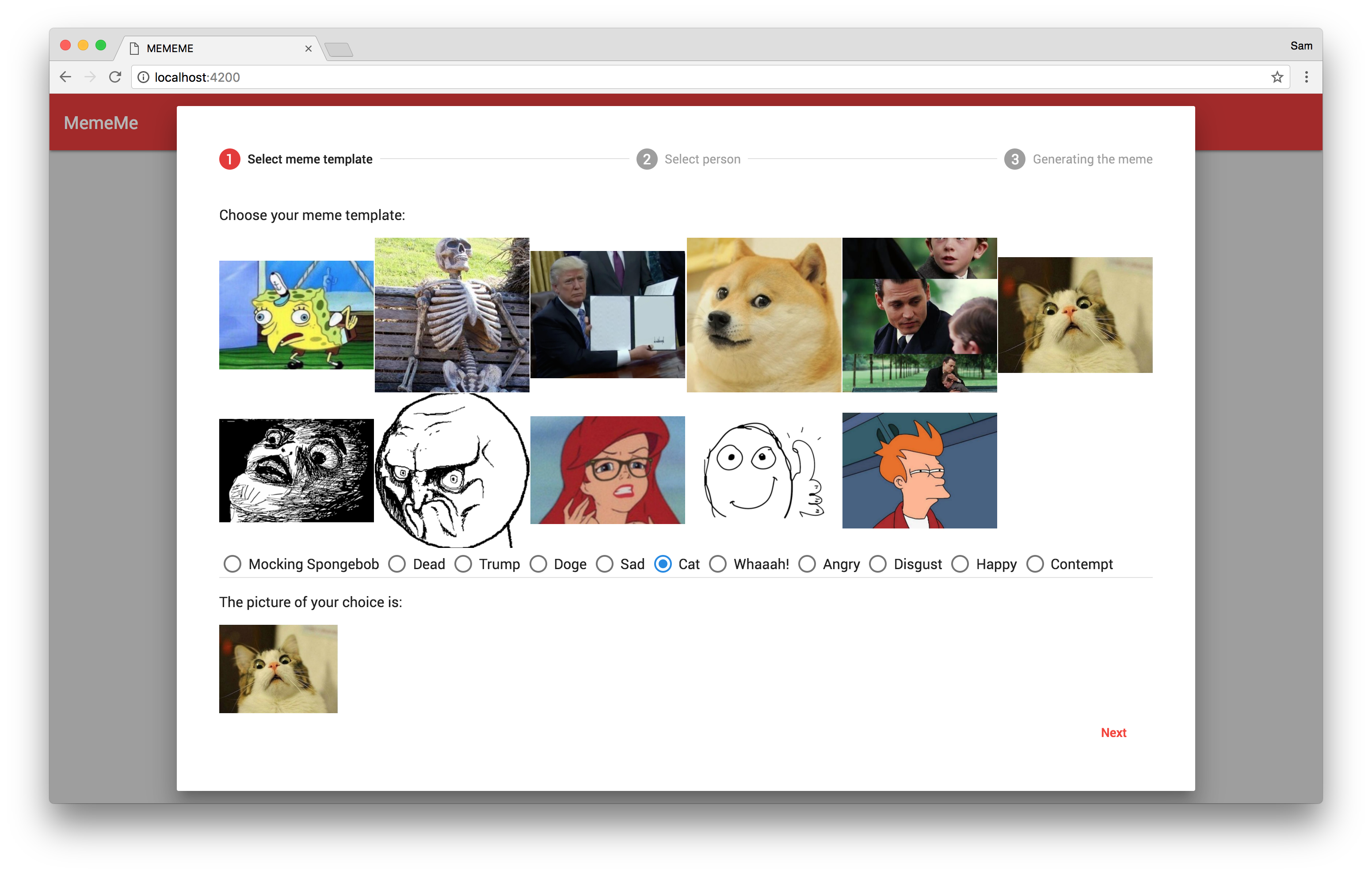
Generate Meme Step 1
-
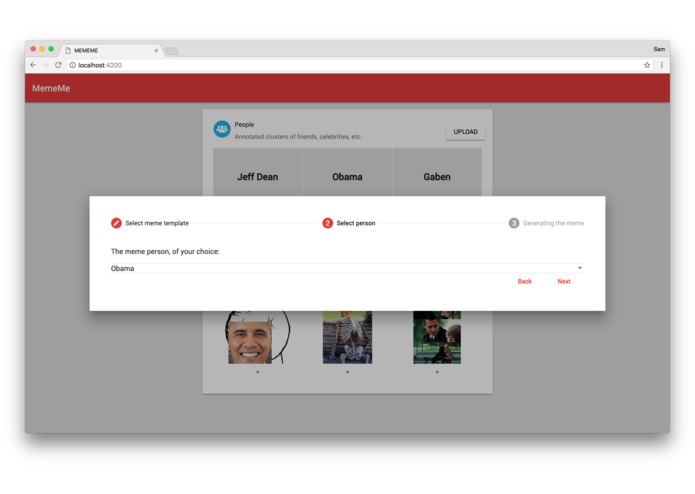
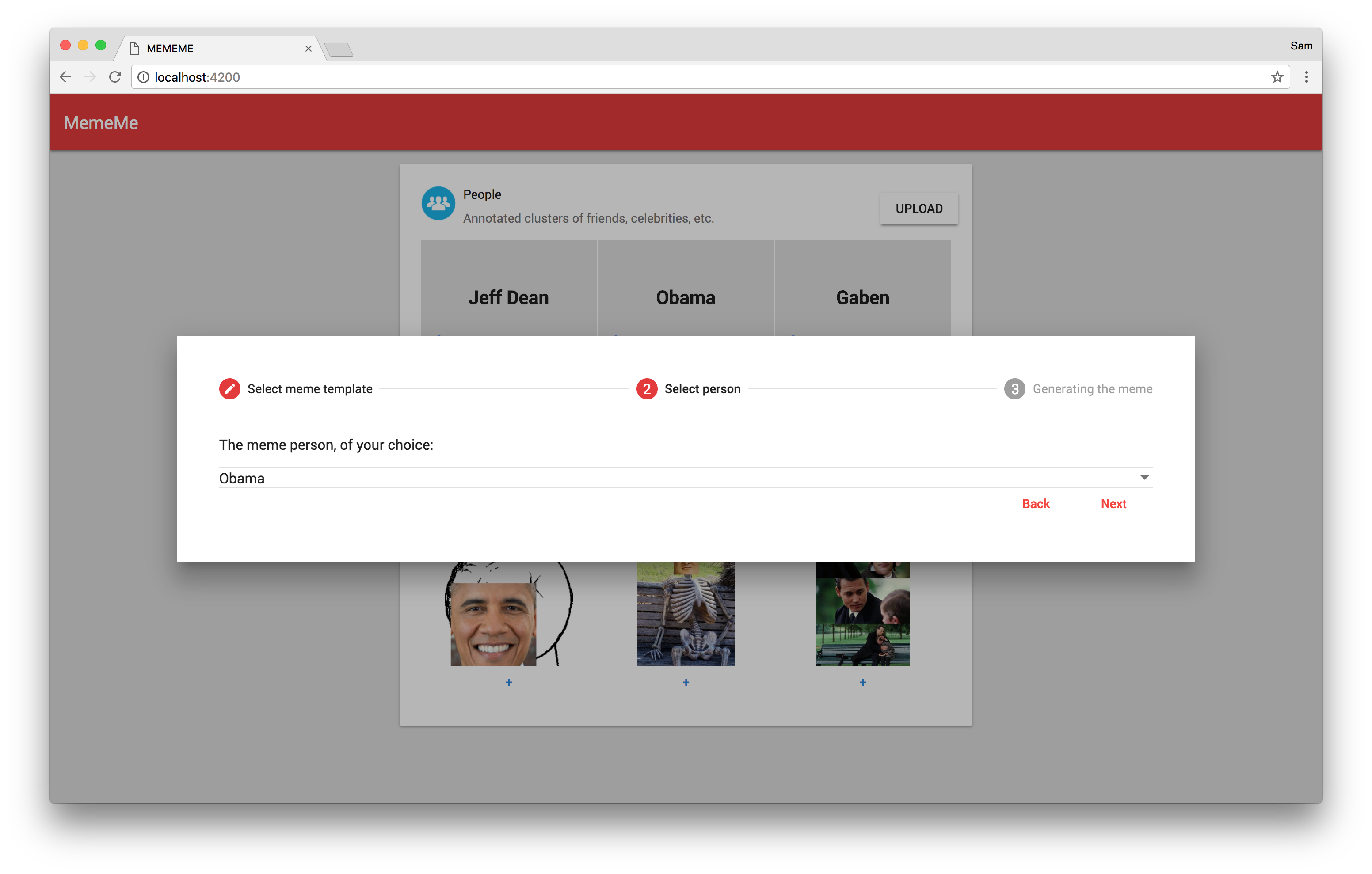
Generate Meme Step 2
-
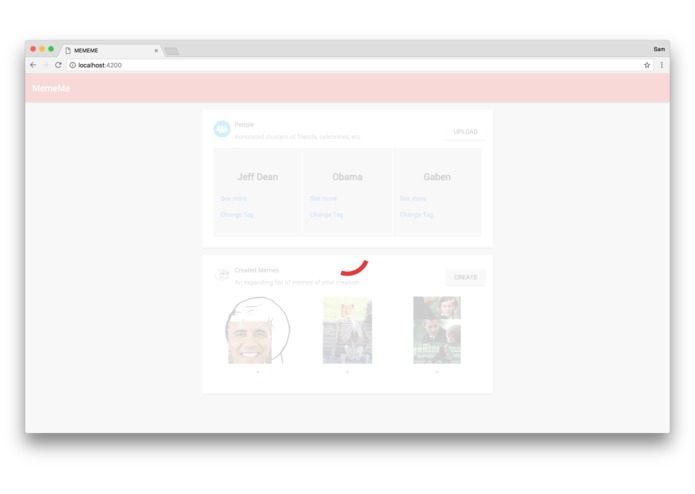
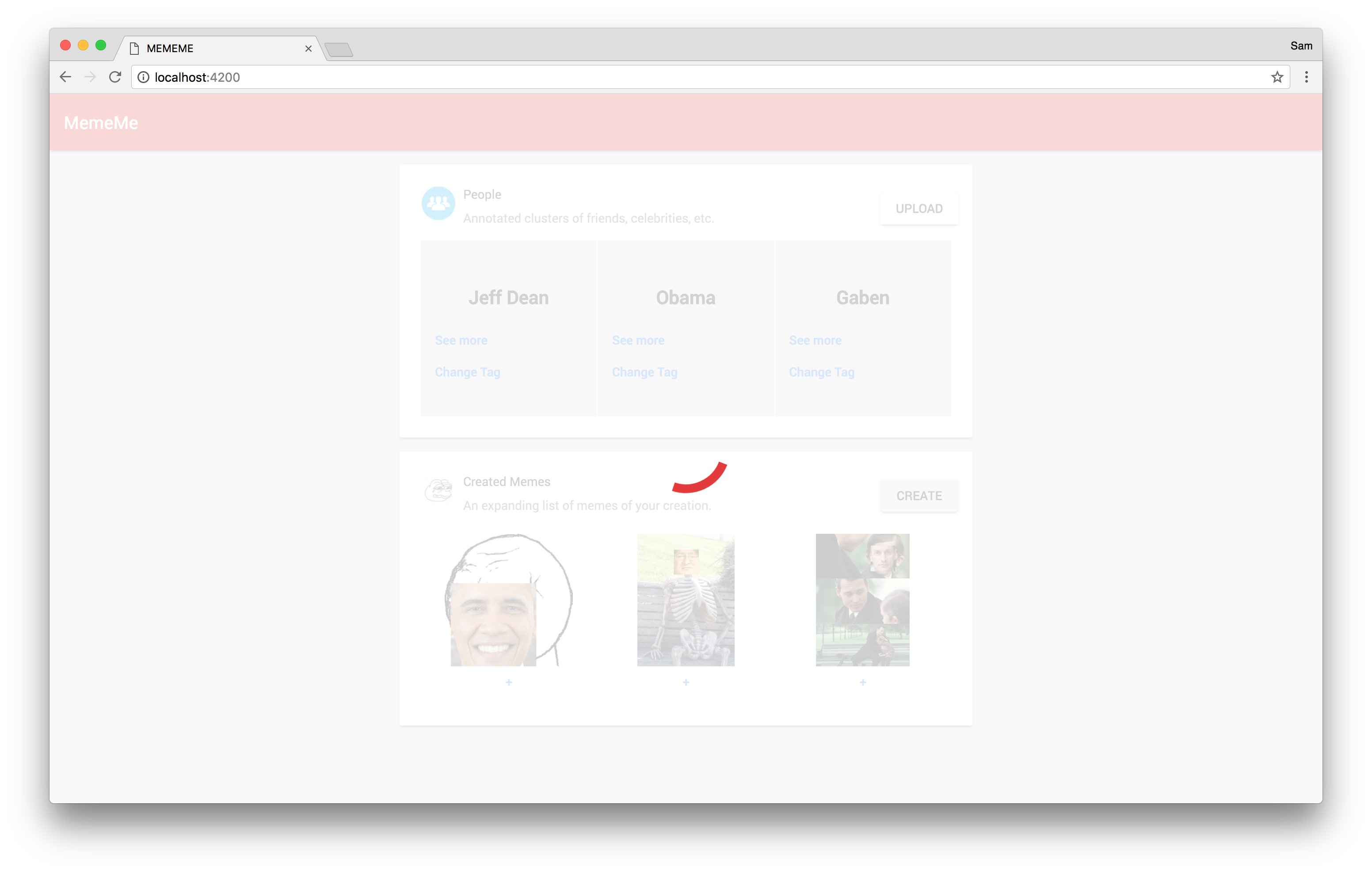
Generating Meme
-
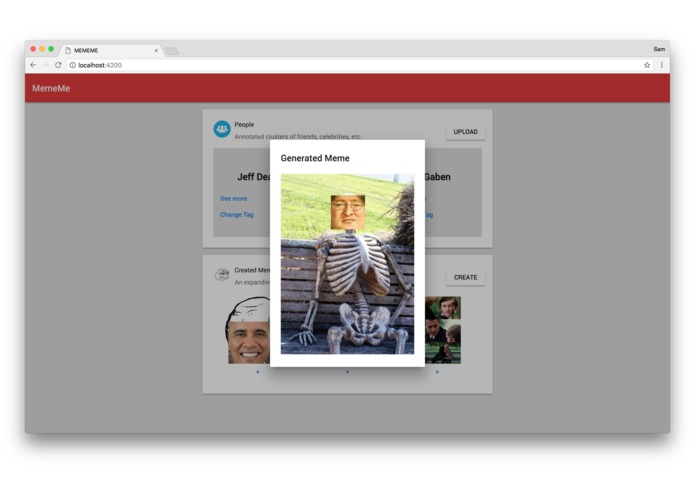
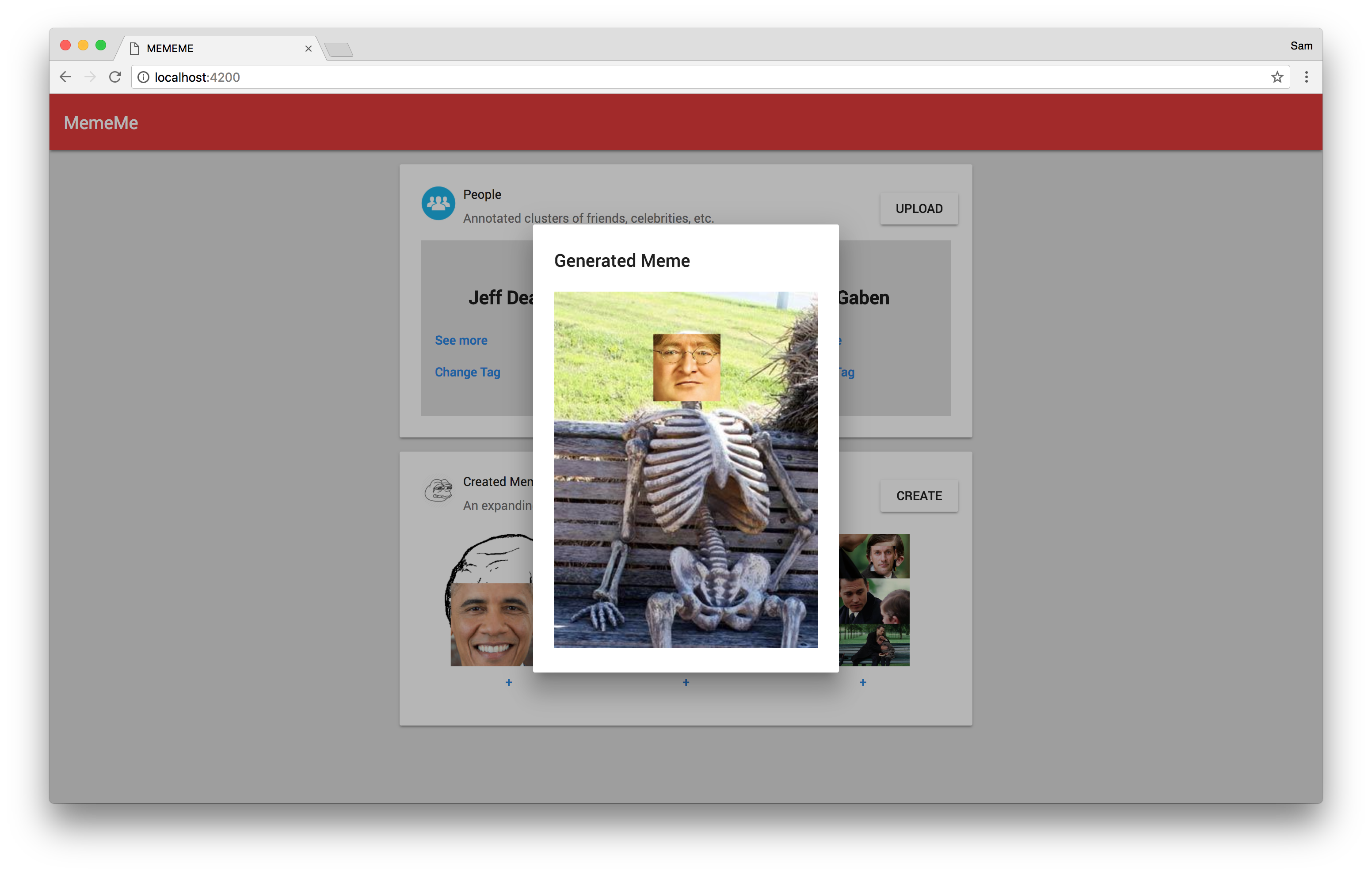
View Meme
Inspiration
Helen, one of our team members, likes to make memes of her friends. Whenever she wants to meme a friend, she has to scroll through a massive sea of photos to find the best photo of her friend, crop it, find a meme template and create a meme. We thought that this could be automated and that it would be a fun and challenging project to work on, as it involves several complicated processes regarding image facial recognition and manipulation as well as a full stack pipeline in order to serve up a generated meme.
What it does
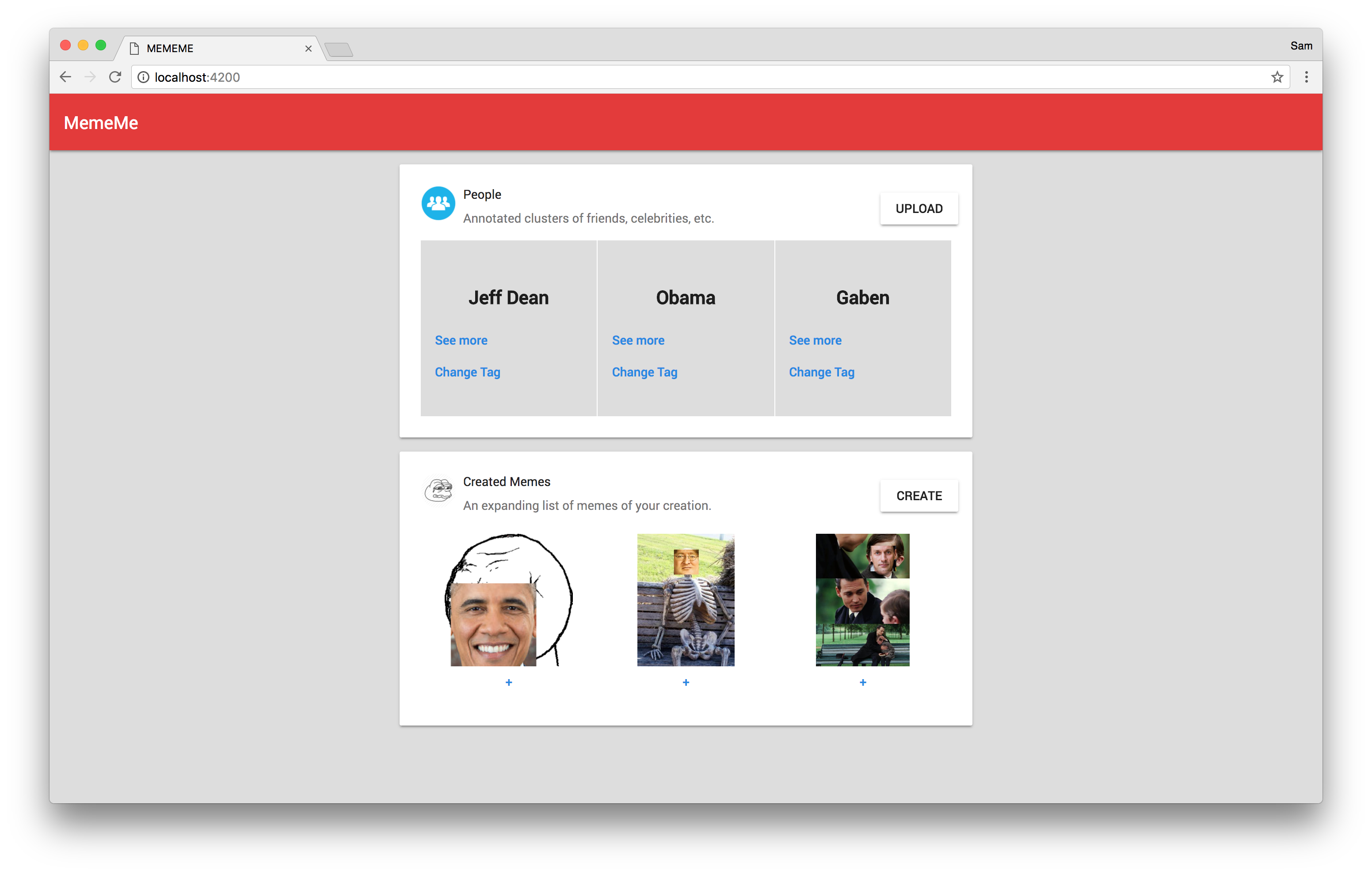
A user uploads photos of their friends, and our program first detects if there are faces in the photos. If there are, it recognizes the face in each photo and crops it. It then groups the cropped photos by person into clusters. The user is then prompted to tag each cluster with the correct name of the person. After that, the user selects a meme template to use and a person to meme. Our program looks through all the photos of that person to find the face with the emotion that is the closest fit to the meme selected, and replace the meme face with the person face to generate the meme picture of the person.
How we built it
Microsoft Azure Face API - detecting faces/emotions
CognitiveJ (Open-source Java library) for clustering faces
Java Image Processing and OpenIMAJ - image processing (crop, resize, overlay)
Kotlin / Eclipse Vert.x / Google Cloud Platform - Backend (server application and data storage)
Firebase Authentication - User identification
Angular - Front-end user interface
Challenges we ran into
We had to depend on a multitude of libraries for this project. For some, we had prepared wrappers and libraries linking the different libraries in advance and made them open-source so that we (and anyone else) could use it for the Hackathon. This saved us some time as using different libraries in conjunction with each other can be an error-prone process.
While some documentation was available for Microsoft Azure Face API and CognitiveJ, it was severely lacking in some aspects and required significant debugging to get working. It also turned out that some of the open-source libraries we had prepared were no longer working due to version changes and a significant time was spent figuring out that this was the case and reverting to older versions of the library dependencies.
Only one member had significant experience working with the libraries involved, so inexperience was a factor. For the two front-end developers, it was their first time working in Angular for a full-fledged project, so a significant amount of time is spent working through the bugs that one usually encounters in working with a new technology.
Accomplishments that we’re proud of
We have a working implementation with the functionality we had originally envisioned. The UI is intuitive and pleasant to look at. The backend functionality works as expected when input is received through the UI.
What we learned
Images are, at best, a tricky file format to work with, especially so when more complicated operations are involved.
The technical difficulty of this project was very high because of the libraries involved, and even though we familiarized ourselves with the libraries beforehand - we barely finished the project in the 20-hour hackathon window, with members getting an average of 2 hours of sleep.
What's next for MemeMe
We want to improve MemeMe in the future to support these functionalities:
Allow users to upload their own meme templates
Implement support for memes with multiple faces
Extract multiple faces from a photo
Allow text insertion into the memes
Improving UI
More meme templates
Built With
- angular5
- firebase
- google-cloud
- java
- kotlin
- microsoft
- vertx


Log in or sign up for Devpost to join the conversation.