-
-
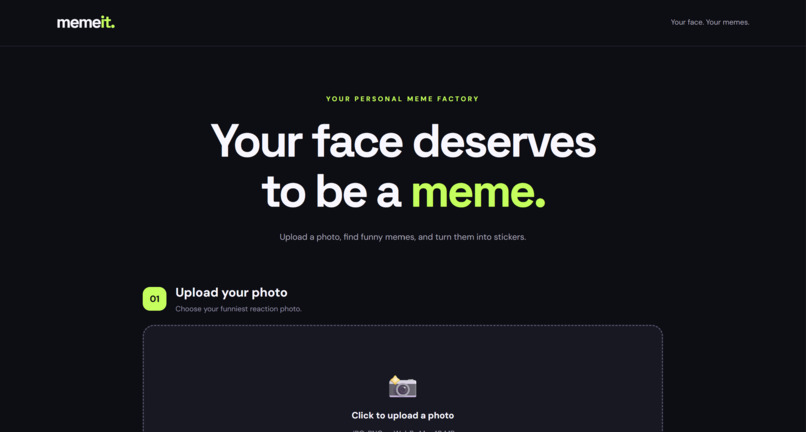
Upload a photo
-
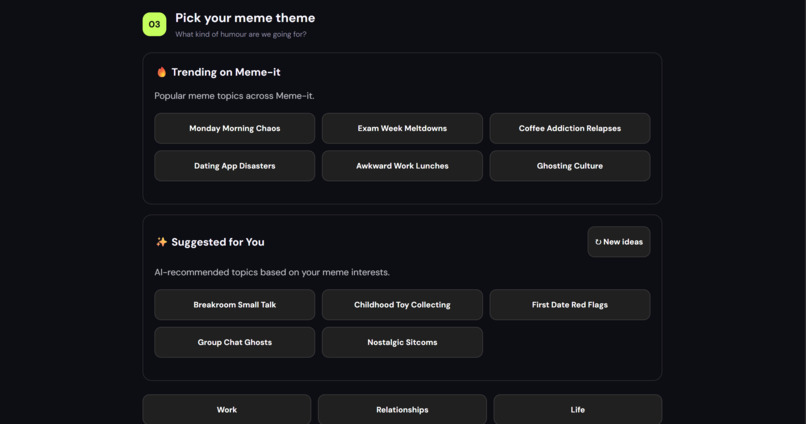
get your theme and captions!
-
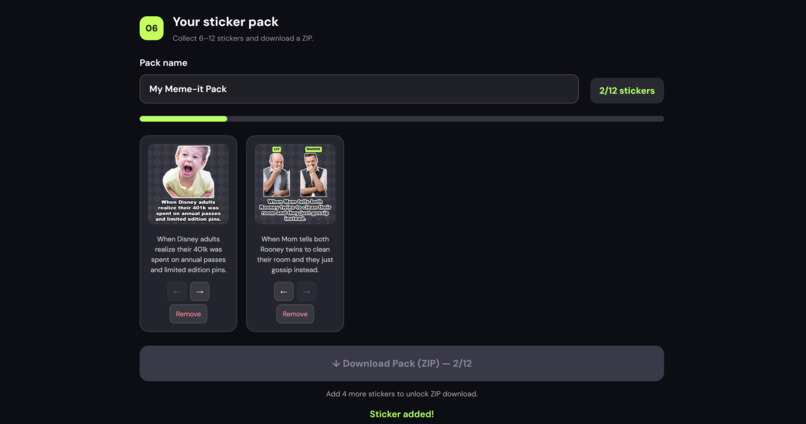
add it to your sticker pack!
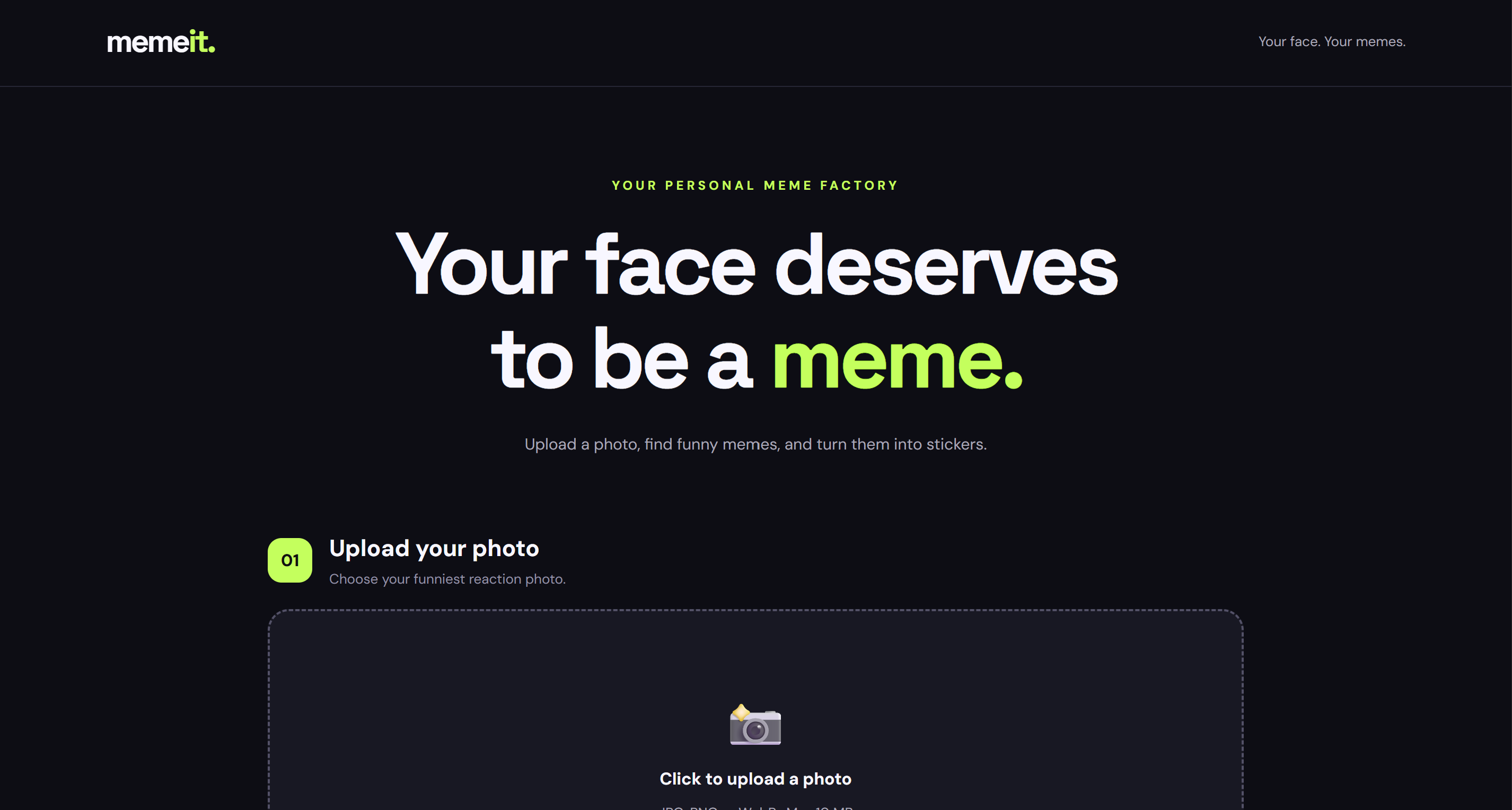
Inspiration
Memes and stickers have become such a big part of how we communicate online. Whether we're reacting to something funny, complaining about school, or joking with friends, sometimes a meme expresses our feelings better than words.
I wanted to create something that would make these interactions even more personal. Instead of always using existing meme templates or stickers of random people, what if we could turn our own photos and expressions into memes?
That's how Meme-it started: an AI-powered meme and sticker generator that makes creating personalized memes simple, fun, and accessible, even for people with no editing experience.
What it does
Meme-it transforms uploaded photos into personalized memes and downloadable stickers using AI.
Users can:
- Upload a photo: The application analyzes the image and detects the people in it.
- Choose who appears: For group photos, users can feature everyone or select one person.
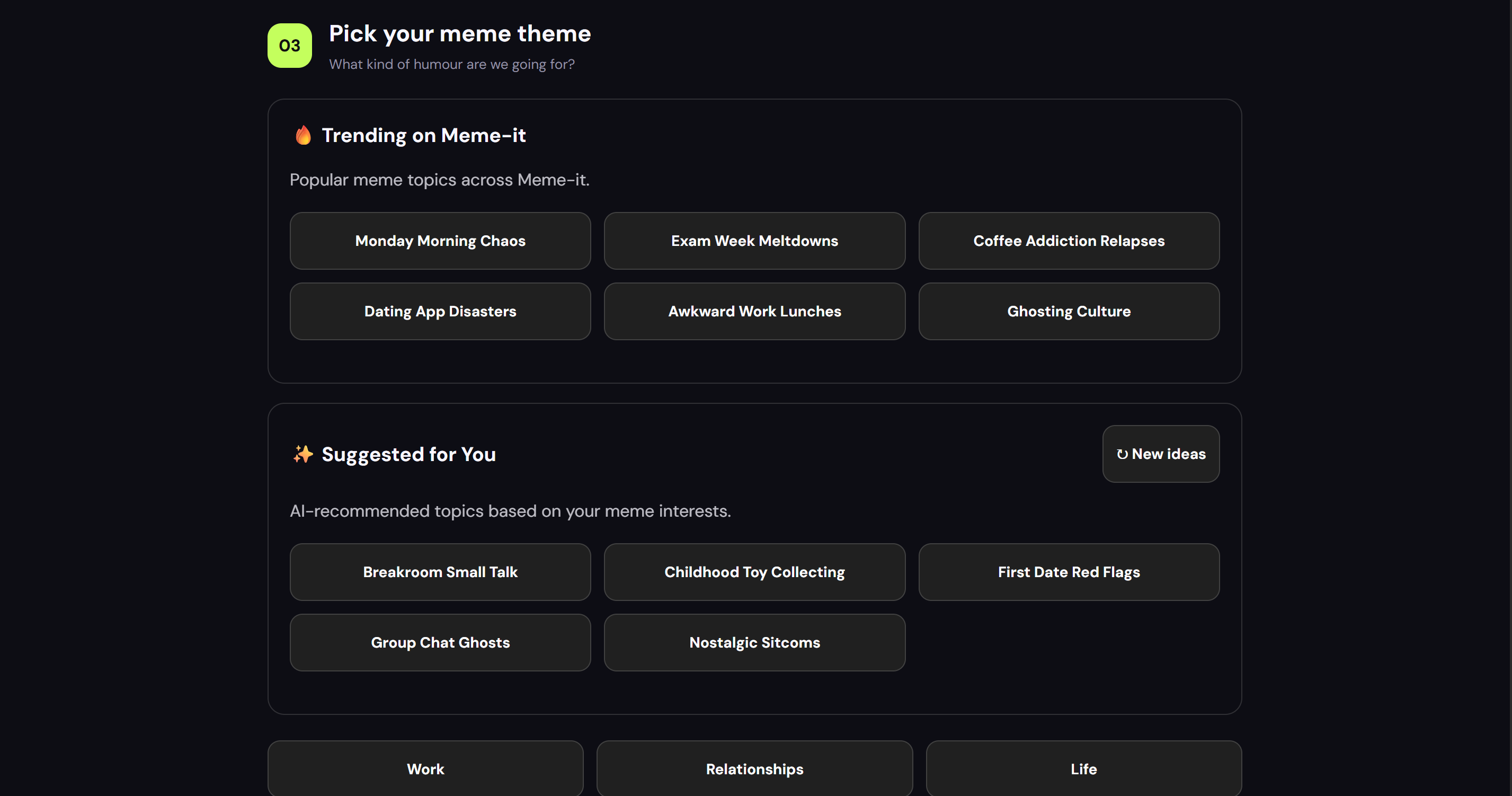
- Select a theme: Choose from themes such as Work, Relationships, Life, and Tech, or enter a custom theme.
- Generate AI captions: Gemini analyzes the photo's visual context alongside the chosen theme and generates five meme caption suggestions.
- Personalize the meme: Users can select their favourite caption, edit it, and customize character names.
- Create a sticker: AI-powered background removal transforms the photo into a transparent PNG sticker with the chosen caption.
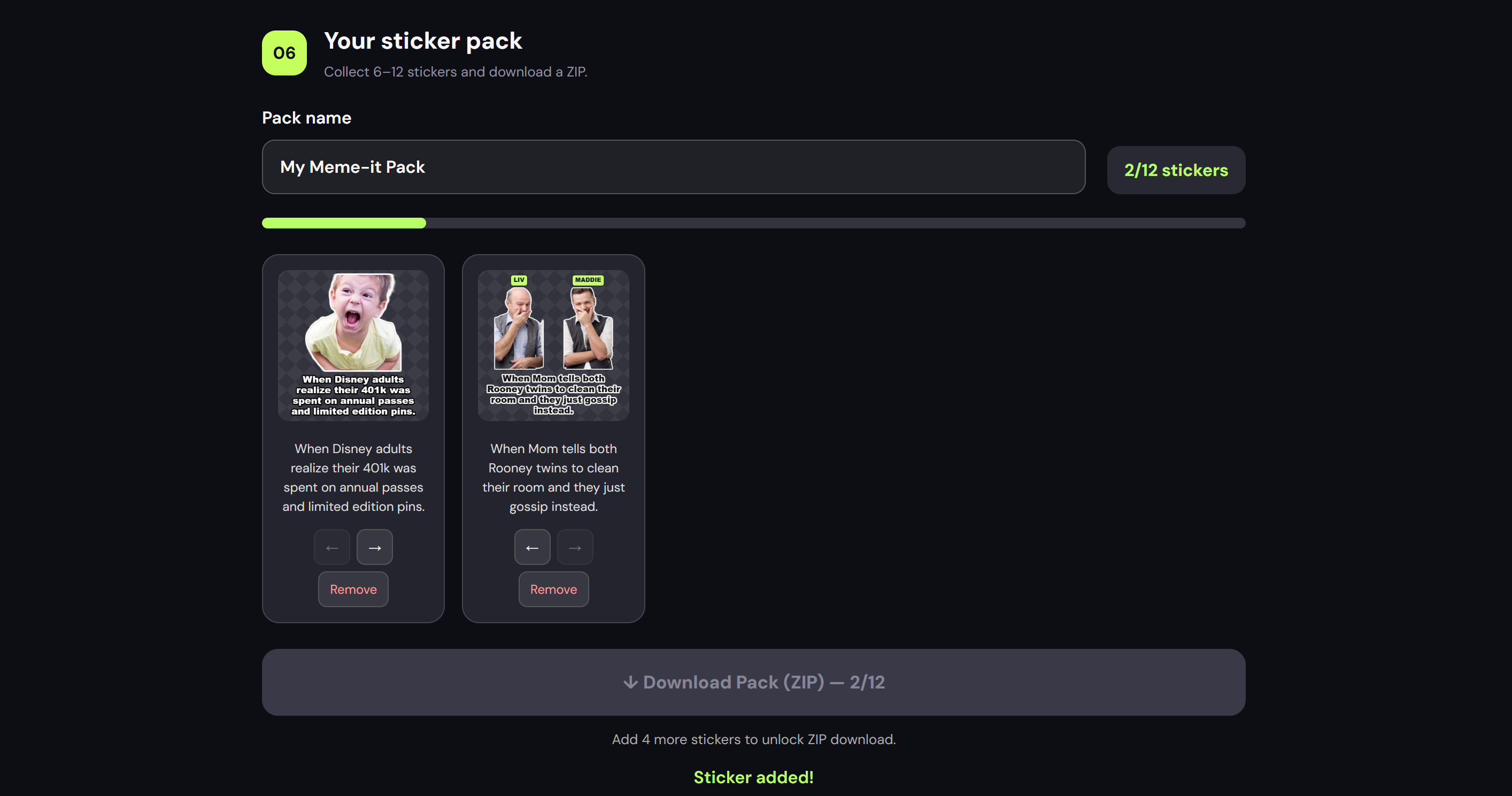
- Build a sticker pack: Users can collect, rearrange, and download 6–12 stickers together as a ZIP file.
Meme-it also incorporates personalized theme recommendations based on previous user interactions, making the experience more tailored over time.
How we built it
I built Meme-it as a full-stack web application, combining generative AI, image processing, and personalization.
For the frontend, I used React, TypeScript, and Vite to create an interactive interface where users can upload photos, generate memes, edit captions, and organize sticker packs.
For the backend, I used Python and FastAPI to handle image analysis, AI caption generation, and other API operations.
I integrated Gemini through APIYI to generate meme captions based on uploaded images and user-selected themes. This allows the AI to consider the visual context of each photo rather than simply generating generic jokes.
For sticker creation, I used @imgly/background-removal to perform AI-powered background removal directly in the browser. The application then combines the processed image with the caption to generate a transparent PNG sticker.
I also integrated Supabase to support personalized theme recommendations and user feedback tracking, and JSZip to package multiple stickers into downloadable ZIP files.
Finally, I deployed the frontend on Vercel and the backend on Render, making Meme-it accessible through a public website.
Challenges we ran into
One of the biggest challenges was getting AI-powered background removal to work reliably after deployment.
Initially, I implemented background removal on the FastAPI backend using the rembg library. Although the approach worked during development, Render's free hosting instance had a 512 MB memory limit.
Eventually, I redesigned the workflow so that background removal runs directly in the user's browser using @imgly/background-removal. This removed the heavy image-processing workload from Render and allowed sticker generation to work successfully.
Another challenge was connecting the frontend, backend, and external AI services during deployment. Troubleshooting these integrations helped me better understand API communication, environment variables, and deployment configurations.
Accomplishments that we're proud of
My proudest accomplishment is turning Meme-it from an idea into a working, publicly deployed application.
I'm especially proud that I managed to:
- Integrate multimodal AI to generate captions based on users' own photos.
- Build a complete workflow from photo upload to downloadable sticker.
- Support both individual and group-photo meme creation.
- Implement personalized theme recommendations and feedback tracking.
- Create a sticker pack builder with ZIP downloads.
- Resolve a major production memory issue by changing how image processing was handled.
The most satisfying moment was finally seeing a sticker generate successfully on the deployed website after repeatedly troubleshooting the backend crashes.
What we learned
Building Meme-it taught me that creating an AI application involves much more than connecting to an AI model.
I learned how to integrate a frontend with a backend, work with external AI APIs, handle image-processing tasks, and deploy a full-stack application.
One of my biggest takeaways was understanding the difference between code that works locally and code that works reliably in production.
I also gained experience debugging deployment errors, managing environment variables, and designing features around the user experience.
Overall, this project helped me become more confident in building and troubleshooting an AI-powered application from start to finish.
What's next for Meme-it
Improvements include:
- More sticker styles, fonts, and customization options.
- Improved handling of complex group photos.
- Better performance on mobile devices.
- Saving and sharing sticker packs across sessions.
- Direct sharing to messaging platforms.
Ultimately, I hope to make Meme-it a fun, accessible platform where anyone can turn everyday moments into personalized memes and stickers.
Built With
- apiyi
- artificial-intelligence
- computer-vision
- fastapi
- gemini
- generative-ai
- html
- javascript
- jszip
- python
- react
- render
- supabase
- typescript
- vercel
- vite

Log in or sign up for Devpost to join the conversation.