-
-
Thumbnail
-
Meme edit
-
Memes list


Inspiration
As tech coworkers, we always put MEMEs on Slack and in all our presentations! That’s why we decided to bring them to the Canva ecosystem, giving users more fun.
What it does
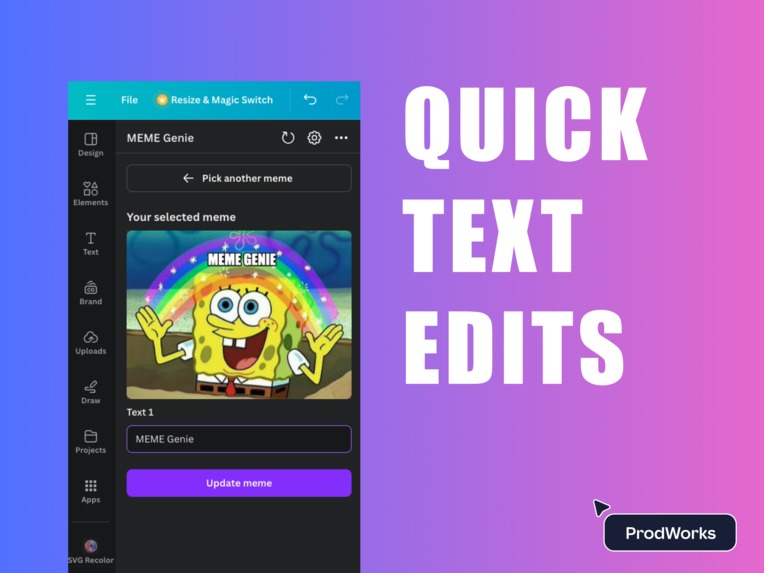
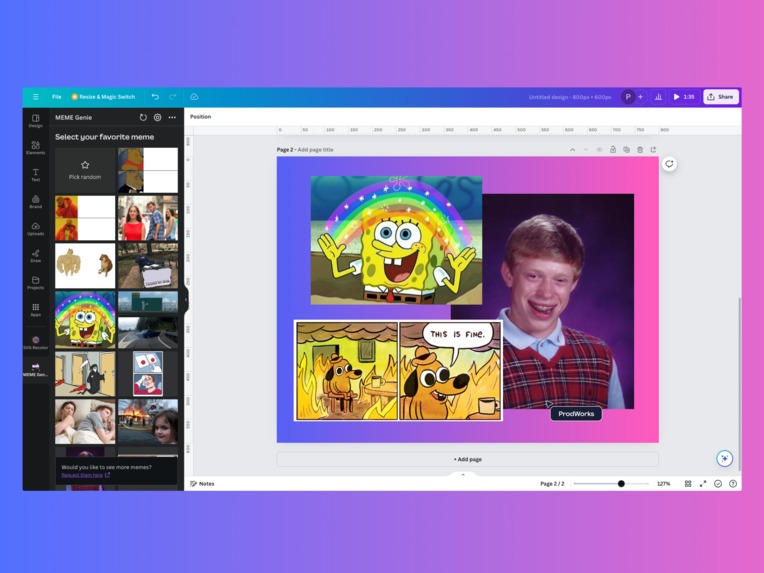
You can explore all your favorite Memes and generate them with your custom text on Canva. We also added a random meme feature which shoots a random one for you to fill. We created an initial library of Memes and want to expand it to many more soon.
How we built it
We worked with a library named Pixi that turns the base meme images into mockups so we can add custom text using impact font, which is the base font for almost any meme out there. Then, for each meme, we created a frame with different dimensions and calculated relative positions which are afterward mapped into the app to keep texts well positioned. Adding new memes is simple and just an easy math issue: calculating the texts.
The memes selection was done by researching the top most used ones on the next for this initial version.
Accomplishments that we're proud of
We're proud to have used Pixi on Canva, as well as providing a live editing preview for a better user experience that simplifies the process.
What's next for MEME Genie
We’ve got exciting features in the pipeline, such as:
- Turning custom images into MEMEs
- Editing text right on Canva as well as positioning
- Integration with main meme sites
- AI-powered meme generator and so much more!
This is our first step and we hope users start using it soon to make their designs more fun.
Built With
- pixi
- react


Log in or sign up for Devpost to join the conversation.