-
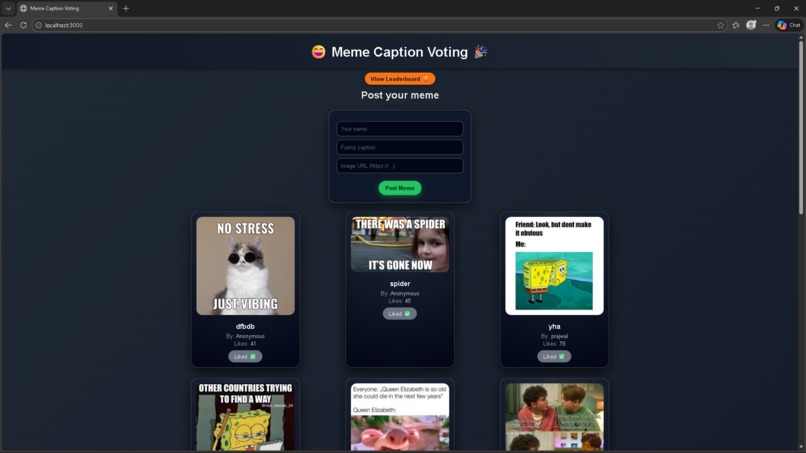
Post meme page
-
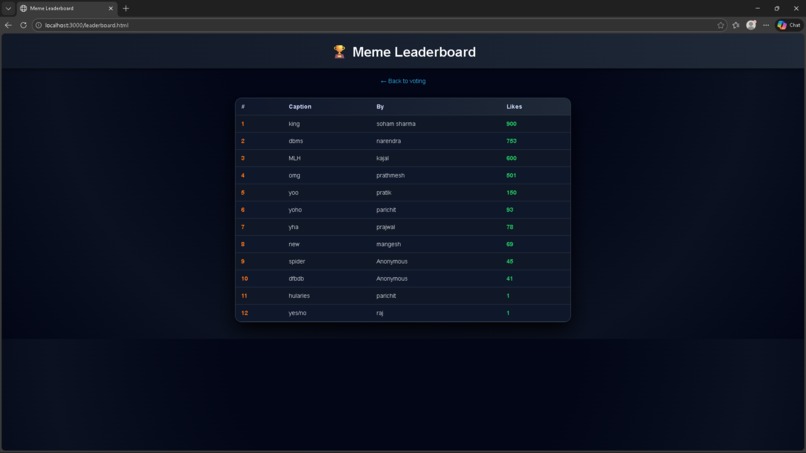
Meme Leaderboard
-
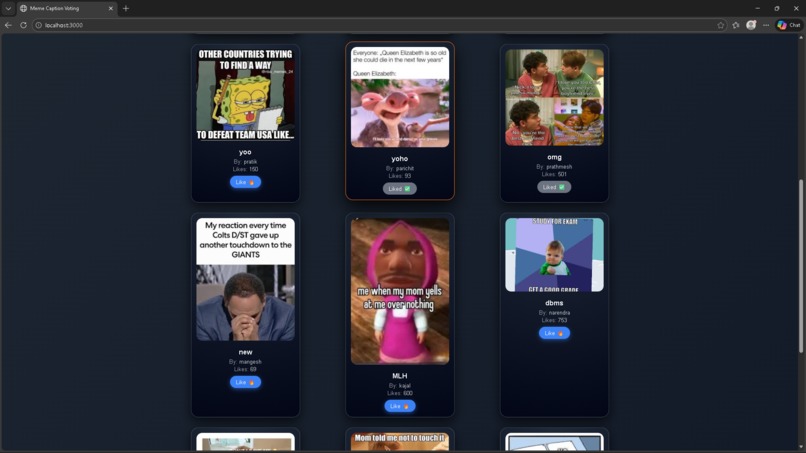
meme page
Inspiration Meme Caption Voting was inspired by the way friends react to memes in group chats—everyone has strong opinions, but there’s no simple way to see which meme actually wins. The goal was to create a lightweight, fun app where anyone can drop a meme, compete for likes, and see a live leaderboard, while still keeping the tech stack simple enough to learn full‑stack development step by step.
What it does Meme Caption Voting lets users:
Post a meme by entering their name, a caption, and a direct image URL.
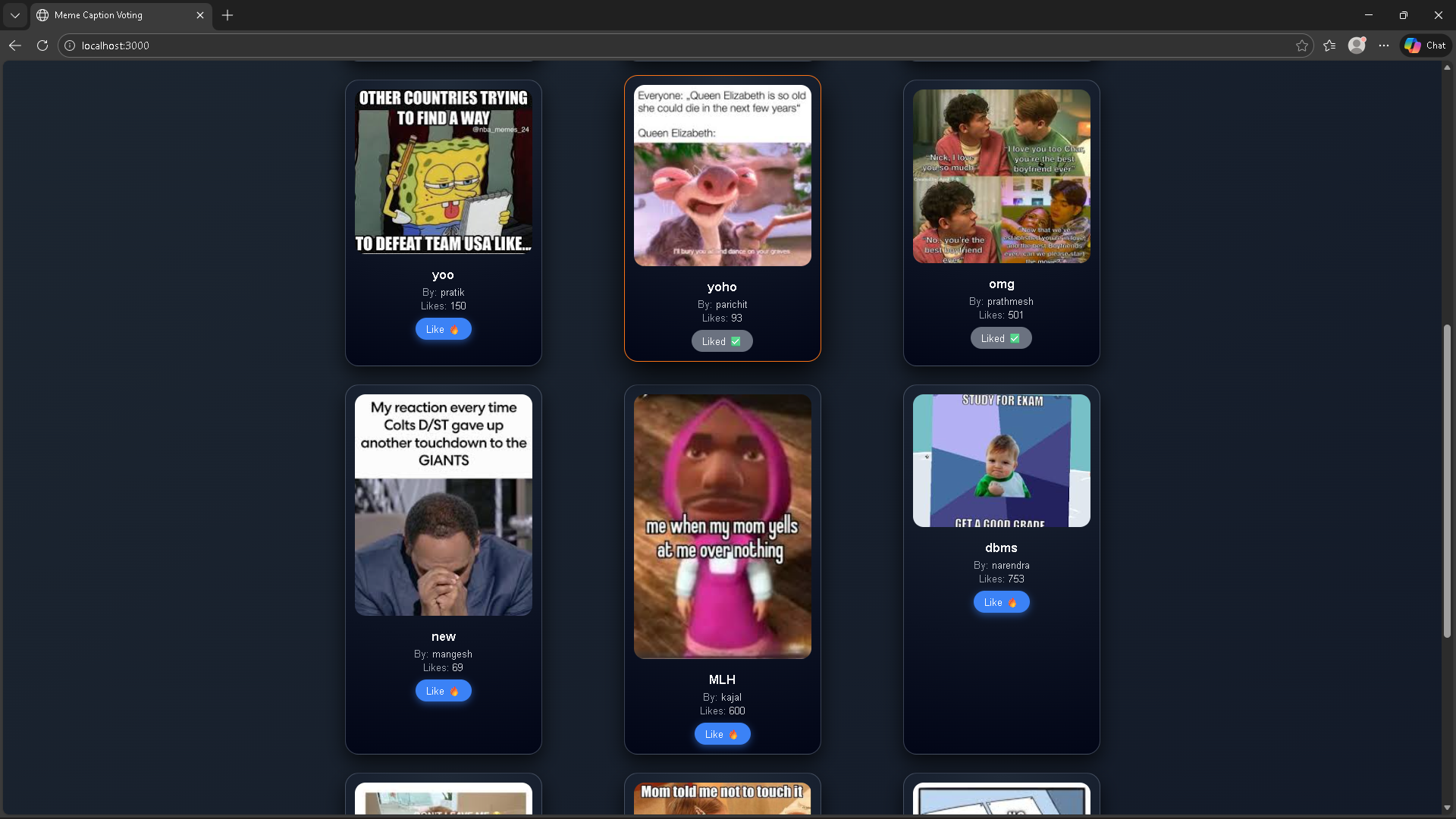
Like a meme with a toggle button that switches between “Like 🔥” and “Undo ❌”, updating the like count up or down.
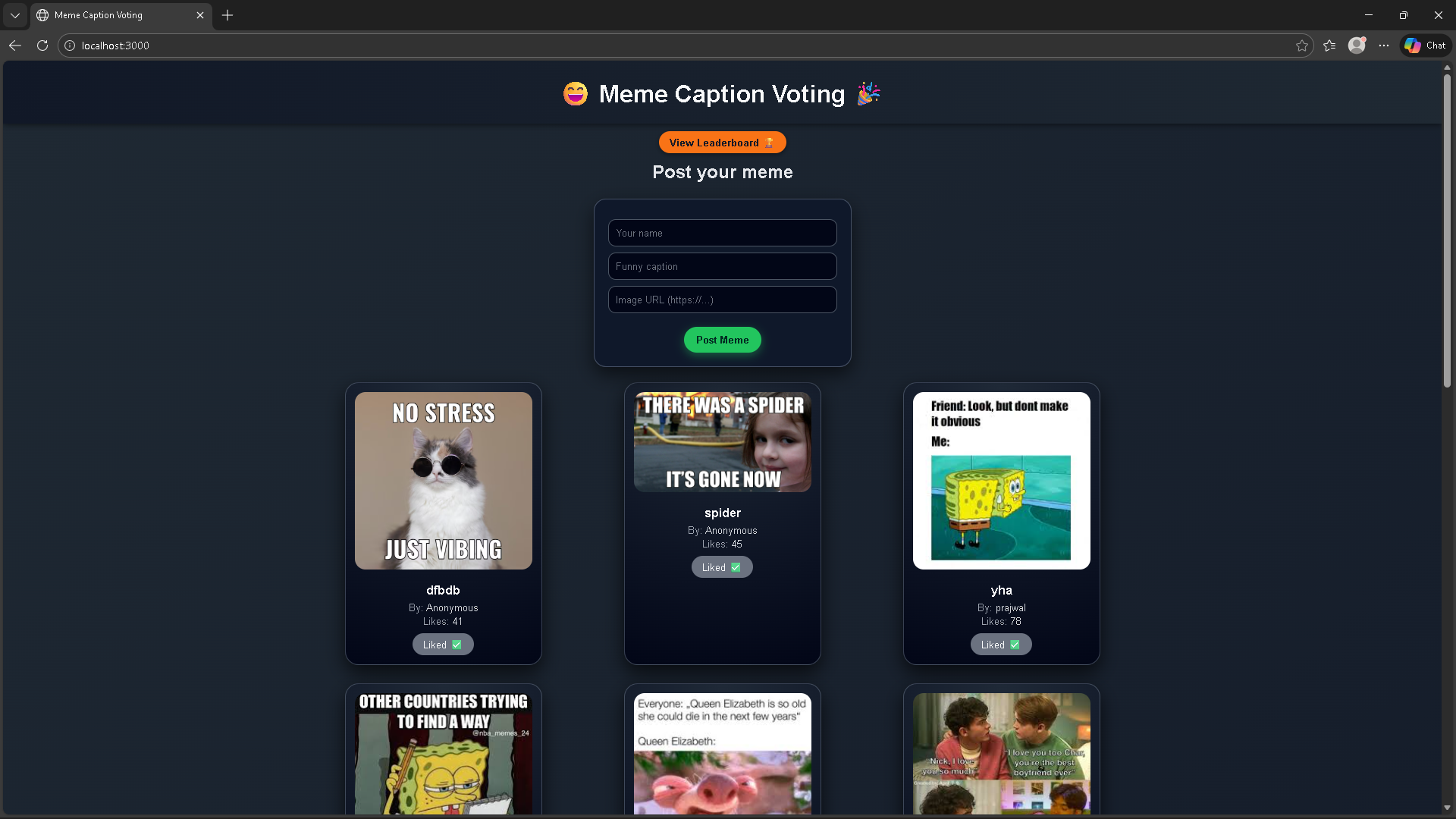
Browse memes in a clean card grid with modern styling.
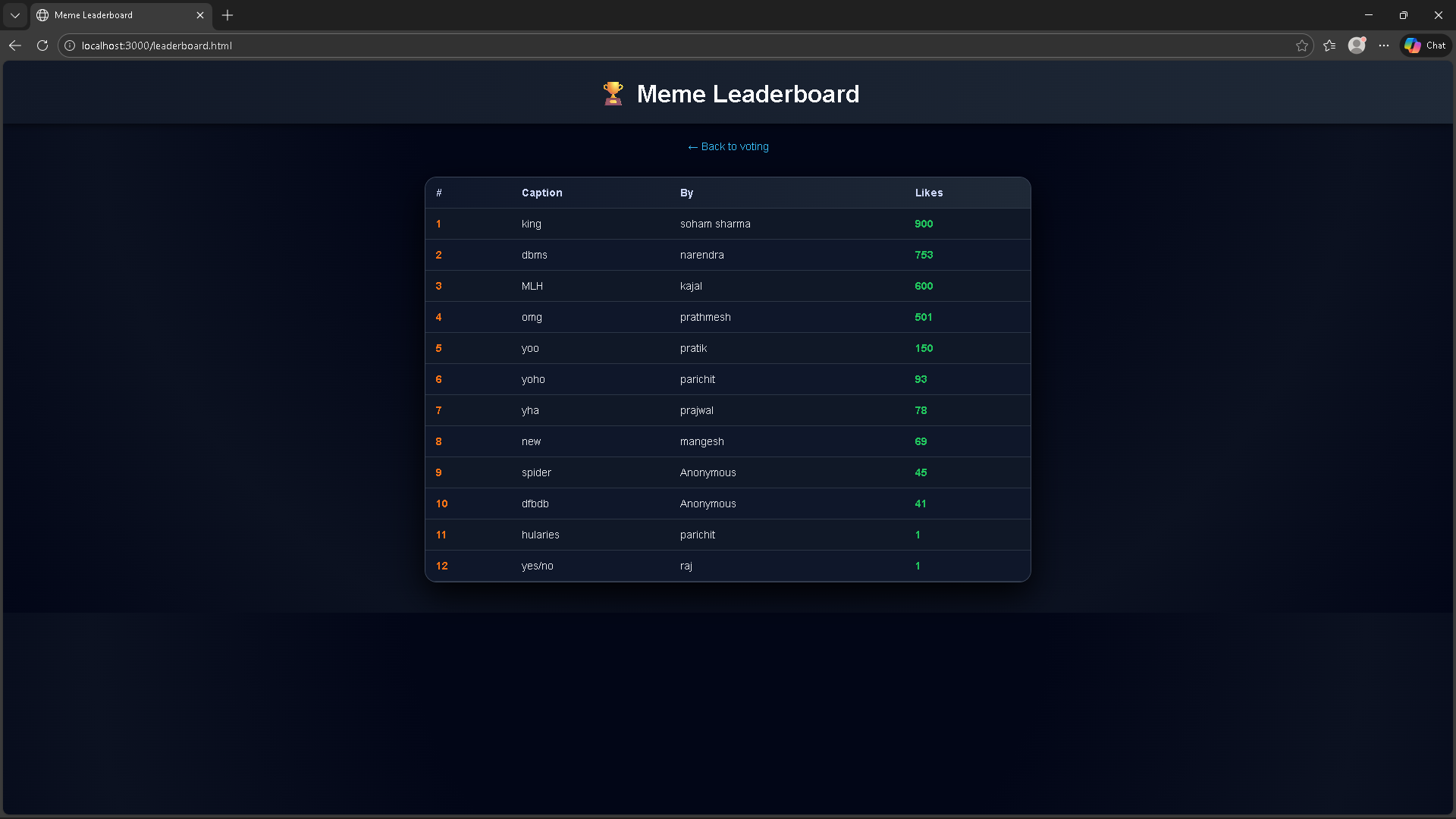
View a leaderboard page that ranks all memes in descending order of likes.
How we built it The project is a small full‑stack app:
Frontend: A single index.html file with inline CSS and vanilla JavaScript. The UI uses a responsive grid, card styling, and some subtle hover effects to make the memes feel like modern “cards.”
Backend: A Node.js server built with Express. It serves static files from the public folder and exposes JSON APIs such as GET /api/memes, POST /api/memes, POST /api/vote/:id, and GET /api/leaderboard.
Database: MongoDB stores each meme document with fields like author, caption, imageUrl, votes, and createdAt. The leaderboard uses a MongoDB sort on votes to rank entries.
Like toggle logic: The backend increments or decrements the votes field depending on whether the client sends direction: "like" or "unlike". On the frontend, localStorage keeps track of which memes the current browser has liked so the button text and behavior can toggle correctly.
Challenges we ran into Several practical issues came up while building:
PowerShell execution policy: Initially, running npm scripts failed because script execution was disabled, which required changing the PowerShell execution policy or using CMD instead.
CORS / file URL confusion: Opening index.html directly as a file:/// URL caused CORS errors when fetch("/api/memes") was called. The fix was to always load the app through http://localhost:3000.
Static files and Express routing: Making sure Express correctly served index.html and leaderboard.html from the public folder while also exposing API routes took some careful ordering of middleware and routes.
Merge conflicts and Git basics: Pushing the project to GitHub involved learning how to deal with remotes, initial commits, pull/rebase, and finally resolving conflicts and force‑pushing when histories diverged.
Like toggle correctness: Implementing “like / undo” required coordinating state between MongoDB and localStorage so that likes weren’t double‑counted and the button label always matched the actual state.
Accomplishments that we're proud of Building a complete pipeline from frontend to backend to database, not just a static page.
Implementing a clean UX where memes display in a responsive grid with cards, clear captions, and a simple voting interaction.
Adding a dedicated leaderboard page that queries MongoDB and presents an ordered ranking of memes.
Getting comfortable with Git: configuring identity, creating commits, handling remote conflicts, and successfully publishing the code on GitHub.
What we learned How to structure a basic Express app that serves both static HTML and JSON APIs.
How to model simple data in MongoDB collections and perform operations like insertMany, updateOne, and find().sort({...}).
How to use the Fetch API for GET and POST requests, and how to work with JSON request/response bodies.
How browser security works around origins and why running through http://localhost avoids CORS issues that appear with file:/// URLs.
How to persist client‑side state (liked/unliked status) using localStorage and sync it with server‑side counts.
Practical Git workflows, including initializing a repo, setting user identity, working with branches, remotes, rebasing, and force‑pushing when appropriate.
What's next for Meme Caption Voting There are several natural extensions:
User accounts: Add authentication so each user has a real identity and can only like each meme once across devices.
Image uploads: Allow direct image upload (e.g., via Multer) instead of requiring an external image URL.
Commenting and threads: Let users comment on memes, creating mini discussion threads under each card.
Categories and tags: Organize memes by topics (coding, exams, sports, etc.) with filters on both the main page and leaderboard.
Real‑time updates: Use WebSockets or a similar technology so new memes and likes appear instantly for all connected users without manual refresh.


Log in or sign up for Devpost to join the conversation.