-
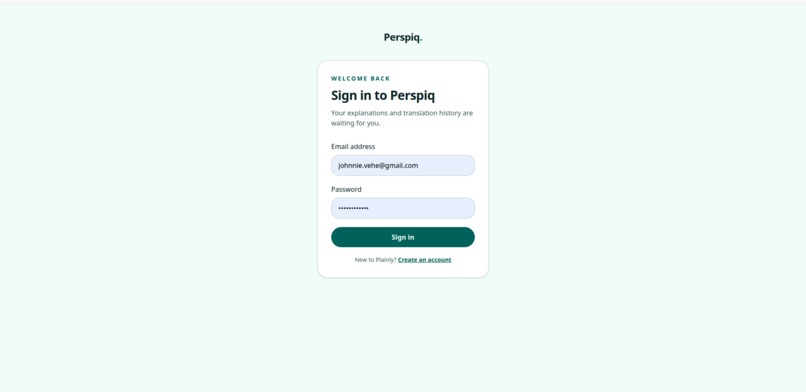
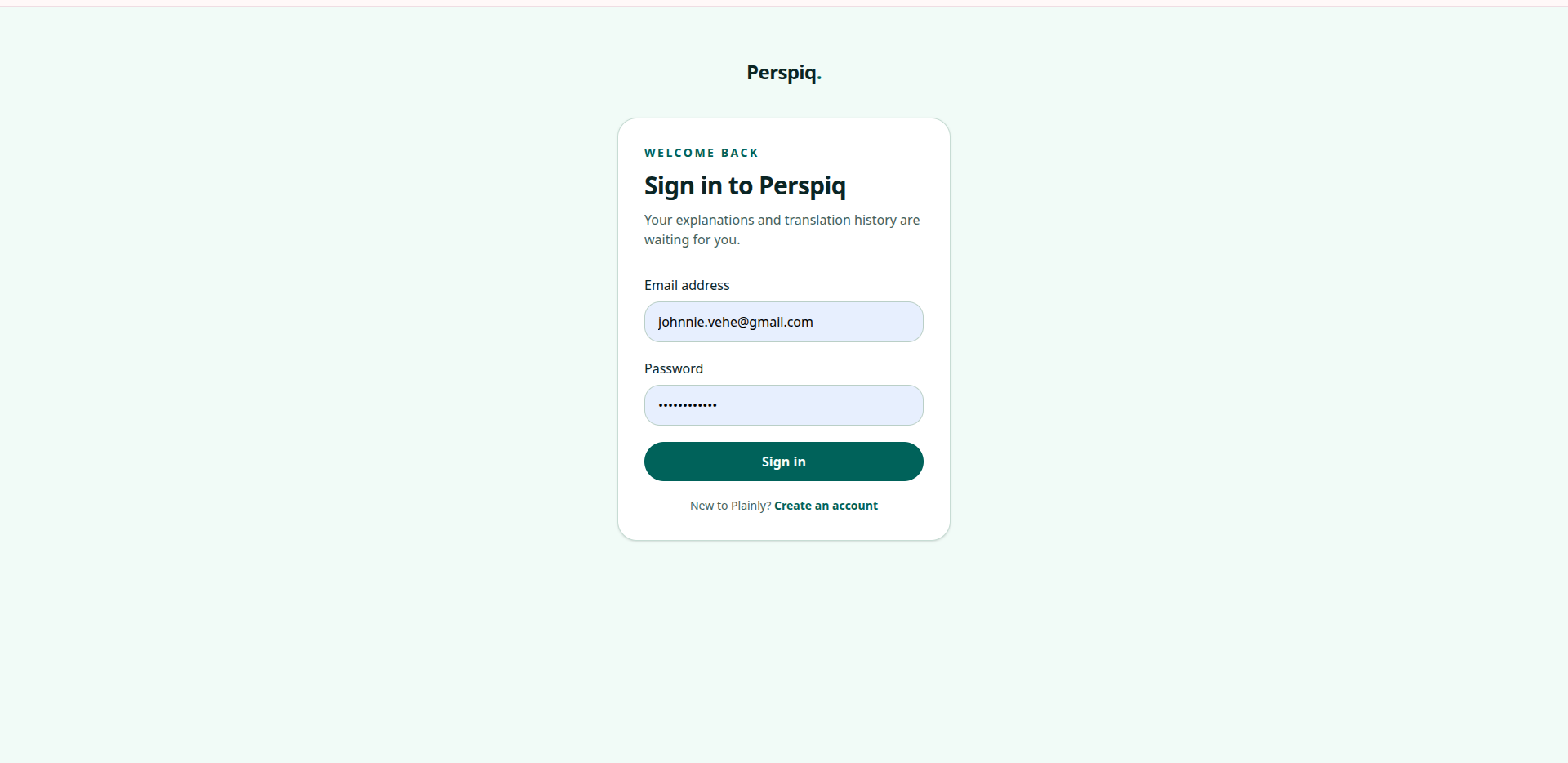
Login screen
-
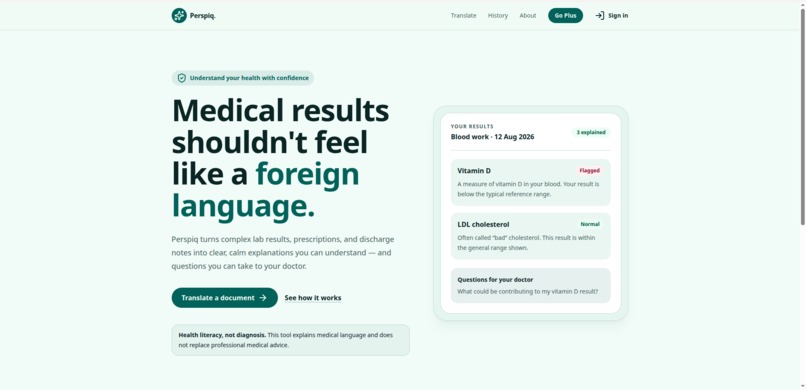
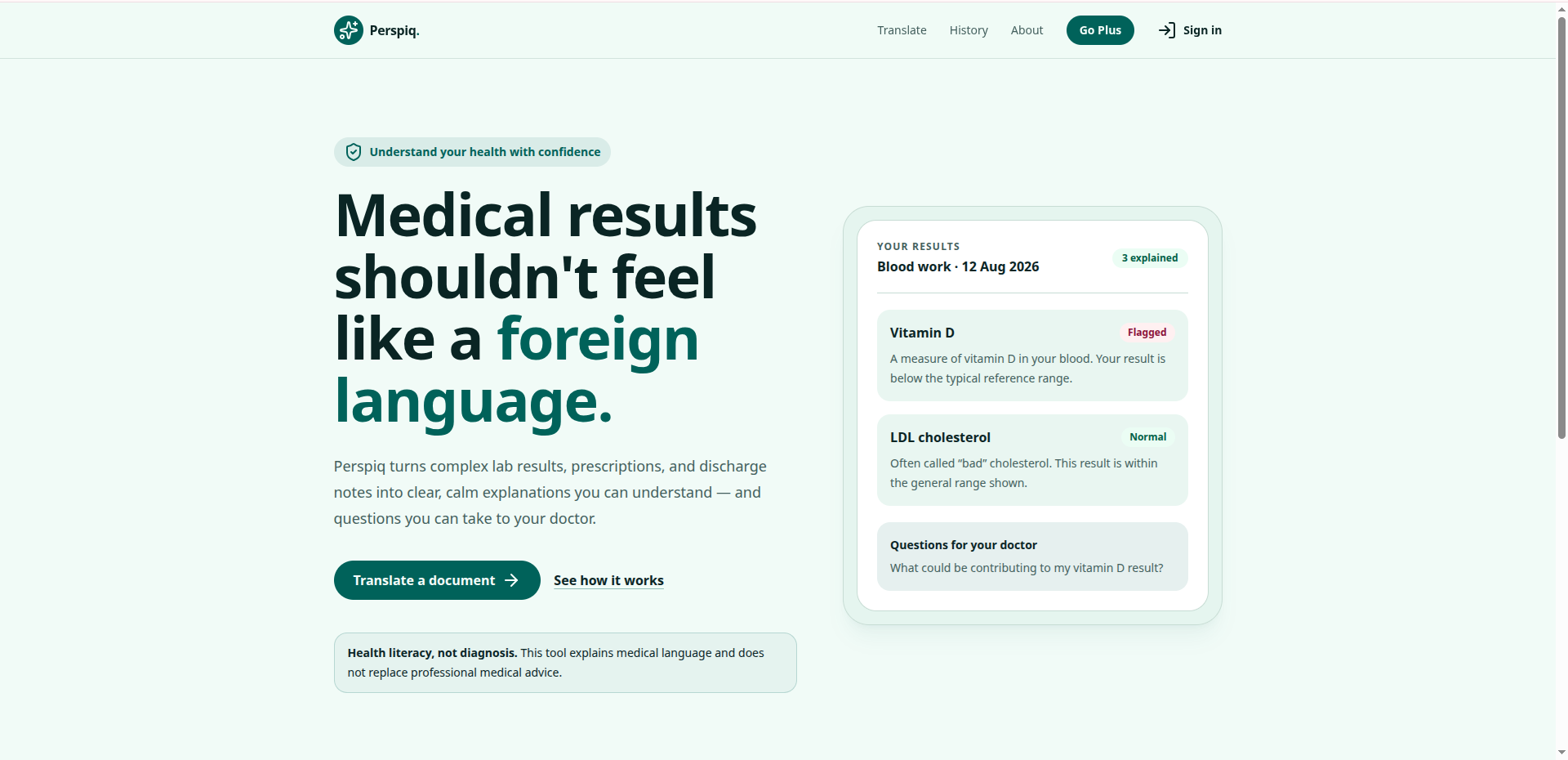
Homepage
Inspiration
Medical documents are written for clinicians, not patients — dense with abbreviations, reference ranges, and jargon that mean nothing to the person they're actually about. We wanted to build something that closes that gap immediately, without requiring a doctor's appointment to understand what a doctor already sent you.
What it does
Plainly takes a lab result, prescription, or discharge summary — pasted as text or uploaded as an image/PDF — and returns a plain-language breakdown of what it actually means. For each term or value, it shows:
- A plain-English explanation
- The normal reference range, where applicable
- A status badge (normal, borderline, or flagged)
- A short "why this matters" note
It also generates a "questions to ask your doctor" list built from anything flagged, and keeps a private history of past translations so users can track results over time. Plainly is explicitly a literacy tool, not a diagnostic one — it never tells you what's wrong, only what the document in front of you means.
How we built it
Plainly is a Next.js (App Router) + TypeScript app, styled entirely in Tailwind CSS with no component libraries. The core flow is a server-side API route that sends the document text to an LLM with a structured JSON prompt, so the model returns consistent, renderable data (term, plain-language meaning, status, note) instead of freeform prose. History is kept client-side in localStorage, so there's no backend database and no user health data leaving the browser except for the single translation request.
We also treated accessibility and SEO as first-class requirements rather than an afterthought: semantic HTML throughout, ARIA live regions so screen readers announce results as they load, full keyboard navigability, WCAG AA color contrast (status badges are never color-only — they're paired with icons and text), and proper metadata/Open Graph tags on every page.
Challenges we ran into
- Getting the LLM to return reliably structured JSON rather than occasionally drifting into prose, and building error handling for when it did
- Balancing a genuinely reassuring, calm tone in the UI copy against the seriousness of the content — the app is talking to people who may be anxious
- Making sure status badges and flagged results were accessible without relying on color alone
- Scoping the feature set down to something buildable solo in the hackathon window, without losing the core "aha" moment
Accomplishments that we're proud of
- Shipping a fully functional, deployed, end-to-end flow (not just a mockup) within the hackathon timeframe
- Building the accessibility and SEO requirements in properly rather than bolting them on last
- Landing on a scope narrow enough to explain in under two minutes, but real enough to actually help someone
What we learned
- How to prompt an LLM for consistent structured output rather than freeform text
- The difference between building something that sounds impressive and something that's actually usable by someone anxious and reading unfamiliar medical language
- Practical patterns for accessible, keyboard-navigable UI with live-updating content (ARIA live regions, focus management)
What's next for Plainly
- Support for more document types (radiology reports, after-visit summaries) and multiple languages, since language barriers often compound health literacy gaps
- Optional secure cloud sync for history, for users who want it across devices, with real encryption rather than localStorage
- A "share with a caregiver" mode, since many people reviewing these documents are doing it on behalf of an aging parent or a child
- Partnering with a clinician or health-literacy organization to validate the plain-language explanations before any wider release
Built With
- gemini
- nextjs
- react
- tailwindcss
- typescript
- v0
- vercel


Log in or sign up for Devpost to join the conversation.