-
-
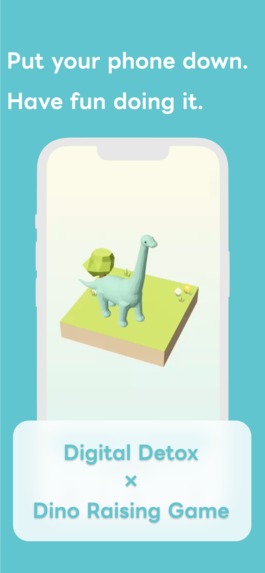
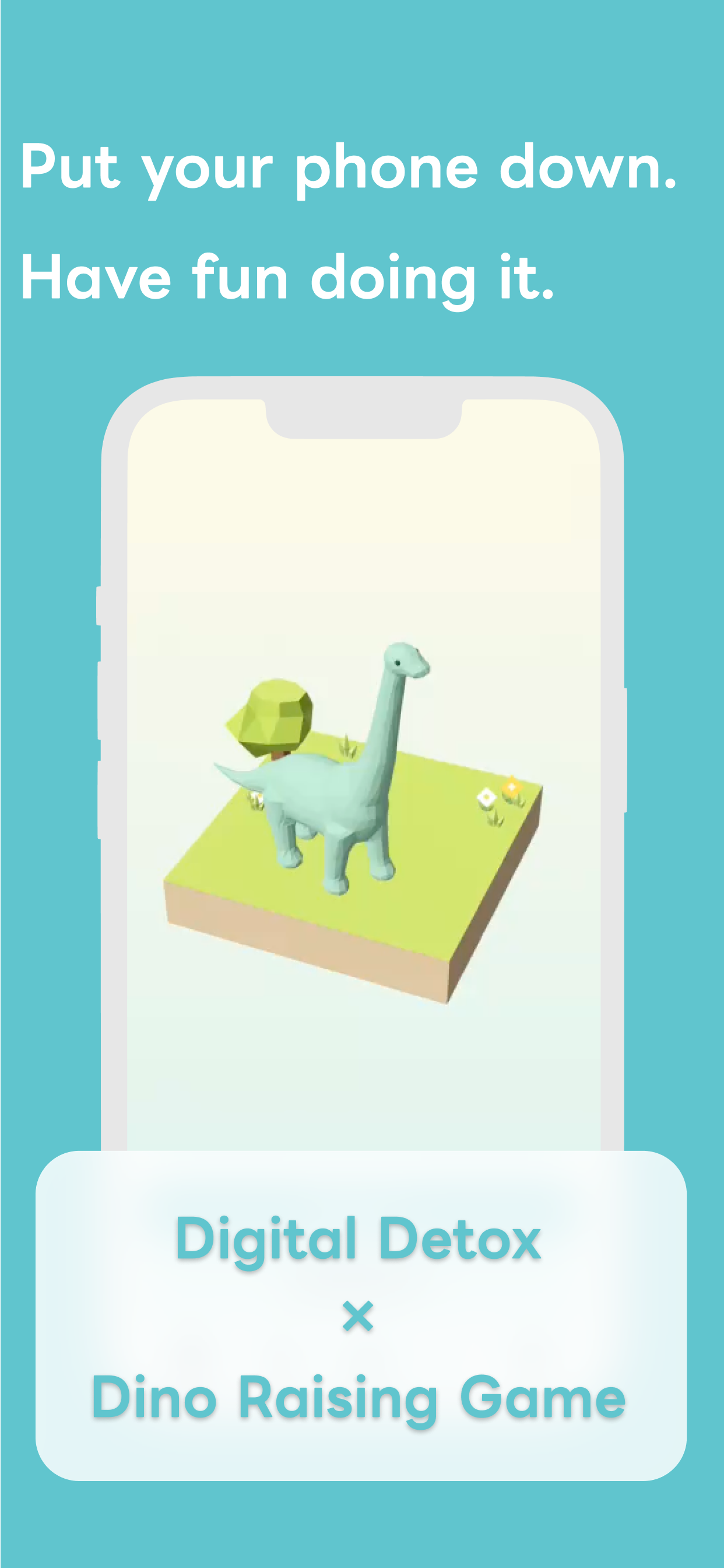
Store image 1 — Put your phone down. Have fun doing it.
-
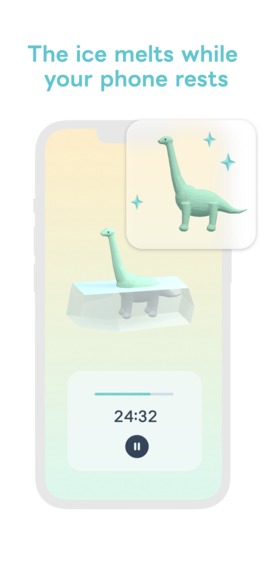
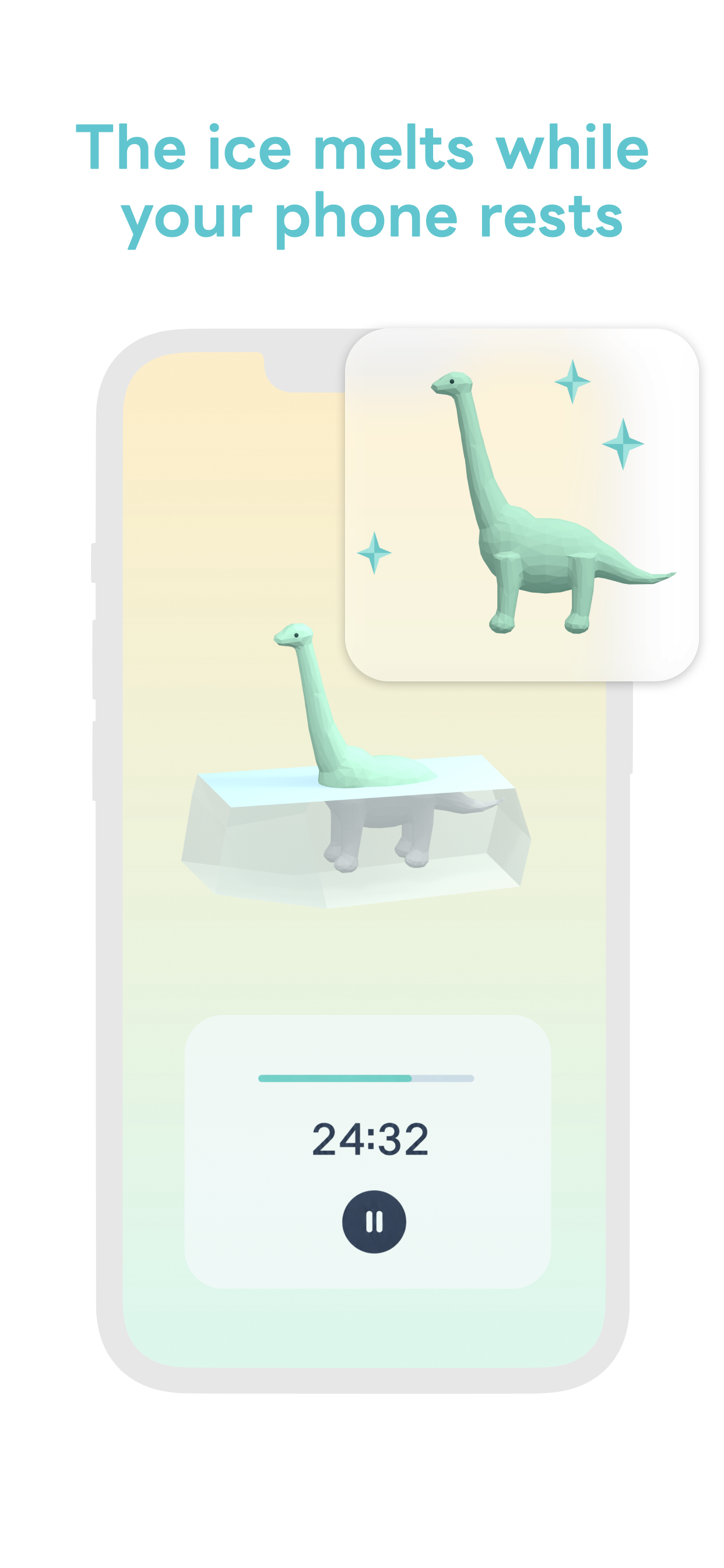
Store image 2 — The ice melts while your phone rests.
-
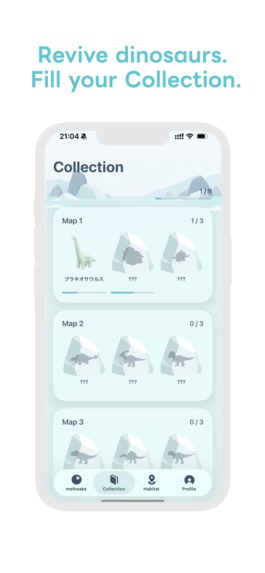
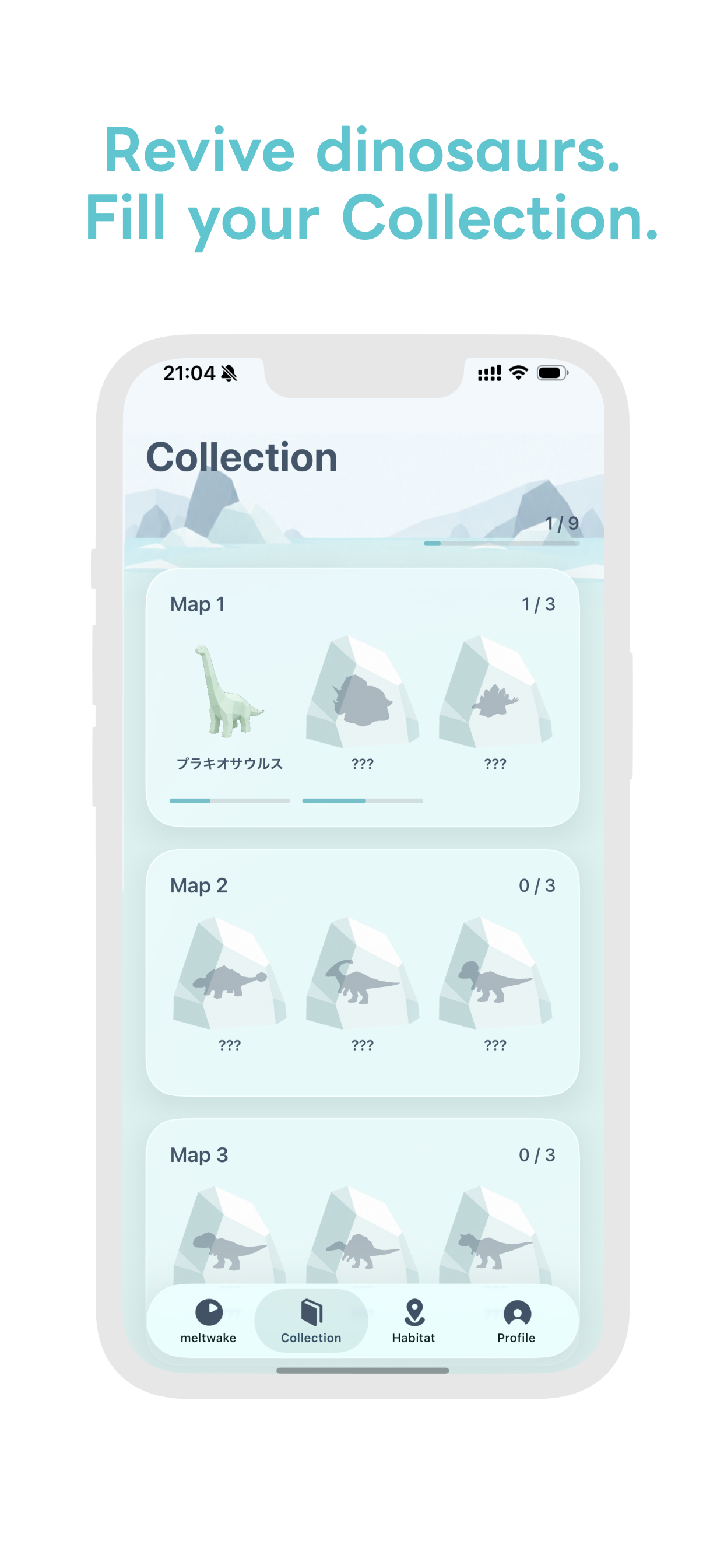
Store image 3 — Revive dinosaurs. Fill your Collection. The Japanese dinosaur name shown means Brachiosaurus.
-
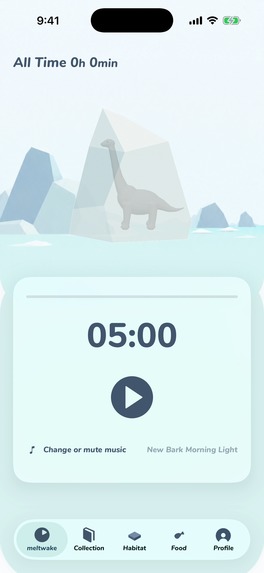
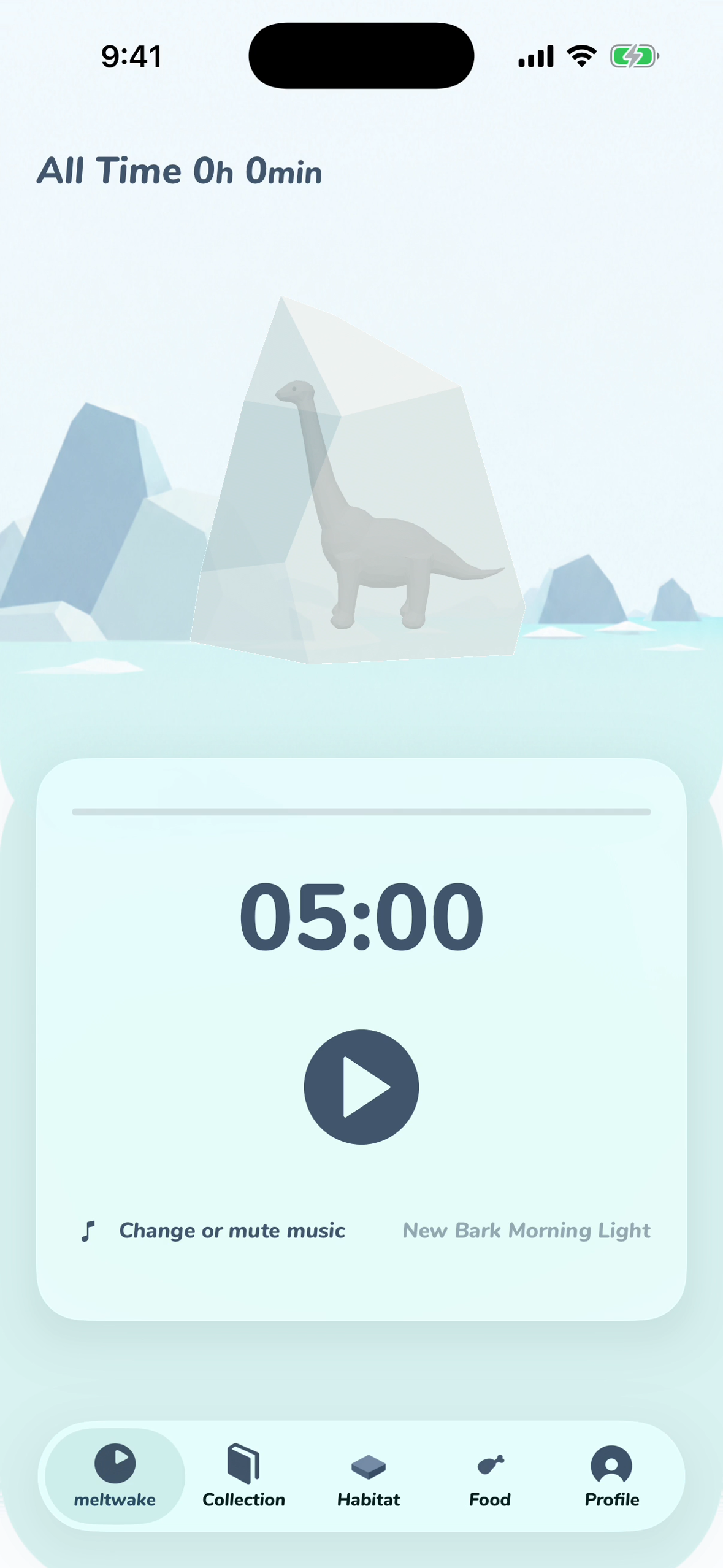
Timer — English UI, 1179 x 2556, no device frame. Put your phone down and watch the ice melt.
-
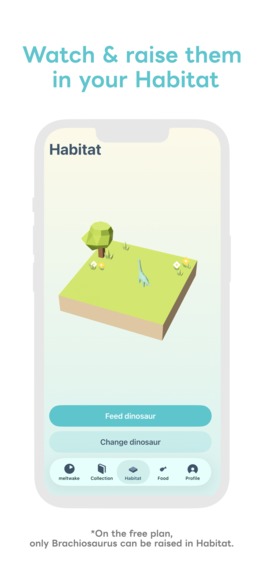
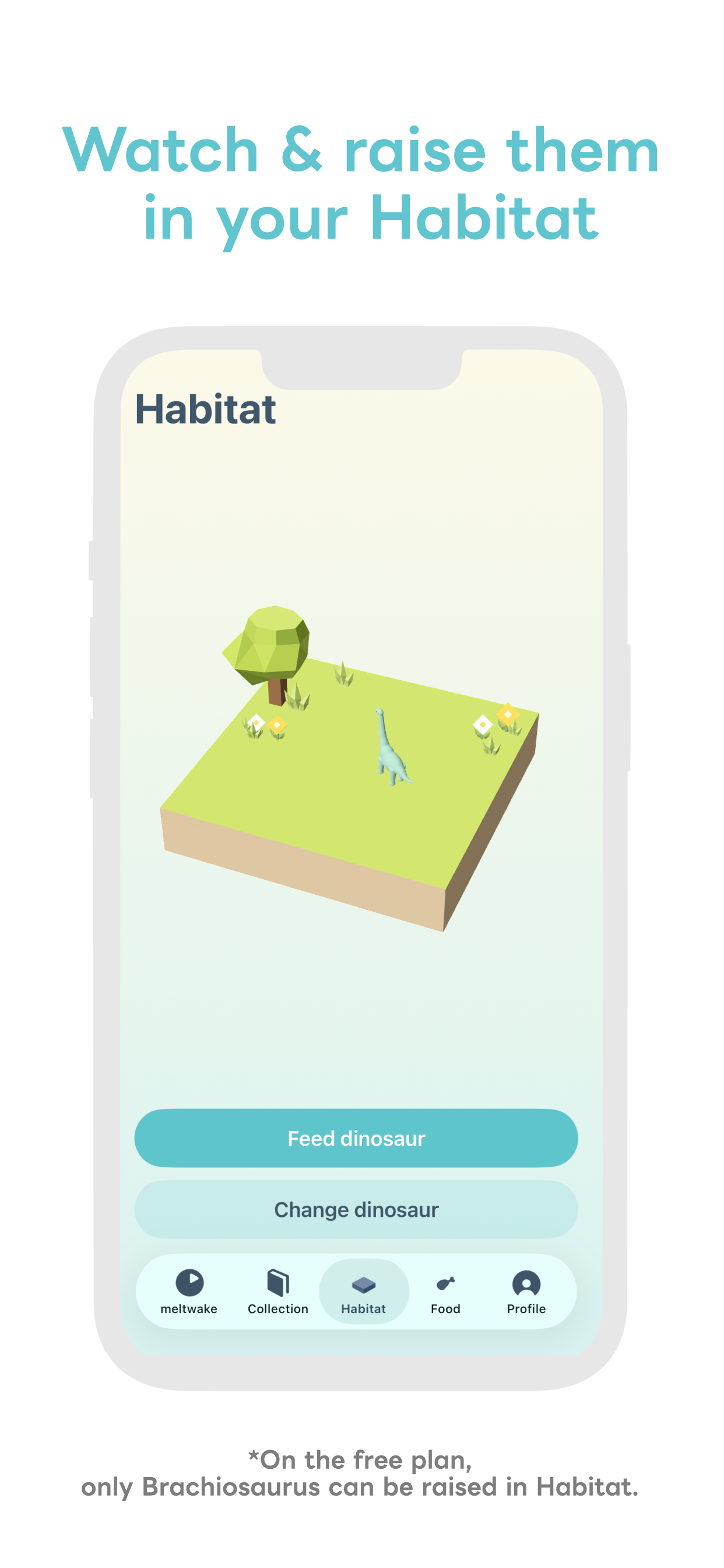
Store image 4 — Watch and raise dinosaurs in your Habitat.
-
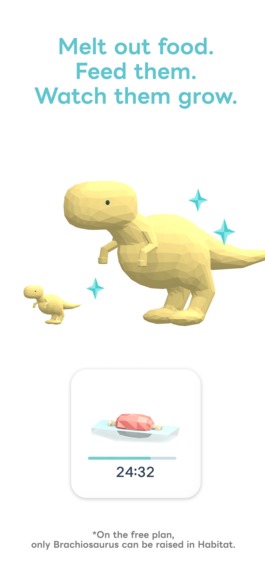
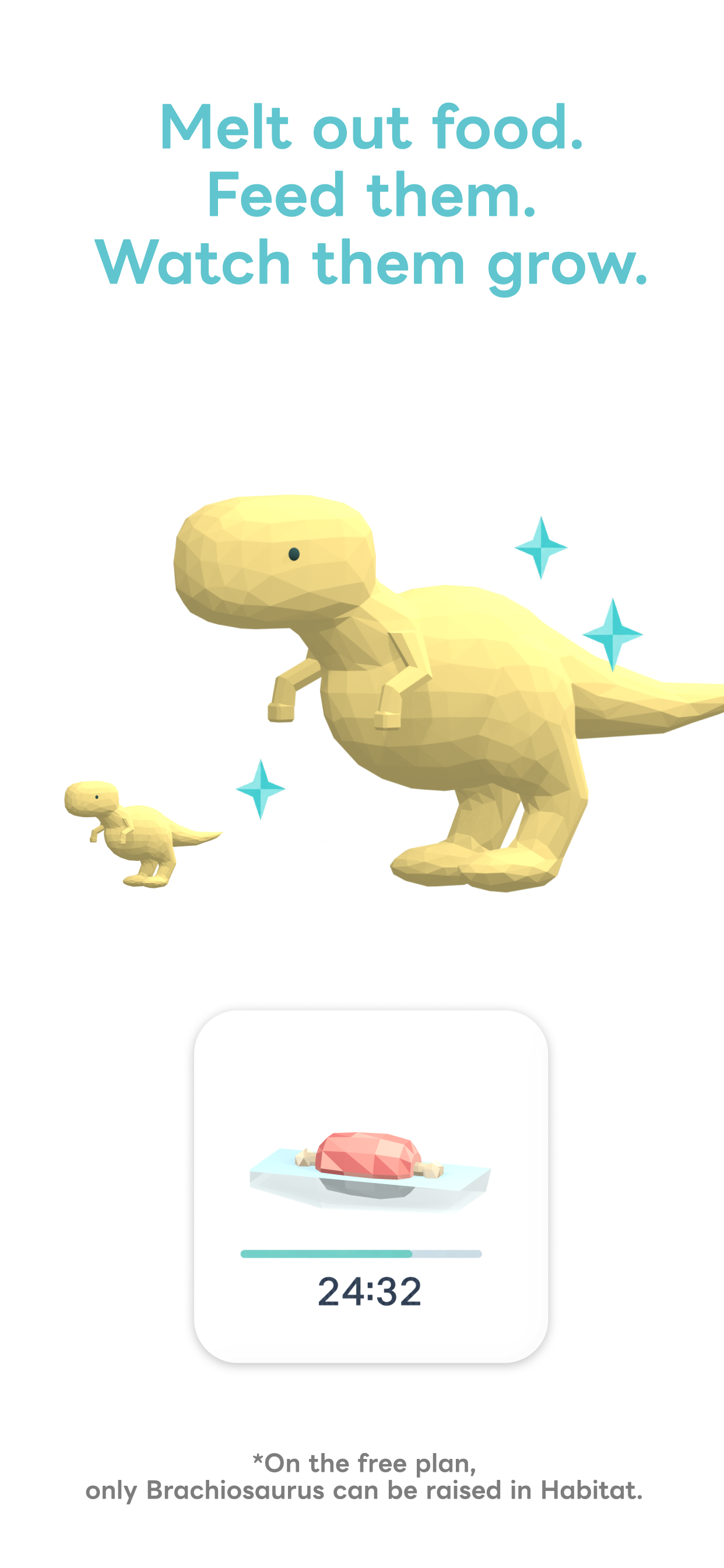
Store image 5 — Melt out food, feed your dinosaurs, and watch them grow.
-
meltwake app icon — 1024 x 1024, uncropped
-
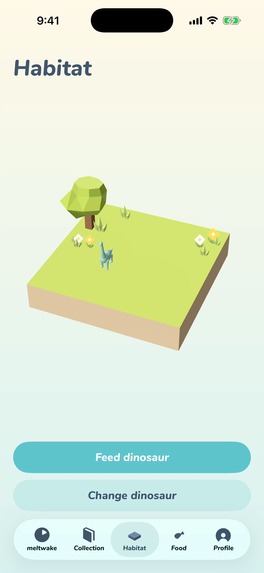
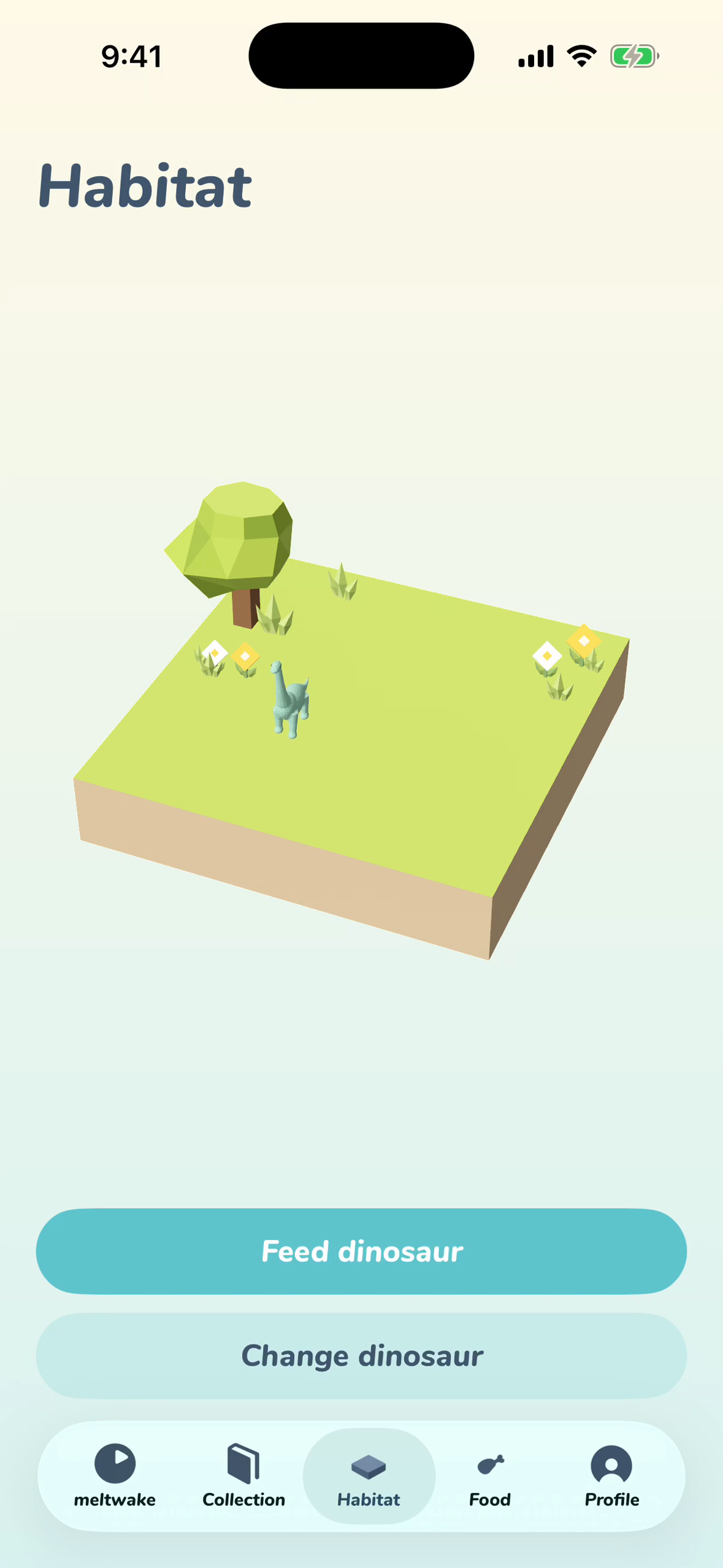
Habitat — English UI, 1179 x 2556, no device frame. Feed and observe your revived dinosaurs.
Inspiration
There was a time when I could not put my phone down or get out of bed. I struggled to work, submit important paperwork, and leave my room. Time on my phone was gradually taking away the things I wanted to do in my own life.
I tried app blockers and physical phone lockboxes. They worked when I had the energy, but when I felt low, strong restrictions and penalties became another burden. I blamed myself when I failed, and sometimes did not want to use those tools again.
With meltwake, I wanted putting your phone down to become something to look forward to. TikTok videos about studying until ice melts inspired me: watching something hidden inside slowly emerge felt exciting. I combined that idea with my lifelong love of dinosaurs. Time away from your phone becomes time spent bringing dinosaurs back from the ice.
Those five minutes could mean giving yourself a massage, cleaning a little, or submitting paperwork you have been putting off. I hope meltwake can help people take a small step toward their lives beyond the screen.
What it does
meltwake is a digital detox app for iPhone. Start the timer and put your phone down: the ice gradually melts, revealing a dinosaur. You can revive and collect all nine dinosaurs.
Revived dinosaurs can be observed and raised in Habitat, a small interactive 3D world. Melt ice containing grass, meat, or fish to collect food and feed them. Small food items take just five minutes, making it easy to start with a small step.
If you use your phone partway through, your time and progress remain, and you can continue from where you left off. Even a minute or a few seconds counts. The experience celebrates what you did manage to do, rather than punishing what you did not finish.
How I built it
Using Codex, I built the core dinosaur revival, collection, and Habitat features in three days, without writing code myself or performing complex Blender operations. Feeding, sound effects, background music, animations, and further refinements brought the app to its current form in about one week.
I first created the designs and reference materials so Codex could implement autonomously against a clear shared source. In Figma, I organized screen specifications, design requirements, and assets, then assigned different roles to separate Codex chats using those materials.
- Day 1: I worked hands-on in Figma to define the screens and visual design. I prepared reference images for three dinosaur models, brand assets, and buttons, establishing the materials Codex would work from.
- Day 2: Codex used those references across separate chats to develop the remaining dinosaur image variations, model all the dinosaurs, and implement the UI/UX and app in parallel. It handled most implementation autonomously, with very little hands-on work from me.
- Day 3: I started Habitat, the additional 3D world I wanted to build. I created its design references first, then had Codex autonomously implement most of its functionality, from modeling to app integration. By then, the core features were complete, excluding feeding.
- Afterward: I added feeding and refined sound effects, background music, animations, and UI/UX. Including this work, development took approximately one week.
The app uses SwiftUI, RealityKit, Metal, and RevenueCat, with design work in Figma and 3D assets in Blender.
Challenges
I started on September 12, leaving limited time to build. To reduce rework, I learned Figma and invested time in preparing designs and data that AI could reference.
The hardest part was balancing visual beauty with clear interaction. I repeatedly adjusted colors and layout so Liquid Glass would complement the icy world without making buttons or information difficult to see against the background. I wanted the app to feel simple and gentle, yet enjoyable to use over time.
Accomplishments and what I learned
Working with AI taught me how important it is to prepare instructions and design references that support autonomous work without losing the original intention. When an implementation differed from what I envisioned, especially visually, I needed a quick and precise way to communicate the correction.
Editing button sizes and colors directly in Figma gave Codex a concrete reference instead of relying on subjective requests such as “a little bigger.” For Blender, I had adjustment controls created so I could demonstrate the desired dinosaur and particle sizes by moving sliders.
My own strongest contribution was design and experience judgment. After studying other apps, I chose three base colors and refined their relationships, transparency, and button placement. I also tuned sound effects and music to make interaction feel comfortable. I learned that delegating implementation to AI and personally shaping the details of an experience can go together.
What's next
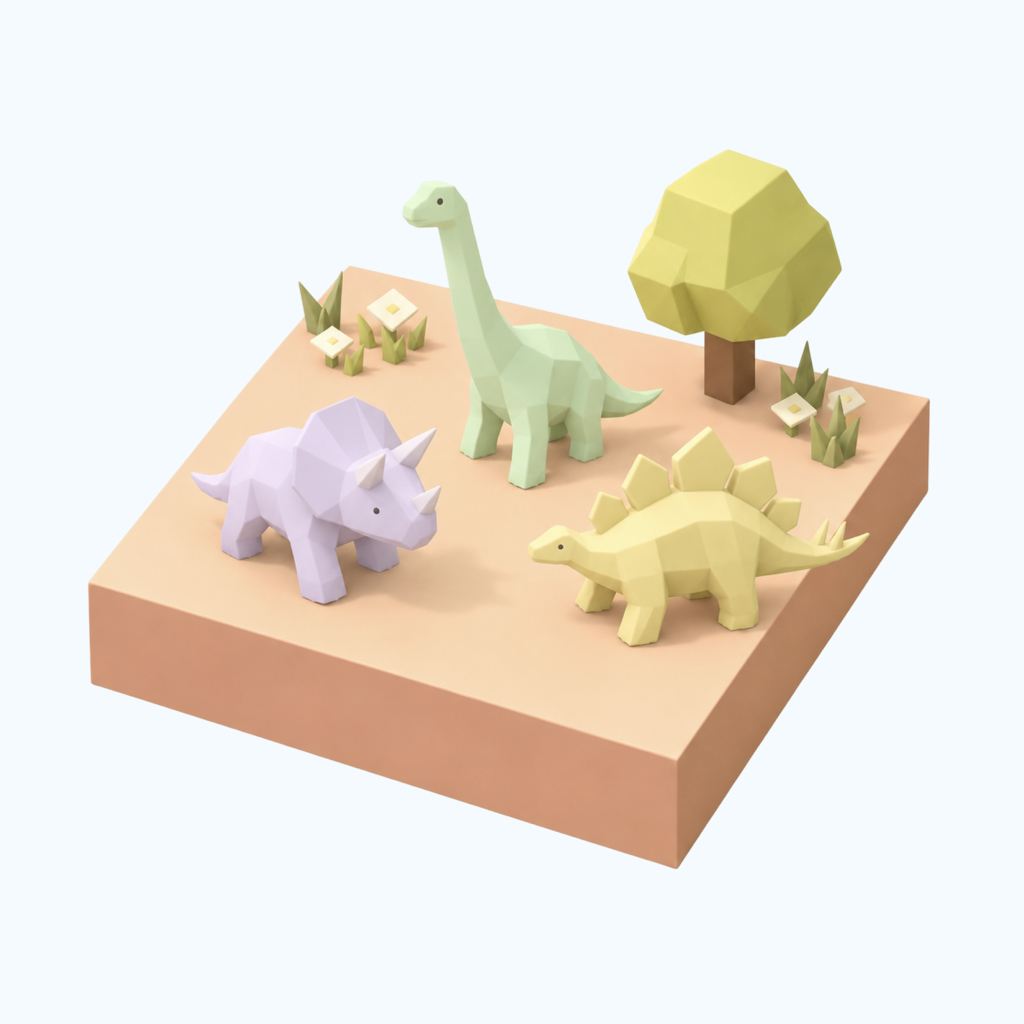
I would like multiple dinosaurs to live in one Habitat, with breeding that creates original dinosaurs. I hope people will want to return after doing something else, wondering whether a baby dinosaur has arrived.
I also want to add small changes to discover while the phone is set down, such as new timer effects and occasional dinosaur walking animations. These are future plans, not current features.
Built With
- revenuecat
- swift

Log in or sign up for Devpost to join the conversation.