✨ Inspiration
We were tired of the endless "Where should we meet?" group chats. Every time we tried to plan a hangout with friends, it turned into a chaotic back-and-forth. Someone always ended up with a long commute, others weren’t happy with the venue, and we’d often give up or settle on something subpar.
This sparked the idea for Meety — a tool to eliminate the hassle of planning meetups by finding the perfect, fair middle ground for everyone.
💡 What it does
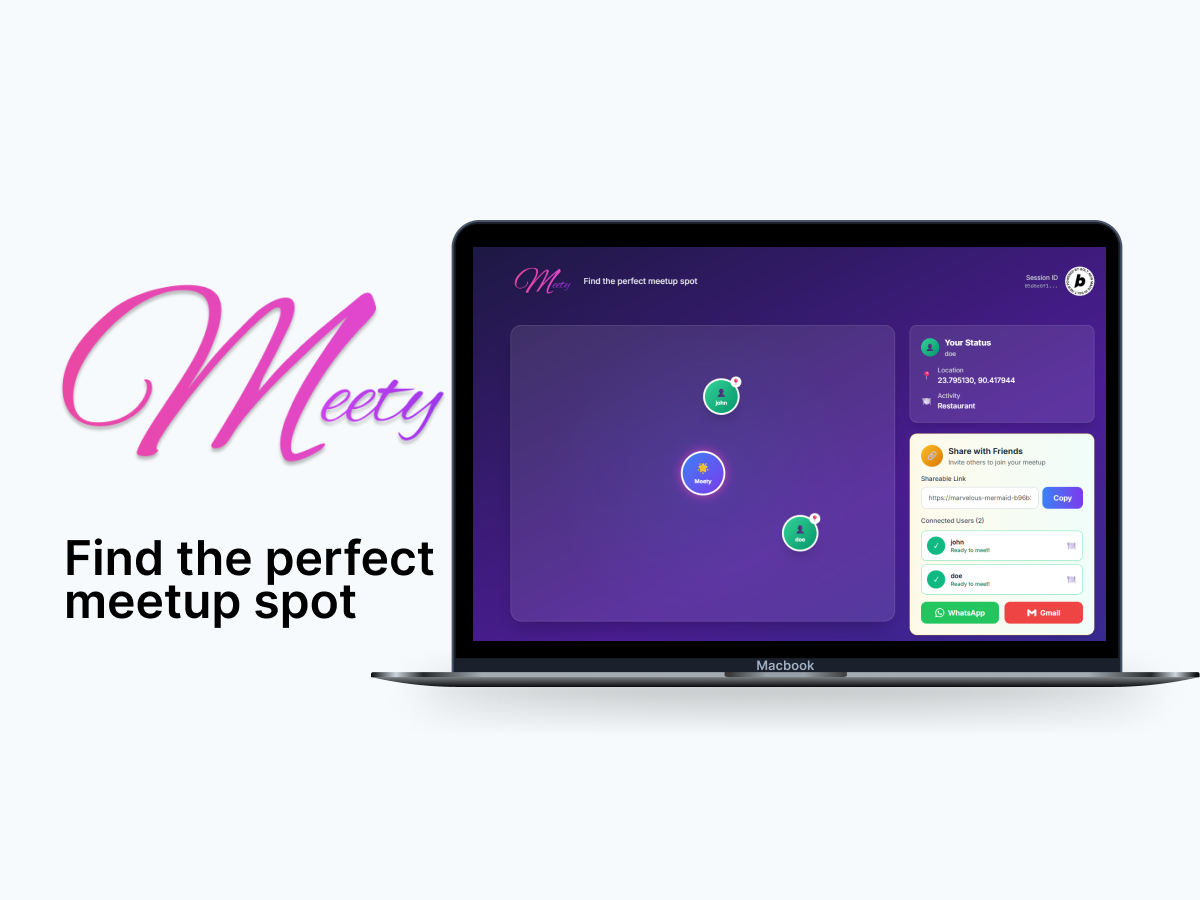
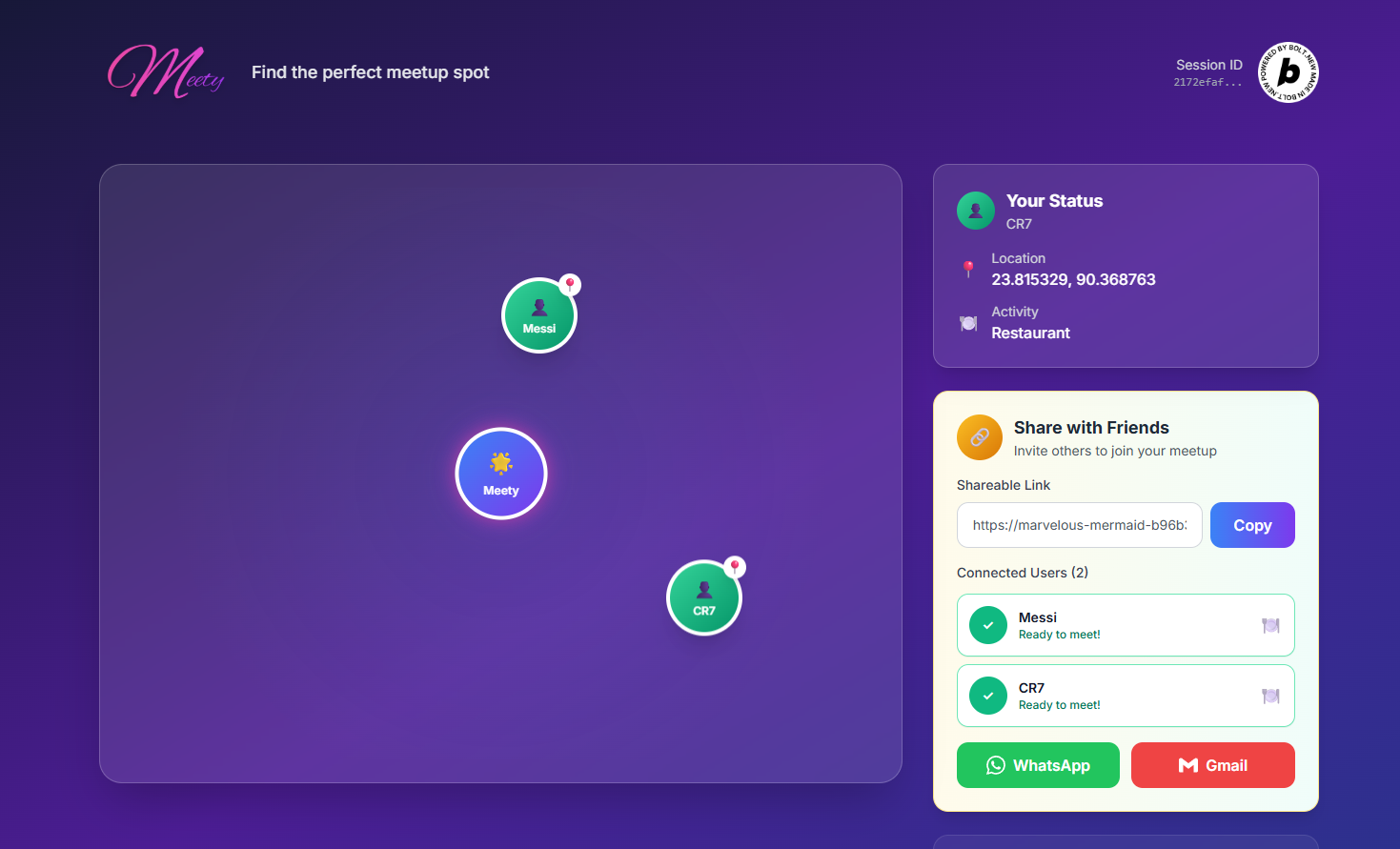
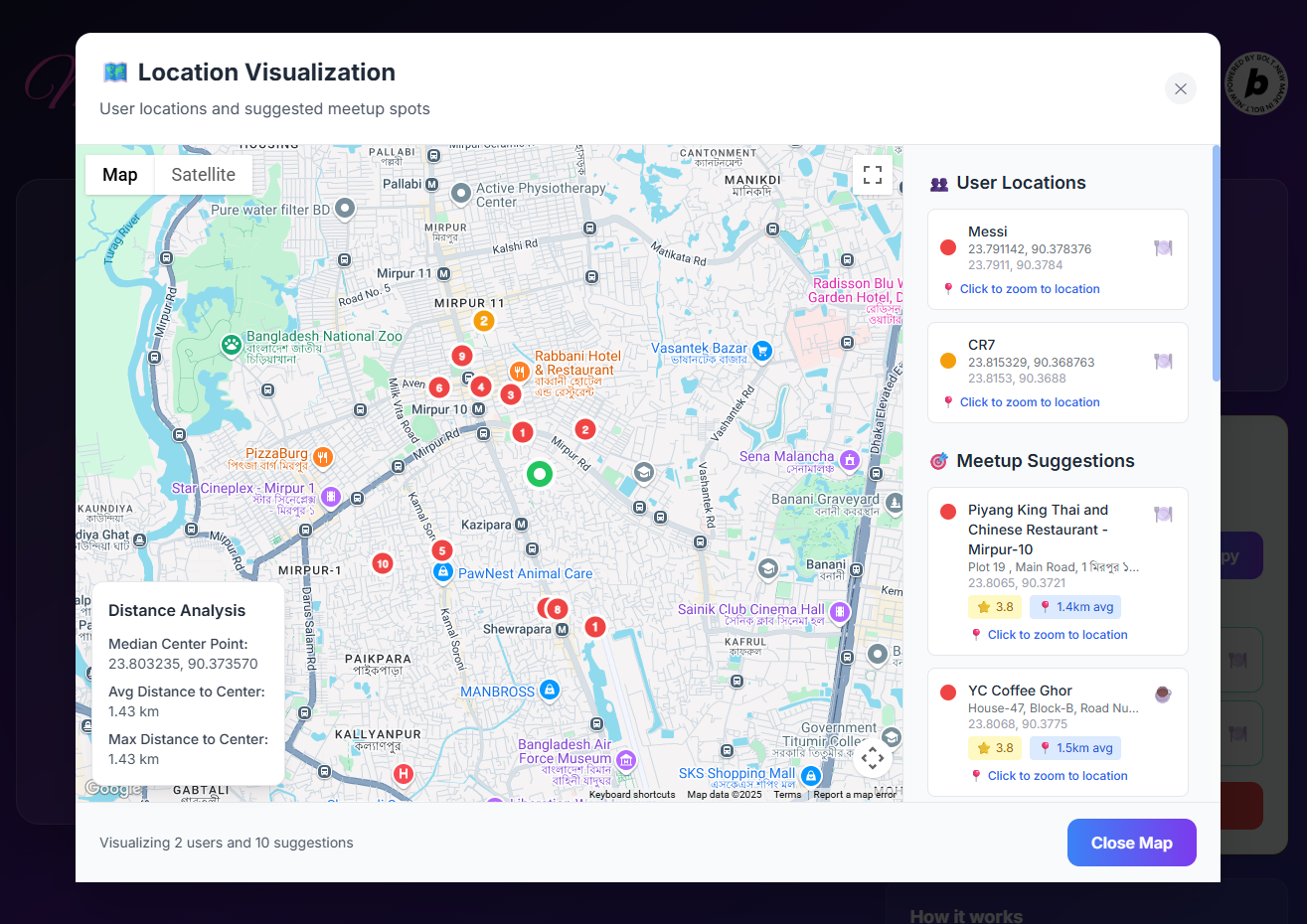
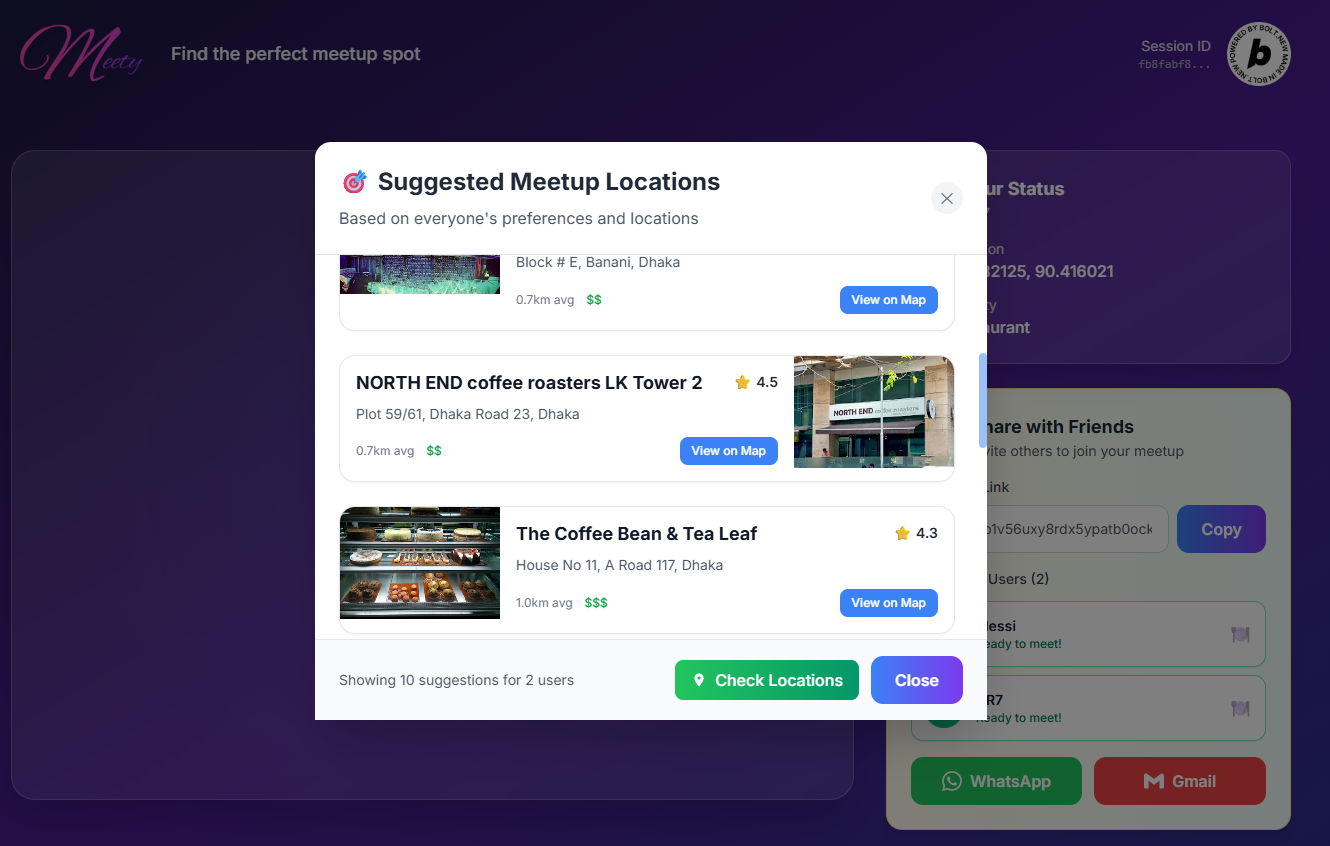
Meety takes in each group member’s location and activity preferences, then automatically finds a central meeting point and suggests real venues nearby — like restaurants, cafes, or parks.
All it takes is a link. No app downloads. No sign-ups. Just share the link, let everyone drop a pin, and Meety does the rest — turning a 30-minute debate into a 30-second decision.
🛠 How we built it
Meety was designed with performance, simplicity, and real-time collaboration in mind. Here's how we brought it to life:
🧱 Frontend
- Vue 3 with the Composition API provided a powerful, scalable framework for building our interactive UI.
- TypeScript ensured type safety and improved our development experience.
- Vite gave us lightning-fast development and build times, making iteration cycles quick and efficient.
- Tailwind CSS enabled rapid styling with a utility-first approach, while custom CSS animations brought smooth transitions and micro-interactions to life.
- The UI was designed with a mobile-first, responsive layout to ensure seamless usability across devices.
🗂 State Management
- We used Pinia, Vue's official state management library, in combination with the Reactive Composition API for managing session state, user input, and real-time updates efficiently.
🛢 Backend & Database
- Powered by Supabase, an open-source Firebase alternative.
- Used PostgreSQL as the primary database, taking advantage of:
- Row Level Security (RLS) to ensure users only access their own session data.
- Real-time subscriptions for instant updates when users join sessions or suggestions change.
- Our key tables include:
sessions,session_users, andmeetup_suggestions.
🌐 APIs & External Services
- Google Maps JavaScript API for interactive map rendering and user geolocation.
- Google Places API to fetch real venue recommendations based on activity preferences.
- Geolocation API (browser-based) to let users quickly set their own location.
⚡ Real-time Features
- Supabase Realtime and WebSocket connections ensure that any user actions (e.g. joining, updating a location) propagate live to all participants.
- We implemented an event-driven architecture to keep all session participants in sync with minimal delay.
🧰 Development Tools
- Node.js and npm for dependency management and local development.
- PostCSS with Autoprefixer to ensure cross-browser CSS support.
- ESLint for consistent code formatting and linting across the team.
🚀 Deployment & Hosting
- Hosted on Netlify with continuous deployment from our Git repo.
- Environment variables were securely handled to protect API keys and credentials.
- Delivered as a Progressive Web App (PWA) — installable and offline-friendly.
📦 Key Libraries & Patterns
- @supabase/supabase-js – official Supabase client library.
- uuid – for unique session and user ID generation.
- Leaflet was considered, but ultimately we used Google Maps for tighter Places API integration.
- Component-based architecture and reactive programming with Vue made the app modular and maintainable.
- Real-time synchronization and caching strategies were critical for keeping the experience smooth.
🔒 Security & Performance
- Enforced Row Level Security (RLS) at the database level.
- Protected sensitive data via environment variables.
- Achieved optimized performance with tree-shaking, code splitting, and smart bundle optimization.
🧗♀️ Challenges we ran into
- Real-world geography ≠ mathematical fairness: Sometimes, the perfect center point lands in the middle of a highway or river. We had to implement intelligent fallback logic to shift results to accessible nearby zones.
- Privacy concerns: We wanted to allow users to share rough locations without compromising accuracy. Supporting flexible granularity (like city or neighborhood-level inputs) was tricky but essential.
- API quota management: The Google Places API is powerful but limited in free usage. We had to batch calls and cache results to stay within budget during testing and demos.
- UX simplicity: We iterated several times to reduce user friction — from input steps to map interactions — to keep the tool intuitive and fast.
🏆 Accomplishments that we're proud of
- Built a fully functional demo that handles group meetups end-to-end without requiring downloads or signups.
- Successfully implemented fair midpoint logic and paired it with live venue data for relevant suggestions.
- Created a tool that works in seconds and feels delightful — our testers planned real hangouts with it!
📚 What we learned
- Friction kills adoption. Even a sign-up step can lose users. People love tools that “just work.”
- Fairness is nuanced. We learned a lot about geographic algorithms and human psychology — sometimes people perceive fairness differently than a map would.
- Design matters. A clean, fast UI makes the difference between “I’ll try this” and “I’ll use this again.”
🚀 What's next for Meety
- 🚌 Transit-aware midpoints – taking travel time (not just distance) into account
- 📍 Favorite groups – save common meet-up crews for instant planning
- 🗳 Venue voting – let participants rank or vote on suggested spots
- 🧭 Accessibility filters – options like pet-friendly, step-free access, and more
- 🌍 Global expansion – support for more regions and languages
Built With
- google-maps
- netlify
- pinia
- supabase
- tailwind
- typescript
- vite
- vue


Log in or sign up for Devpost to join the conversation.