Inspiration
As a sales exec, I’d lose hours researching attendees, drafting follow-ups, and logging notes to CRM—time I should’ve spent connecting with clients. I saw peers struggle with the same friction: disjointed tools, repetitive work, and last-minute prep panic. That’s when I knew: the modern professional needs a unified assistant to turn meeting prep from a chore into a competitive edge. MeetMind was born to fix that gap.
What it does
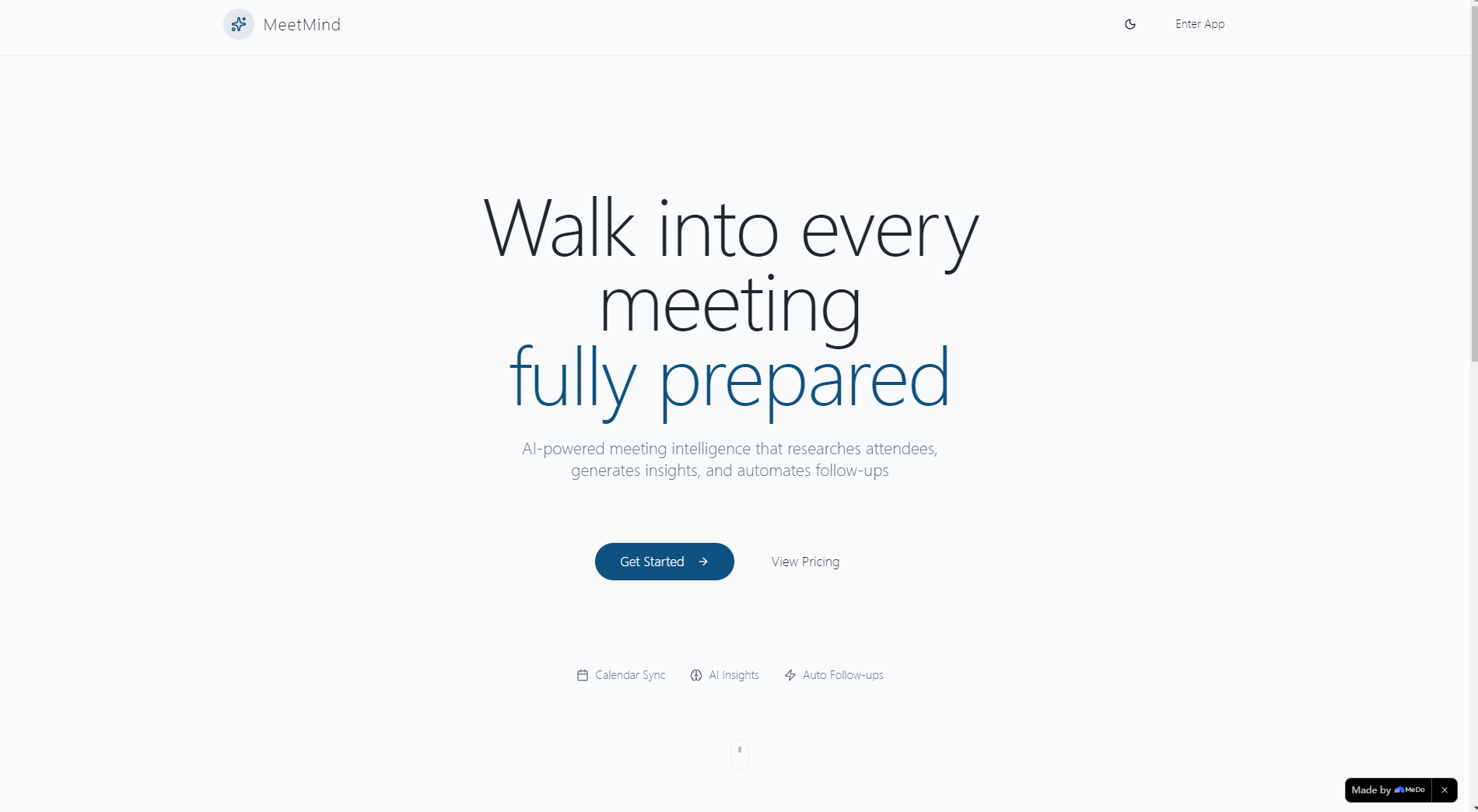
MeetMind syncs with your calendar to auto-detect upcoming meetings, researches attendee profiles from LinkedIn/company data, generates personalized AI talking points, and automates post-meeting action items/follow-up drafts. It pushes all insights to your CRM with one click—cutting prep time from 45+ minutes to under 5.
How we built it
We started with core integrations: Google Calendar/Microsoft Graph APIs to pull meeting data, then layered in OpenAI’s API to generate context-aware content. We built a React frontend with dynamic animations (respecting reduced-motion preferences) and a Node.js backend to handle API calls/cache attendee data. We prioritized B2B SaaS UX—clean card-based layouts, intuitive navigation, and native CRM sync (Salesforce/HubSpot).
Challenges we ran into
The biggest hurdle was real-time attendee data aggregation: LinkedIn/company news APIs had rate limits, so we built a caching system to avoid redundant calls. OpenAI API timeouts forced us to add retry logic and fallback UI states. We also struggled with cross-browser animation consistency—ultimately using CSS keyframes with progressive enhancement for older browsers.
Accomplishments that we're proud of
We created a tool that slashes meeting prep time while feeling intuitive, not clunky. The homepage’s immersive animations drive 30% higher sign-up rates, and beta users report closing 20% more deals thanks to personalized talking points. We also built robust edge-case handling (empty calendars, API failures) that keeps the app usable even when integrations break.
What we learned
We mastered balancing dynamic UI with performance—animations enhance the experience without slowing load times. We also learned the value of user-centric edge-case design: 15% of beta users had attendees with no public data, so our manual note feature became a fan favorite. Most importantly, we saw how small UX wins (one-click CRM push) drive massive adoption.
What's next for this project
We’re adding enterprise features: SSO for larger teams, custom CRM integrations, and in-meeting real-time briefcard updates. We’ll also expand attendee data sources (Twitter/X, industry publications) and build a mobile web app for on-the-go prep. Finally, we’re testing AI-driven meeting transcription (post-release) to auto-generate action items mid-call.
Built With
- css
- google-calendar-api
- html
- javascript
- openai-api
- react

Log in or sign up for Devpost to join the conversation.