-
-
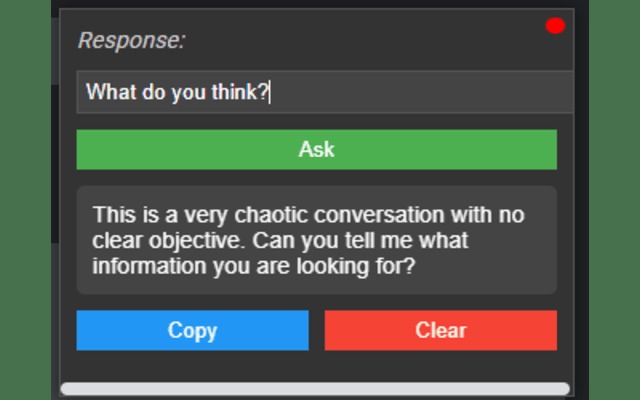
On screen extension with window drag feature to question during the meet on the previous details of the current meet
-
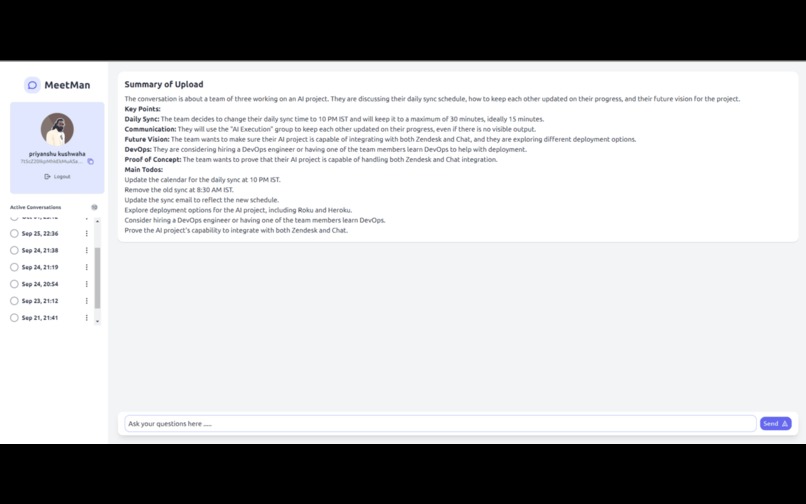
Dashboard for later on questioning on the meet listed with date and time
-
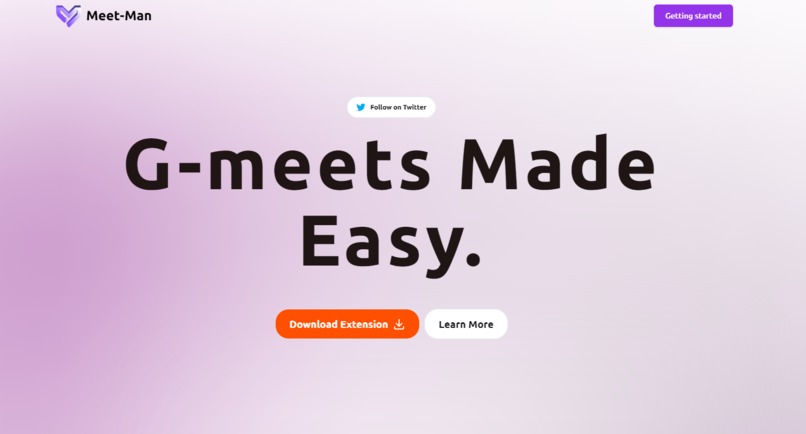
Landing page


Inspiration
While attending long meetings on Google Meet, I found it challenging to note down or remember all the important details. My team and I searched for tools to help, but none allowed us to easily find something mentioned earlier in the meeting. This frustration led us to create a tool that does exactly that.
What it does
Meetman:
- Captures meeting transcripts as text notes using Google Meet's captions
- Lets users interact with meeting notes during the session via the extension
- Allows access to meeting records after the session on a dashboard, providing an easy way to review and revise discussions
How we built it
- Initial prototype: Developed within the browser console
- Extension development: Created a Chrome extension for capturing meeting captions and notes
- User authentication: Added authentication to separate and secure user data, enabling personalized meeting records and notes
Challenges we ran into
- Audio to text: We initially struggled to implement accurate speech-to-text conversion. Google Meet’s caption feature solved this by automatically generating captions that we could capture as text, increasing efficiency and reducing complexity.
Accomplishments
- Identified the problem and developed a working solution within four days
- Created a tool that works efficiently and shared it with friends for better meeting management
What we learned
- Leveraged Chrome's developer features to build the extension
- Integrated Gemini to improve the functionality and enhance meeting note usability
- Firebase to store the data
What's next for Meetman
- Improve feature set and usability
- Add more integrations for better meeting management and context tracking


Log in or sign up for Devpost to join the conversation.