-
-
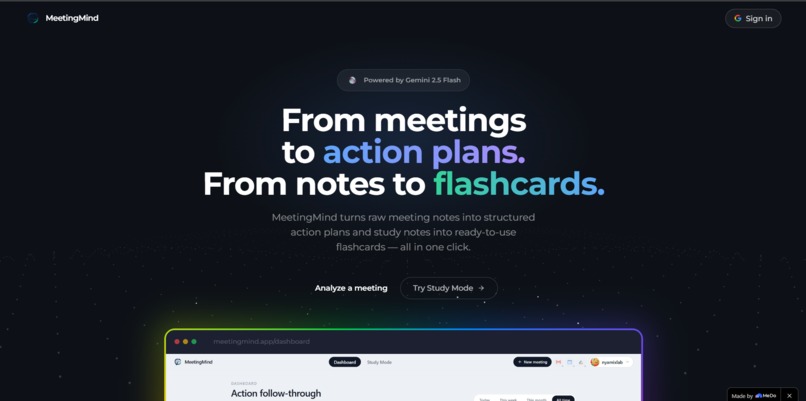
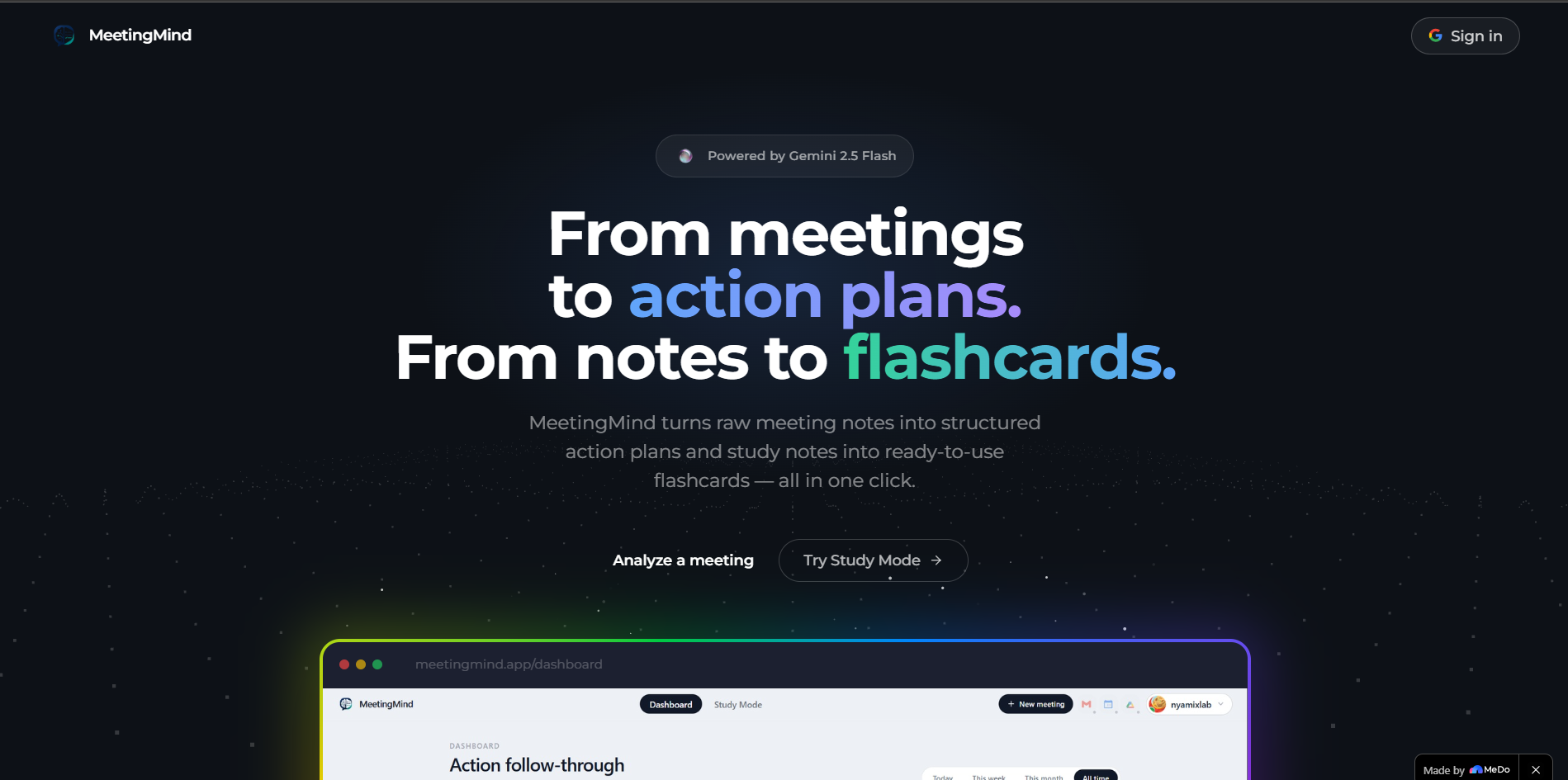
Landing page
-
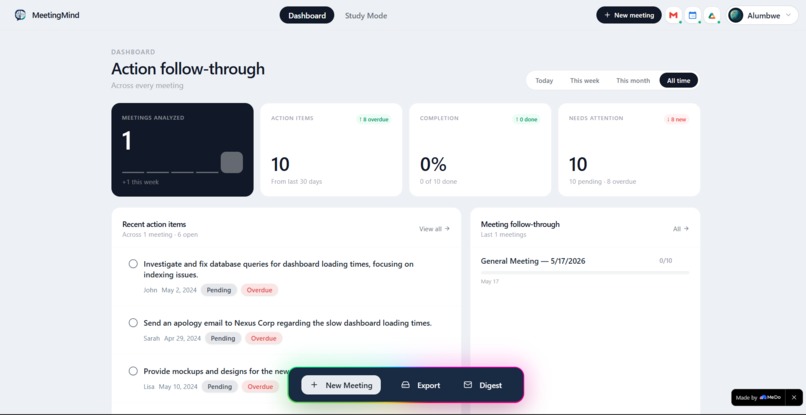
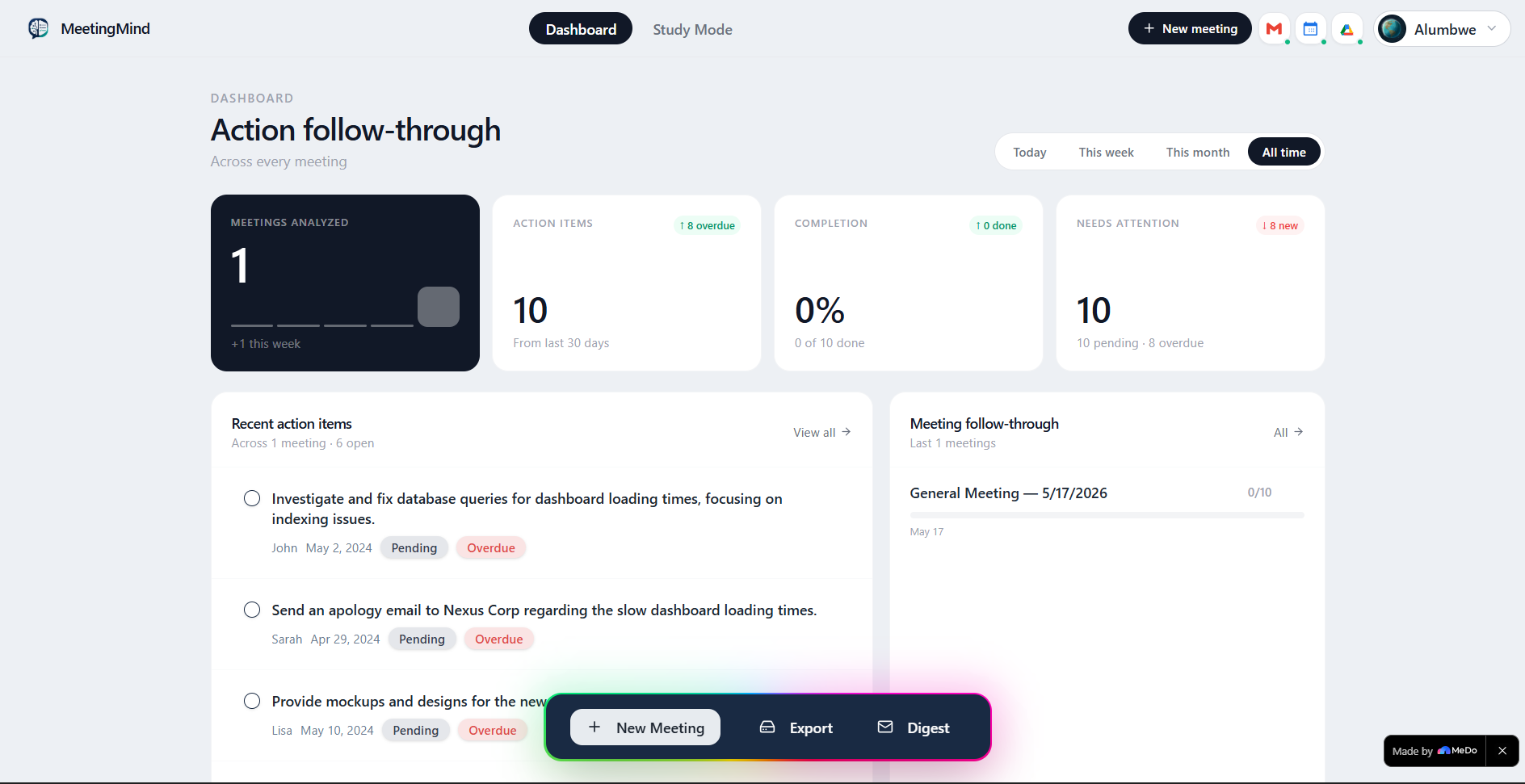
Dashboard
-
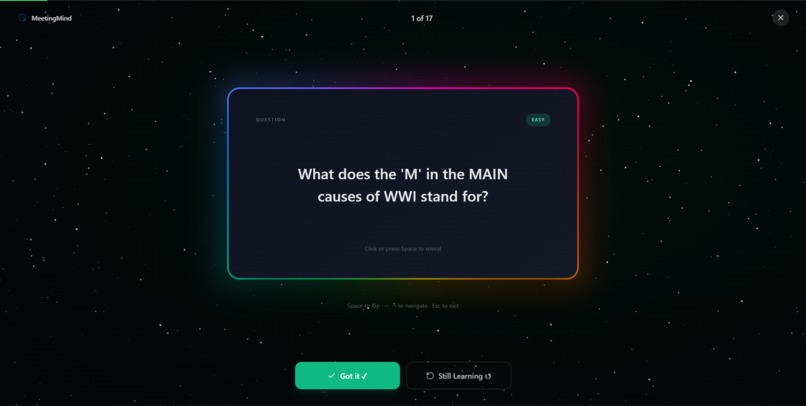
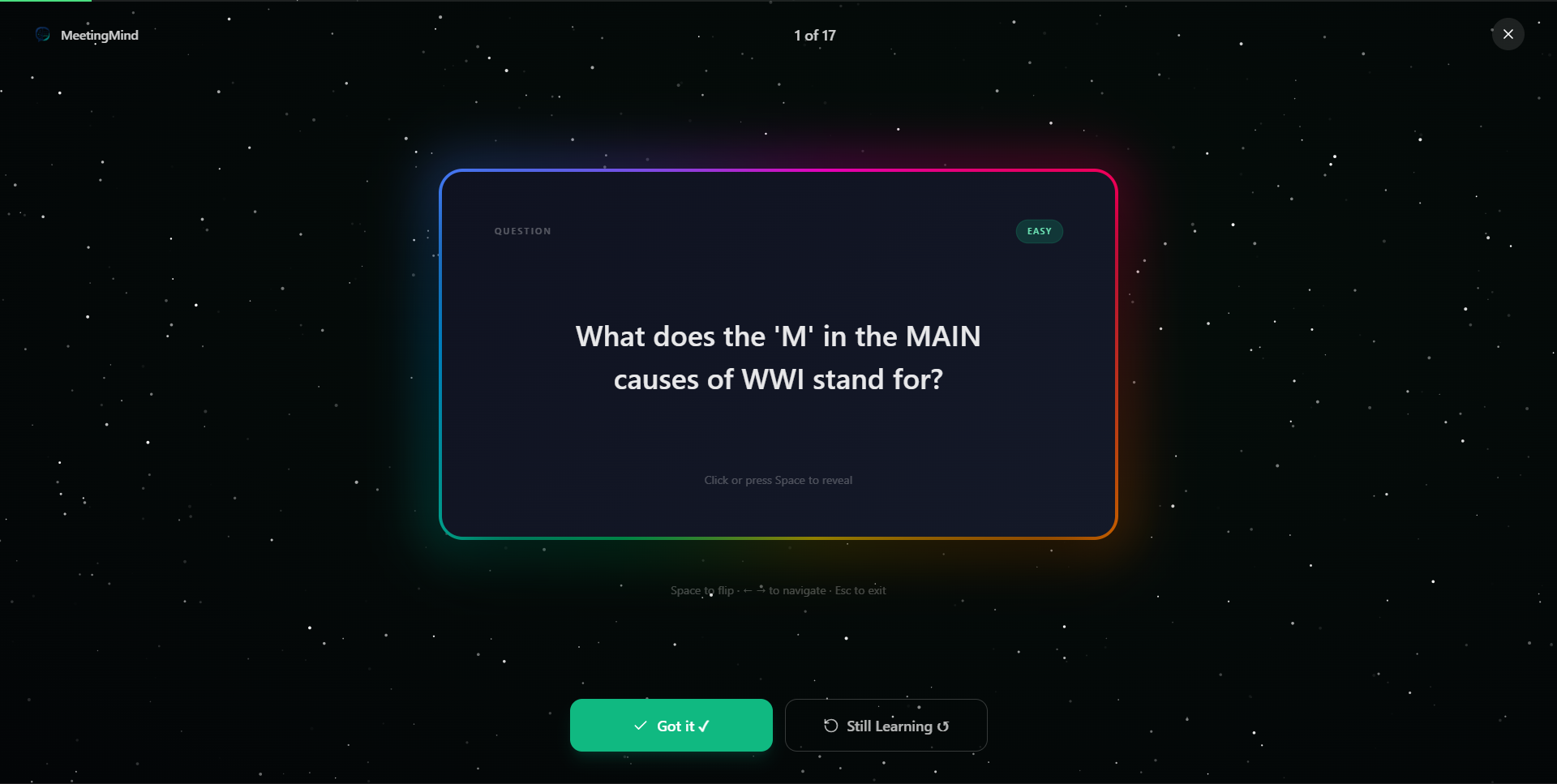
Focus Mode
-
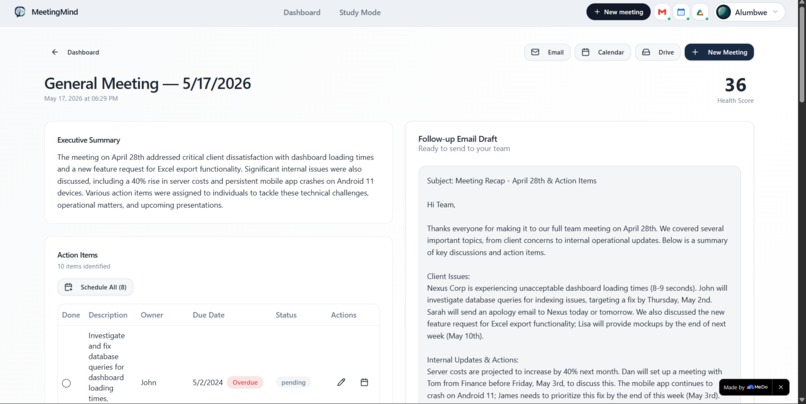
Meeting Results
-
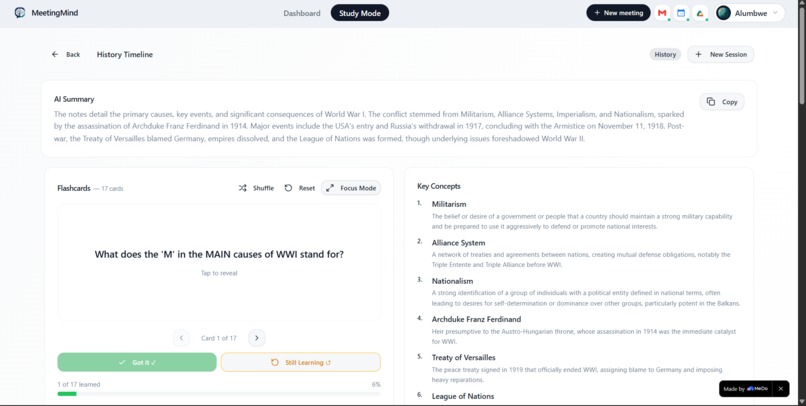
Study Resutls
Inspiration
Every meeting ends the same way action items forgotten, follow-ups missed, and decisions lost in messy notes. And for students, hours of note-taking rarely translate into actual learning. We built MeetingMind because productivity shouldn't stop at 5pm. Professionals need clarity after meetings. Students need retention after studying. One app should solve both.
What it does
MeetingMind is an AI productivity companion with two modes:
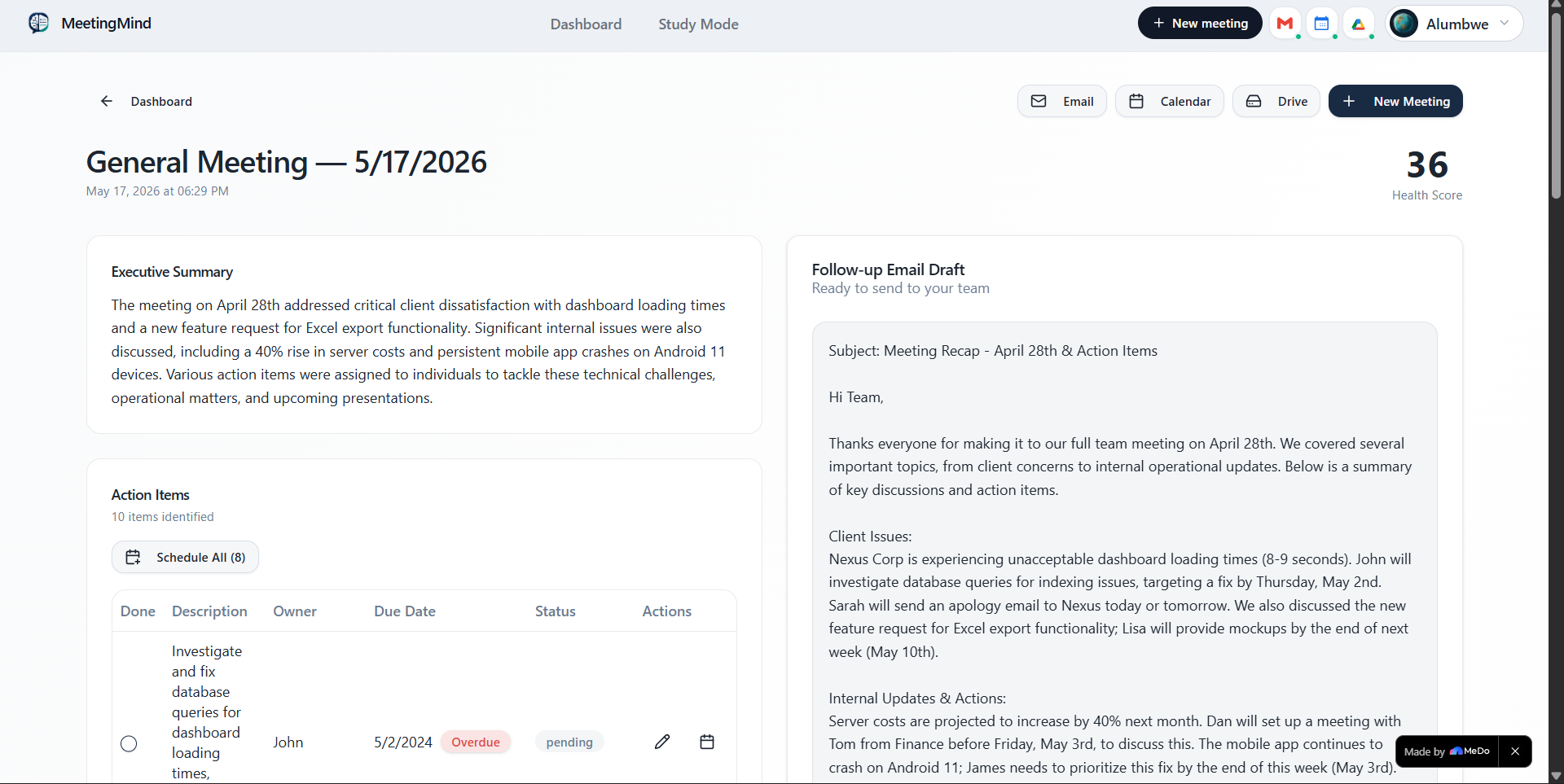
Meeting Mode — Paste your messy meeting notes and AI instantly extracts every action item, owner, deadline and urgency level. It generates a 3-sentence executive summary, calculates a meeting health score, and drafts a follow-up email to your whole team. Everything saves to a dashboard where you can track progress across all meetings.
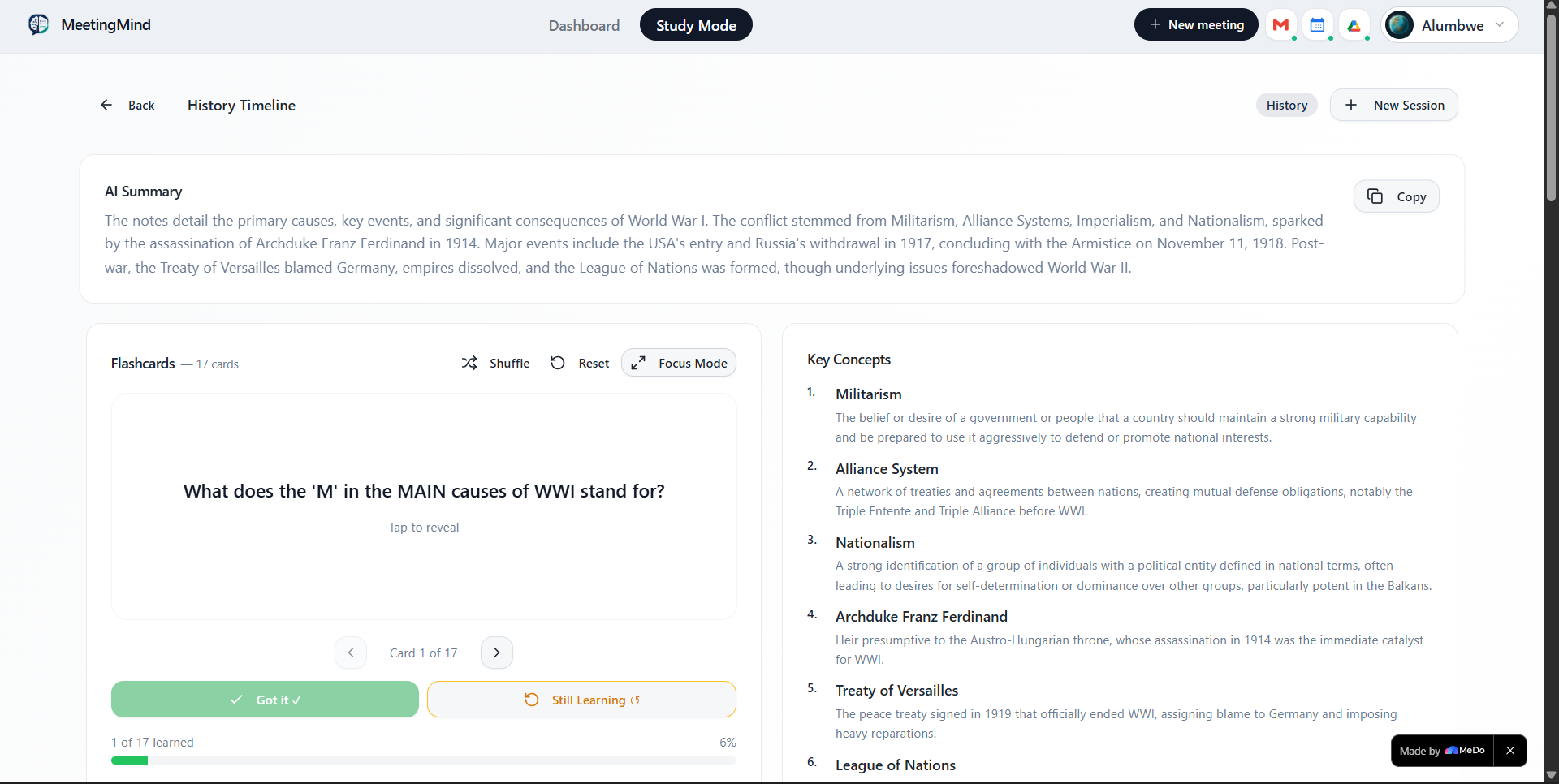
Study Mode — Upload or paste study notes and AI generates flashcards, key concepts, knowledge gaps, and a 5-question quiz automatically. The fullscreen Focus Mode creates an immersive study experience with dynamic color gradients that change based on card difficulty. Got it / Still Learning buttons track your progress in real time.
Both modes feed into one unified dashboard showing meeting analytics, study session history, completion rates, and AI-generated team insights.
How we built it
MeetingMind was built entirely using MeDo. We structured our conversations with MeDo to tackle one feature at a time starting with the core AI analysis engine, then the dashboard, then Study Mode, and finally the fullscreen flashcard Focus Mode.
MeDo generated the entire bento grid dashboard layout, the flashcard flip animations, the dynamic gradient backgrounds, and the Google Calendar, Gmail and Drive integrations. The most impressive moment was describing the fullscreen Focus Mode concept to MeDo and watching it generate the entire immersive experience — particle backgrounds, difficulty-based color gradients, keyboard shortcuts and smooth card transitions — in one conversation.
We used the GEMINI API for AI analysis and flashcard generation, with localStorage for data persistence across sessions.
Challenges we ran into
The biggest challenge was PDF text extraction. Early on the AI summary was reading PDF metadata instead of actual content — returning things like "created with Microsoft Word" instead of summarizing the notes. We solved this by implementing proper text extraction using pdfjs-dist to pull content from each page correctly before passing it to the AI.
Getting the flashcard Focus Mode to feel smooth and immersive took several iterations — the gradient transitions between cards needed to be timed perfectly so they felt satisfying rather than distracting.
Accomplishments that we're proud of
We are most proud of the fullscreen flashcard Focus Mode. Watching a set of study notes transform into an immersive fullscreen study experience with dynamic color gradients, smooth flip animations and keyboard shortcuts feels genuinely magical — and it works perfectly.
We are also proud that MeetingMind is fully functional and deployed at a live public URL. Every feature works — paste notes right now and get real results in seconds. This is not a demo or mockup.
Building two complete modes (Meeting and Study) that feel cohesive and polished within a hackathon timeline using MeDo is something we are genuinely proud of. What we learned We learned that MeDo is most powerful when you describe the user experience you want rather than the technical implementation. Saying "I want a fullscreen flashcard mode with gradients that change based on difficulty and feel immersive and satisfying" produced far better results than describing specific CSS properties.
We also learned to build one feature completely before moving to the next. Trying to build everything at once creates inconsistencies. MeDo helped us stay focused by treating each feature as its own conversation.
Most importantly we learned that AI tools like MeDo don't just write code — they help you think through product decisions, catch edge cases, and push the quality of your ideas further than you expected.
What's next for MeetingMind
The immediate roadmap includes: Audio and video upload with automatic transcription so users can upload recorded meetings directly
Collaborative mode so entire teams can share a dashboard and track action items together
Spaced repetition algorithm for Study Mode so flashcards are served based on what you need to review most
Mobile app version for studying and meeting capture on the go Integrations with Zoom, Google Meet and Microsoft Teams for automatic meeting import
MeetingMind started as a hackathon project but the response has shown there is real demand for a productivity tool that serves both professional and student needs in one place.
Built With
- gemini-2.5-flash-api
- gmail-api
- google-calendar-api
- google-drive-api
- google-oauth-2.0
- javascript
- localstorage
- medo
- pdfjs-dist
- react
- tailwind-css

Log in or sign up for Devpost to join the conversation.