-
-
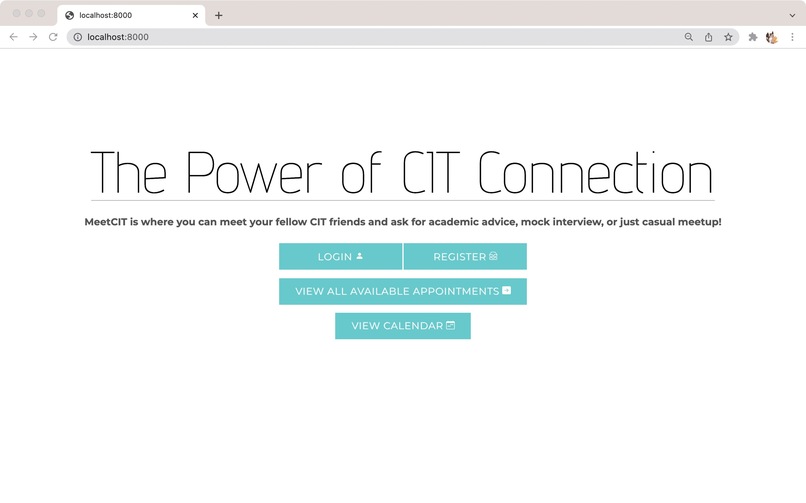
homepage
Inspiration
Inspired by OHQ, we made this web that allows the MCIT students freely host an appointment or book another user's appointment, and meetup through the zoom link provided by the host.
What it does
The purpose of meeting can be mentorship, advisory, mock interview or just casual meetup, to broaden the student's connection with fellow MCIT students.
How we built it
- Django web framework (4.0.1), with Guardians package
- Python as back-end programming langauge
- CSS Bootstrap-4
- django-calendar GitHub project made by GitHub user huiwenhw
For comprehensive website features, please refer to the Feature doc.md file.
Challenges we ran into
- How to define and integrate the models in the app
- How to display a interactive calendar
- Authentication
- Learn and use Django in 3 days
Accomplishments that we're proud of
Register and Login System
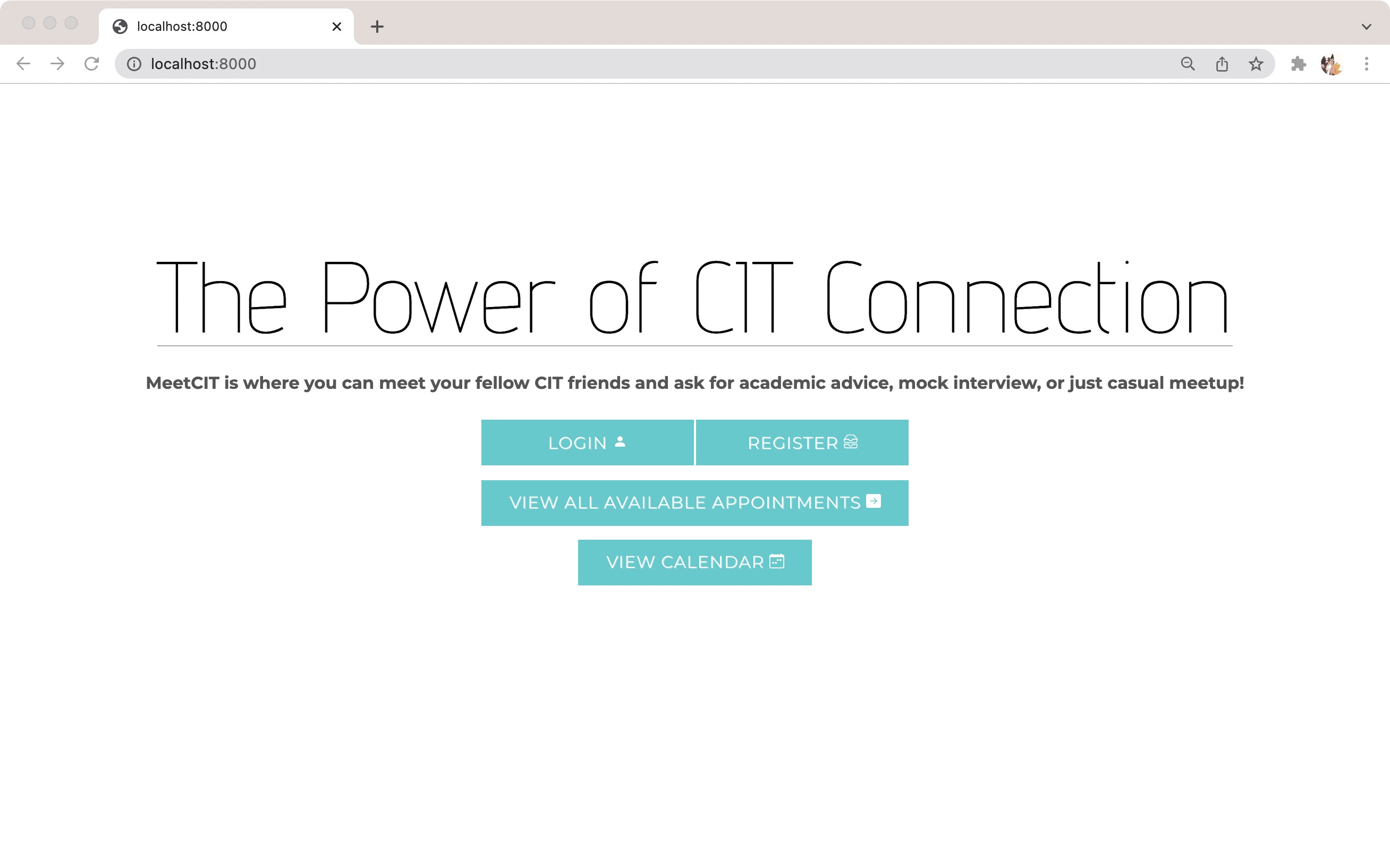
Works just like any other registration system! Unique and case-sensitive username, email address and complex password are required. Guest user can access both the calendar and the catalogue page through the homepage, but is required to login if they intend to book or check any event. After logging in, the user will be presented with their profile page.
Host/Attendee Appointment System
The user can either host an appointment as a host, or participate in an appointment as an attendee. Only the host and the attendee can view the zoom link. When a user successfully host an appointment, the appointment will show up on the calendar and the catalogue free for other users to book.
At the moment, appointments are one-to-one, meaning an appointment can only be hosted by one user and booked by another unique user.
Profile Page
All appointments, either upcoming or past, show up as two cascading columns of cards in ascending time order.
On the left, the user can find their host appointments and past host appointments. On the right, the user can find appointments they intend to participate as attendee.
If no appointments are present, the user will be prompted to either host a new event or book an appointment on the catalogue page.
All cards include relevant host/attendee name, start/end time and the zoom link provided by the host, offering a clear dashboard view of events.
The user can also choose to cancel appointment either as a host or attendee. Cancelled host appointments will be permanent deleted from the database, but cancelled attendee appointments will become available again for other users to book.
Calendar System
The user can also choose to view all appointments on the calendar page, where all appointments, listed as the host name followed by the status of the event, show up on a calendar view.
By clicking the appointment, the user will be re-directed to an event view page. When logged in as the host of the event, the user can choose to edit the event details or cancel the appointment. When logged in as a different user, the user can choose to book the appointment, or cancel existing appointment.
Catalogue Page
The catalogue page lists all available appointment current user can book in ascending time order. Expired events, already booked events or events hosted by the user themselves will NOT show up for the user to clearly see what appointments are available.
Search
If the user wishes to directly search for a host, they can use the search box located at the upper right corner using exact username. All available appointments by the exact username will show up in ascending time order as cards, where the user can book.
What we learned
MeetCIT is built using the Django web framework (4.0.1) with Python as the back-end programming language, and website is styled using CSS Bootstrap-4, especially the navigation bar. We use the registration system that comes default with Django, and import the Django Guardians package for differentiating user's permission to book/change/cancel a certain appointment. We learned how to design models in Django and CRUD.
What's next for MeetCIT
Appointment theme/tag: a new attribute to the appointment, can be set to advisory, mock interview, meetup or other themes/tags to facilitate the filtering of appointments.
User profile that all visitors can inspect: Including self-introduction, strengths and personal interests to better introduce the host to other users.
One-to-multiple appointments: the host can choose the number of attendees they prefer to accommodate.
Filter options on calendar and catalogue: given a timeframe, certain host or theme of the appointment, the user can filter out the appointments they want to attend the most.
Fuzzy search: the user can search for theme/tag, approximation of name, or other attributes rather than an exact host name.


Log in or sign up for Devpost to join the conversation.