Coda — Meetings That Generate Themselves
Inspiration
Every meeting ends the same way: someone says “I’ll send notes” — and they rarely do.
We wanted the outputs of a conversation — recap, deck, quiz, even a podcast — to exist automatically the moment the call ends.
At the same time, we questioned the format of meetings themselves. Why are we still stuck in linear slides and screen sharing?
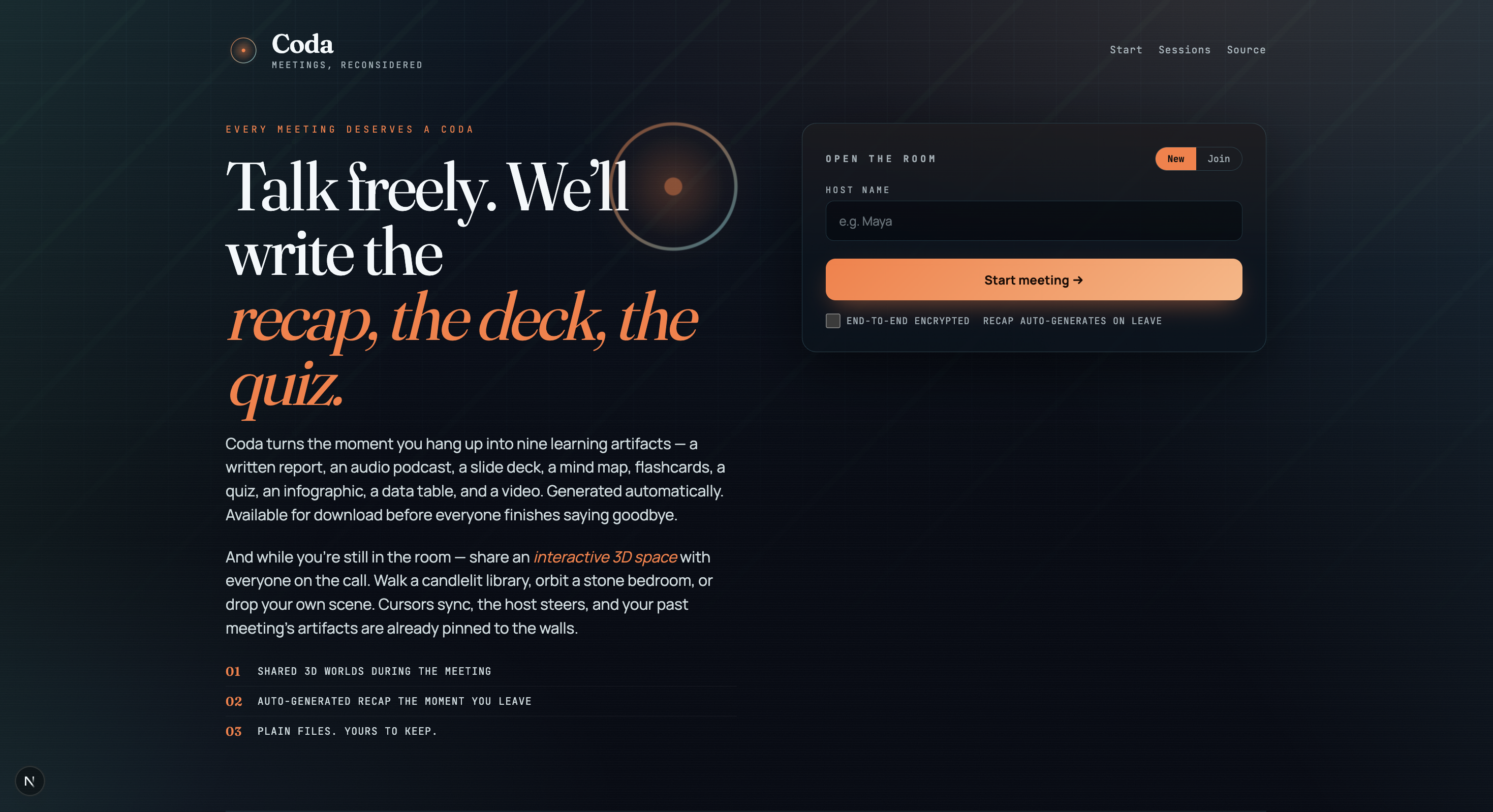
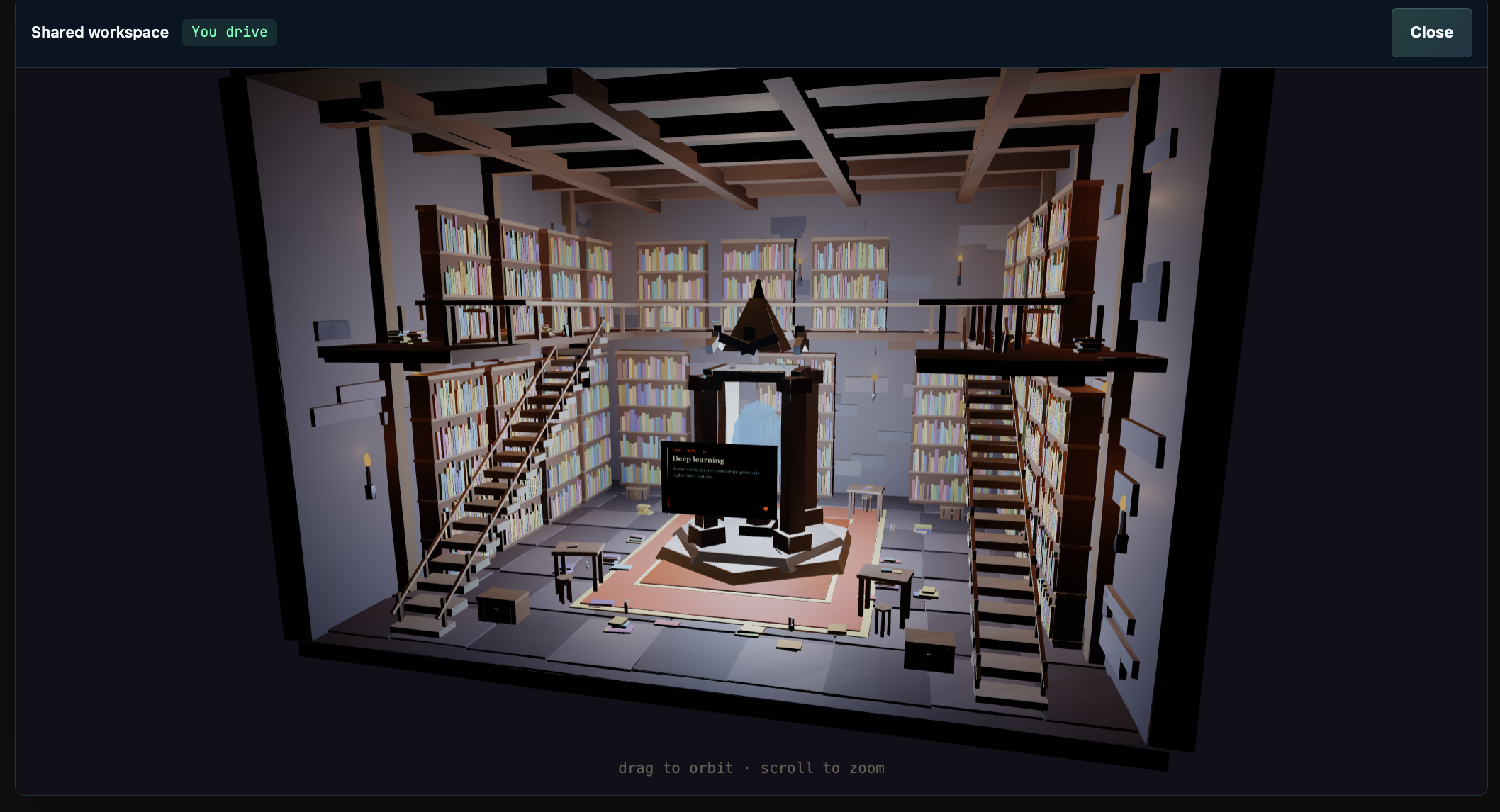
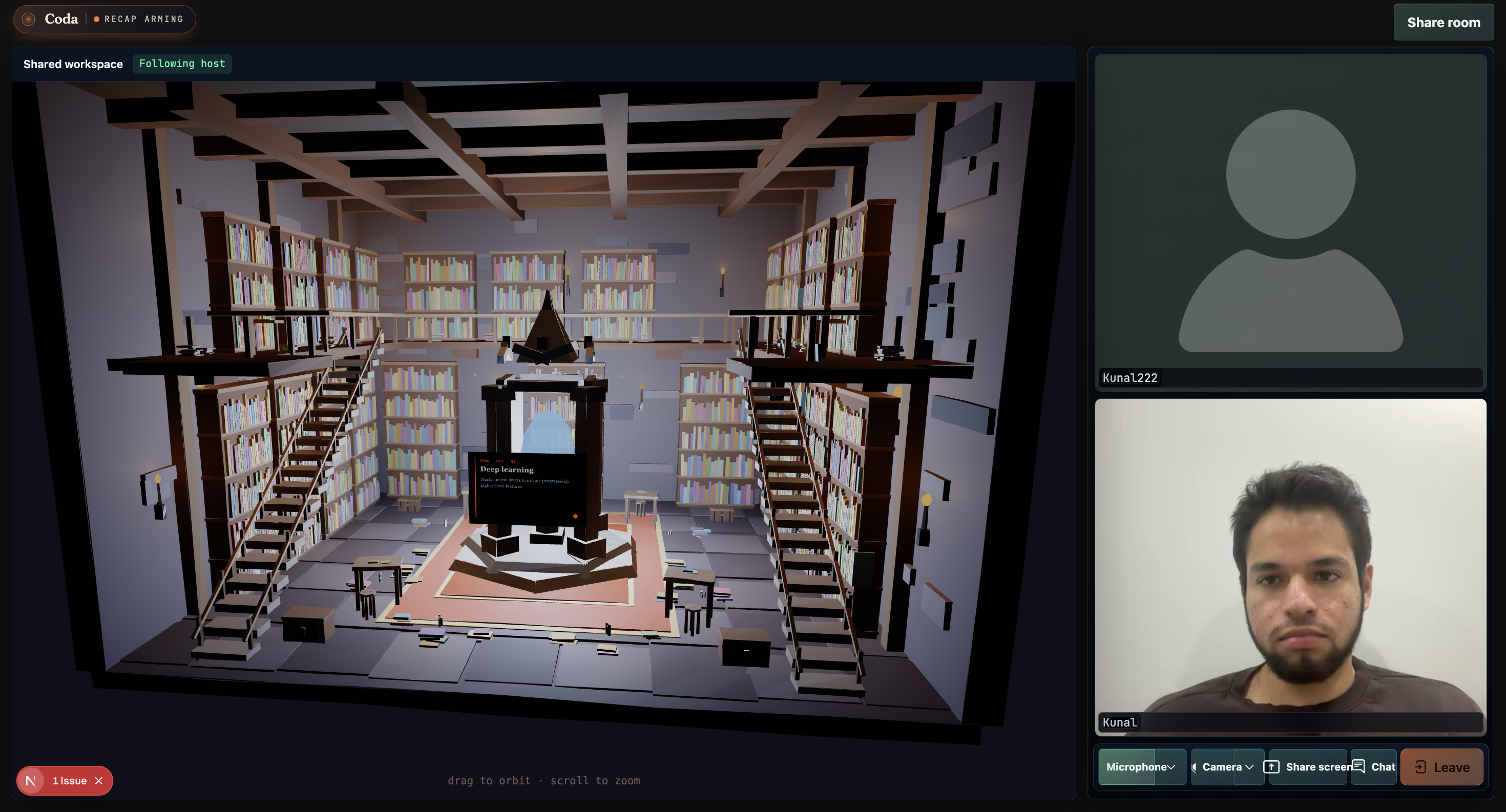
Coda reimagines meetings as interactive 3D spaces, inspired by world models — where information is explored, not presented.
What It Does
Coda is a meeting platform that captures, understands, and generates everything from your conversation.
During the meeting:
- Live transcription captures everything said
- Screen capture adds visual context
- Participants collaborate inside a shared interactive 3D space
The moment the call ends:
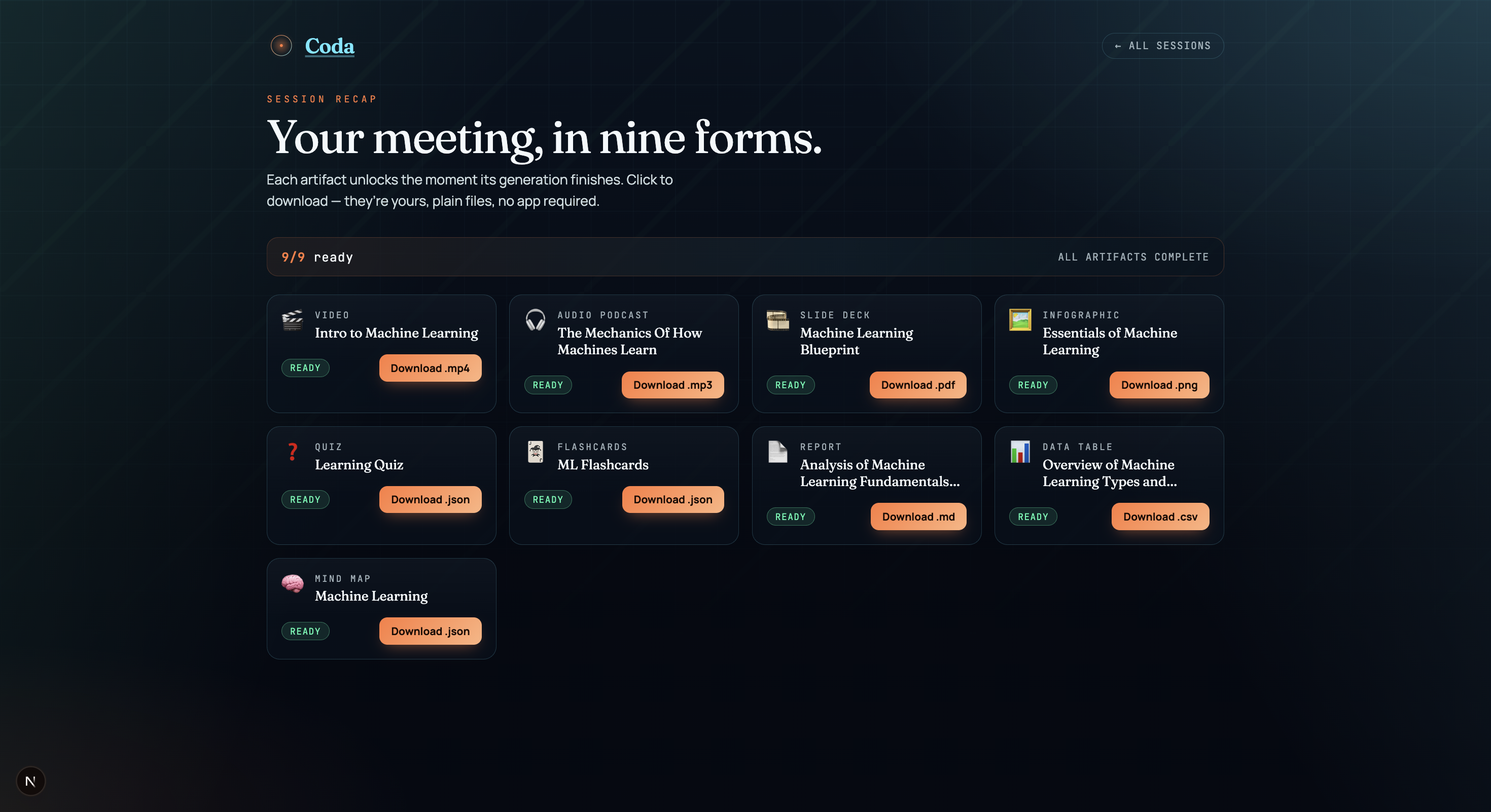
- A recap page is instantly generated
- Nine downloadable artifacts are created in parallel:
- Report
- Slide deck
- Quiz
- Flashcards
- Mind map
- Infographic
- Video
- Report
How We Built It
Meeting Layer
- Next.js + LiveKit for video infrastructure
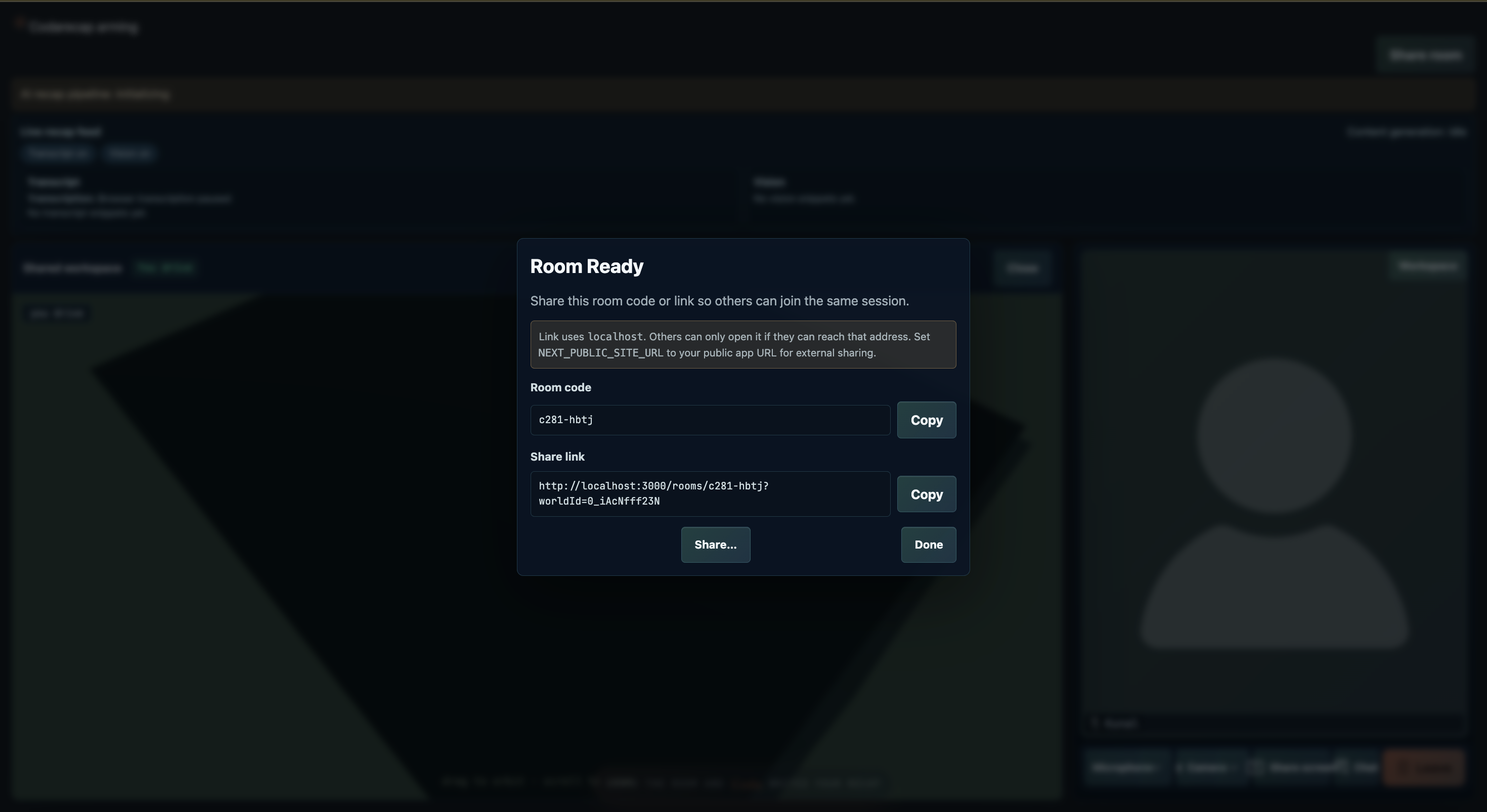
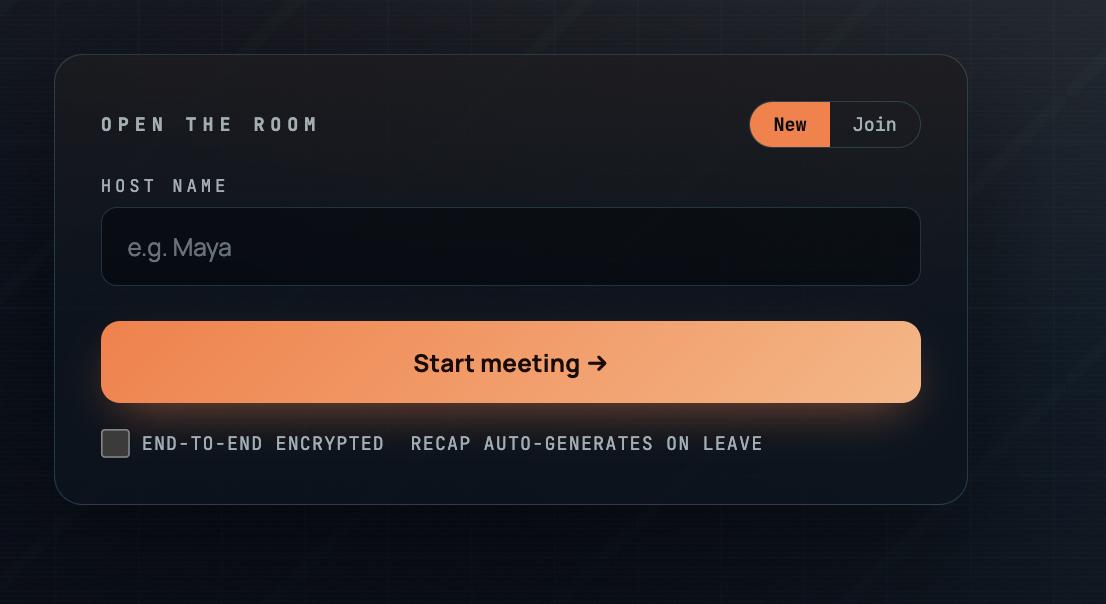
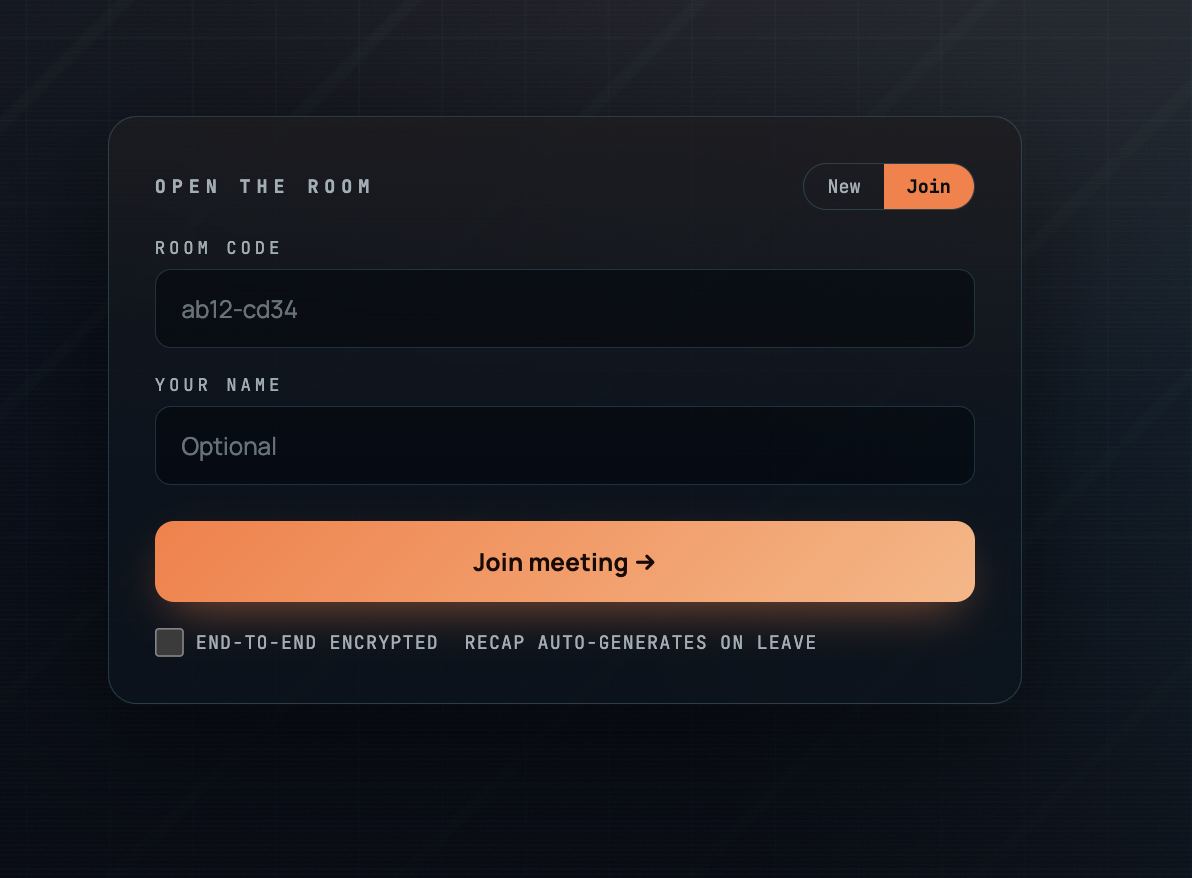
- Custom pre-join and room shell
- Shared 3D worlds built with Three.js
- Synced cursors and camera via a postMessage harness inside iframes
Capture Pipeline
- Browser-based speech transcription
- Periodic screen-frame uploads
- Continuous streaming into a content backend during the meeting
Generation Backend
- FastAPI service wrapping notebooklm-py
- On meeting end:
- Creates a notebook
- Ingests transcript + visual context
- Fans out parallel generation across nine artifact pipelines
- Creates a notebook
Recap UI
- Polling-based status page
- One-click downloads for all artifacts
- Landing page listing all past sessions
Challenges We Ran Into
Coordinating three separate apps (meeting, backend, recap UI) without a database
- Solved using a lightweight JSON run log
- Solved using a lightweight JSON run log
NotebookLM client reliability
- Browser-driven (Playwright), fragile authentication
- Unpredictable generation timing
- Browser-driven (Playwright), fragile authentication
Embedding 3D scenes inside a live video call
- Required heavy CSS and layout adjustments
- Maintaining controls and synced cursors was non-trivial
- Required heavy CSS and layout adjustments
Design transformation
- Moving from default LiveKit UI to a distinctive Coda aesthetic without rewriting core components
- Moving from default LiveKit UI to a distinctive Coda aesthetic without rewriting core components
Accomplishments We’re Proud Of
True end-to-end flow:
- Leave a meeting → land on a styled recap page → download real artifacts
- Formats include
.pdf,.mp3,.mp4,.md,.csv,.json
- Leave a meeting → land on a styled recap page → download real artifacts
Parallel generation system:
- Faster artifacts are ready instantly
- Heavier ones (audio/video) complete while users explore
- Faster artifacts are ready instantly
Real-time shared 3D environments:
- Synced cursors
- Host-controlled camera
- Embedded content panels inside scenes
- Synced cursors
Strong product identity:
- Fraunces + Manrope + JetBrains Mono typography
- Ember accent palette
- Scanline grain + animated glyph branding
- Fraunces + Manrope + JetBrains Mono typography
What We Learned
Parallel generation is a UX superpower
Users engage immediately while heavier outputs catch upPersistent visual cues build trust
A subtle “recap arming” indicator is more effective than explanation3D spatial context changes meetings fundamentally
Even a single shared room alters how people present and interactBold design decisions win
Clear, opinionated aesthetics outperform safe, neutral design
What’s Next for Coda
Persistence & accounts
- Postgres-backed workspaces
- Recaps tied to teams, not JSON logs
- Postgres-backed workspaces
Live mid-meeting generation
- Reports and quizzes form in real time
- Outputs appear inside the 3D environment
- Reports and quizzes form in real time
Scene editor
- Teams create custom environments
- Lecture halls, design studios, war rooms
- Teams create custom environments
Personalized artifacts
- Each participant gets a tailored recap
- Based on their contributions and questions
- Each participant gets a tailored recap
Export bundle
- One click → full zip + static recap site
- One click → full zip + static recap site
World model integration
- Deeper semantic understanding
- More intelligent, structured outputs
- Deeper semantic understanding
Built With
- gemma4
- googlecloudvisionapi
- livekit
- python
- three.js
- typescript
- websockets


Log in or sign up for Devpost to join the conversation.