Inspiration
When I was younger, I found that having a paper timetable helped me stay on track and avoid distractions. Whenever I got off course, a quick look at the timetable refocused me.
This experience inspired me to create a digital version of that timetable, aiming to assist people in remembering to take their medications on time.
What it does
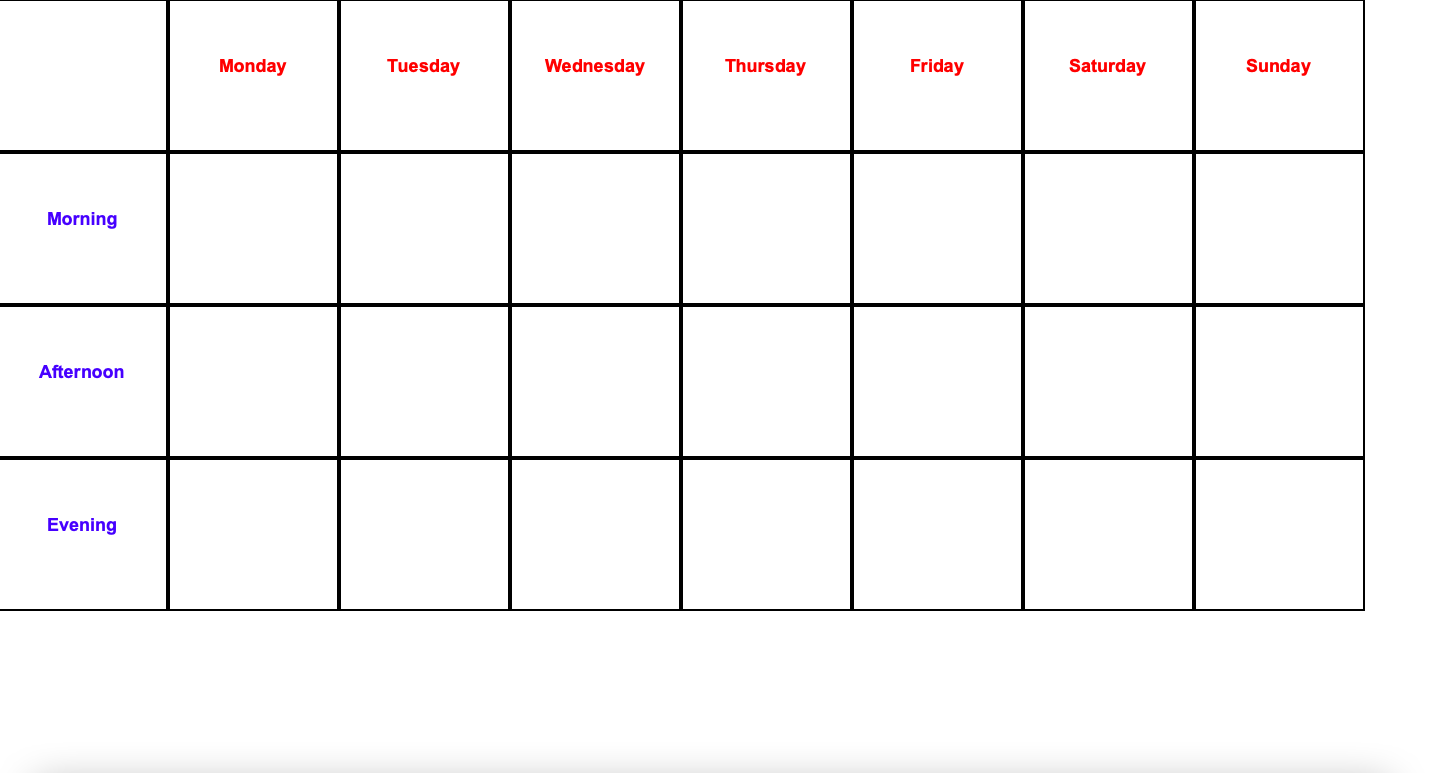
Helps the user add and save their medications on their computer and creates a schedule based on their entries. The schedule lists the medication they have to take on a specific day at specific times of day.
How we built it
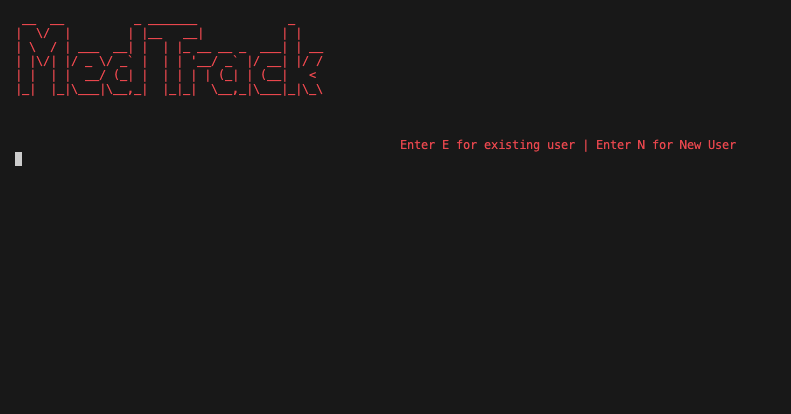
I built the whole thing using python and used libraries such as pyfiglet to create a big logo text, termcolor to give the text different colors, maskpass to mask the password entry with *, time to add delays and tkinter to create and setup the timetable interface.
Challenges we ran into
I planned to create the whole thing using tkinter GUI, however I found the process to switch between different windows, alligning everything right, and other small tweaks very time consuming. I wasn't sure I would be able to complete the project in time if I went with this idea so I switched to a terminal based project as it was easier for me to do and finish.
Accomplishments that we're proud of
I'm proud to have successfully used my personal experience and turned it into a digital tool that can potentially improve the lives of the users as it will allow them to take their medications on time. I'm also proud to have completed a working product within the submission time.
What we learned
The main thing I learned from this project was Tkinter. I had no prior knowledge of Tkinter before I started this project. I went through many tutorials and learned the basics such as creating a window, adding labels and buttons etc. Not only did I gain knowledge on the user interface (GUI) development, I also learned more about the Terminal interface (CLI) design such as alligning texts in the center, adding color to the texts and creating big texts with cool fonts.
What's next for MedTrack
I plan to start building MedTrack fully through Tkinter to make the user experience better and would like to add some of the following features:
- Online database to store data using Firebase
- Add notifications and alerts for users
- Expiration dates on medications to remind them to buy new ones
- Print the schedule so people can have a physical copy of their schedule
Built With
- maskpass
- pyfiglet
- python
- termcolor
- tkinter


Log in or sign up for Devpost to join the conversation.