-
-
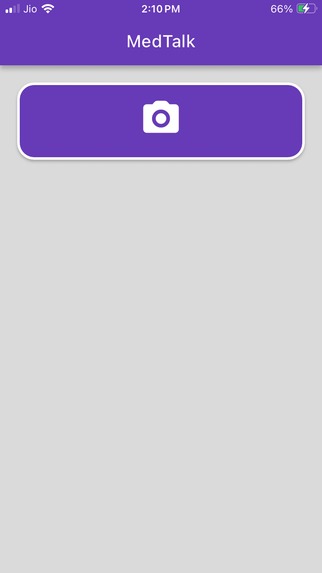
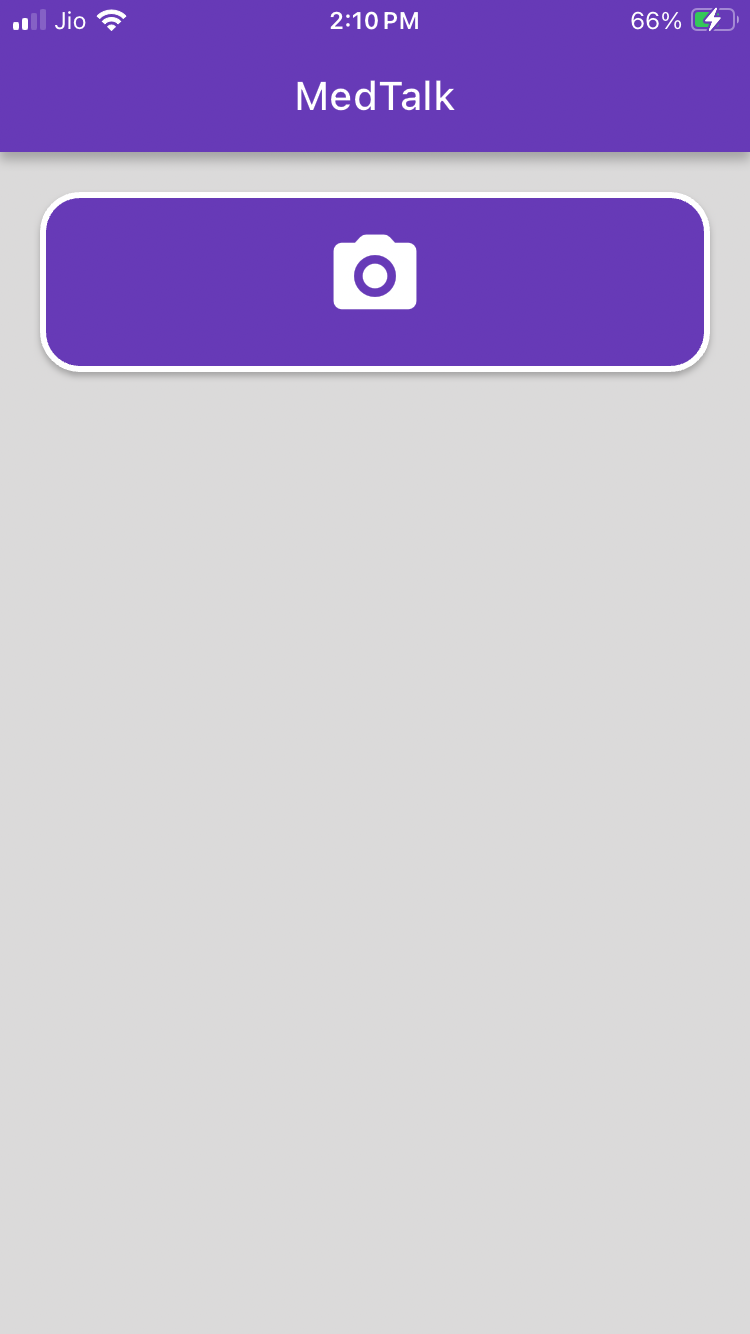
First screen as app starts nothing else just a scan button for clear from cutter UI
-
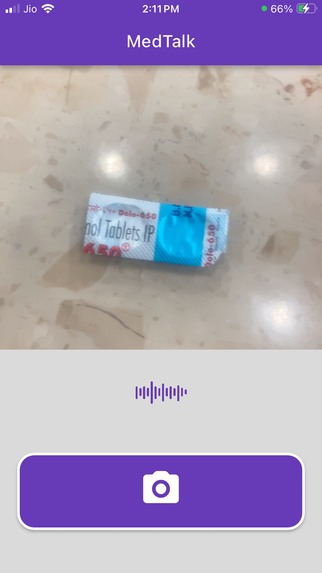
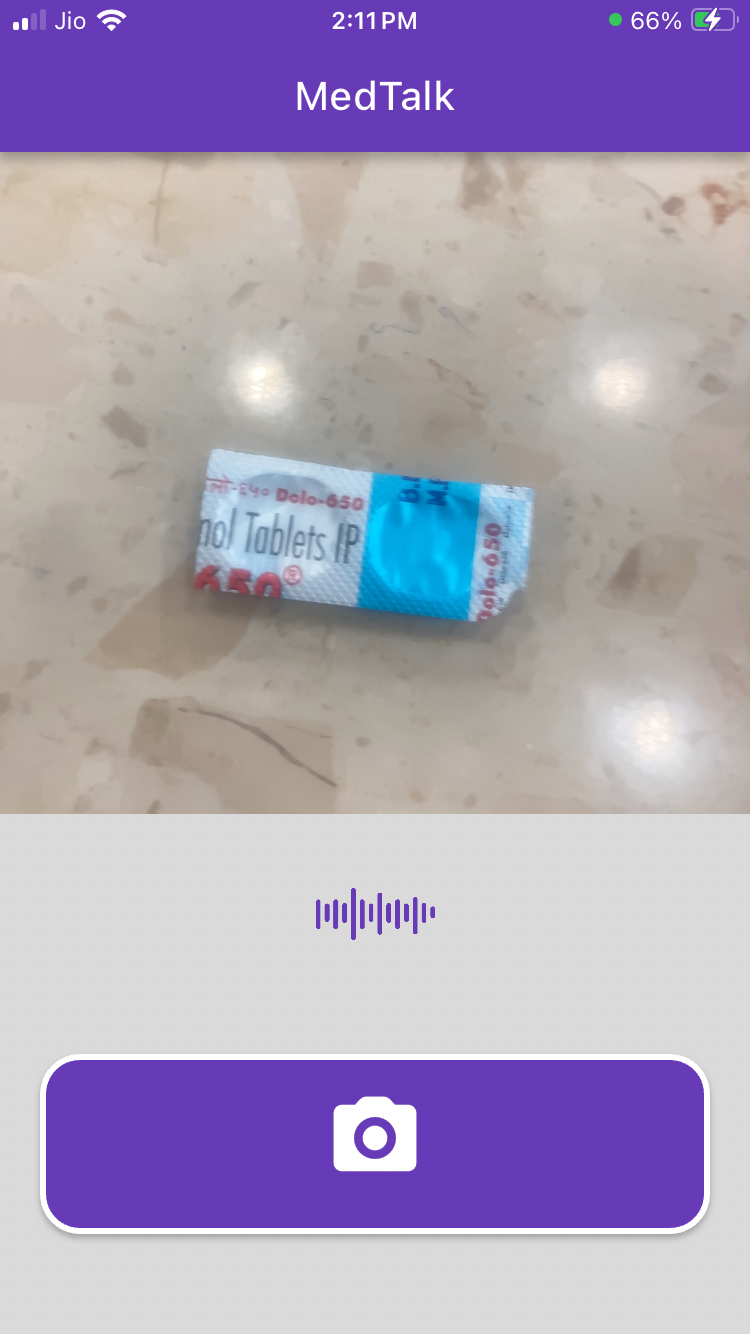
Tuns on camera for AR image detection to detect the uploaded images and speaks out its details in Hindi
-
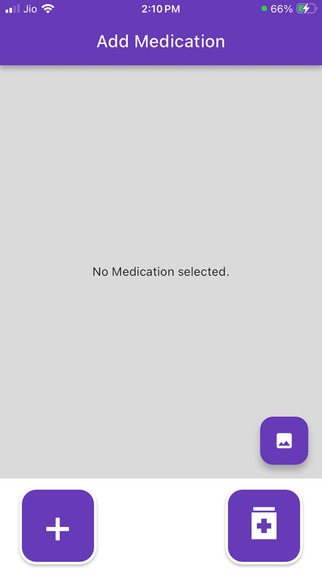
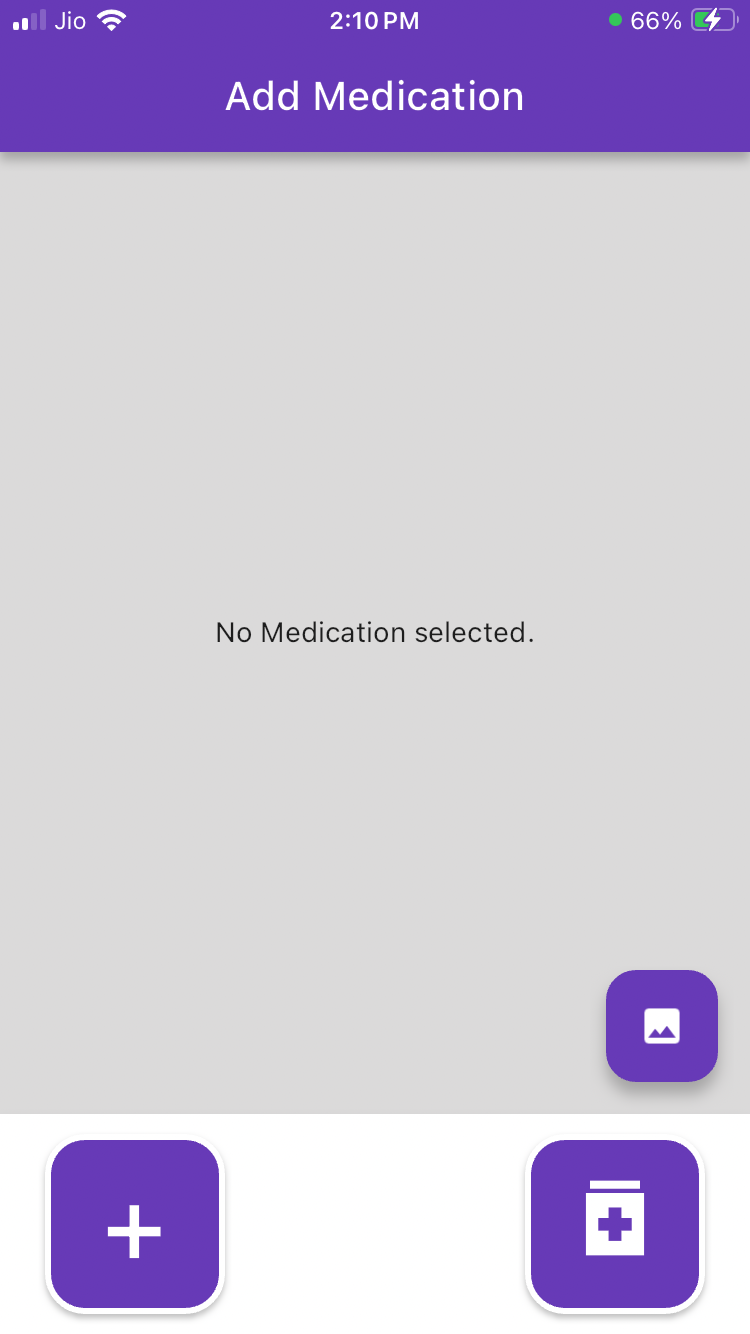
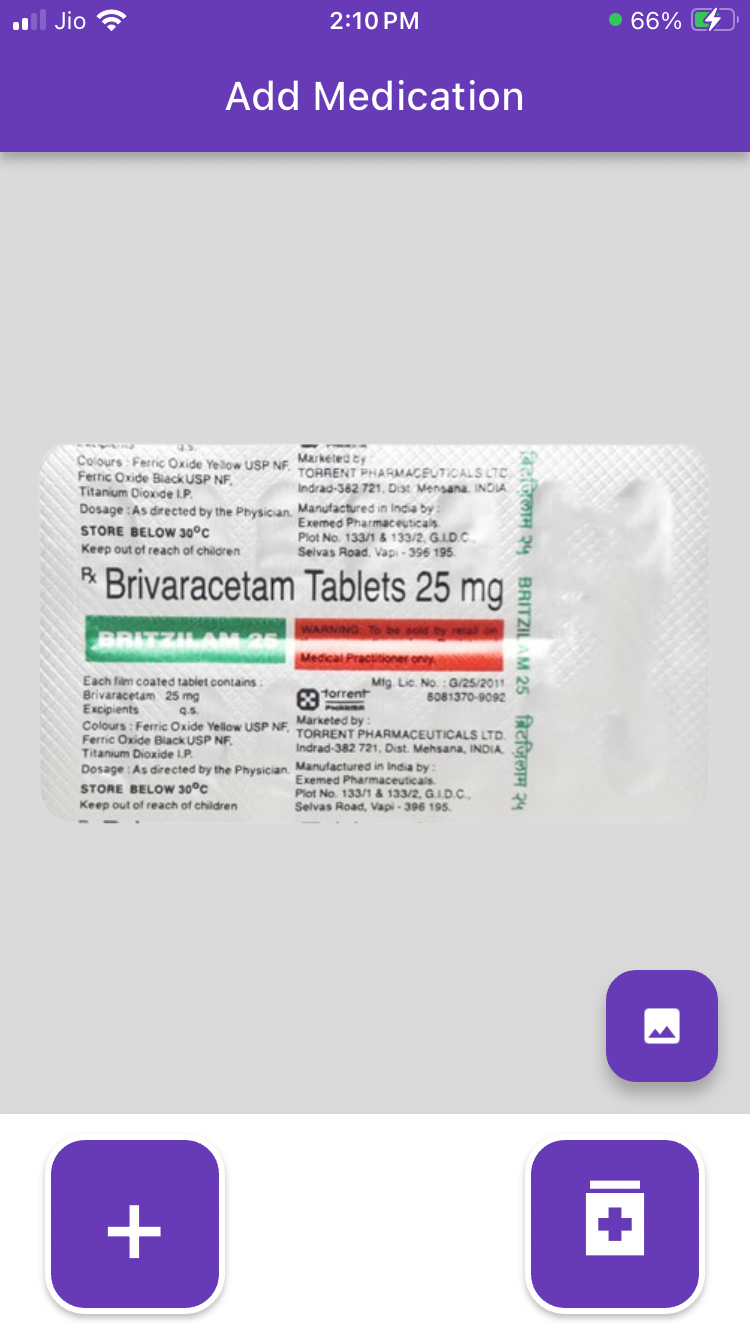
uploading the images of tablets to the app
-
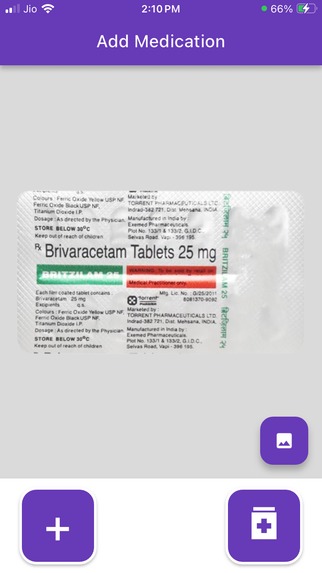
uploading the selecting the tablet image to app
-
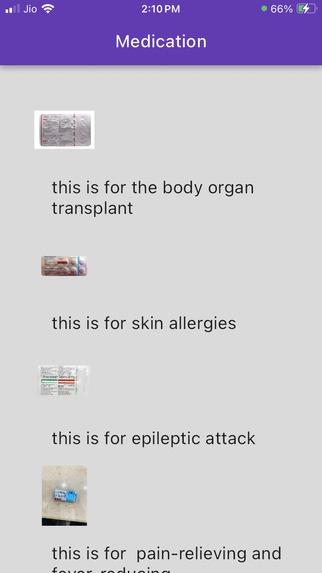
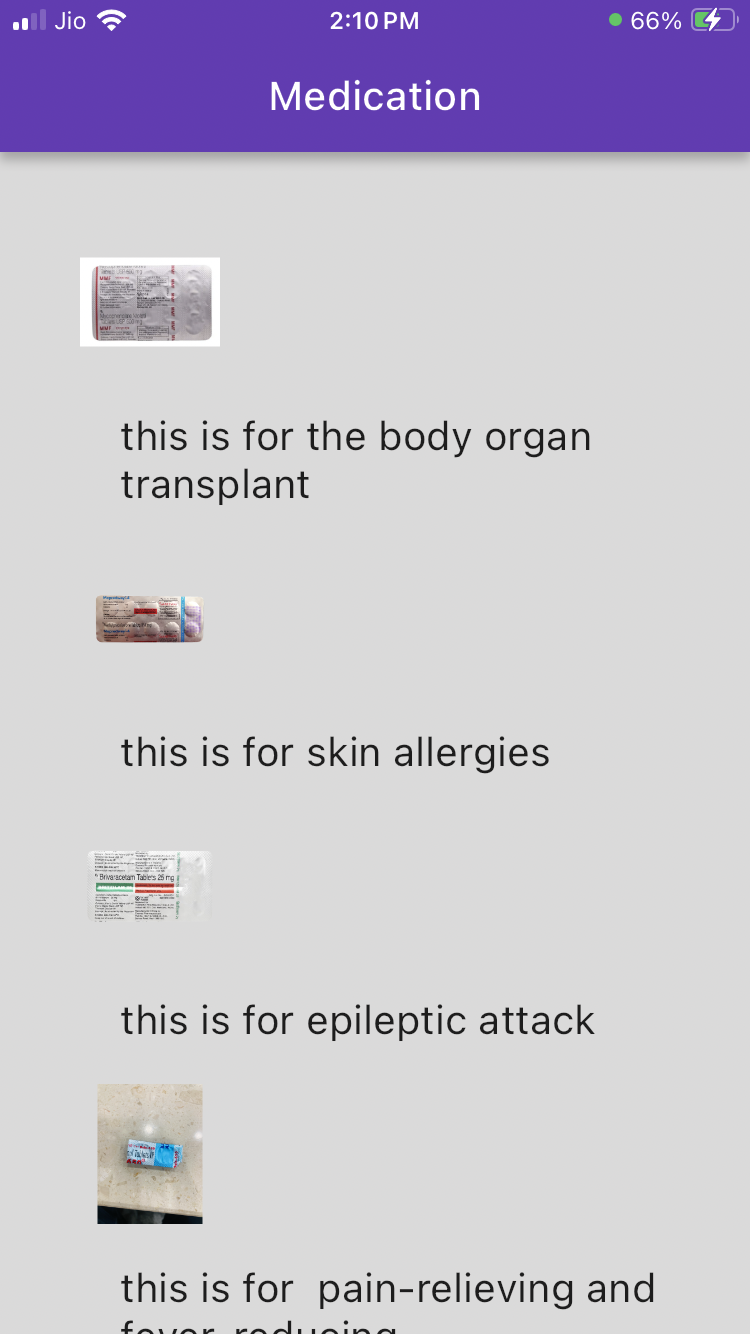
list view of all stored tablets
Inspiration
As my grandmother is very old above 70 (but she always says she is below 60), she is bound to lots of tablets and often kind of forgets which tablet is for what and when to take it and many time needs some one around for that. As she is old and even not educated so i think that there must be an app that just scan the tablet and speak out all the required information about it. No need to force your brain to remember them like exam. Just scan and have it.
What it does
It uploads stores the tablets images in the app and then it scans them using the ARKit image detection and using the google translate and text-to-speech plugin it converts the information into the speech from english to Hindi language. making it more user-friendly for the older peoples to use. they just have to open the app and scan the tablets with the camera and make it easy to figure out the tablets to take.
How we built it
It is built using Flutter a multi-platform single codebase app builder developed by google. Using its various plugins it becomes very easy to integrate complex things like AR with the ARKit plugin and google translate and text to speech plugin to increase its overall functionality.
Challenges we ran into
While creating this app there are many problems that i have faced and those are using ARKit and with the mixing of text to speech part because they are very conflicting plugins and required a lot time to combine them as one application and the other one is making the ARKit UI looks very much similar to a camera view to increase user experience as not to create it on a separate window, it really took time in arranging the different widgets in a single vertical Stack. also i don't know why but the page navigation stops working for some reason and after not getting it correct i tried another way which finally worked, as it was just a simple navigation function which had created a lot of stress.
Accomplishments that we're proud of
The major accomplishment to me for being proud is that know it is working as i thought it to be, it is working very smooth and image uploading, image detection and even the text to speech in working properly with the AR is really great.
What we learned
I have made apps in flutter before but i have first time used the ARKit and the Text to Speech and even the language translation and that to be have to working together in a useful manner. So i really learned a lot while make many silly mistakes in working with ARKit and other plugins.
What's next for MedTalk
Although for me this is really good enough, but one feature i think can be very useful in this but because of time and even many other it was hard for me to implement in it is that there should be an expiry date checking function that can check by say text detection and finds out weather the tablet is already expired or not as older people not be able to find it out as sometimes by mistake they may can get an expired tablet which they may eat. but if the part on which the expiry date is written is teared somehow then it becomes more difficult to detect it.
Built With
- arkit
- flutter
- flutter-plugins
- google-text-to-speech
- google-translate
- image-detection
- ios


Log in or sign up for Devpost to join the conversation.