-
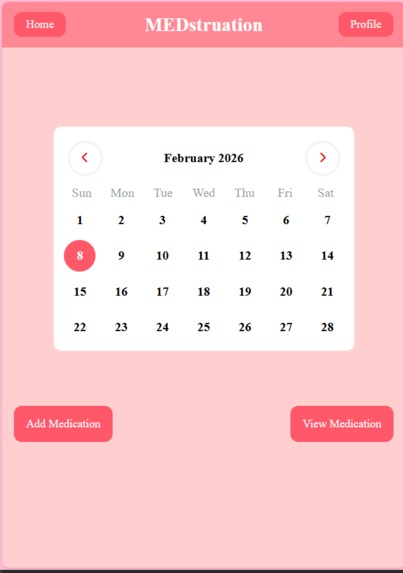
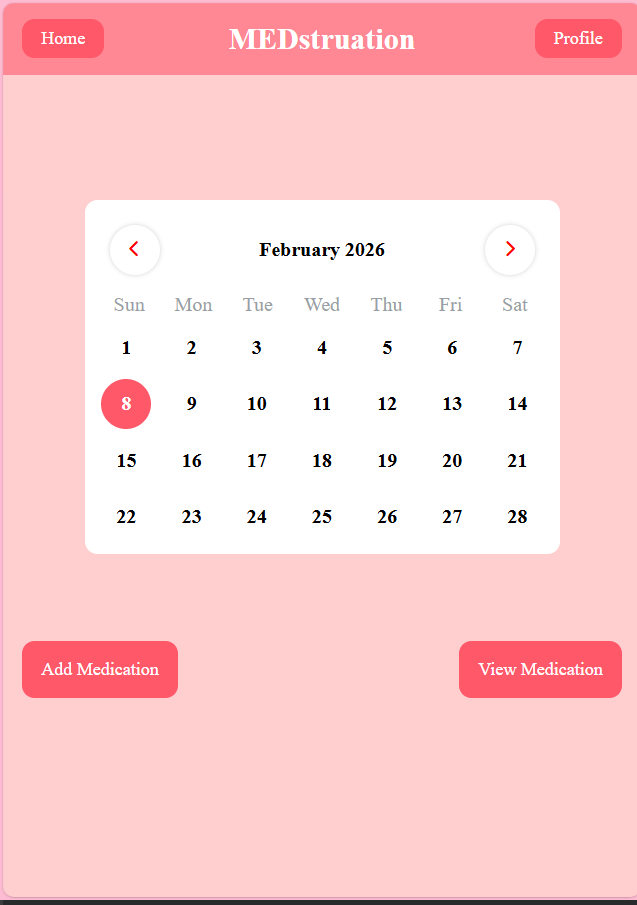
Home page with Interactive Calendar
-
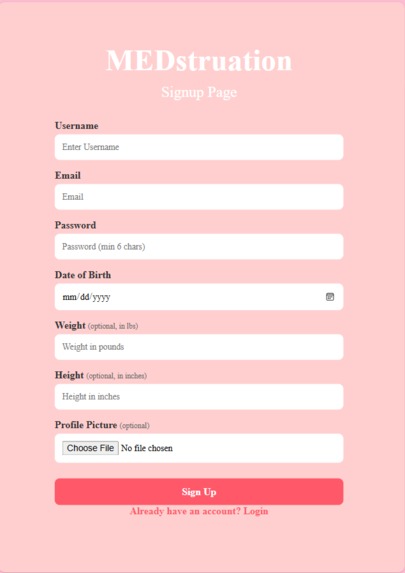
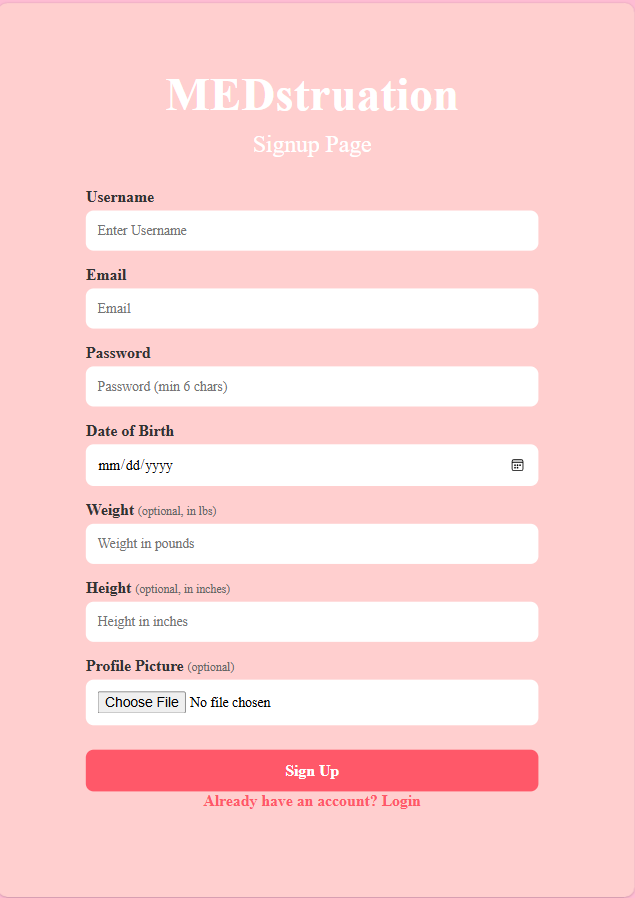
Sign Up Page
-
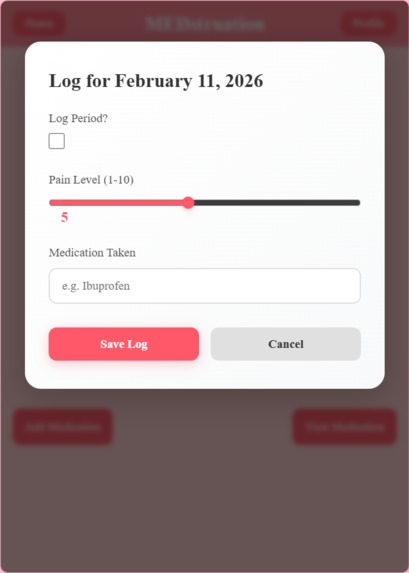
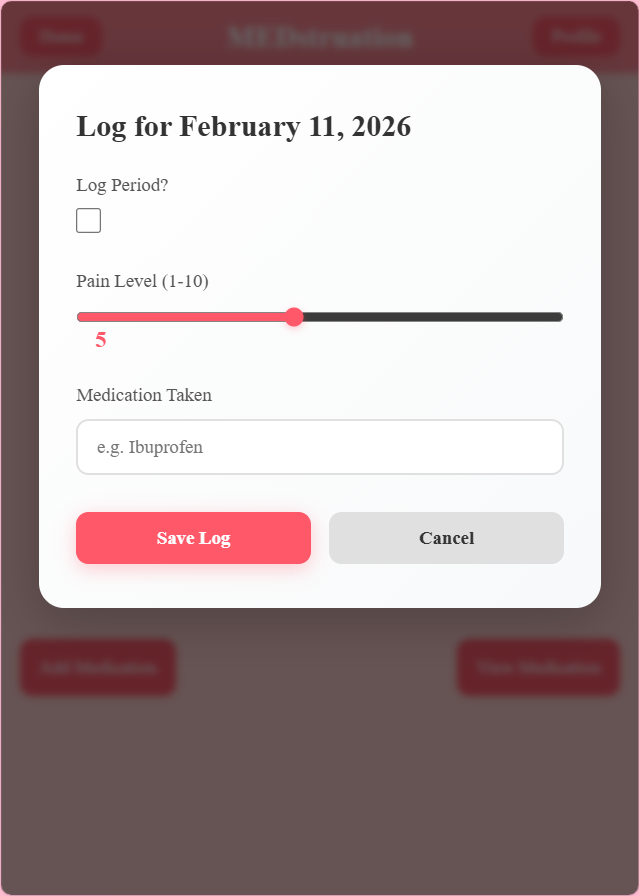
Period Log Pop-Up that shows up when the user clicks on their chosen day
-
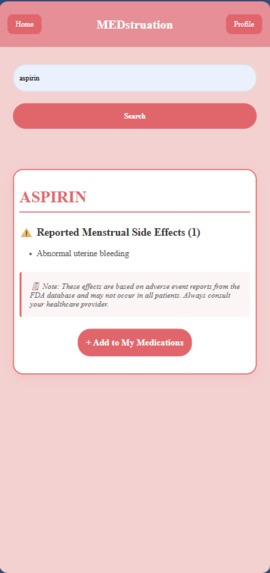
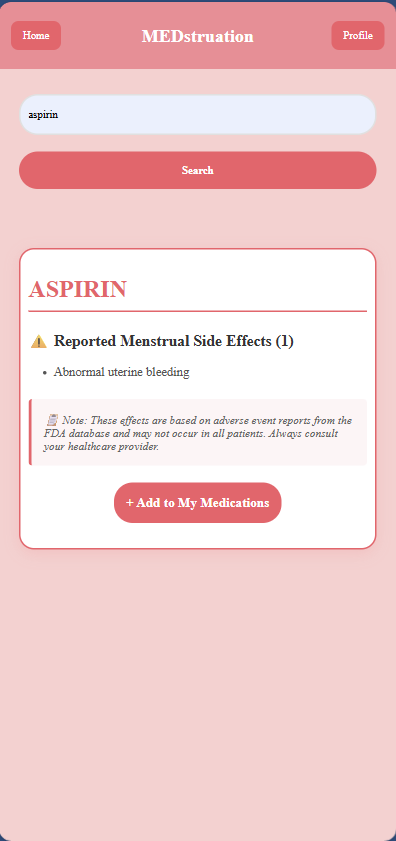
Medication Search Page - Able to add medication with dosage, unit, and frequency
-
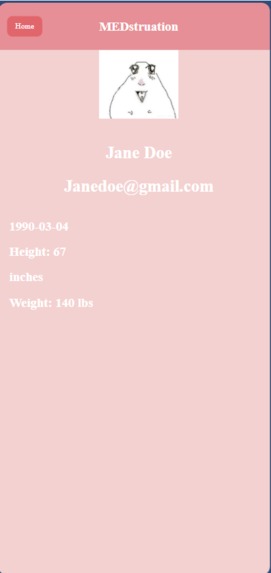
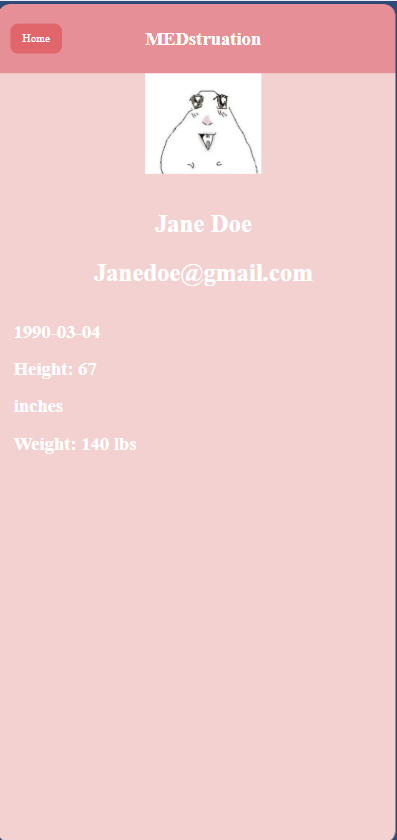
User Information Page - Based on info given at sign up
-
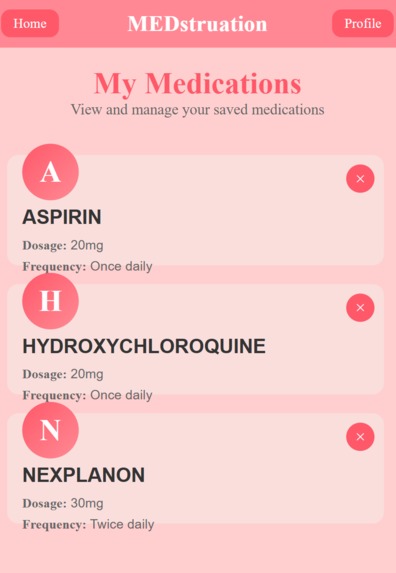
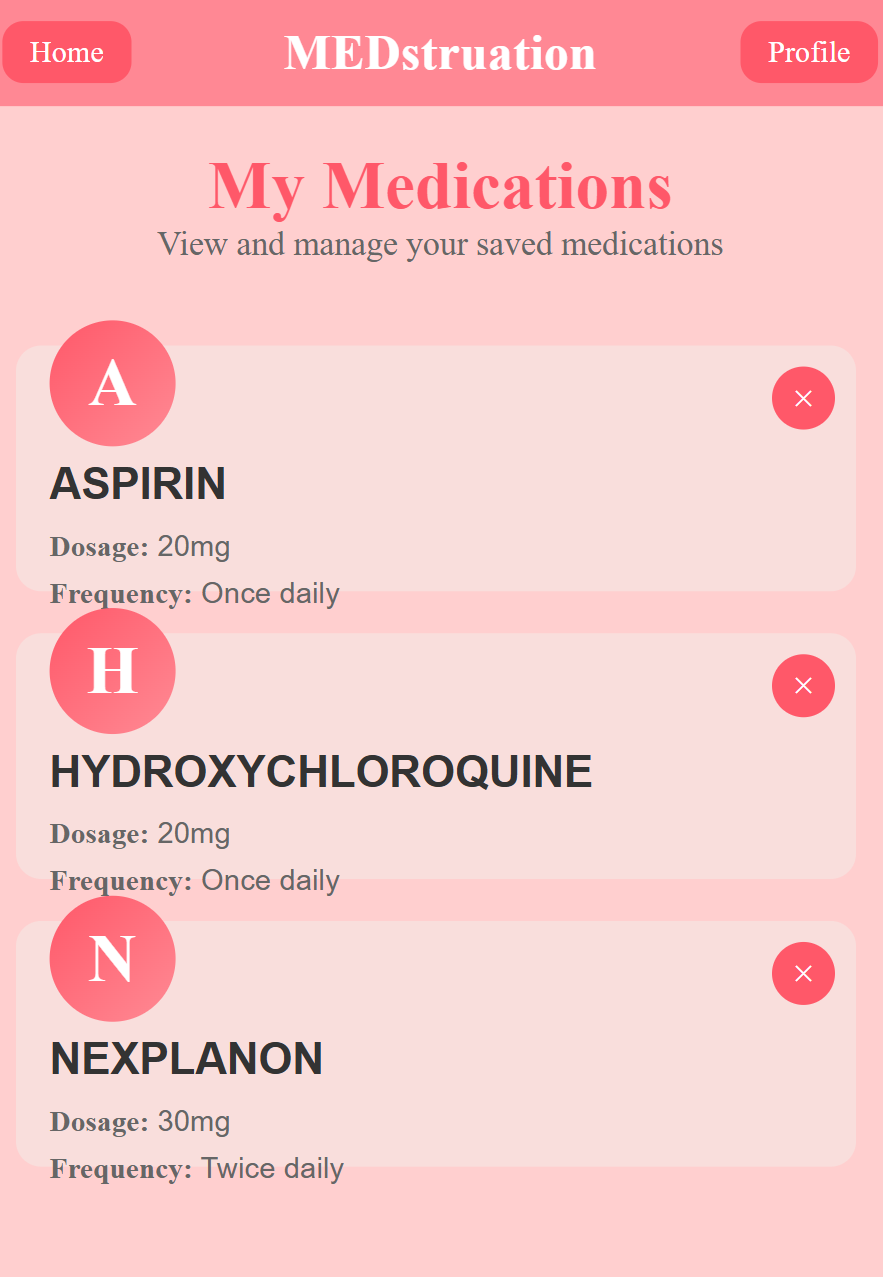
View My Medications - Once user adds medication, the info goes here
SheInnovatesProject
Project created by Nandin-Erdene Molomjamts, Lan Nguyen, Shirin Khandare, and Veronika Makowski
Goal
The goal of MEDstruation is to provide user-friendly experience for users to track their menstruation cycle and learn about the potential side effects of their medication in simplified and understandable manner.
Inspiration
Medication guides are often long and complex, leading few people to truly take the time to read and understand how their menstrual cycle may be affected by the medication they take. Because of this, many people become stressed when they face a change in their cycle, seemingly without any explanation. MEDstruation aims to eradicate this anxiety by providing users with their medication's potential menstrual cycle side effects conveniently alongside a cycle tracker. In doing so, we hope to make people more aware of the effects of their medication on their cycle, decreasing panic and increasing knowledge.
What It Does
MEDstruation allows users to log their cycle within a calendar, where they can rate their pain and list the medication they've taken. Alongside the tracking functionality, users may search and add their medications to their profile, where they will be informed of the potential sideeffects the medication may have on their menstrual cycle.
How It Was Built
Built with:
- MongoDB
- VSCode
Languages:
- HTML
- CSS
- JavaScript
- Python
Technology Explanation We chose the above technology for this project in the interest of simplicity. HTML, JavaScript, Python, and CSS provide a simplistic base that is easy to work with on a time-crunch. Additionally, VSCode is a familiar environment for many developers. Finally, MongoDB conveniently stores data in a easy-to-follow format, making it ideal for beginners such as ourselves.
How To Run Locally
This project is not currently deployed.
To view the site locally:
Follow installment instructions for MongoDB
Clone or download this repository
Open the project folder in VS Code
Install the Live Server extension (if not already installed)
Right-click
index.htmland select “Open with Live Server”
Challenges We Faced
During the course of this Hackathon, we experienced more challenges than we had previously thought possible in a 36 hour time limit. Implementing the database into the rest of the stack caused several issues, as servers stopped, links failed, and code that had previously worked flawlessly gave up entirely. It took quite a bit of debugging to fix this.
Additionally, managing user input without a exclusive database led to issues creating a sign-in and login. We managed to get by utilizing localStorage, but a more refined method is something we hope to implement in the future.
What We Learned
During the course of this hectic 36-hour hackathon, the team has learned several different lessons. Some of us learned HTML, JavaScript, and CSS from the ground up, and others learned how to manipulate data and connect data across backend to frontend. We all learned the difficulty involved in full stack development.
Future Improvements
If possible, we would like to include the following features in Medstruation:
-Period Prediction w/meds and history
Set Up
Setup Instructions for MongoDB
Pull latest changes:
git pullInstall dependencies:
npm install
python -m pip install -r requirements.txt
Create a
.envfile:
Windows:
Copy-Item .env.example .env
Mac/Linux:
cp .env.example .env
Then edit .env and add the MongoDB connection string (ask me (Lan) for password. When pasting it in, get rid of the brackets <>). DO NOT share the password publically.
Important: Data is already in MongoDB Atlas - you do NOT need to download or process data files. I've already done that. ^_^
Start the API server:
python App.pyDo not worry if you cannot type any commands when running python App.py. The Flask server is just running and taking over the terminal. Simply start a new terminal, so you have two terminals. One to run the server, the other to run git commands.
The API will be available at http://localhost:5000
API Endpoints
GET /api/drugs- Get all drugs (374 drugs)GET /api/drug/<drug_name>- Get specific drug infoGET /api/search/<effect>- Search by menstrual effect
Example:
http://localhost:5000/api/drug/STELARA
http://localhost:5000/api/search/Dysmenorrhoea
Environment Variables
MONGODB_URI: MongoDB Atlas connection string (get from team)DATA_DIR: Path to data folder (default:./data) - not needed for normal use
For Development
The database already has 374 drugs with menstrual side effects. You only need to run the API server (python App.py) to access the data.
Credits
Team Members
- Nandin-Erdene Molomjamts
- Lan Nguyen
- Shirin Khandare
- Veronika Makowski

Log in or sign up for Devpost to join the conversation.