-
-
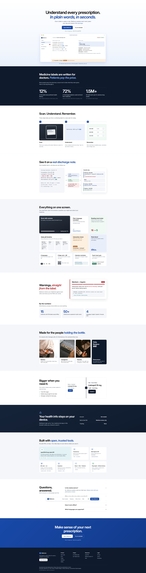
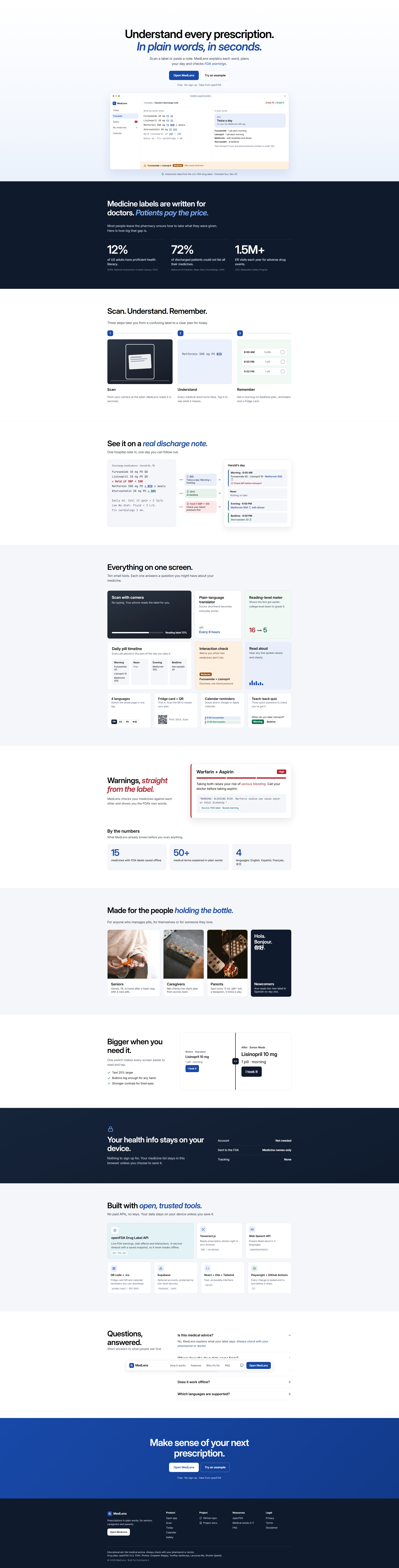
entire homepage
-
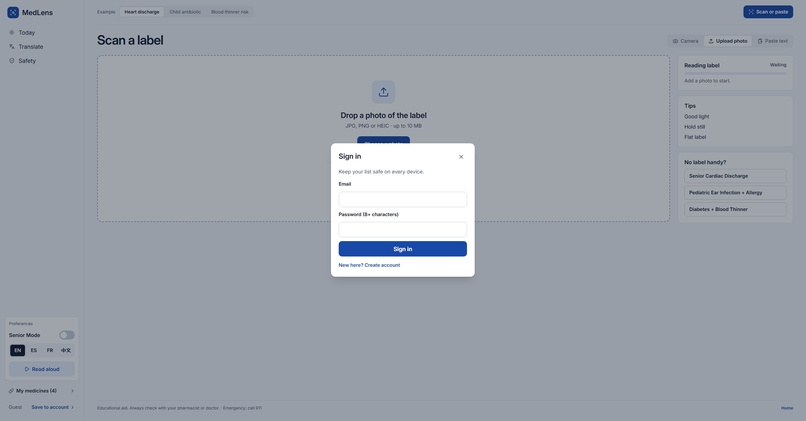
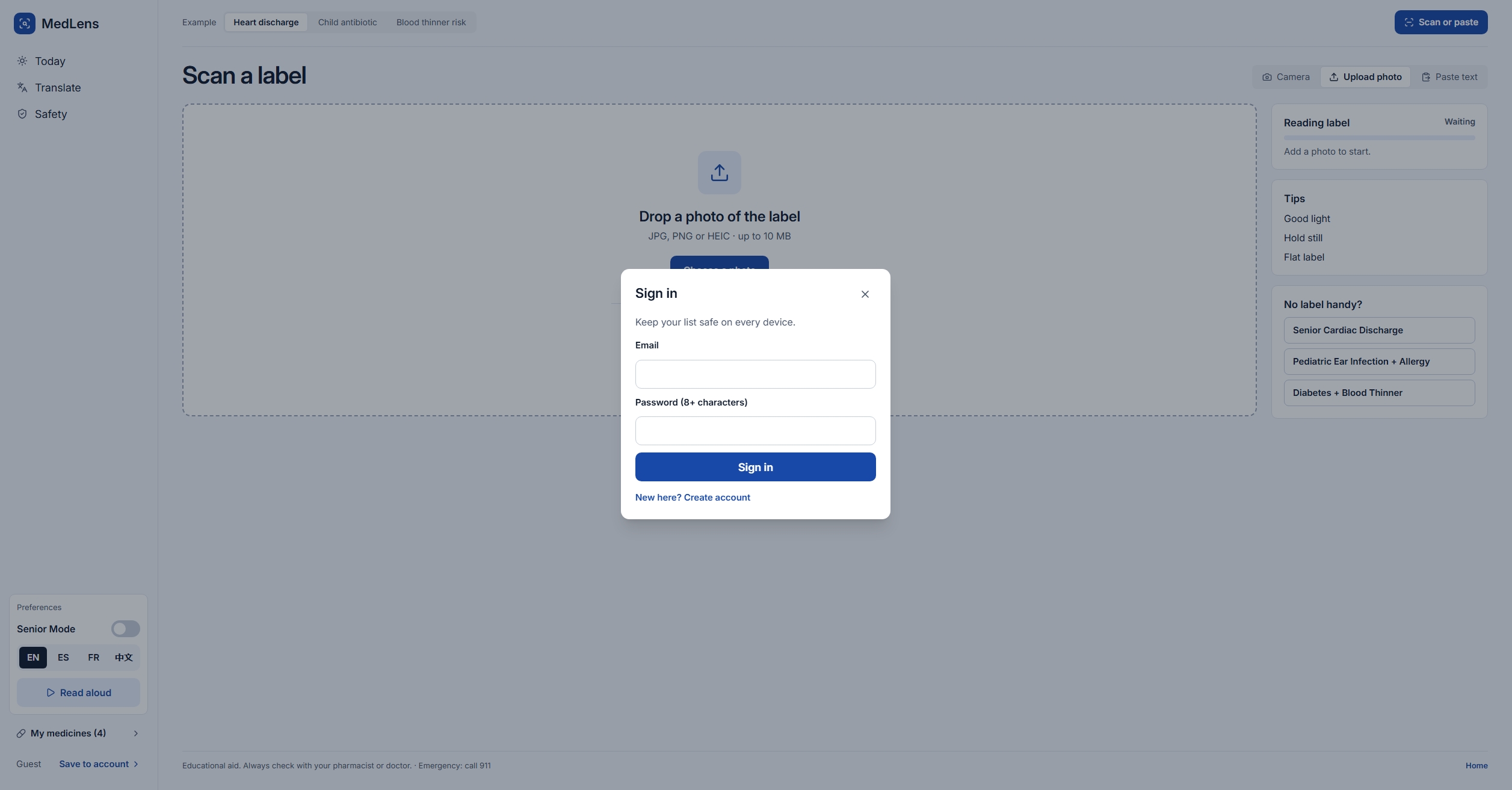
Authentication page ( Sign In/Sign Out )
-
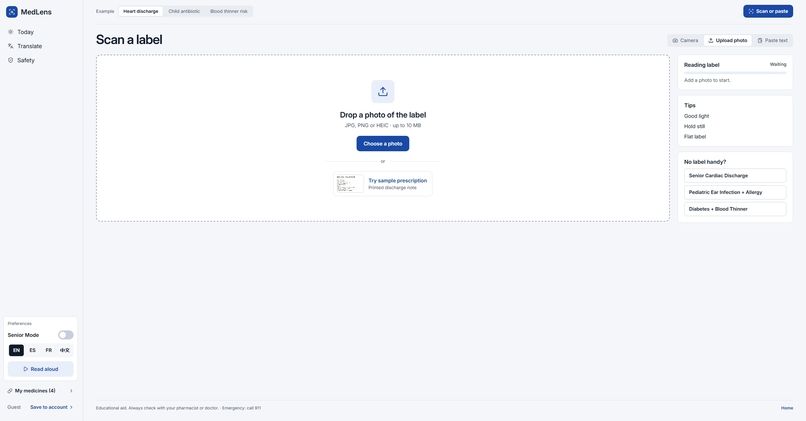
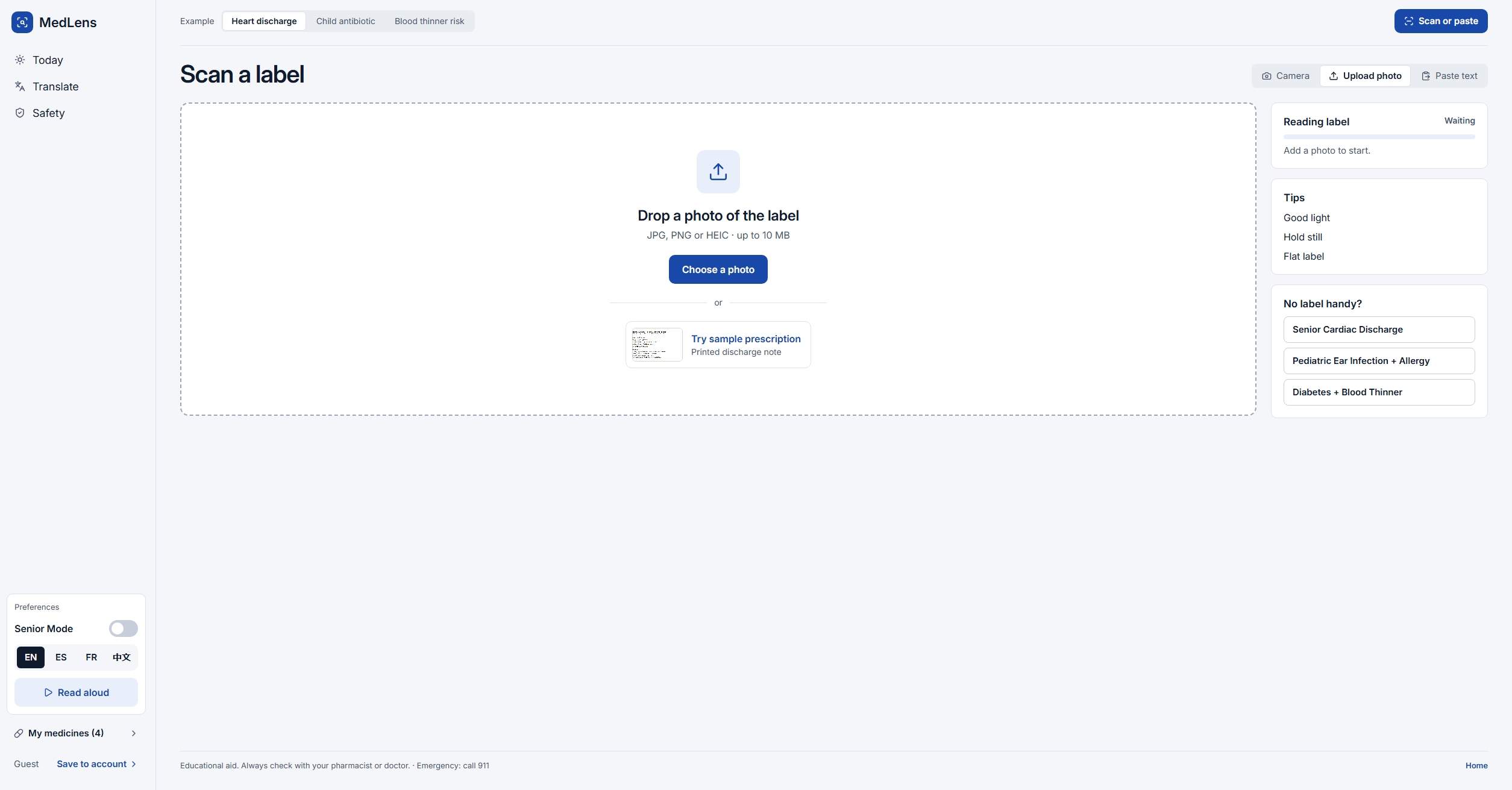
Scan Medicine Page
-
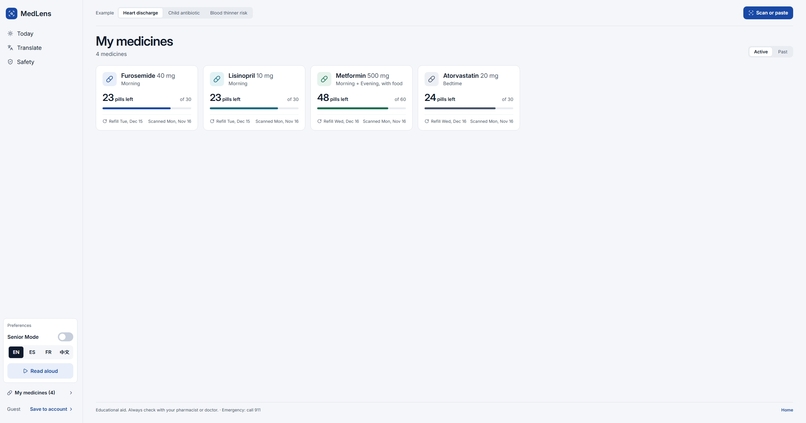
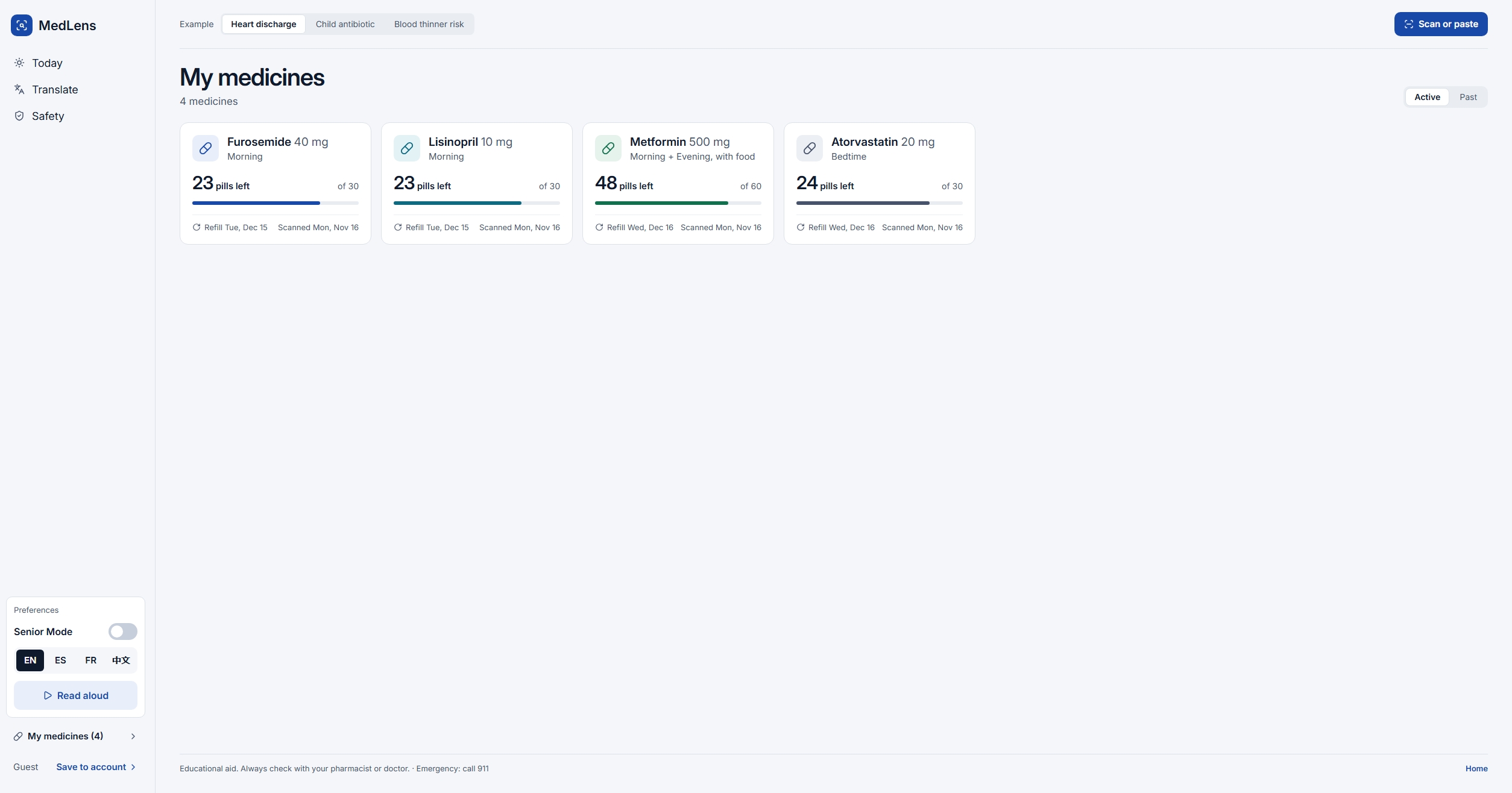
All Medications logged
-
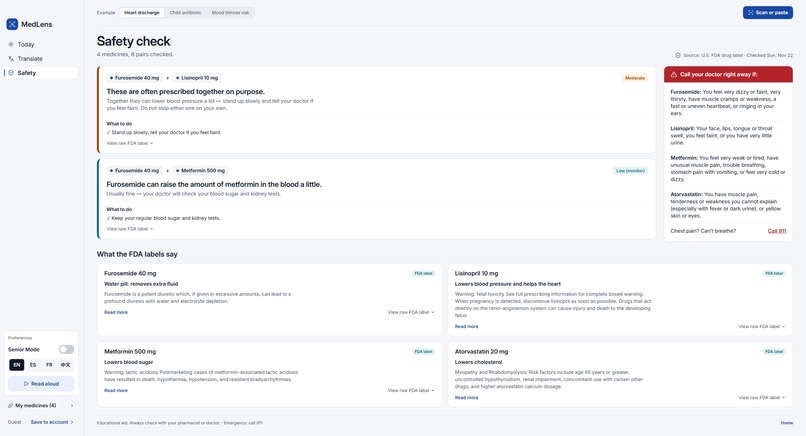
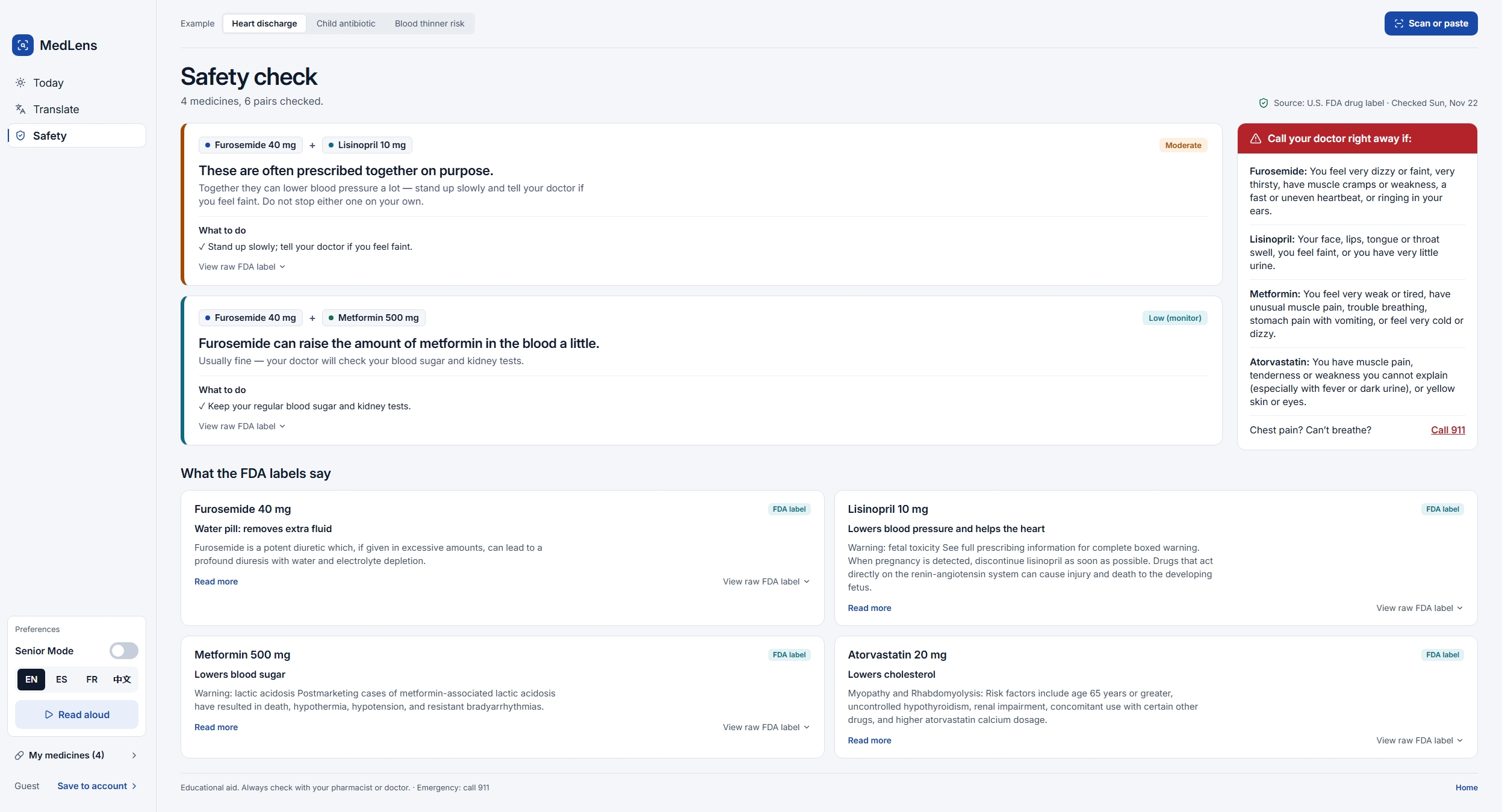
Safety Page
-
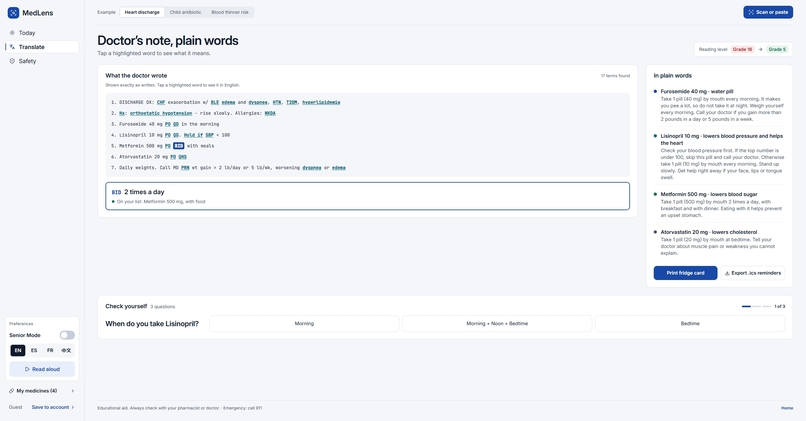
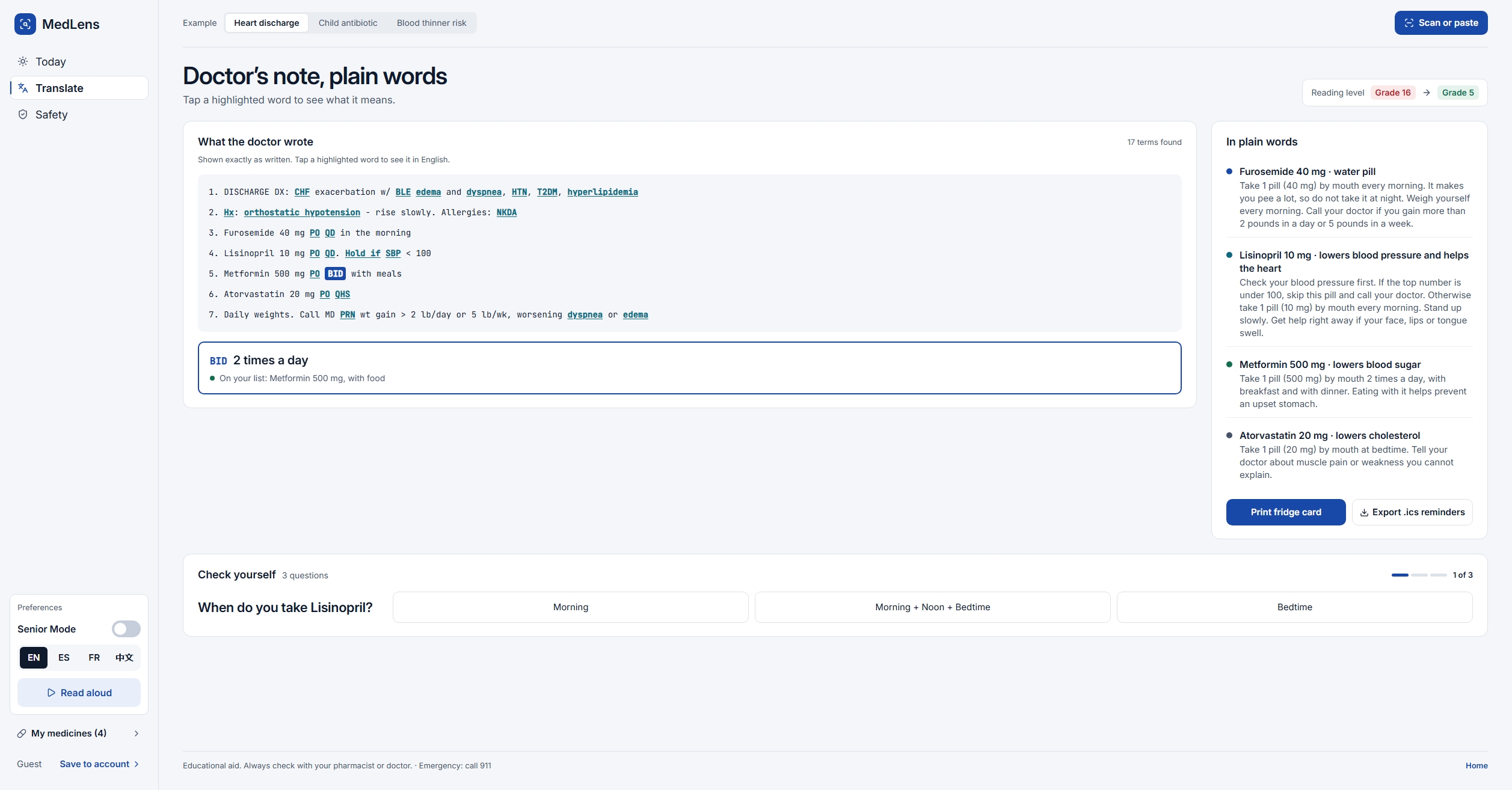
Translation Page
-
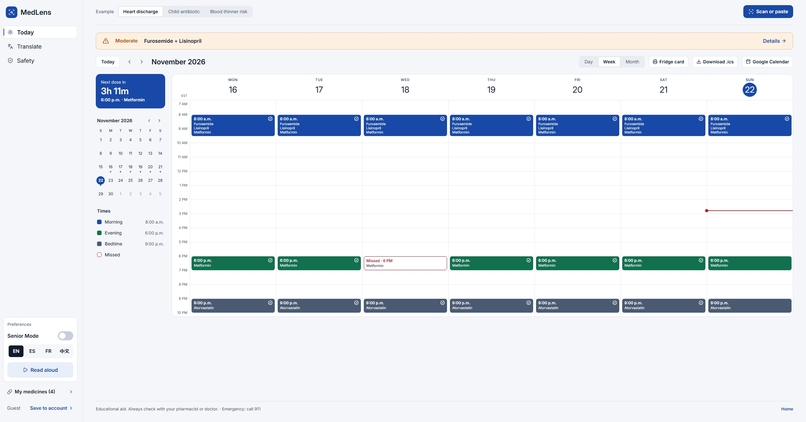
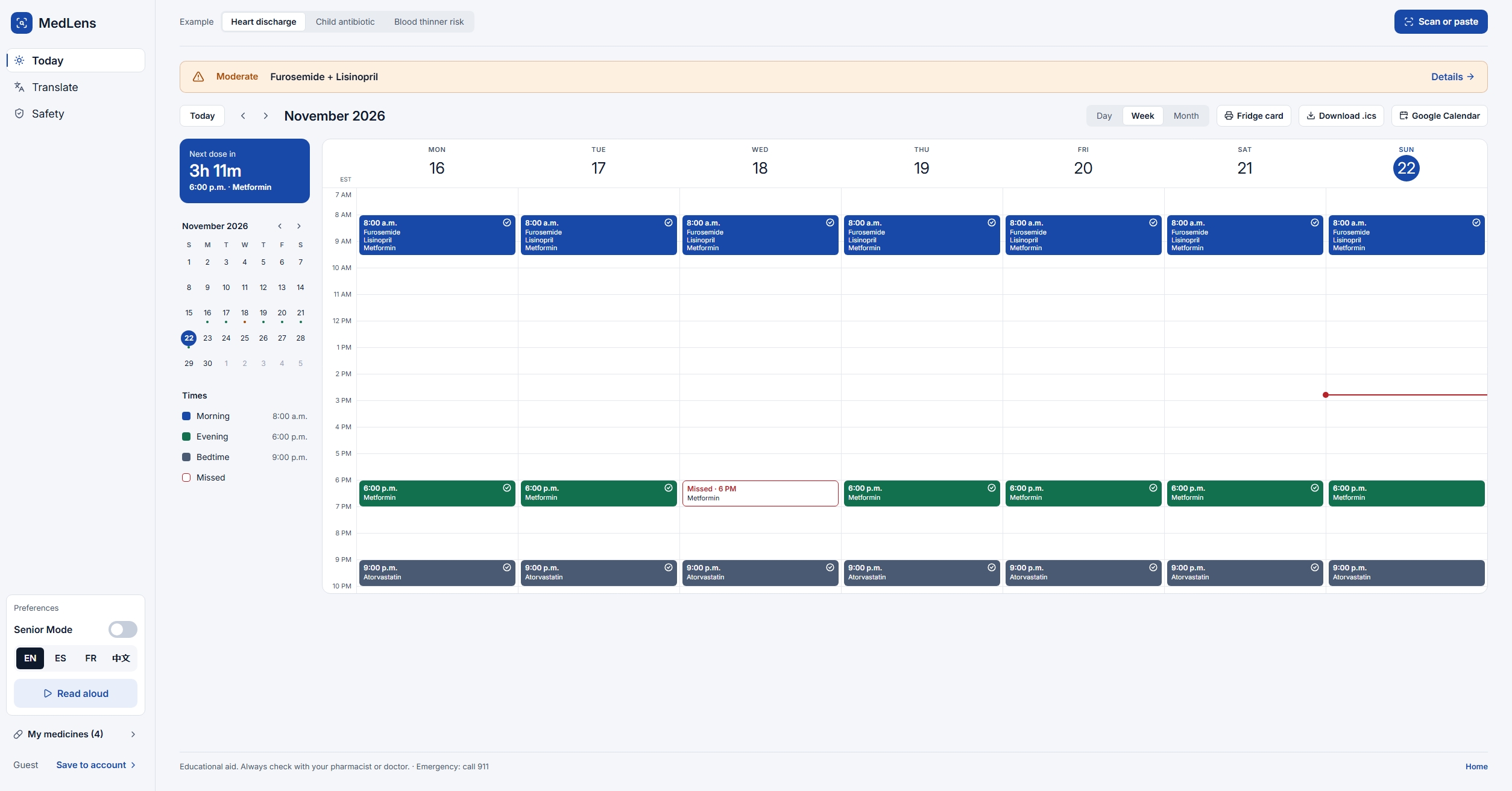
Calendar Page
What inspired me
I built MedLens because I’ve seen this problem up close both in my own family and through volunteering at community centers, hospitals, and elderly shelters. Again and again, I watched seniors and newcomers walk out with discharge sheets and pill bottles covered in tiny print and confusing medical codes, unsure what to take, when to take it, or what warning signs mattered. Seeing my own grandparents struggle with unorganized, unsafe medication routines made it personal. I wanted to create something simple and free that anyone a senior, a caregiver, or a worried family member could open on any phone and immediately understand. Thinking back of it, the entire time of volunteering and experiencing how significant the problem of medication was a major part of what brought me to develop such an app like this.
What it does
MedLens takes a confusing prescription label or hospital discharge paper and turns it into plain English anyone can follow. You can scan a bottle with your camera, upload a photo, paste the text, or try a built-in example with no sign-up needed.
It explains medical shorthand like PO and BID, organizes your pills into a simple Morning, Noon, Evening, and Bedtime schedule, and checks the FDA database for risky drug combinations. You can also turn on larger high-contrast text, switch to Spanish, French, or Chinese, hear your plan read out loud, or print a Fridge Card with a QR code for family members.
How we built it
We built MedLens as a fast web app using React, Vite, and Tailwind CSS, hosted on Vercel. Everything runs right in the browser so your health info stays on your device—from reading uploaded label photos, to translating abbreviations and checking reading difficulty, to pulling real medication warnings from the public OpenFDA database. We also added browser voice readout, one-click calendar downloads, and printable QR cards.
Challenges we ran into
The hardest part was handling messy real-world prescriptions that mix abbreviations, dosages, and special rules like "Hold if SBP < 100" all in one line. Official FDA warnings are also written in dense legal language, so turning them into short, clear advice without losing accuracy took careful work—especially inside a tight two-hour deadline.
Accomplishments that we're proud of
We went from a blank folder to a live, working app (evohacks-2-medlens.vercel.app) that anyone can open on their phone with zero login. Watching a confusing hospital note drop to a 5th-grade reading level in one click, and being able to print a Fridge Card that family members can scan and listen to in their own language, makes the project feel genuinely helpful.
What we learned
When you build for seniors and busy caregivers, simple always wins. Every extra button or technical word makes things harder, so designing for large text, strong contrast, and voice readout ended up making the whole app better for everyone.
What's next for MedLens
Next, we want to make photo scanning work better on curved pill bottles and messy handwriting, add simple refill reminders for caregivers, and test MedLens with real families and local pharmacies. Since it was one day, things like the UI isn't up to the fullest potential to what I normally could develop. But things like the research is all there with citations and sources, with databases all hooked up with everything working, just UI, in depth testing were not conducted to their fullest potential from the time frame.
Check out the links for my google docs research, the vercel link for the actual app and website, github repo for all commitments and code, and check out paper for my designing process on what I did to make the design possible.
** Use of AI was between using Claude Code and Antigravity. Helped with designing, coding, developing, writing, researching, etc. **
Built With
- antigravity
- claude
- css
- google-docs
- html
- icalander
- javascript
- paper
- react
- supabase
- tailwind
- vercel
- vite
- youtube

