-
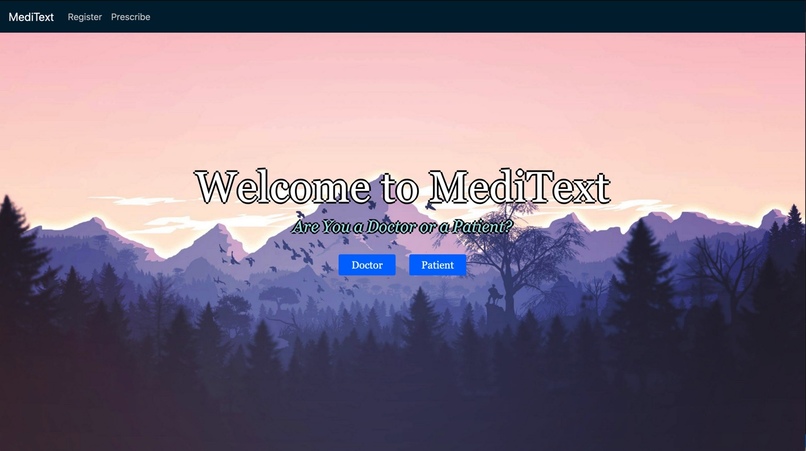
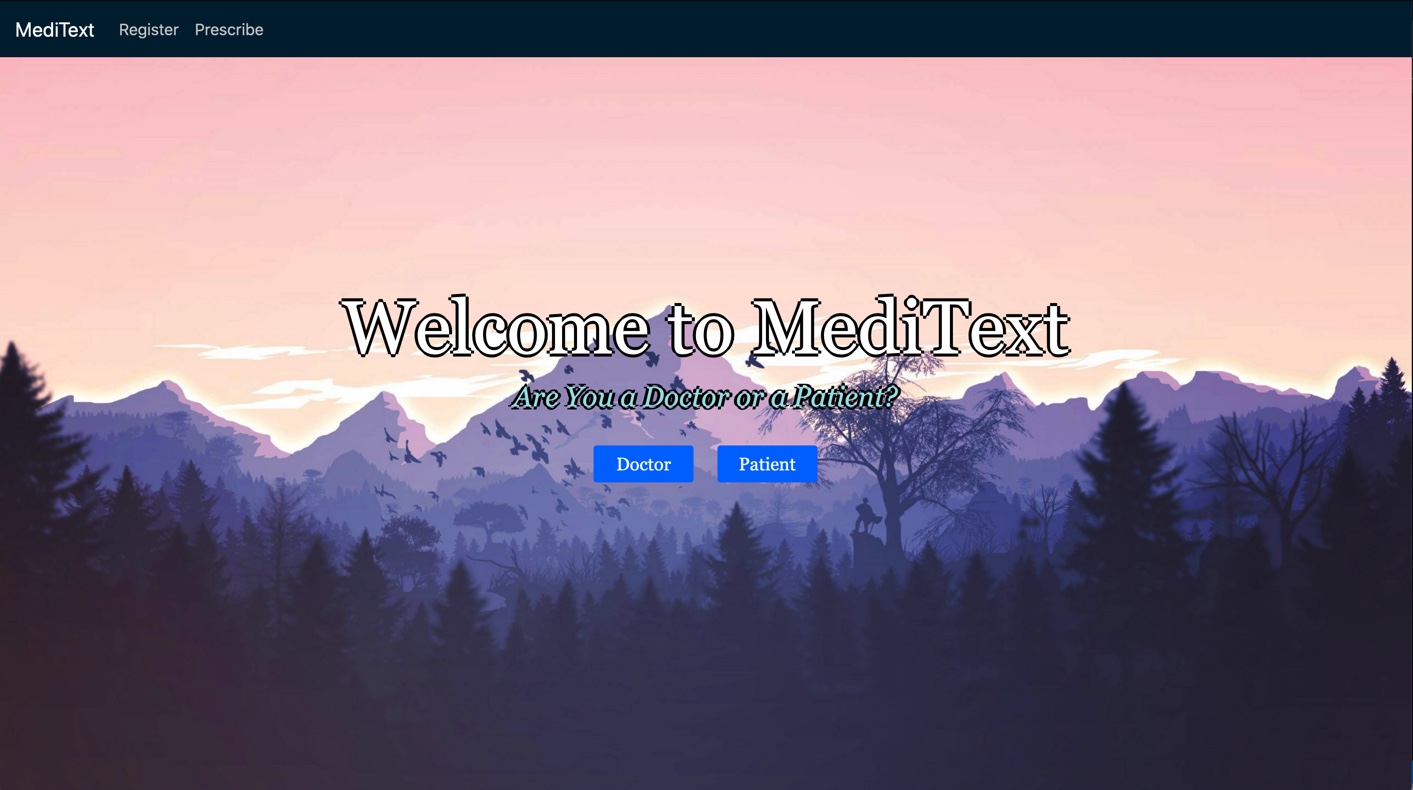
Home page
-
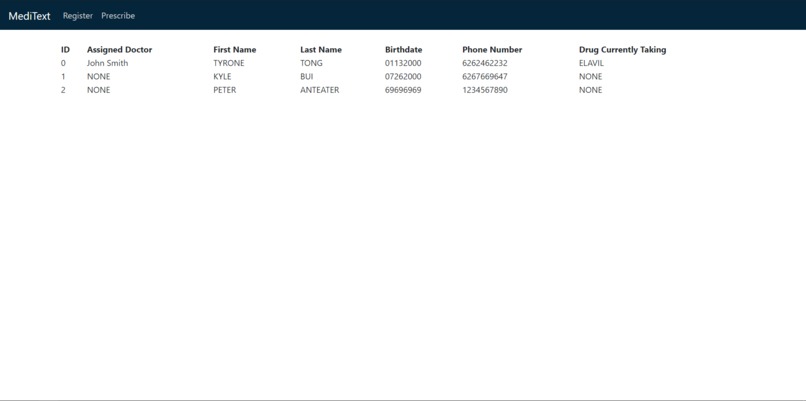
Patient display
-
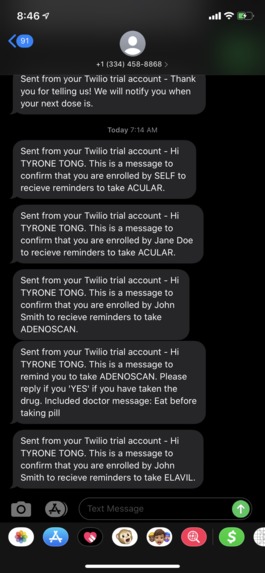
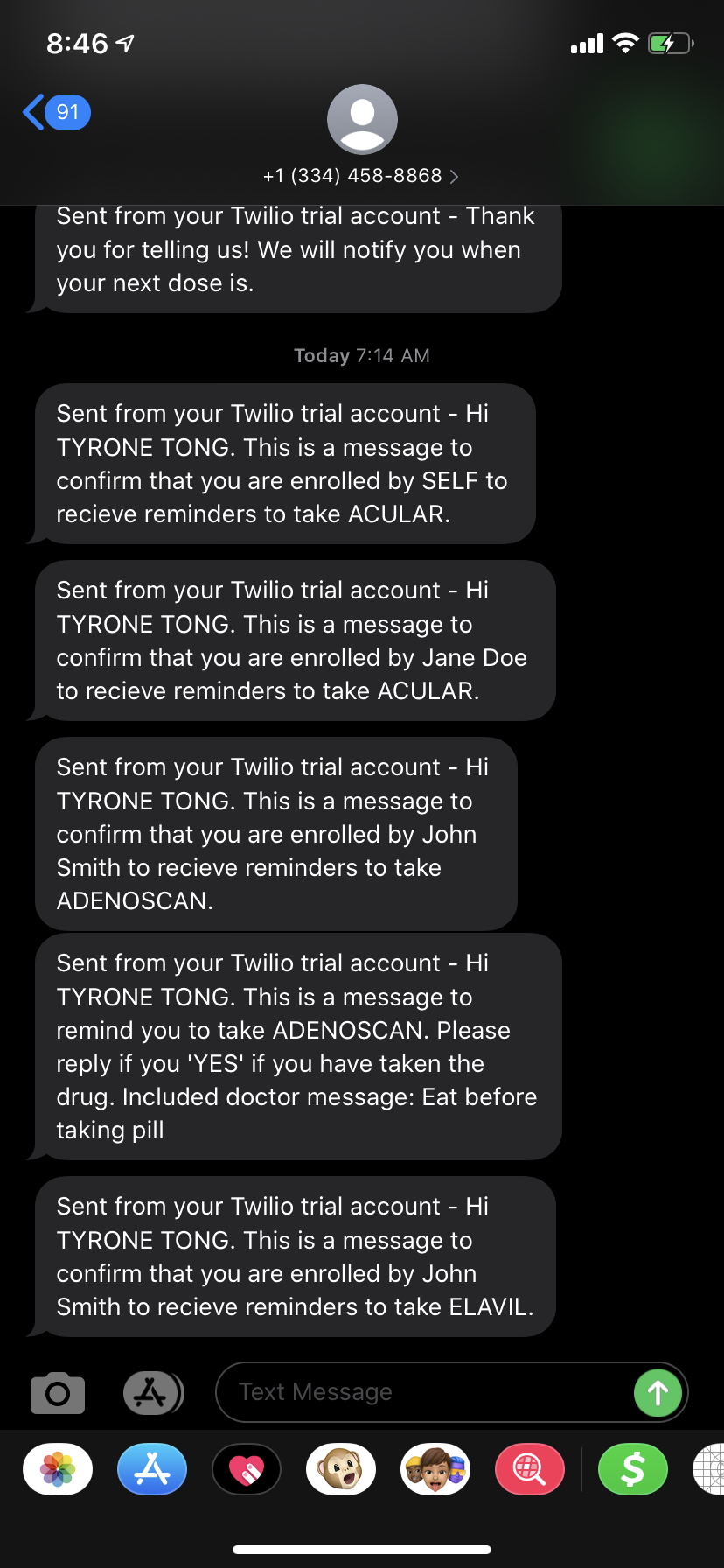
Sample text messages
-
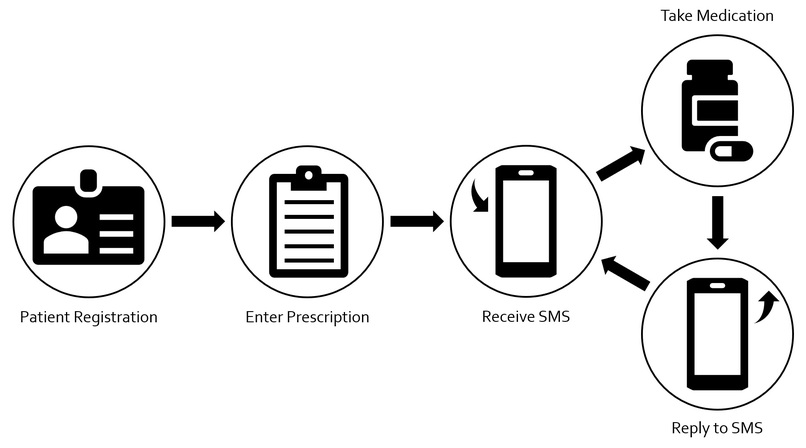
Application flow


What it Does
MediText focuses on a feature that sends reminders through SMS to patients to take their medications. For patients, the web application lets them register for information (name, birthday, phone number) so the doctor doesn't have to do so at the office. For doctors, the web app confirms the patient's information, confirms the type and dosage of medication, if the patient must follow a strict routine (just in case it's dangerous to double-dose/skip doses), and notes down any other miscellaneous comments that a doctor might want to include for the patient. Once a doctor is done with entering all that information in, the patient then opts into a texting service that reminds them to take their medications. To keep the patient responsible for taking their medications, the service requires SMS responses. It will require that the patient responds with the text, "yes," if they took the medication, and "miss" if they either forgot to take it or skipped the dose. If neither of those responses received, the service constantly sends more messages to remind the patient to take their medications over a brief period of time. If the patient types "yes," the service will run smoothly and will schedule optimal dose-time reminders. If the patient types "miss," the doctor's miscellaneous comments will be sent to the patient and will include a reminder if the medication has a strict routine to follow.
Inspiration Behind the Build
The build is based on multiple ideas. One member brought up how some services that people sign up for requires them to text back the word "STOP" if they wanted to opt-out of receiving those texts (text & reply feature). Another member remembered of an app that required the user to solve a puzzle in order to shut it off (text required feature). Another member brought up the importance of taking medications on time and in full in order for it to actually work for the patient ("strict" option on the doctor's application). All of these ideas and inspirations led to the team's motivation to create a build that reminds patients of the importance of taking their medications on-time and taking their medications in general.
The reason why we chose using text messages instead of using a mobile app with notifications is that not everyone has a smartphone. People, especially older people who most likely need to take medications, can have access to this service even with flip phones or blocky cell phones. People are also more inclined to be more alert to individualized interactions like text messages than an app notification: consider how many people will notice an amber alert or a text from a loved one, but not as many would notice a quick notification from Twitter or would want to take up their 4G data to check an app to turn the notifications off.
How We Built It
We started off by making a bare skeleton of the code. We created Patients, Doctors, and drug objects to hold and have easy access to the necessary information we wanted to use in the webapp, and created the HTML pages for the frontend. We then chose Flask to connect the input from the frontend to the backend code. For our text messages, we used Twilio to send them. After integrating the website with our backend code we started bug testing our code. When we were sure that our code was in stable condition we started making it pretty with CSS, JAVA, and HTML.
Challenges We Ran Into
The biggest challenge we ran into was just getting started with the project. This was three out of the four member’s (two non-CS members with relatively little programming experiences) first hackathon, and the fourth member, with only three hackathons under his belt, only declared into majoring in CS this school year. We all consider ourselves beginners and don't have extensive knowledge in the field especially in full stack development. It was a challenge for us to learn relevant skills while moving along with the project. We mostly had experience running python scripts with basic input and outputs to see what we’re trying to do. As a result, the transition was a bit rough when we wanted our python scripts and applications to be ran through a website and be able to get their information.
Technical difficulties we ran into included essentially learning front-end development from scratch and learning how to use Flask for the first time. Logically we were able to figure out the right algorithm in order for the system to properly send text messages, and respond to text messages in a timely manner. However, we came across a few hiccups at the beginning because we weren’t sure how to integrate it.
What We Learned
All of the members had to take a crash course on HTML, the two CS major members who worked on backend had the opportunity to work with Flask. Also, we had the opportunity to try out implementing different functions and libraries that we have never thought about before, such as sending SMS using Python. Other than the technical skills each member gained, we also learned how to split up roles and work as a team.
What's Next for MediText?
We are all very proud of this concept for MediText. We feel that in today’s society, we would have to reach people on different wavelengths to assist them in their everyday lives. This is our attempt at helping people who are forgetful and wish to have a daily reminder for them to take their prescribed pills. Although we initially intended for this to be used for hospitals, as we were working we acknowledged that it would be a useful application for people to use without doctors.
We plan to possibly upscale MediText so that it will be able to support a great number of users and if we were to go back on this project to improve on it, we would change the timing aspect of it and implement a database system that can be used reliably and more efficiently.


Log in or sign up for Devpost to join the conversation.