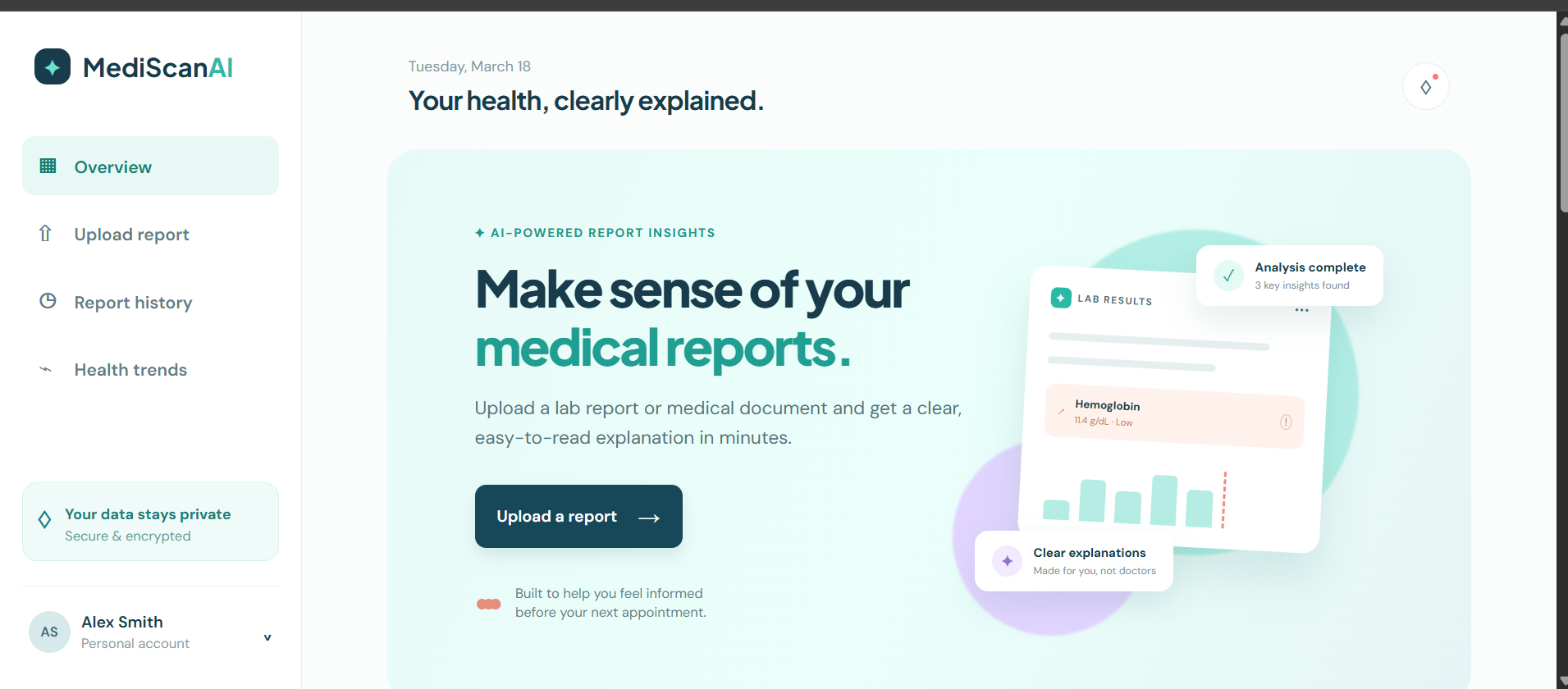
- Abnormal-value highlights, health summary and recommendations
- Report history, trends, and downloadable summary
- Clear medical-safety notices throughout the product
About the project
Inspiration
Medical reports are often written for clinical accuracy, not everyday understanding. A number such as hemoglobin, glucose, or cholesterol can feel worrying when it appears without context, reference ranges, or a clear explanation. MediScan AI was inspired by the idea that people should be able to arrive at a healthcare appointment informed and ready to ask better questions.
The goal is not to replace a doctor. Instead, MediScan AI acts as a translation layer: it turns complex report language into a calm, plain-language starting point while consistently directing users to a qualified healthcare professional for decisions about their care.
How we built it
MediScan AI is built as a lightweight Java web application with a dependency-free backend and a responsive frontend:
- Java:
HttpServerprovides the local web server, static-file delivery, and thePOST /api/analyzeendpoint. - HTML and CSS: The interface uses semantic HTML, CSS variables, responsive grids, and accessible labels to create a calm, mobile-friendly healthcare dashboard.
- JavaScript: Client-side code handles drag-and-drop uploads, file validation, analysis requests, rendering result cards, notifications, smooth scrolling, and downloadable summaries.
- Insight design: The demo response separates a report into a plain-language summary, individual values with reference ranges, and practical next steps. A prominent safety notice reinforces that the result is educational information rather than medical advice.
At a high level, the analysis flow is:
$$ \text{Report upload} \rightarrow \text{validation} \rightarrow \text{analysis request} \rightarrow \text{structured insights} \rightarrow \text{human-friendly summary} $$
For this prototype, the Java endpoint returns carefully worded sample insights. A production version would add secure authentication, encrypted file storage, audited OCR/document extraction, a clinically reviewed AI workflow, consent controls, and robust monitoring.
What we learned
- Good healthcare UX begins with tone. Clear wording, visual hierarchy, and calm colors can make unfamiliar information feel more approachable.
- A useful health insight needs context: the measured value, its reference range, a cautious explanation, and a clear recommendation for professional follow-up.
- Privacy and safety are core product requirements, not finishing touches. The interface explicitly communicates data care and medical limitations.
- Keeping the first version dependency-free made the architecture easy to understand and run, while still leaving a clean path to a larger Java framework or external AI service later.
Challenges we faced
The biggest challenge was balancing usefulness with medical safety. It is easy for software to sound overly certain, so MediScan AI avoids diagnoses, frames findings as possibilities, and includes a clear medical disclaimer in the analysis experience.
Another challenge was designing a report workflow that feels simple without hiding important details. We addressed this by placing the plain-language explanation first, then offering the reference values and suggested next steps in separate, scannable cards.
Finally, real medical documents arrive in many formats and layouts. This prototype validates common PDF and image uploads, but reliable production extraction would require document-quality checks, OCR confidence scoring, manual-review paths, and validation against clinical reference data.
Built With
- ai
- analysis
- api
- codex
- css3
- design
- development
- file
- frontend
- gpt-5.6
- healthcare
- html5
- httpserver
- java
- javascript
- medical
- openai
- prototype
- report
- responsive
- rest
- tech
- upload

Log in or sign up for Devpost to join the conversation.