Inspiration
People take medicine every day without fully understanding what’s inside or how it might affect them. Confusing labels, hidden side effects, and multiple medications can cause stress, mistakes, and even lost productivity. We wanted to make medication comprehension visual, fast, and anxiety-free.
What it does
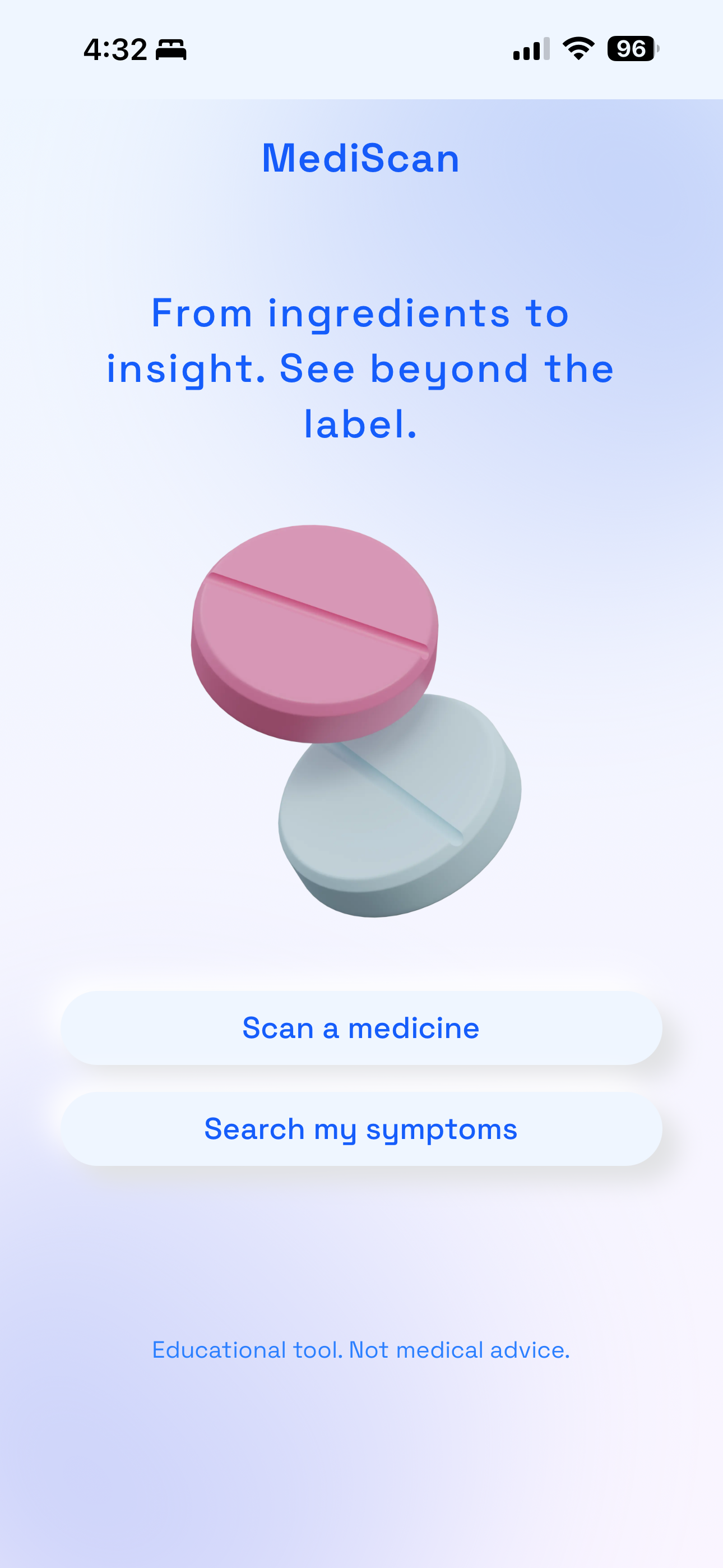
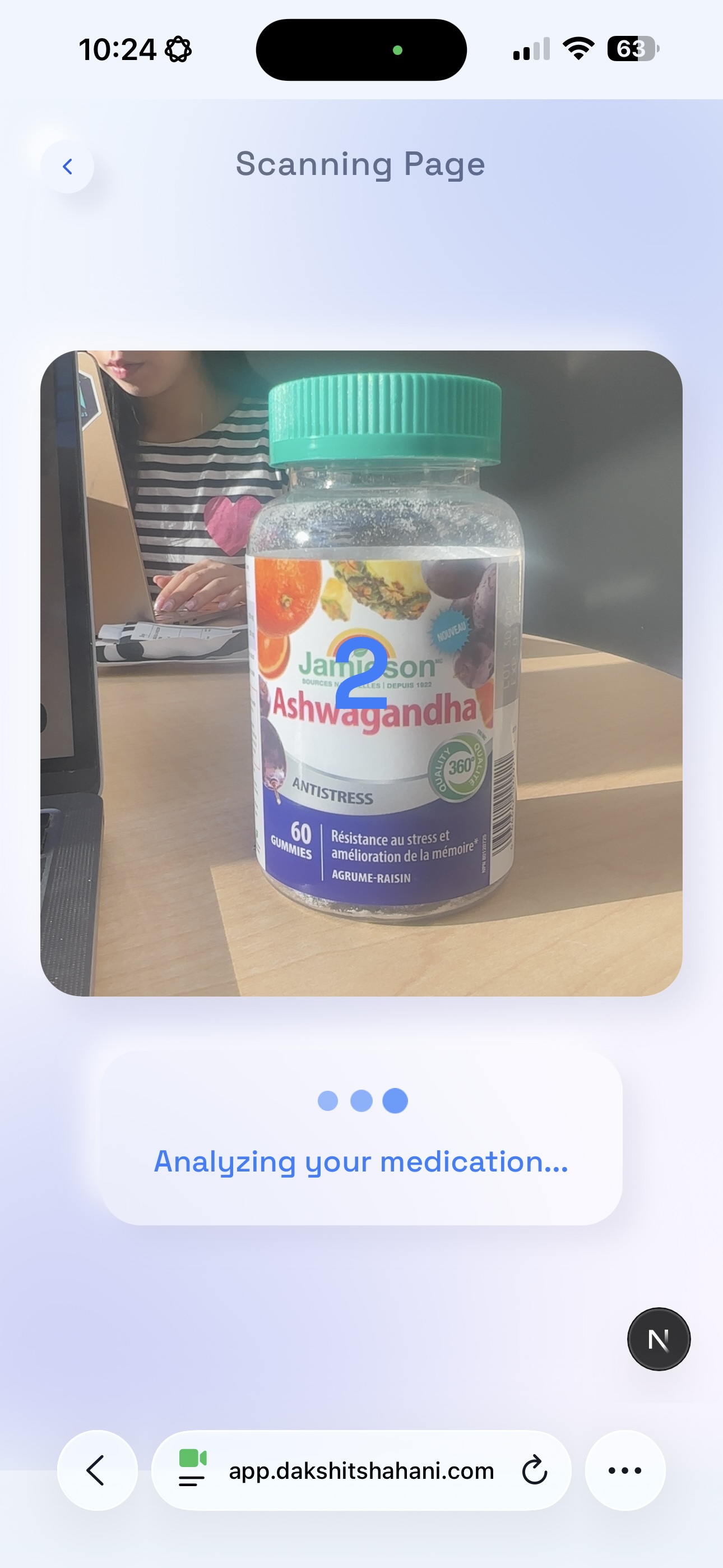
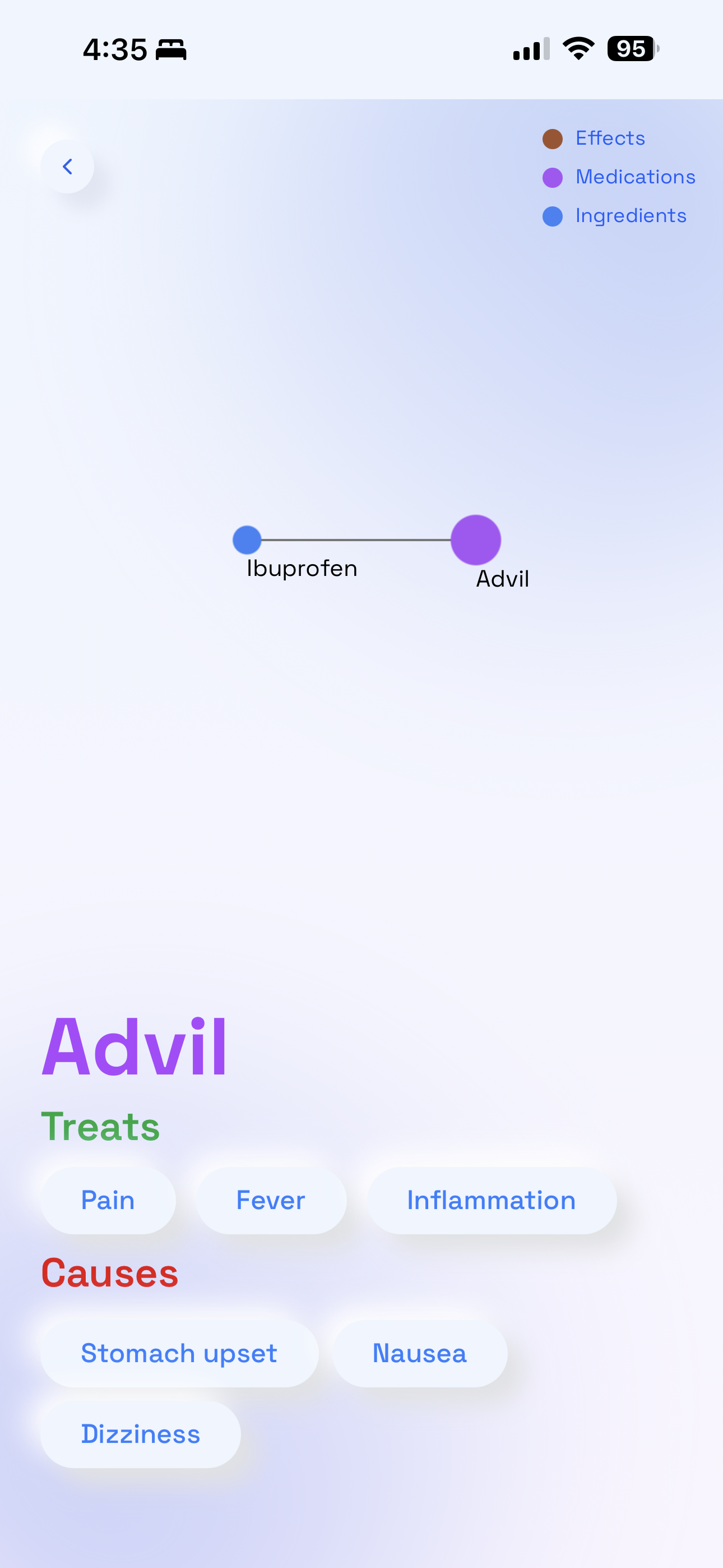
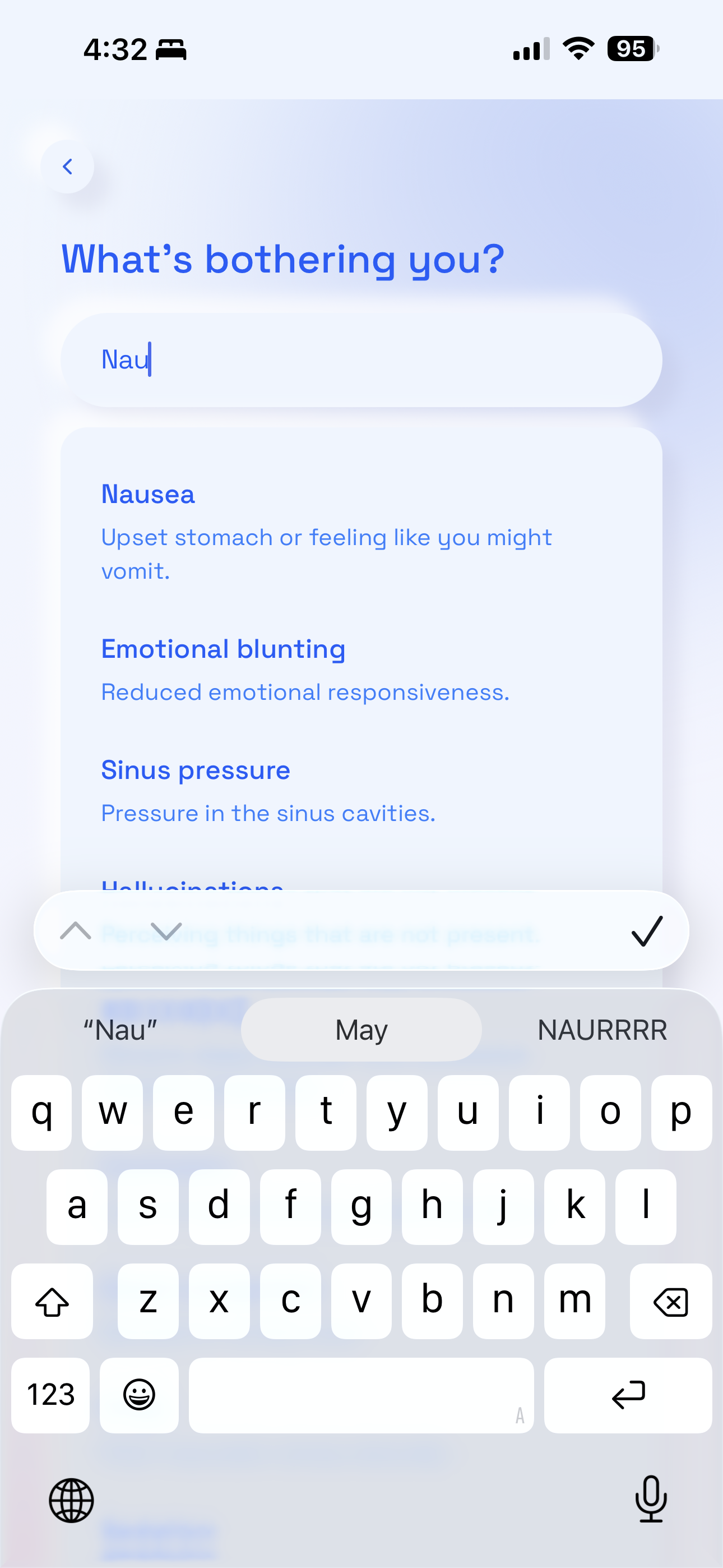
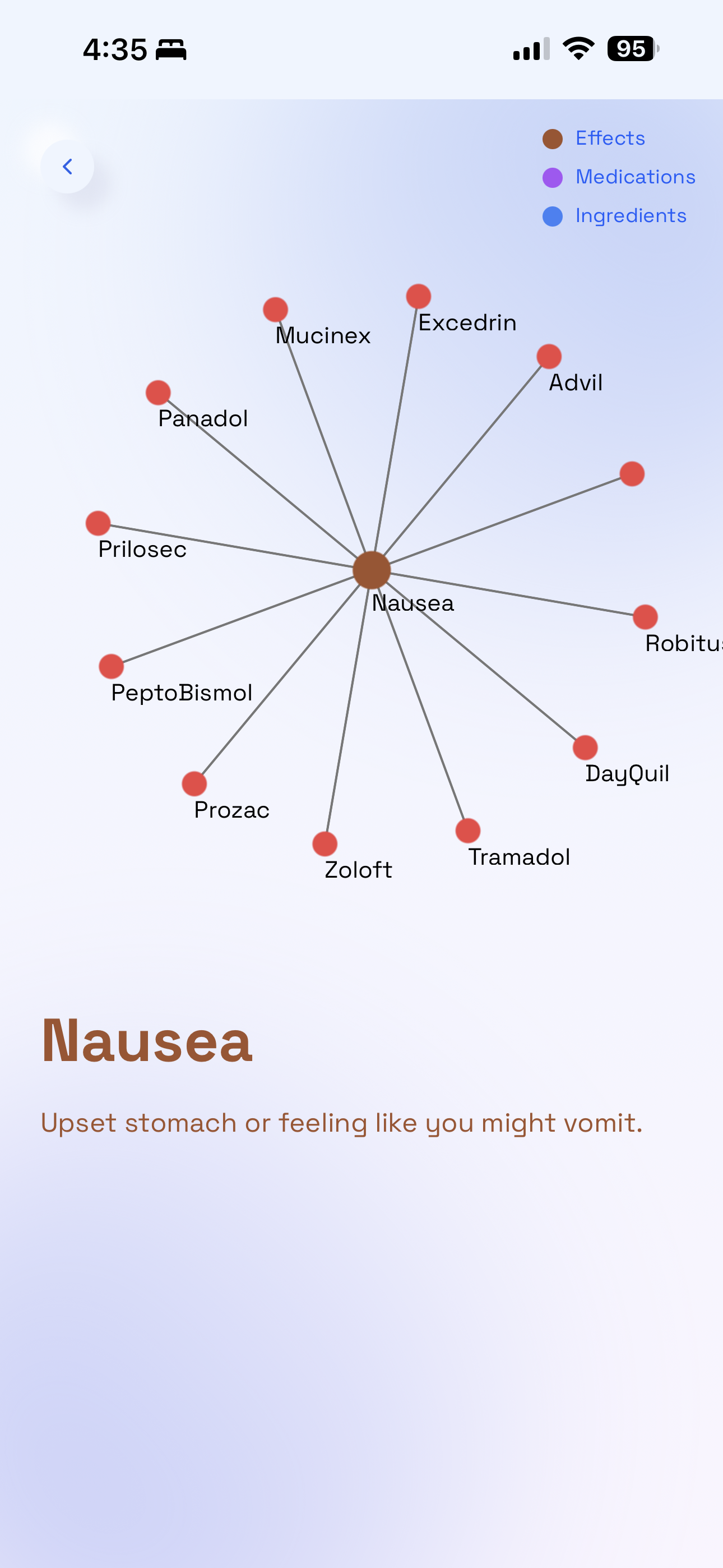
MediScan lets users scan a medicine label and see an interactive graph of ingredients, their effects, and potential side effects. Users can filter by symptom (e.g., “stomach ache”) or compare multiple medicines, helping them make smarter, safer, and faster decisions.
How we built it
We built MediScan as a full-stack web app with a frontend and backend working together to turn messy medicine information into something people can instantly understand. • Our frontend (likely React/TypeScript) renders the interactive interface and visual graphs. • The backend serves API endpoints for processing and returns structured ingredient data. • We used a local JSON database (db.json) to store sample medicine/ingredient info and relationships. • Scripts like start-dev.sh helped automate running the project during development. This setup let us quickly prototype scanning, parsing, and visualizing medicine ingredients in a usable UI.
Challenges we ran into
Setting up Graph (sigma.js): We used Sigma.js to visualize relationships between ingredients, symptoms, and side effects as an interactive graph. The main challenge was keeping the graph readable, so we added filtering and re-centering to help users quickly focus on what matters.
Implementing Scan functionality: We built a scan pipeline to extract key ingredients from medicine labels and map them to our data model. We learned that users don’t need perfect scans; identifying the most important ingredients is what actually supports better decisions.
Designing final schema: We designed a flexible schema that connects ingredients, effects, symptoms, and side effects instead of relying on drug names alone. This made it easy to compare medicines and power symptom-based graph views.
Shipping our product: We focused on delivering a complete end-to-end experience: scan, visualize, and understand. Shipping under time pressure forced us to prioritize clarity and usability over extra features.
Accomplishments that we're proud of
Delivered a working full-stack prototype that takes medicine inputs and returns useful ingredient / effect connections. Built an interactive graph visualization that helps users see relationships between ingredients, effects, and symptoms; not just text lists. Structured the project so the frontend and backend can evolve independently (easy to extend later for real scanning / AI integration). These milestones reflect meaningful functionality in a short hackathon timeframe and show clear progress toward reducing health confusion.
What we learned
Building a full-stack product under time pressure forces you to prioritize core value over extras; we focused on understandable output first, not perfect design. Visualizing data as a graph made a huge difference in perceived clarity compared to text tables alone. Structuring a small prototype with separate frontend and backend made iterative testing much faster. Working with semi-structured data like medicine ingredients highlighted the challenges of building real medical data pipelines.
What's next for MediScan
future implementations: 1. personal health profiles 2. multi-language support 3. offline mode 4. integration with health apps
Built With
- chroma.js
- fuse.js
- gemini
- graphology
- node.js
- react
- sigma.js
- typescript


Log in or sign up for Devpost to join the conversation.