-
-
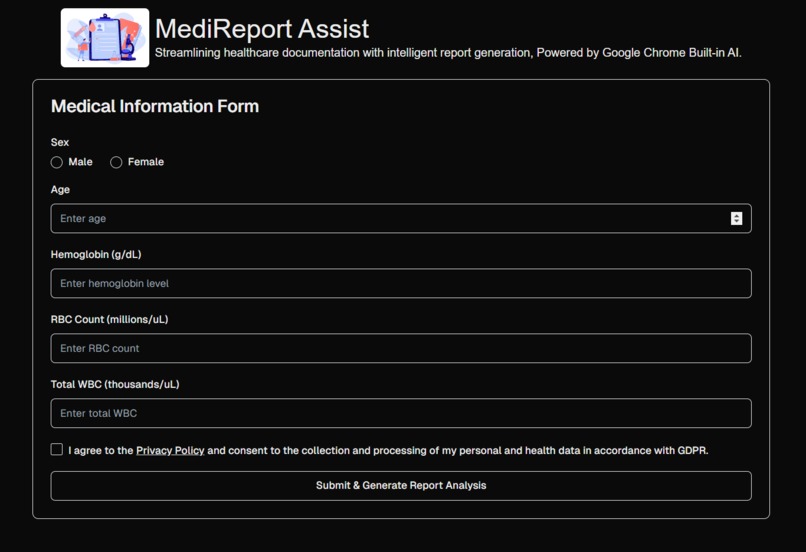
Landing page
-
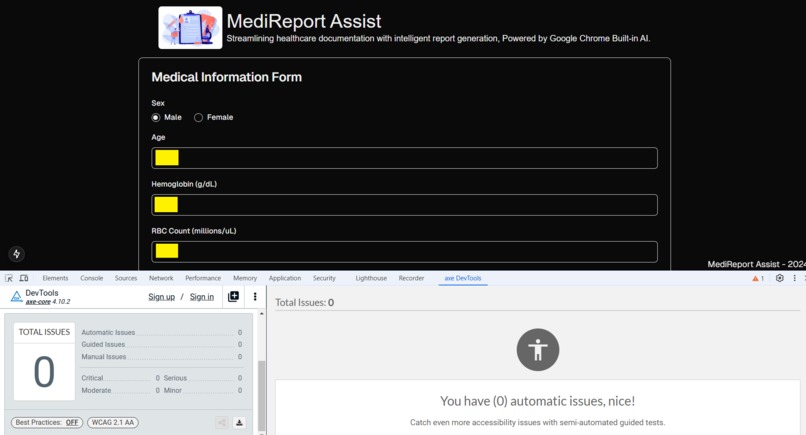
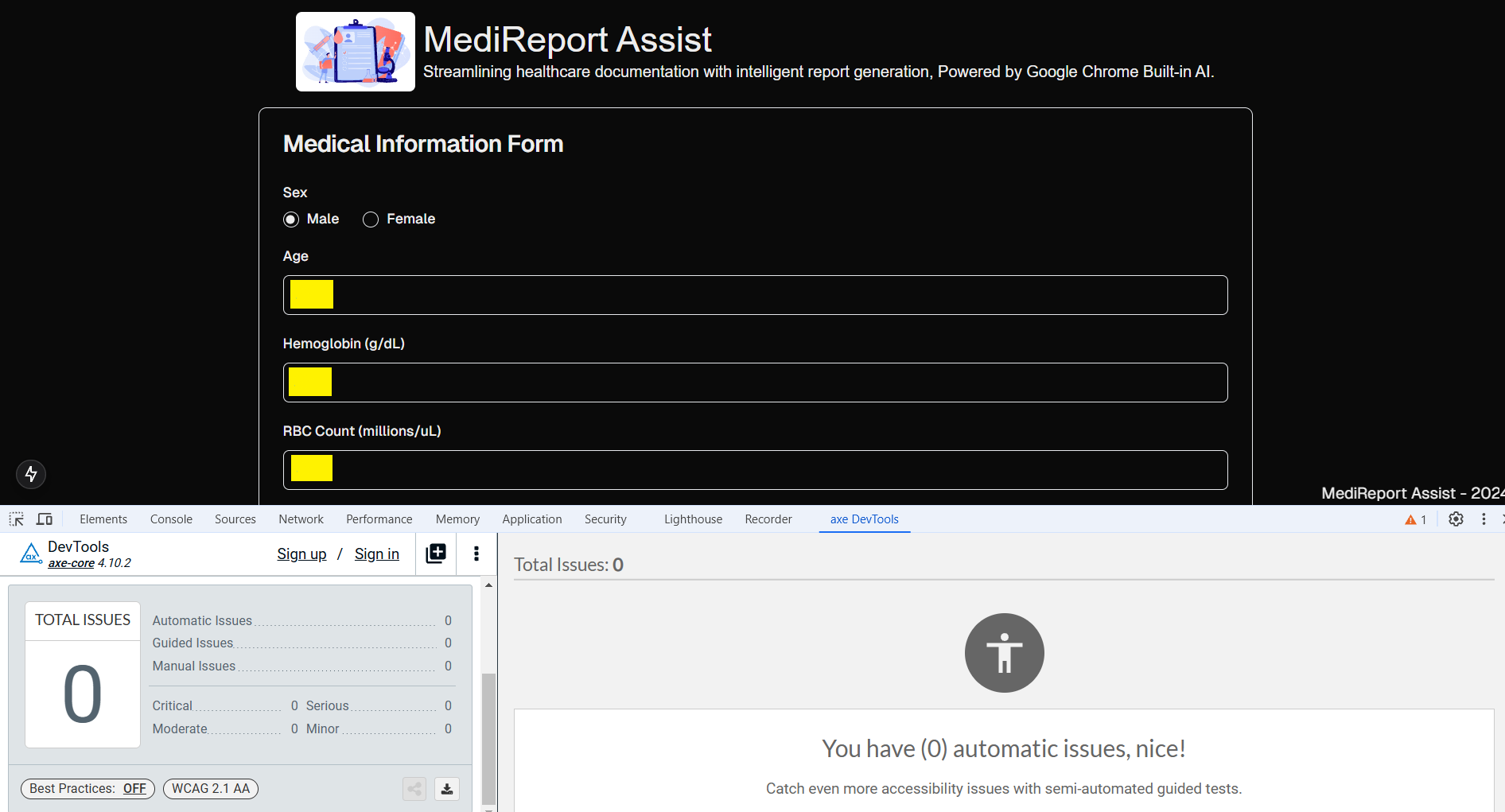
Accessibility Test
-
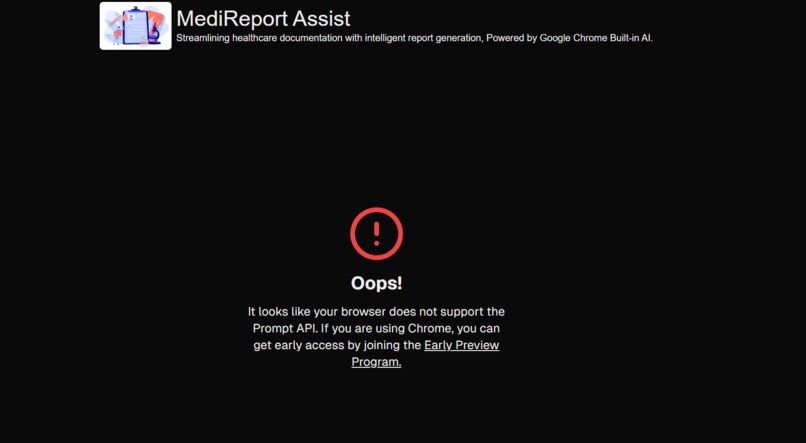
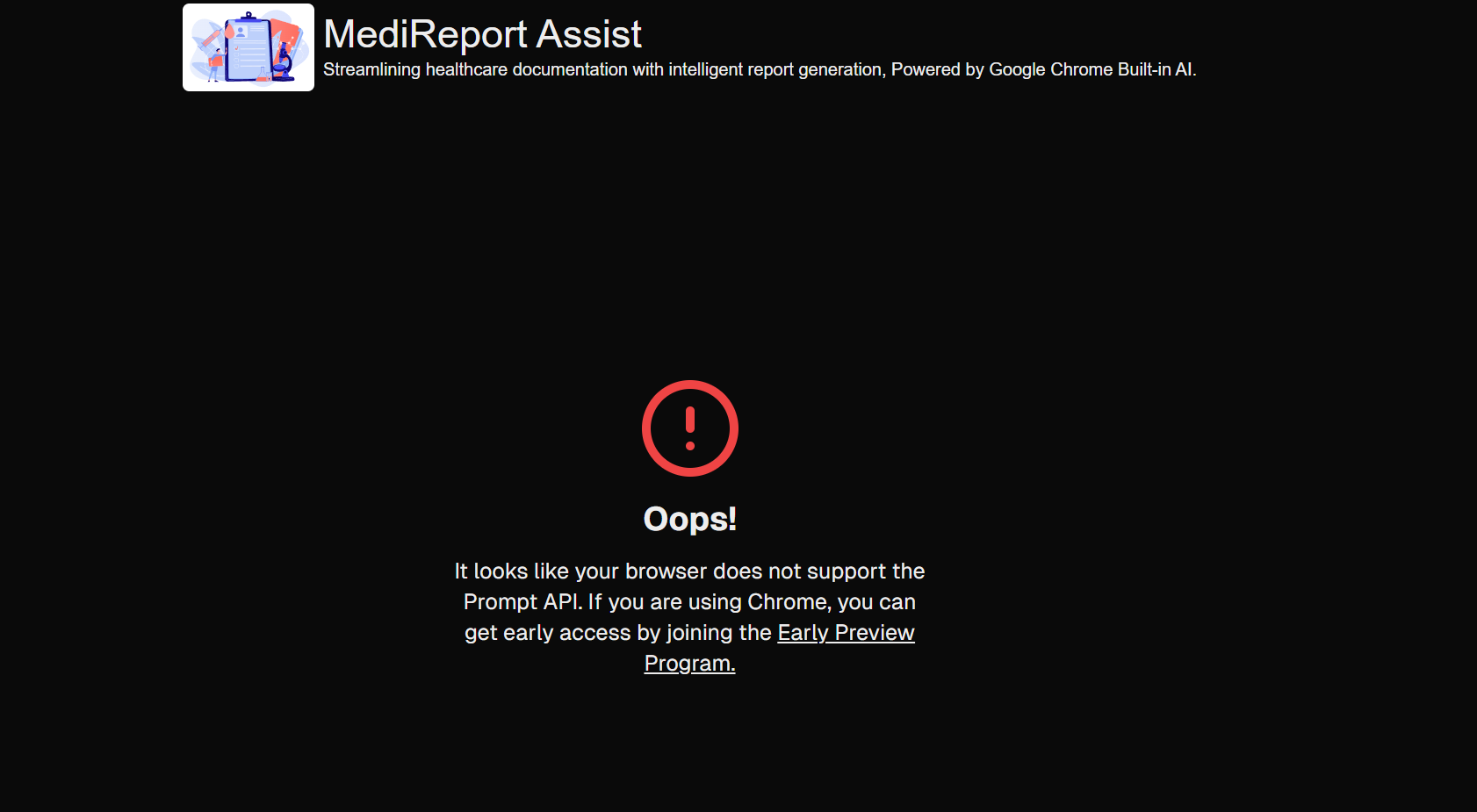
Browser not supported screen
Inspiration
I’ve had blood checkups frequently, and when I looked at the reports, they just showed raw data with no details. I had to schedule another appointment to get more clarity, but even then, different doctors had different opinions.
I saw this as an opportunity to build an analysis tool that provides an overall analysis in a human-friendly and unbiased way. The application is developed with accessibility in mind, ensuring that everyone, regardless of their ability, can use it effectively.
Without local AI, a healthcare app faces privacy risks from cloud storage, slower response times due to internet dependence, and higher operational costs. It also struggles with limited personalization, reduced efficiency, and potential data security concerns.
With the help of Google Chrome's built-in AI, health data privacy, speed, and reliability are enhanced by processing information directly on the device. This enables real-time insights, personalized recommendations, and reduces reliance on cloud services, improving both user experience and security.
What it does
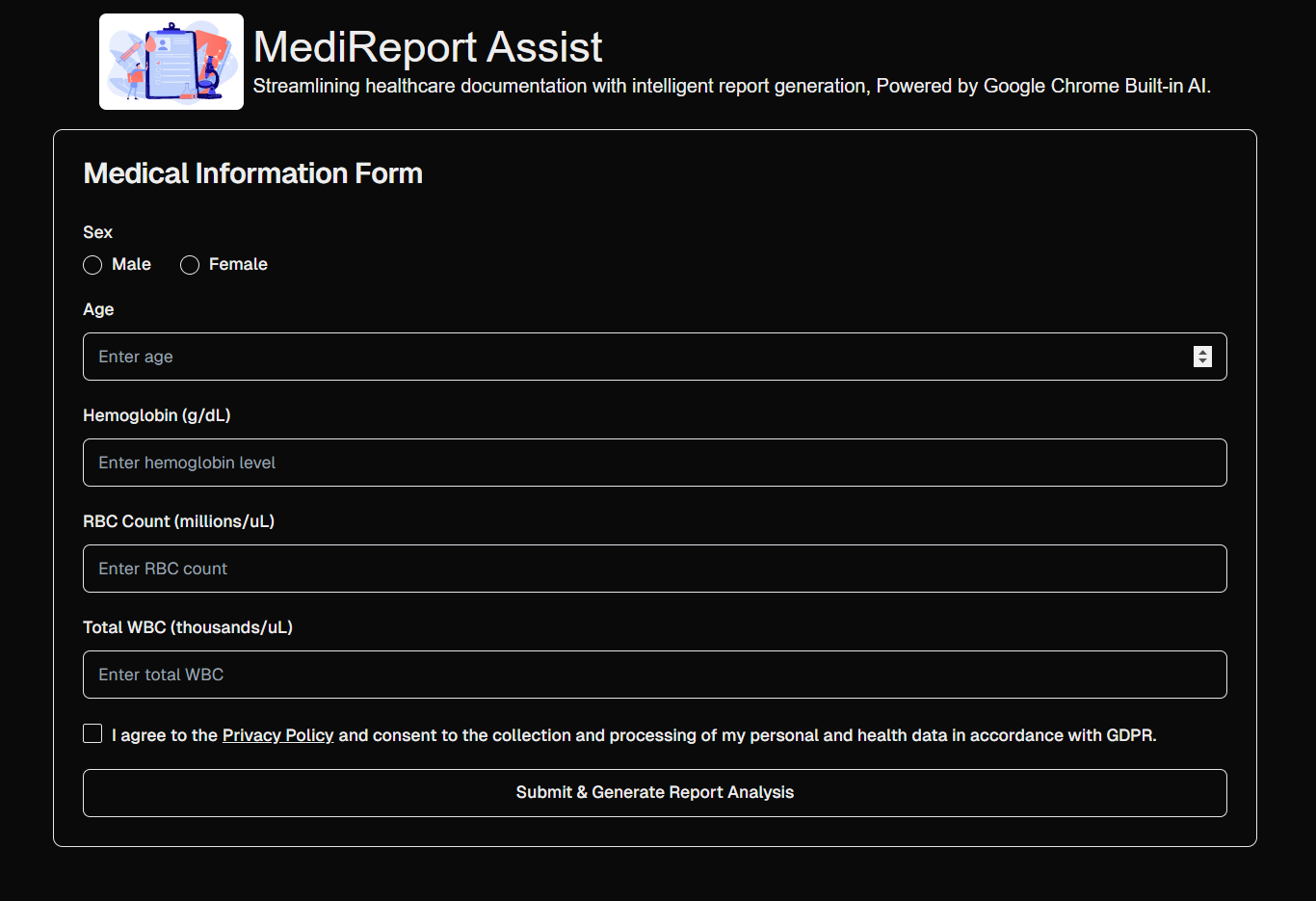
- The form collects numeric health data. For our MVP scope, this includes sample data from blood reports such as sex, age, hemoglobin (Hb) level, RBC count, and WBC count.
- After submission, the data will be processed. During processing, a loading indicator will be displayed. Once the processing is complete, the application will show the analysis along with feedback.
- Throughout the entire process, the application does not retain any user data.
- If the application is used in a browser that does not support Google’s built-in AI, a meaningful error message will be displayed.
How we built it
This is built using Next.js along with Tailwind, Typescript and Shadcn components. For report analysis, Googles Prompt API is used to process the data -
const stream = await session.promptStreaming(prompt);
Challenges we ran into
There were browser related issues at initial stage. After switching to latest Google canary chrome browser with Prompt API settings everything worked fine. Prompt API -
const result = await session.prompt("Write me a poem")
Took lot of time to return data so tried
const stream = await session.promptStreaming(prompt);
And it was faster compared to previous function.
Accomplishments that we're proud of
I’m proud to have solved one of the common pain points in the healthcare domain. This solution is also scalable and accessible for everyone in the future.
With a detailed analysis of the provided data, users will experience a positive impact, and data-driven suggestions will further improve their health and quality of life.
This will be also secure as we are not storing any data and due to Google built in AI we have data privacy, security
What we learned
- Google built in AI - API implementation
- Prioritizing Security and Privacy in Healthcare applications
- Accessibility testing
What's next for MediReport Assist
Potential features to be added in current MVP next phase
- Support for other popular tests such as Lipid tests, X-ray imagining, Urinalysis, Electrocardiogram, Mammography.
- Enabling a feature for users to download and print generated analysis.
Built With
- next
- react
- tailwind
- typescript


Log in or sign up for Devpost to join the conversation.