🩺 MediPulse Data Driven Care
About the Project
MediPulse is an AI-powered healthcare dashboard that helps doctors and hospital administrators visualize, analyze, and manage patient data in real time. It combines interactive charts, intelligent search, and an AI assistant that can both chat and recommend insights based on medical data.
The goal of MediPulse is to make healthcare data more actionable — turning raw numbers into meaningful insights that improve decision-making and patient care.
Inspiration
Hospitals collect massive amounts of patient data but often struggle to use it effectively. I was inspired to build MediPulse to bridge that gap — creating a platform where data not only looks clear but also “talks back.” With the built-in AI chat assistant, doctors can interact naturally with data, asking questions and receiving smart recommendations instantly.
Technologies Used
Frontend: HTML5, CSS3, Bootstrap 5 Backend: Python (Flask Framework) Database: Elasticsearch (for real-time data search and filtering) Visualization: Chart.js (for interactive bar and pie charts) AI Assistant: LangChain + Google GenAI (for chat and smart health recommendations) Deployment: Railway.app (for cloud hosting and CI/CD) Version Control: Git & GitHub
Working of the Project
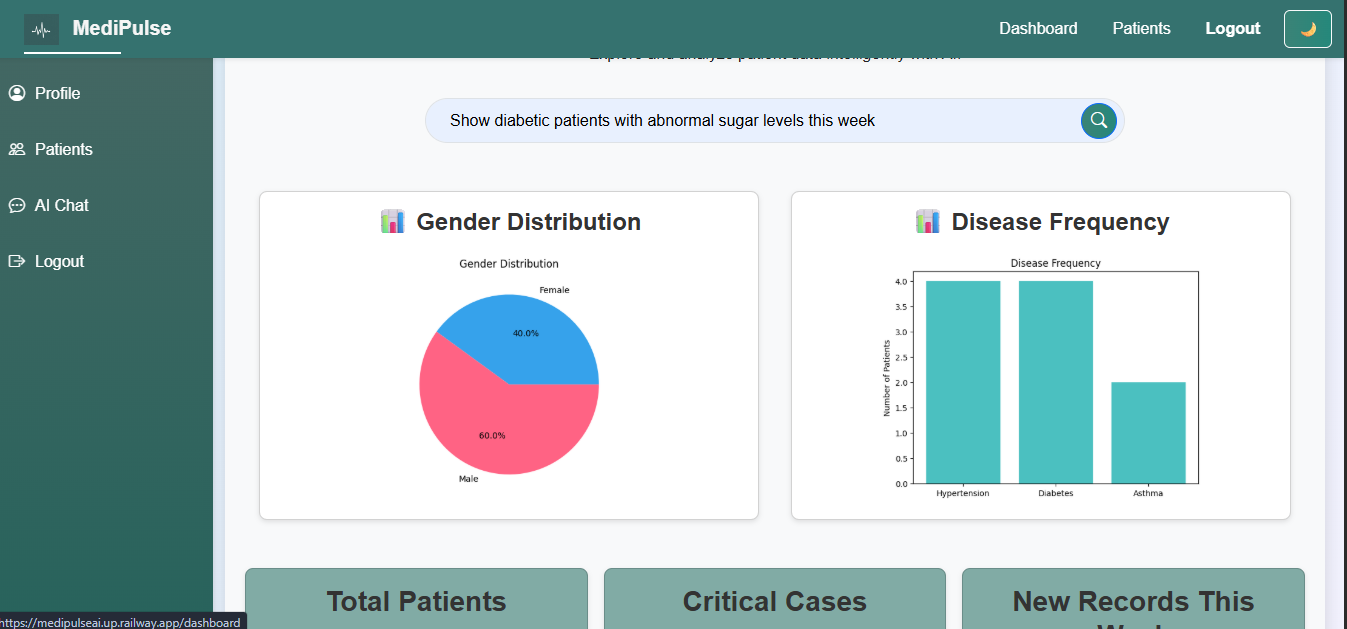
Dashboard Overview: Users access a clean and responsive dashboard showing total patients, critical cases, and new records.
Data Visualization: Patient data is displayed using bar and pie charts, showing trends such as gender distribution and disease frequency.
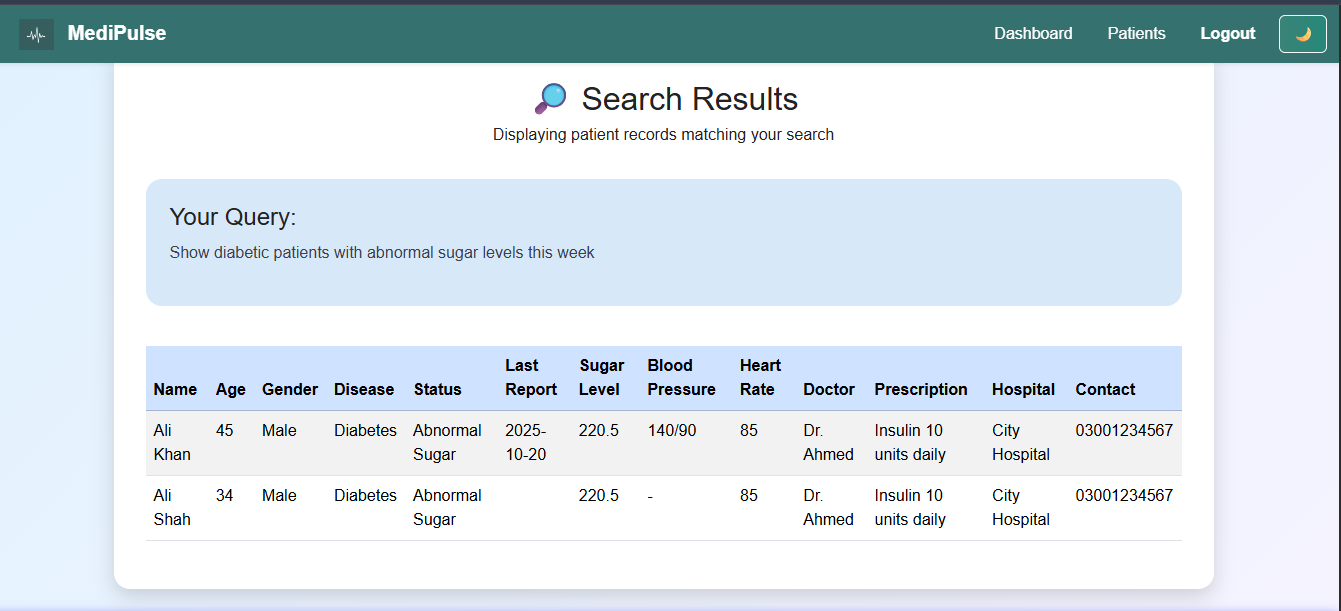
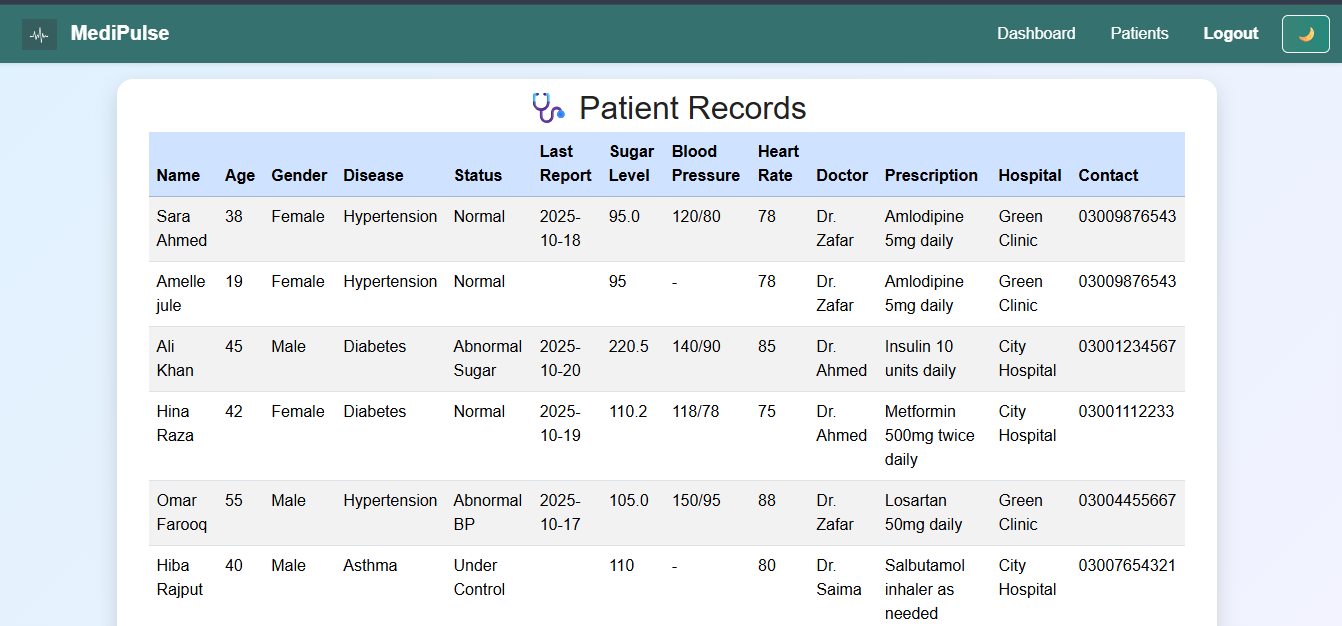
Search Functionality: The user can search for a disease or patient record — the Flask app sends this query to Elasticsearch and instantly displays matching data.
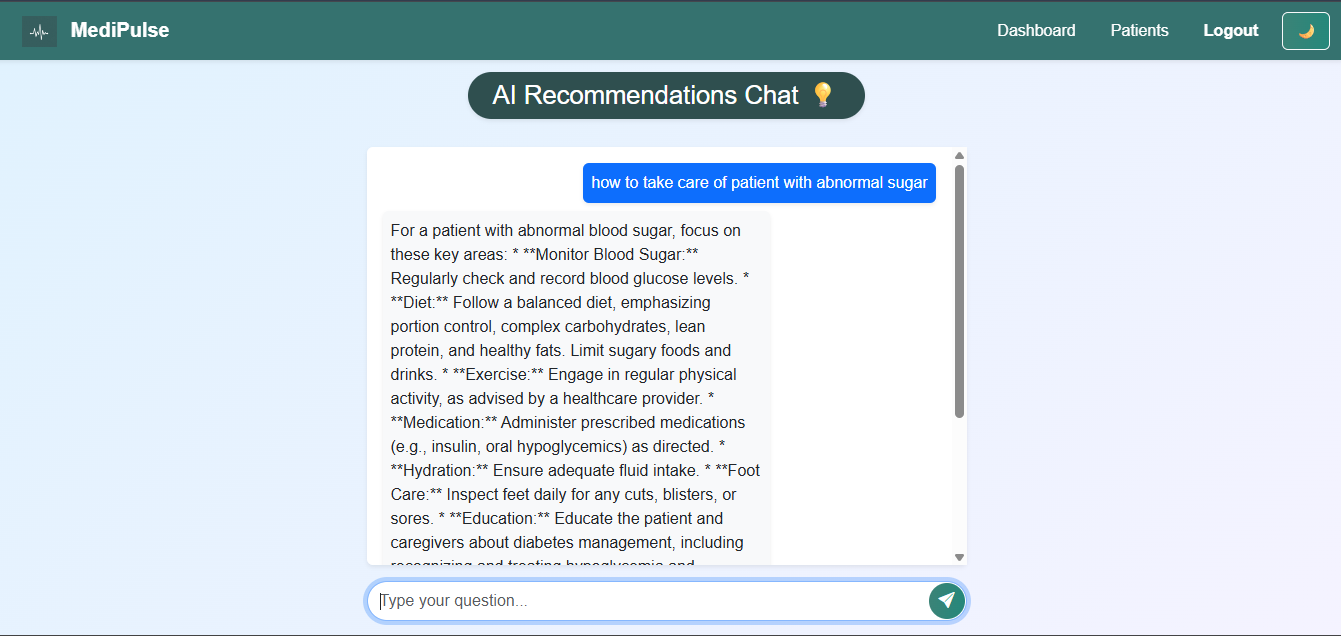
AI Chat Assistant & Recommendations: The built-in AI assistant allows doctors to chat in natural language.
Deployment: The project is deployed on Railway.app, linked to GitHub, and uses environment variables to keep API keys secure.
What I Learned
- Connecting Flask with Elasticsearch and GenAI APIs
- Building interactive dashboards using Chart.js
- Creating AI-driven chat and recommendation systems
- Managing secure deployment using Railway environment variables
- Debugging real-time data integrations and cloud logs
Challenges Faced
- Configuring and securing Elasticsearch API URLs
- Managing AI API limits and handling slow responses
- Solving CORS issues between Flask and frontend
- Optimizing charts for mobile and tablet responsiveness
Future Enhancements
- Add user roles (Doctor, Admin, Receptionist)
- Integrate real-time IoT patient monitoring
- Enable data export (PDF, Excel)
- Use AI to predict patient risks

Log in or sign up for Devpost to join the conversation.