-
-
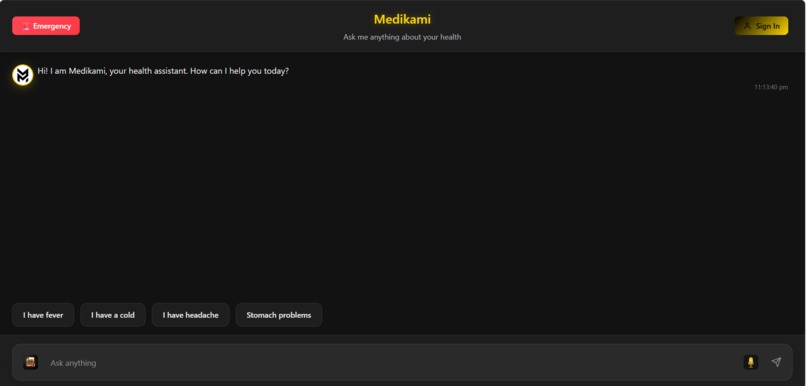
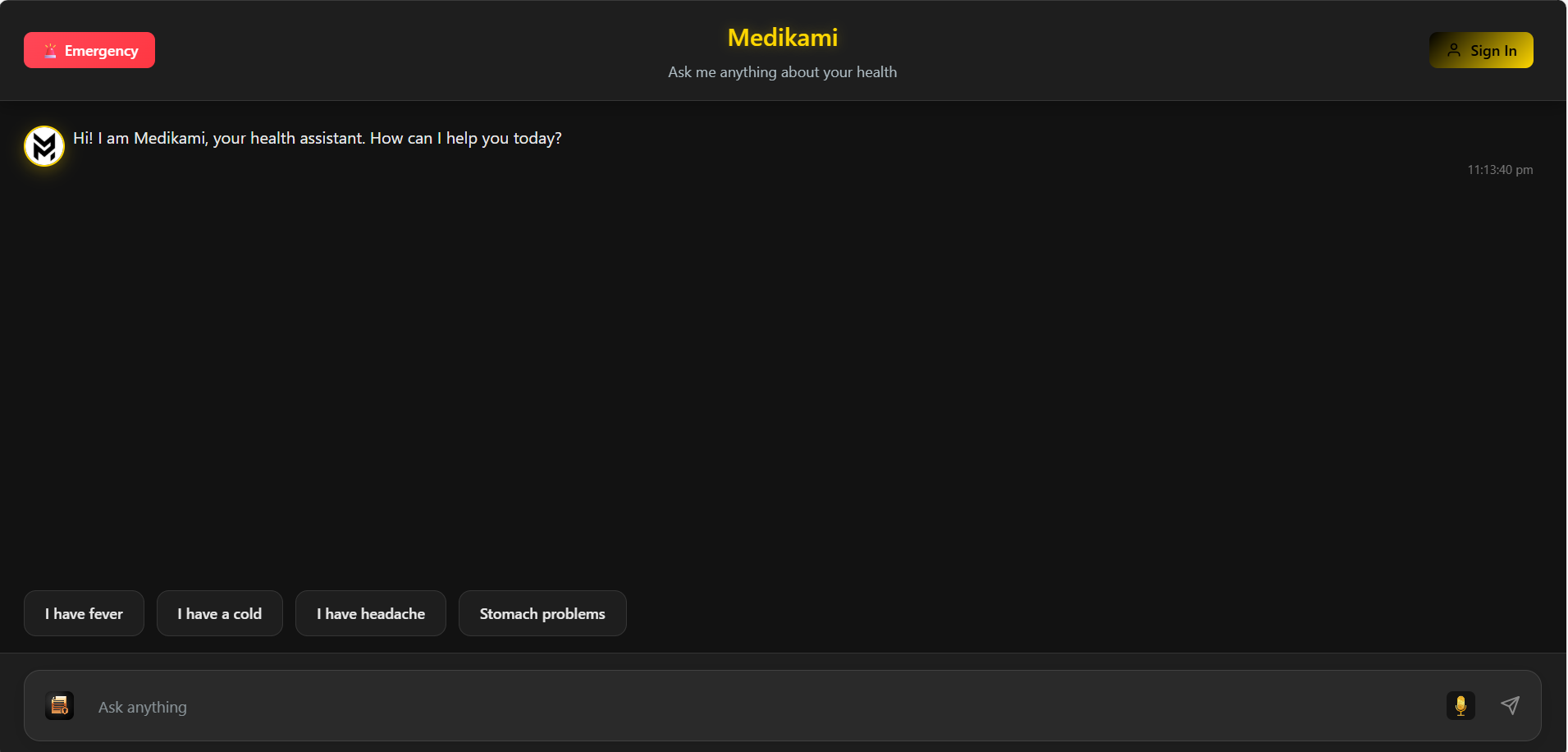
Our clean interface shows the AI assistant and instant health topics. It’s the user’s simple starting point for getting help from Medikami.
-
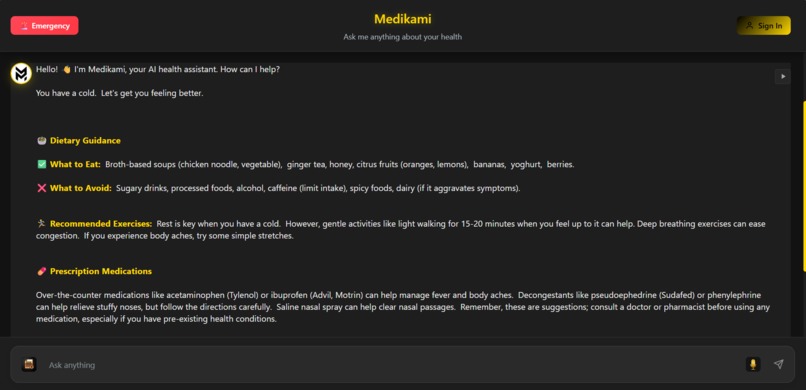
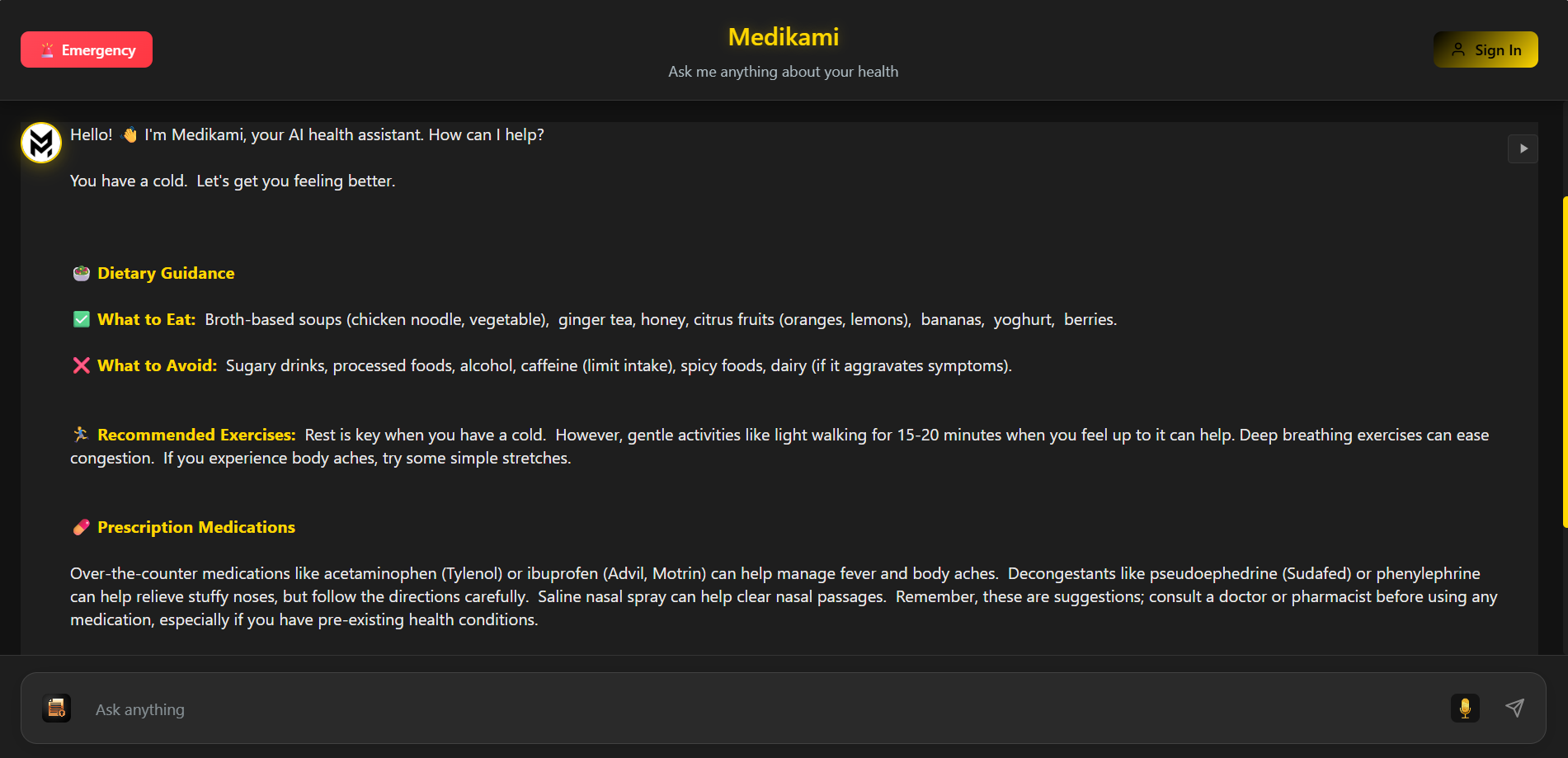
This image proves Medikami works and our AI providing structured, actionable health advice across multiple categories from a single query.
-
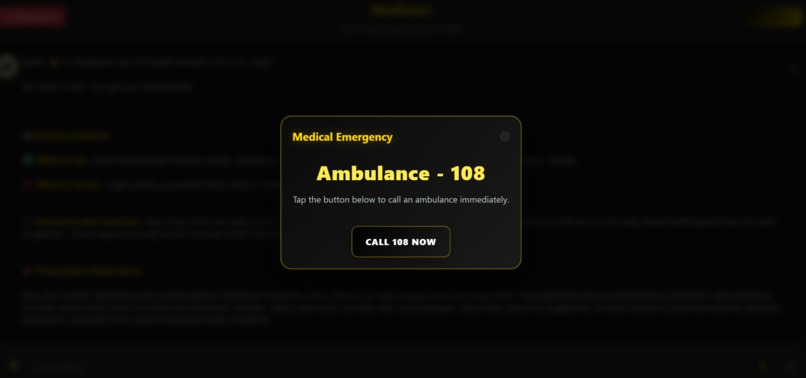
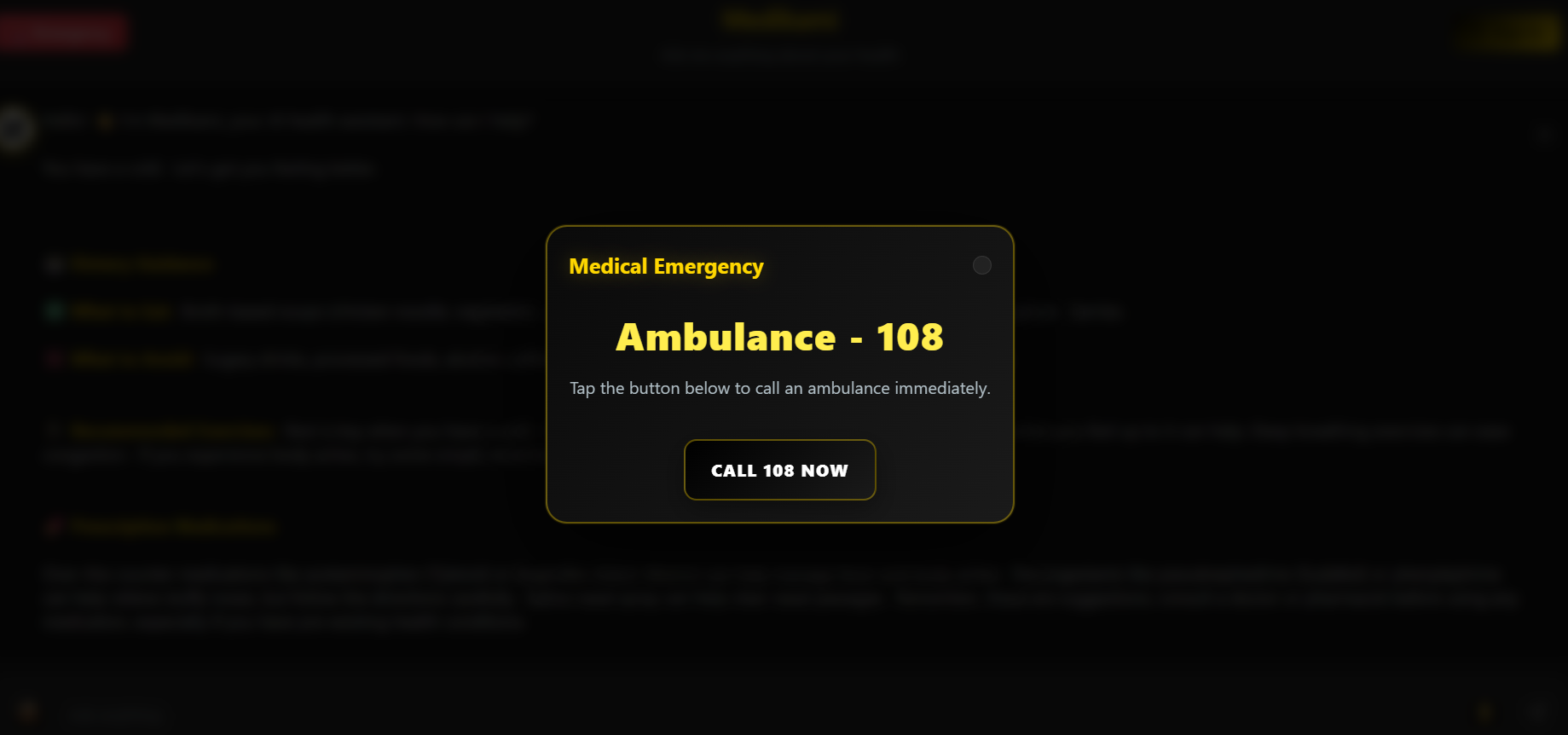
A single tap on the "Emergency" button brings up this prompt for urgent help. It's a key feature showing our app's real-world safety utility
-
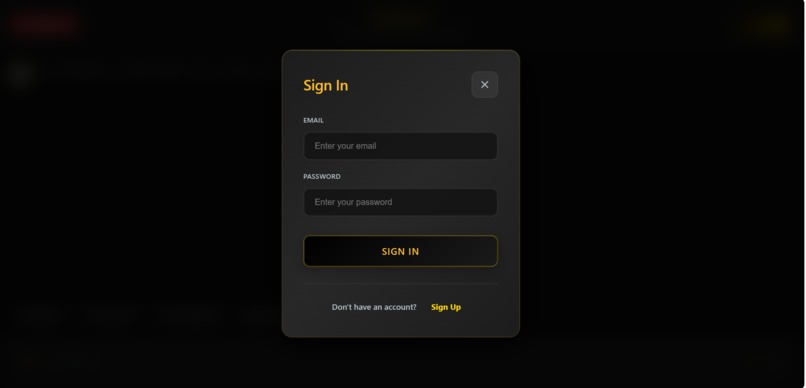
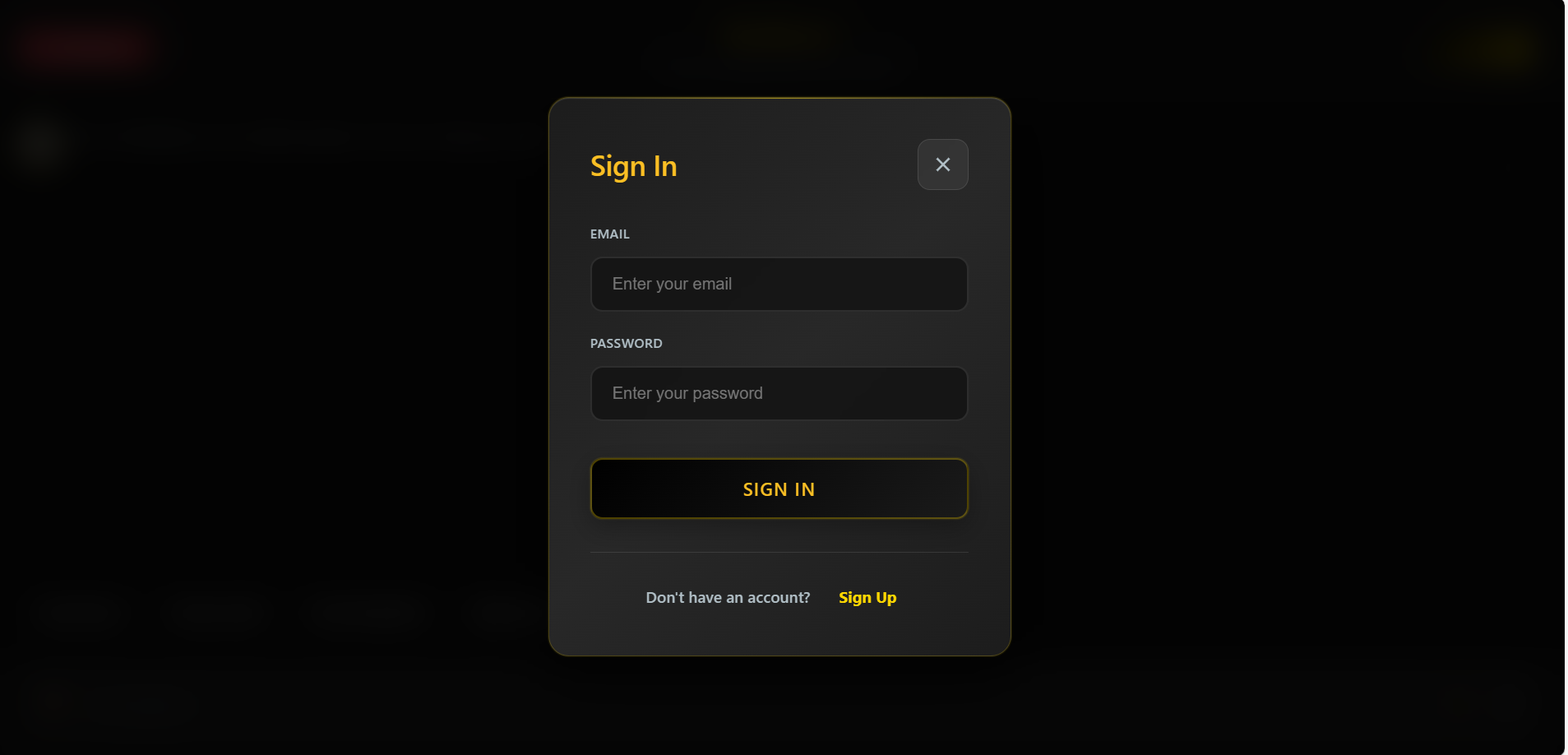
This sign-in page shows that Medikami is a full-featured, user-based platform ,personalized health tracking and future scalability.
Inspiration
Building a warm, practical AI that helps people make sense of symptoms, labs, and prescriptions without medical jargon. Provide actionable diet/exercise guidance, quick self-care, and safe escalation for emergencies.
What it does
AI chat for health Q&A with Gemini; automatic fallback to curated free logic when API isn’t available. Typewriter responses, copy/share actions, quick prompts, and friendly small-talk handling. Voice input (SpeechRecognition) and text-to-speech playback. File analysis: reads text/PDF/images (placeholder OCR) and returns concise medical insights. Health metrics UI: multilingual summaries (EN/HI/TA) of conditions, statuses, and recommendations. Safety: emergency modal, guardrails for unrelated topics, and disclaimers. Lightweight profile UI with login prompt gating advanced usage.
How we built it
React + Vite front-end with modular components (ChatInterface, HealthMetrics, ShinyText, etc.). Gemini integration via @ai-sdk/google + generateText; config from VITE_GEMINI_API_KEY in getGeminiConfig(). Fallback logic in FreeHealthAPIs.js for common symptoms/conditions and structured responses. Rich text rendering via a shared formatMessage with minimal markdown-like formatting. Voice: Web Speech API for STT and speechSynthesis for TTS. UX polish: typewriter effect, quick actions, popup/login gating, profile dropdown, file upload flow.
Challenges we ran into
Environment config: surfacing missing API key errors cleanly and keeping a reliable local fallback. Browser differences for STT/TTS and permissions. Rendering formatted AI output safely via dangerouslySetInnerHTML while avoiding XSS. Parsing semi-structured medical text (values, units, conditions) consistently. Managing streaming-like UX without server streaming.
Accomplishments that we're proud of
Resilient AI Q&A with graceful fallback and consistently structured, readable health guidance. Practical file analysis flows for reports/prescriptions with concise, actionable outputs. Multilingual health metrics panel and friendly, accessible UI elements. Voice features that make the assistant more inclusive and hands-free.
What we learned
Prompt engineering for concise, safe, and structured medical responses. Balancing client-only constraints with reliability and user expectations. Accessibility and UX details matter (copy buttons, typing indicators, mobile-friendly actions). Importance of clear disclaimers and emergency redirection in health apps.
What's next for Medikami
Add a secure backend for auth, history, and PHI-grade privacy. Integrate real medical APIs (symptom checkers, drug databases) and lab parsing with OCR. Streaming responses and citations; richer multilingual support across the app. Provider review mode and care handoff; deeper personalization from user health profiles. Mobile-ready PWA, offline tips, and analytics for improving guidance quality.

Log in or sign up for Devpost to join the conversation.