-
-
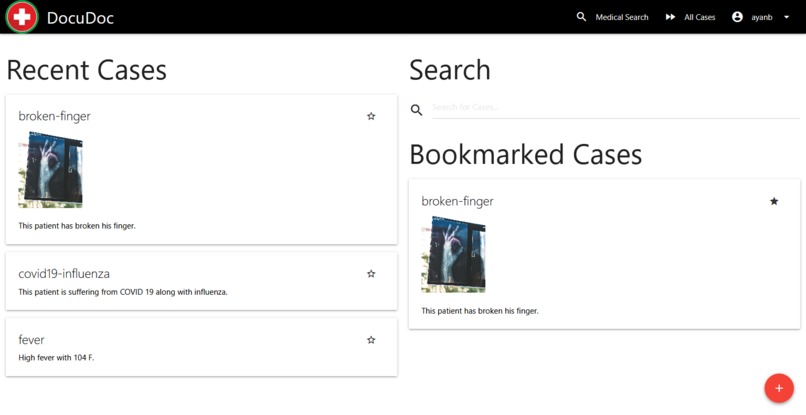
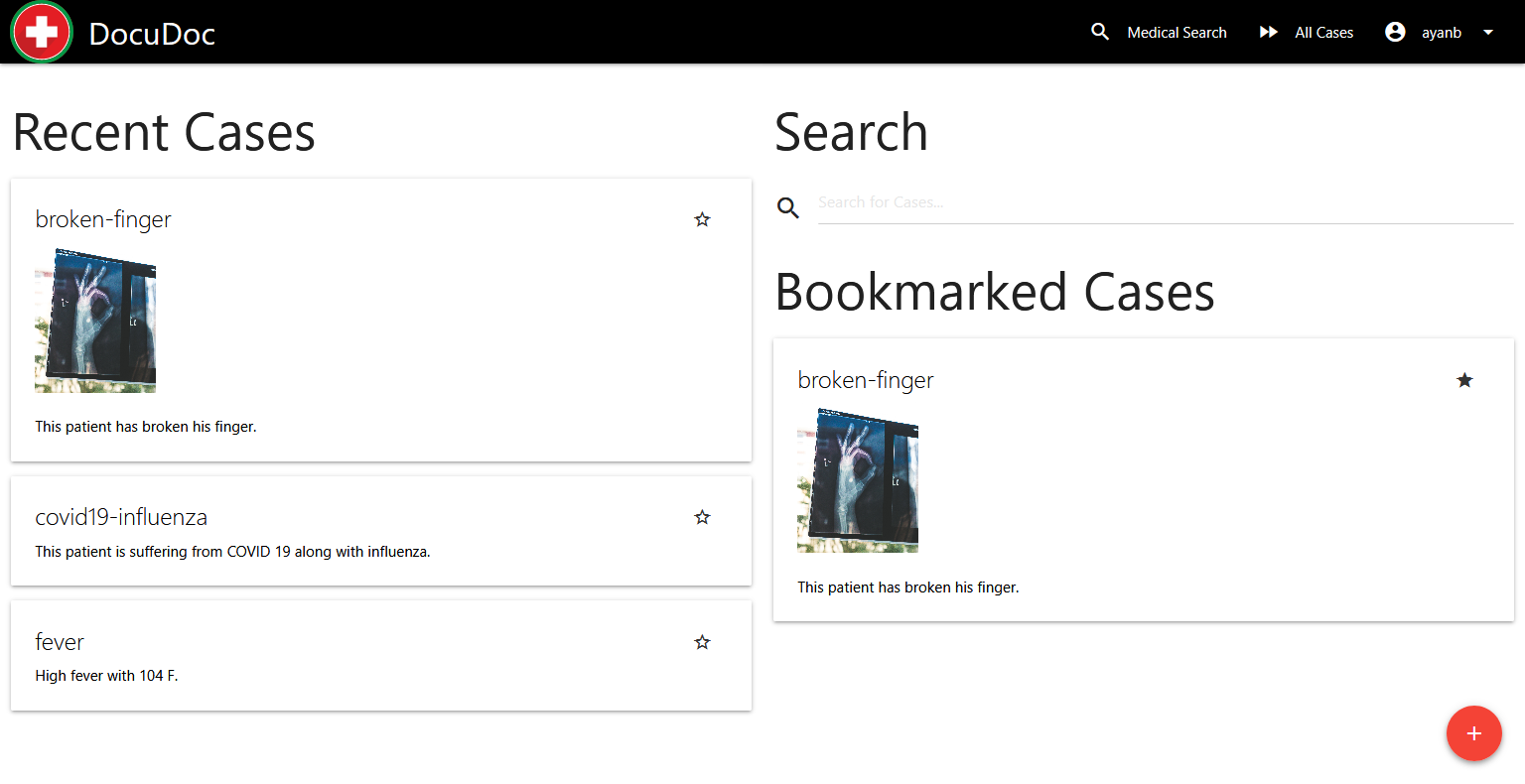
Homepage showing recent cases, search cases and bookmarked cases
-
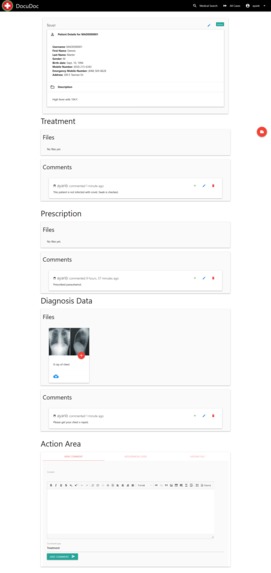
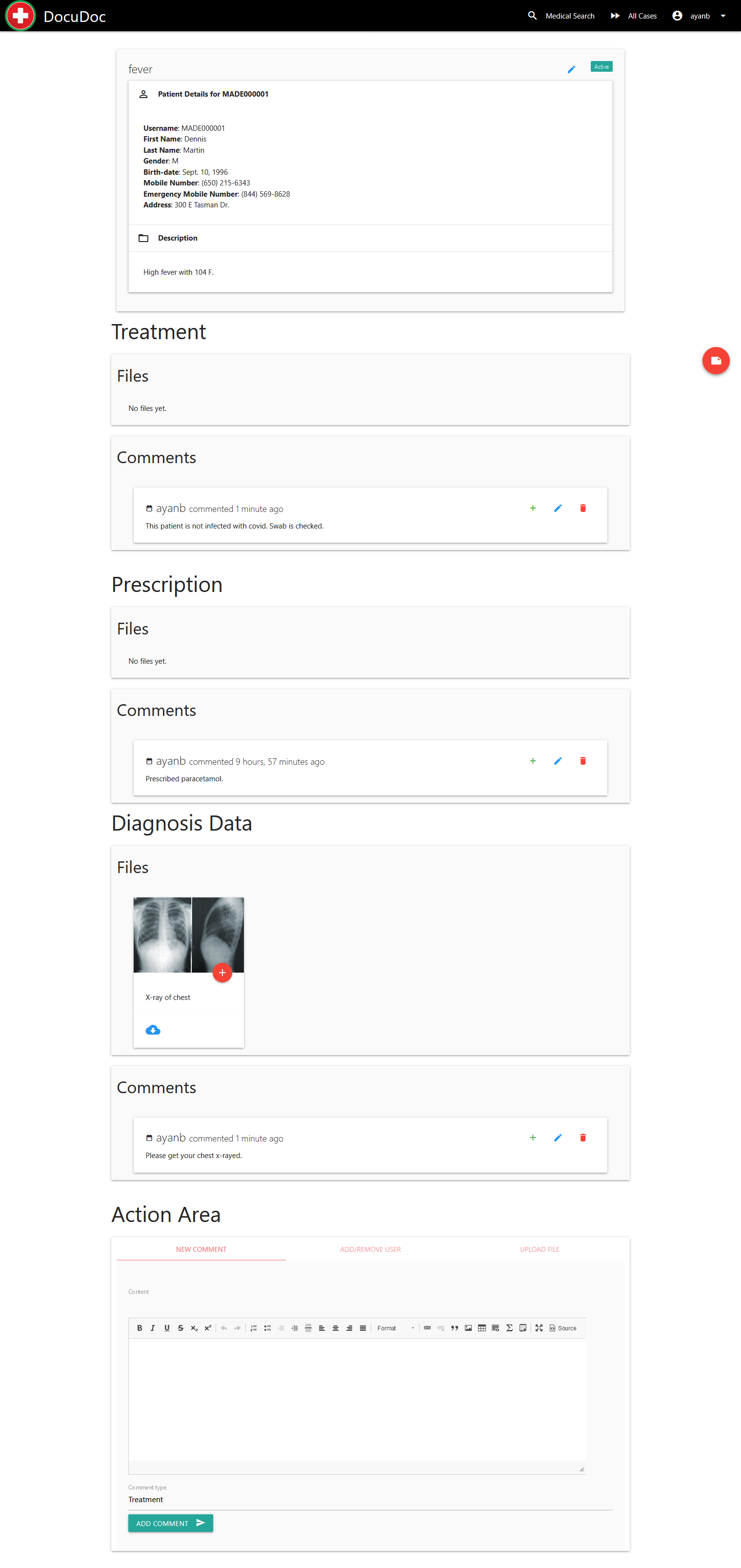
Single case with different sections including treatment, prescription and diagnosis
-
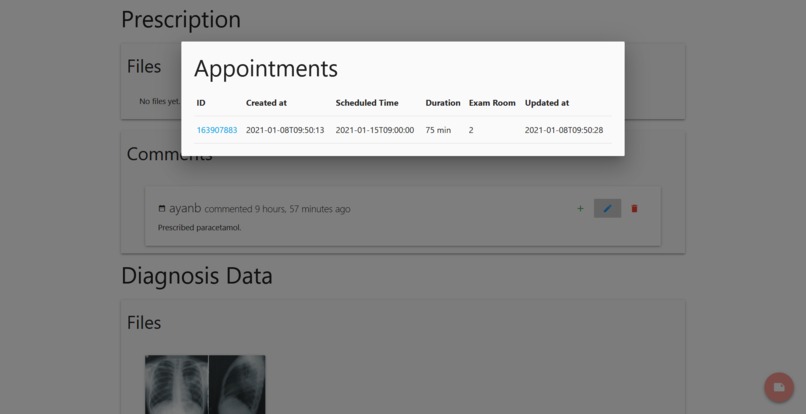
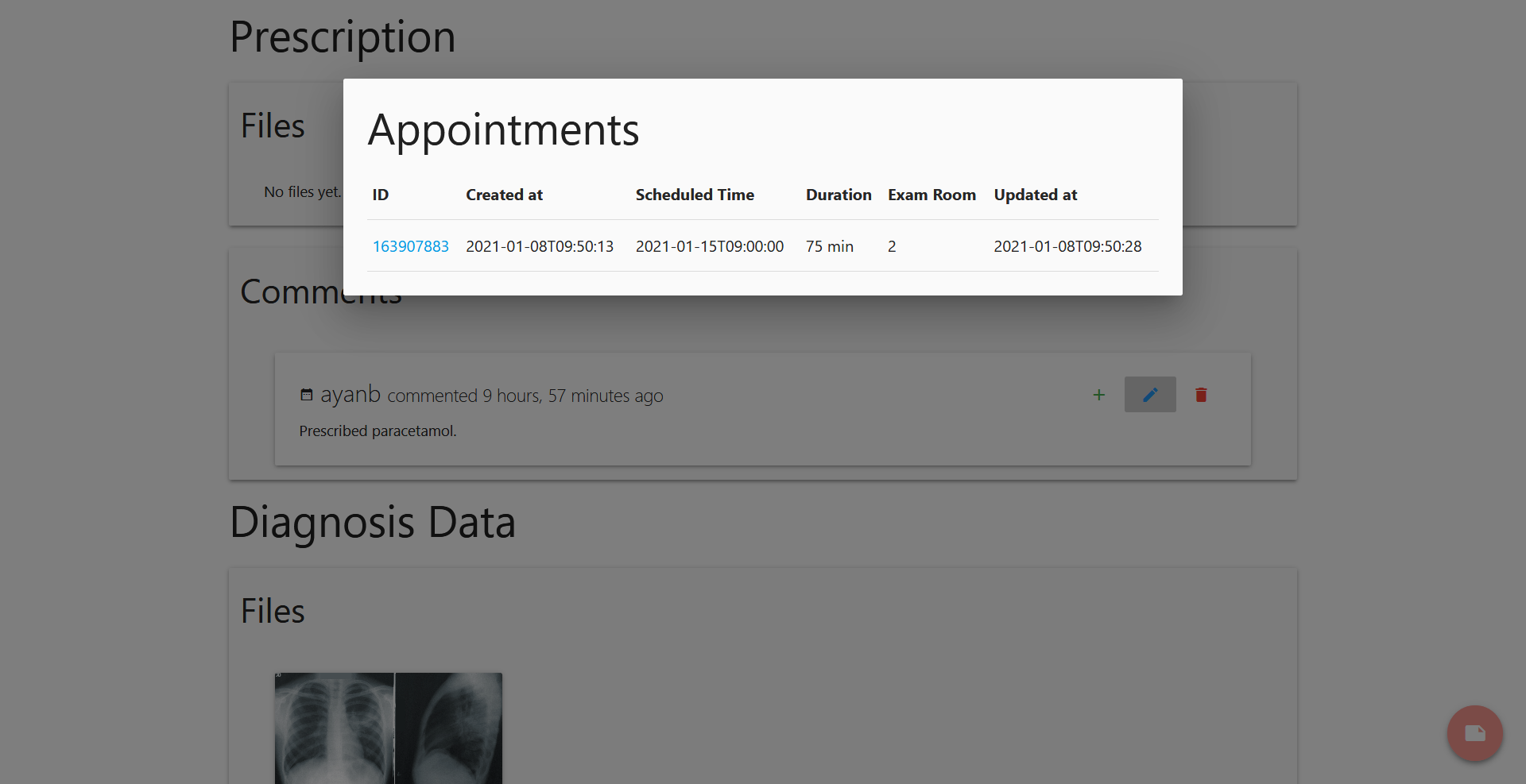
DrChrono appointments for current patient
-
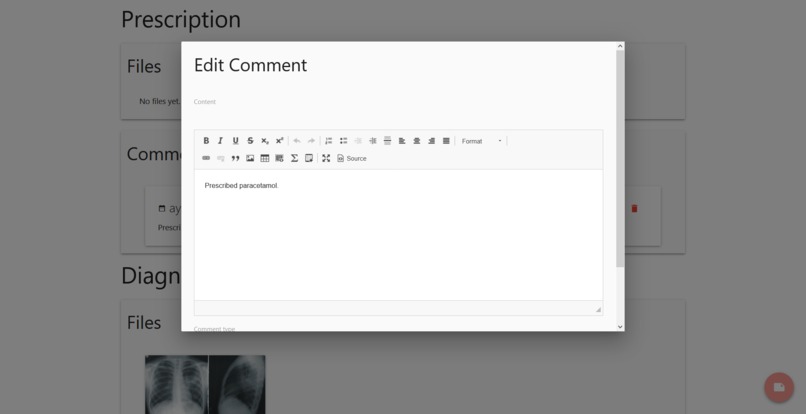
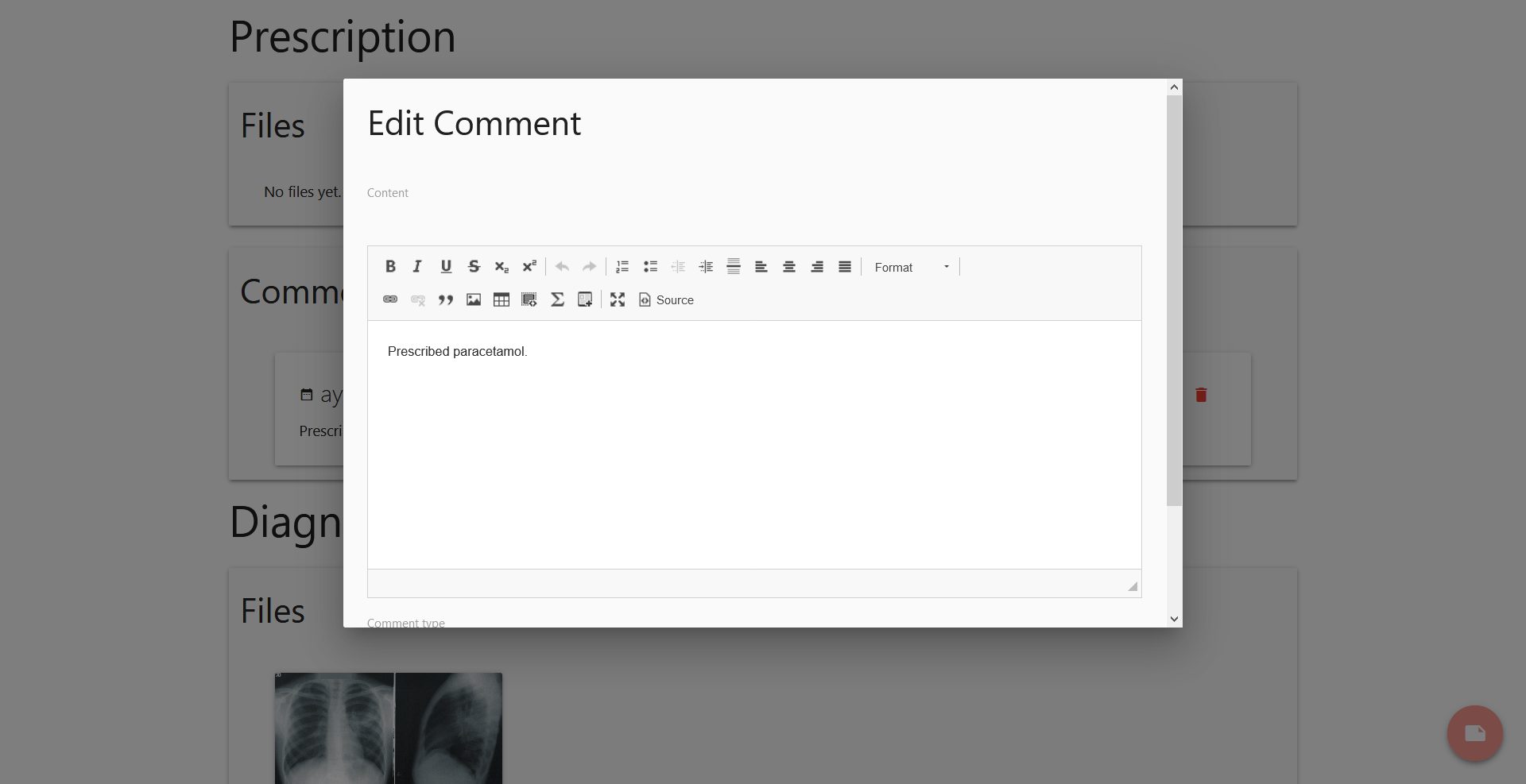
Edit Comment prompt
-
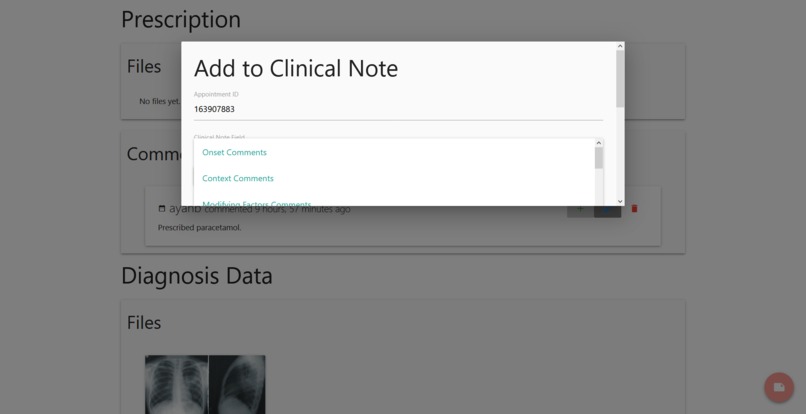
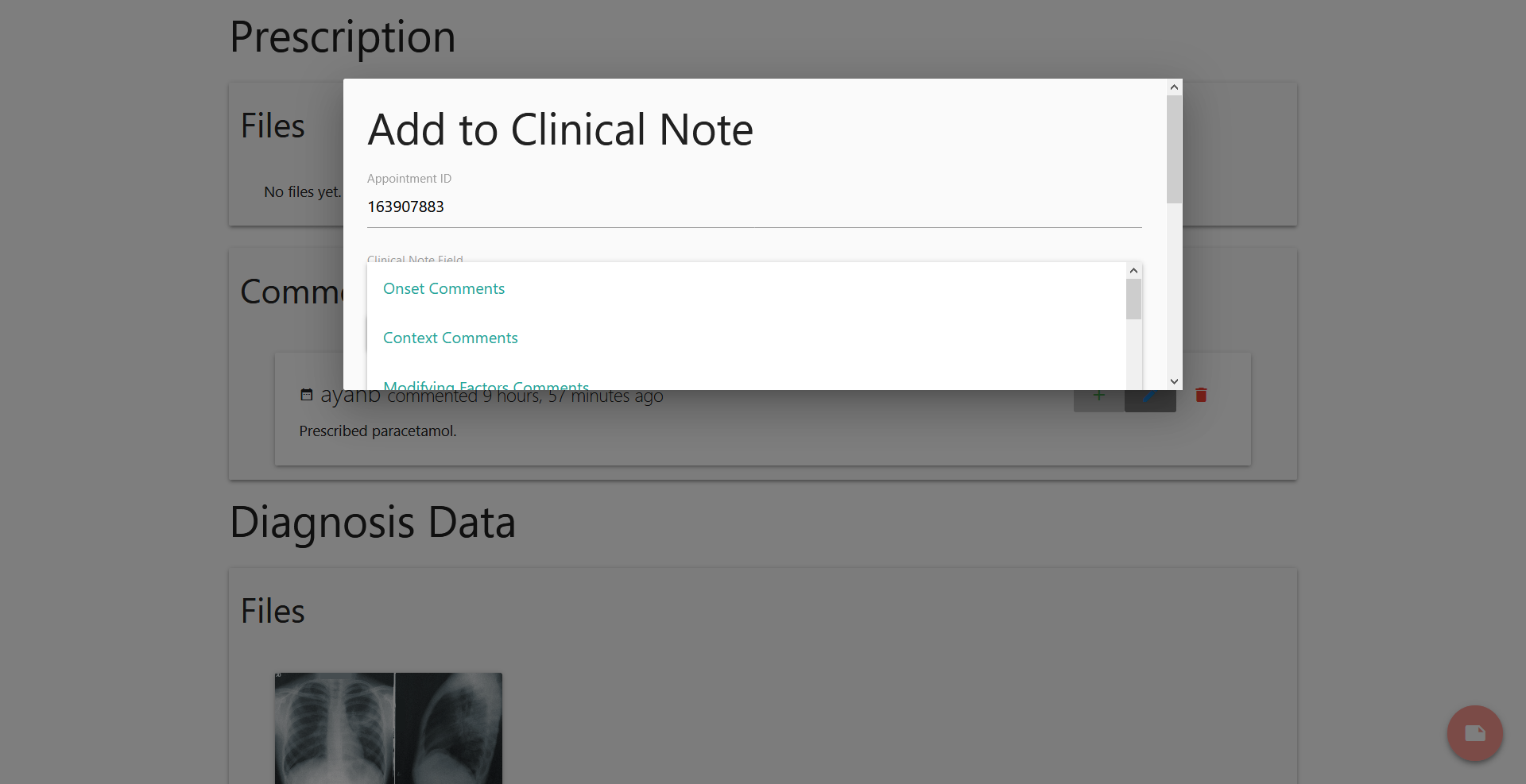
Add to Clinical Note prompt
-
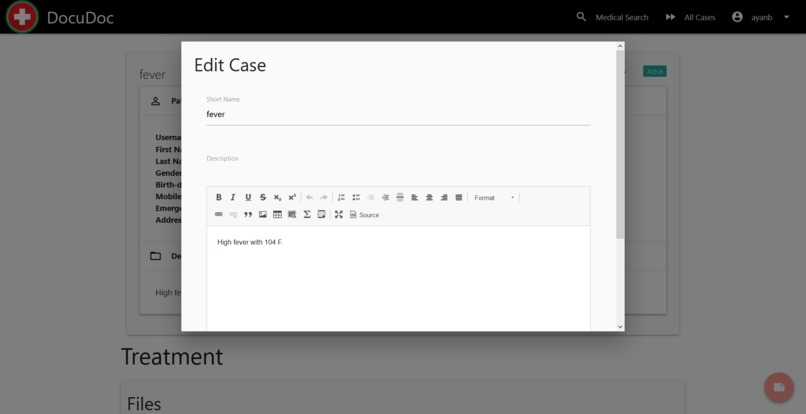
Edit Case prompt
-
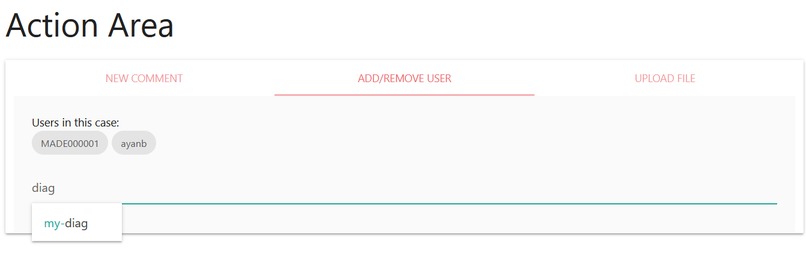
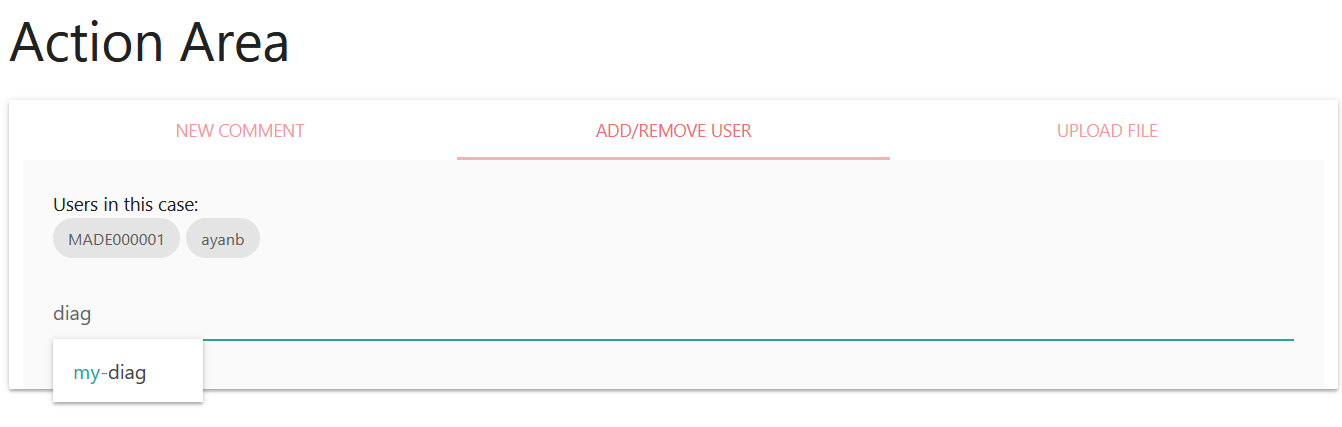
Add User to a case
-
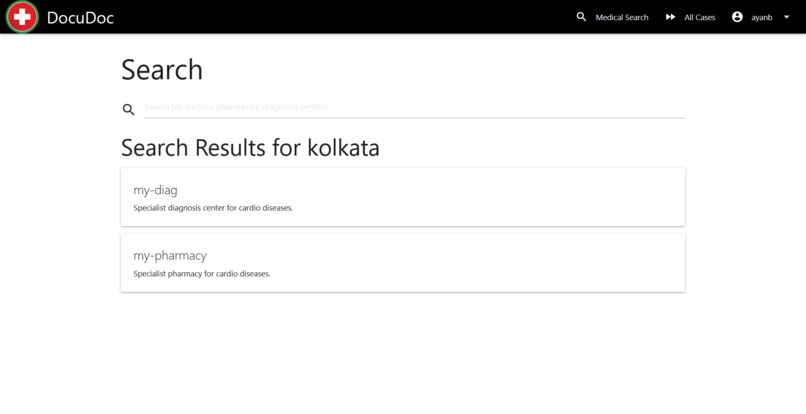
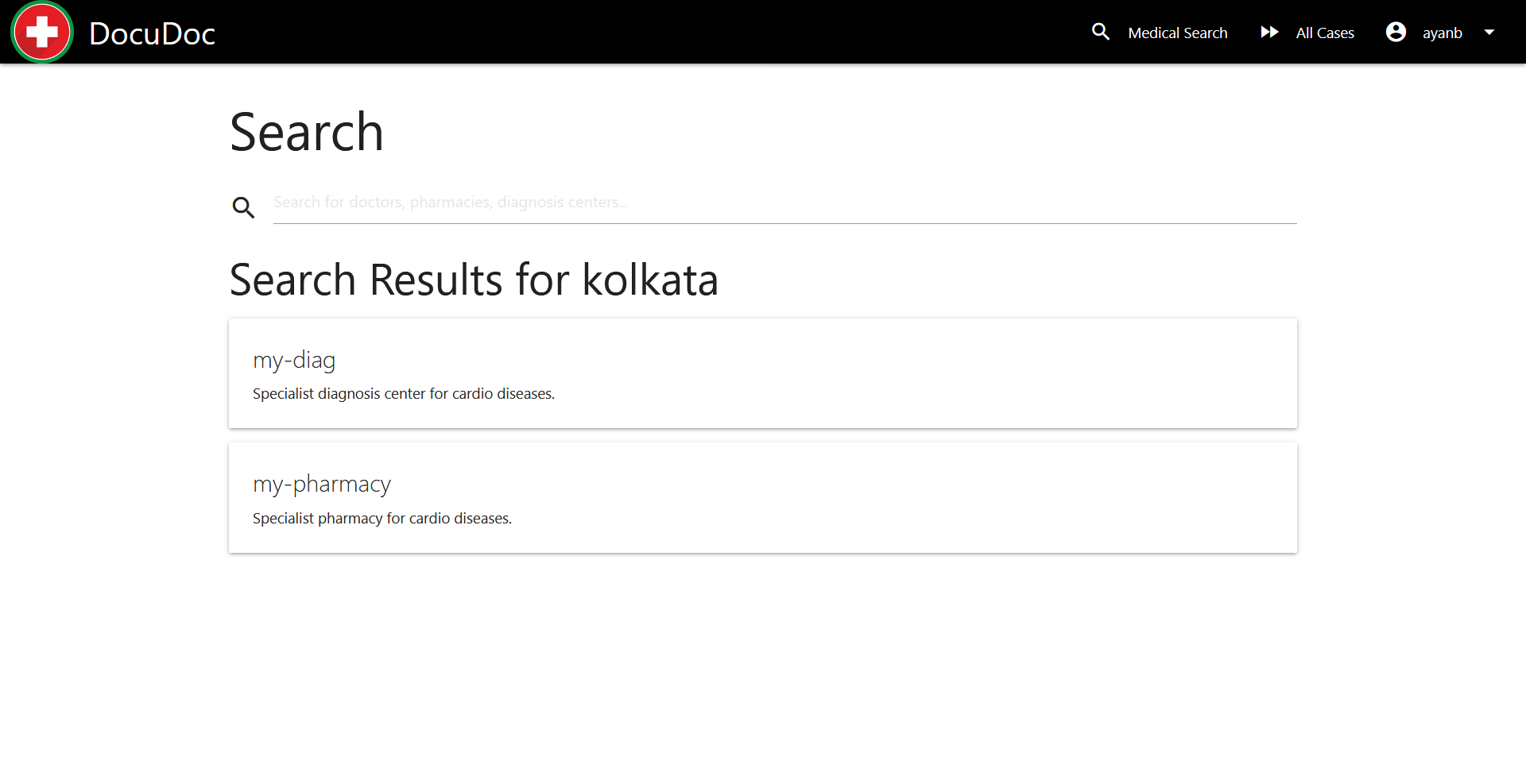
Search for doctors, pharmacies, diagnostic labs
-
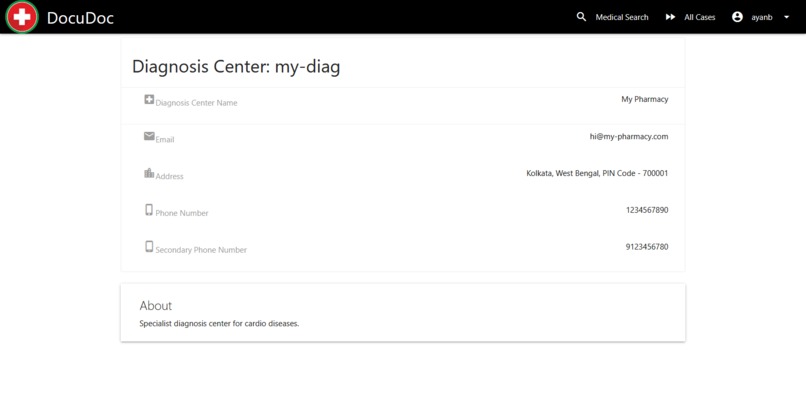
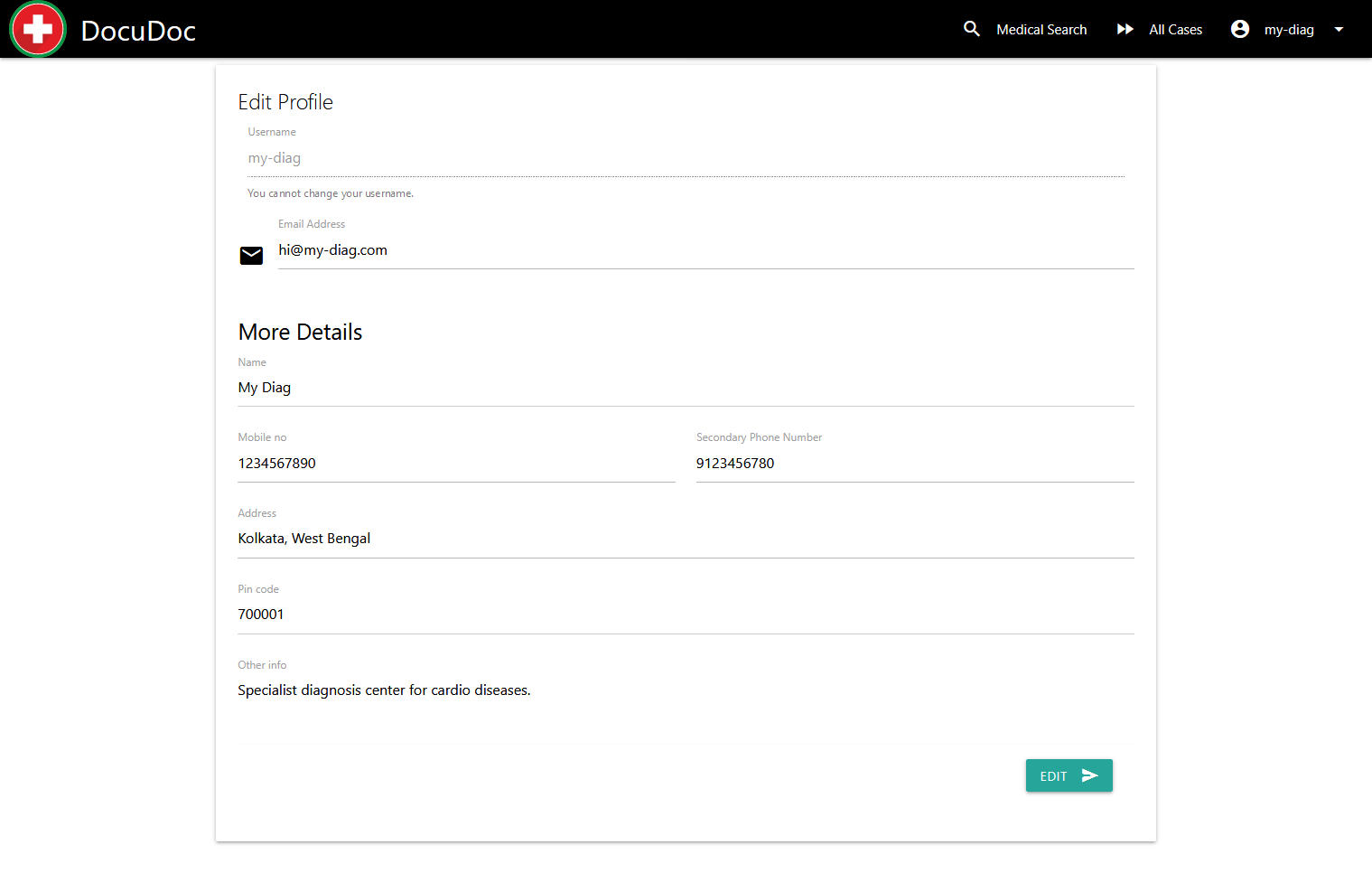
Profile page for a medical user
-
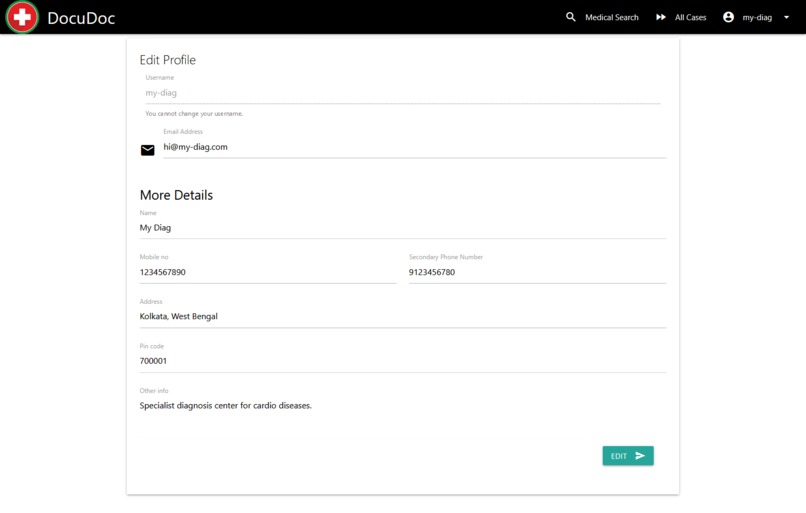
Edit Profile
-
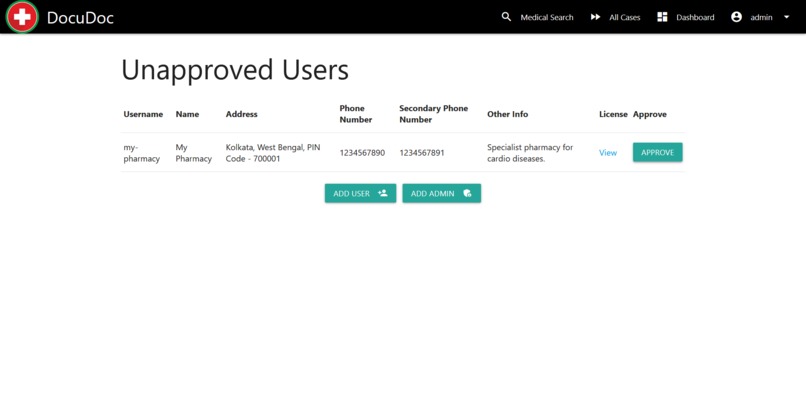
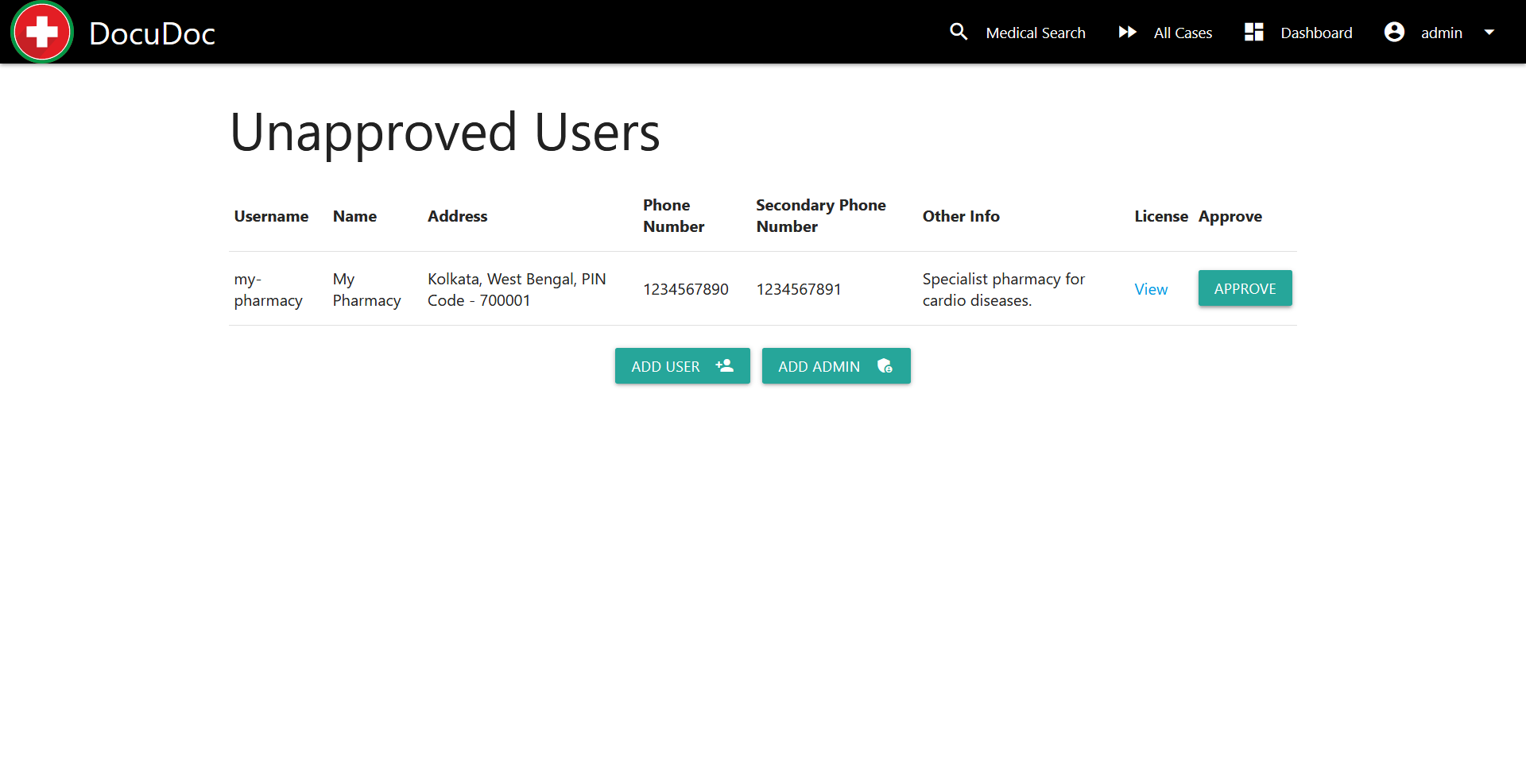
Admin Dashboard


Problem
- Complex medical treatment may need physicians from multiple practice groups
- Two-way communication from patients, pharmacies, and diagnostic labs may be required
- However, proper access needs to be maintained (for example what to share with a pharmacy may not be suitable to diagnostic labs)
- Information should be organized properly
- Users should be able to upload documents and save them for future use
What it does
DocuDoc is a communication platform for physicians, patients, pharmacies, and diagnostic labs that tries to address the above mentioned problems.
In this web app, there are 4 types of users:
- Normal user (or patient)
- Doctor/Physician
- Pharmacy
- Diagnosis Center
Doctors can sign in using DrChrono. Also, admins can add or approve doctor, pharmacy, and diagnosis center type of users after checking their license. Admins can also add more admins.
Doctors can create Case where they can have conversations with patients, pharmacies, and diagnostic labs.
How I built it
I used Django in the backend and MaterializeCSS framework for the frontend. For forms, the Viewflow material form is used. DrChrono and OnPatient authentication were achieved using the Python Social Auth package. For deployment, the Digital Ocean App platform is used.
Challenges I ran into
I was using the api-example-django to speed up my development. However, I encountered an issue when the API returns a multi-page response. I was able to fix the issue and send a PR to the repository!
Accomplishments that I'm proud of
- Integration of DrChrono clinical note from the platform itself! If a physician believes a comment could be useful, he/she can add it as a clinical note directly from the DocuDoc platform. Physicians can also quickly take a look at all the appointments scheduled with the patient.
- Using jQuery with Django so that after form submissions there is no need of refreshing the page.
What I learned
I learned about social authentication and how to use third-party API inside Django. Also, I learned about deploying an app to production with databases and media files management.
Category
- Practice Communication Platform
- Data Exchange from Doctor to Patient
Try It Out
Since the app in testing mode, you will not be able to use your DrChrono account to log in. Use the following users and credentials for testing the app instead:
- Physician:
demo-doctor - Patient:
demo-patient - Pharmacy:
demo-pharmacy - Diagnosis Center:
demo-diag - Admin:
demo-admin
The password for all of them is demo-pass.
Unfortunately, actions requiring DrChrono API will not work as access token is not available for the demo-doctor
physician.
What's next for DocuDoc
- Tighter integration with DrChrono, for example, appointment scheduling, document uploading, and billing.
- Create public APIs, so that other apps can consume data of this web app
Built With
- digitalocean
- django
- materializecss
- postgresql
- python


Log in or sign up for Devpost to join the conversation.