MediConnect — Bridging Medicines to Those Who Need Them Most
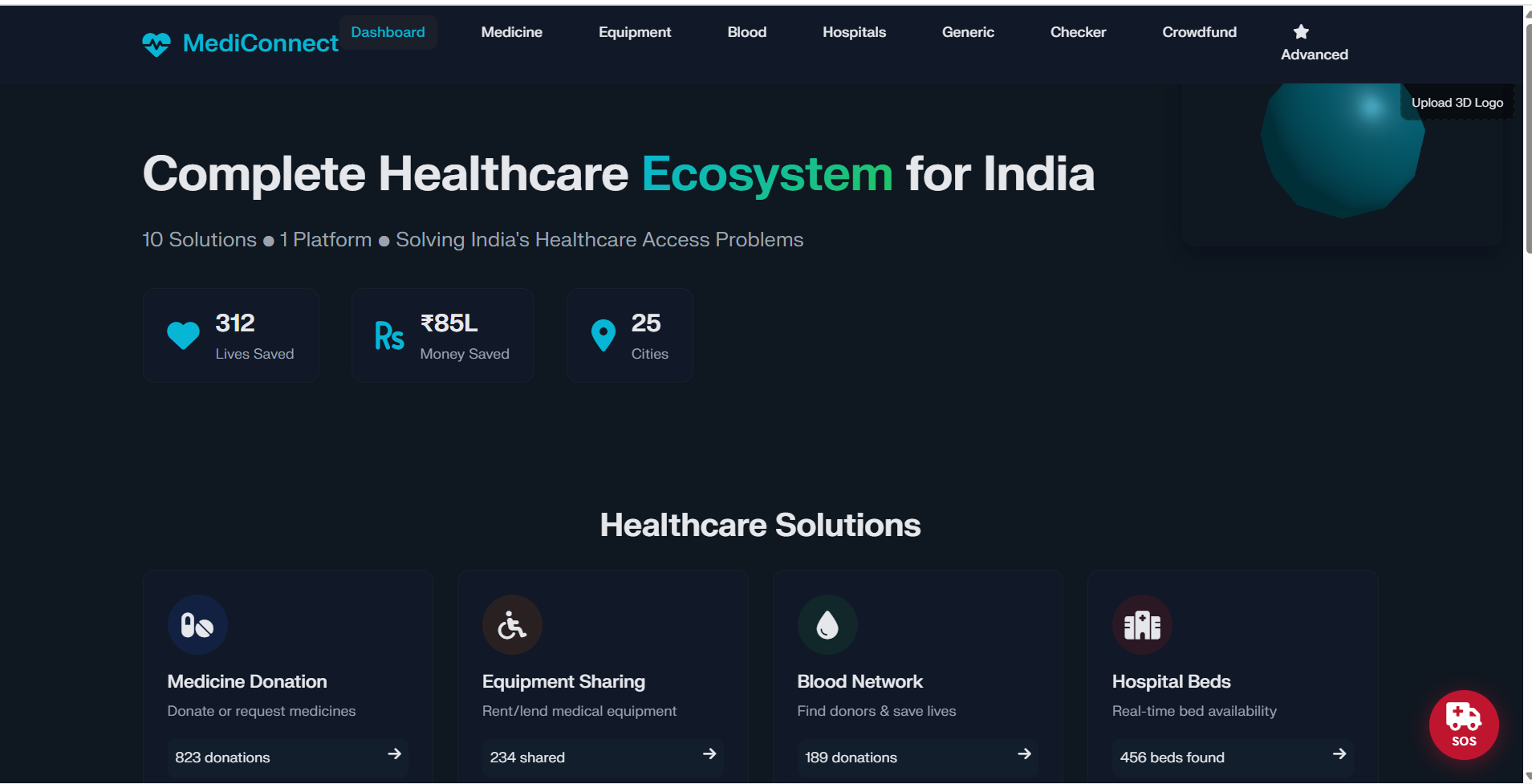
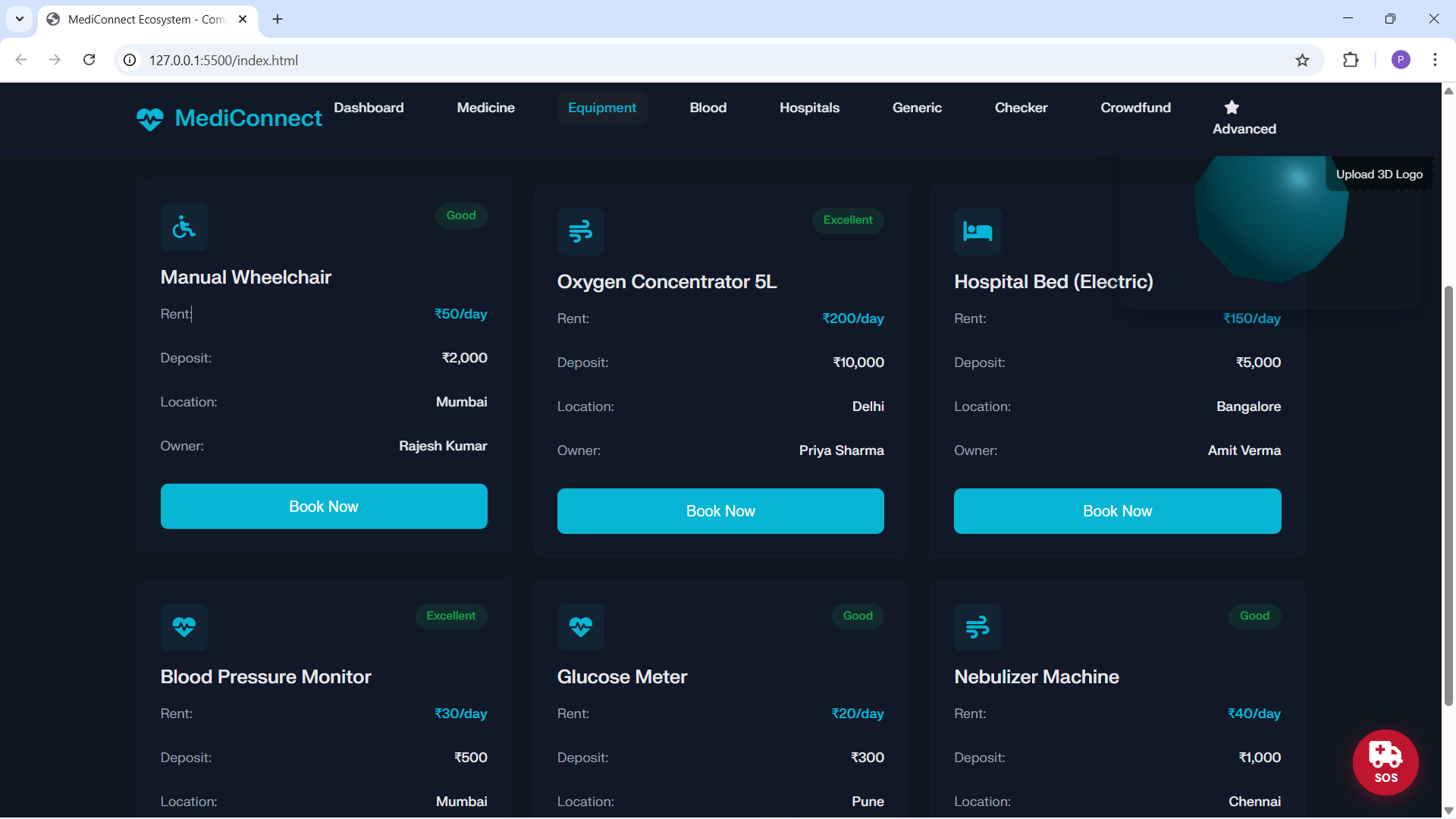
MediConnect is a lightweight front‑end ecosystem that connects donors, patients, and pharmacies to make essential medicines discoverable, verifiable, and (where possible) deliverable. This post explains our inspiration, what the product does, how we built it, the technical challenges we ran into, the accomplishments we’re proud of, lessons learned, and what’s next.
Inspiration
India (and many other countries) face fragmented medicine access: people in need must navigate confusing supply chains, unavailable stock, or high prices. We aimed for a pragmatic, incremental solution that:
Surfaces donated medicine and verified offers.
Augments discovery with nearby pharmacy location and inventory lookup where possible.
Automates donation intake via mobile‑friendly OCR.
Remains usable offline or in poor networks.
The idea: make medicine visibility and matching low‑friction so people get what they need faster—especially in rural and low‑income settings.
What it does
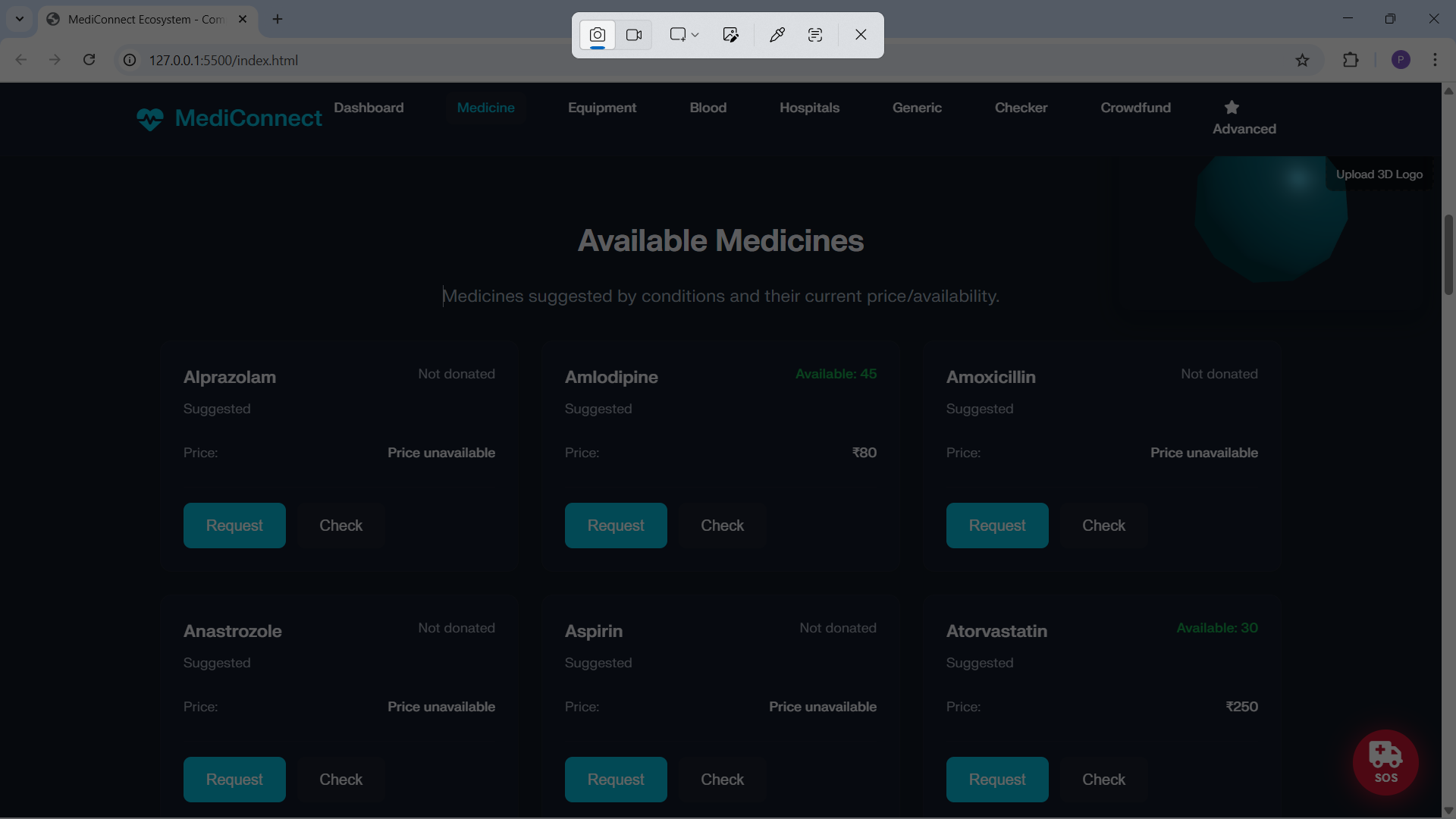
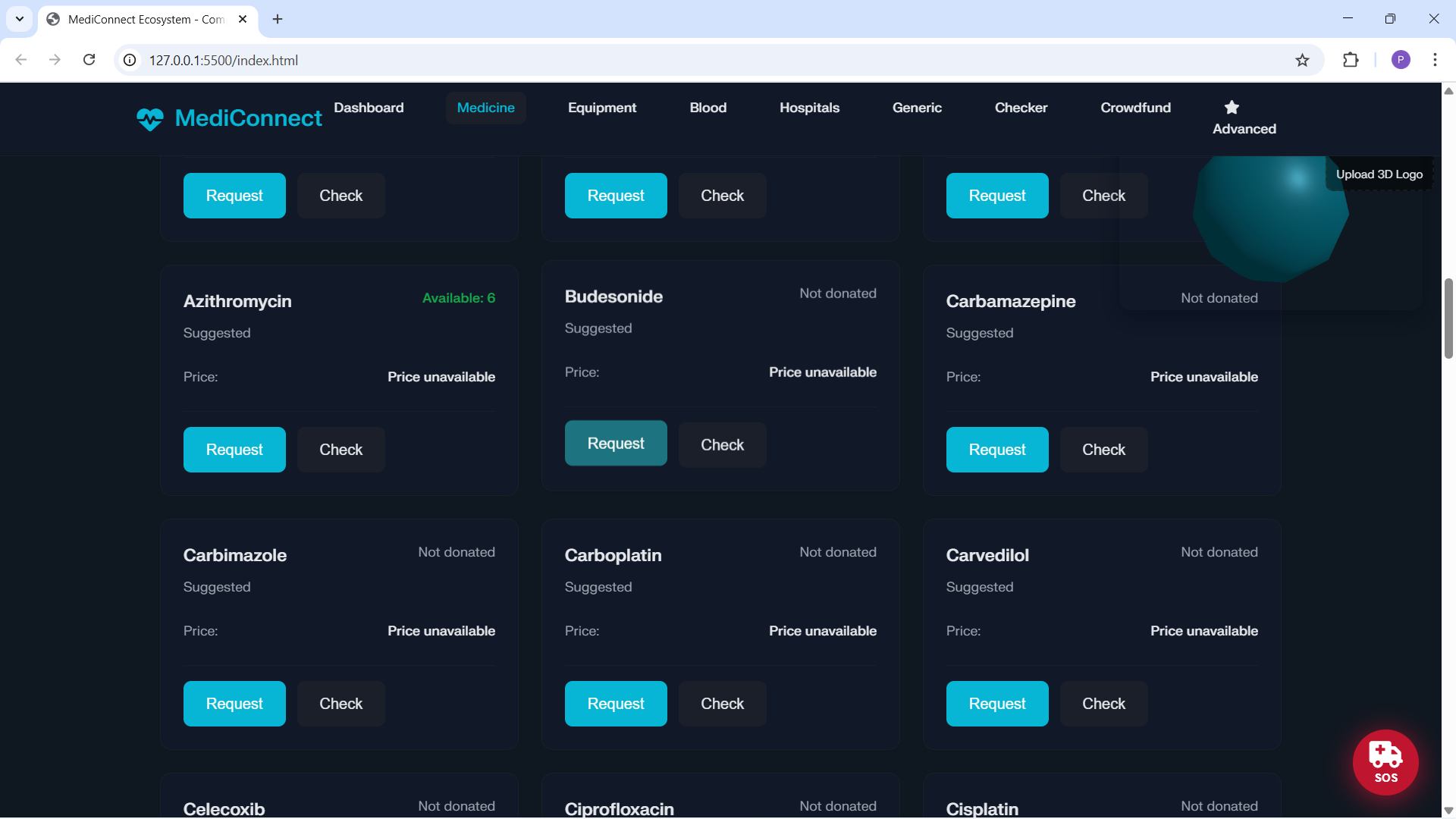
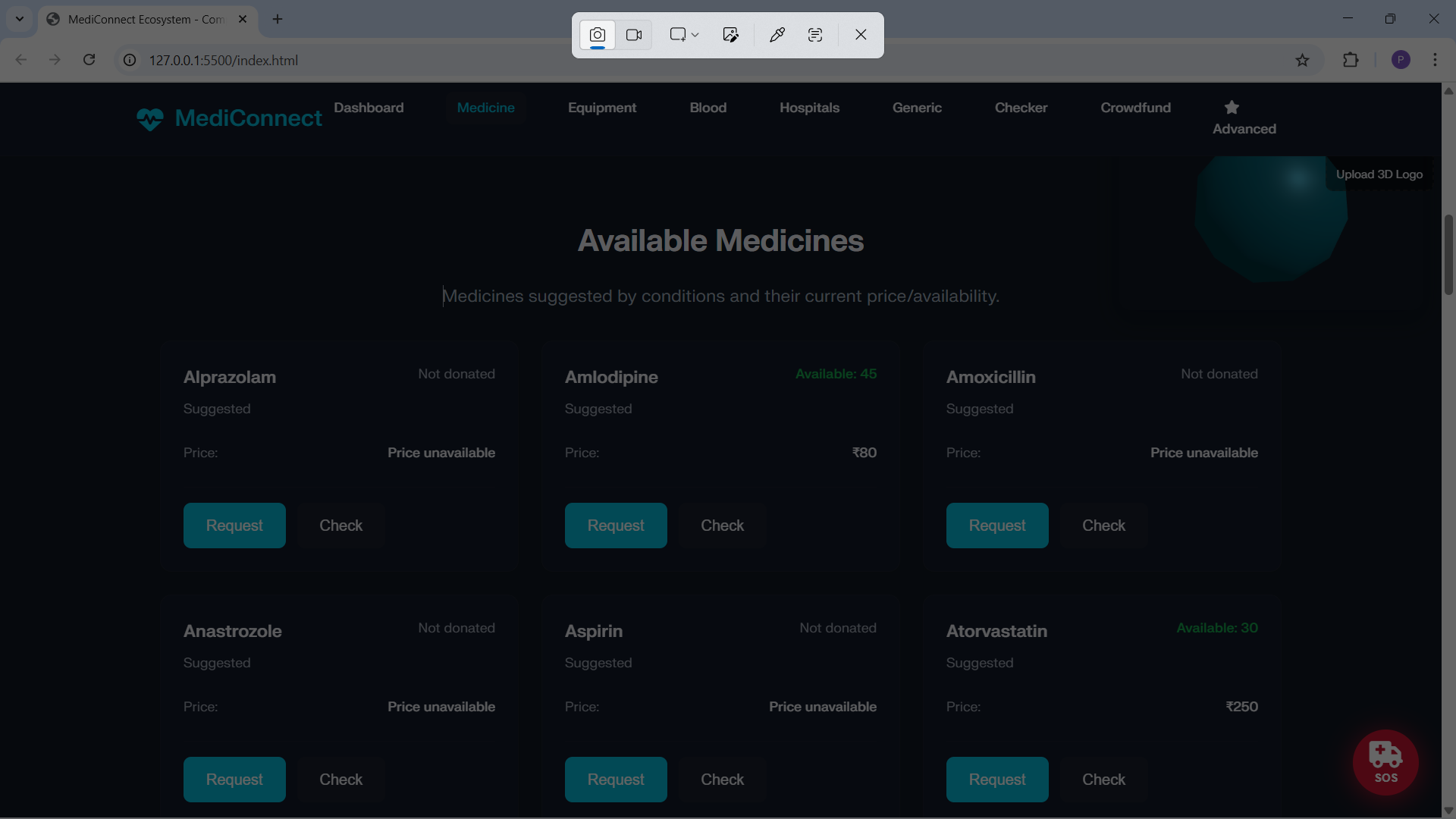
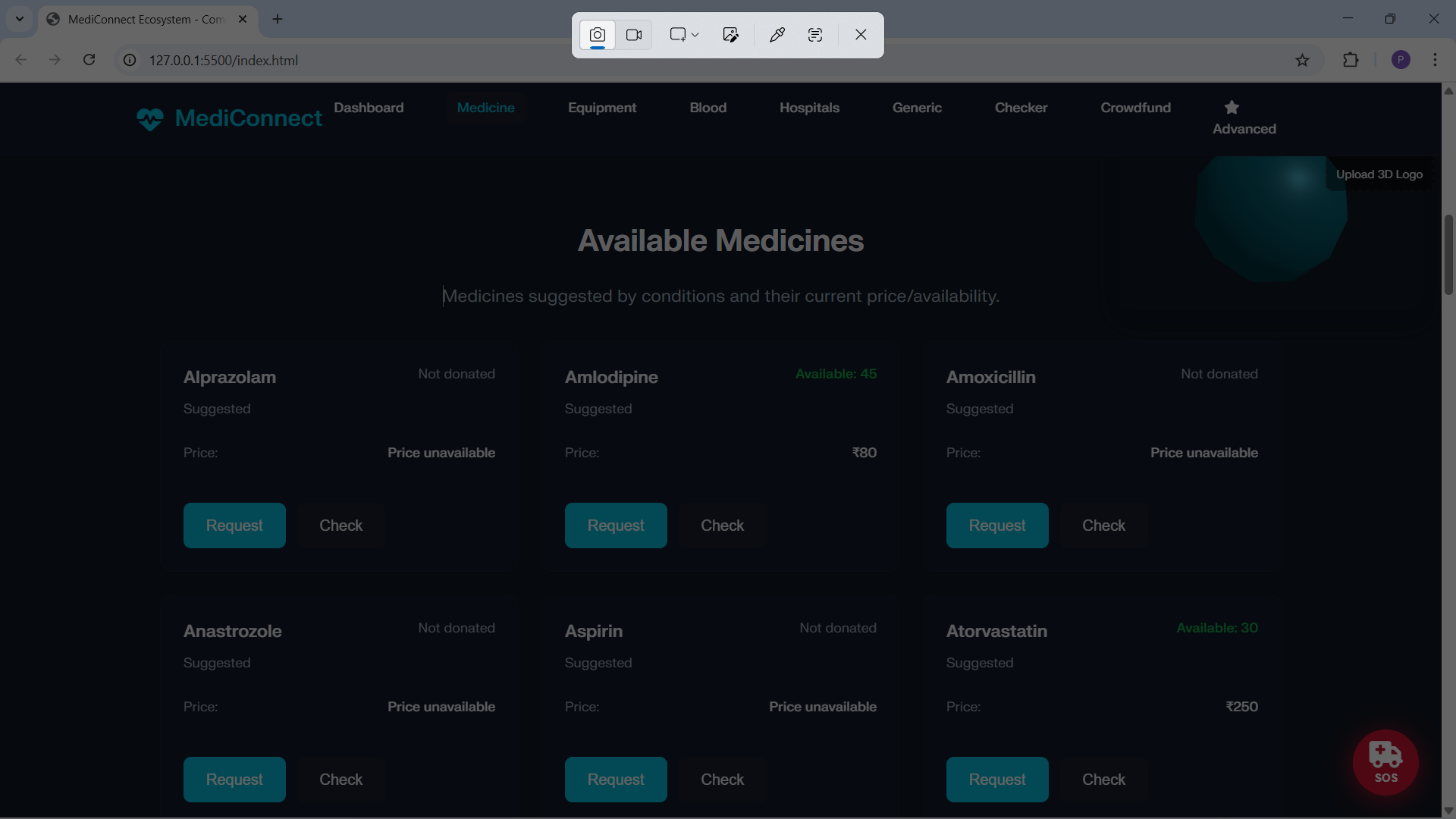
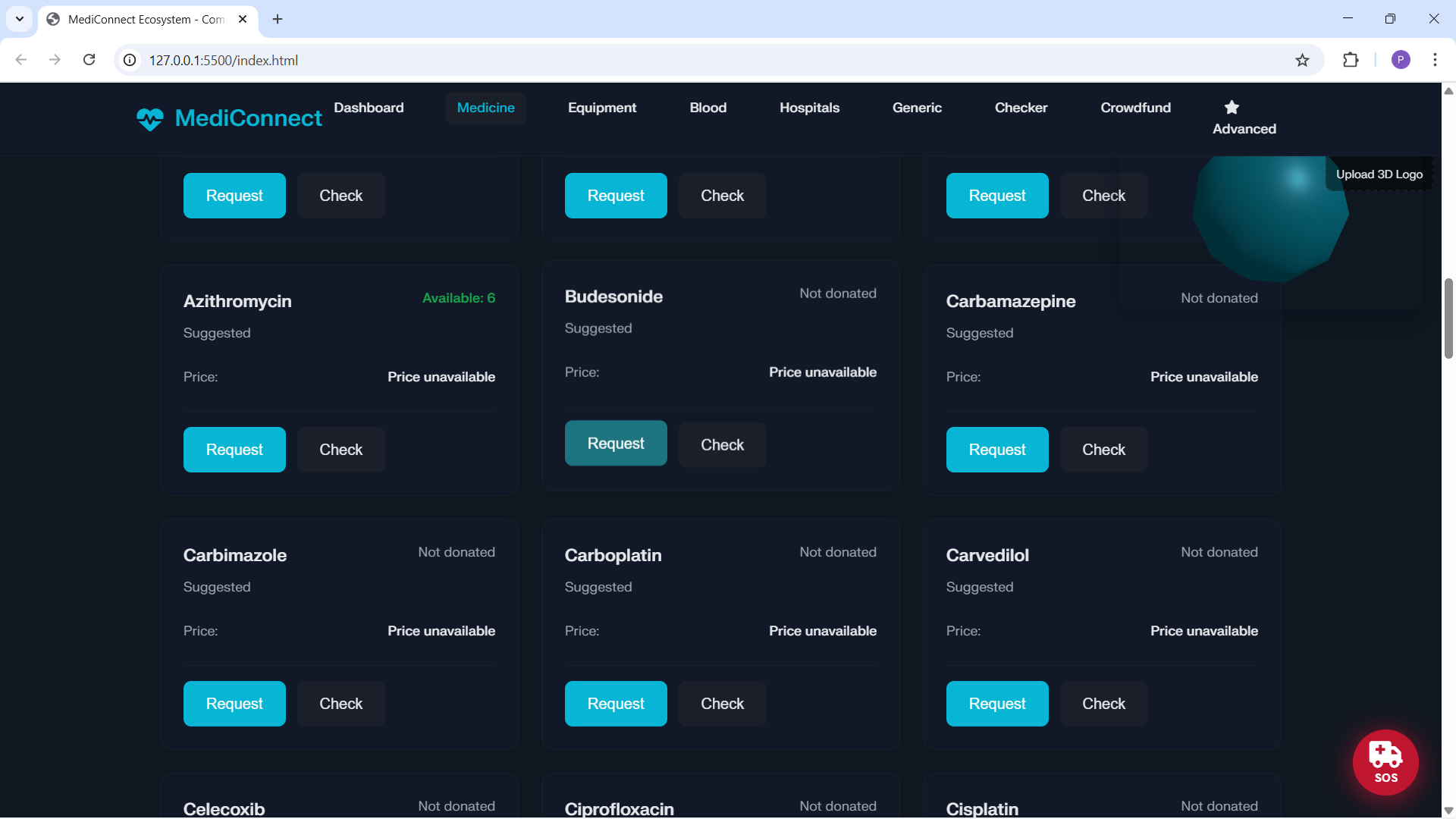
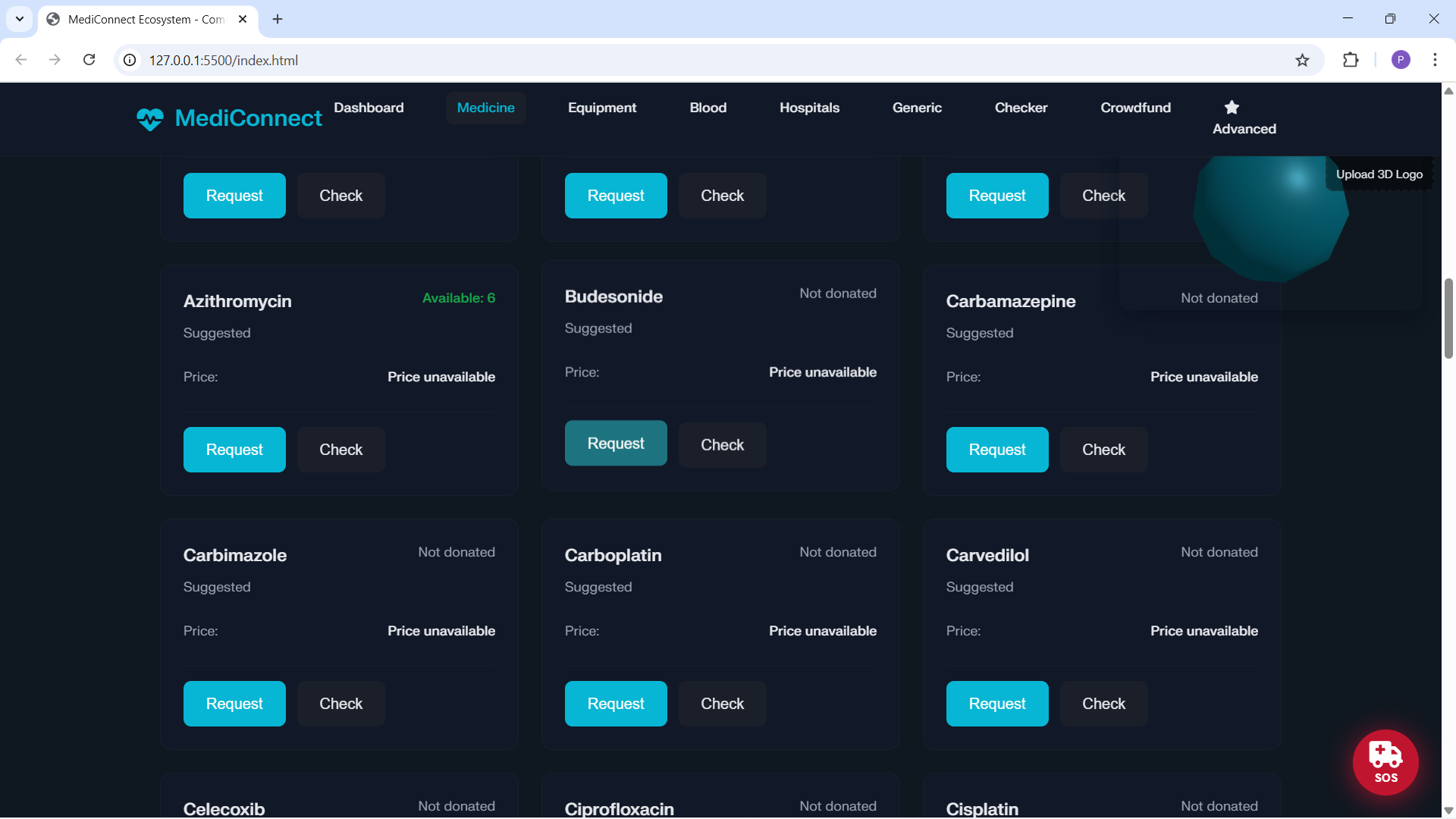
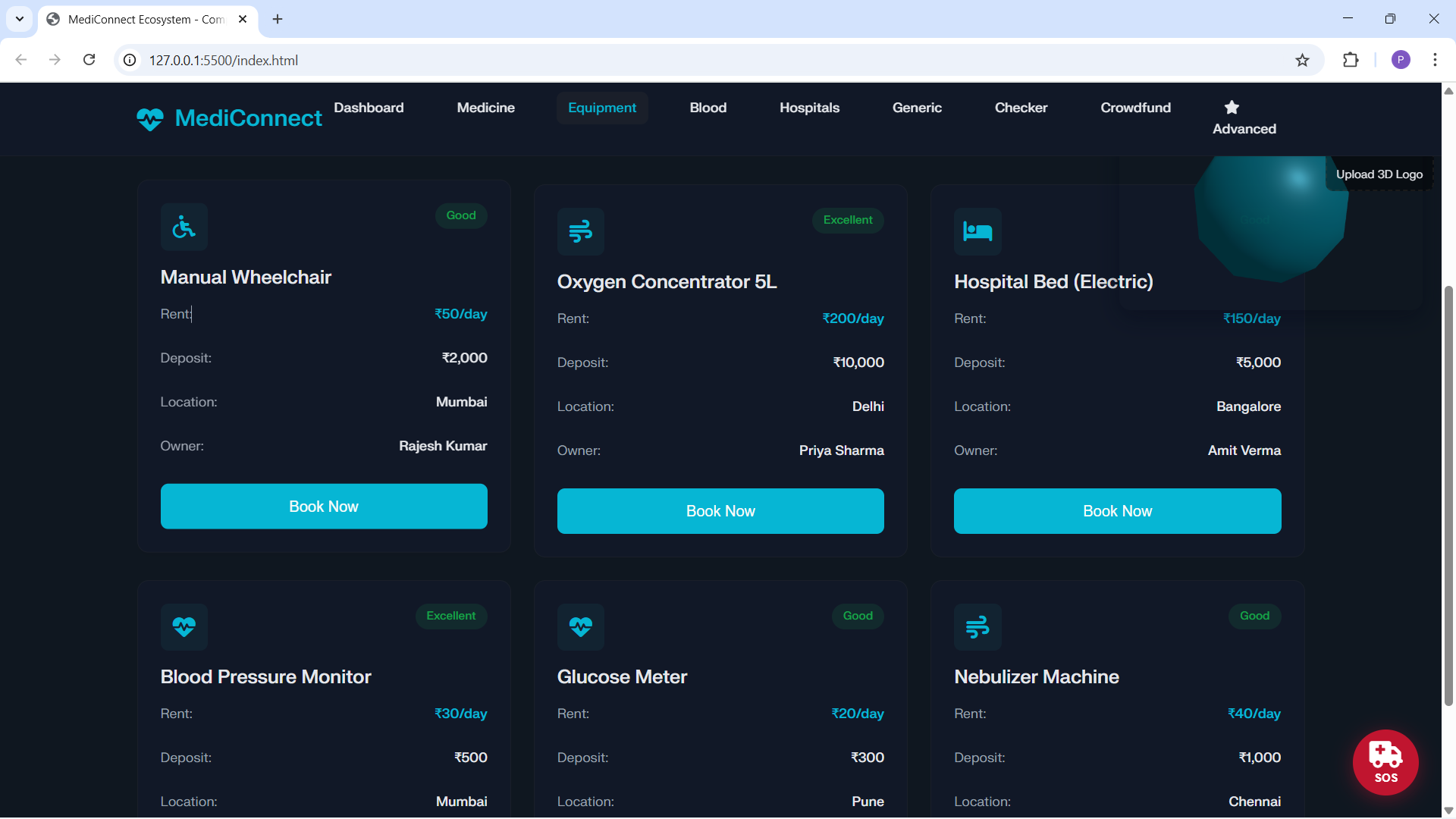
Curated medicine grid from a disease → medicine mapping to speed discovery.
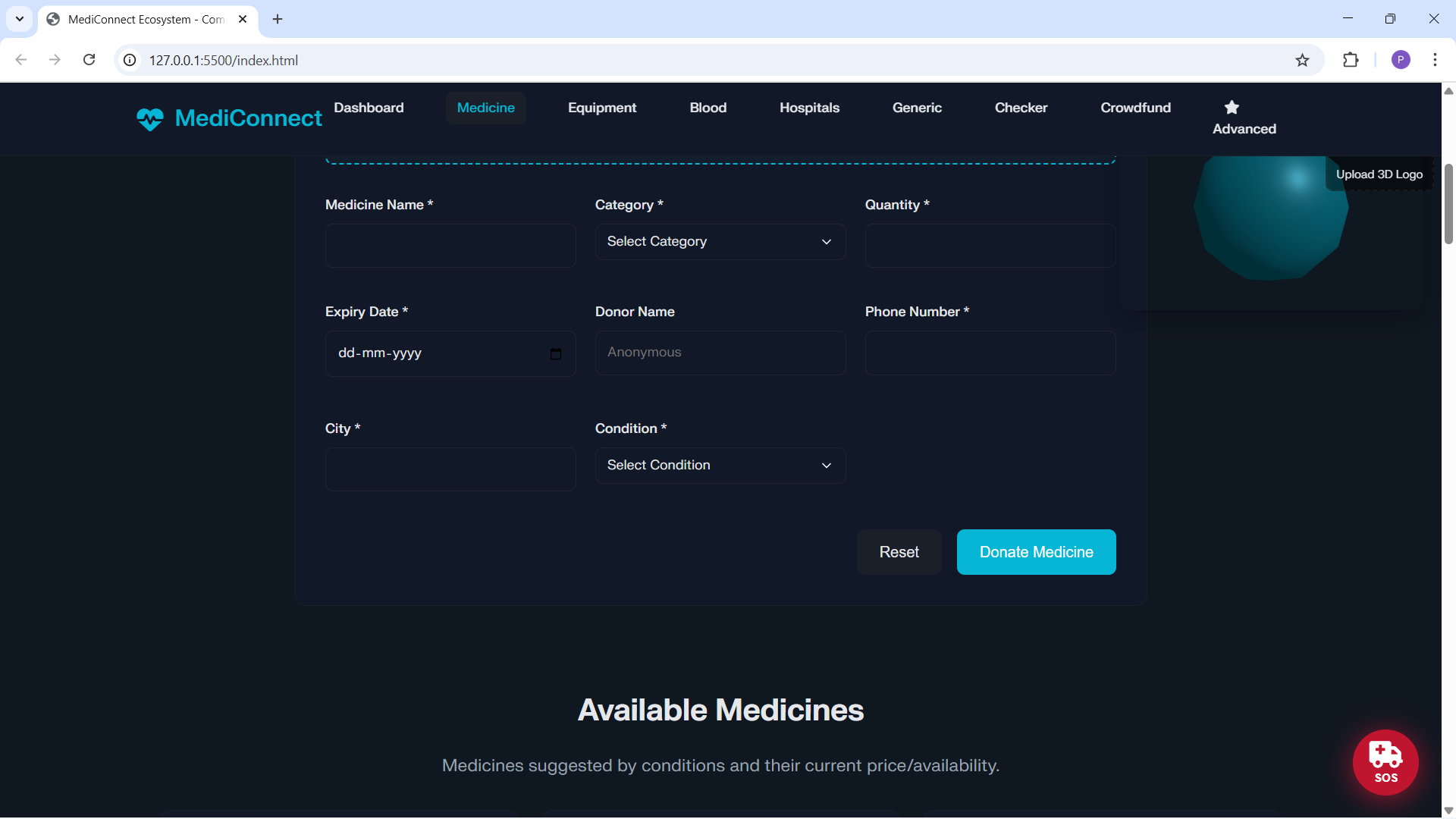
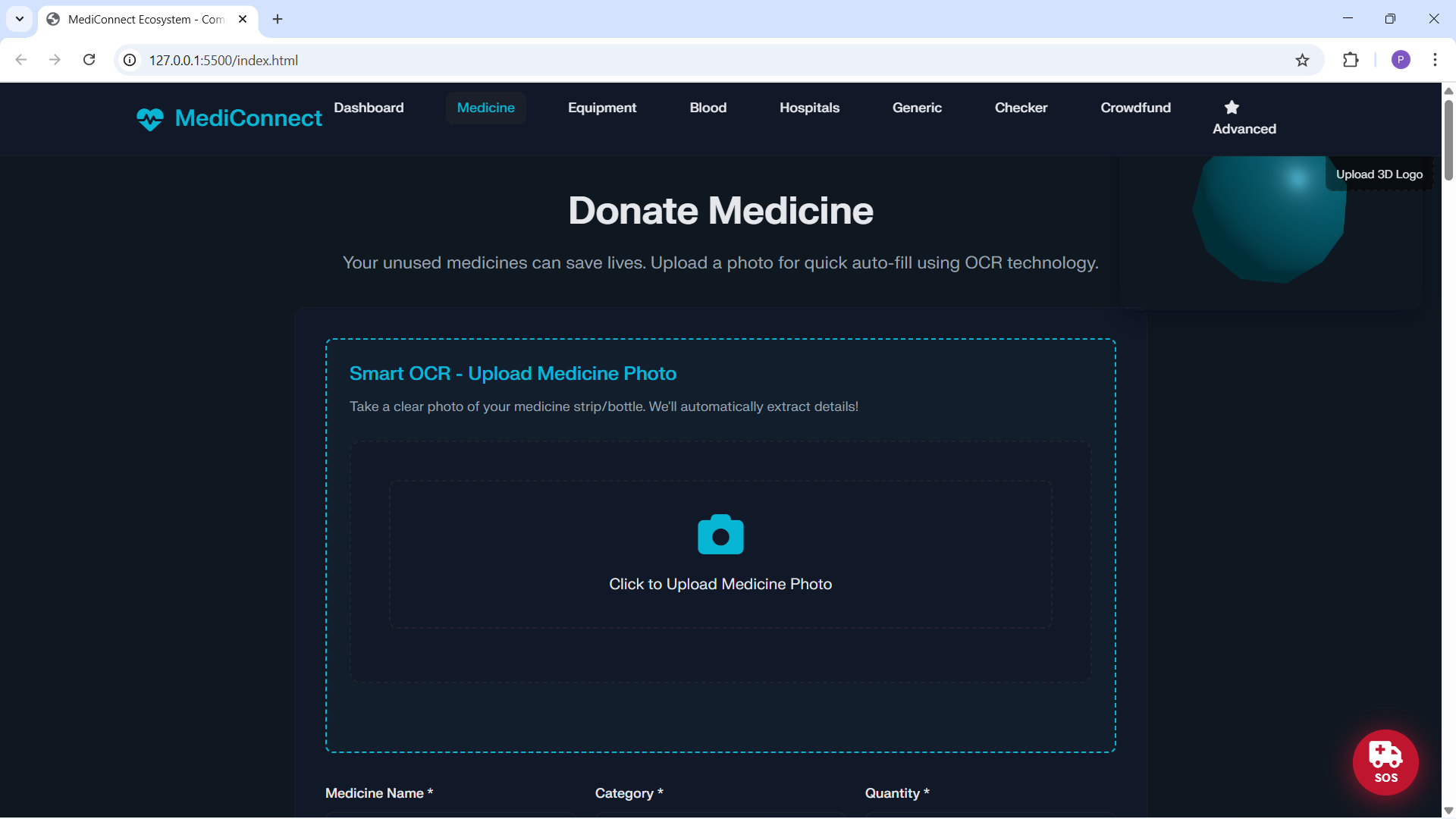
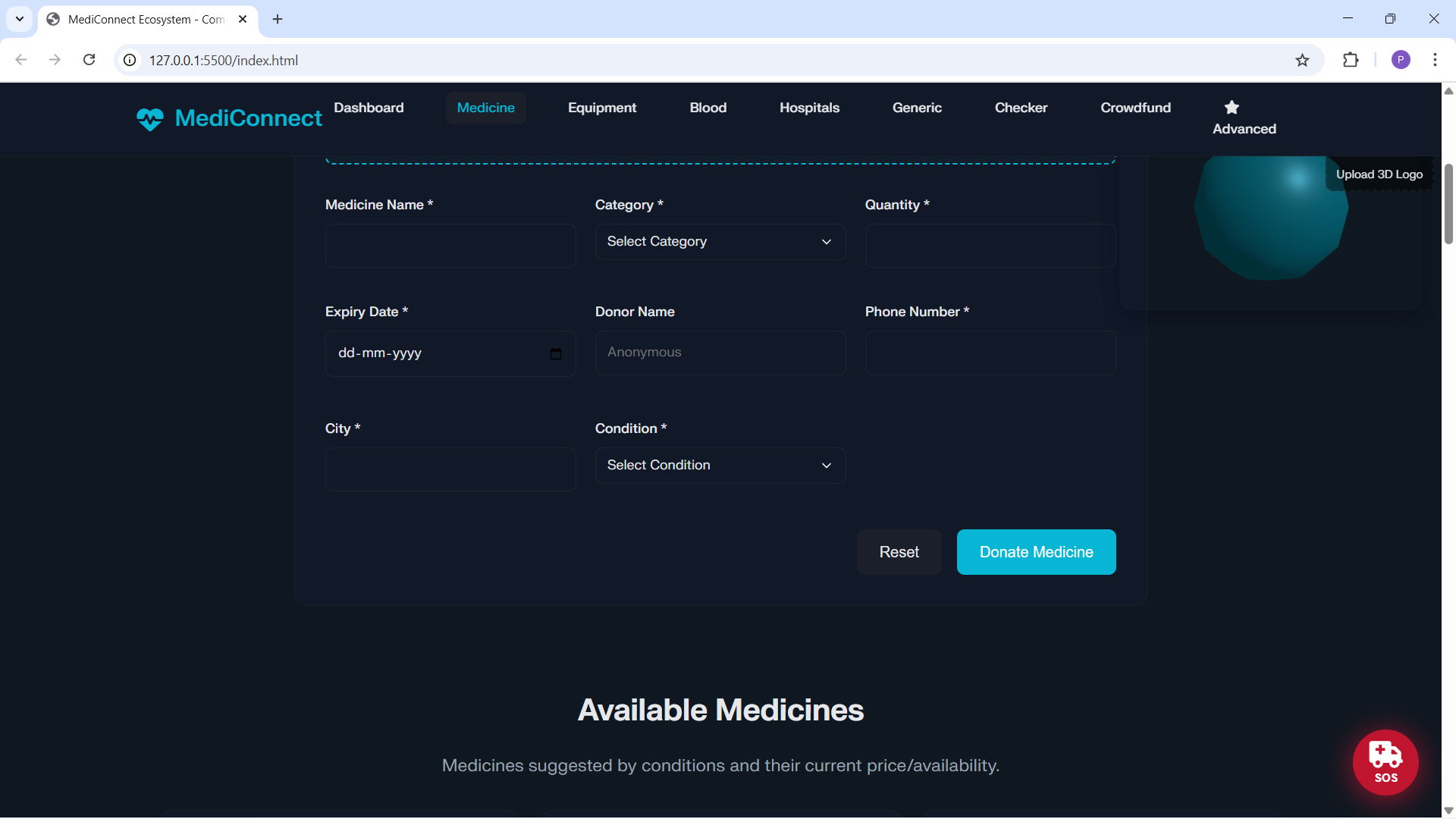
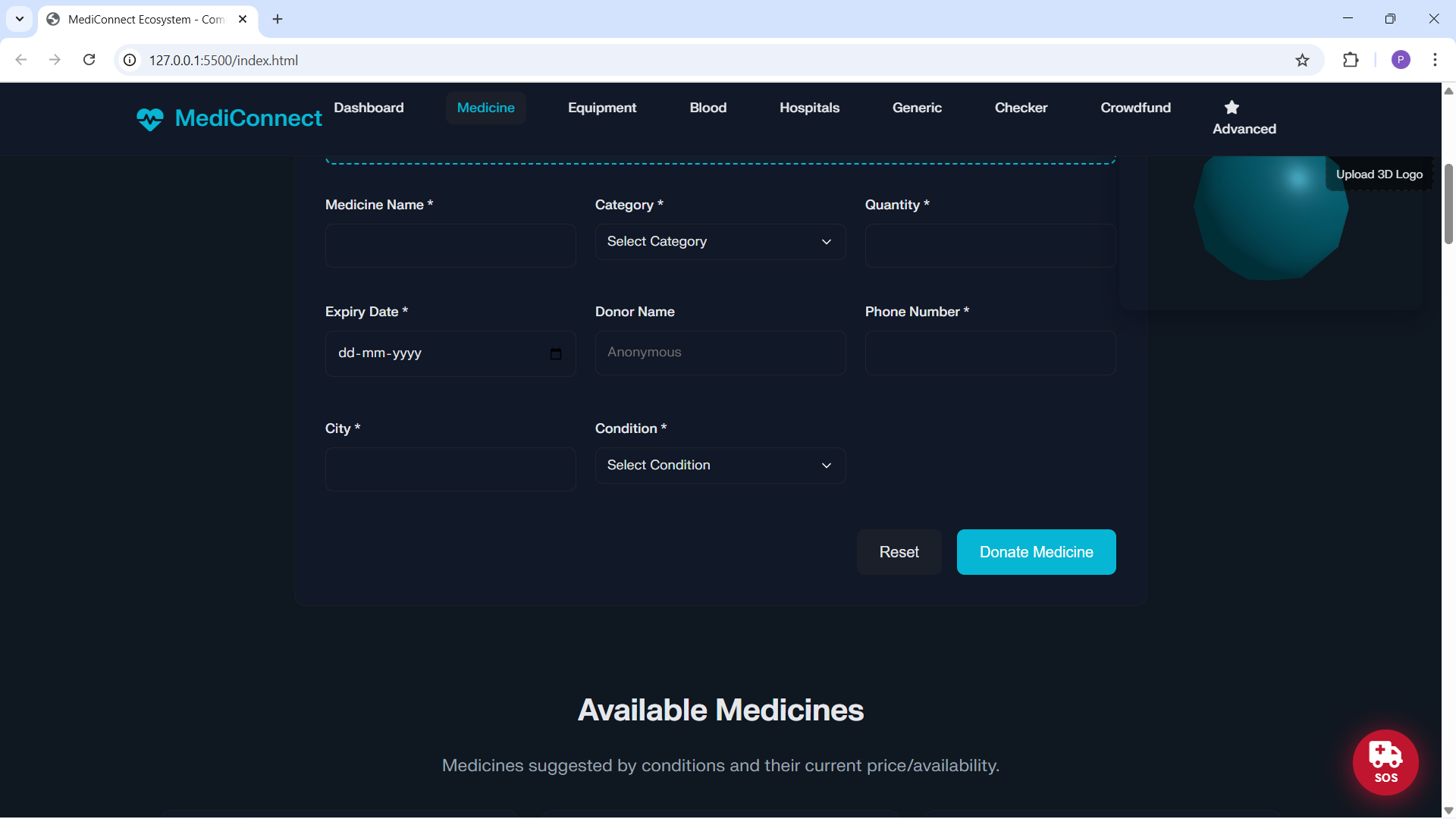
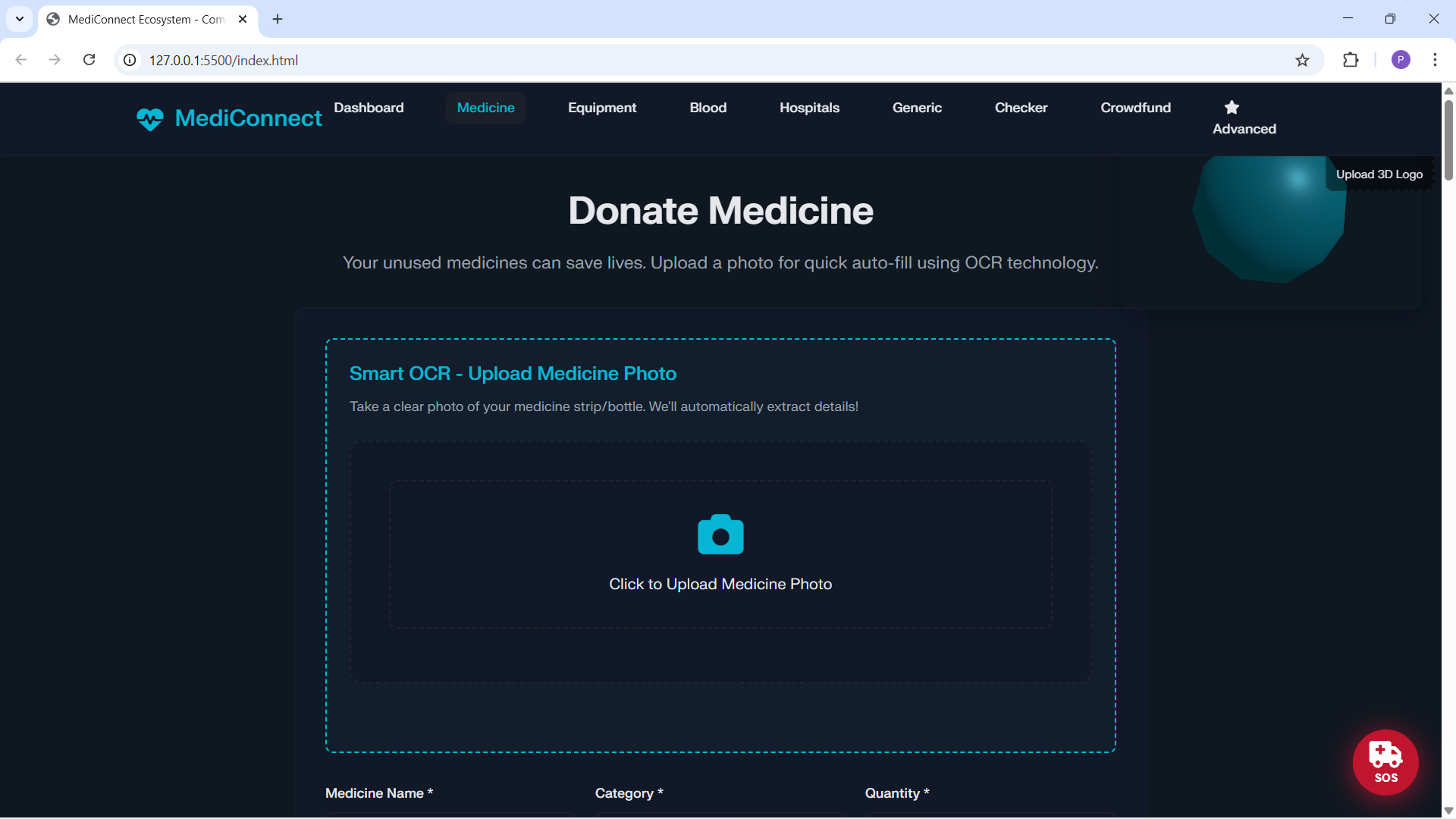
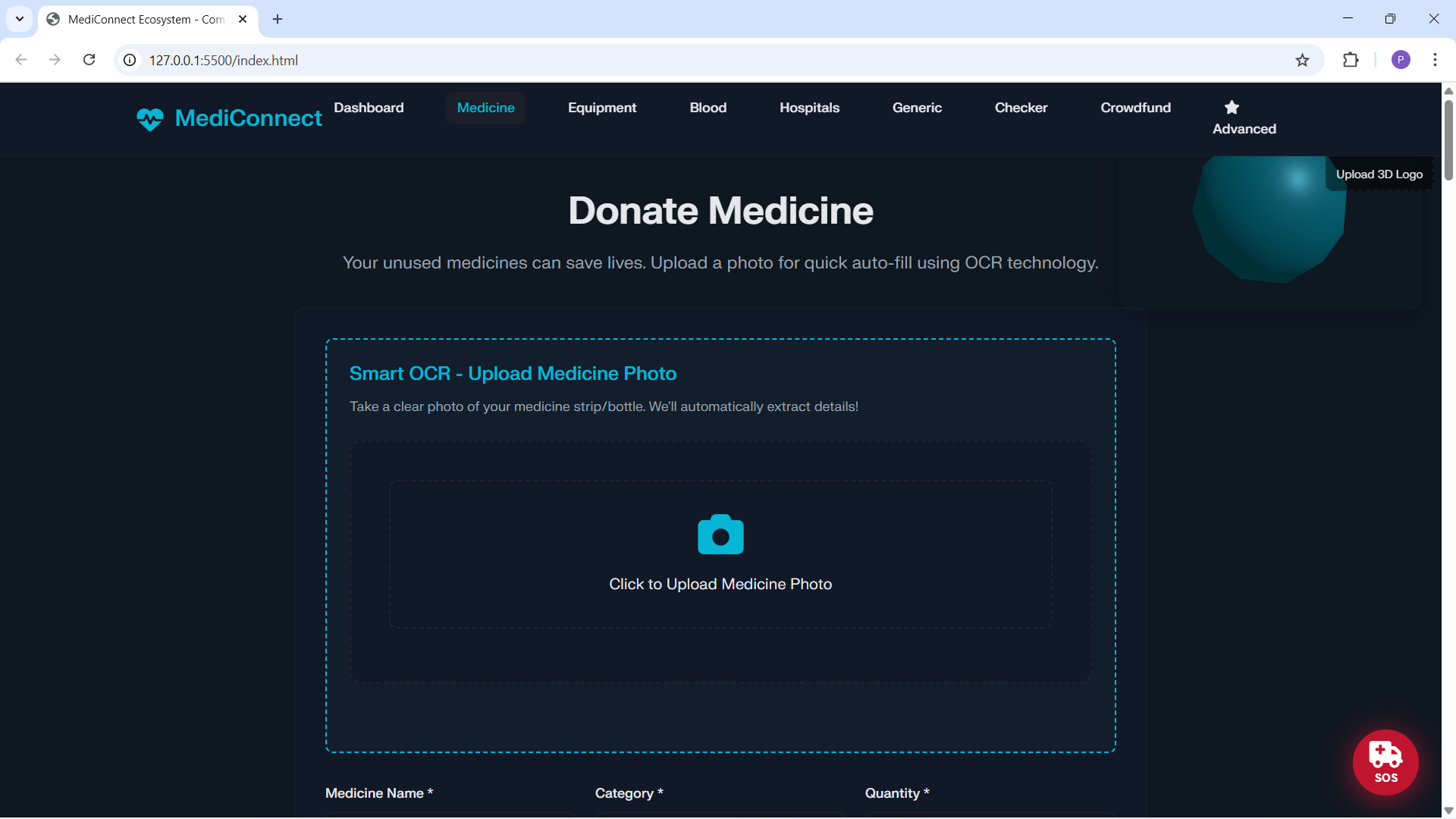
Smart OCR: upload a strip/bottle photo to auto‑fill donation fields (name, expiry, quantity, strength).
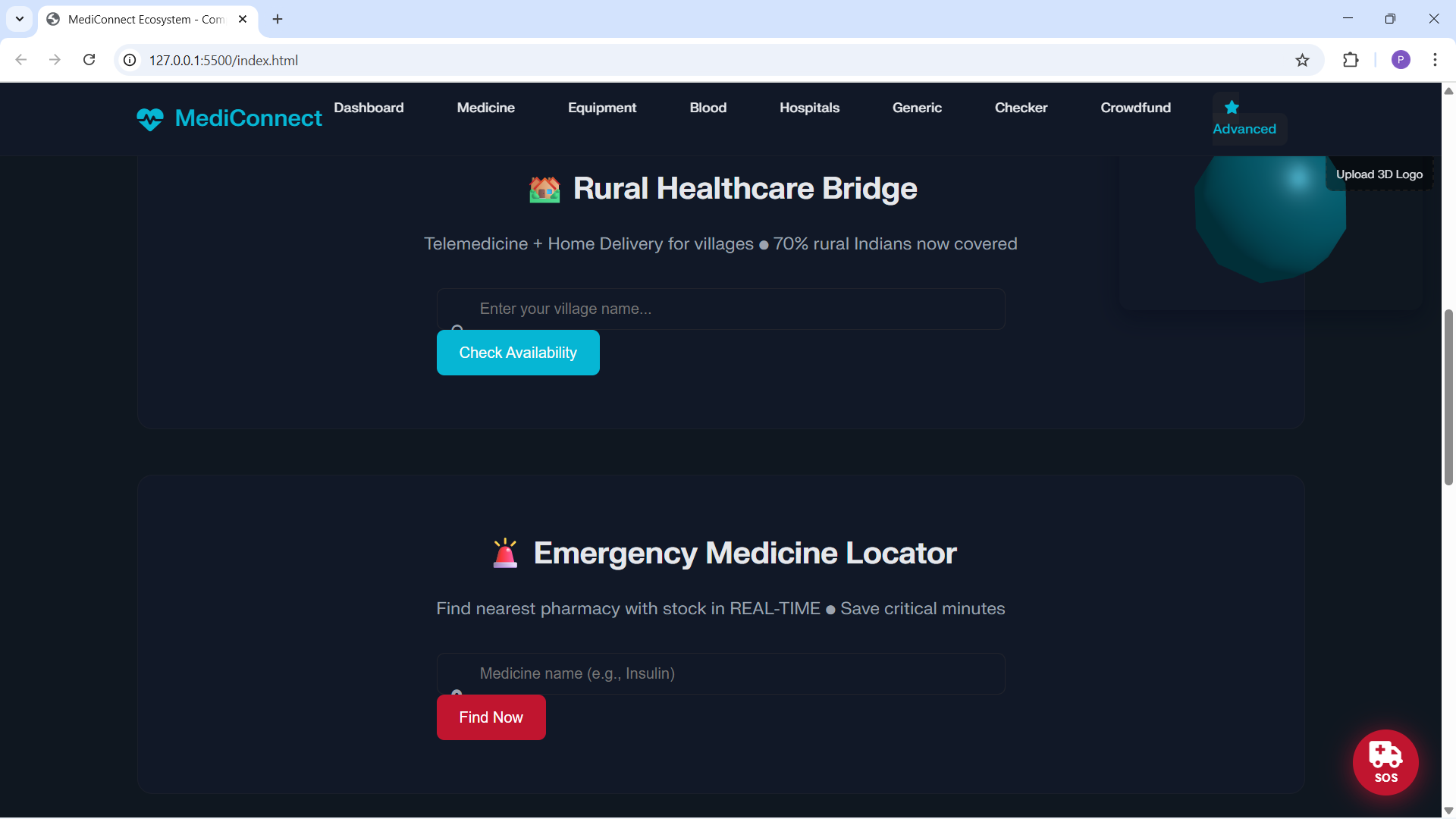
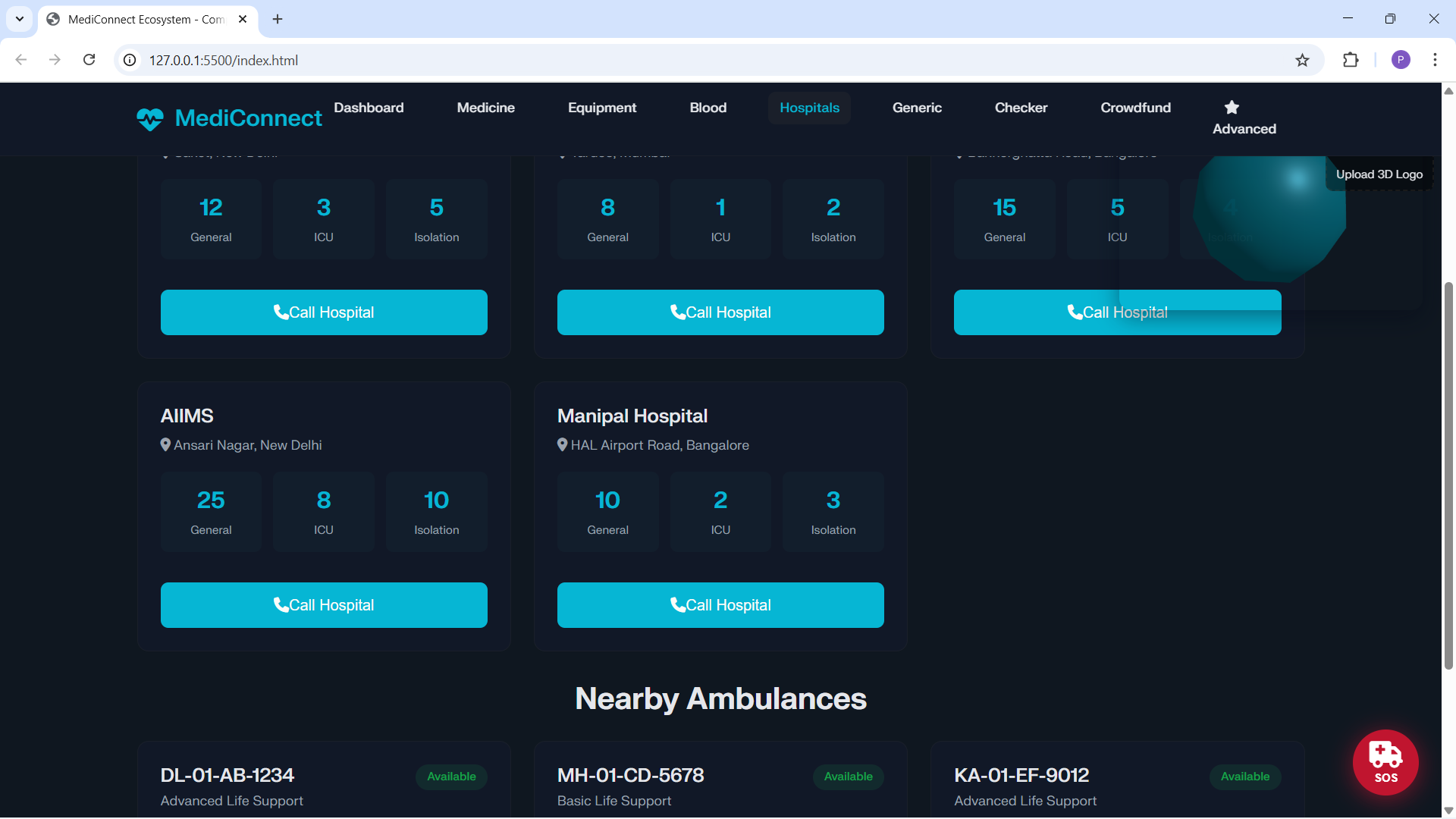
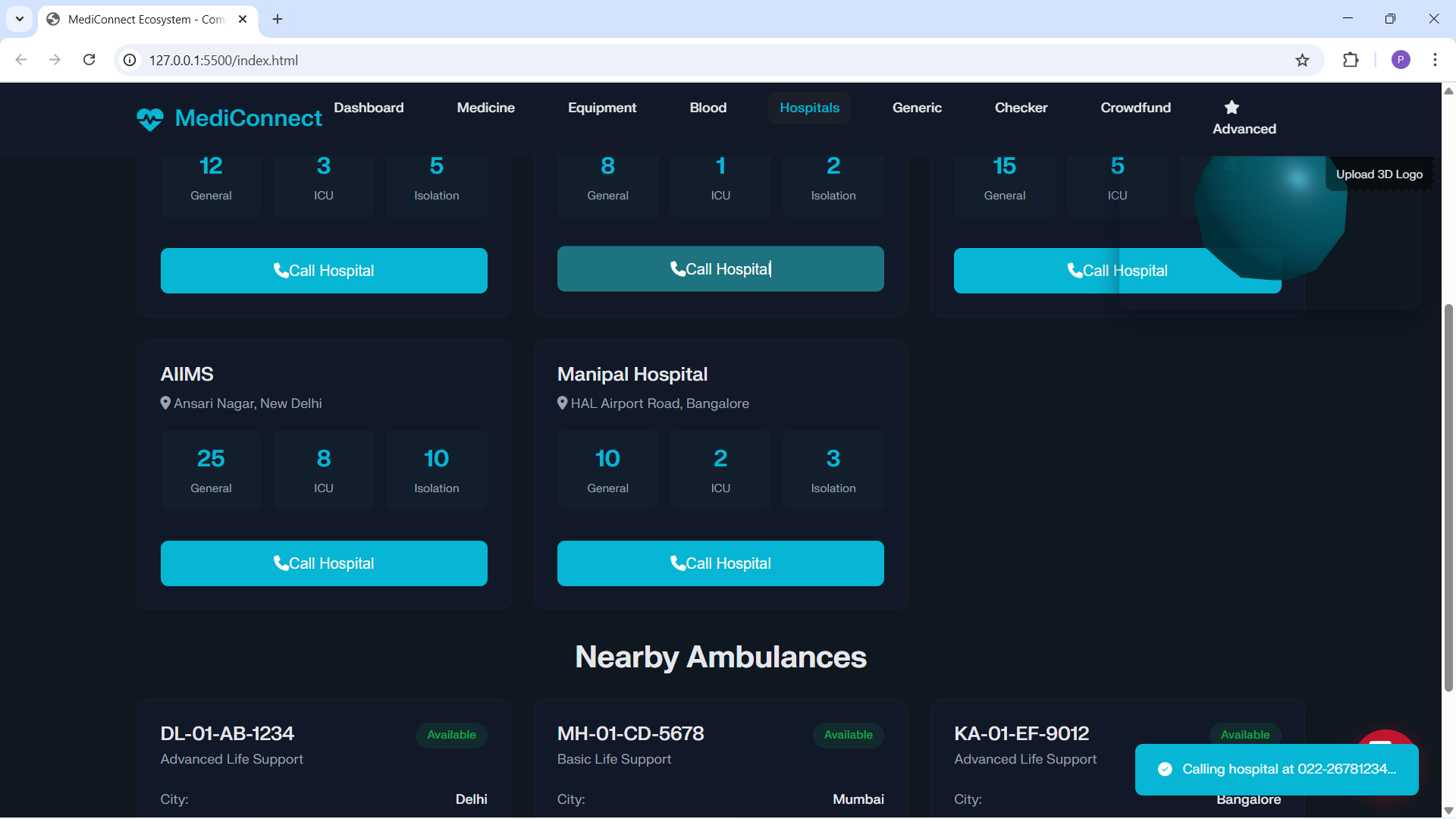
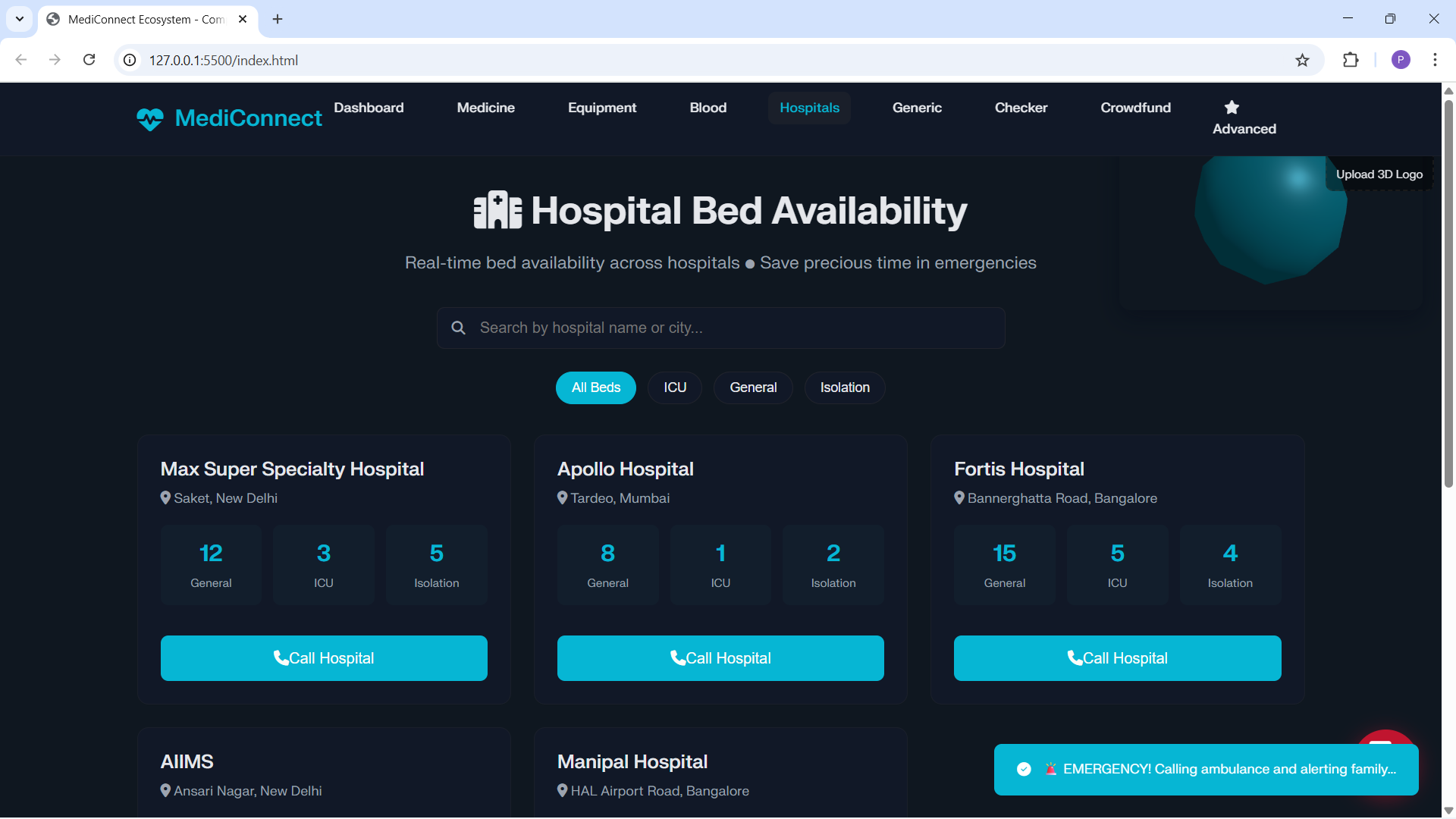
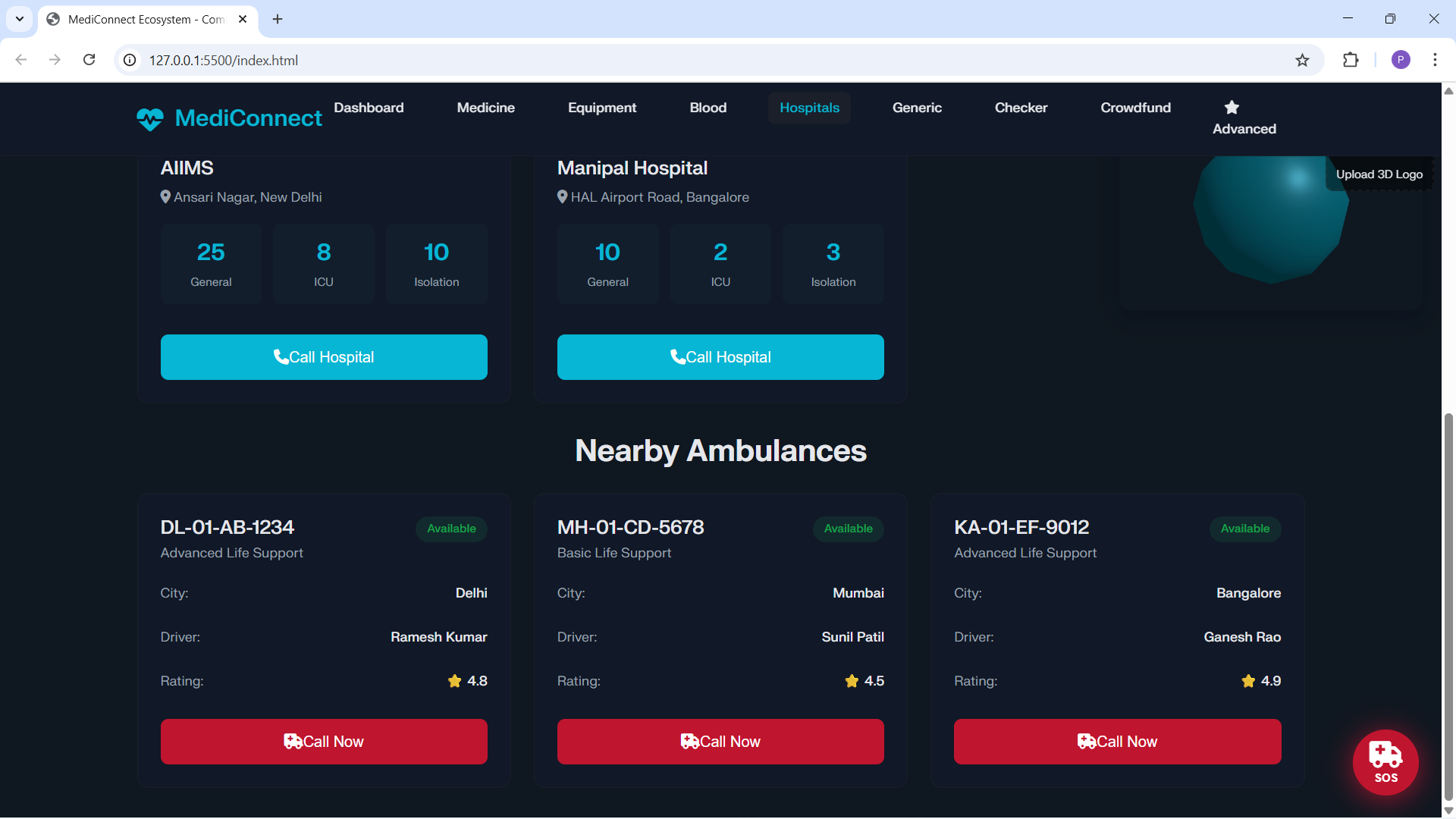
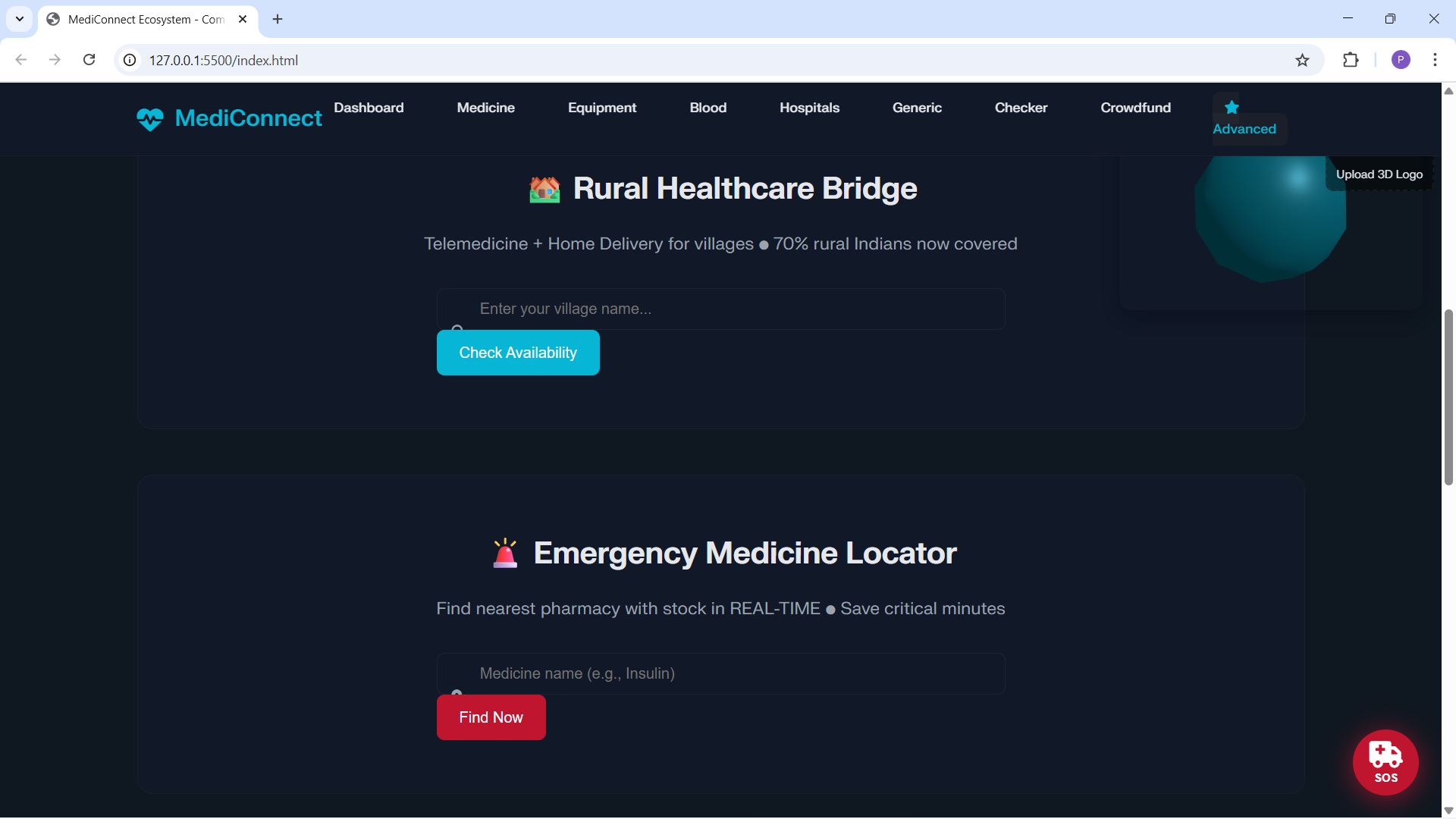
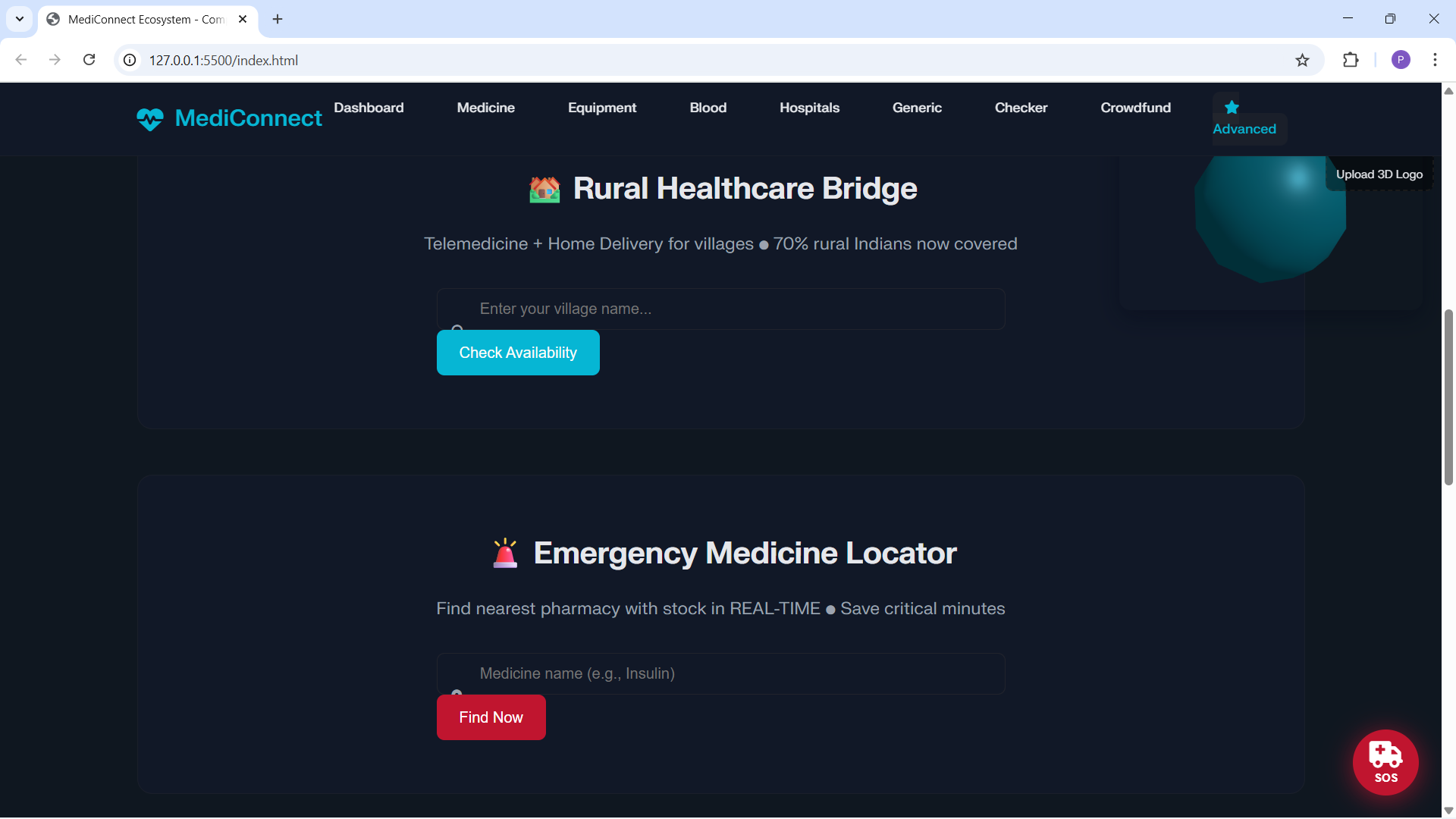
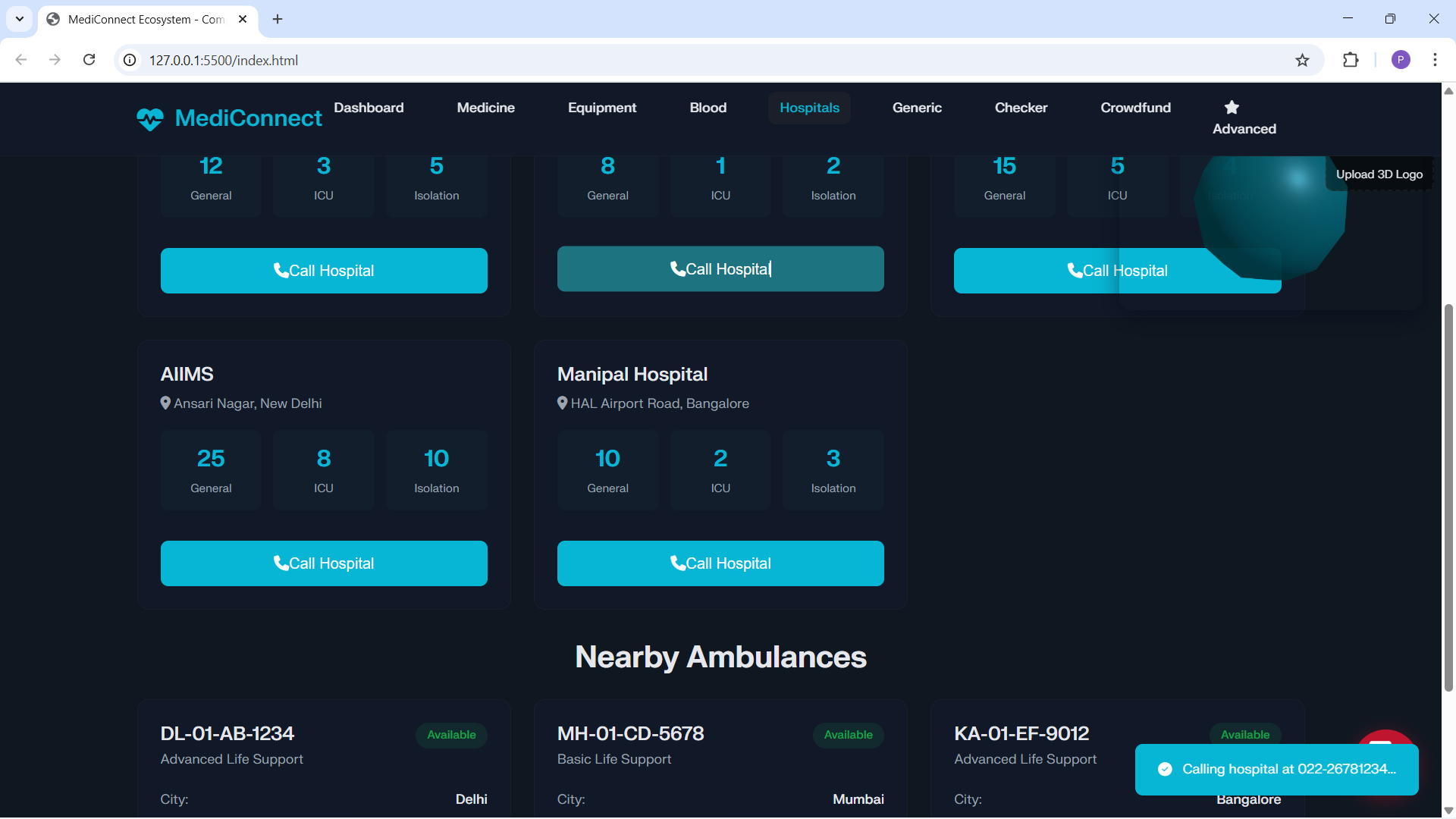
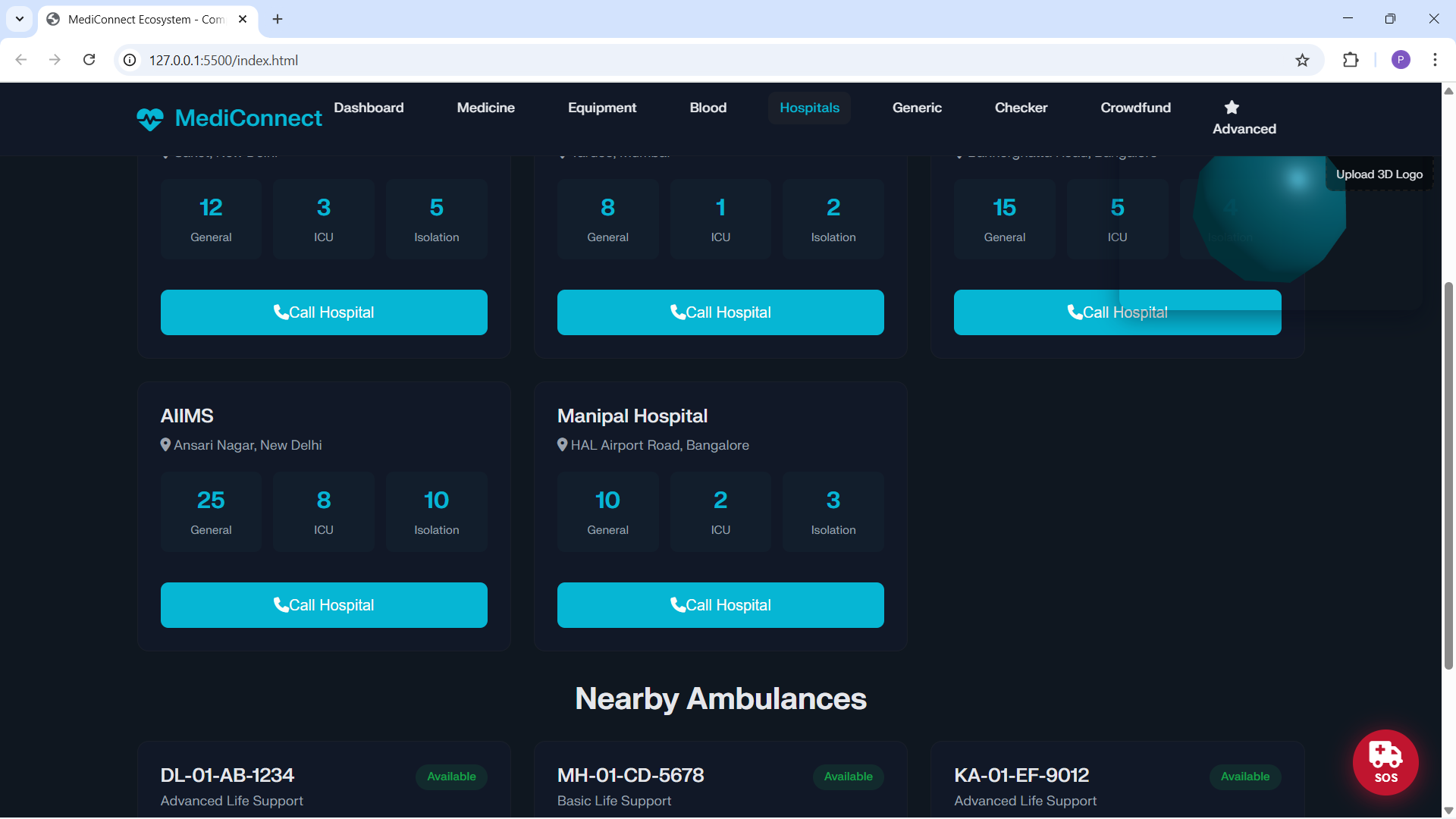
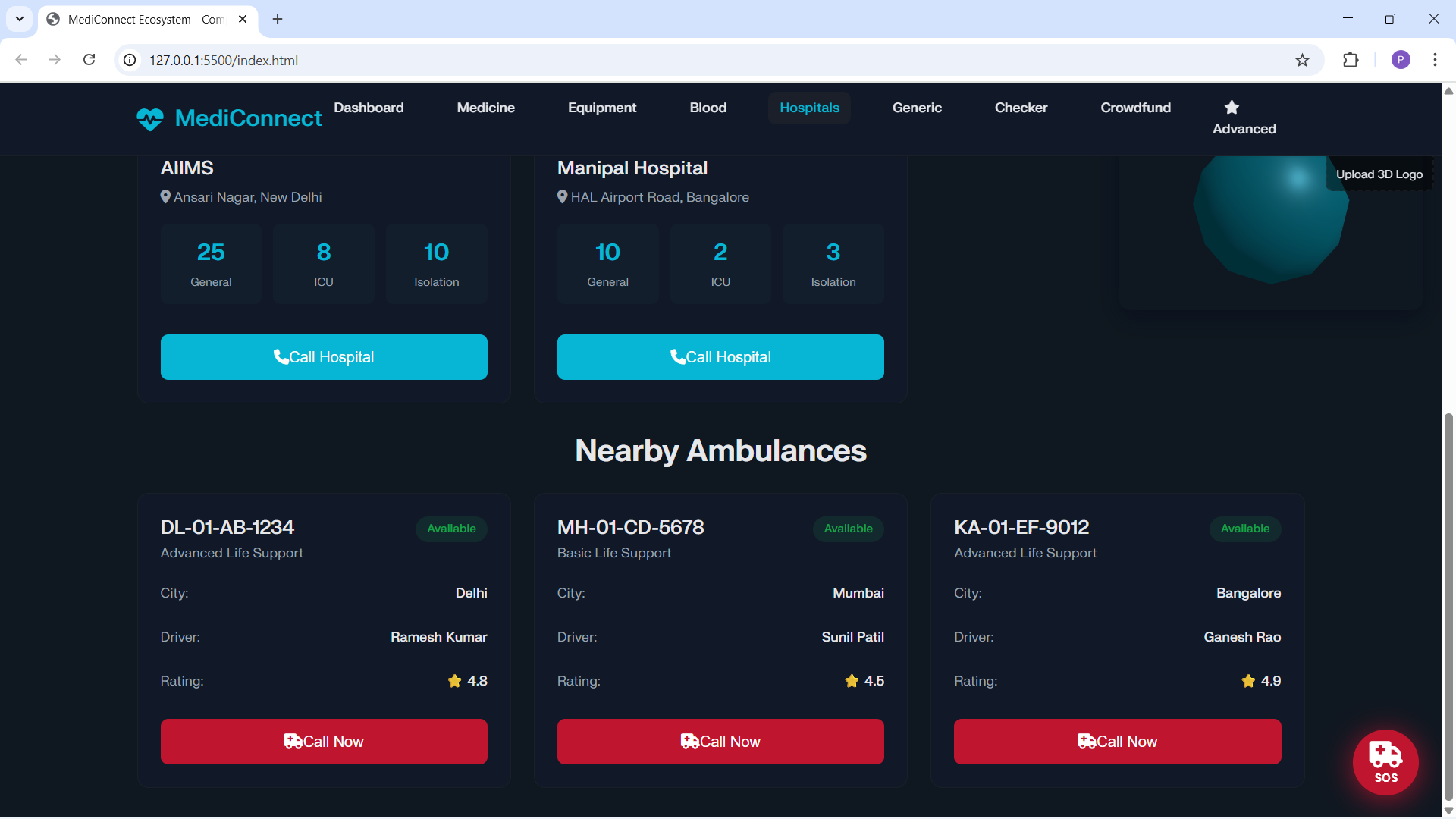
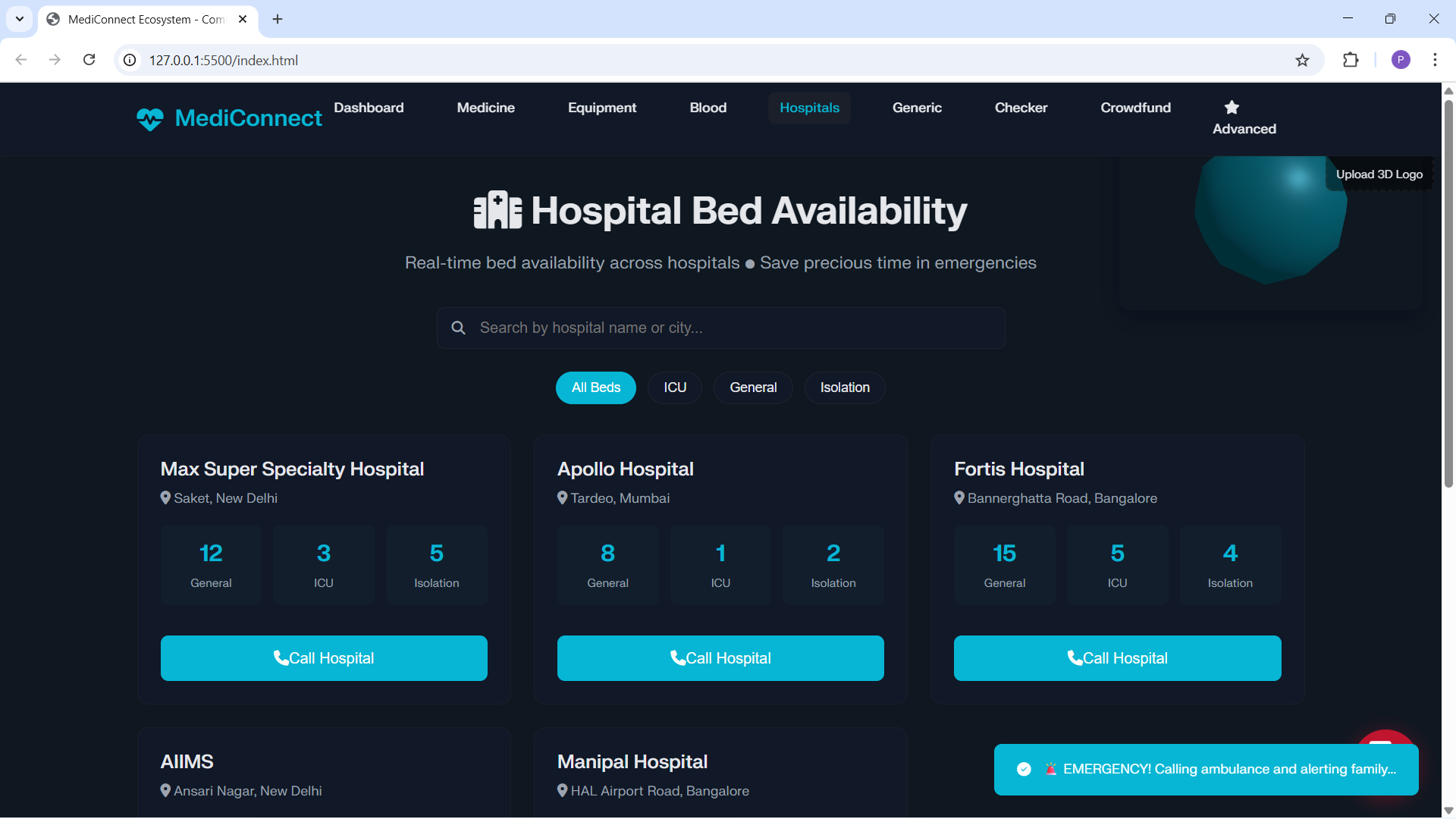
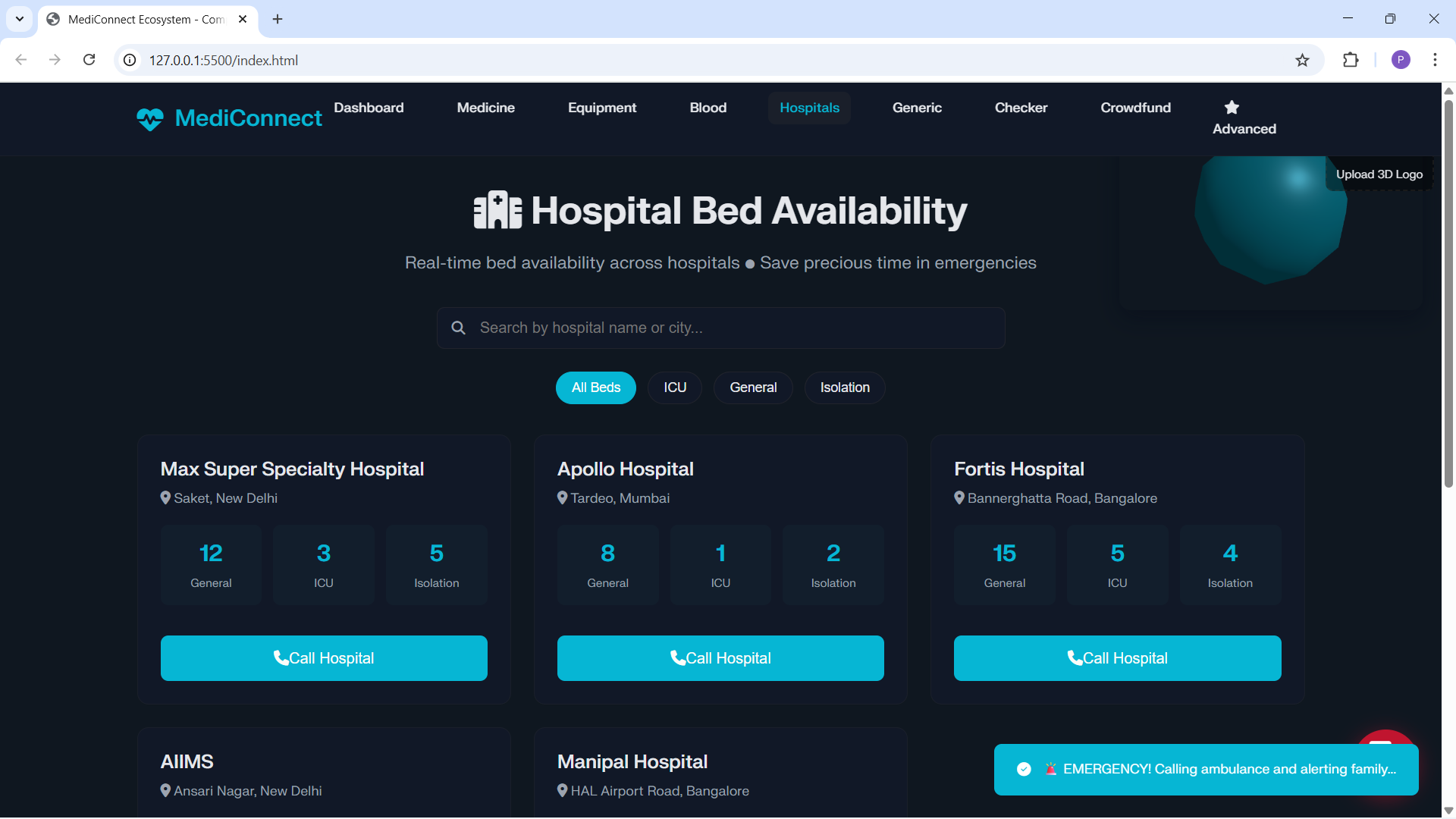
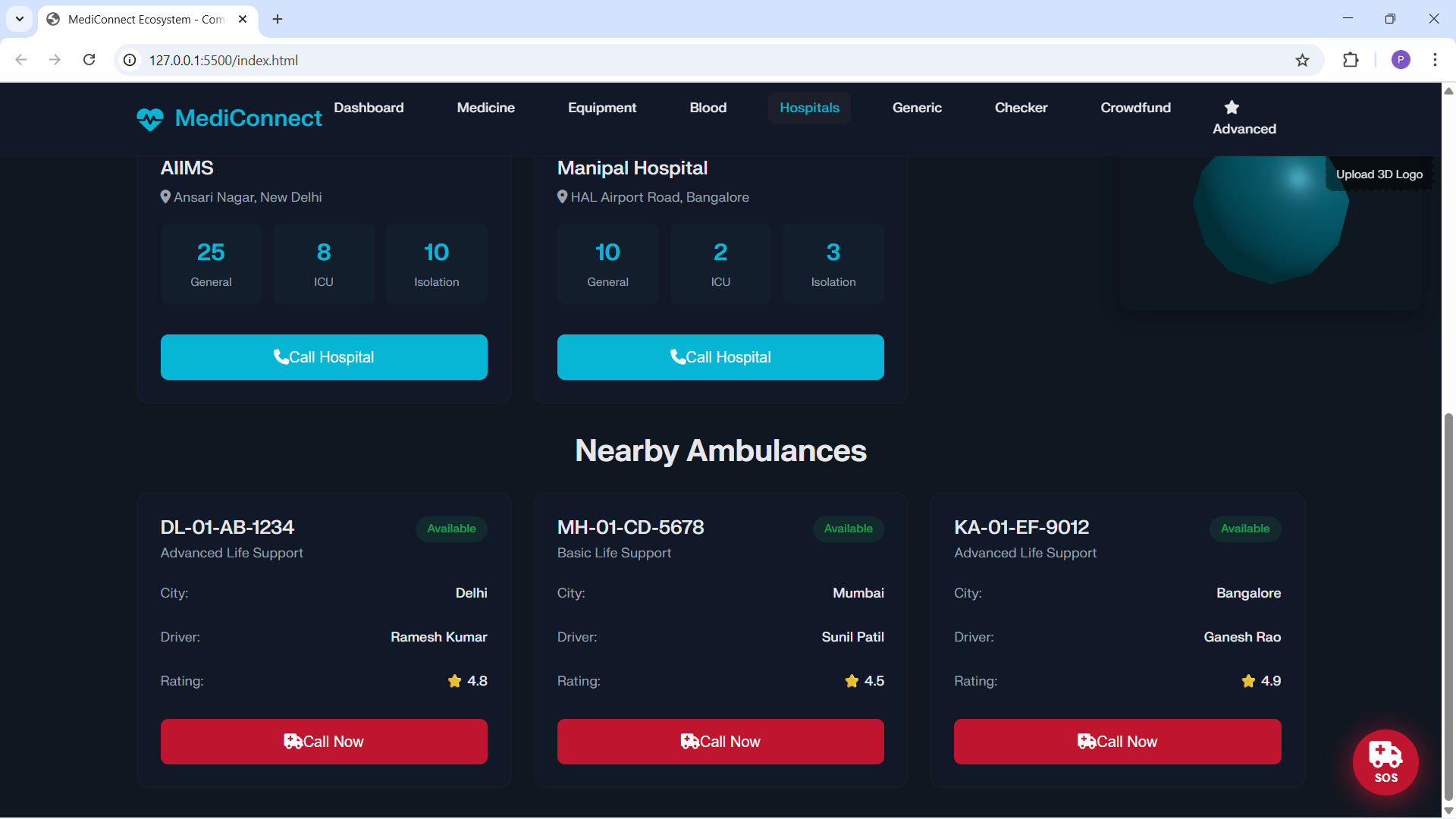
Emergency locator: nearby pharmacies/health posts using OpenStreetMap lookups with graceful fallbacks.
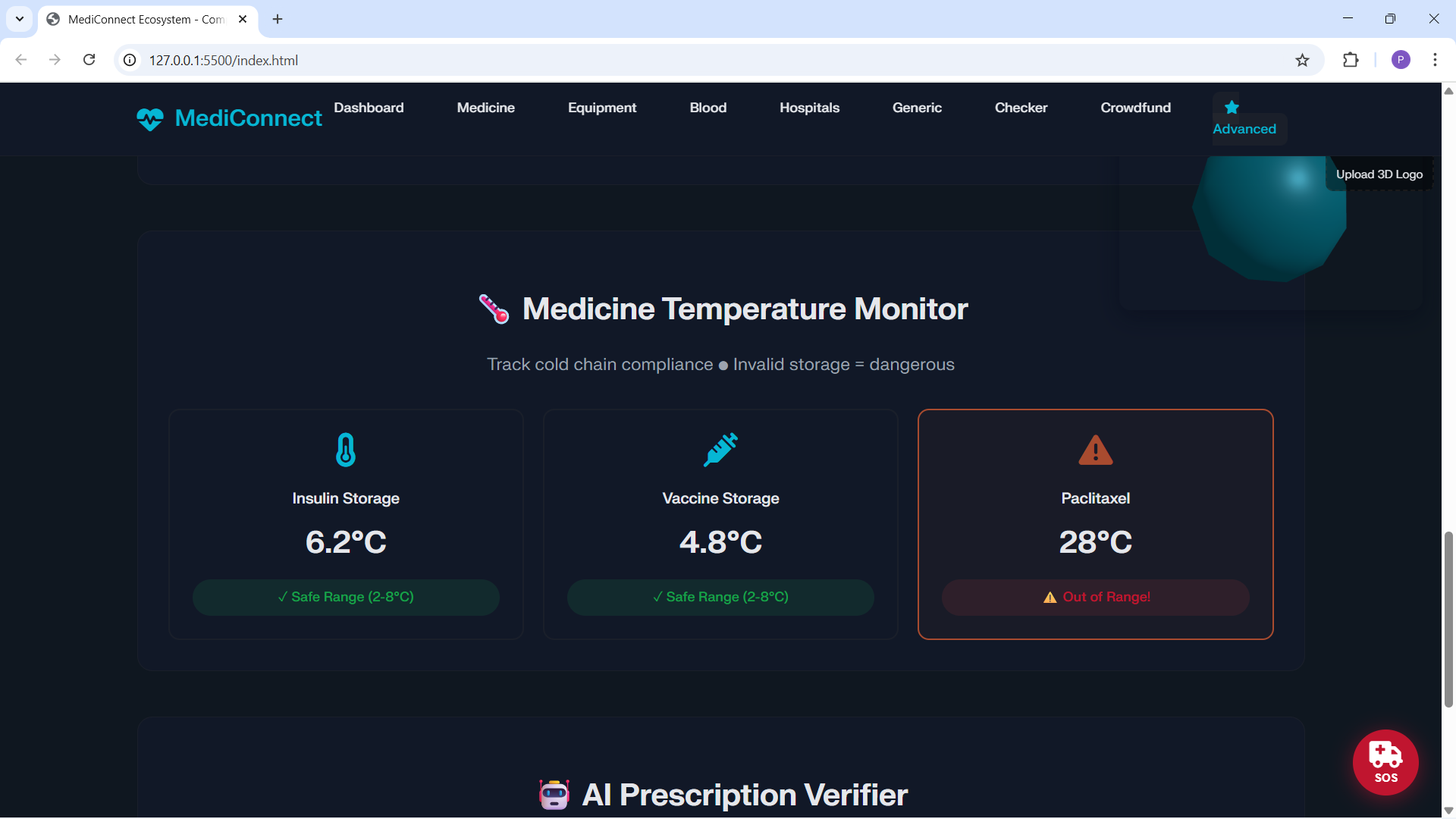
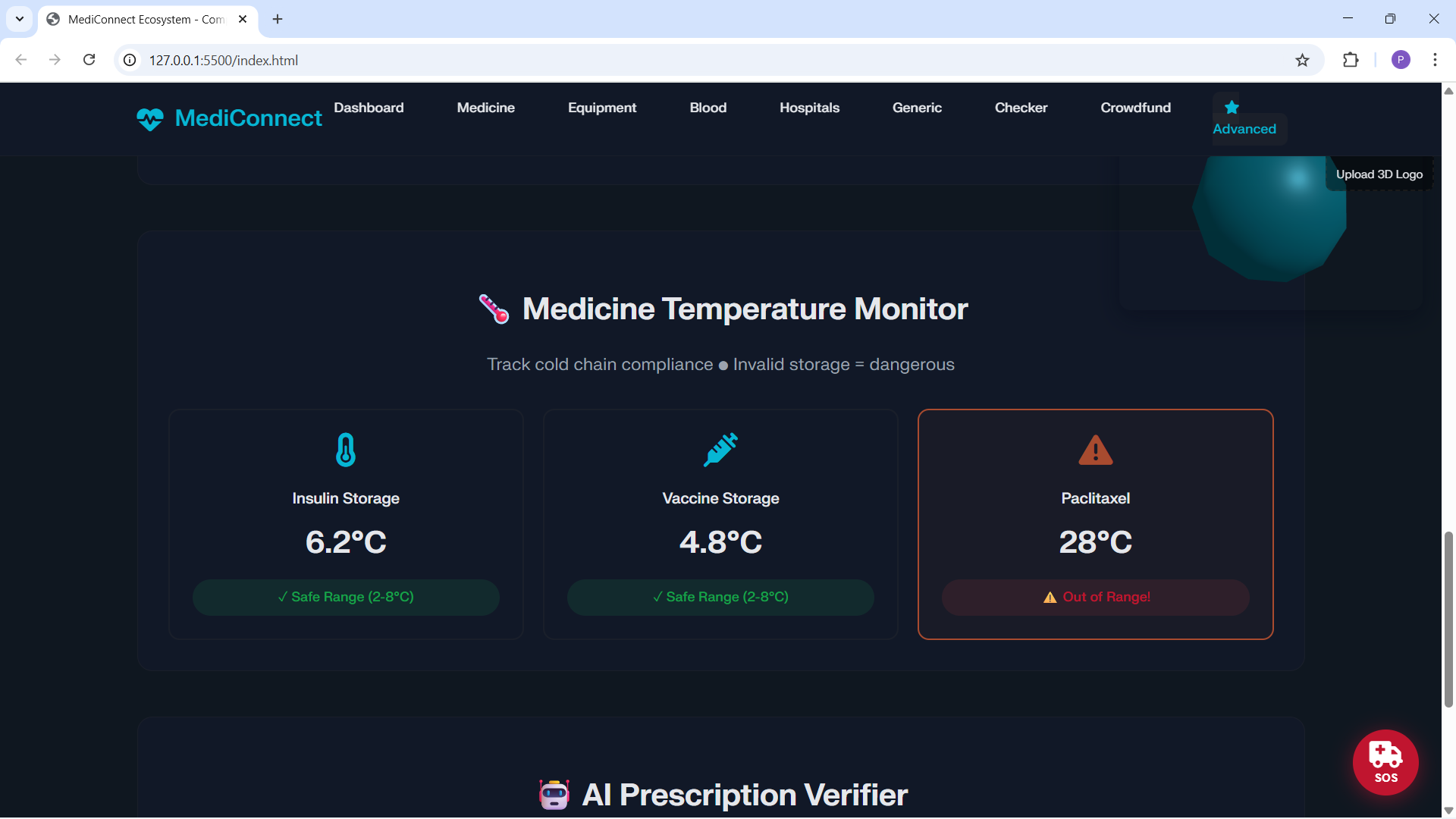
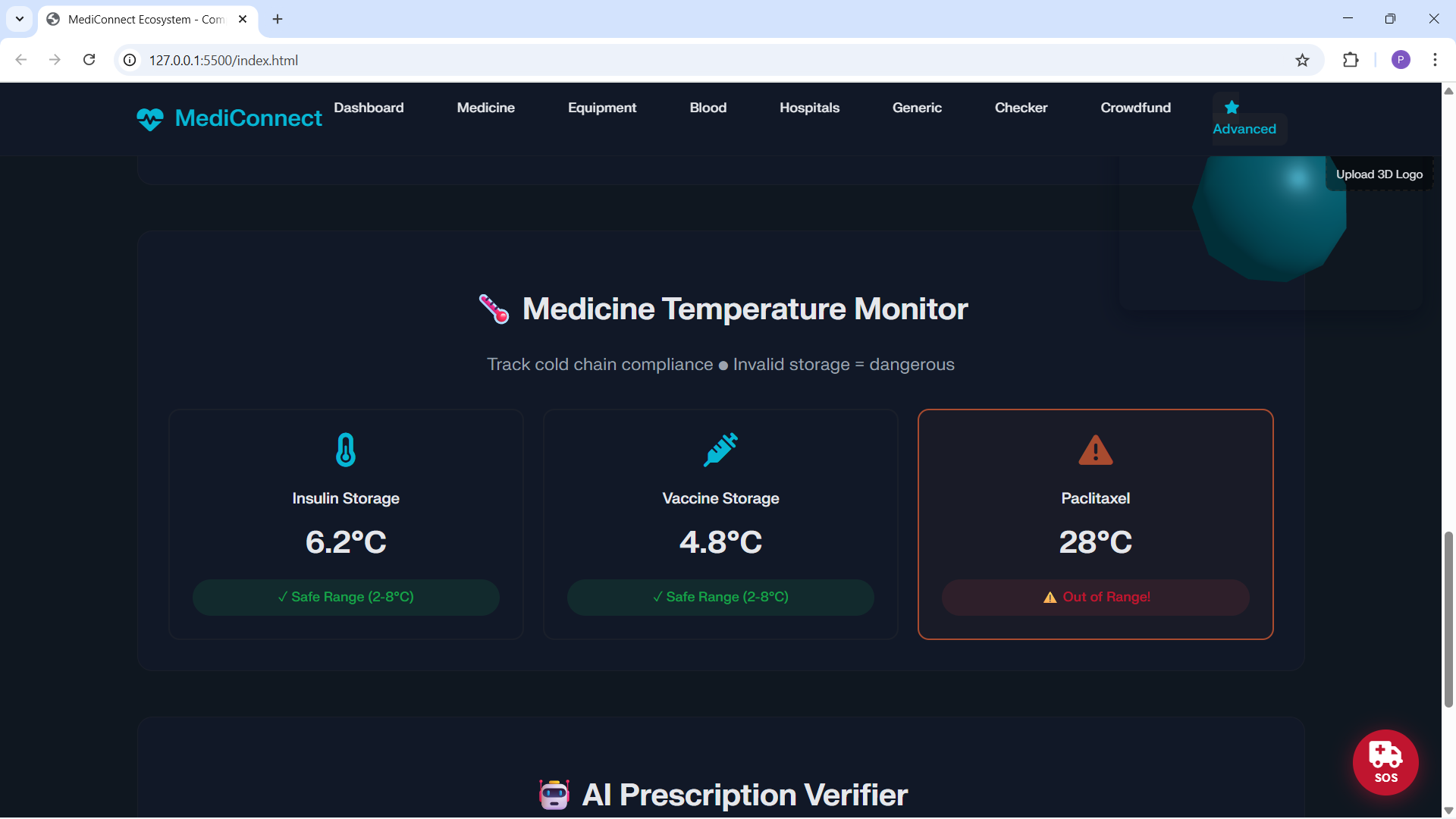
Expiry monitoring: flags close‑to‑expiry items and surfaces “expiry deals.”
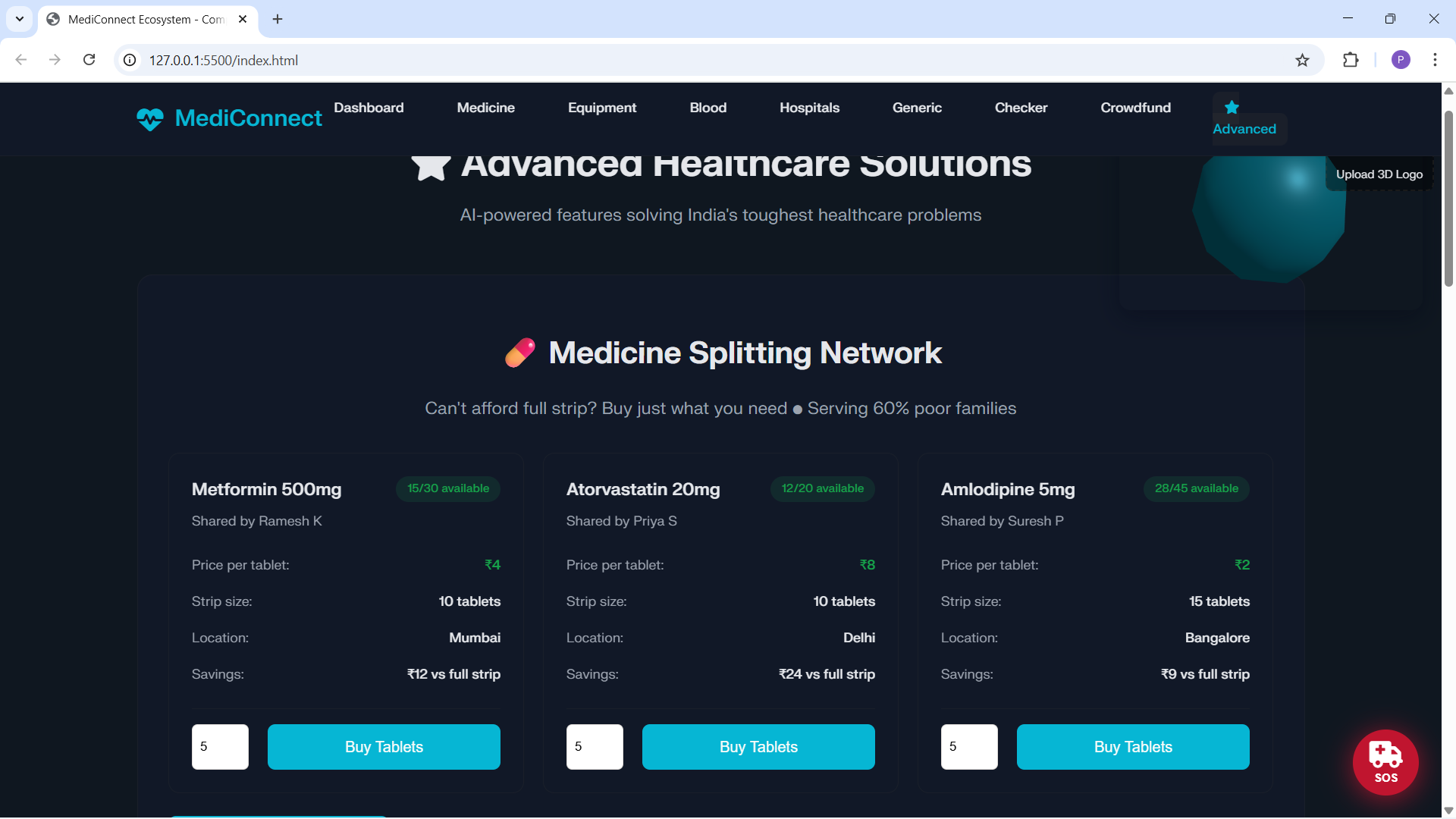
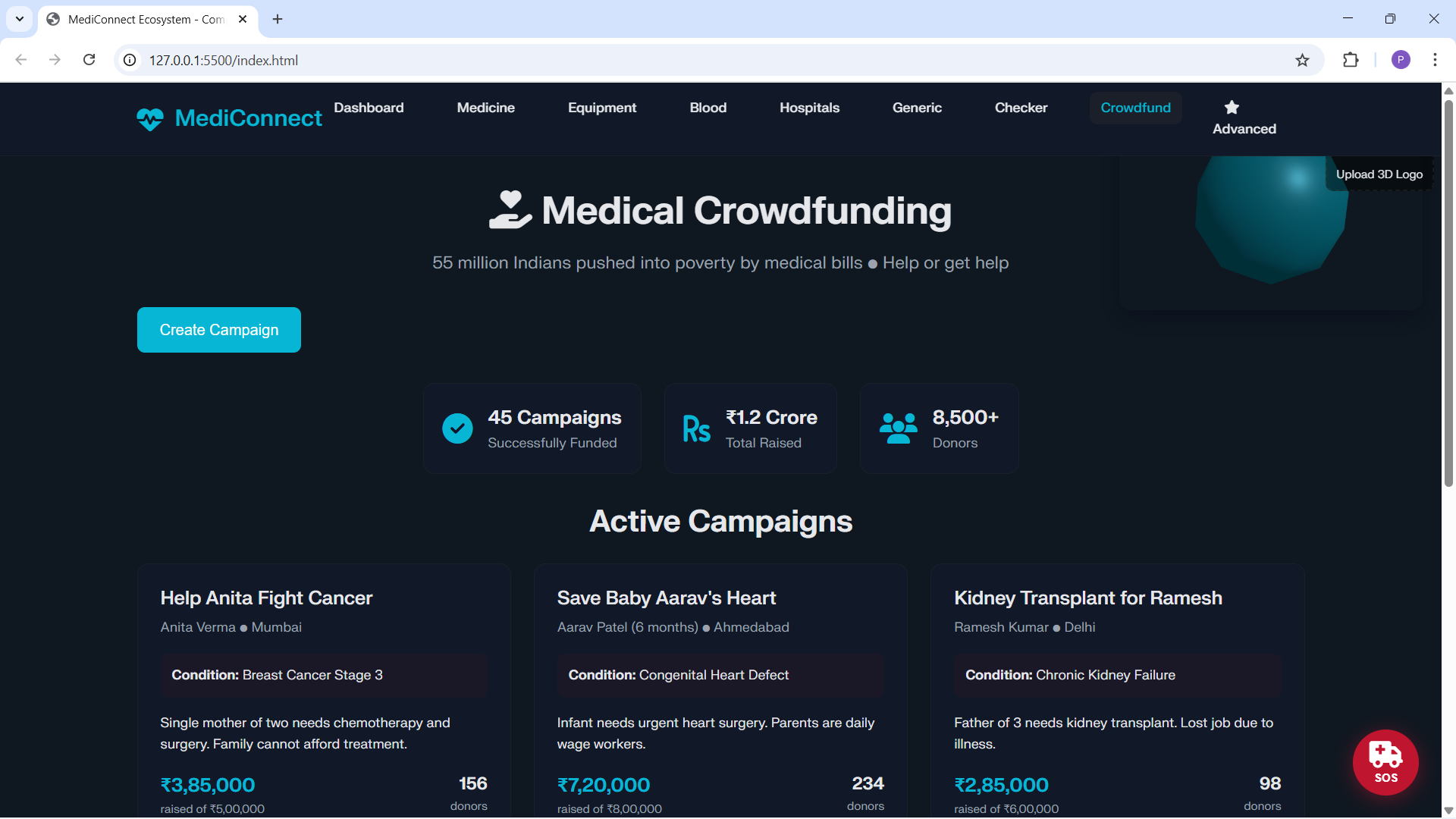
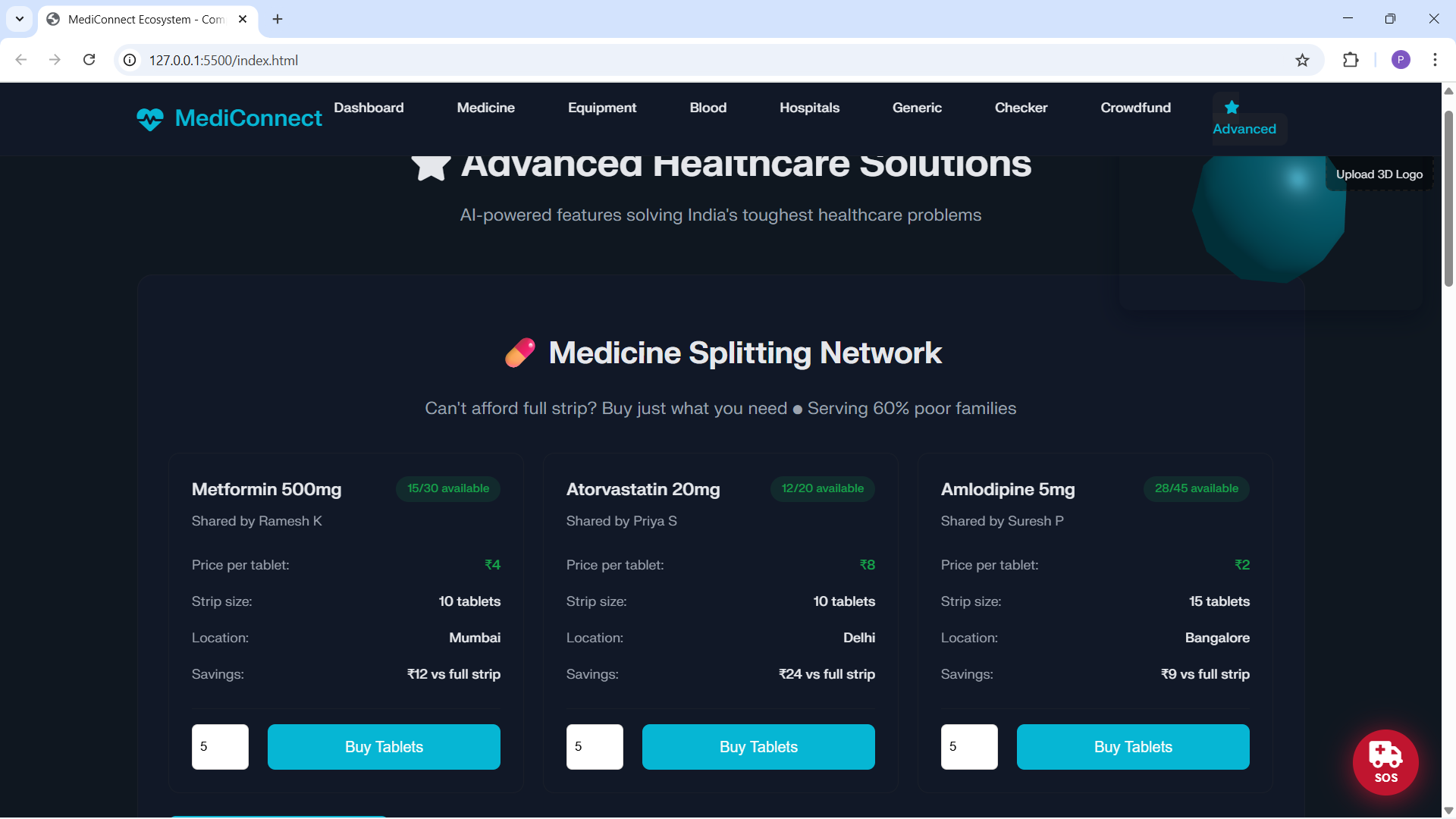
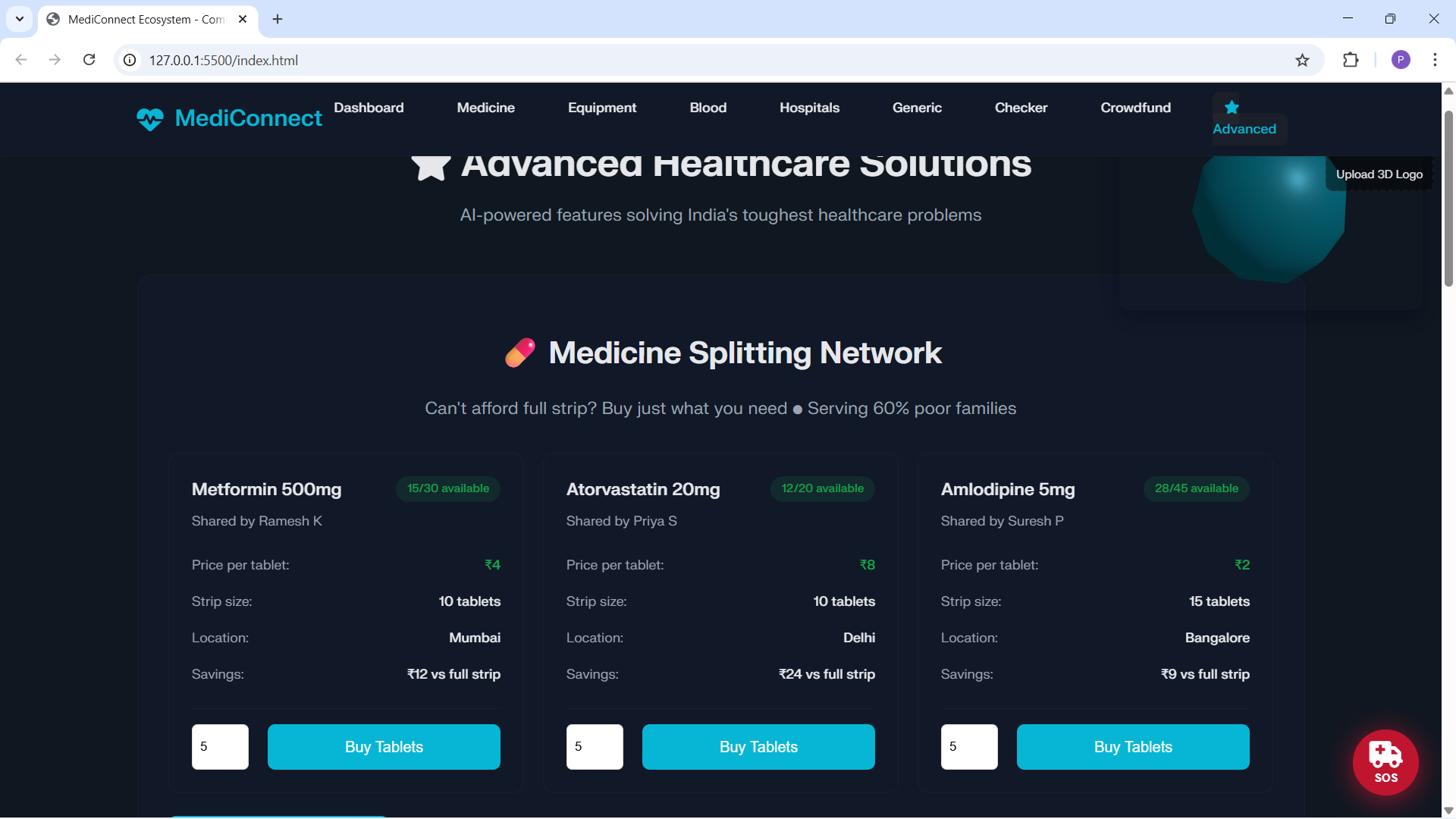
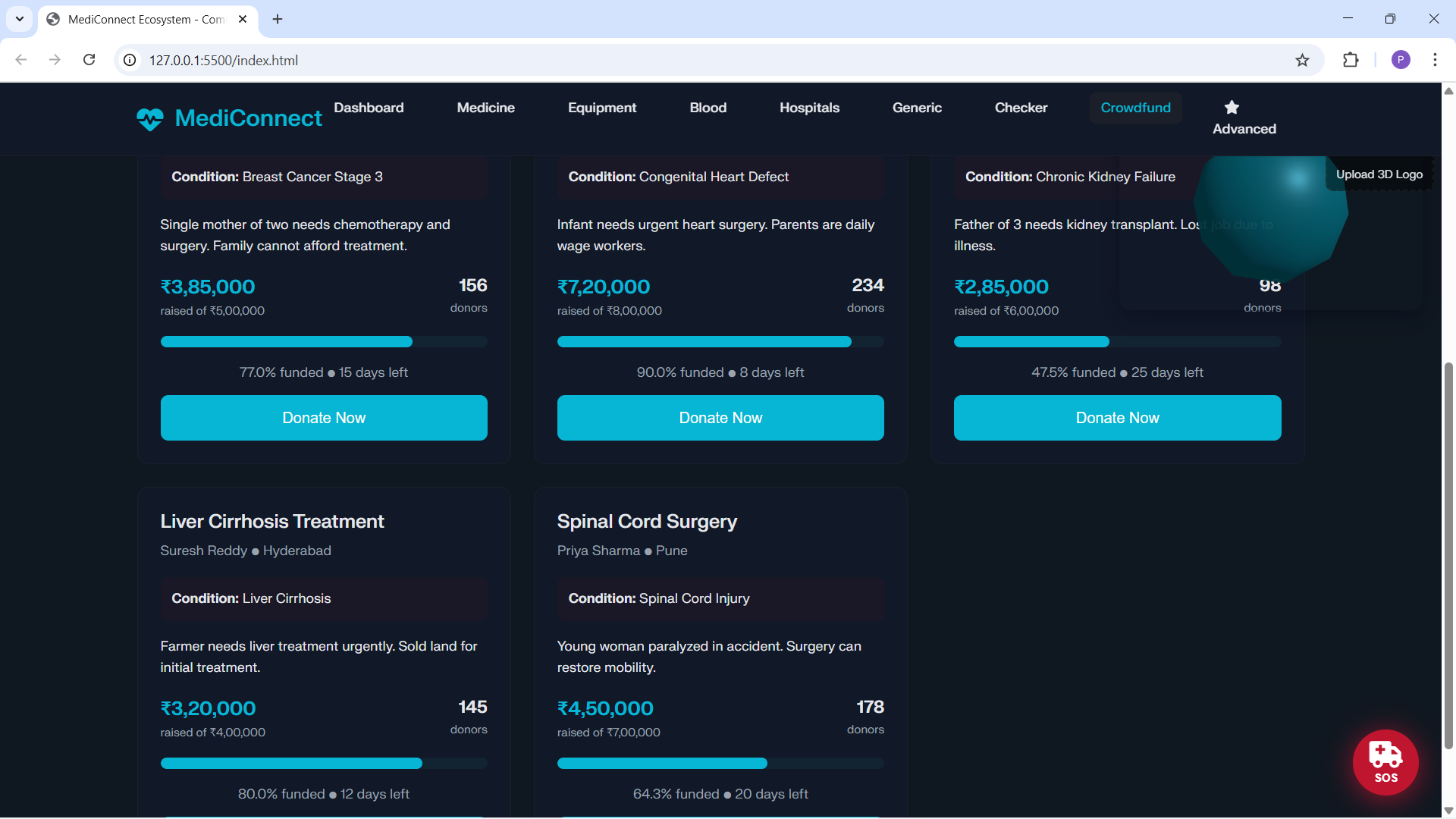
Medicine‑splitting network: micro‑purchases (shared strips) and peer‑to‑peer partial donations.
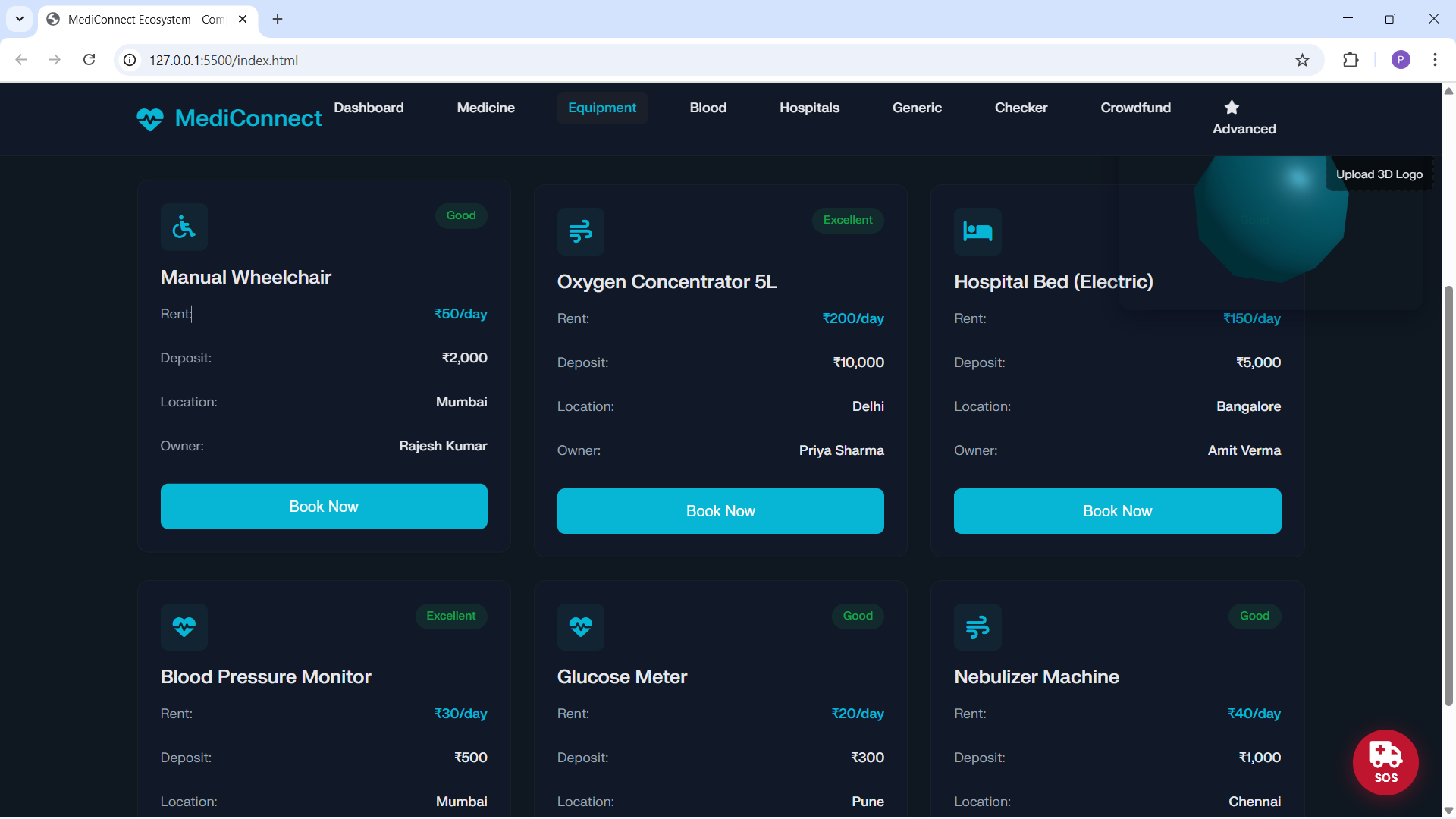
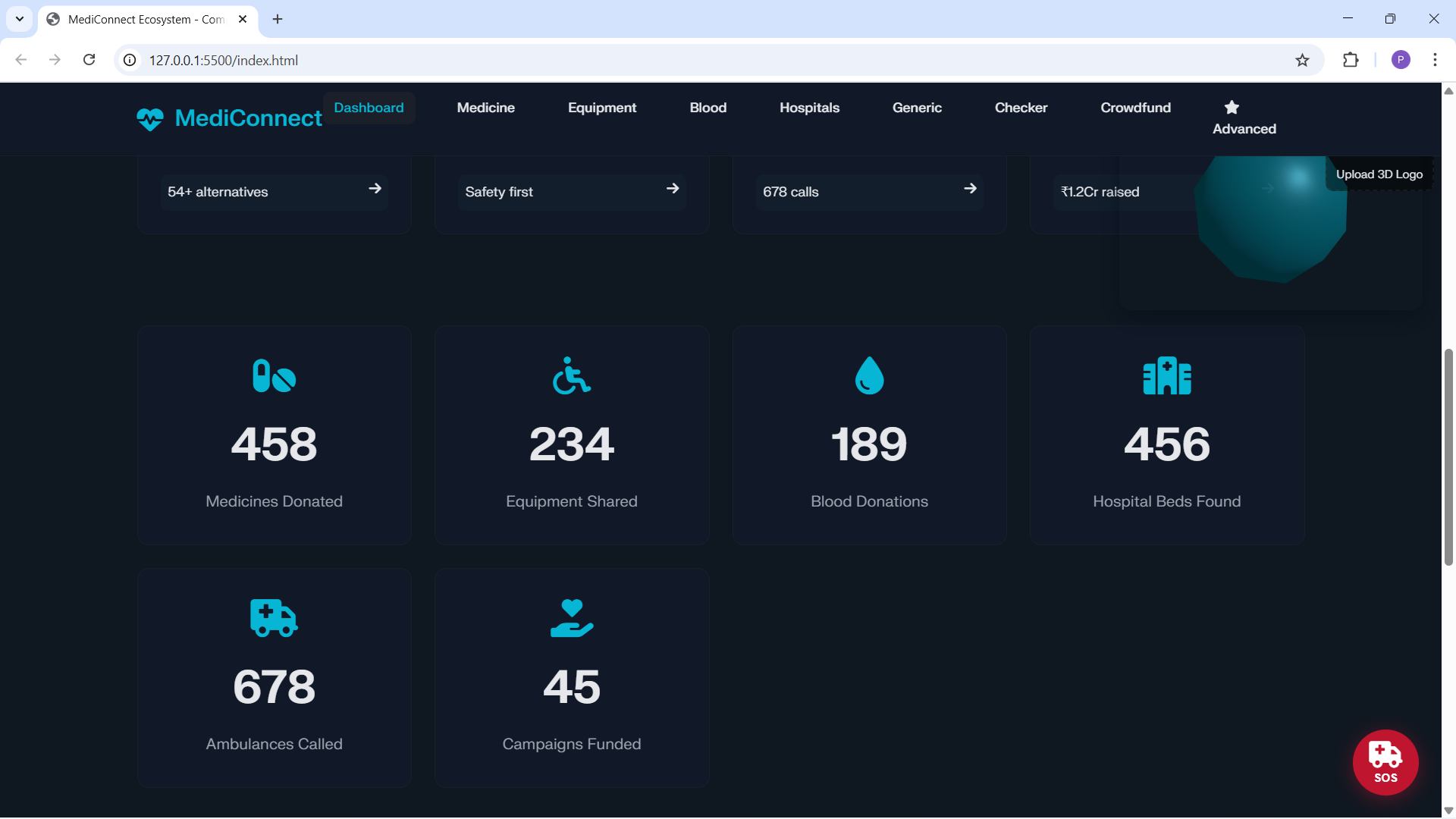
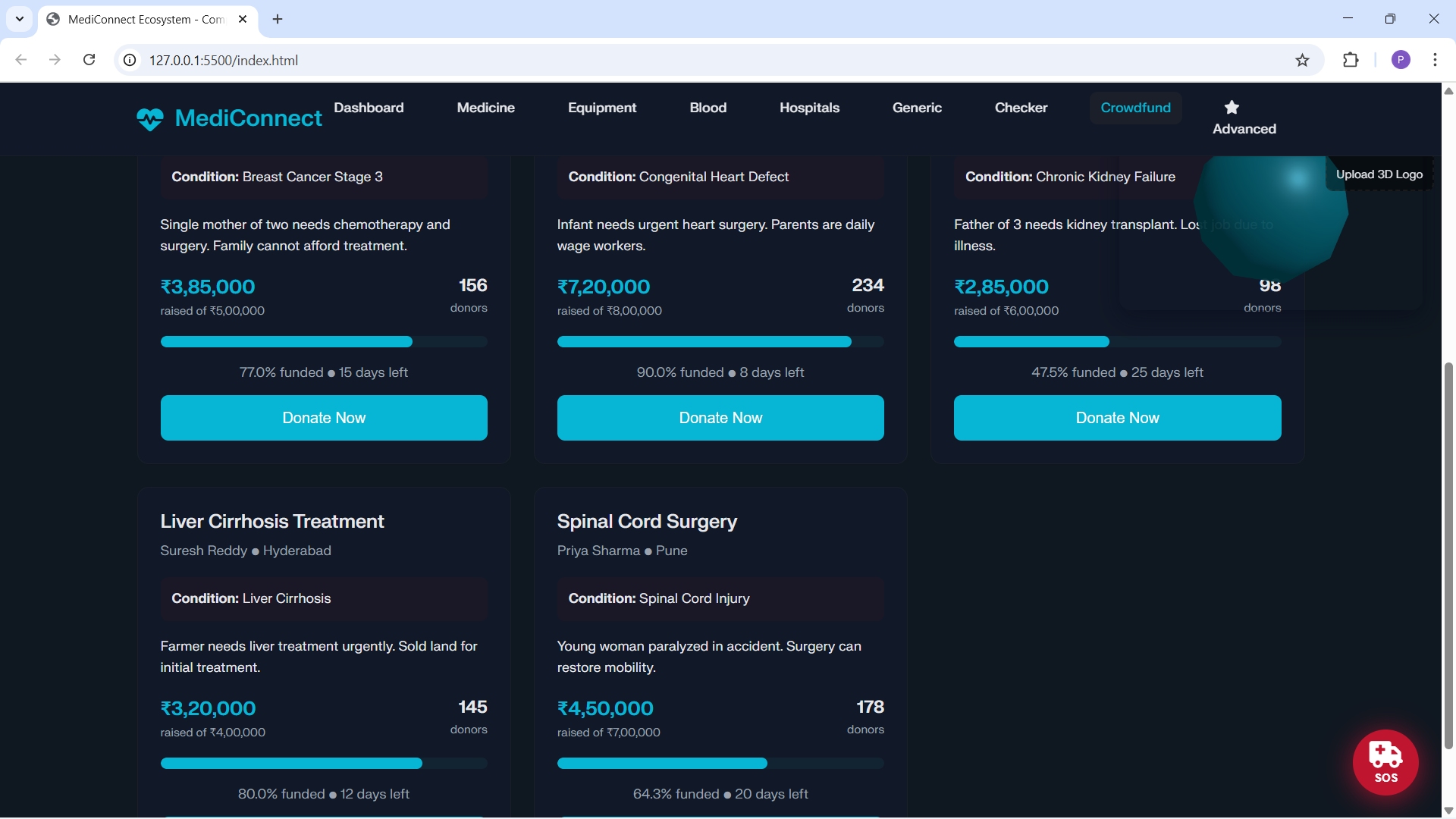
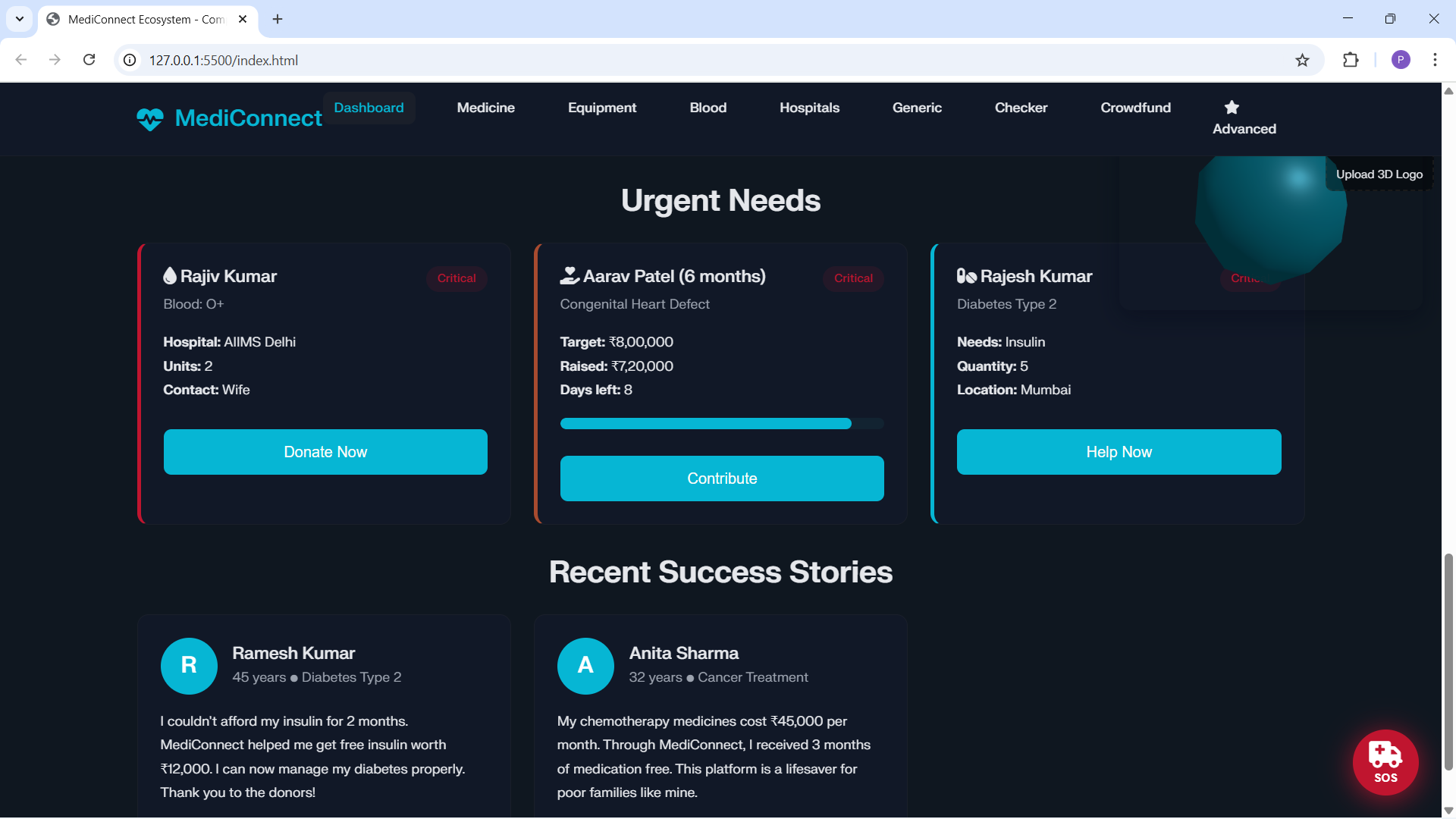
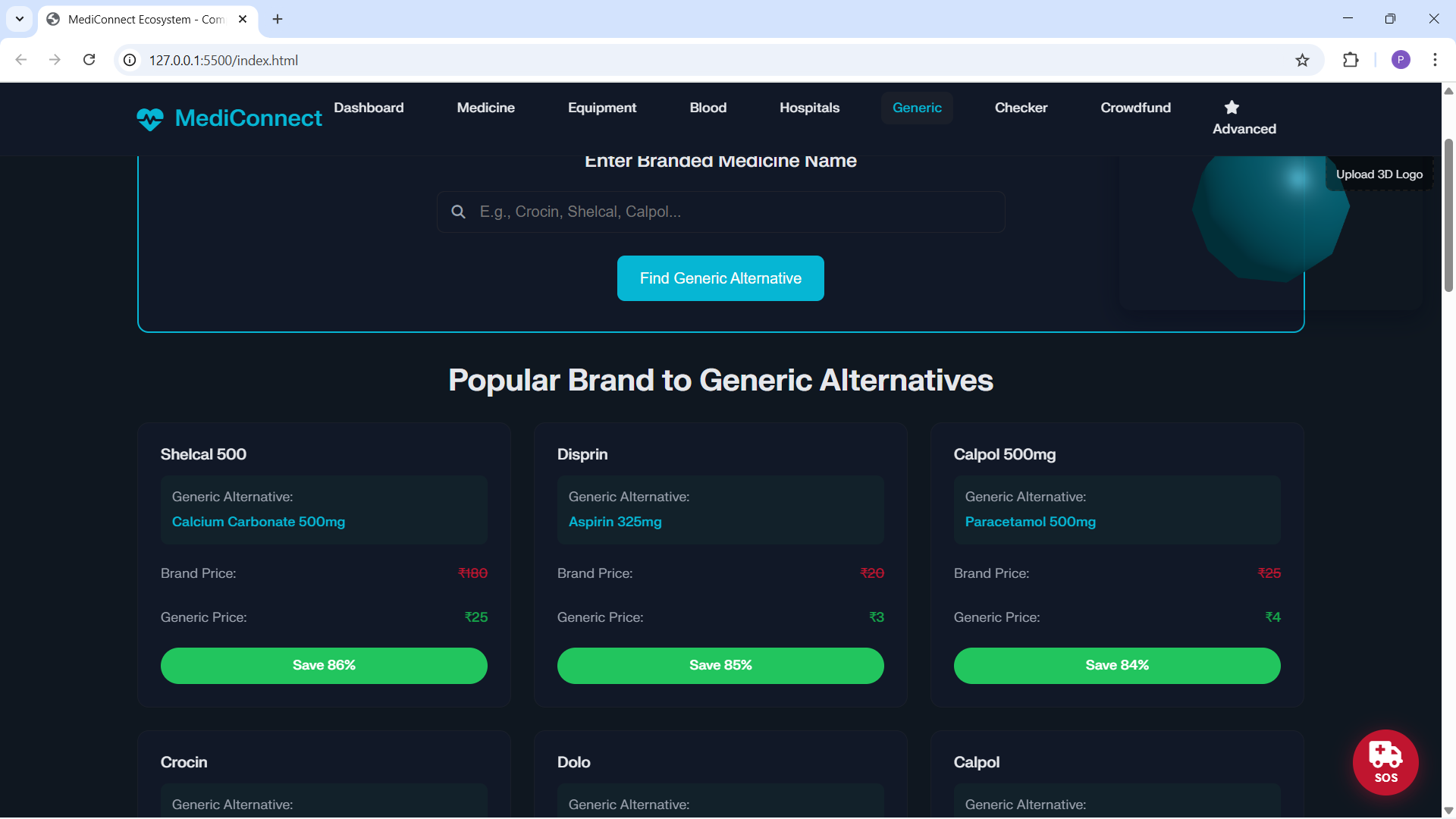
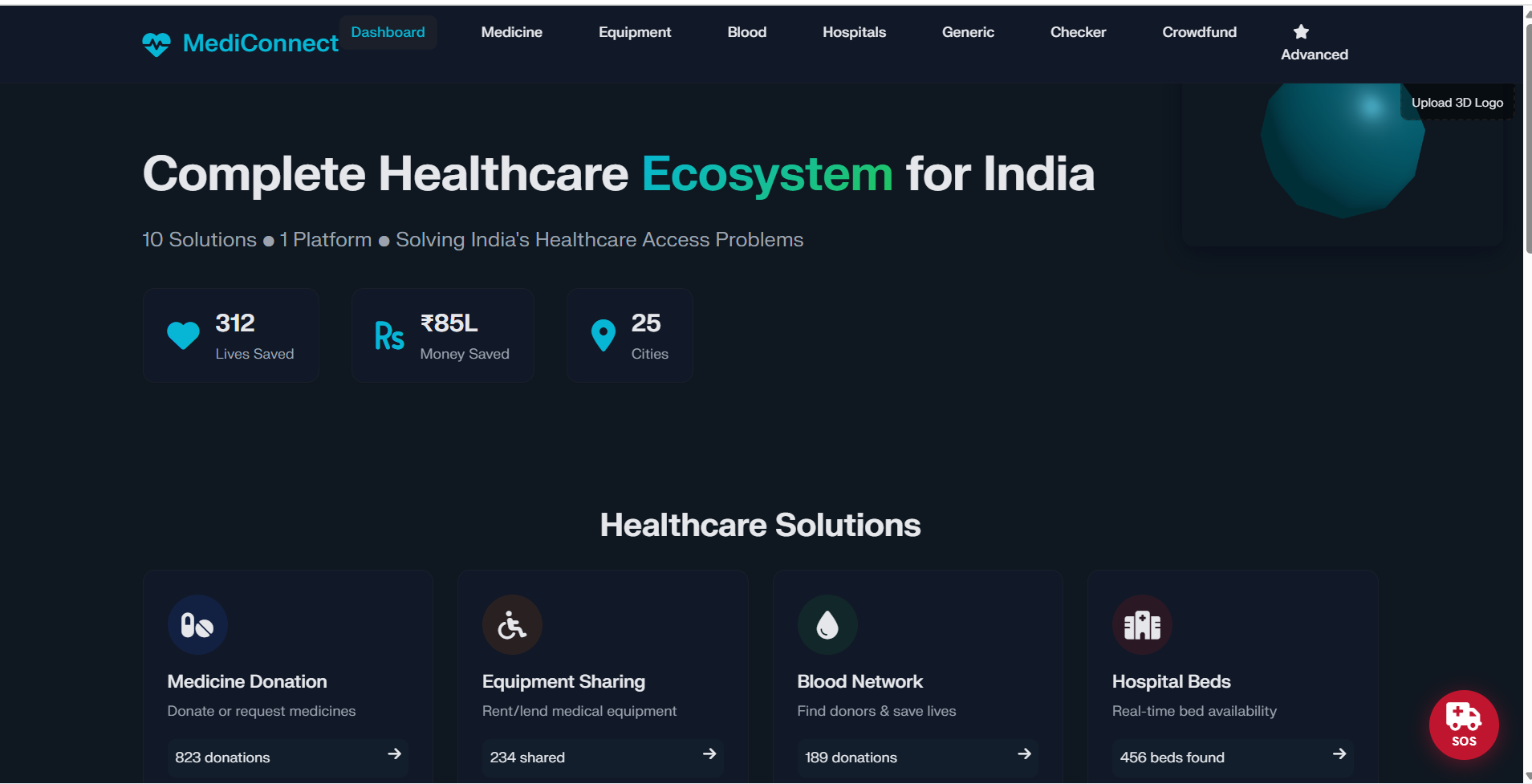
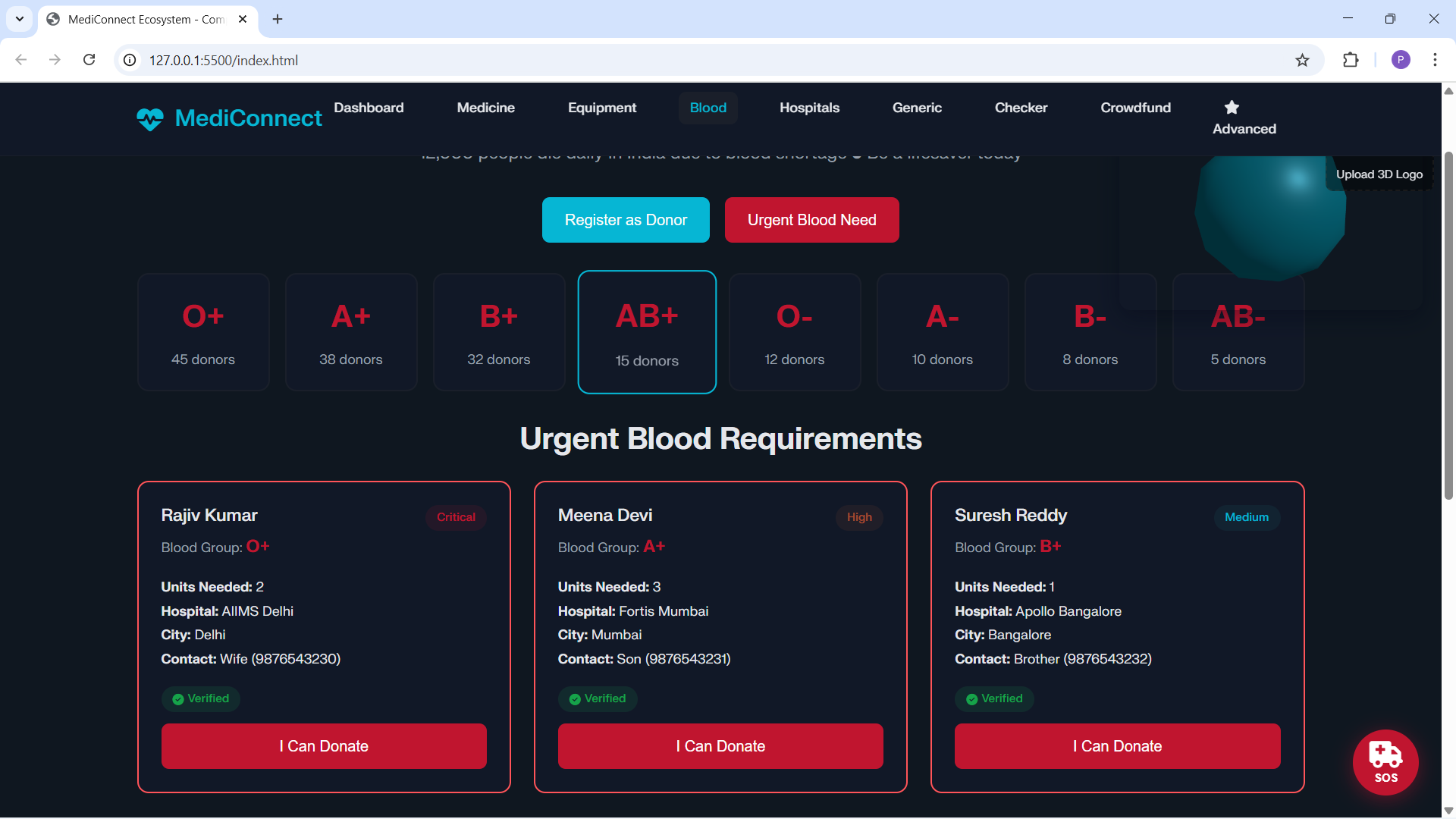
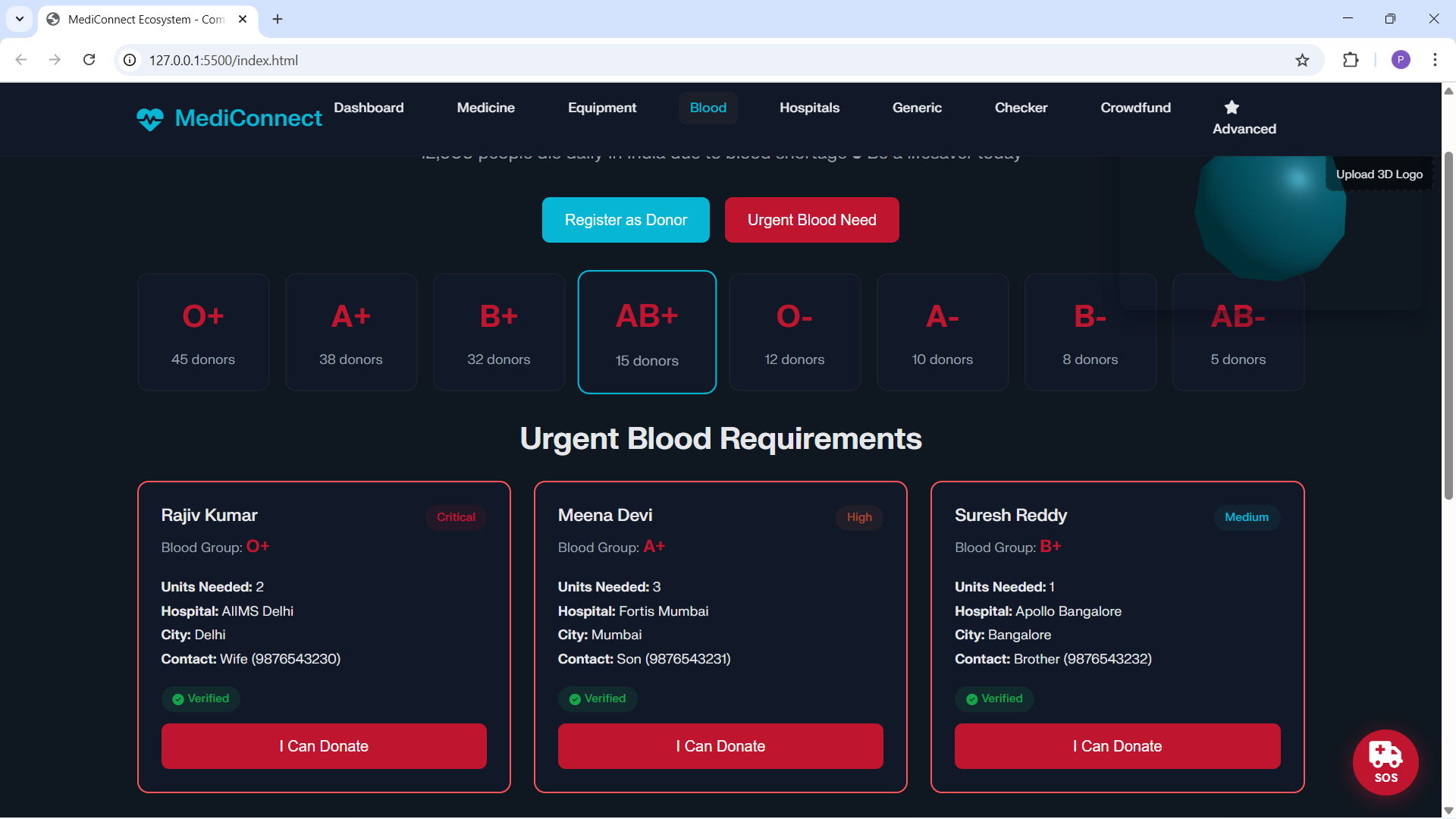
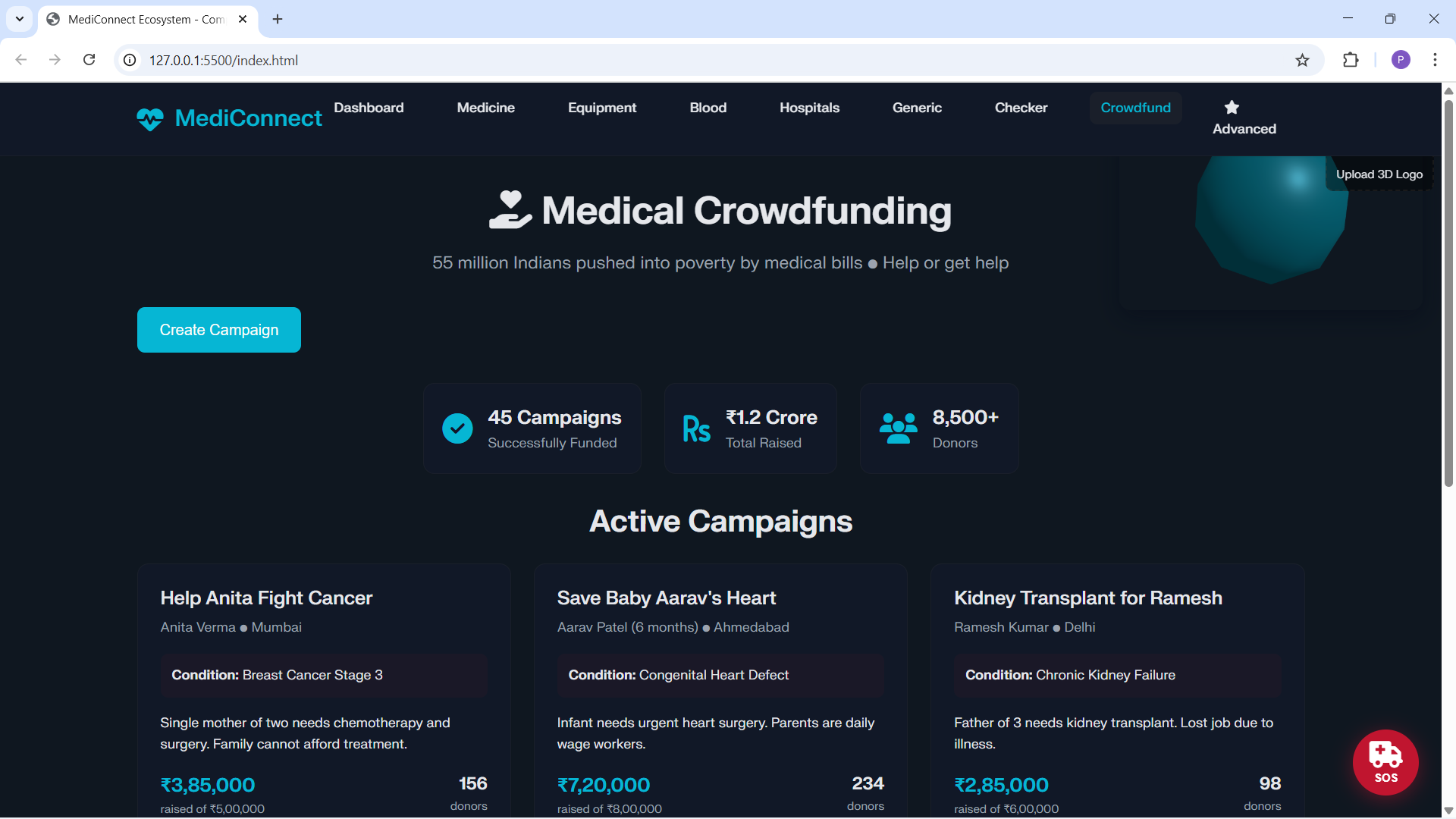
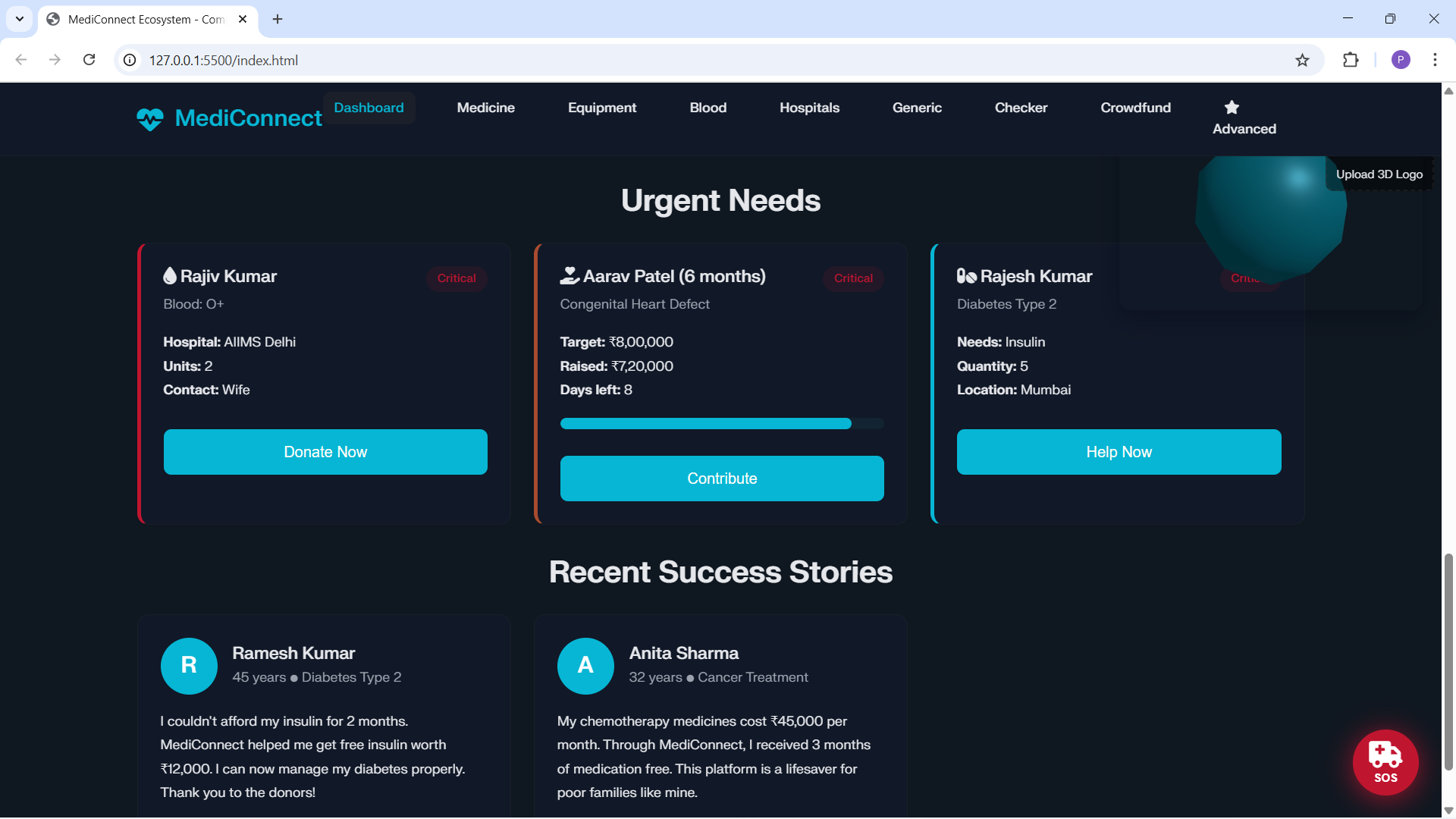
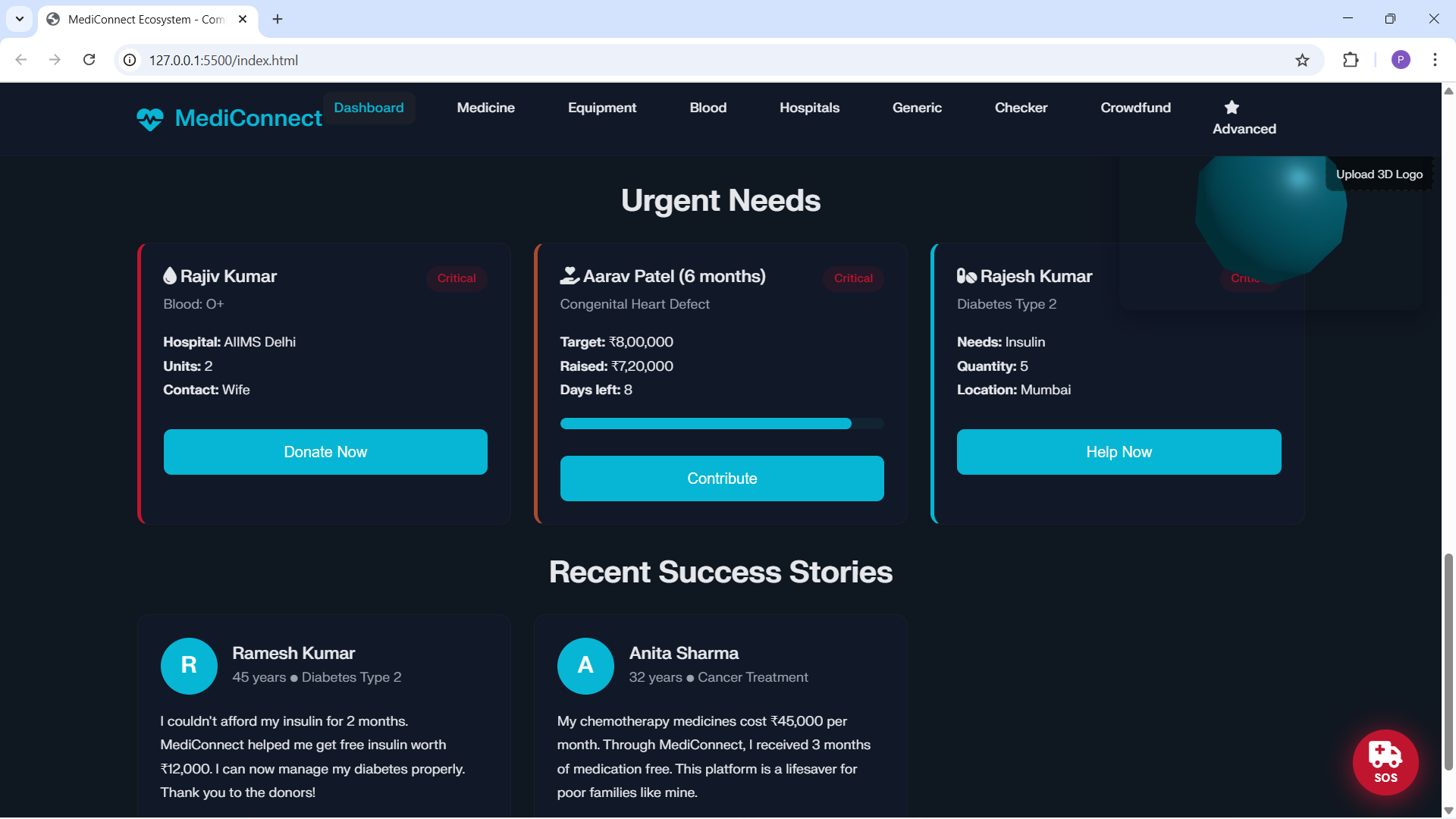
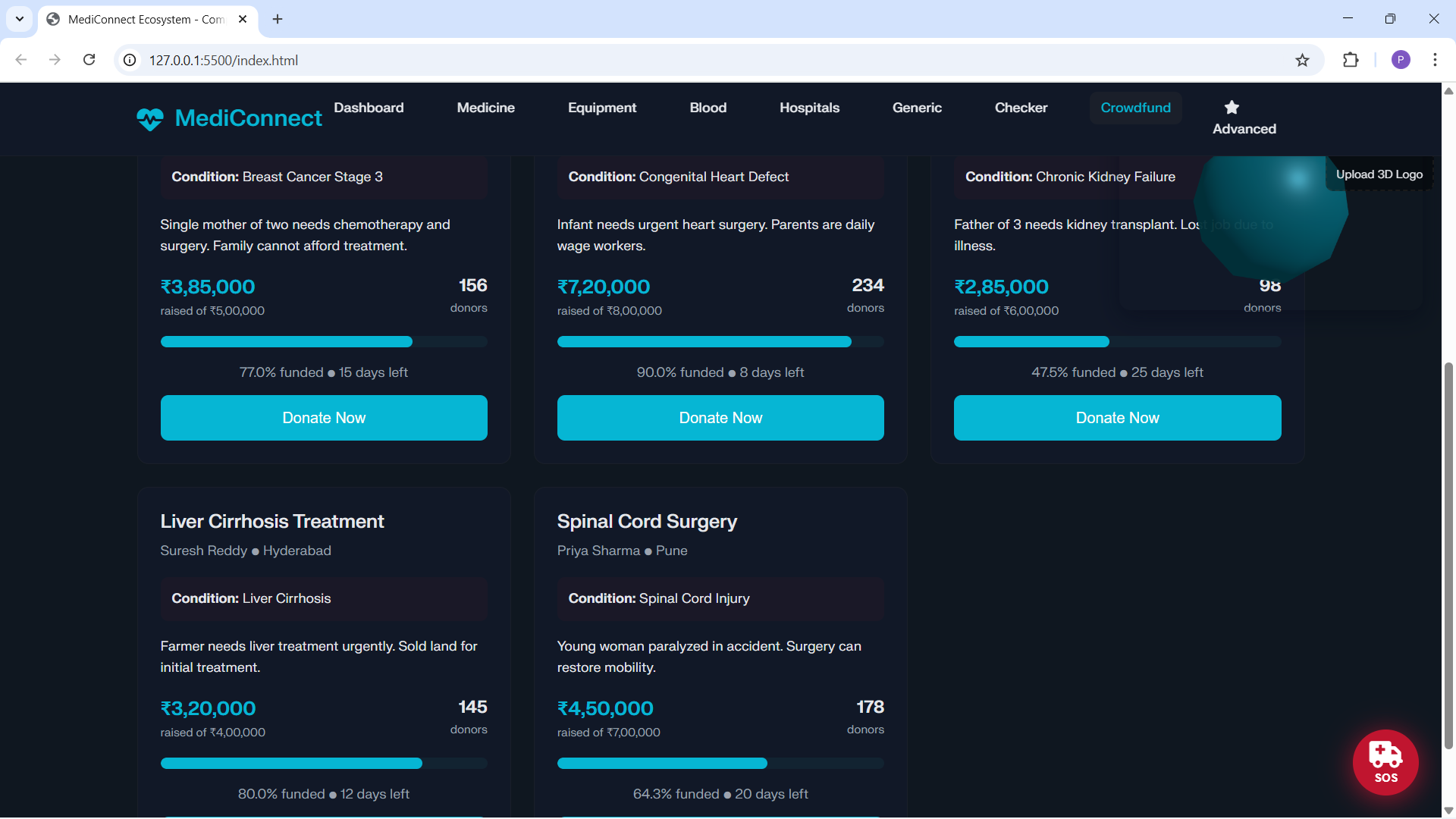
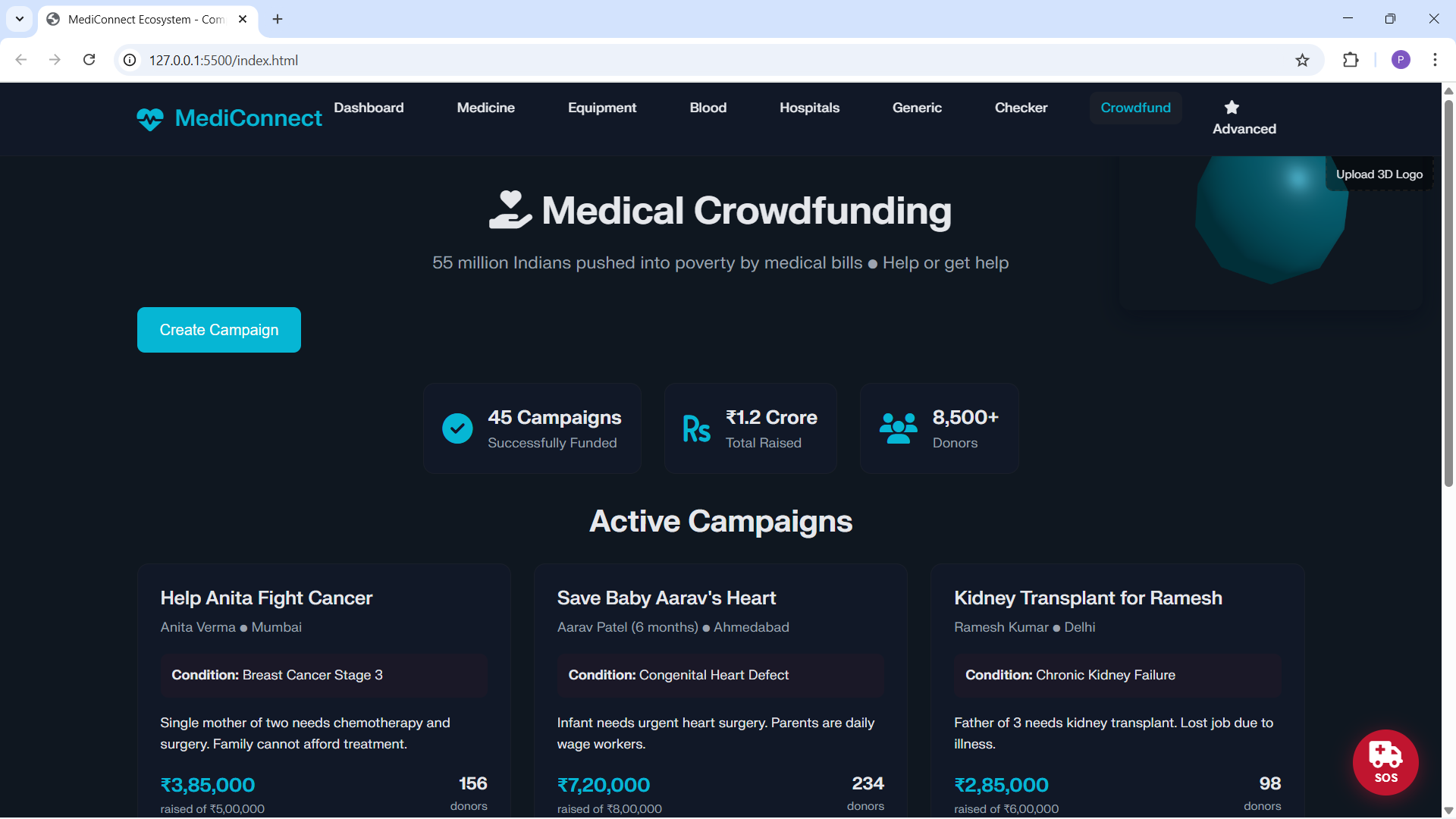
UI polish: dark theme by default, subtle Three.js scene, card tilt interactions.
Robust fallbacks: when assets or networks fail, the app falls back to local behaviors.
Primary UX goals:
Low friction for donors (snap photo → donate).
Fast discovery for patients (search or emergency locator).
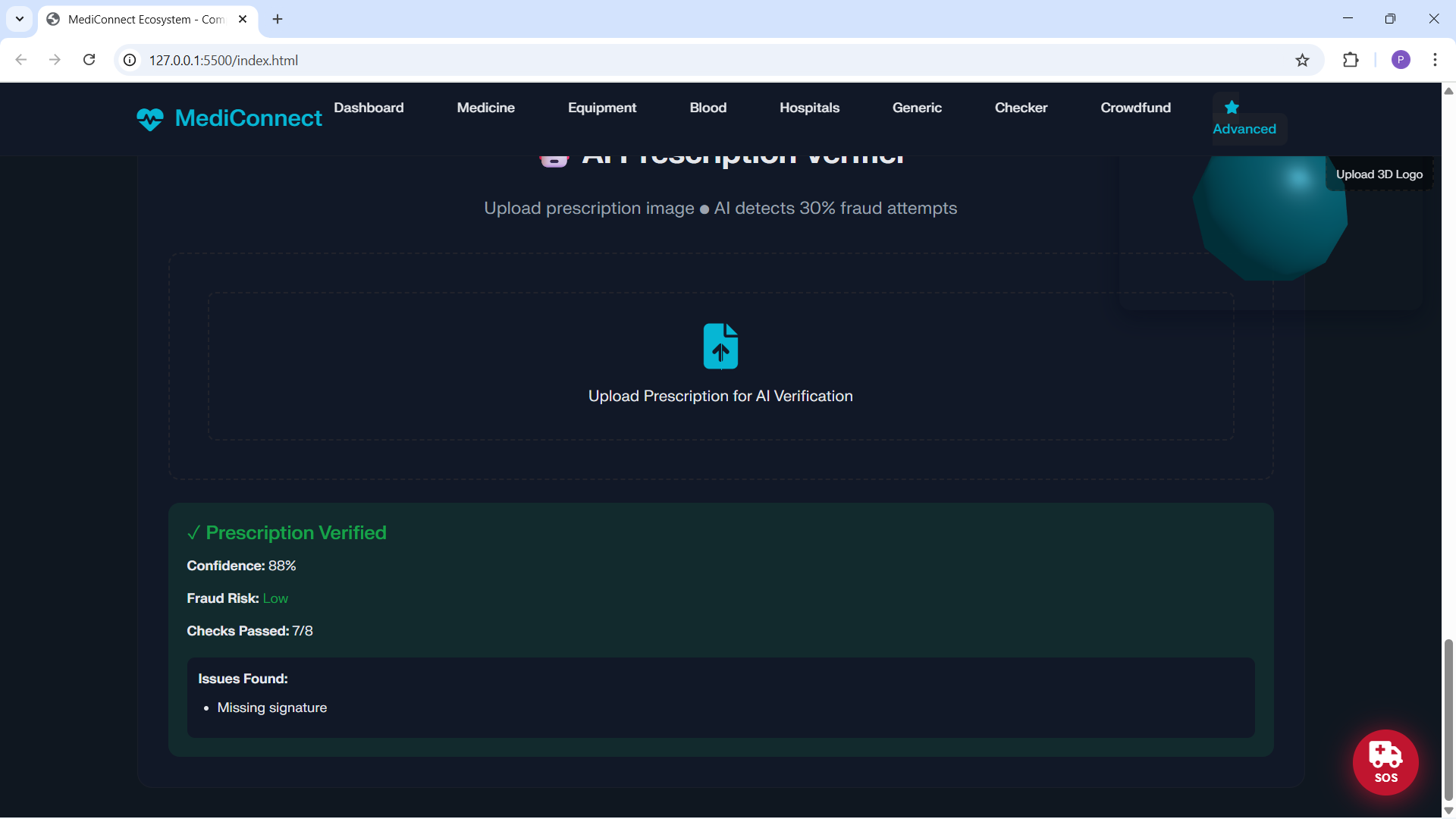
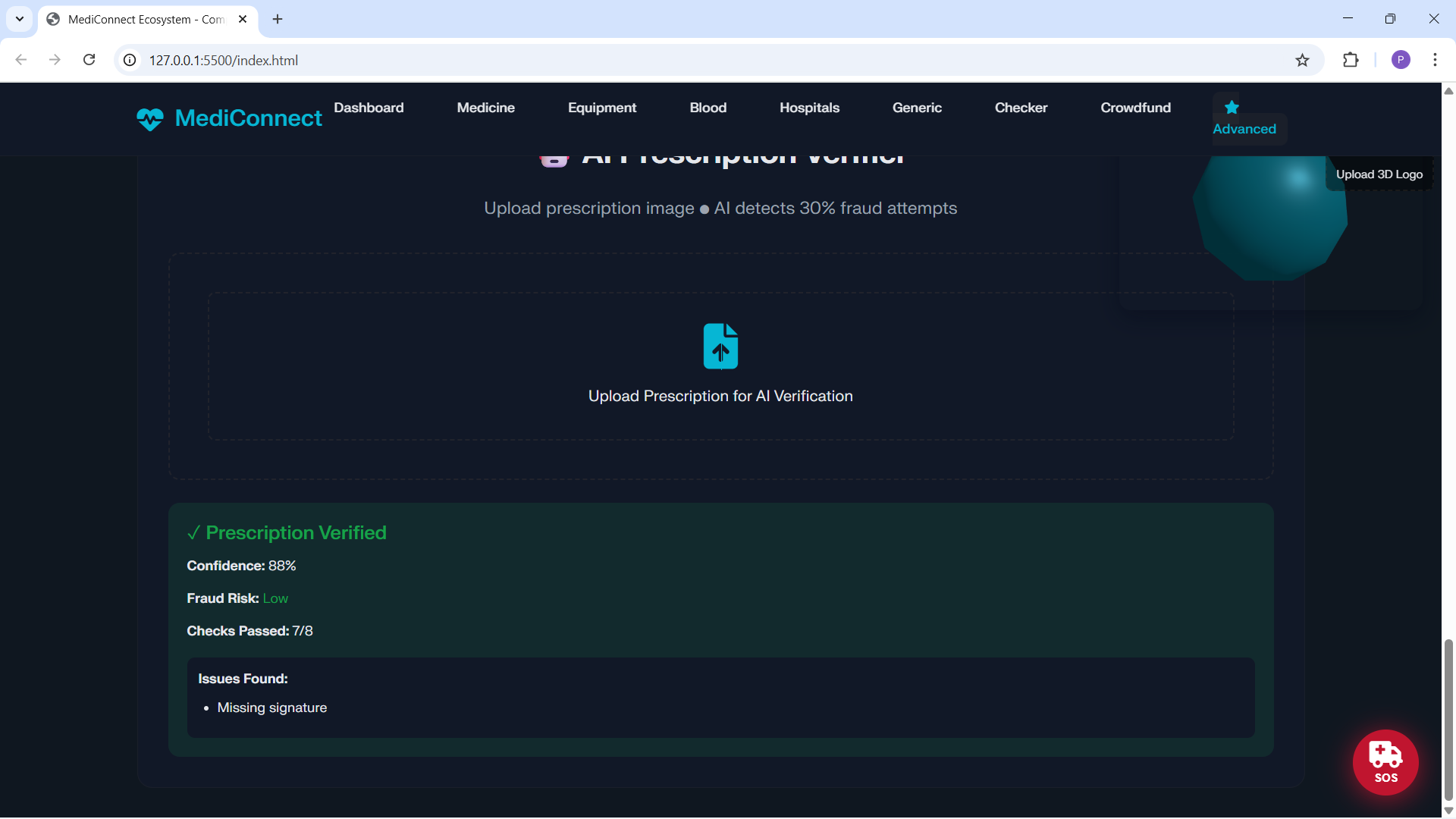
Safe checks (expiry and basic verification heuristics).
How we built it
Stack and files Plain HTML, CSS, and vanilla JavaScript with single‑page sections.
index.html: layout, dark‑mode toggles, OCR upload UI, 3D canvas.
style.css: design tokens, dark theme, responsive canvas and tilt styles.
app.js: OCR flow, OSM lookups, expiry alerts, UI bindings, 3D scene.
Note: Local editor URLs were replaced with standard file roles for portability on Devpost pages.
Key integrations and libraries Tesseract.js (OCR) with Worker API for performance and progress updates.
OpenStreetMap (Nominatim/Overpass) for geocoding and nearby pharmacy discovery.
Three.js for a lightweight decorative scene and interactive card tilt.
Core technical patterns Lazy‑init and reuse long‑lived resources (Tesseract worker).
Graceful degradation via timeouts/fallbacks when APIs/assets fail.
Progressive enhancement: hide 3D canvas on small screens via CSS and pointer‑events control.
Mutation observers to attach behavior to dynamically added medicine cards.
OCR extraction logic (high level) Normalize OCR text and split lines.
Choose the first non‑trivial line as candidate name, skipping lines like “EXP”, “BATCH”, or numeric‑only.
Detect strength via regex (e.g., 500mg, 10 IU) and append to name.
Parse expiry formats: MM/YYYY, MMM YYYY, YYYY‑MM‑DD, convert to YYYY‑MM‑DD for input type="date".
Detect quantities like “10 x 10” or “strip of 10”.
Challenges we ran into Tesseract worker asset fetching Problem: WASM and traineddata often load from CDNs; restricted networks or CORS can stall at “loading language traineddata...”. Fixes:
Guarded initialization with timeouts; defensive checks around load/initialize calls.
Fallback to a direct recognize path and visible OCR status messaging.
Plan: bundle eng.traineddata locally in production to avoid network dependency.
Public mapping API limits and data quality Overpass/Nominatim provide locations, but not inventory; many POIs lack contact/stock tags. Fixes:
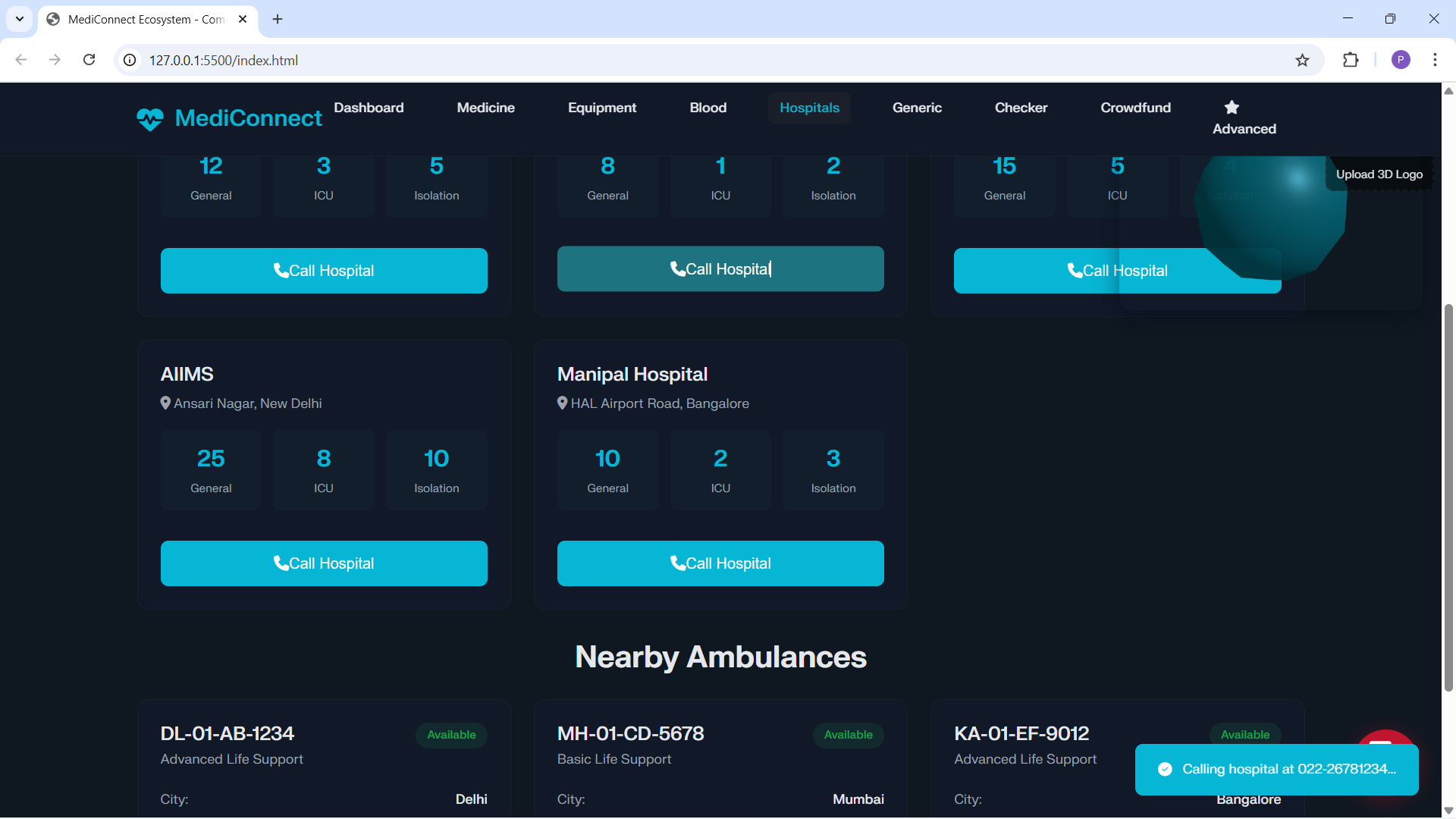
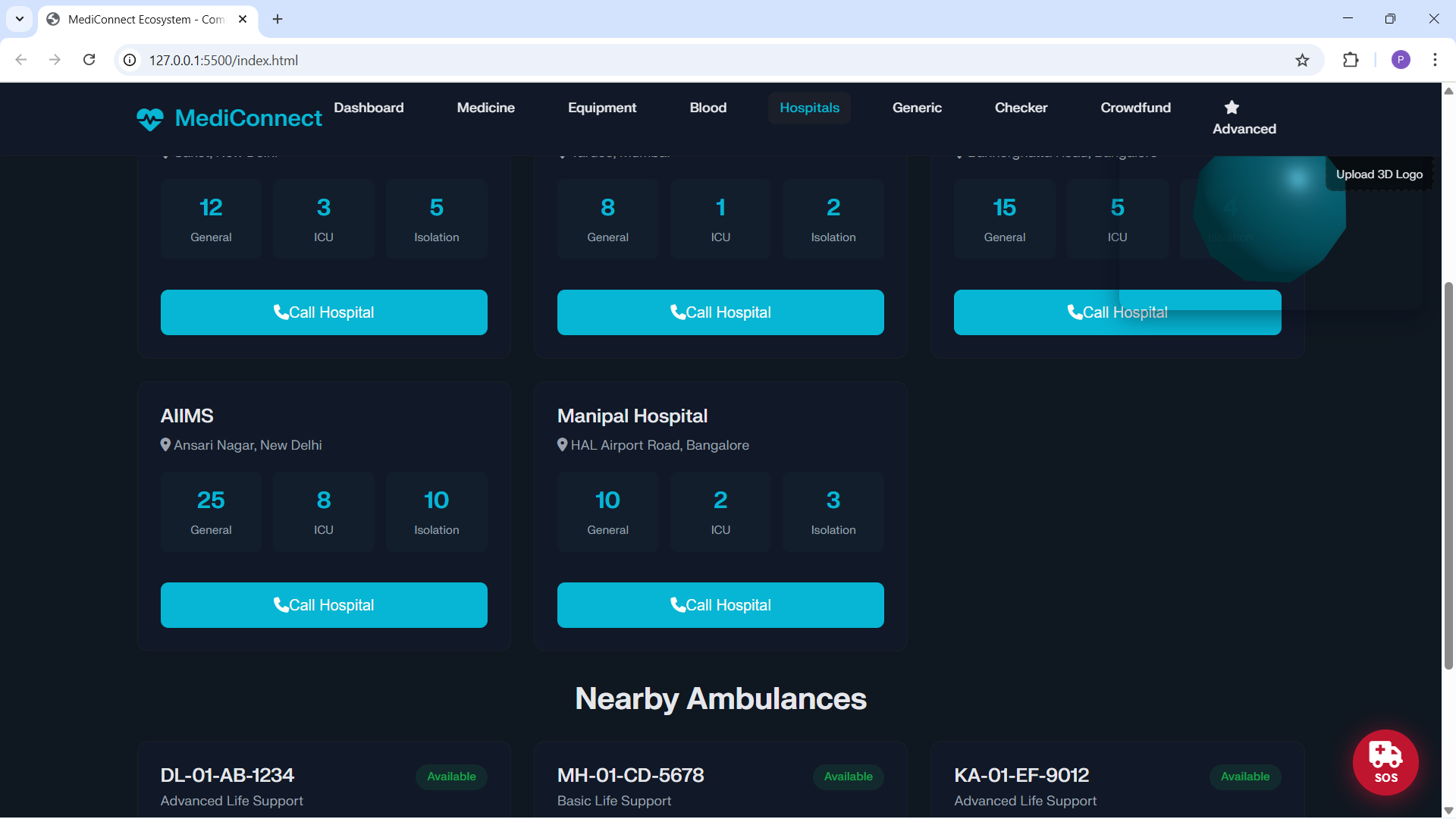
Show nearest pharmacies as likely locations with a “call to confirm stock” notice.
Provide local fallback sample data for offline usability.
UX performance and mobile constraints Worker downloads and first‑time OCR init hurt mobile UX. Fixes:
Hide 3D canvas on small screens.
Reuse a single worker; show explicit progress; add a cancel affordance (next).
Parsing real‑world packaging Noisy fonts and formats create OCR errors; dates and strengths vary widely. Fixes:
Future: preprocessing (grayscale, contrast, deskew).
Add a compact “Detected fields” review panel for human confirmation.
Accomplishments we’re proud of
Reliable, offline‑friendly donor flow: photo → auto‑fill → donate with graceful fallbacks.
Real‑time enhancements: OSM integration for emergency lookup without keys.
Robust engineering tradeoffs: timeouts, clear fallbacks, explicit status messages.
Polished UI: dark theme, responsive 3D (hidden on mobile), card‑tilt interactions.
What we learned
Heavy client‑side dependencies (e.g., Tesseract worker) must be bundled and served locally for production reliability.
Progressive enhancement and clear fallback UX beat a single “best path”; users need a guaranteed route to completion.
Real‑world packaging is messy; production‑grade OCR needs preprocessing, lexicons, and human‑in‑the‑loop verification.
A small formula used for ranking Displayed math: $$ score=α⋅ocr_confidence+β⋅name_similarity+γ⋅expiry_validity $$
Inline constraints: weights satisfy
α+β+γ=1 and are tuned empirically.
What’s next for the MediConnect ecosystem
Bundle Tesseract language/core files in /tessdata so worker init never depends on external fetches.
Optional server‑side proxy for OSM with caching to mitigate rate limits and improve privacy.
Integrate pharmacy/vendor APIs (where available) for real stock and timestamps.
Add “Detected fields” confirmation UI and an OCR cancel button.
Automated tests: unit tests for parsing heuristics; integration tests for upload → OCR → form population.
Accessibility and voice/keyboard‑first flows for low‑literacy users.
Analytics/monitoring for OCR success to iterate preprocessing and lexicons.
Try it locally Serve the static folder with any static file server.
Donate flow: navigate to Medicine → Donate; click “Upload Medicine Photo”; wait for OCR progress; confirm auto‑filled fields.
Closing note
MediConnect is a pragmatic blend of product and engineering tradeoffs: use live open data when it helps, but always keep a robust local path. The priority is getting medicines to people quickly and safely—balancing polish (3D, dark theme) with mission outcomes (OCR, location, expiry monitoring).
Optional next steps (can prepare)
Bundle eng.traineddata and update initOCRWorker to prefer local langPath.
Add the “Detected fields” panel and an OCR cancel action.
Produce a short production README with static hosting and caching hints.

Log in or sign up for Devpost to join the conversation.