-
-
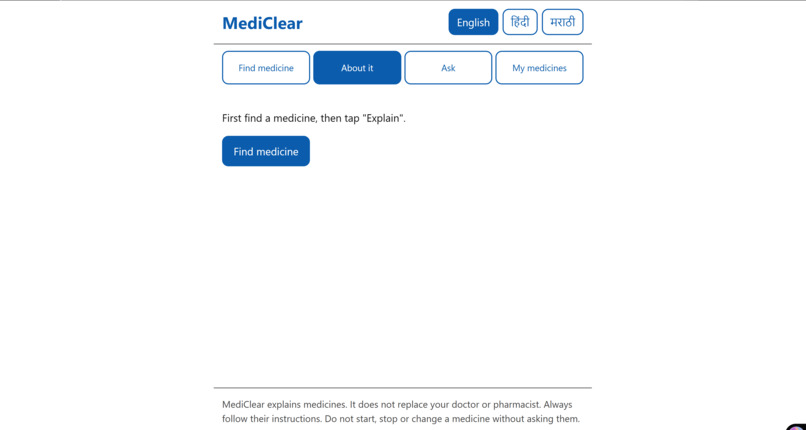
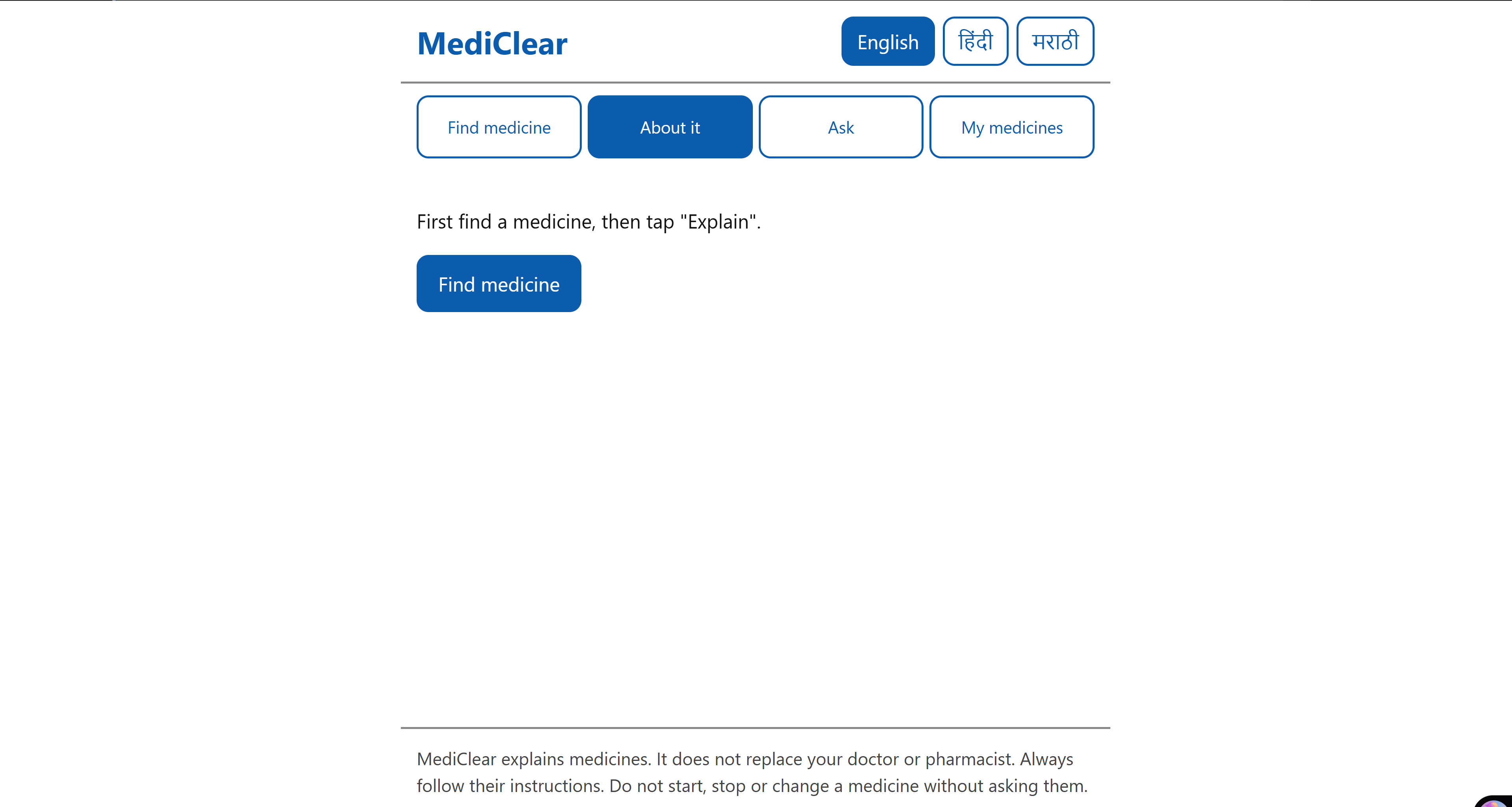
About Page
-
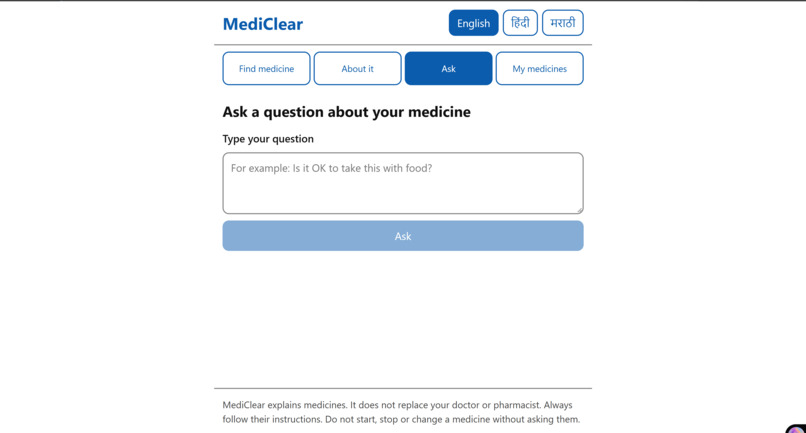
Ask Page
-
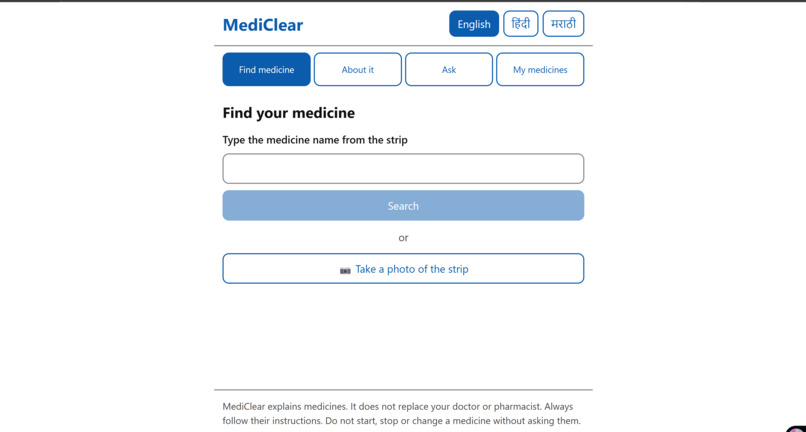
Front Page
Inspiration
In India, many elderly patients take four or five medicines a day. The strips are printed in small English text, and nobody explains what each tablet is actually for. A grandparent can't easily ask "Is it OK to take these two together?" or "What is this one for?" in Hindi or Marathi. [Add one line of your own story here, e.g. a family member who mixed up their tablets.]
What it does
MediClear explains medicines in simple English, Hindi and Marathi, with large text and audio.
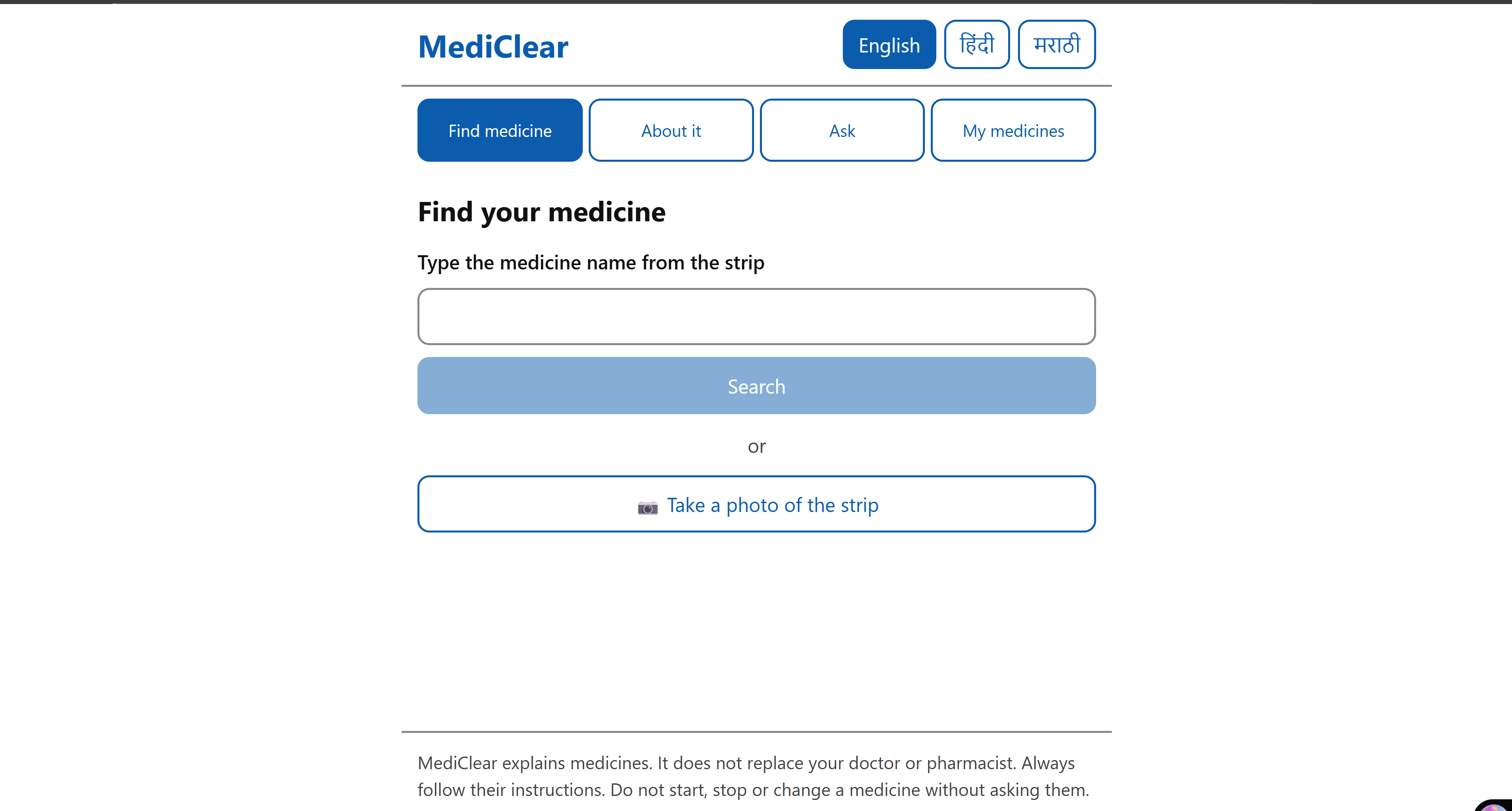
- Find a medicine: type the brand name, or take a photo of the strip. MediClear reads the brand and active ingredients from the photo.
- About it: what the medicine is for, how to take it, what to avoid, common side effects and when to see a doctor. Every section can be read aloud in the chosen language.
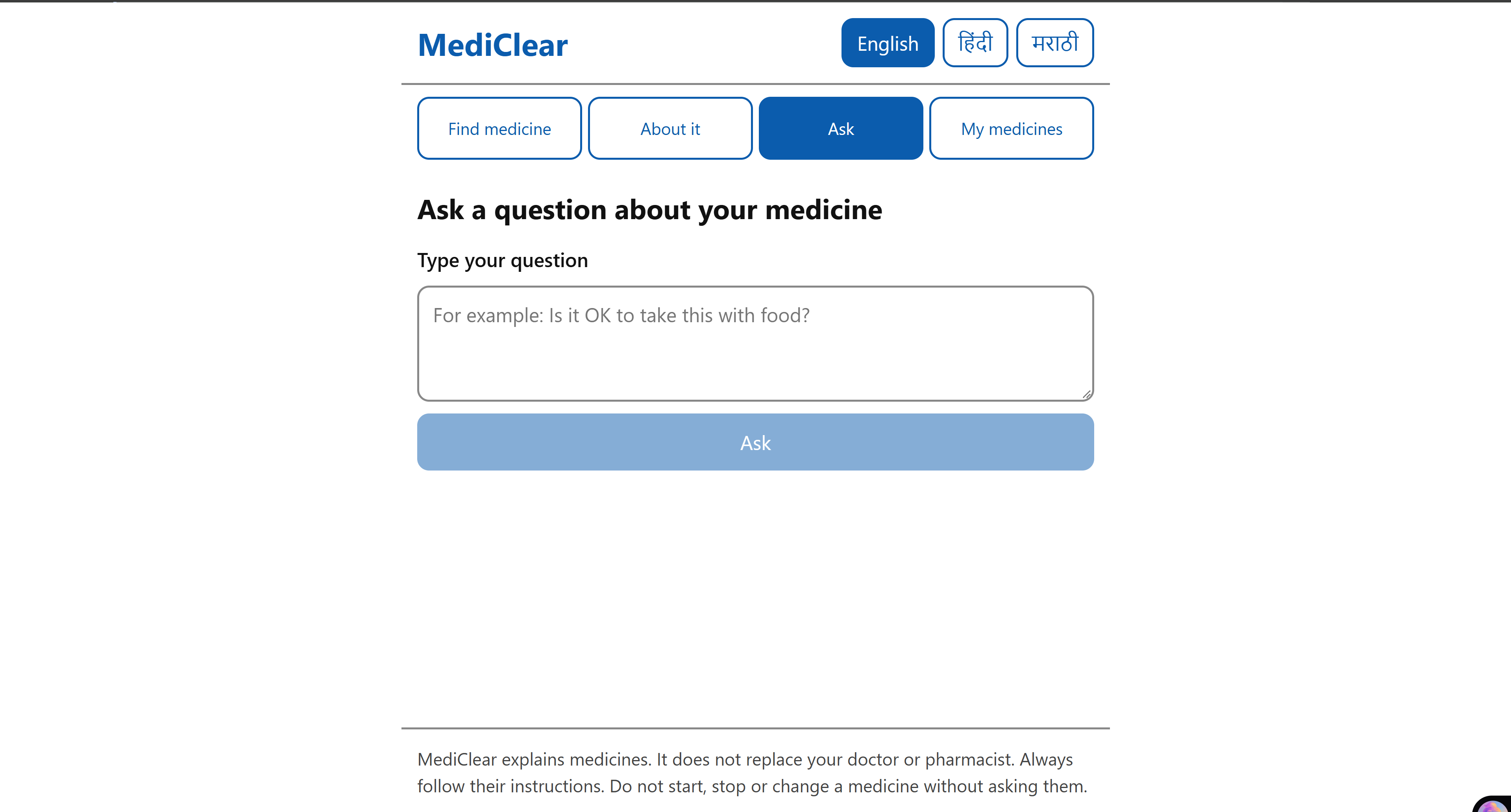
- Ask a question: every question goes through a safety router first. Overdose or emergency questions show a large red Call 112 button. Questions only a doctor should answer (e.g. "Can I stop my BP tablet?") are referred to a doctor. Only safe, factual questions are answered, and only from verified data.
- My medicines: save the medicines you take, and MediClear checks them against each other. It warns about duplicate ingredients, risky pairs and timing problems, each shown with an icon, a word and a colour, so it works for colour-blind users too.
No login needed: each phone gets an anonymous ID.
How we built it
- Backend: FastAPI + SQLite (SQLModel), with a hand-verified knowledge base of 24 active ingredients, 23 Indian brands and 33 interaction pairs. Every fact links to its source.
- Photo reading: Gemini with structured output reads the strip. Confidence, ingredient and strength checks then reject any result that doesn't match the database, so a misread photo becomes "please type the name" instead of a wrong medicine.
- Translations: English comes straight from the verified database. Hindi and Marathi are translated by Gemini from that English text only (never generated from scratch) and cached.
- Audio: gTTS, cached per language.
- Frontend: React + Vite + TypeScript, designed for elderly users: 20px base text, 56px+ buttons, high contrast, a two-step "Remove" so nothing is deleted by a shaky tap, and every error message translated.
- Quality: pytest + ruff for the backend and ESLint + TypeScript build for the frontend, all in GitHub Actions CI. Tests use a fake LLM, so CI needs no API key.
- Deployment: one Docker image on Render, with FastAPI serving both the API and the built React app.
Challenges we ran into
- Messy strip text: labels like "Paracetamol (Anhydrous)" stopped matching our database, so we had to clean bracketed qualifiers before fuzzy matching.
- API rate limits: the free Gemini tier returns 429 errors under load. We added a fallback to a second model, plus a "Read in English" button when translation is busy.
- Not trusting the AI: the hardest design work was keeping the LLM away from facts. Every answer path had to end in verified data, a fixed safe message or "ask your doctor".
- Designing for elderly users in three languages, including Devanagari fonts and layouts that still work at phone width and 200% zoom.
Accomplishments that we're proud of
- The AI never invents medical facts. It only reads photos, sorts questions into safety categories and translates verified text.
- We measured safety instead of assuming it, with two evals:
| Eval | Test cases | Result |
|---|---|---|
| Safety router | 25 questions | 25/25 correct, 0 unsafe answers |
| Photo reading | 10 real strip photos | 10/10 correct, 0 "wrong but confident" |
- A complete, deployed app: 4 screens, 3 languages, audio, interaction alerts and CI on every push.
- Accessibility built in from the start: large text, big touch targets, translated errors and alerts that never rely on colour alone.
What we learned
How to build an AI feature where being wrong is dangerous: use structured output, check every AI result against trusted data, and write evals that count unsafe results, not just correct ones. We also learned a lot about accessible design for older users, and about shipping a full stack app from local code to a live Docker deployment.
What's next for MediClear
- More medicines and brands, reviewed by a pharmacist
- Native-speaker review of the Hindi and Marathi text, then more Indian languages
- Medicine reminders
- Sharing the medicine list with family or a doctor

Log in or sign up for Devpost to join the conversation.