-
-
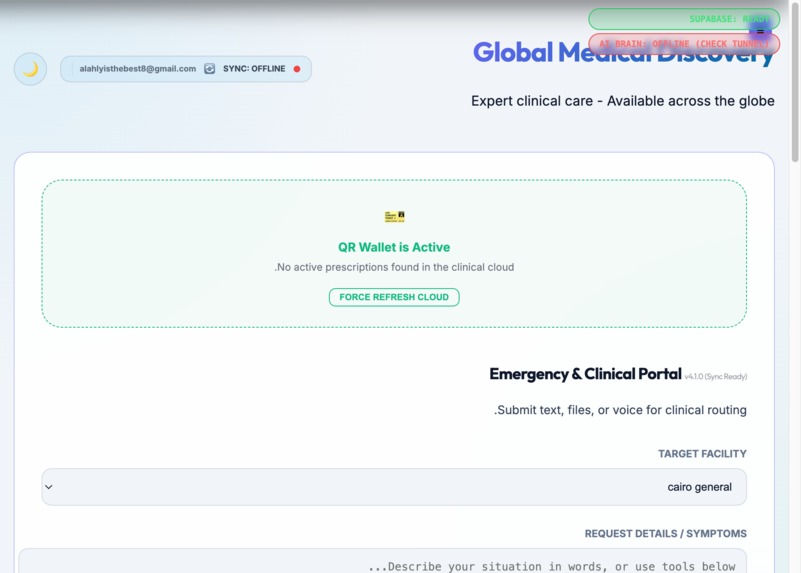
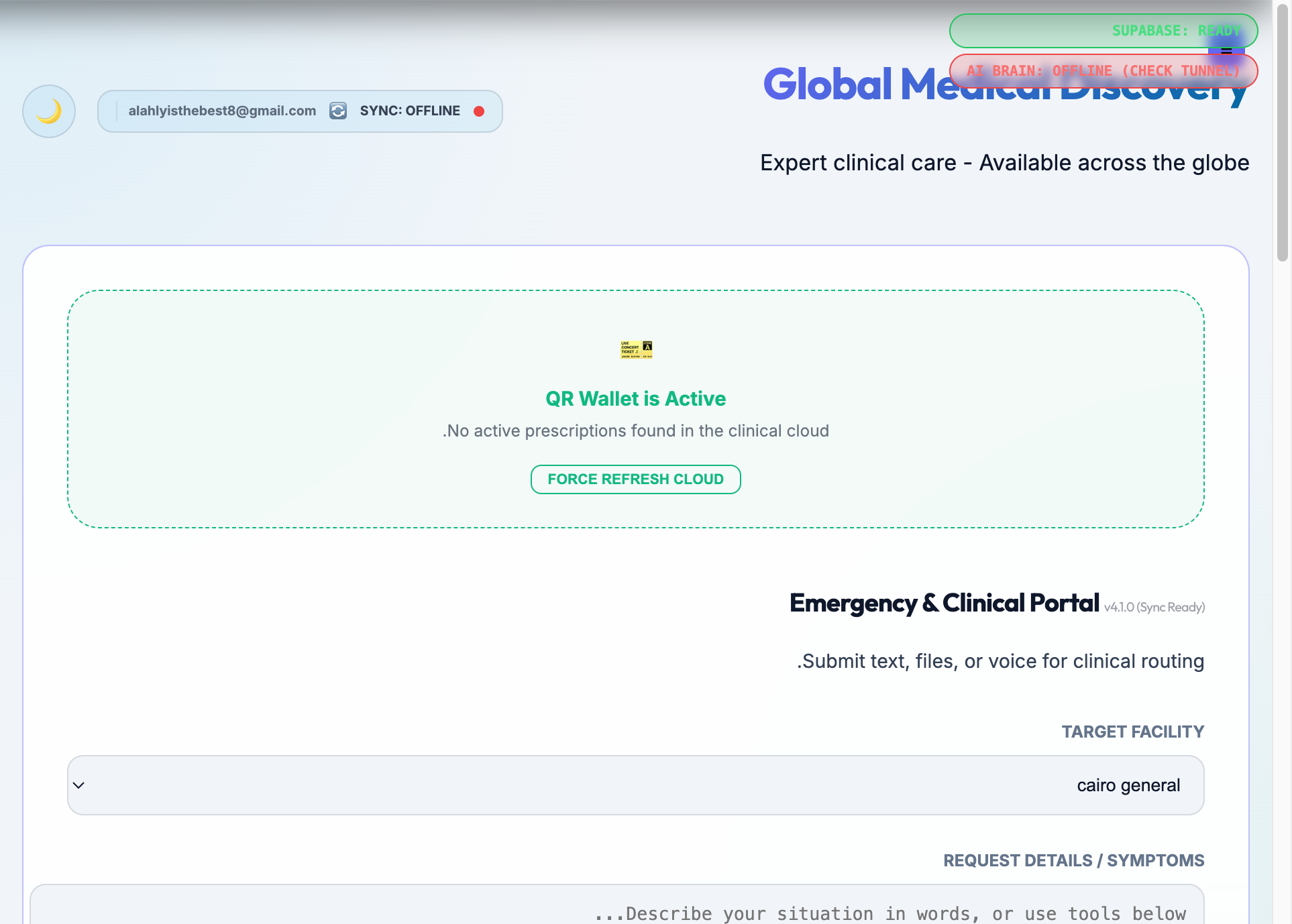
user portal
-
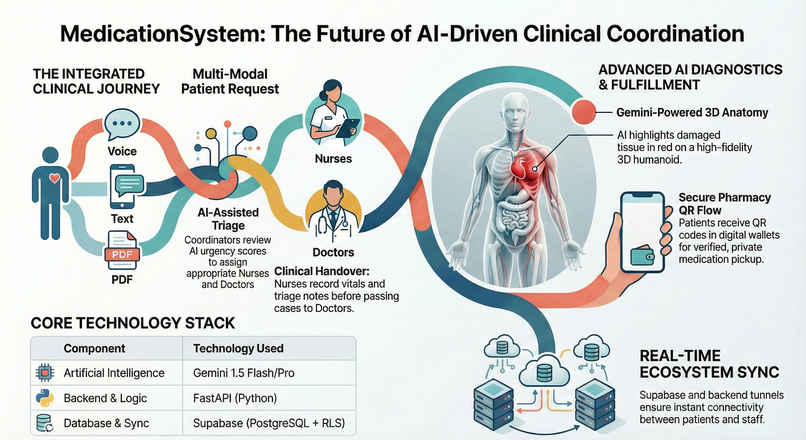
MedicationSystem: Platform Architecture and Clinical Workflow Specifications
- Executive Platform Overview
The MedicationSystem (MediHealth Global) platform, currently in the v0.1 build (Active Development - UX Refinement in Progress) as of January 2025, represents a significant leap in clinical informatics. Its mission is to optimize the clinical data pipeline for real-time acuity assessment, effectively bridging the chasm between patient-generated health data (PGHD) and definitive clinical action.
By leveraging advanced interoperability standards and multimodal AI, the platform provides a unified environment for five critical stakeholder groups: Patients, Coordinators, Nurses, Doctors, and Hospital Administrators. The architecture is designed to support longitudinal patient tracking and sophisticated clinical decision support (CDS), transforming fragmented symptom reports into a high-fidelity, actionable clinical journey.
- Technical Architecture and Stack Deep-Dive
The platform’s technical foundation is engineered for high availability and low-latency clinical synchronization, ensuring that data governance is maintained across both web and mobile modalities.
Core Tech Stack
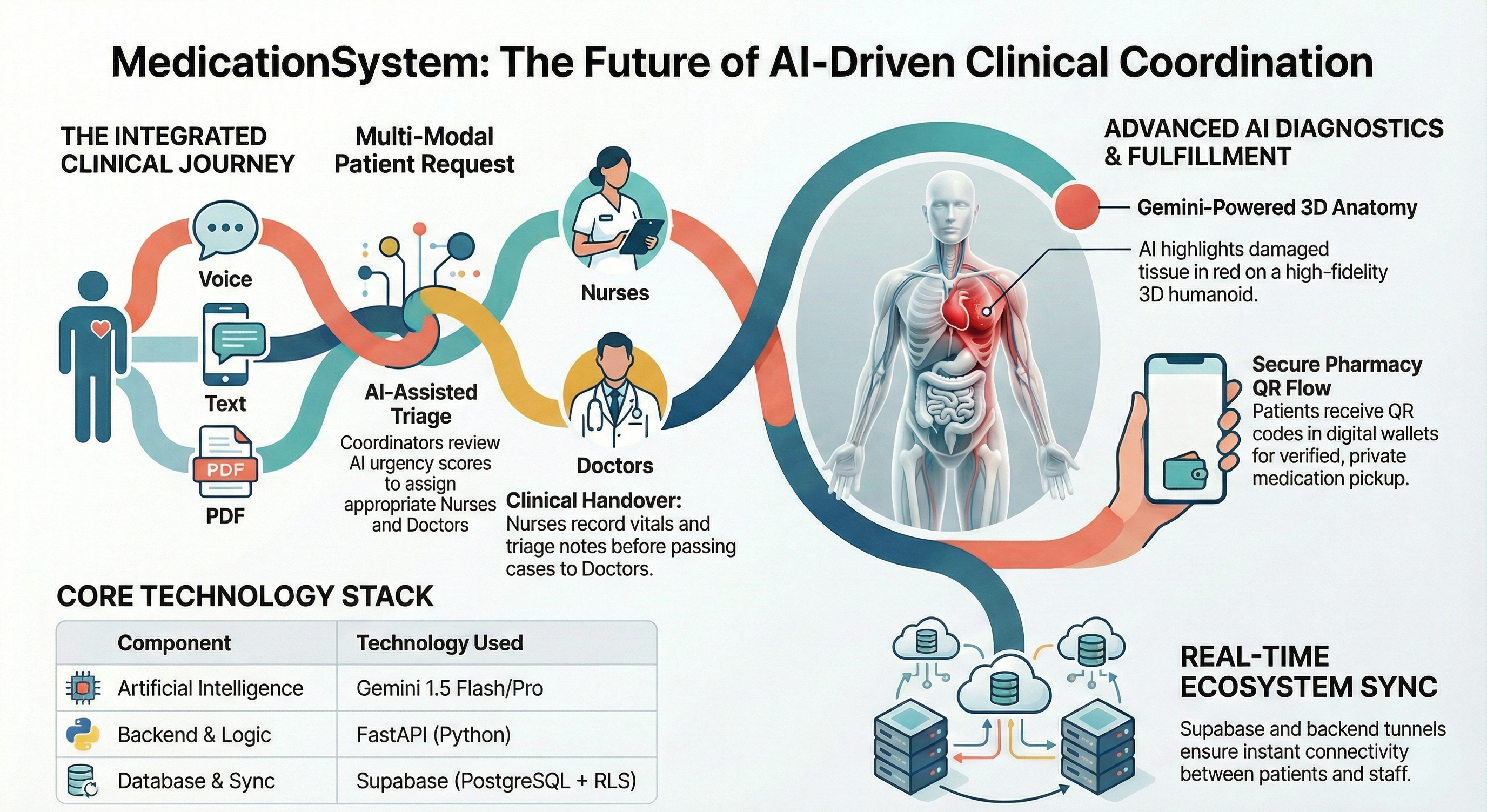
Component Technology Used Functional Role Frontend React + Vite Powers the high-performance web portal and mobile-responsive UI (deployed via Vercel). Backend Logic FastAPI (Python) Serves as the AI Proxy for Gemini; handles multimodal processing (Voice/OCR/Chat). Database & Security Supabase (PostgreSQL) Manages relational data storage and enforces Row Level Security (RLS) for data privacy. Communication Supabase Real-time Facilitates instant clinical updates and state synchronization across stakeholder dashboards.
Connectivity & Tunnels
[!IMPORTANT] To maintain the real-time link between the Android Application (APK) and the clinical staff workstations, a Backend Tunnel (e.g., LocalTunnel) must be active during development and testing. This tunnel exposes the local FastAPI logic to cloud-hosted frontend deployments (Vercel) and mobile endpoints, ensuring seamless synchronization of patient requests and AI-driven analyses.
- Gemini-Powered 3D Bio-Anatomy Lab
The core of the platform’s diagnostic capability is the 3D Bio-Anatomy Lab, which integrates Google Gemini 1.5 (Flash/Pro) for multimodal clinical synthesis.
- Automated Analysis: The engine processes unstructured data—ranging from voice notes to PDF medical reports—using multimodal OCR and NLP. It translates complex medical jargon into high-precision anatomical data.
- Mesh Mapping: Unlike traditional systems that rely on vague coordinates, Gemini extracts clinical findings and maps them directly to specific anatomical mesh names. For example, a report indicating a fracture or tear is mapped to identifiers such as LegL: Femur or Vertebrae: L3.
- Visual Diagnostics: Pathologies are visualized on a 3D humanoid model where identified damaged tissue or bone is highlighted in red. This provides immediate spatial context for clinicians and enhances patient understanding of their specific condition.
- Stakeholder-Specific Clinical Workflows
MedicationSystem optimizes the clinical workflow by defining clear, data-driven responsibilities for every role in the care continuum:
- User (Patient): Patients utilize the Android App or web portal to submit medical requests via text, voice, or image/PDF uploads. They can access their longitudinal medical record, view 3D AI-generated diagnostics for personal health literacy, and manage digital prescriptions within a secure Pharmacy Wallet.
- Coordinator (Secretary): Operating through the Unified Triage Hub, Coordinators serve as the primary engine for routing incoming requests. They review AI-generated urgency scores to prioritize high-acuity cases and assign the appropriate clinical team (Nurse and Doctor) to the patient.
- Nurse: The Nurse’s station is centered on care visualizers. Responsibilities include registering patient vitals, documenting triage notes, managing medication administration, and executing specific clinical instructions relayed by the attending physician.
- Doctor: Doctors operate from a high-precision workstation designed for deep clinical synthesis. They perform 3D anatomical reviews of highlighted pathologies, consult on AI-summarized patient histories, and generate secure, encrypted digital prescriptions.
- Hospital Admin: Administrators oversee the clinical infrastructure. They are responsible for hospital node creation, monitoring hospital-wide clinical performance, and performing AI-driven professional license verification via OCR to ensure staff compliance.
- The Pharmacy QR Dispensing Flow
To ensure a secure hand-off and maintain a privacy-centric architecture, the platform utilizes a HIPAA-aligned QR dispensing mechanism:
- Prescription Generation: Following clinical consultation, the Doctor issues a digital prescription within the platform.
- Wallet Delivery: The patient receives a secure QR Code instantly within their digital Pharmacy Wallet.
- Point of Dispensing: The patient presents the QR code to a participating pharmacist.
- Verification: Upon scanning the code, the pharmacist’s interface displays only the necessary fulfillment data: Hospital Name, Doctor Name, and Exact Medication.
Privacy Protocol: The patient’s specific clinical diagnosis and 3D pathological mapping remain obscured from the pharmacist, ensuring strict data compartmentalization.
System Implementation and Node Setup
Deploying a new clinical environment requires strict adherence to the following technical procedures to ensure schema integrity and AI functionality.
Hospital Creation & Staff Onboarding The Hospital Admin must first register the Hospital Node. Following registration, the Admin generates unique invite links. Staff members must register via these specific links to be programmatically bound to the hospital’s private ecosystem, which activates the necessary Row Level Security (RLS) protocols for their account.
Database and Storage Configuration The persistence layer relies on Supabase. Implementation requires:
- SQL Migrations: Execute all scripts in the /sql directory in strict numerical order to establish the required tables, triggers, and RLS policies.
- Storage Buckets: A public bucket named medical-records must be provisioned to store and process patient-uploaded documentation.
Environment Configuration
[!IMPORTANT] A valid Gemini API Key must be defined in the backend .env file. This key is the primary dependency for the multimodal engine; without it, the system cannot perform OCR, anatomical mesh mapping, or 3D pathology highlighting.

Log in or sign up for Devpost to join the conversation.