-
-
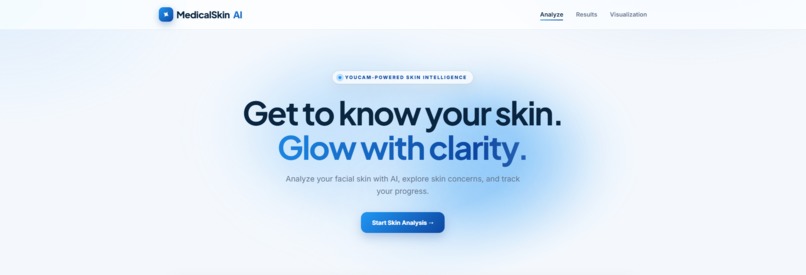
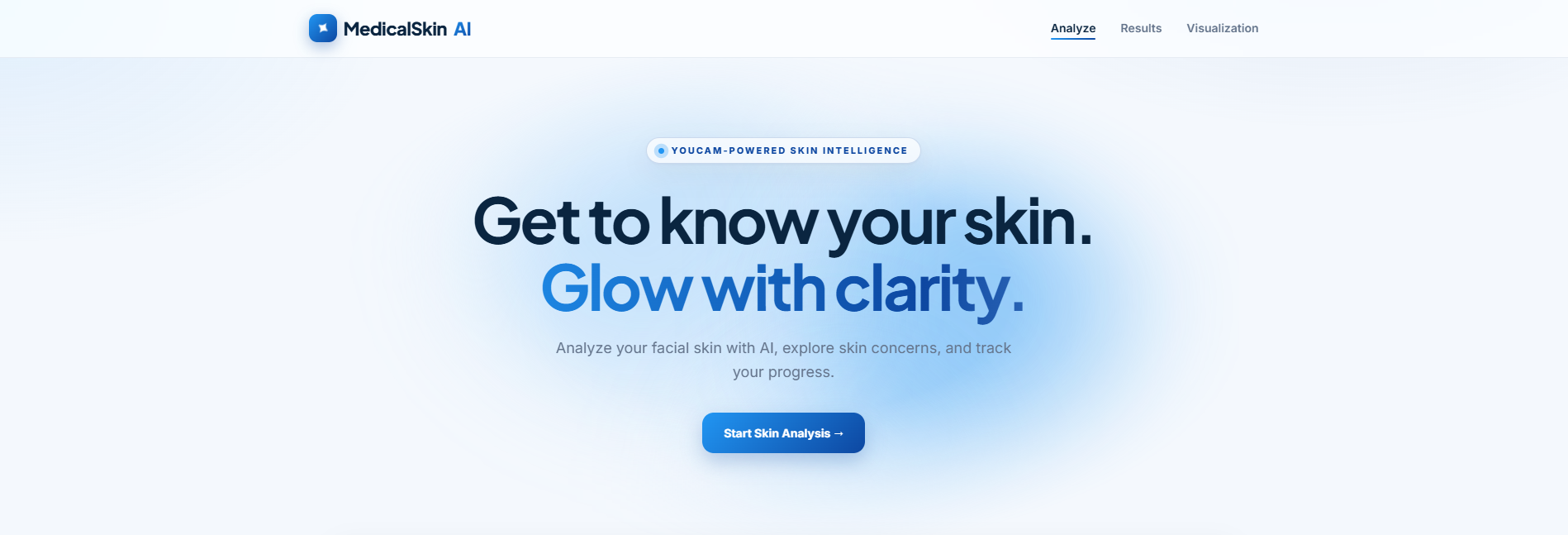
Homepage
-
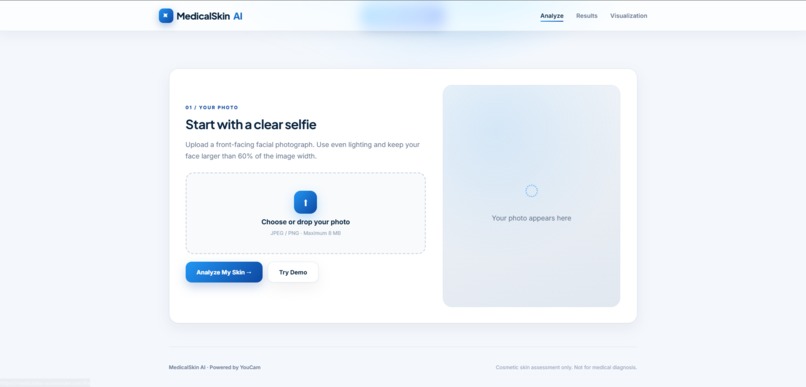
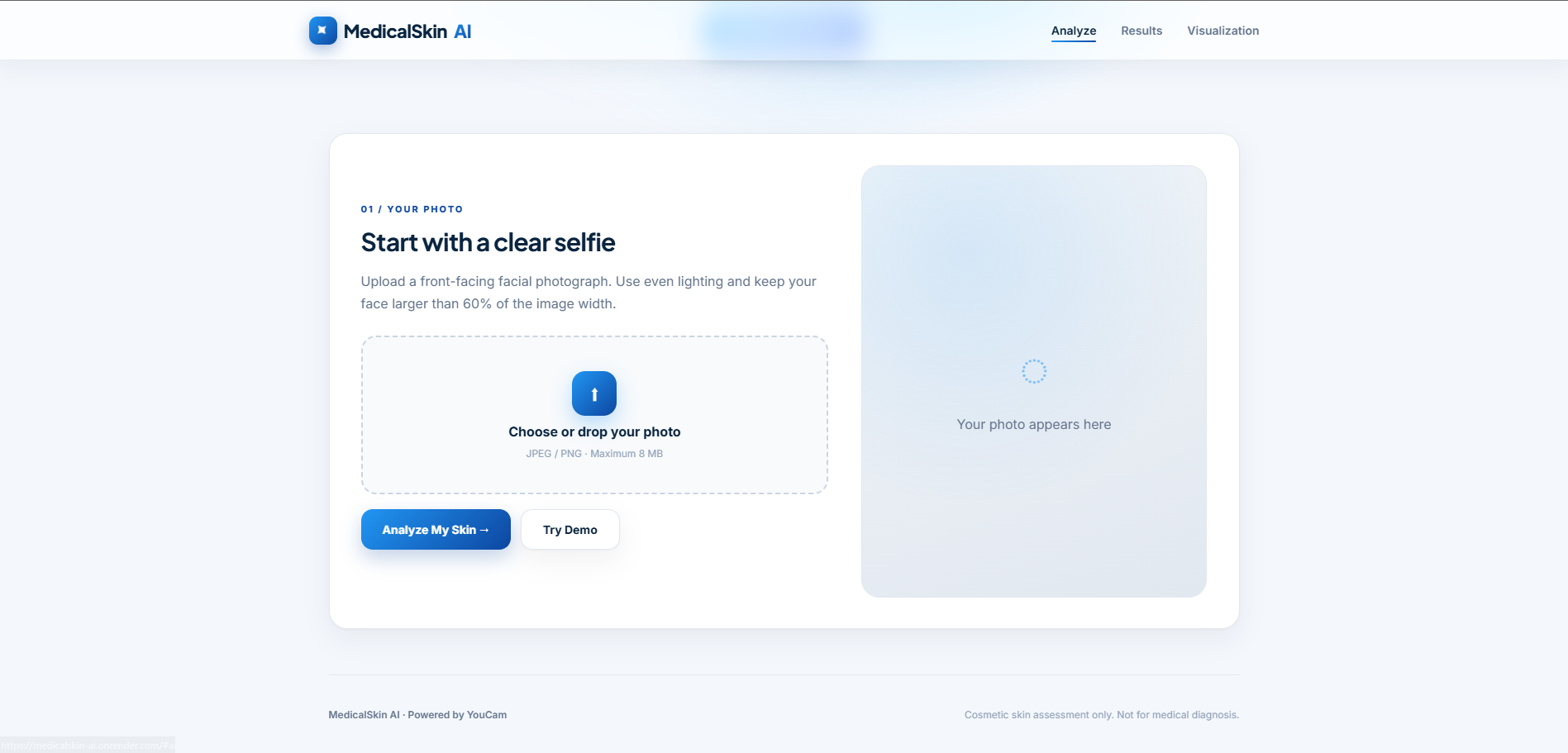
Analyze / Try Demo
-
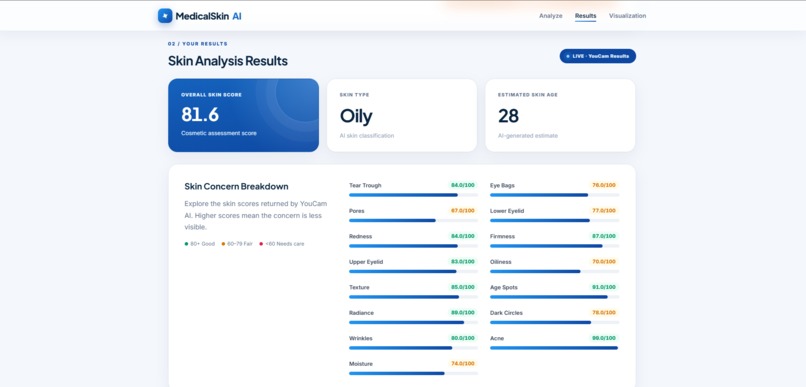
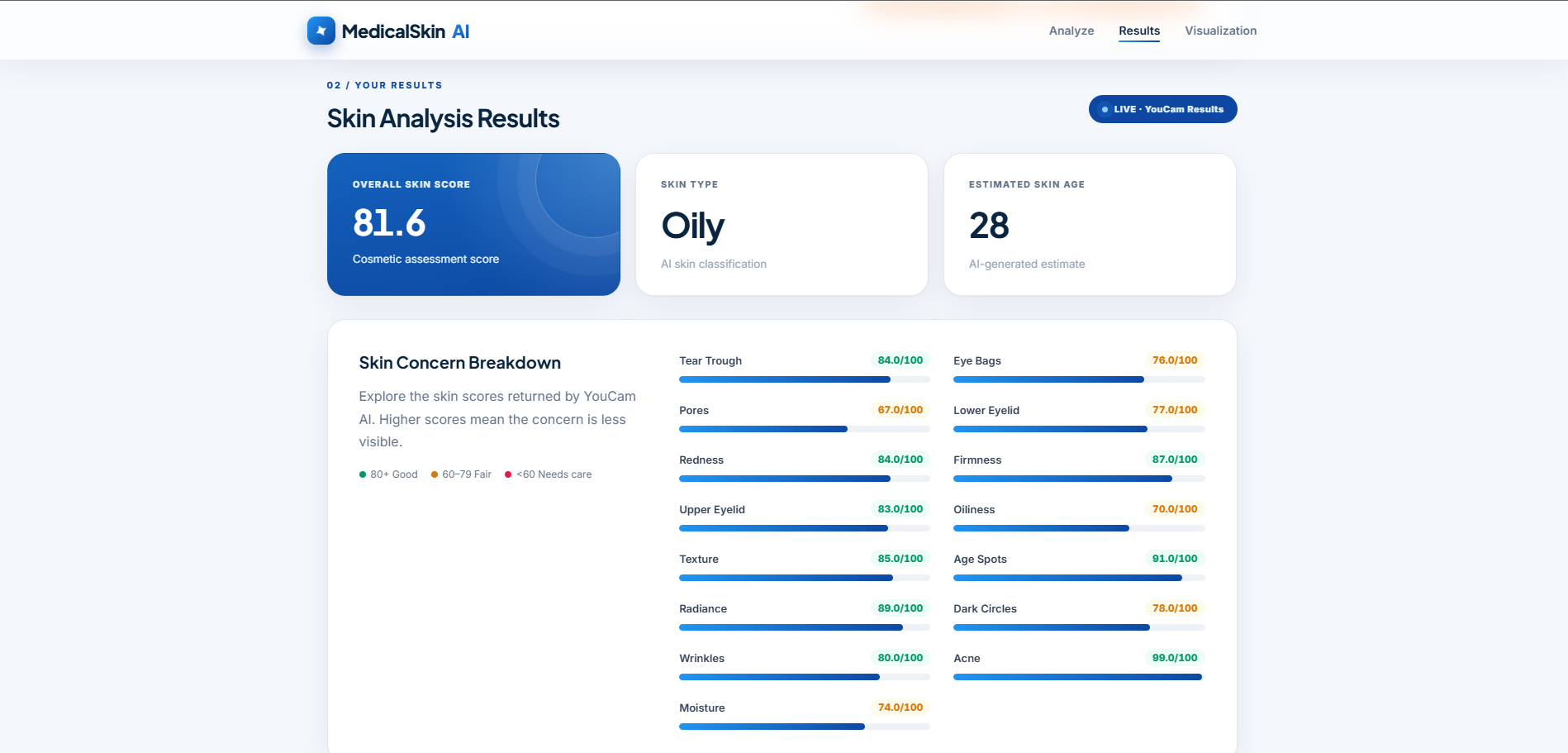
Results
-
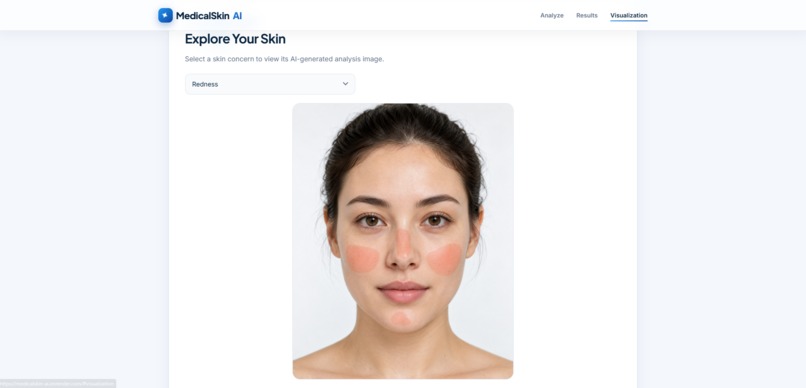
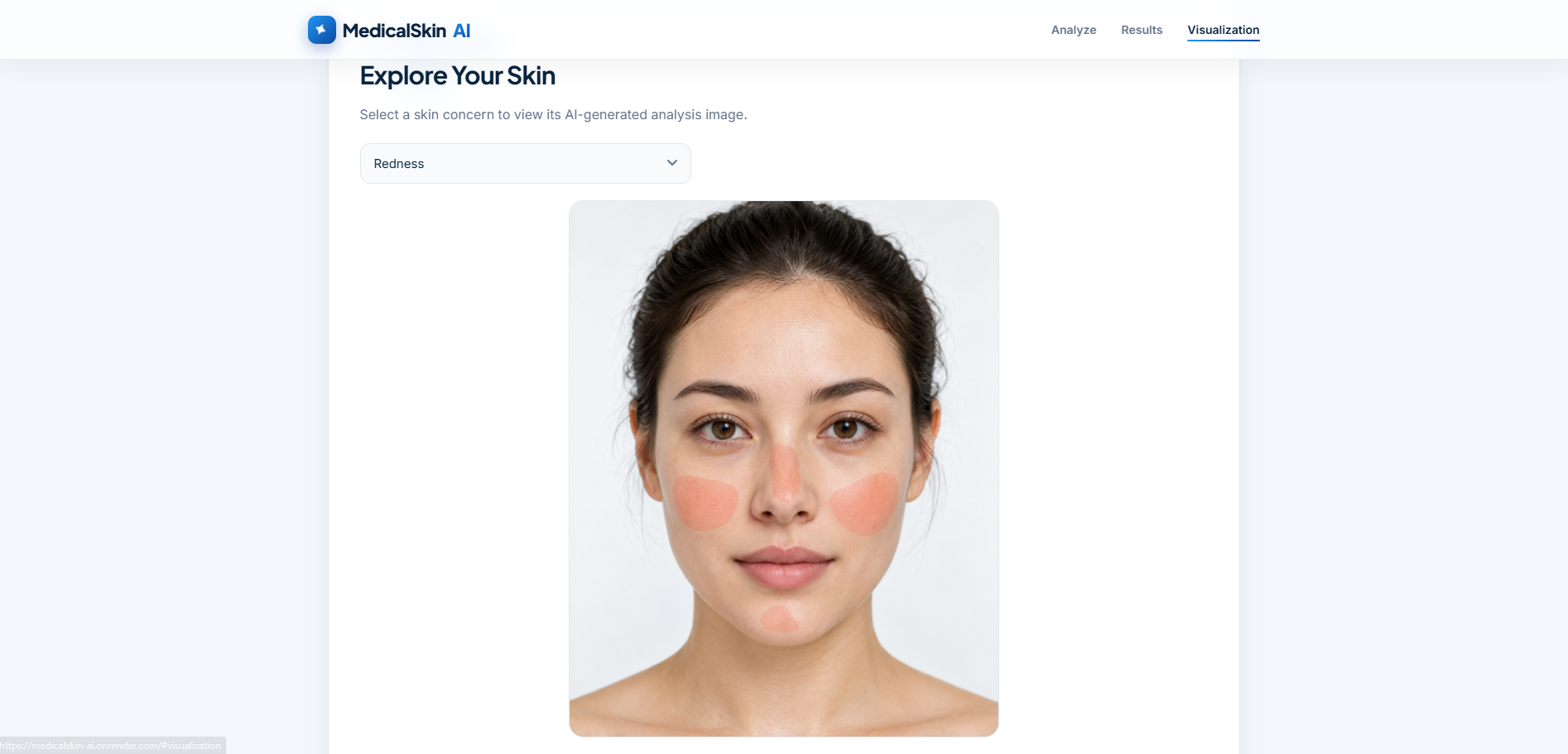
AI Visualization
Inspiration
Many skincare users can see changes in their skin but may not clearly understand what those changes mean. I wanted to build a simple web application that turns AI skin analysis into an easy-to-understand experience for everyday users.
MedicalSkin AI was created to help users explore cosmetic skin concerns from a facial photo and present the results in a clear and friendly way.
What it does
MedicalSkin AI allows users to upload a front-facing facial photo and receive cosmetic skin analysis results using the YouCam AI Skin Analysis API.
The application can display:
- Overall skin score
- Skin type
- Estimated skin age
- Skin concern scores
- AI visualization images
- Personalized daily skincare guidance
The project also includes a Try Demo mode so users can explore the interface using sample data without consuming API credits.
MedicalSkin AI is designed for cosmetic skin assessment only and is not intended for medical diagnosis or treatment.
How I built it
I built MedicalSkin AI as a Flask web application.
The frontend uses HTML, CSS, and JavaScript for the interface, image upload, results display, responsive design, and demo mode.
The backend uses Python and Flask to validate uploaded images, securely call the YouCam AI Skin Analysis API, process the API response, and return the results to the browser.
I also added:
- Image format and resolution validation
- API error handling
- Request, response, and error logging
- Demo mode with local sample data
- Responsive support for desktop and mobile
- Environment variables to keep the YouCam API key on the backend
The project is deployed publicly using Render.
Challenges I faced
One challenge was understanding the complete API workflow, especially sending images to the YouCam API and converting the returned data into a format that could be displayed clearly in the web interface.
I also worked through issues involving image requirements, face size, temporary visualization URLs, API error handling, local network testing, environment variables, and public deployment.
Another challenge was designing the application so that the AI results were understandable to users instead of simply displaying raw API data.
What I learned
Through this project, I learned how to integrate a third-party AI API into a Flask application and connect the frontend and backend using HTTP requests and JSON responses.
I also learned more about:
- REST API integration
- Flask backend development
- Image validation
- Environment variables and API key security
- Error handling
- Responsive web design
- Deployment with Render
- Testing a web application across desktop and mobile devices
Most importantly, I learned how an AI service can be turned into a complete user-facing product instead of only a technical API demonstration.
Accomplishments
I am proud that MedicalSkin AI supports both a real YouCam AI analysis flow and a demo mode.
The project combines AI skin analysis, visual results, skincare guidance, validation, error handling, responsive design, and public deployment into one complete web application.
What's next
In the future, I would like to improve MedicalSkin AI by adding more personalized skincare recommendations, better progress tracking, improved result explanations, and additional user-friendly features while keeping the experience focused on cosmetic skin assessment.

Log in or sign up for Devpost to join the conversation.