Creating a complete AI model for medical image analysis within the chat's character limit is not feasible, but I can provide you with a simplified example using Python and the Flask web framework. For simplicity, we'll create a basic image classifier for chest X-rays that identifies whether they contain pneumonia or not. Here's a step-by-step guide:
Step 1: Set Up Your Development Environment
Make sure you have Python and the required libraries installed, such as Flask and TensorFlow (for the AI model).
Step 2: Create a Simple AI Model
You can use a pre-trained deep learning model for this task, as creating a model from scratch is beyond the scope of a chat. For example, you can use TensorFlow and a pre-trained model like InceptionV3. Download the model and load it in your script:
import tensorflow as tf
from tensorflow.keras.preprocessing import image
import numpy as np

model = tf.keras.applications.InceptionV3(weights='imagenet')
Step 3: Create a Flask Web Application
Create a Flask application that allows users to upload images and get predictions from your AI model:
from flask import Flask, request, render_template

app = Flask(__name)

# Define a route for the main page
@app.route('/')
def home():
    return render_template('index.html')

# Define a route to handle image uploads and predictions
@app.route('/upload', methods=['POST'])
def upload():
    uploaded_file = request.files['file']

    if uploaded_file.filename != '':
        image_path = 'uploads/uploaded_image.jpg'  # Store the uploaded image
        uploaded_file.save(image_path)

        # Preprocess the uploaded image (resize, normalize, etc.)
        img = image.load_img(image_path, target_size=(299, 299))
        img = image.img_to_array(img)
        img = np.expand_dims(img, axis=0)

        # Make a prediction using the AI model
        predictions = model.predict(img)
        # Here, you can process the predictions and determine if the X-ray shows pneumonia or not.

        return str(predictions)
    else:
        return 'No file uploaded'

if __name__ == '__main__':
app.run(debug=True)
Step 4: Create HTML Templates
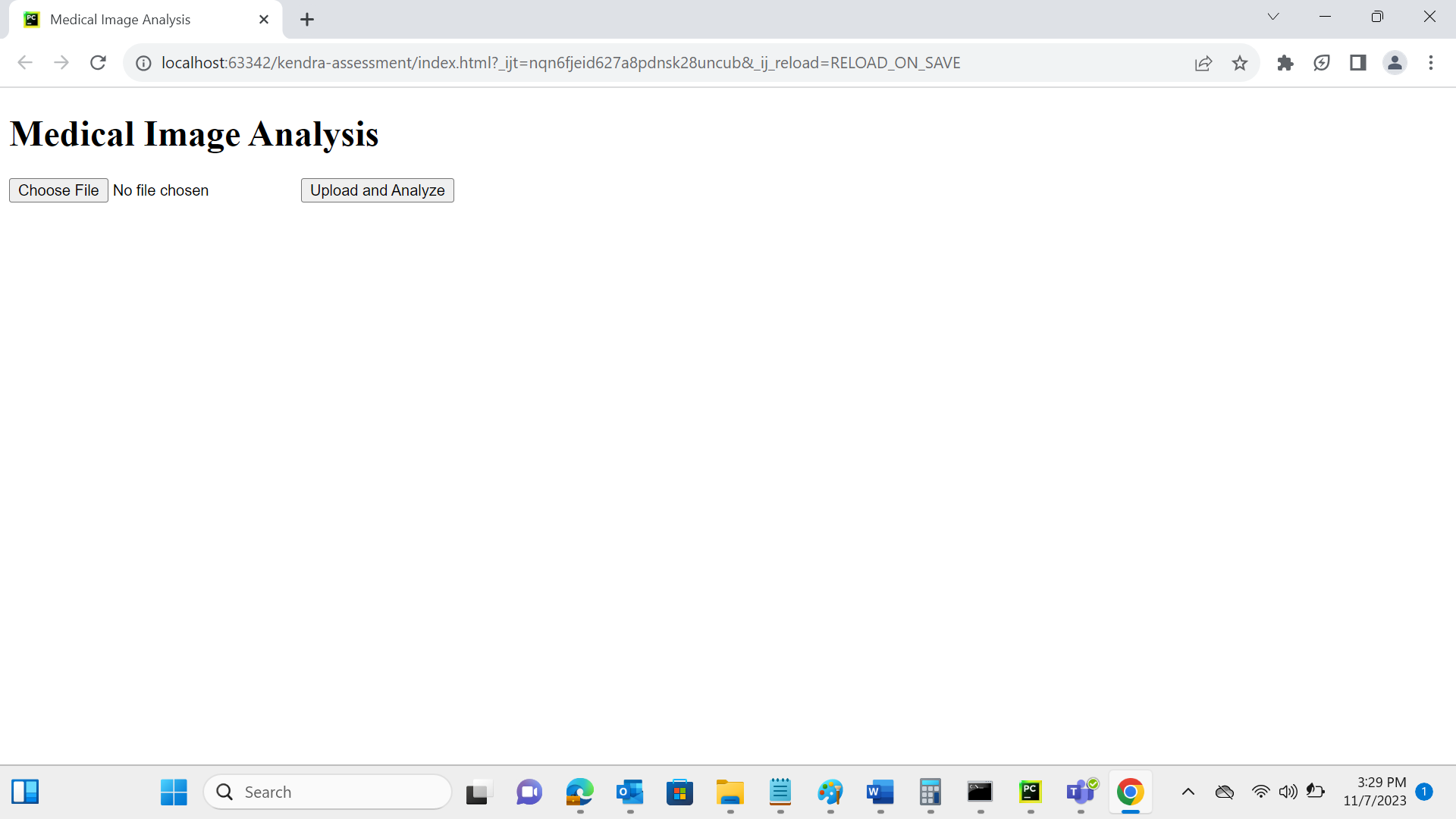
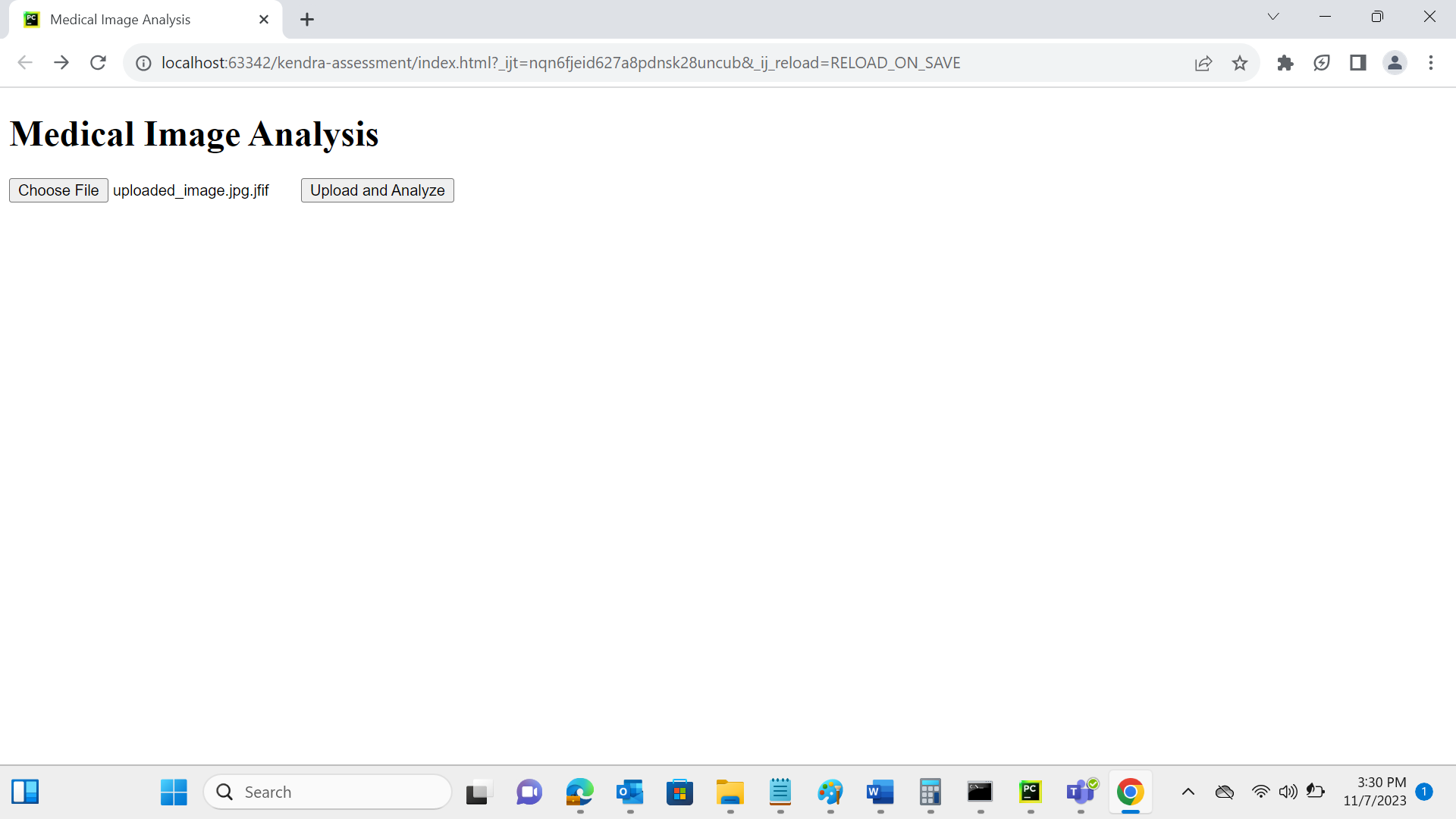
You'll need HTML templates for the user interface. Create two templates, 'index.html' and 'result.html', for the main page and result display.
Step 5: Dockerize the Application
Create a Dockerfile to package your application along with dependencies and the AI model. Then, build and run the Docker container as mentioned earlier in this conversation.
Built With
- flask
- html
- kubernetes
- python
- tensorflow

Log in or sign up for Devpost to join the conversation.