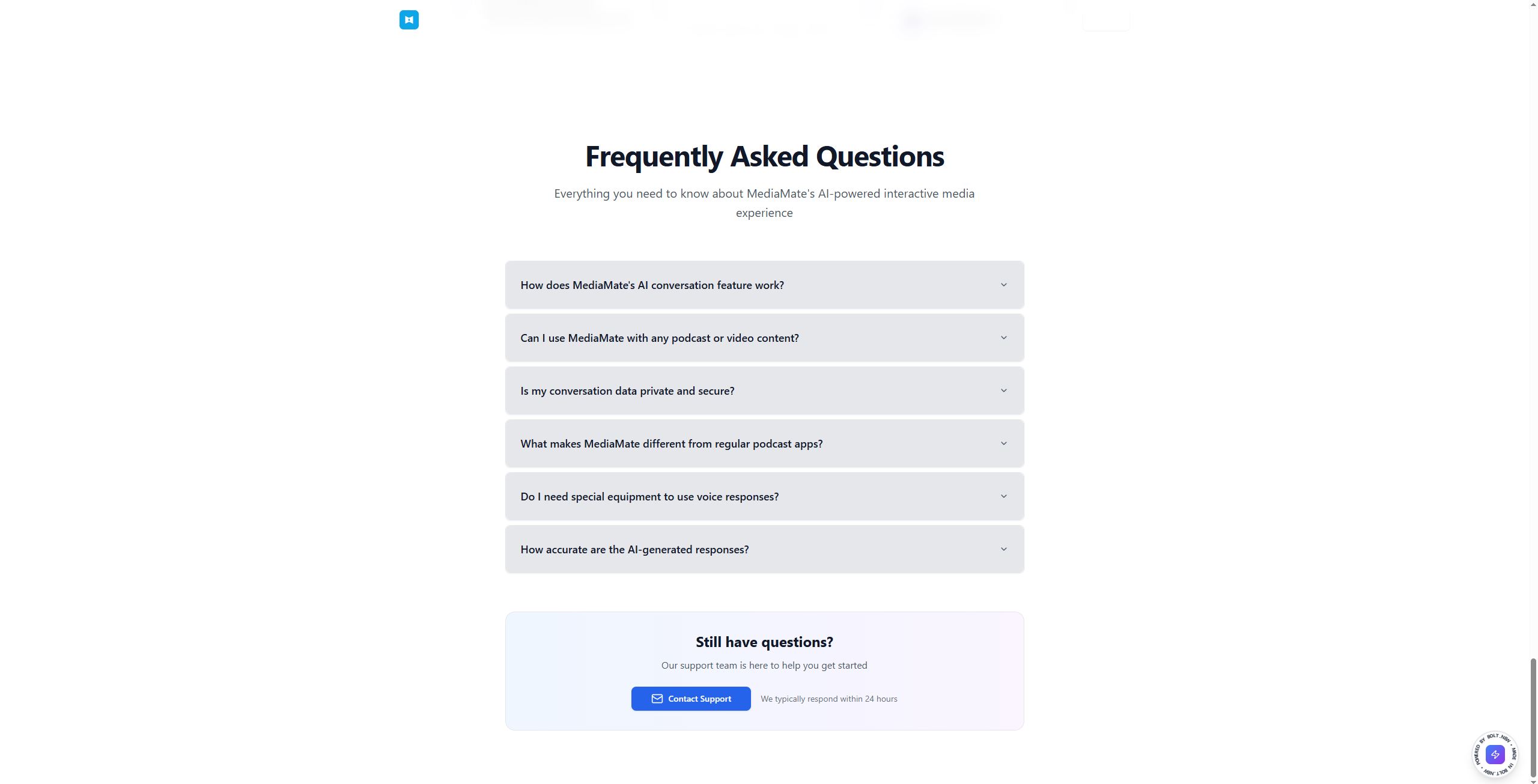
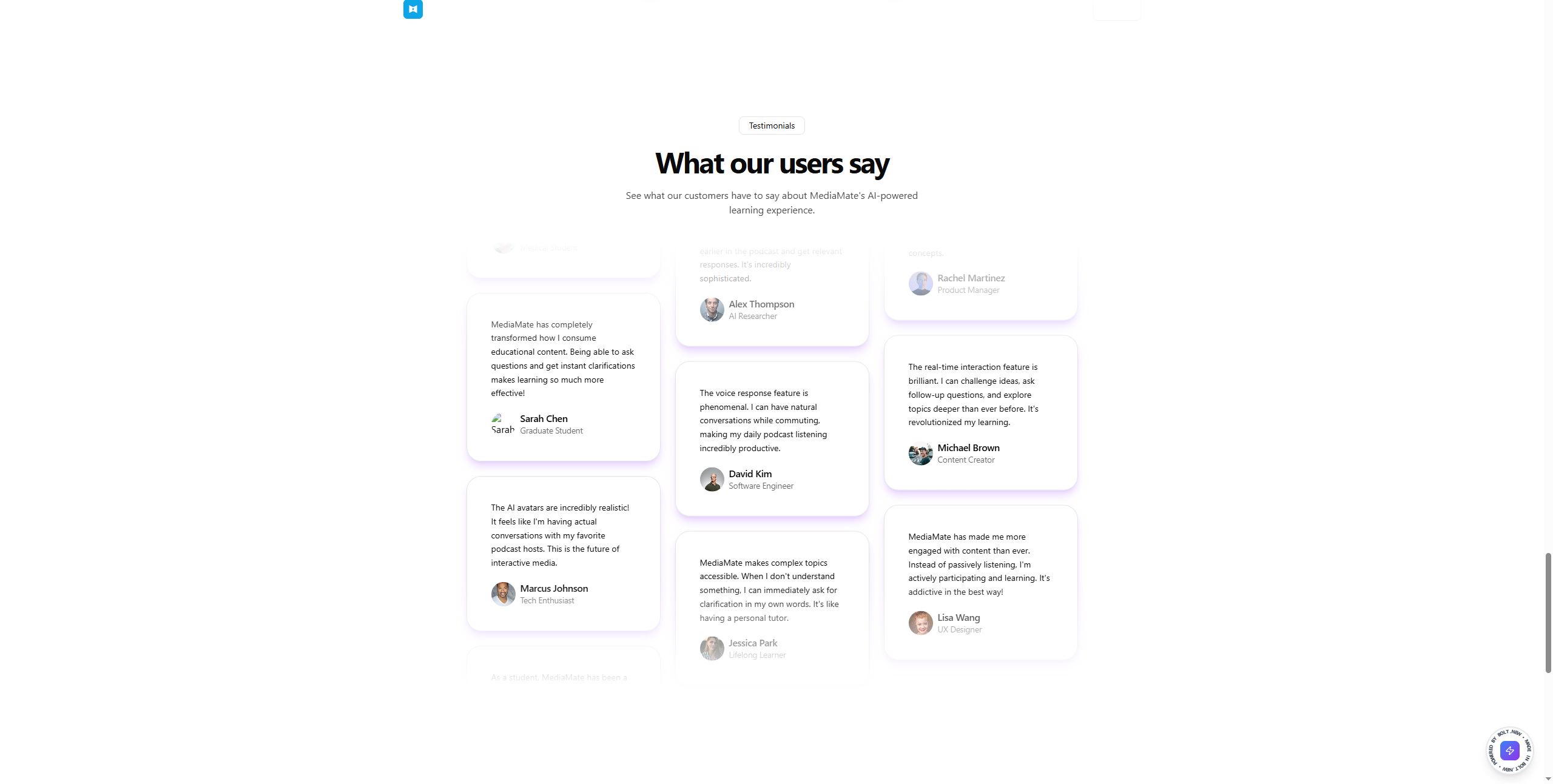
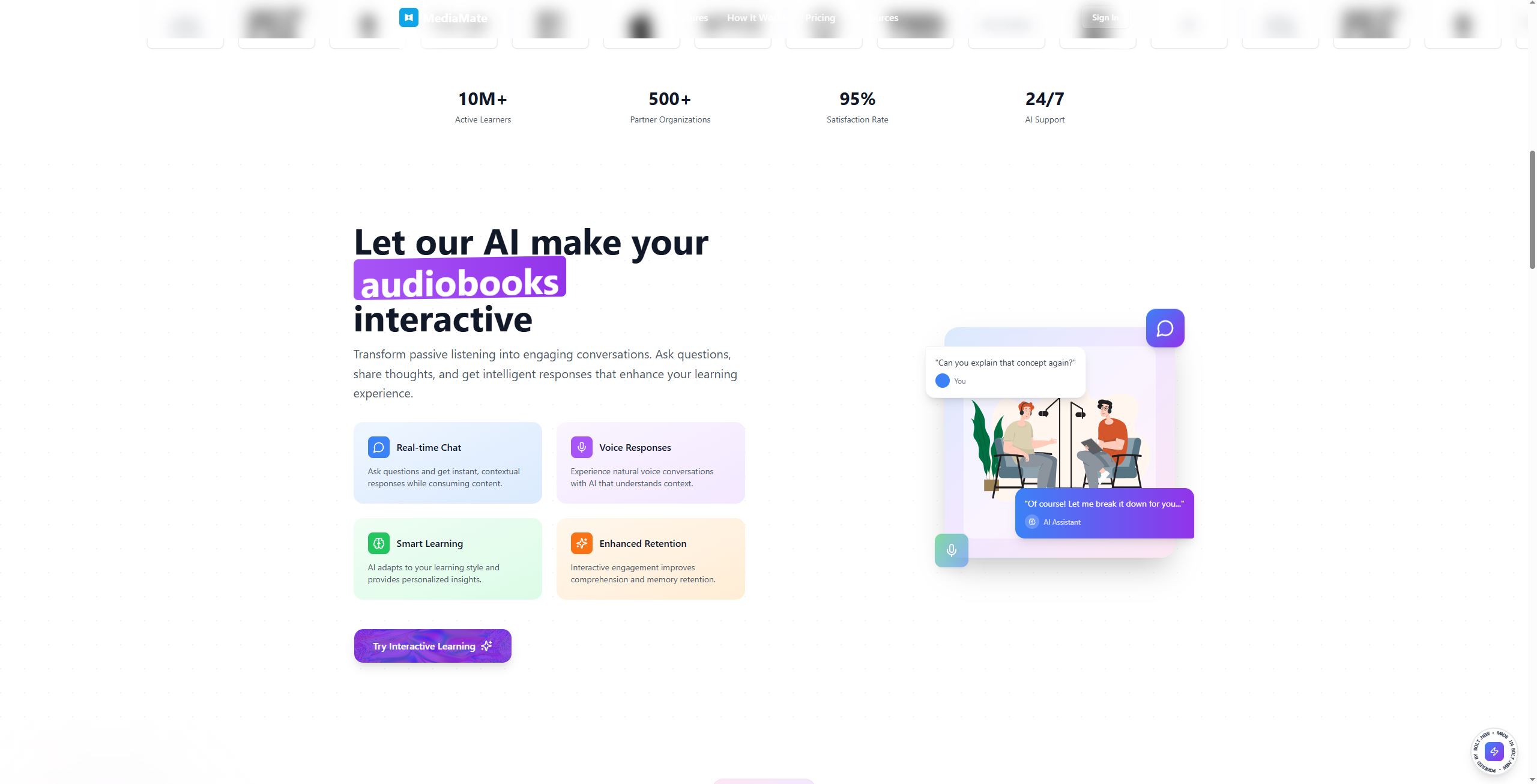
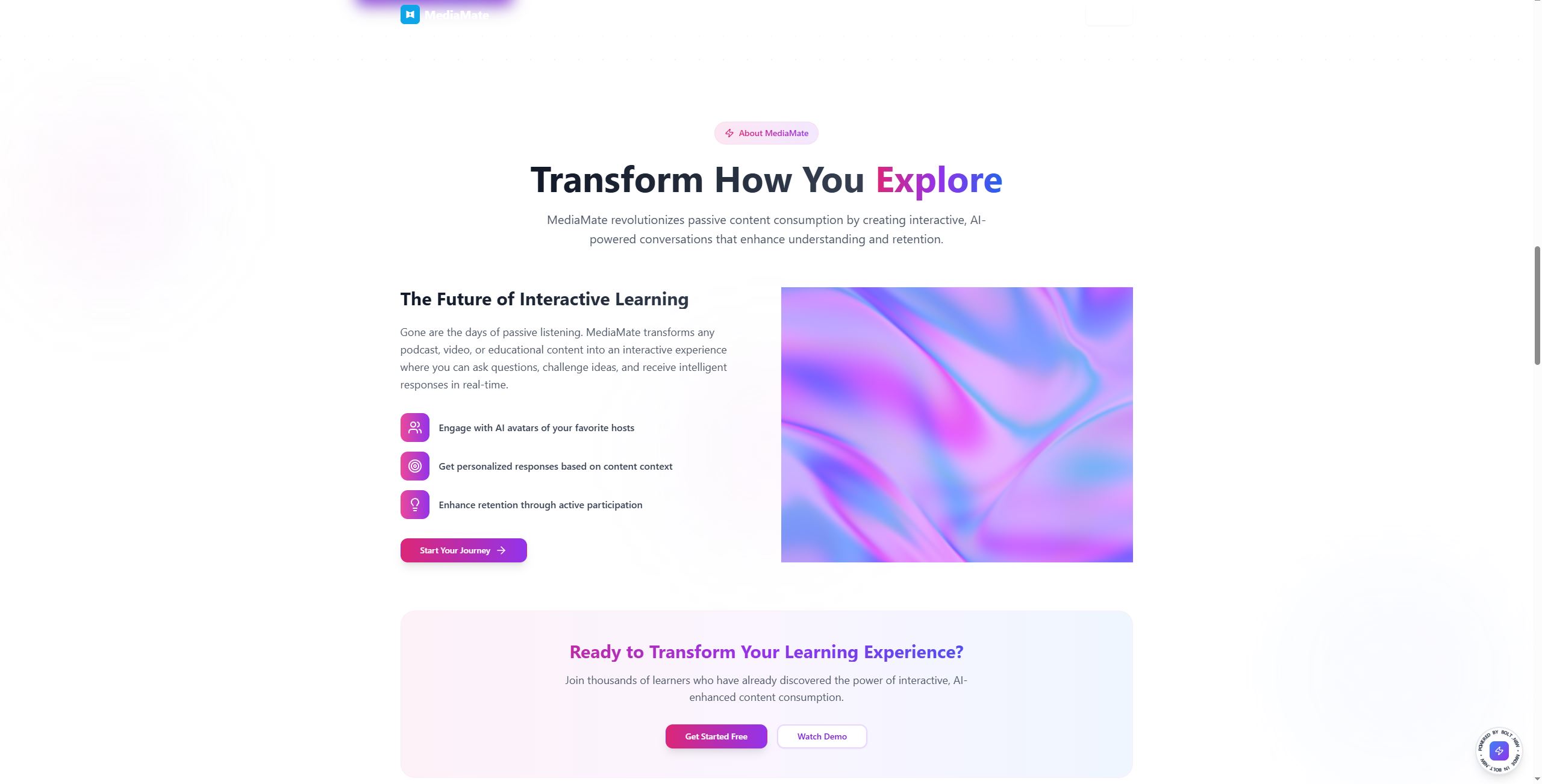
Inspiration I’ve always loved learning from video content, but passive watching often feels like a missed opportunity. I wanted a way to turn any YouTube lesson into an active, conversational experience, so I could stop, reflect, and ask questions right at the moment I needed clarity. That “aha!” moment inspired MediaMate AI: an interactive video tutor that listens with you, highlights key points, and answers your questions on the spot.
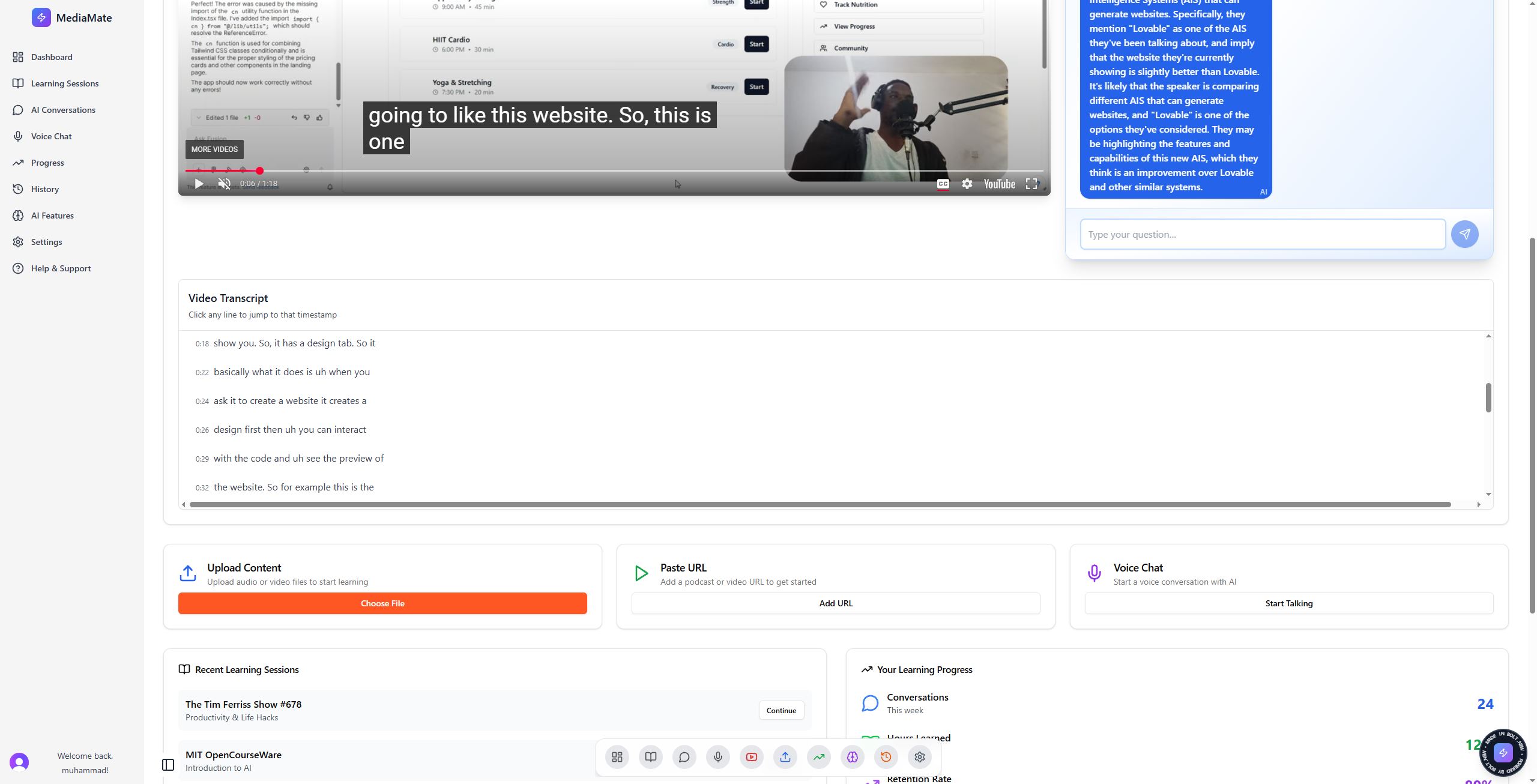
What it does Transcribes any YouTube video in real time and displays a scrollable, timestamped transcript alongside the player.
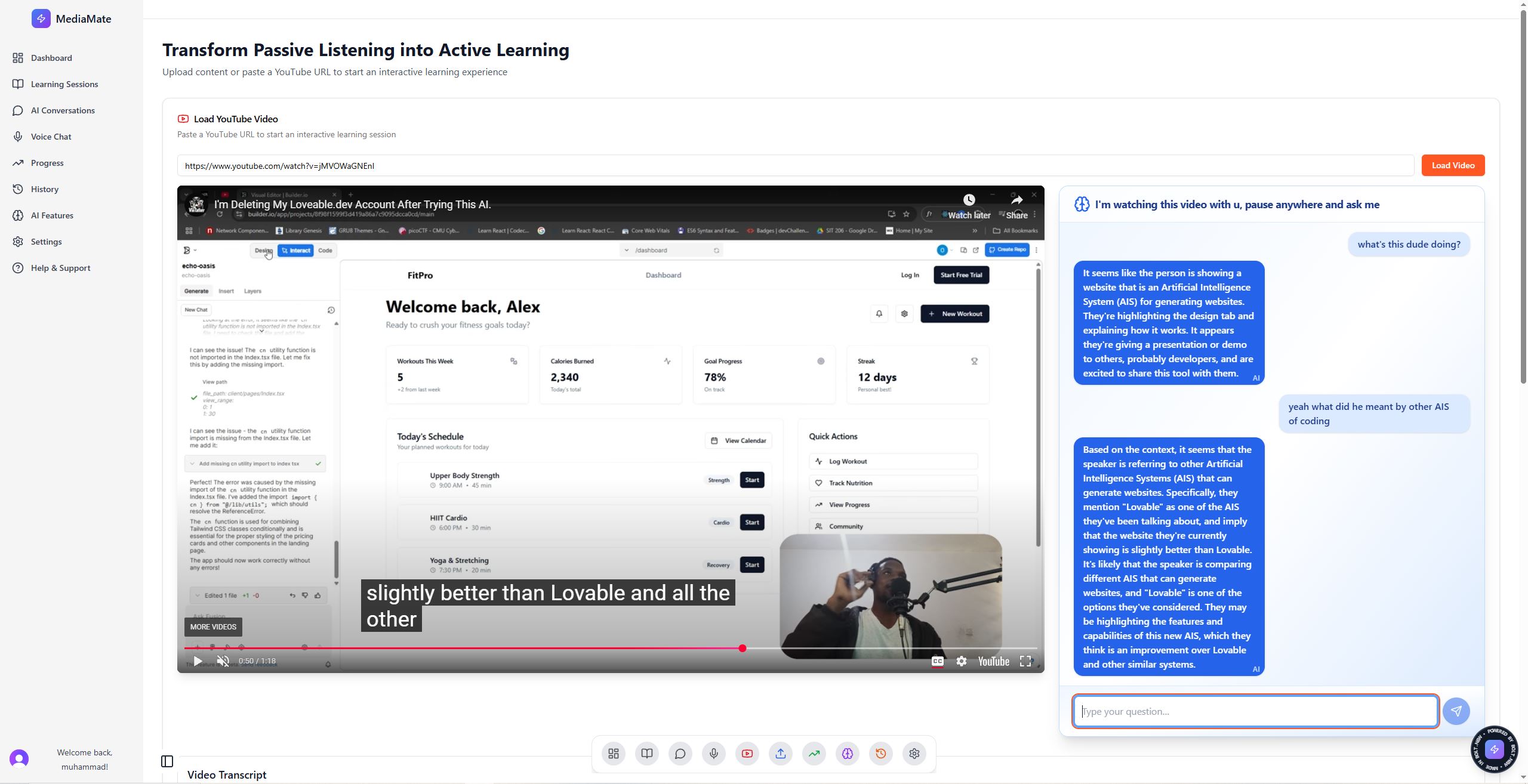
Pauses and prompts the user: when you hit pause, an “Ask” panel appears, letting you type a question about the just‑watched segment.
Context‑aware Q&A: slices the transcript up to the pause point, sends it plus your question to a Groq Llama 3 Edge Function, and returns a focused answer.
Interactive transcript: click any line to jump the video to that exact moment, and watch the transcript highlight in sync.
How we built it Frontend (Vite + React)
Used the YouTube IFrame API to embed videos and detect play/pause events.
Managed state with React hooks (useState, useEffect, useRef) to track currentTime, captions, and user interactions.
Styled the dashboard, transcript panel, and Q&A UI with Tailwind CSS for a clean, responsive layout.
Backend (Supabase Edge Functions)
Deployed a Deno‑based Edge Function that calls Groq’s Llama API via their OpenAI‑compatible REST endpoint.
Stored the GROQ_API_KEY securely in Supabase environment variables.
Handled CORS, JSON parsing, and error cases to ensure smooth, secure AI integration.
Challenges we ran into Syncing time and highlights: initial timers drifted when paused. Resolved by polling the YouTube player’s own getPlayerState() + getCurrentTime() at 200 ms intervals.
Deno import limitations: couldn’t load Google’s SDK in Edge Functions. Pivoted to Groq’s OpenAI‑compatible REST API for stable deployment.
Transcript volume: sending entire transcripts to the AI was slow. Implemented a filter to include only the watched portion, keeping prompt sizes small and responses fast.
CORS & security: configuring Supabase Edge Functions to safely expose only the needed endpoints, while protecting API keys.
Accomplishments that we’re proud of Seamless pause‑and‑ask flow: users can stop, type a question, and get an answer instantly without leaving the player.
Click‑to‑seek transcript: intuitive navigation—click any caption line to jump the video to that exact spot.
Edge‑native AI: first‑class LLM integration running entirely in Supabase Edge Functions, without requiring a separate server.
What we learned The power and limitations of Supabase Edge Functions (Deno runtime, CORS, environment secrets).
How to leverage the YouTube IFrame API for precise playback control and state detection.
Effective prompt engineering: slicing transcripts to just what’s needed for context‑aware Q&A.
The value of lightweight AI endpoints (Groq Llama via REST) over heavy SDK imports in an edge environment.
What’s next for MediaMate AI Multi‑turn conversations: allow follow‑up questions so users can drill deeper into a topic without losing context.
Auto‑generated summaries & flashcards: distill transcripts into bite‑sized study aids.
Voice interaction: integrate ElevenLabs AI voices for hands‑free, spoken Q&A.
Personalized learning paths: use user history and quiz performance to recommend next videos, articles, or exercises.
MediaMate AI is just the beginning of turning passive video watching into an interactive, on‑demand learning adventure!
Built With
- bolt
- motion
- postman
- supabase
- tailwind
- typescript
- vite

Log in or sign up for Devpost to join the conversation.