-
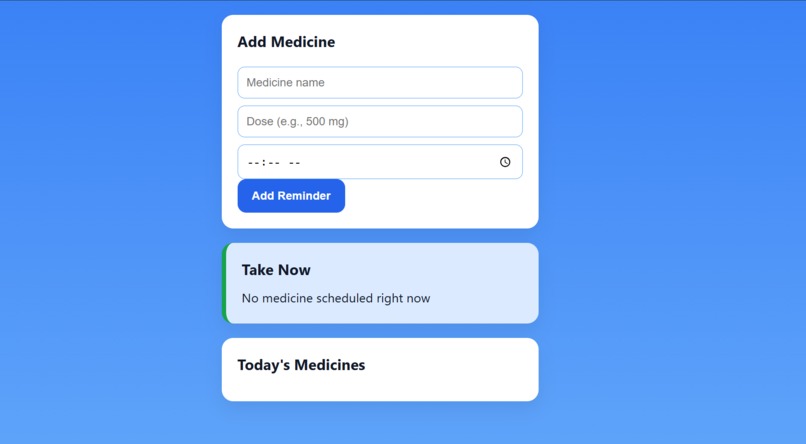
Layout.
Inspiration
Managing medications is a critical part of healthcare, but many patients, especially the elderly or those with chronic conditions, often forget to take their medicines on time. This can lead to serious health complications and hospitalizations.
The inspiration for MediAlert came from seeing how difficult it can be for people to manage multiple medicines daily. We wanted to build an accessible, reliable, and easy-to-use solution that helps patients never miss a dose.
What I Learned
During this project, I learned:
- How to design accessible and responsive user interfaces for healthcare apps.
- Implementing browser notifications and alarms using JavaScript.
- Managing persistent data in LocalStorage for web apps.
- How to balance clean UI design with functionality to make apps user-friendly for all ages.
How I Built It
MediAlert is a web-based app built using:
- HTML, CSS, JavaScript for frontend design and logic
- LocalStorage to store medicines and track doses
- Browser Notifications and Alarm Audio for timely reminders
The app features:
- A landing screen explaining the purpose before use
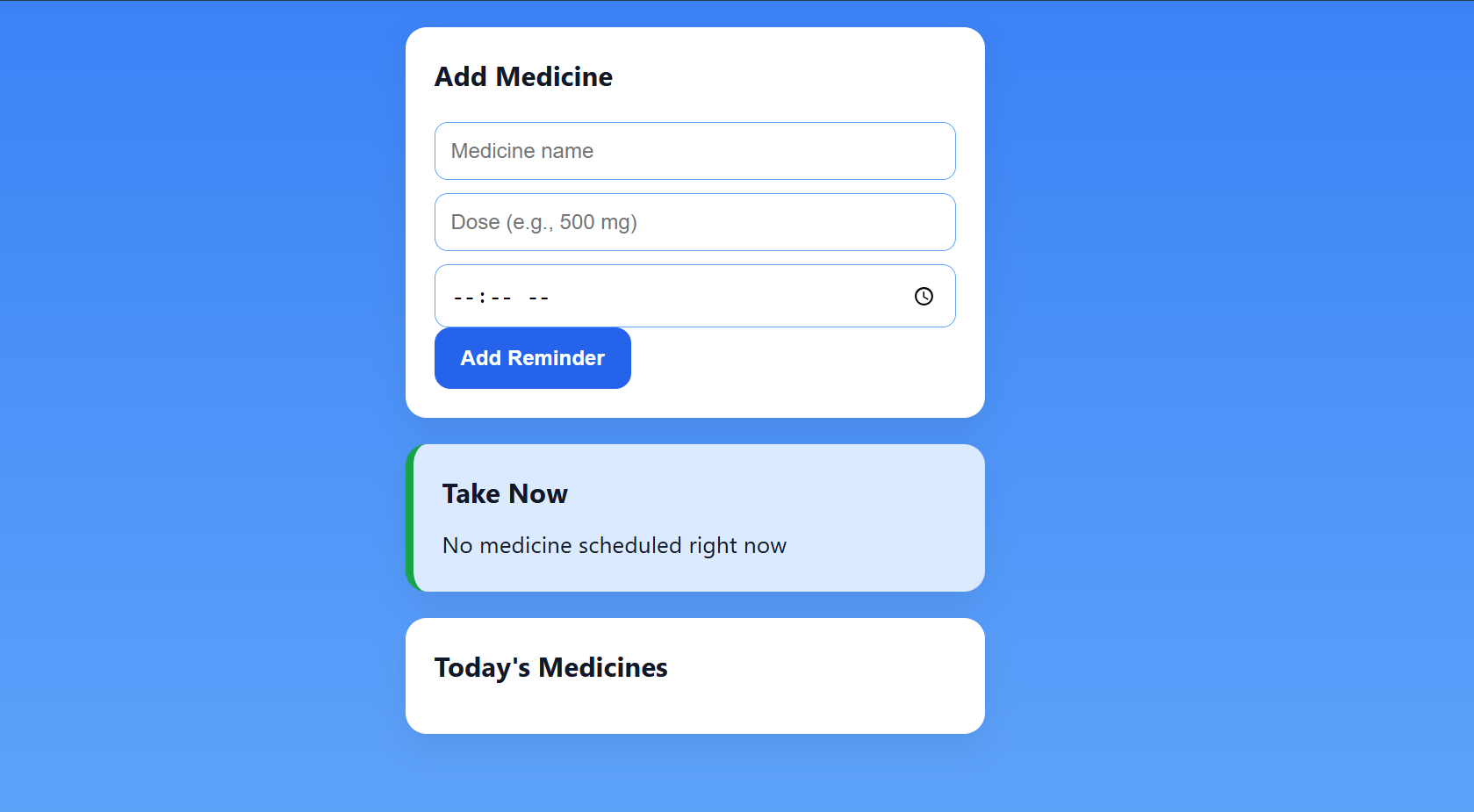
- Add medicine functionality with name, dose, and time
- Take Now card highlighting current medicines to take
- Mark as Taken and Remove options to manage medicine list
- Professional, blue-themed UI optimized for readability and accessibility
Challenges Faced
- Accurate alarms and notifications: Ensuring reminders fire on time using only client-side JS.
- Polished UI for accessibility: Designing cards and colors suitable for all ages.
- Managing dynamic lists: Handling addition, deletion, and marking medicines as taken while keeping the UI updated.
We overcame these challenges with careful use of JavaScript intervals, localStorage updates, and responsive CSS design.
Built With
- Languages & Frameworks: HTML, CSS, JavaScript
- Storage: LocalStorage
- Notifications: Browser notifications API
- Audio Alerts: Built-in alarm sound using HTML5
<audio> - Tools: VS Code, GitHub
Built With
- api
- css
- github
- html
- html5
- javascript
- vscode


Log in or sign up for Devpost to join the conversation.