Inspiration
Medical reports are full of jargon, abbreviations, and reference ranges that make sense to doctors but leave most patients confused and anxious. We wanted to build something that could take that intimidating wall of numbers and terminology and turn it into something a normal person could actually read and understand — without turning it into "Dr. Google" giving diagnoses. The goal was to reduce anxiety and help people walk into their next doctor's appointment better prepared, not to replace the doctor.
What it does
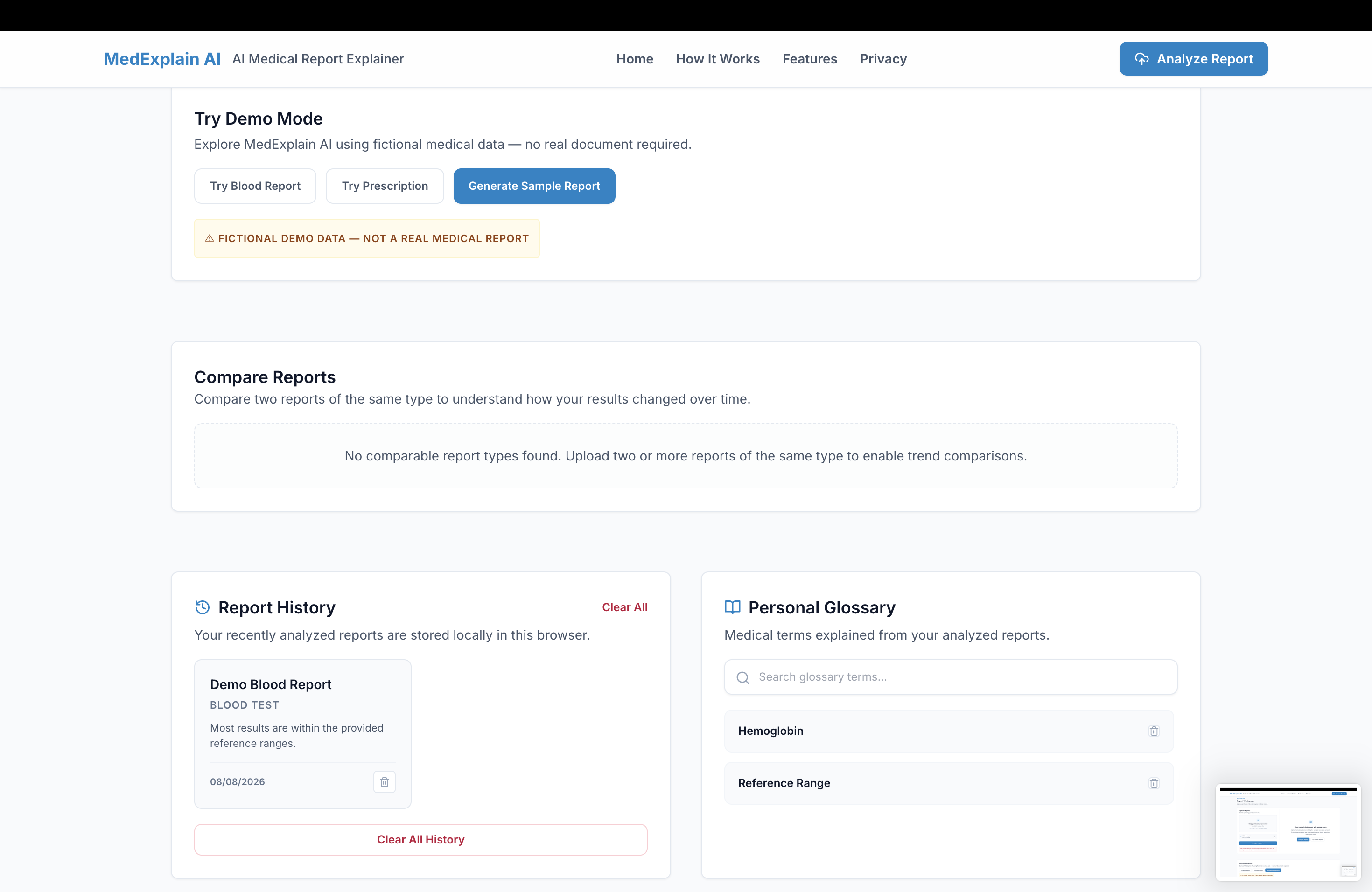
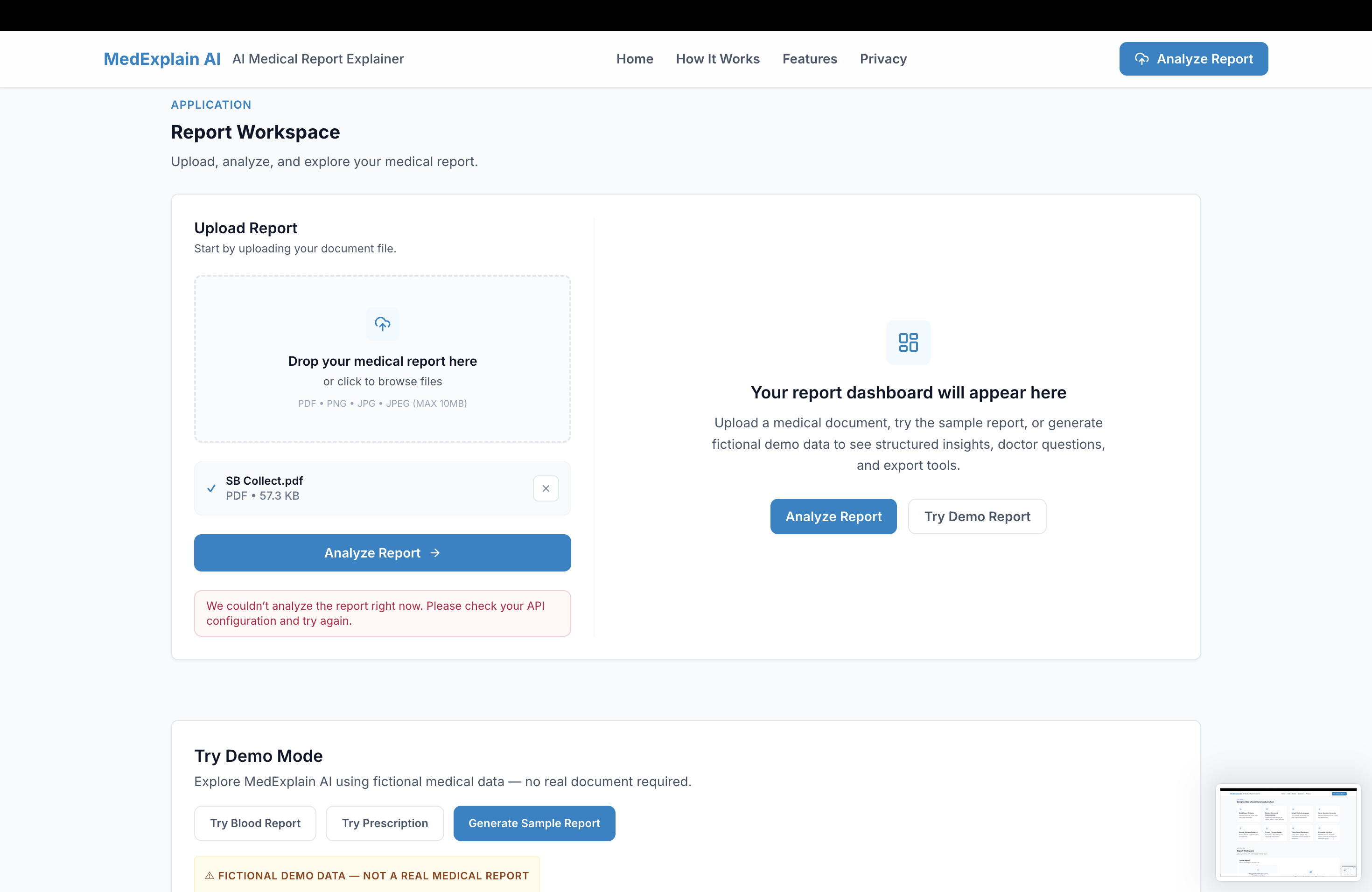
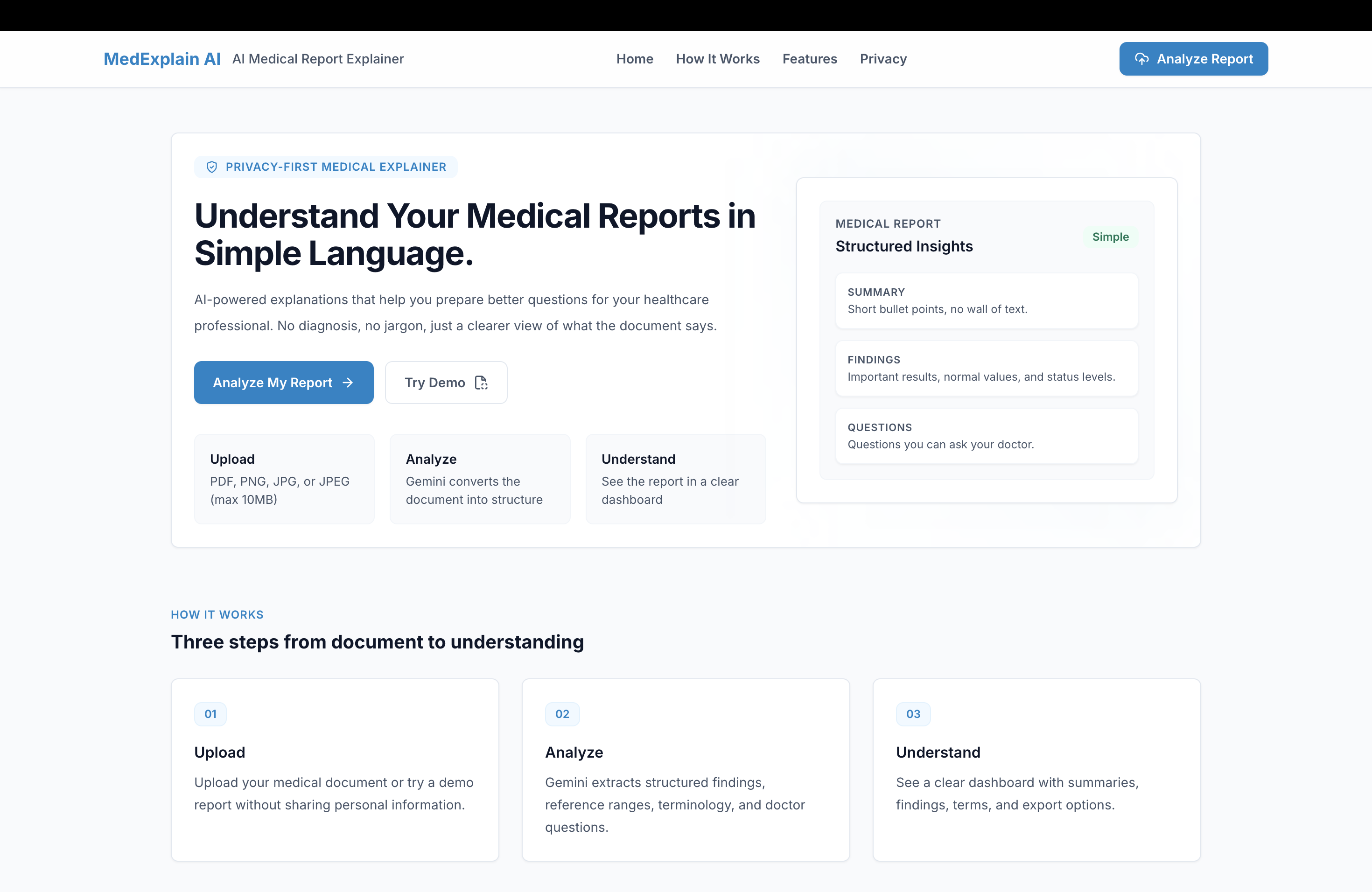
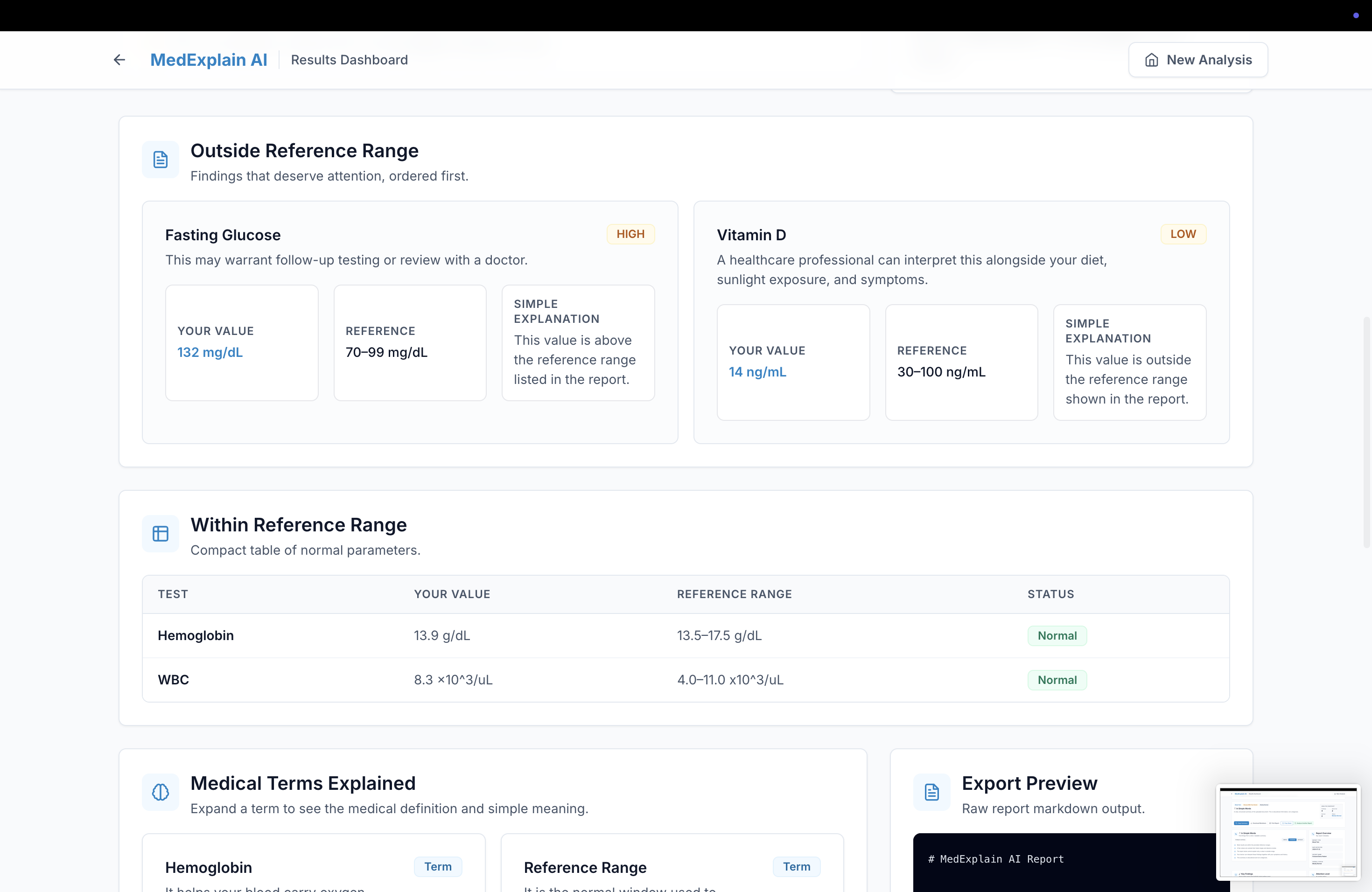
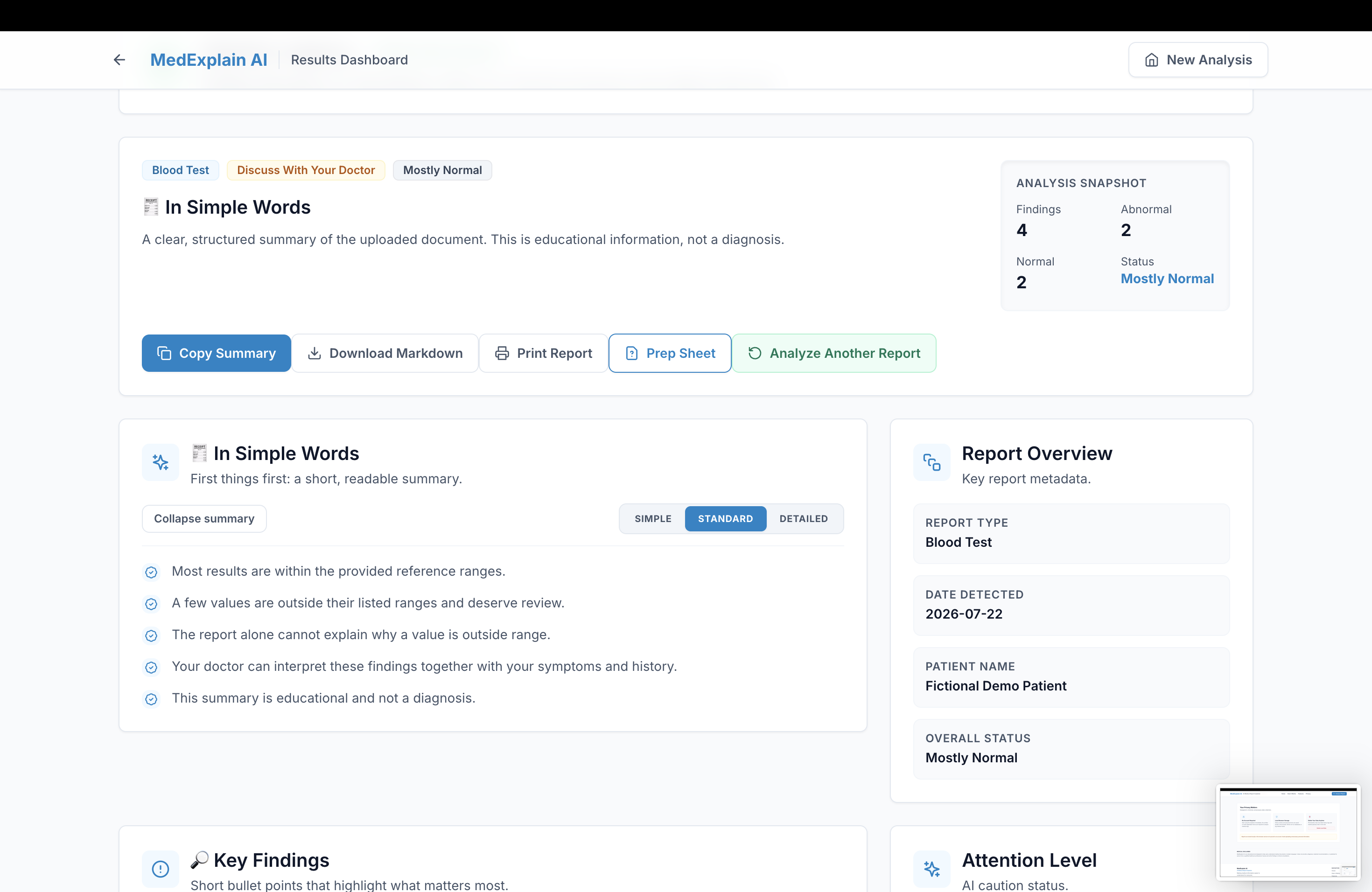
MedExplain AI lets users upload a medical report (PDF, JPG, or PNG) and transforms it into a structured, visual dashboard instead of one dense paragraph.
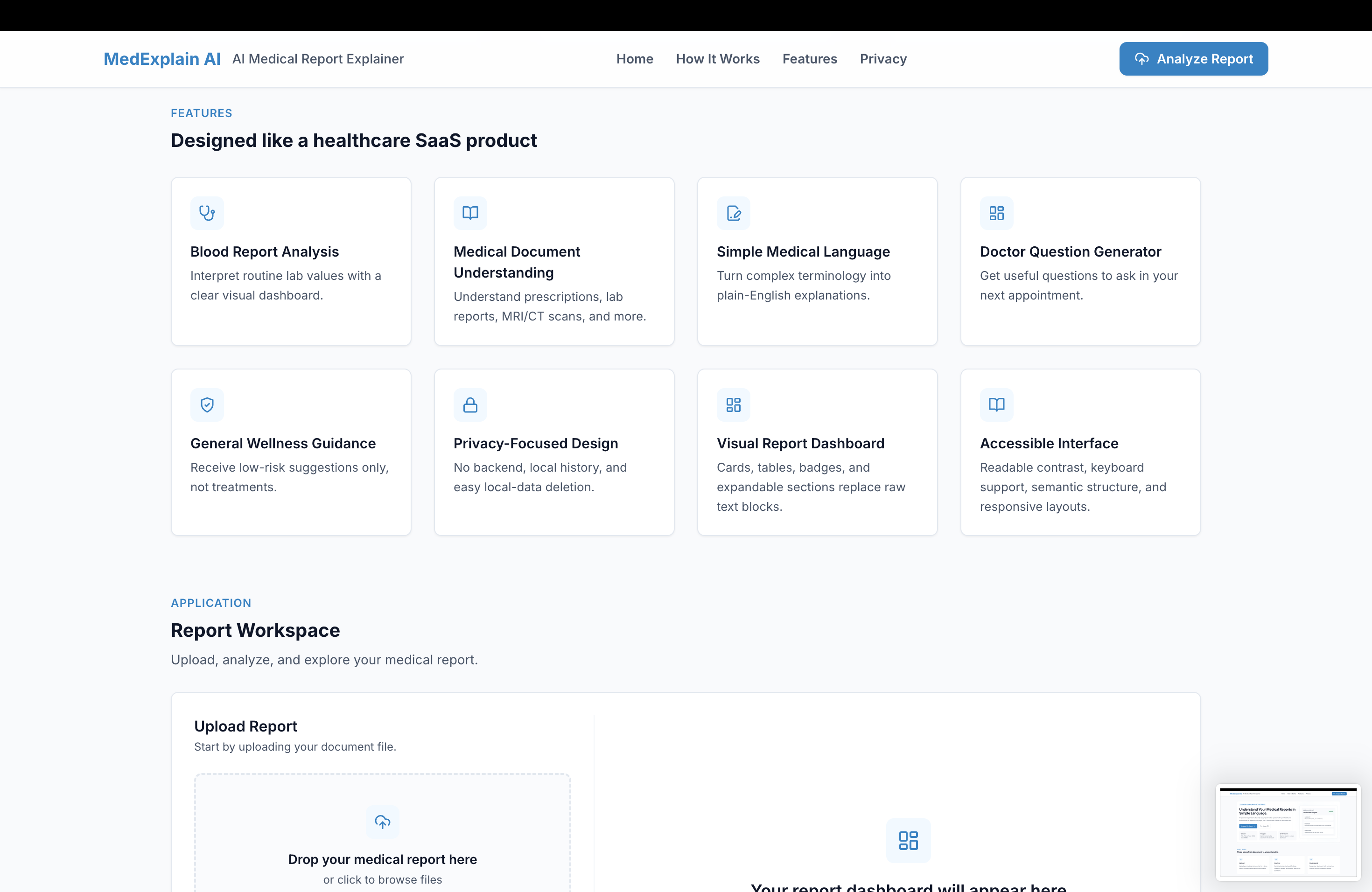
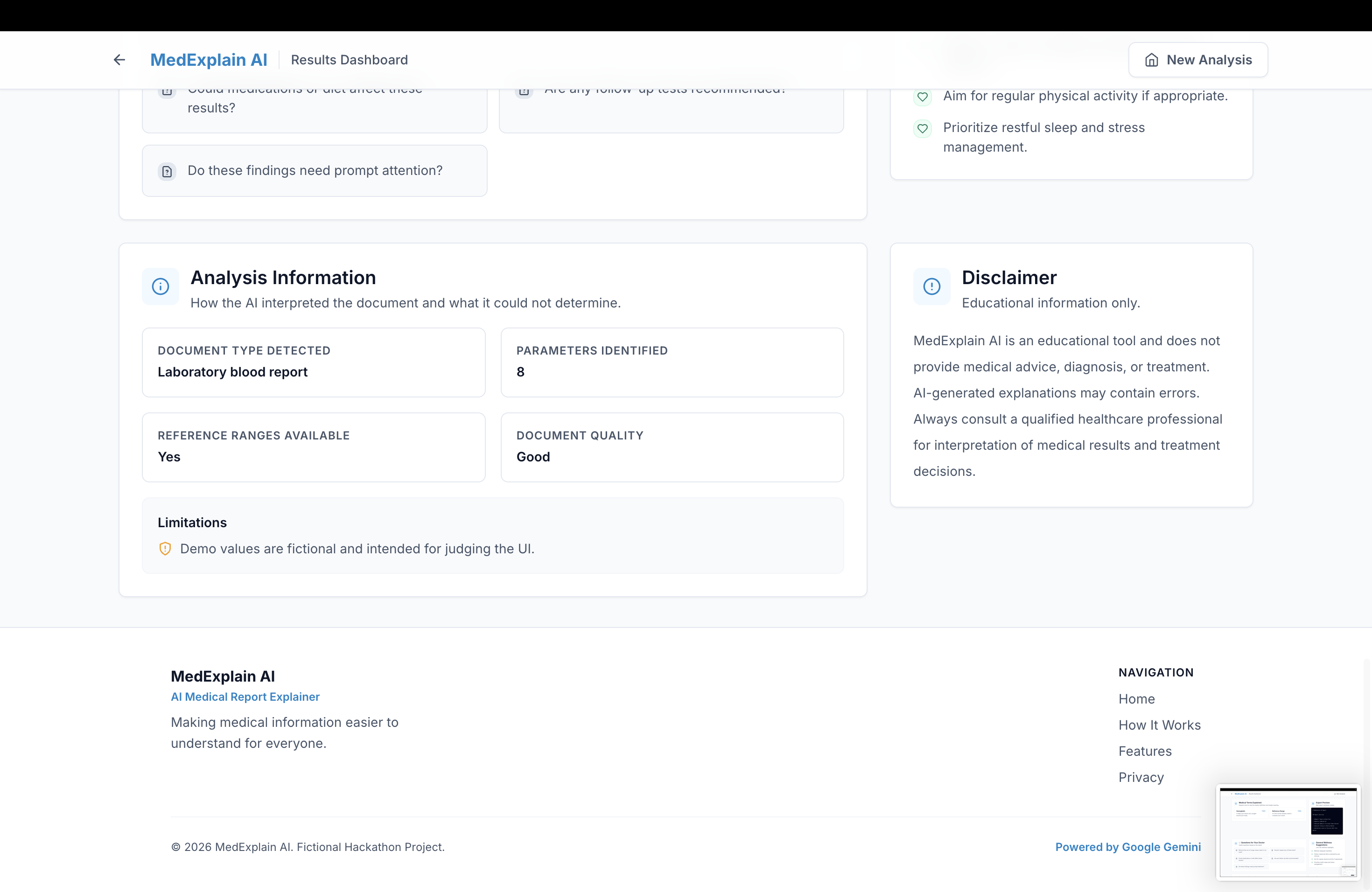
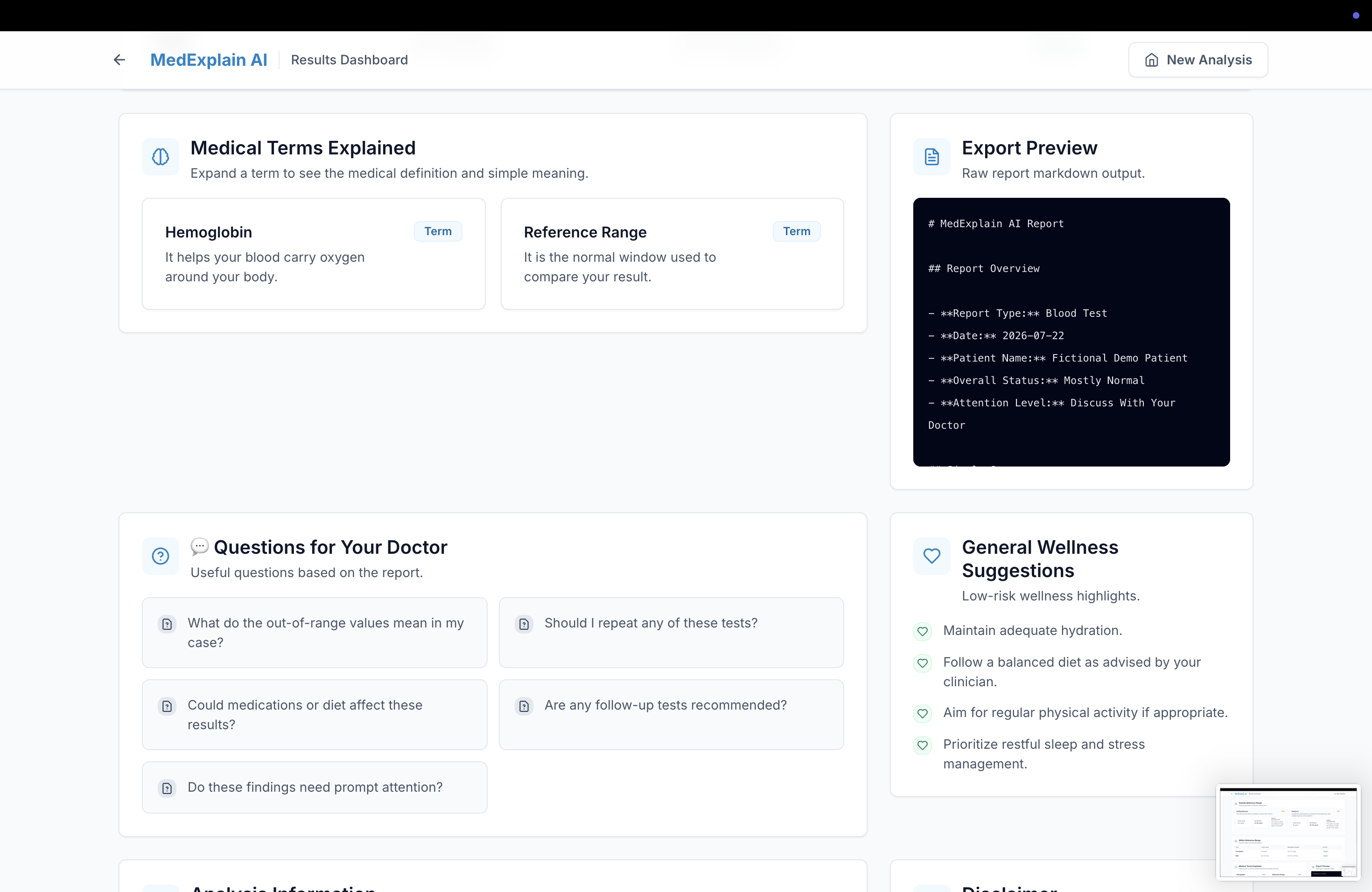
Generates a simple summary and flags key findings and abnormal results Sorts normal results into a clean table Assigns an urgency badge (routine, followup, or urgent) so users know how seriously to take a result at a glance Translates medical terminology into plain language and builds a personal, searchable glossary Generates questions to ask a doctor, plus general wellness suggestions Lets users toggle explanation depth (Simple / Standard / Detailed) Compares two reports of the same type to show trends over time Exports a printable doctor-visit prep sheet or markdown file How we built it
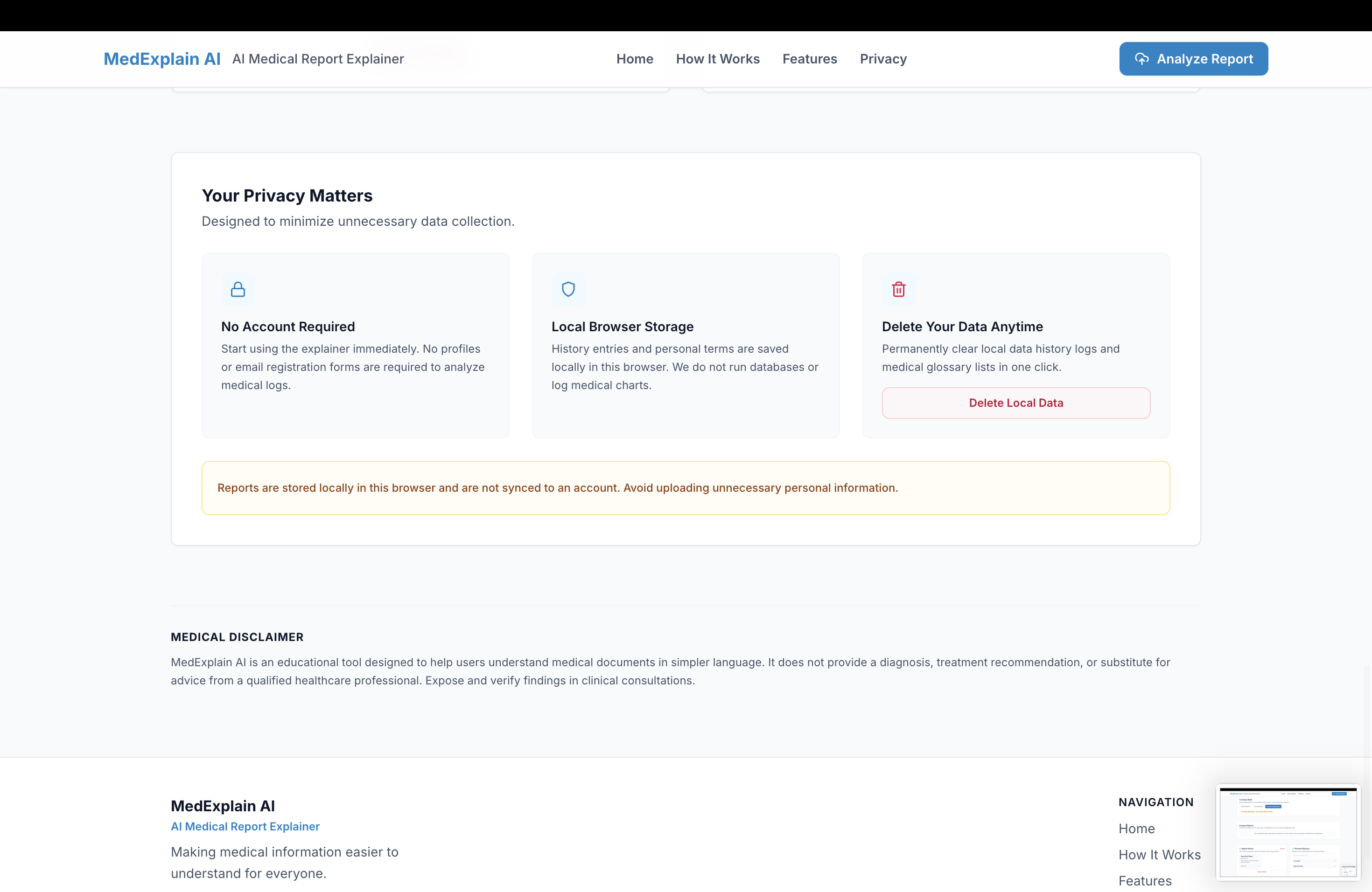
The app is entirely frontend — React and Vite for the app shell, Tailwind CSS for styling, and Framer Motion for interaction polish. Google Gemini is the core intelligence layer: uploaded documents (or demo text) are sent to Gemini with a prompt requesting structured JSON output, which the UI then renders into cards, tables, badges, and expandable sections. We used localStorage for report history and the personal glossary so the app could work with zero backend and zero database, keeping things simple for a hackathon timeline while still feeling like a real product.
Challenges we ran into
Getting Gemini to reliably return well-structured JSON — rather than inconsistent prose — took real prompt iteration, especially across different report types (blood work looks nothing like a prescription). We also had to think carefully about clinical urgency classification: it needed to be useful without overstating confidence, given that this is an educational tool and not a diagnostic one. Building a frontend-only architecture that still felt secure and privacy-respecting, despite calling the Gemini API directly from the client, was another balancing act — acceptable for a prototype, but something we were careful to flag isn't production-ready.
Accomplishments that we're proud of
We're proud that MedExplain AI doesn't feel like "just another chatbot wrapper." It uses Gemini for genuine structured document understanding — pulling out findings, generating doctor questions, and simplifying terminology contextually. We're also proud of the clinical trend comparison feature, which diffs two reports of a matching type, and the overall dashboard UX, which makes something as dry as a lab report feel approachable rather than clinical and cold.
What we learned
We learned a lot about prompt design for structured, reliable JSON output at scale across varied and messy real-world input formats. We also learned how much thought goes into presenting medical information responsibly — how to flag urgency without causing panic, and how to be clear about the boundaries of what an AI tool should and shouldn't claim to do.
What's next for MedExplain AI Secure backend architecture with authentication and encrypted medical document storage Doctor-sharing features Multilingual support and voice interaction Improved OCR for scanned documents FHIR/HL7 integration for real hospital system compatibility
Built With
- framer-motion
- gemini
- gemini-api
- javascript
- lucide
- react
- tailwind
- vite

Log in or sign up for Devpost to join the conversation.