-
-
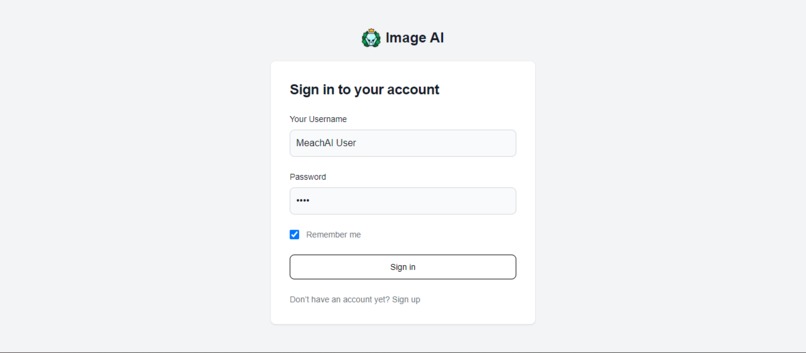
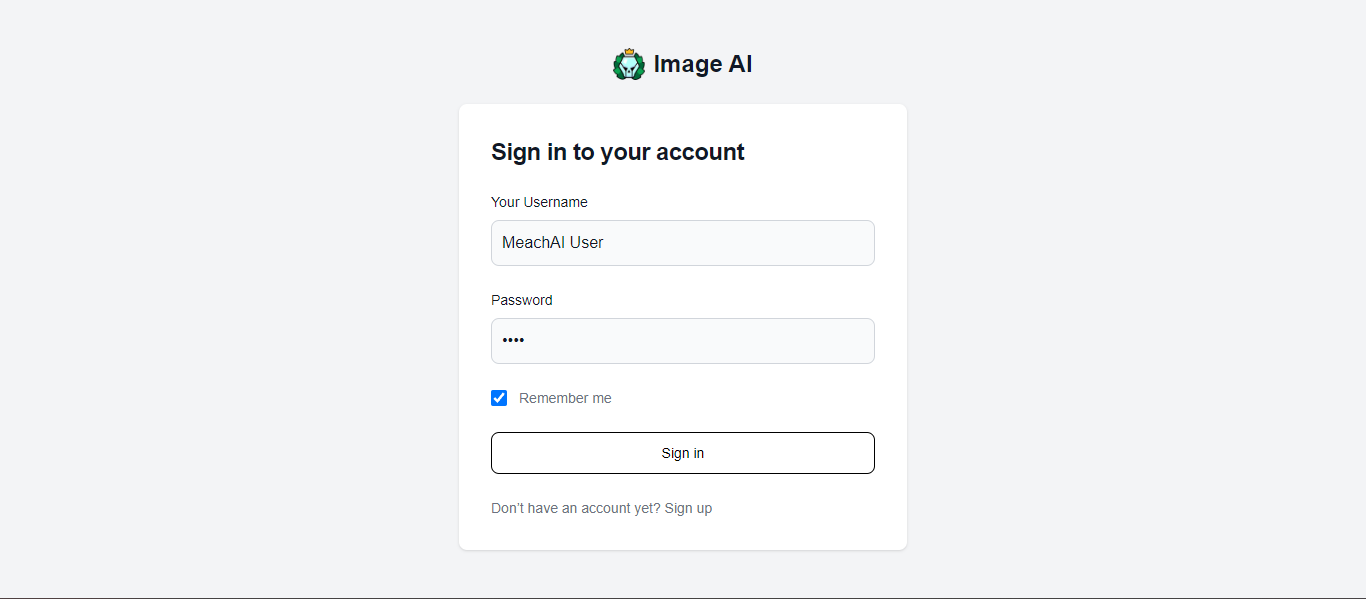
Login Page
-
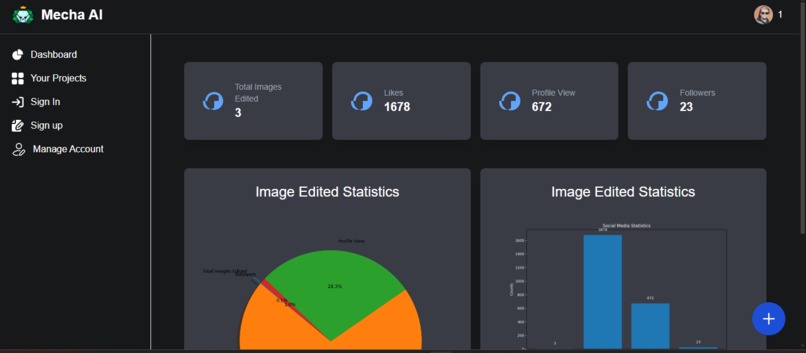
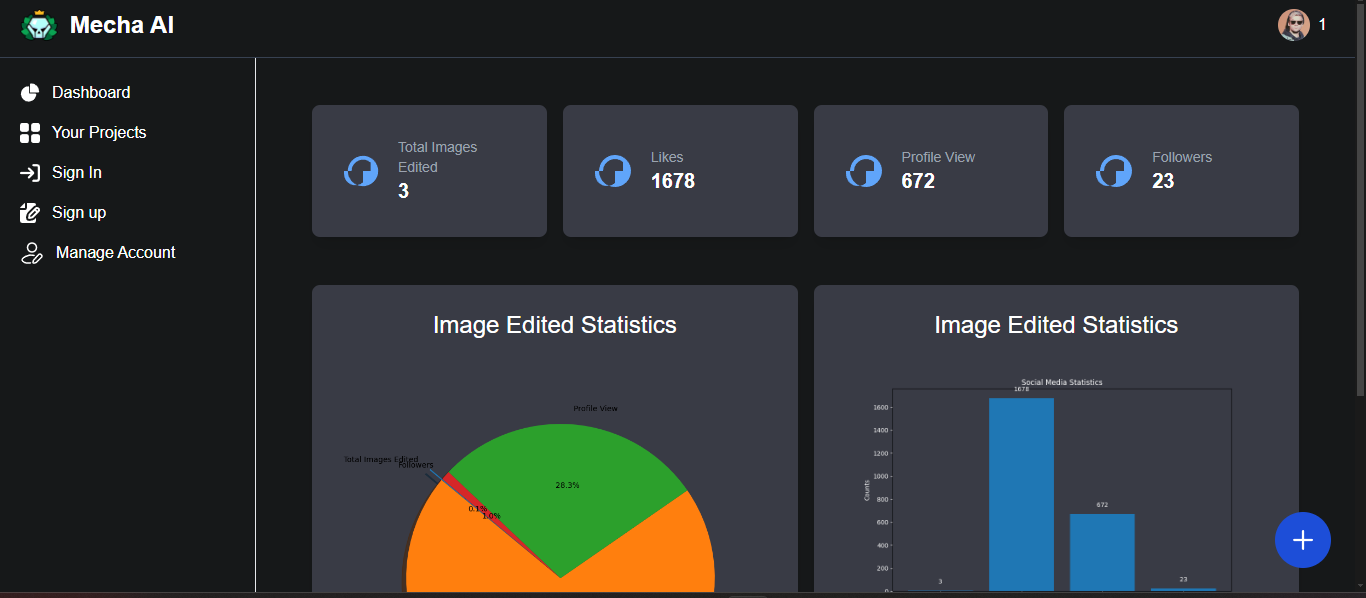
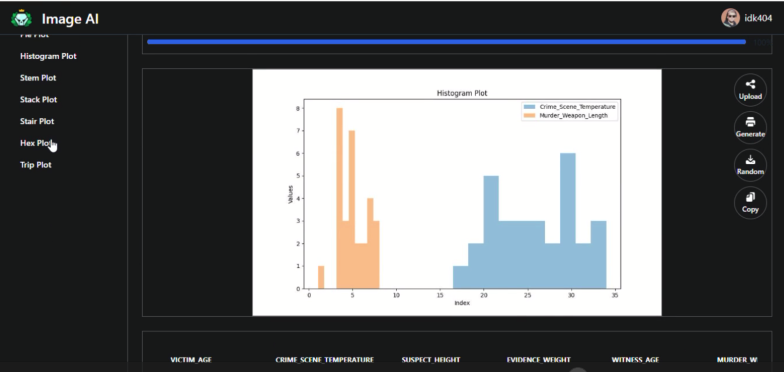
DashBoard
-
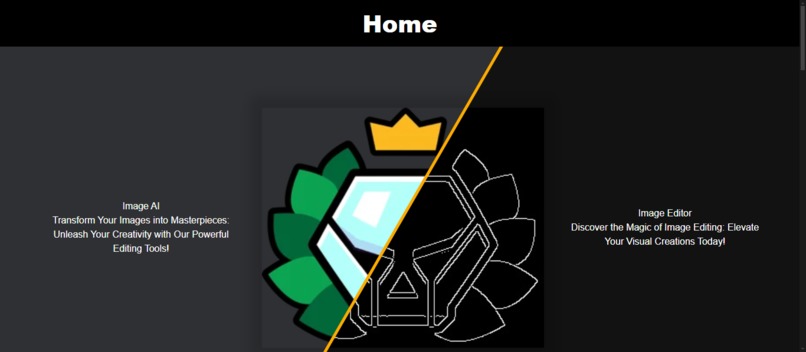
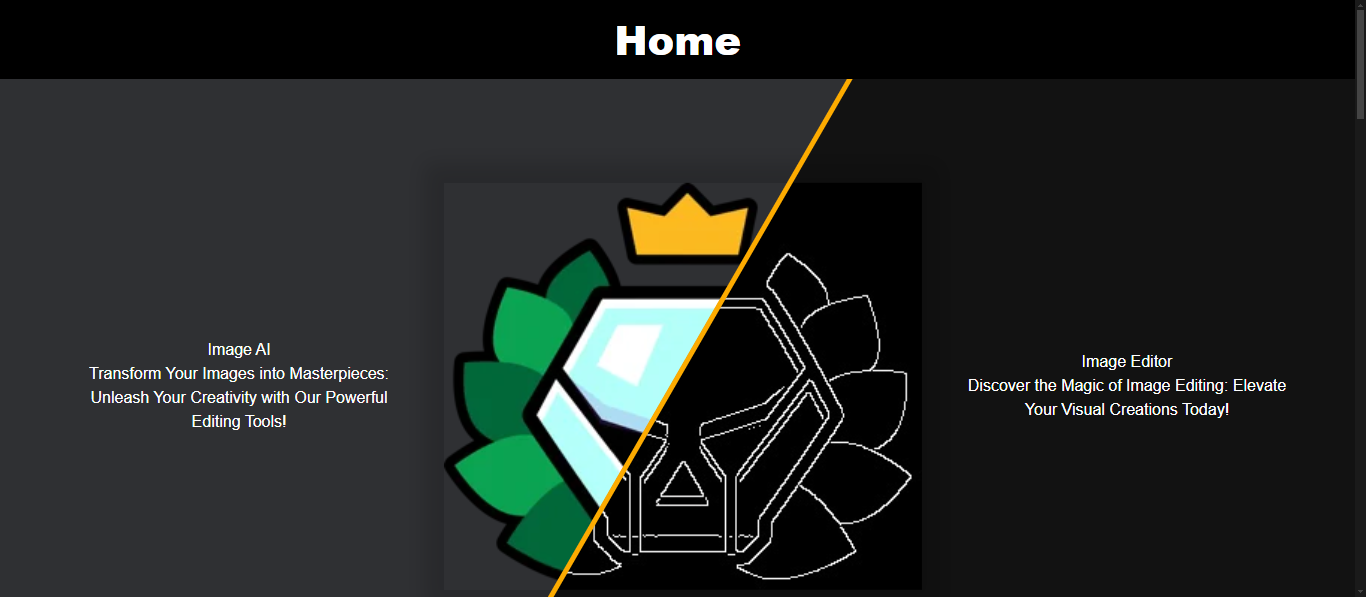
Home Page
-
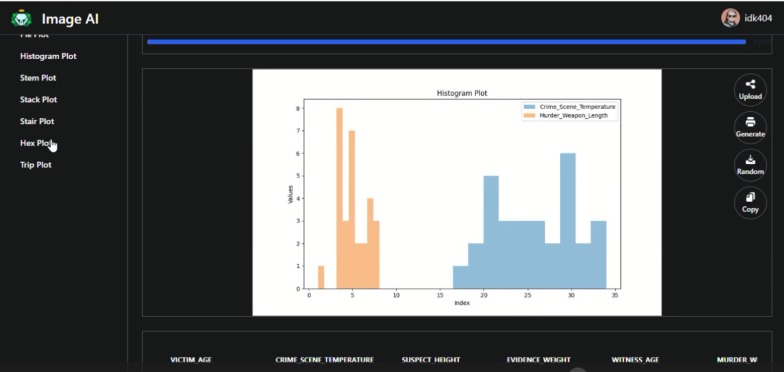
File Editor
-
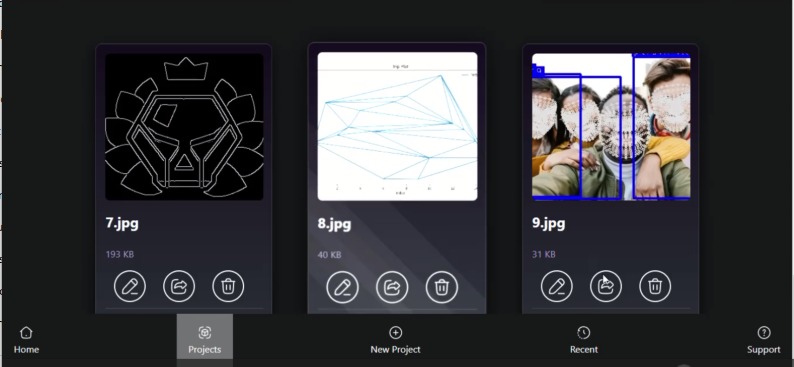
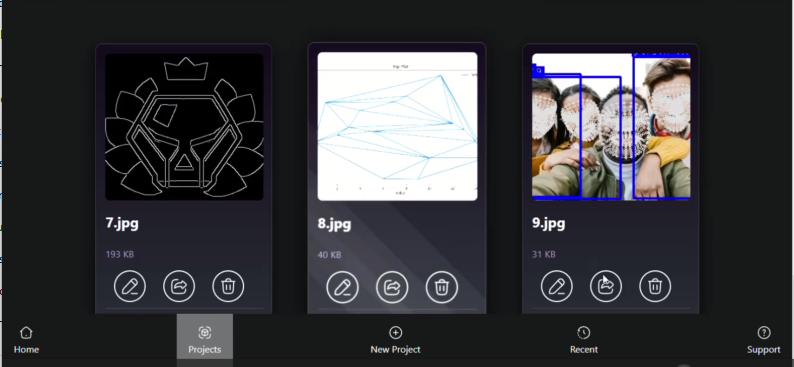
Recent Edits
-
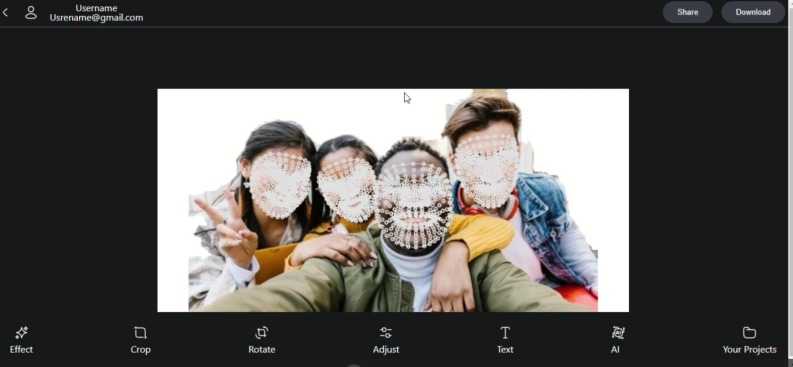
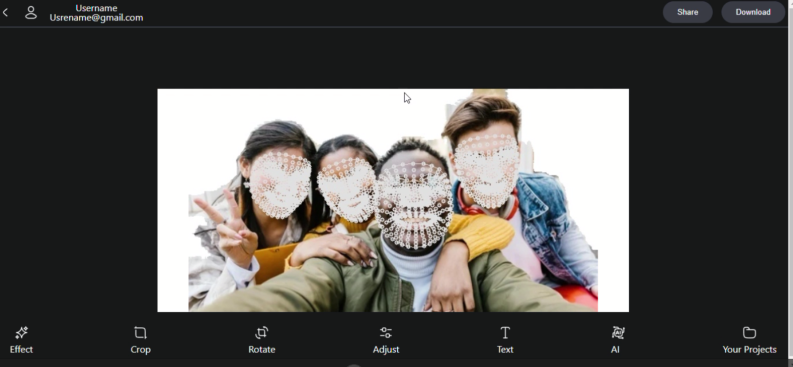
Image Editor
MechaAI: Project Story
Inspiration
The idea for MechaAI came from the need for a more accessible and intelligent tool to edit images and files without switching between multiple platforms. I wanted to create something that combined powerful AI capabilities with a user-friendly interface, so even those who aren’t tech-savvy could easily manipulate and manage their media files. The inspiration came from seeing the potential of AI in creative industries and realizing that current tools often lack the flexibility and ease-of-use for everyday users.
What I Learned
Throughout the process of building MechaAI, I learned a lot about:
- Machine Learning Models: I worked with various pre-trained models and explored how to fine-tune them for image editing purposes.
- Web Development Frameworks: Integrating Flask for the backend and React with Vite for the frontend gave me deeper insight into how full-stack applications can efficiently manage dynamic user interactions.
- User Experience Design: I discovered the importance of crafting a dashboard that was not only visually appealing but also intuitive for users to navigate, especially when handling complex AI tools.
How I Built the Project
MechaAI was built using a combination of modern web technologies and machine learning tools:
- Backend: The backend is powered by Flask, handling the API requests and integrating the AI models for image processing.
- Frontend: I used React and Vite for the frontend to create a responsive, fast, and interactive interface. Tailwind CSS was implemented for a sleek design.
- Machine Learning: Various models from Hugging Face were incorporated to provide features like image generation and editing.
- File Handling: The system allows users to upload, manipulate, and download files with ease.
Challenges
Building MechaAI wasn’t without its challenges:
- Integrating AI Models: One of the biggest hurdles was integrating the machine learning models in a way that ensured fast response times. Processing large image files while keeping the platform responsive required optimization both on the server and client sides.
- Cross-platform Compatibility: Ensuring that the platform worked seamlessly across different devices and browsers took a lot of testing and debugging.
- Scaling the Backend: Handling multiple requests efficiently required fine-tuning the Flask server and optimizing database queries for faster response times.
Despite these challenges, the project pushed me to grow both as a developer and a designer, and I’m excited about where it can go from here!

Log in or sign up for Devpost to join the conversation.