-
-
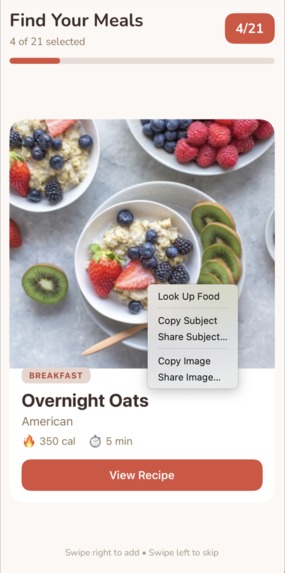
Scrumptious overnight oats
-
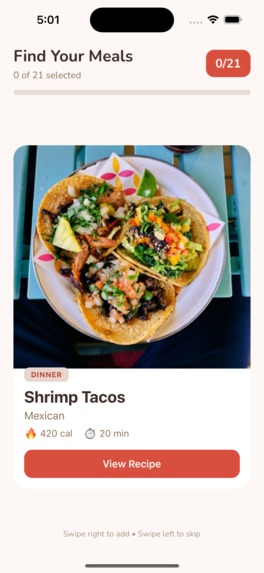
Yummy shrimp tacos
Inspiration
Meal planning shouldn't feel like a chore. Most apps either overwhelm you with options or give you generic recipes that don't match your dietary needs, cooking skills, or budget. We wanted to make meal planning feel natural like scrolling through content you already enjoy, while using AI so that every suggestion actually fits your lifestyle.
What it does
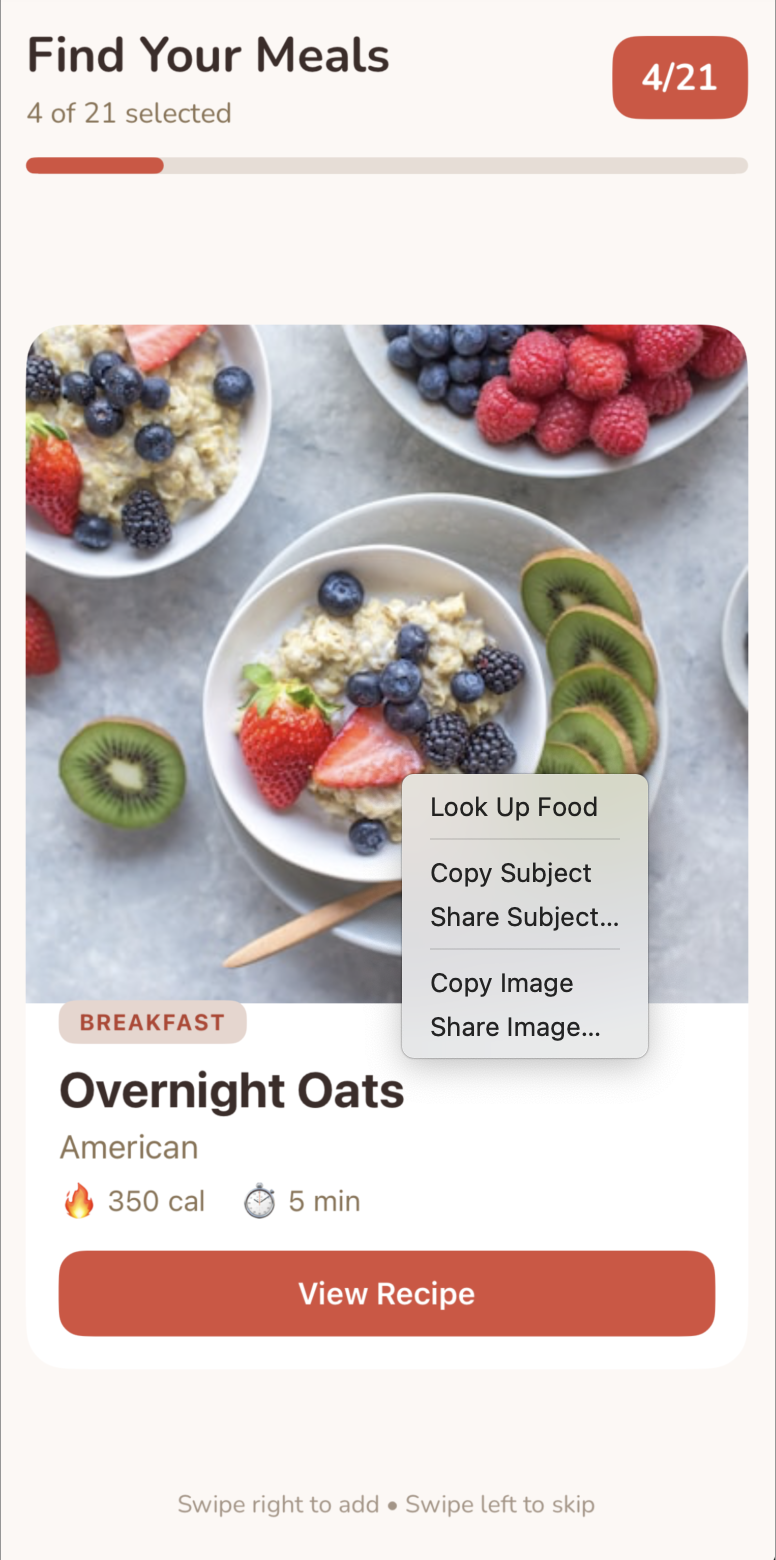
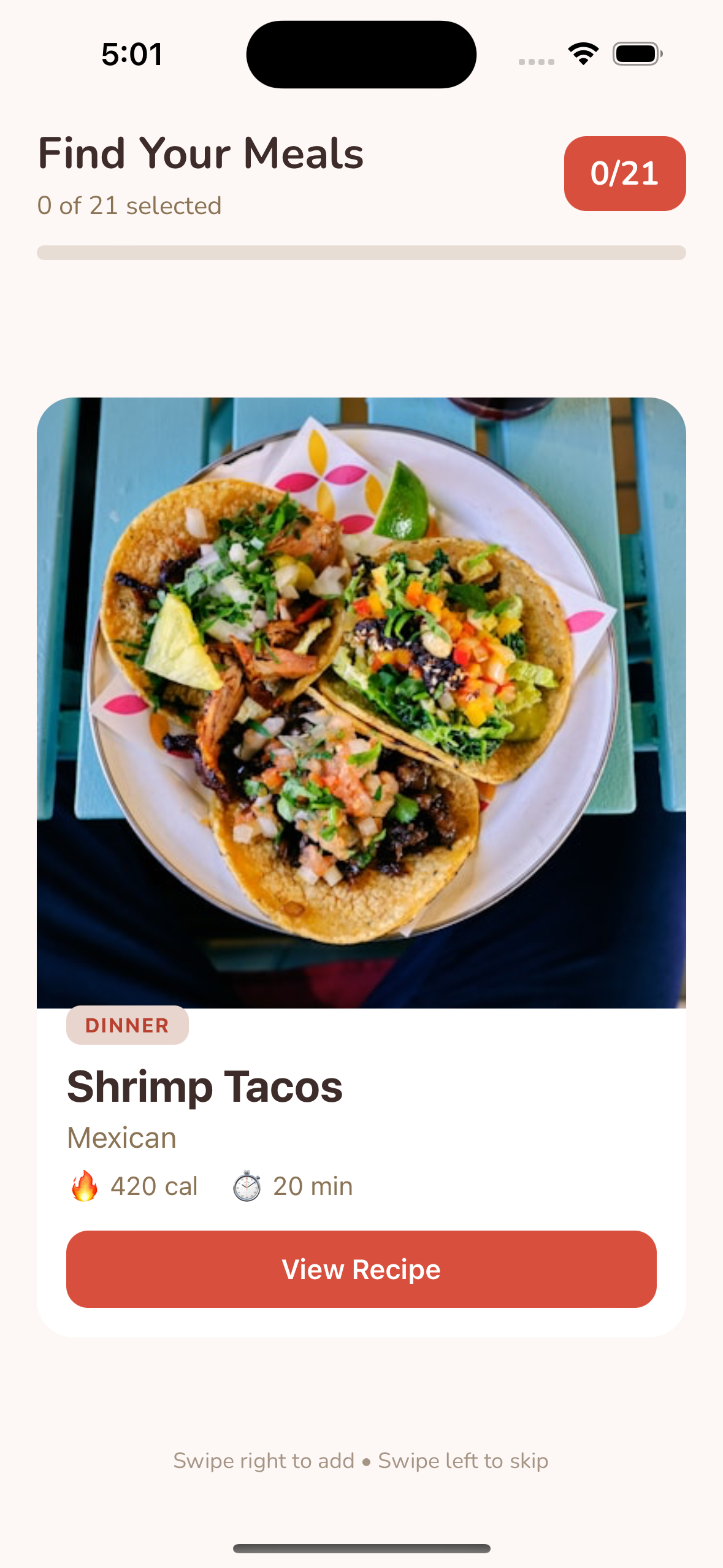
MealSwipe is Tinder for food: swipe to build your weekly meal plan. The app captures your food preferences through a speedy 9-step onboarding (allergies, diet, budget, cooking time, kitchen equipment, cuisines, spice tolerance). Then you swipe through breakfast, lunch, and dinner options using familiar gestures. Swipe right to add meals to your plan, swipe left to reject them. Each card displays a meal photo, ingredients, cook time, and cost estimate. Tap any card to see full details and then swipe on each choice.
After swiping through all options, review your selections, remove any you changed your mind about, and confirm your weekly plan. AI provides real-time match scores explaining why each meal fits your profile (e.g., "92% match: avoids your dairy allergy, fits your 30-minute cook time preference, and matches your Mediterranean cuisine interest"). It analyzes your weekly nutrition balance and generates organized grocery lists with cost estimates, all powered by Google Gemini through Keywords' AI Gateway.
How we built it
We built this entirely inside Trae AI, the Adaptive AI IDE. Rather than just suggesting code like traditional assistants, Trae is a VS Code fork that gave us deep control over terminals, file systems, and environment execution. This let us work as orchestrators directing AI agents rather than as diggers doing manual coding labor. Using the Trae AI Builder, we went from a blank terminal to a running Expo + TypeScript + Supabase prototype in just a few hours. That's the harvest machine philosophy: automate the low-level toil so we could focus on unique high-level logic.
Trae's agentic workflow handled component generation, navigation setup, and the complex swipe gesture animations using pan responders and spring physics. It scaffolded the entire project structure, installed dependencies, configured Supabase, and debugged across both iOS and Android simulators simultaneously. When errors appeared in the console, Trae's agents self-corrected by analyzing the stack trace and suggesting fixes that worked with our existing component architecture. We leveraged Trae's multi-model capability throughout development. Claude 3.5 Sonnet handled architectural decisions and complex state management. Gemini 2.5 Pro performed large-context code reviews using the #workspace hashtag context. We switched between models seamlessly within the same environment depending on the task.
All LLM calls in the production app route through Keywords AI Gateway, which provides a single endpoint for 250+ LLMs. We created four prompts in the Keywords AI Prompt Management dashboard that accept 12+ runtime variables from user profiles. This separation means prompts are versioned and deployed independently from our codebase, so no app updates are required to improve AI responses.
Challenges we ran into
Building a production-ready app in 24 hours meant confronting several technical hurdles head-on. Here are the most significant ones we solved:
Latency was our biggest UX challenge. Users expect instant swipe feedback, but LLM calls take 1-2 seconds. We solved this with optimistic UI rendering (card animates immediately) while the AI explanation loads asynchronously. Keywords AI's built-in caching helped reduce repeat calls.
Type safety broke constantly because Gemini returns varied JSON structures. We added Zod validation on all AI responses. When schemas failed, Trae helped us iterate on the validation logic by feeding it the #errors context.
Cross-platform gesture physics required extensive tuning. The Tinder-style swipe gestures that felt smooth on iOS felt sluggish on Android. Because Trae has direct terminal control as a VS Code fork, we ran both simulators in parallel and compared gesture behavior side-by-side. We adjusted spring physics values in real-time, watching changes reflect on both platforms simultaneously. When gesture conflicts arose between the swipe handler and scroll views, we pasted the error into Trae and used the #component context to get fixes tailored to our existing SwipeCard structure.
Prompt iteration was initially a bottleneck. With prompts hardcoded in TypeScript files, every phrasing change required a full Expo rebuild (10+ minutes). Once we moved prompts to the Keywords AI dashboard, we could test different phrasings, add variables, and adjust output formats in seconds without touching code. This single change cut iteration time from 10+ minutes down to seconds.
Accomplishments that we're proud of
We shipped a production-ready mobile app in 24 hours. Our team of two operated with the efficiency of a full-stack dev team by treating Trae as a senior engineering workmate. The swipe interface feels as natural as Tinder with smooth 60fps animations tuned for both iOS and Android. All four AI features use separately versioned prompts with 12+ runtime variables that inject user data securely. The app maintains 98% AI response success rates with graceful fallback. The Keywords AI dashboard gives us complete observability: every LLM call's cost, latency, token usage, and success rate is logged. Model flexibility is built in: we could switch from Gemini to GPT-4 with a single config change.
What we learned
Prompts are all about configuration, not code. Managing them as deployable assets through Keywords AI allows for rapid iteration without app updates. Runtime variable substitution at the Keywords AI layer is cleaner and more secure than building prompt strings in application code. A unified gateway simplifies monitoring and cost tracking. Trae's context system (the # hashtag feature) eliminated repetitive explanations by giving the AI a senior engineer level understanding of our project structure. Multi-model access let us use the right LLM for each task without switching tools.
What's next for MealSwipe
Next steps could include adding recipe adaptation (make it vegetarian, halve portions, substitute ingredients) as a fifth Keywords AI prompt. Collaborative meal planning for roommates or families would let multiple people swipe together and find meals everyone likes. We could launch a beta with real users to track whether they actually cook the meals they select. The platform could even potentially expand beyond individual users into corporate wellness programs, event catering, meal prep companies, university dining halls, and healthcare providers who need personalized nutrition at scale. The Keywords AI infrastructure would make all of this possible without rebuilding the core app - just new prompts for each use case.
Built With
- expo.io
- gemini-2.5-flash
- keywords-ai
- react-native
- supabase
- trae-ai
- typescript
- zod


Log in or sign up for Devpost to join the conversation.