-
-
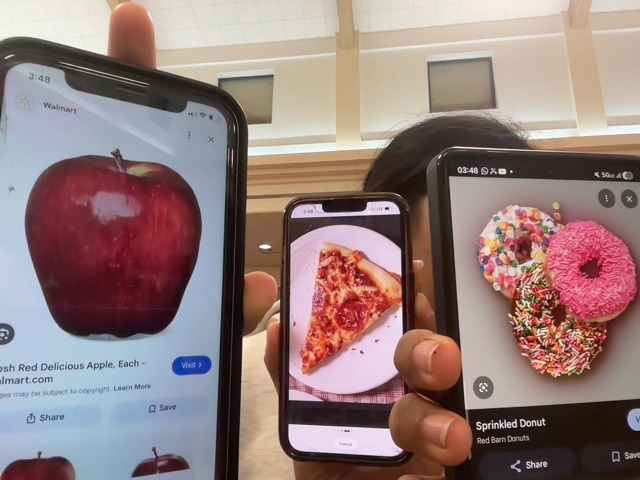
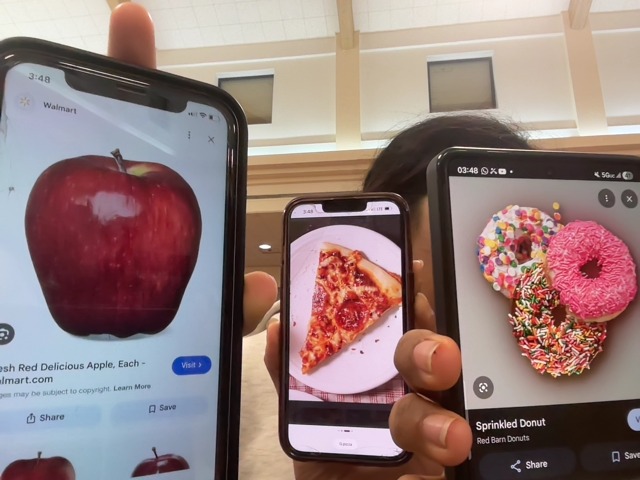
Example photo for YOLO model
-
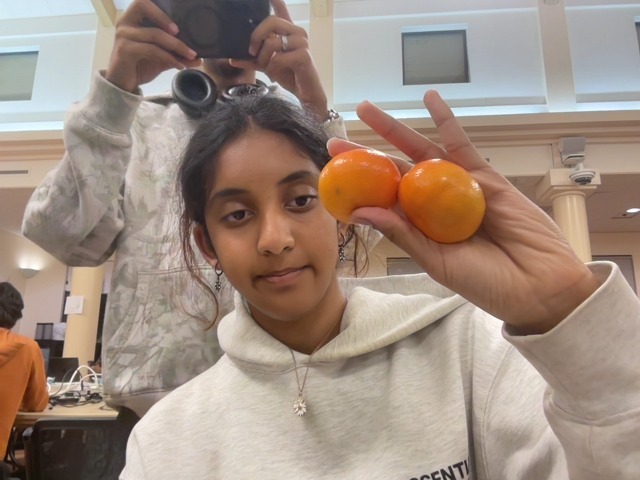
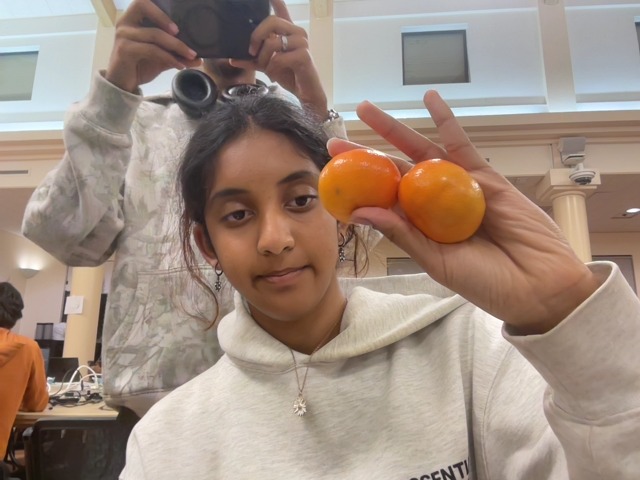
Example photo for YOLO model
-
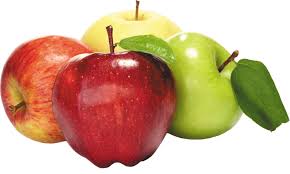
Example photo for YOLO model
-
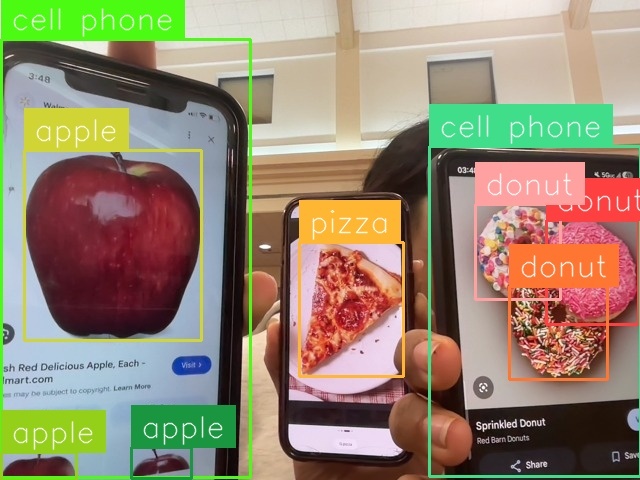
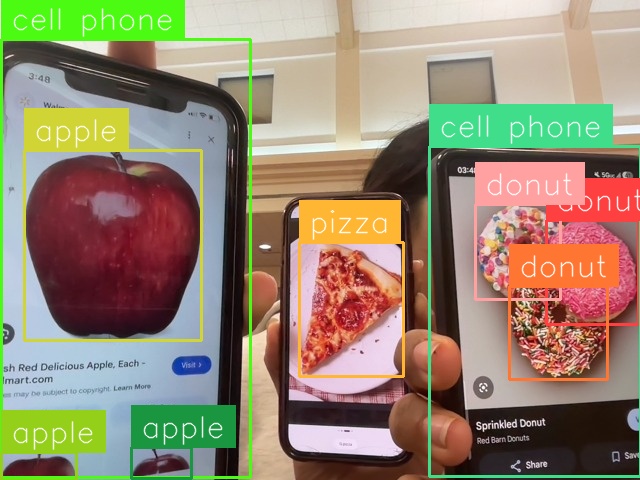
Example of YOLO model analysis
Inspiration
MealMate was inspired by a simple but frustrating reality, that people constantly waste food because they don’t know what they already have or what to do with it. Groceries get pushed to the back of the fridge, expiration dates are ignored, and meal planning becomes guesswork. At the same time, AI image detection tools are becoming powerful and accessible. We saw an opportunity to connect these ideas and build something practical, a system that takes what’s in your fridge and turns it into clear, immediate cooking decisions.
What it does
MealMate is a smart kitchen assistant that converts food images into a live, usable inventory and then into meal recommendations. Users capture a photo of their fridge, run it through an AI detection tool, and paste the results into the app. The system extracts food items, counts them, and stores them with expiration dates. It then recommends recipes based on what’s available, clearly separating meals into ones you can cook immediately and ones that require additional ingredients. Each recipe includes estimated calories and cost, and users can click “Cook This Now” to view a simplified cooking flow with instructions and details.
How we built it
We built MealMate using Node.js and Express for the backend, which handles inventory storage, API routes, and the recipe recommendation engine. We used Multer to save images locally and the browser’s webcam API for capturing photos. Inventory data is stored in a JSON file on the user’s desktop, making the system persistent without needing a database. The frontend was built with HTML, CSS, and JavaScript, structured as a dashboard that dynamically displays inventory and recipes. We integrated Roboflow as an external AI tool for object detection and built a custom parsing system to convert its output into usable inventory data. On top of that, we implemented logic for recipe matching, scoring, expiration handling, calorie estimation, and cost calculation.
Challenges we ran into
Integrating Roboflow was a major challenge because we couldn’t directly connect it to our backend in real time. Instead, we had to rely on manually uploading images and copying JSON outputs, which introduced friction and inconsistent input formats. Parsing this output reliably was difficult, so we built a fallback system using strict keyword matching. Another major issue was incorrect recipe recommendations—initially, the system suggested meals that required ingredients the user didn’t have. This was caused by inconsistent string matching (e.g., spacing, casing), which we fixed by enforcing strict normalization across the entire pipeline. We also had to debug frontend-backend synchronization, especially making sure that “Cook This Now” only appeared for valid recipes. On the UI side, transforming a basic layout into a functional dashboard required rethinking how data was grouped and displayed. All of this had to be done under tight time constraints, forcing rapid debugging and iteration.
Accomplishments that we're proud of
We successfully built a fully functional, end-to-end system that goes from image capture to actionable meal decisions. Specifically, we:
Implemented a working pipeline where users can capture an image, process it through AI, and instantly update a persistent inventory Built a recommendation engine that correctly filters recipes into “cook now” and “need ingredients,” fixing earlier logic bugs that caused false suggestions Added real utility features like calorie estimation and cost calculation for every recipe Developed a “Cook This Now” mode that turns recommendations into a step-by-step cooking experience Designed and implemented a clean dashboard UI with dynamic recipe cards and grouped sections Ensured data persistence locally without relying on external databases
What makes this especially meaningful is that the system is not just a demo—it is actually usable. A user can realistically track their food and decide what to cook with it, which is something many similar projects don’t fully achieve.
What we learned
We learned that data consistency is critical, small differences in how strings are formatted can completely break recommendation logic. We also learned how to design backend systems that directly support dynamic frontend features, especially when dealing with real-time updates. Another key takeaway was how to handle imperfect AI outputs by building systems that are resilient and predictable. On the frontend side, we saw how much better usability becomes when information is clearly grouped and visualized. Finally, we gained experience building and debugging a full-stack system quickly under pressure.
What's next for MealMate
The next step is to fully automate the AI pipeline so users don’t need to manually paste JSON outputs. We also want to expand the recipe system and introduce AI-generated recipes based on available ingredients. Additional features include smarter expiration prioritization, notifications for expiring items, and automatic grocery list generation for missing ingredients. We also plan to build a mobile version and add budgeting analytics to track food spending over time. Long term, MealMate could evolve into a fully intelligent kitchen assistant that actively helps users reduce waste, save money, and cook more efficiently.
Built With
- ai
- backend
- browser-api
- computer-vision
- css
- express.js
- fileio
- frontend
- frontend.js
- html
- javascript
- json
- localhost
- multer
- natural-language-processing
- node.js
- roboflow
- ui
- vanilla
- webcam

Log in or sign up for Devpost to join the conversation.