-
-
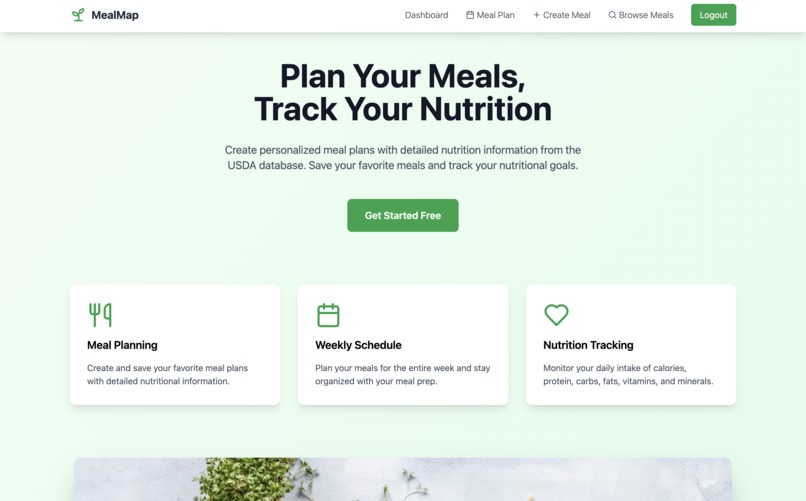
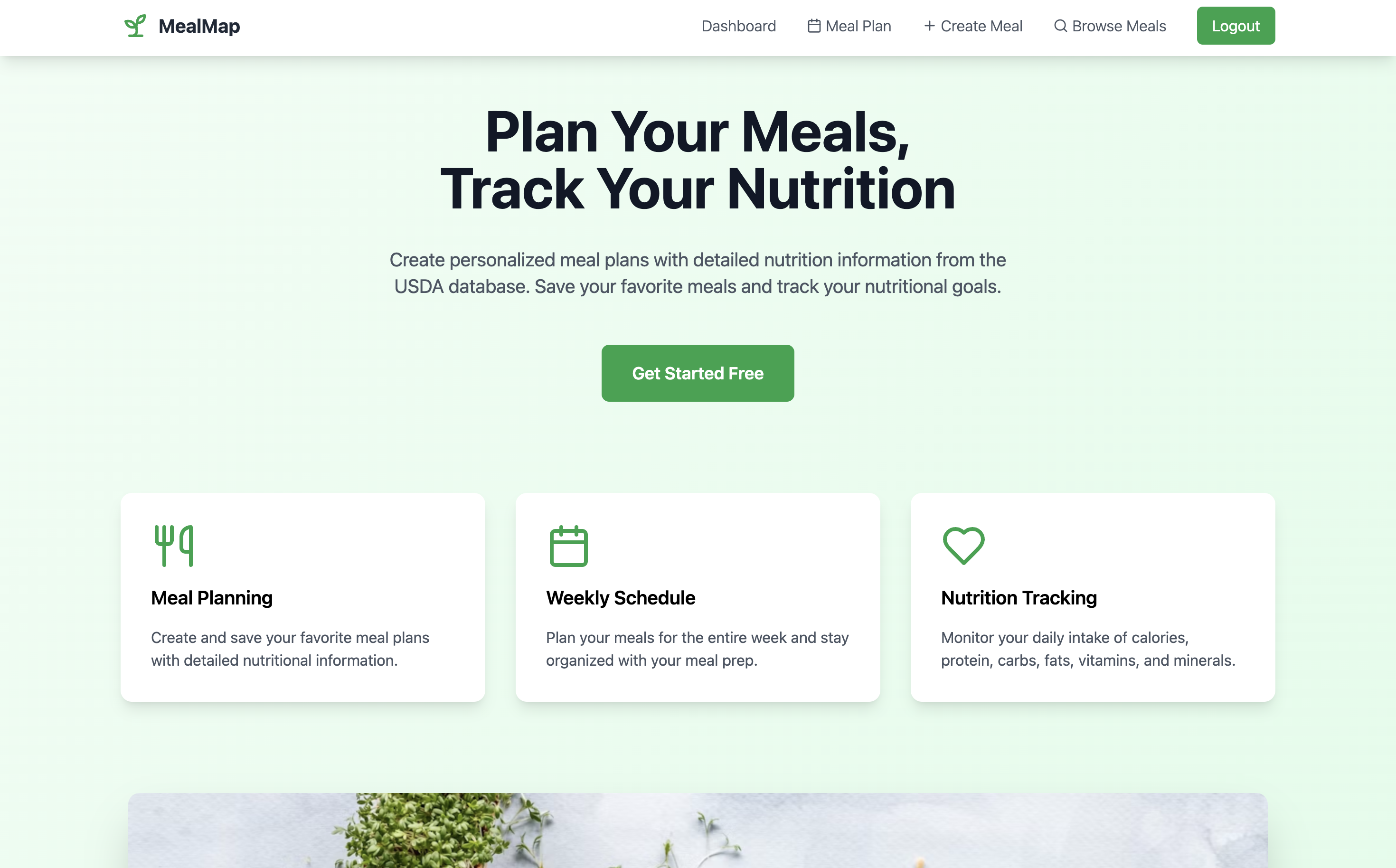
This is the home page
-
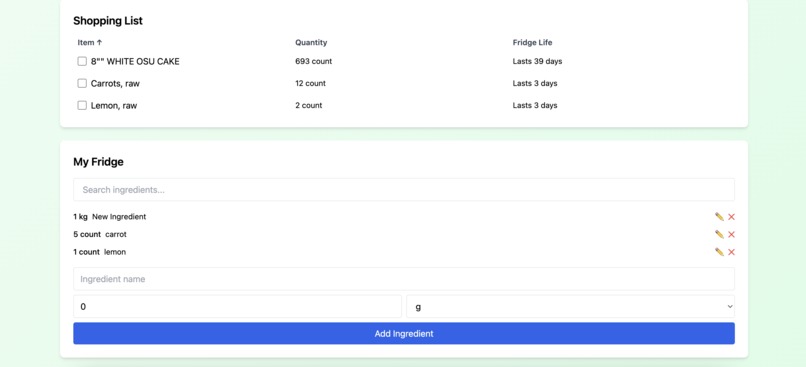
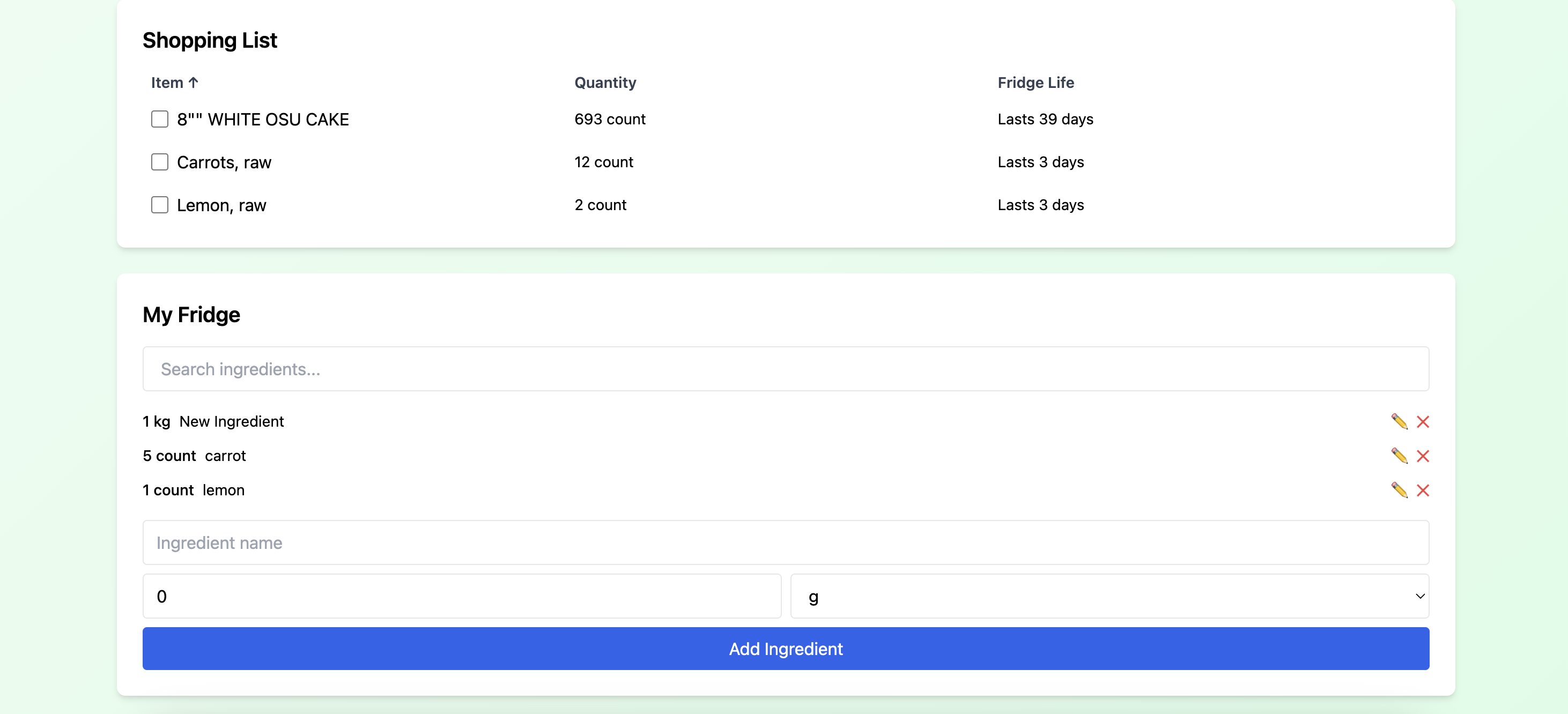
A shopping list and ingredient tracking
-
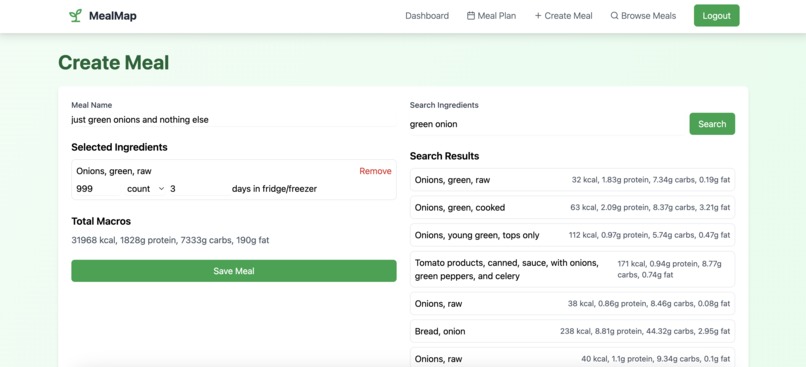
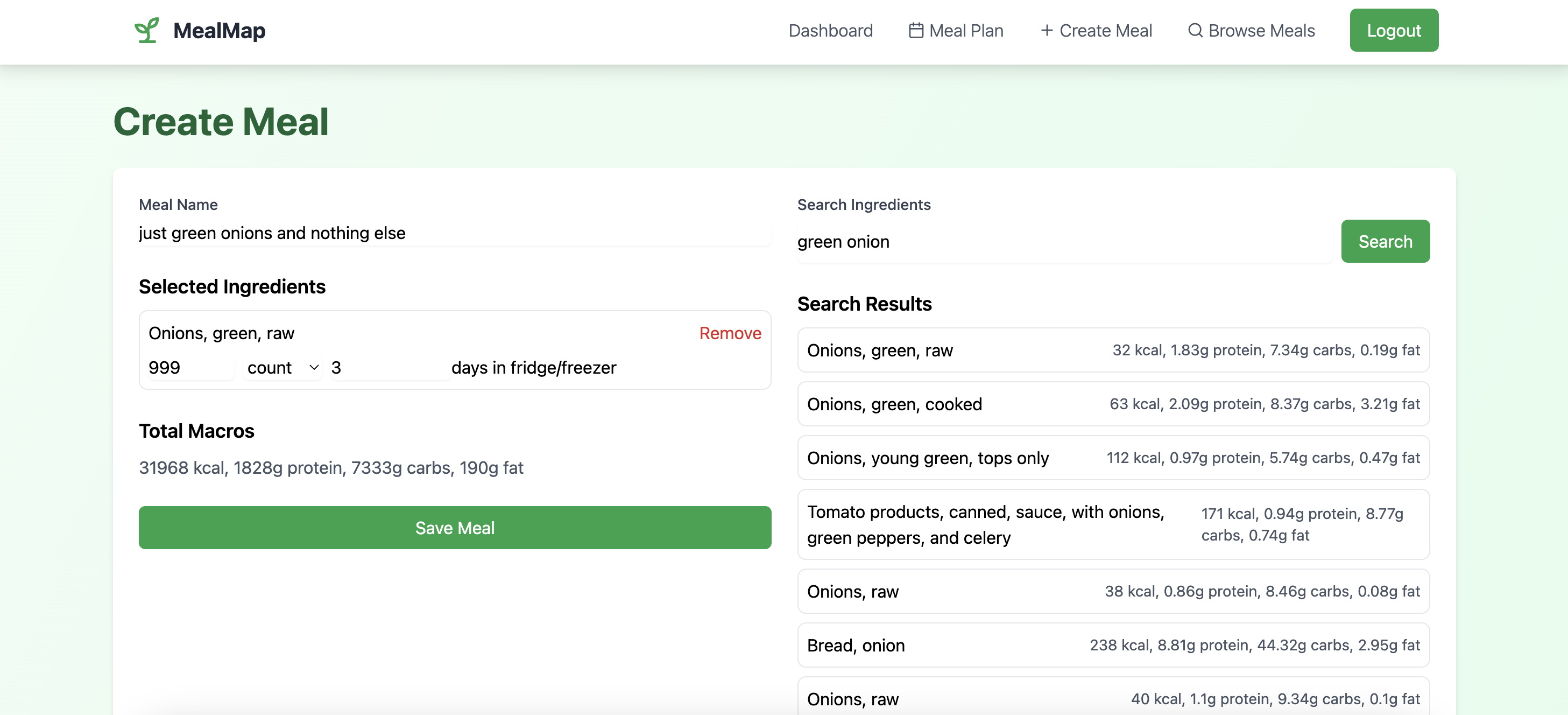
You can create your own meals
-
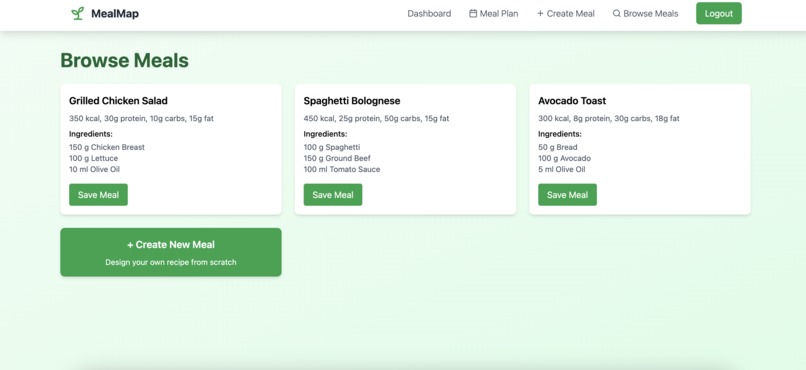
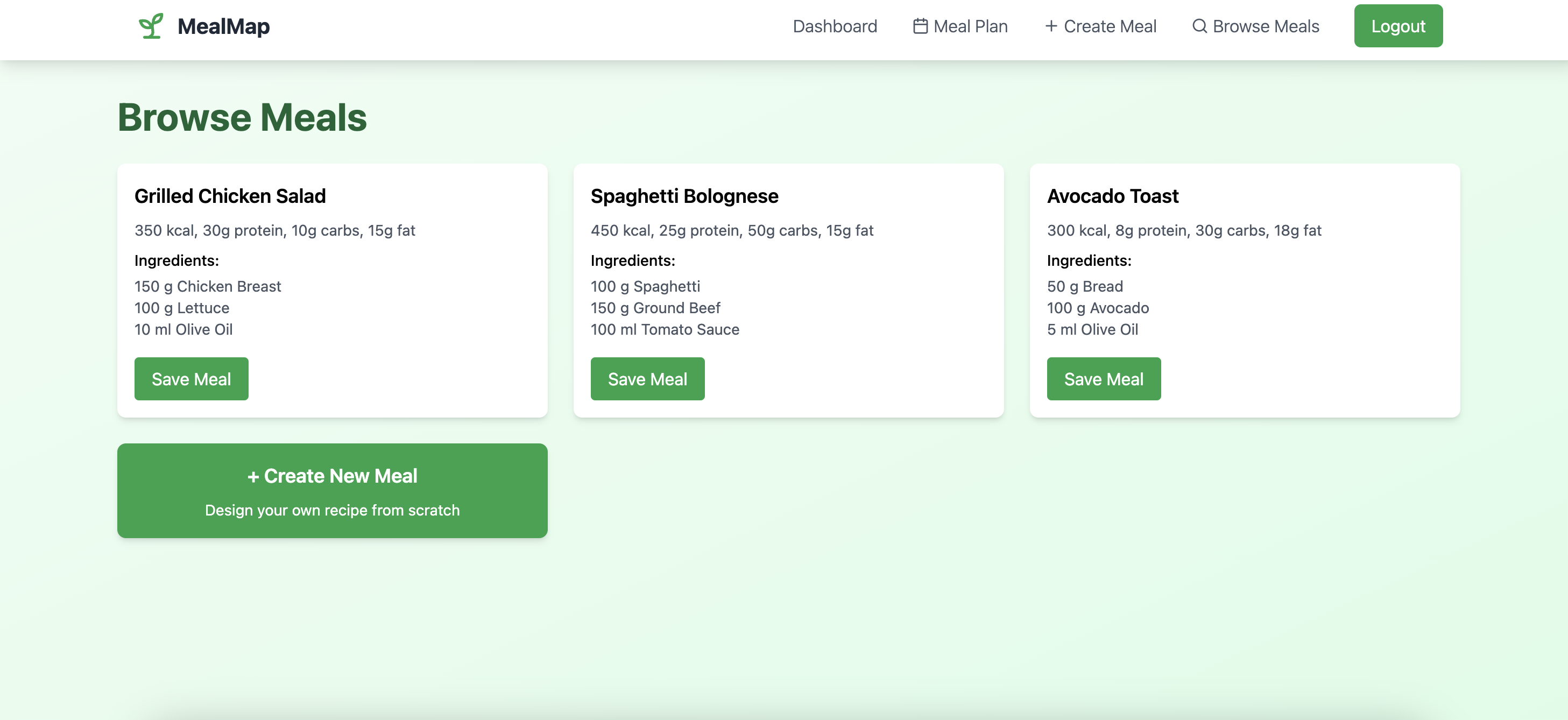
Browse other users' meals
-
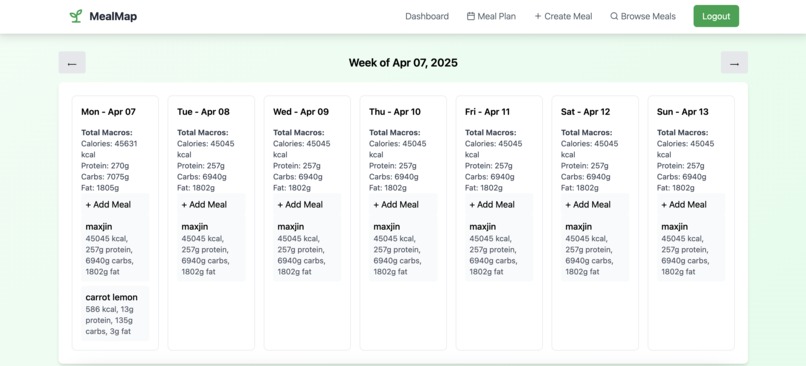
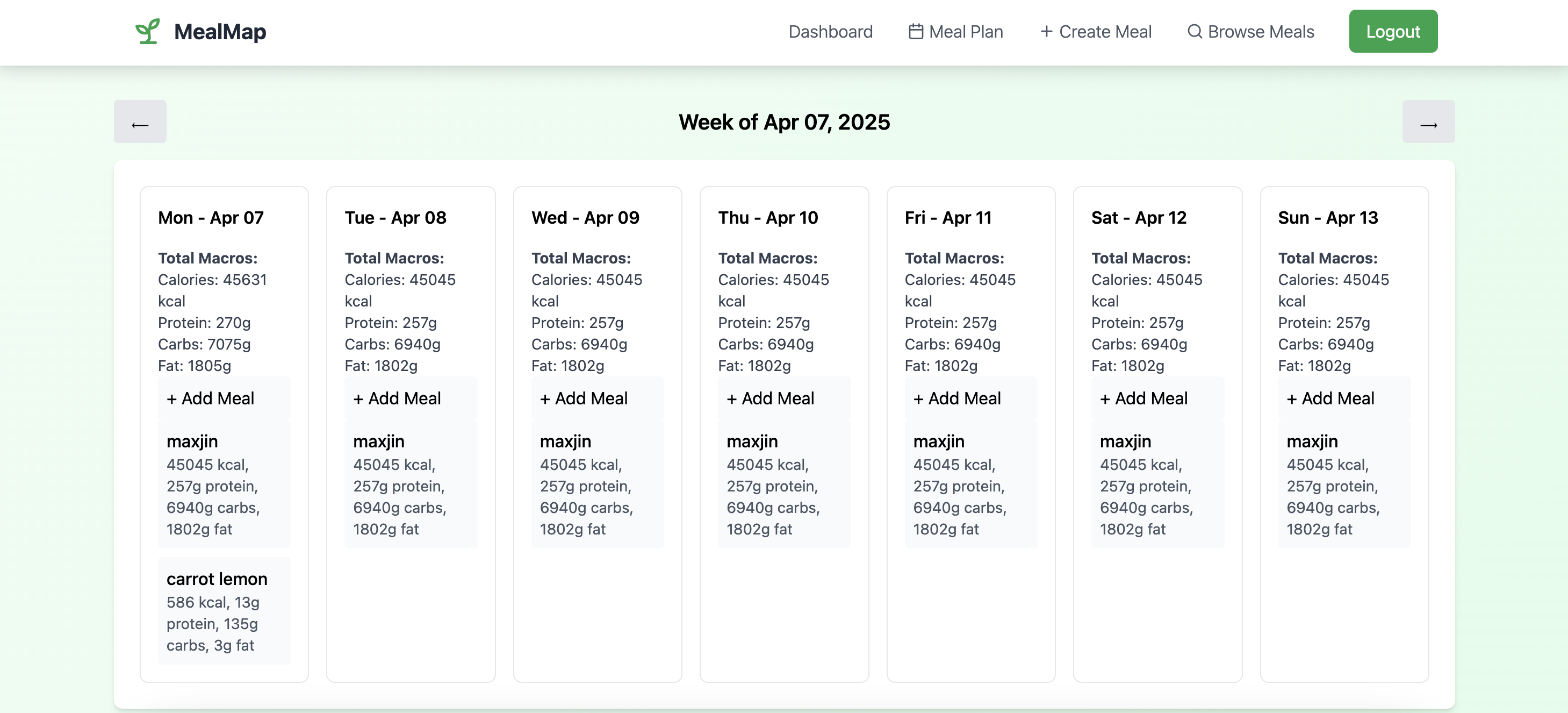
This is the weekly meal planner
Inspiration
As we are moving into an apartment next year, we wanted to stay organized and efficient as we transition into cooking our own meals. We realized how much time and mental energy goes into planning meals, figuring out what groceries to buy, and making sure we're not forgetting about the cheese in the back of my fridge for 4 months. That is why we created MealMap, a tool to make meal planning, grocery shopping, and inventory management easy.
What it does
It allows you to plan out your meals for the week, track the ingredients you have in your fridge, and gives you a shopping list based on the recipes you choose. Once your meal plan is set, it automatically generates a shopping list based on the ingredients used in your selected recipes. You can explore recipes created by other users or build your own from scratch. It’s designed to reduce food waste, save time, and help users maintain consistent eating habits.
How we built it
We built the frontend using React with TypeScript. The backend uses Firebase, which handles authentication, database storage, and hosting. For the ingredient and nutrition database, we integrated the USDA FoodData Central API, which provides macro and micronutrient information for thousands of food items. This allowed us to automatically display nutritional info for each recipe and calculate totals per meal or day.
Challenges we ran into
One challenge we ran into is not having enough time to add all the features I wanted to add to make this a more useful tool. Some features we would've loved to add include a fridge inventory integration and dynamic expiration tracking. These needed more backend logic that we didn't have the time to implement. Another challenge was figuring out how to structure recipe data in a way that is flexible yet searchable was more complicated than expected.
Accomplishments that we're proud of
We’re proud of building a fully functional meal planning app with recipe browsing, custom meal creation, and auto-generated shopping lists. I didn't expect the integration of the USDA API with our UI to be so seamless, and getting the authentication, database syncing, and UI components to work together smoothly was a rewarding challenge. Most importantly, the app solves a real personal need, and we know it could help others too.
What we learned
Do NOT put your api keys publicly on the git repository. :D We also used TypeScript for the first time and realized how easy it makes the web development process with debugging compared to Javascript. Using Firebase is a lot easier than we expected.
What's next for MealMap
We would love to create a more complete website and scale the website for public use. Here are some features we did not have the time to implement during bitcamp:
- suggested shopping days
- improved food expiration tracking
- better track ingredients based on what meals you eat and buy
- suggest meal suggestions based on current fridge
Special Thanks
Hariketh Kailad <3
Built With
- firebase
- react
- tailwind
- typescript


Log in or sign up for Devpost to join the conversation.