-
-
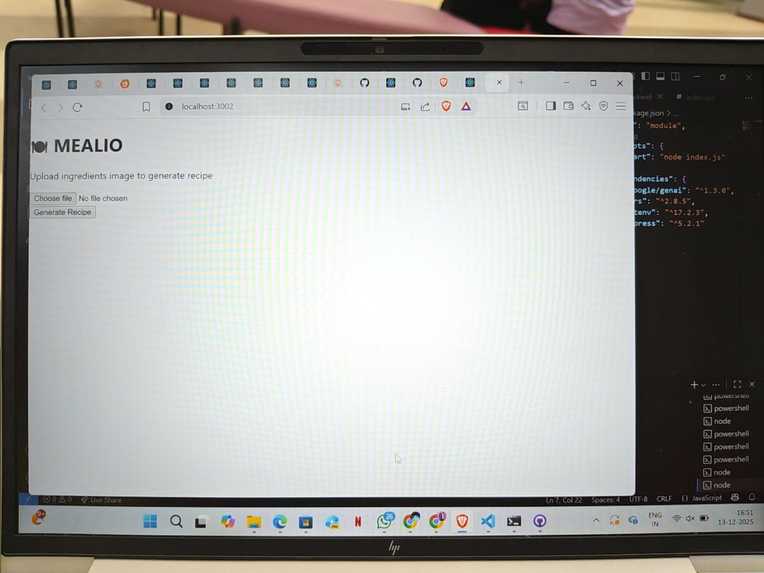
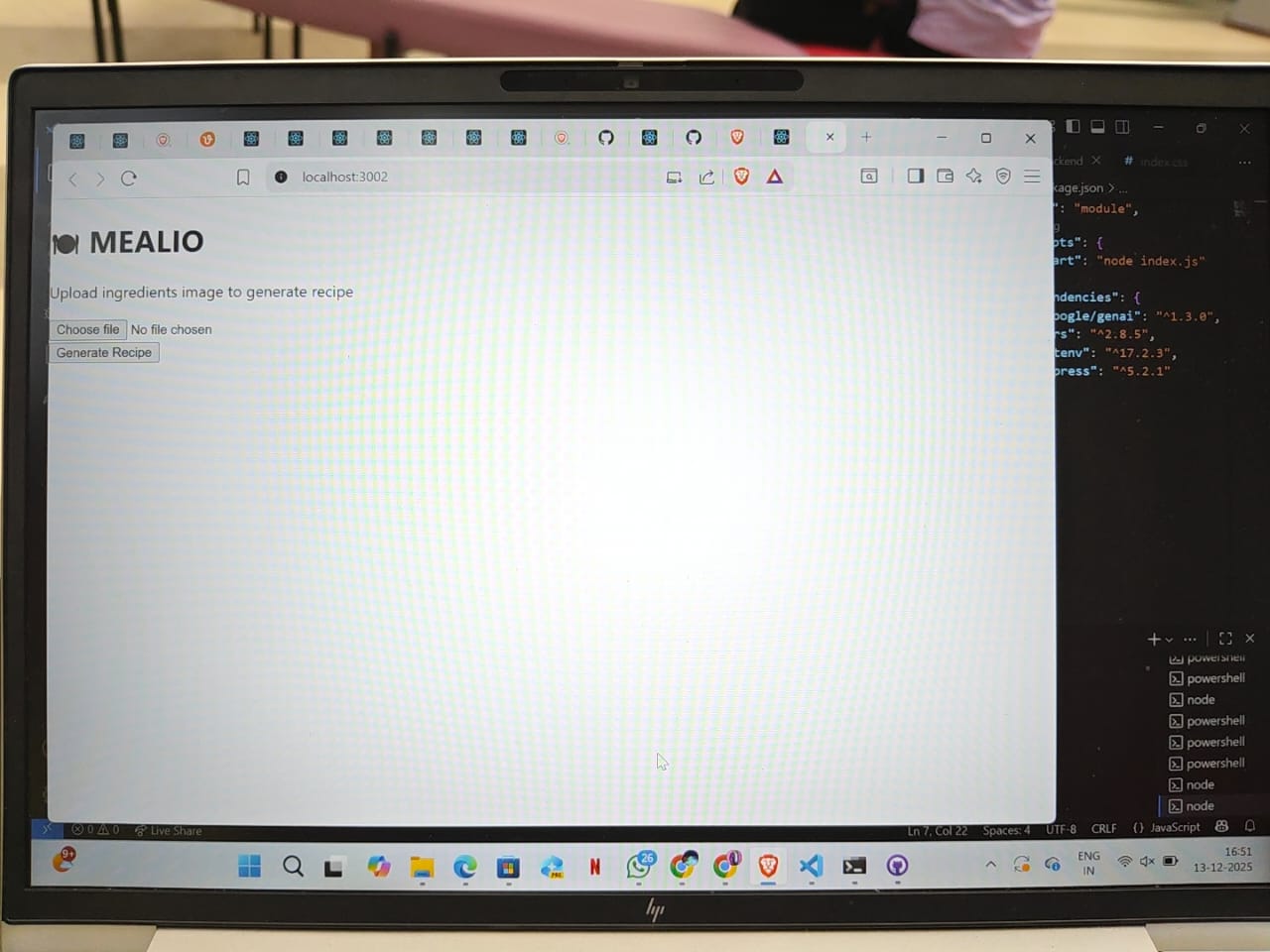
APP INTERFACE
-
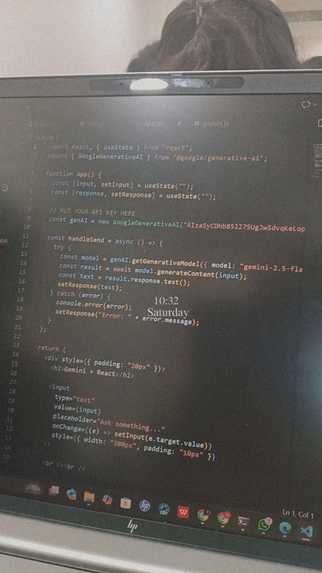
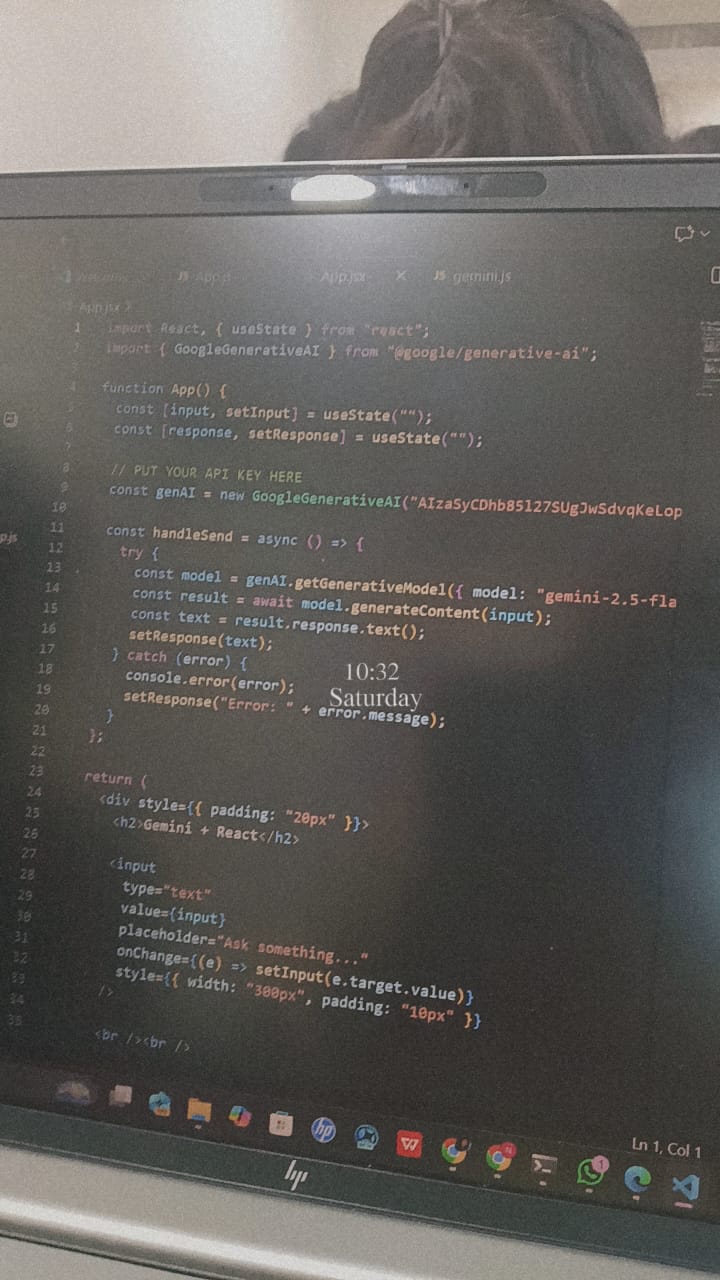
SOURCE CODE
Inspiration
We've all been there: standing in front of an open fridge at 6 PM, staring at a random assortment of ingredients like half an onion, some eggs, a bell pepper, and leftovers with absolutely no idea what to make. We wanted to solve the "what's for dinner?" fatigue and reduce food waste by making it incredibly easy to cook with what you already have. We didn't just want a recipe search; we wanted a visionary chef that can see what you have and guide you through the cooking process visually.
What it does
Mealio is an intelligent cooking assistant that turns a photo of your fridge or pantry into a delicious, step-by-step recipe. Snap & Upload: The user uploads a photo of their ingredients. AI Analysis: Using Google's Gemini 2.5 Flash, Mealio analyzes the image to identify every usable ingredient. Recipe Generation: It instantly generates a structured, custom recipe (including prep time, cook time, and servings) tailored exactly to those ingredients. Visual Guides (The "Magic" Step): It doesn't just tell you what to do; it shows you. Mealio generates photorealistic images for specific cooking steps, helping users visualize techniques like "julienne the carrots" or "sauté until golden brown."
How we built it
We built Mealio as a modern, responsive web application: Frontend: We used React (Vite) for a fast and interactive user interface and Tailwind CSS for styling. AI Powerhouse: The core intelligence is powered by the Google Gemini API. We used gemini-2.5-flash for its multimodal capabilities (Vision) to analyze the uploaded ingredient photos. we utilized Structured Outputs (JSON Schema) to ensure the AI returned reliable, parseable data for our UI, rather than just unstructured text. We experimented with image generation models to create the visual step-by-step guides. Data Handling: We implemented client-side Base64 encoding to efficiently handle image uploads before sending them to the Gemini API.
Challenges we ran into
Prompt Engineering: getting the model to strictly adhere to our JSON schema was initially tricky. We had to refine our system instructions to ensure the API didn't include conversational filler text (like "Here is your recipe") and only returned pure JSON. Ingredient Recognition: Sometimes the model would identify obscure background items. We had to tune the prompt to focus only on "edible primary ingredients." Asynchronous State: Managing the loading states for both the text recipe generation and the image generation simultaneously required careful state management in React to keep the UI responsive.
Accomplishments that we're proud of
Seamless "Vision-to-Recipe" Flow: It feels magical to upload a messy photo of a fridge and get a structured, coherent recipe card back in seconds. Structured Data Implementation: We successfully wrangled the Large Language Model to output perfect JSON every time, making our frontend code much cleaner and less prone to breaking. Visual Flair: The UI is clean, intuitive, and the generated images make the cooking experience feel futuristic.
What we learned
Multimodal Capabilities: We learned just how powerful Gemini 2.5 is at understanding context within images—it didn't just list items; it understood relationships between ingredients (e.g., seeing pasta and tomatoes and suggesting a pasta dish). The Importance of Schemas: We learned that defining strict data schemas for AI is critical for building robust applications that go beyond a simple chatbot interface.
What's next for MEALIO
Dietary Filters: Adding user preferences (Vegan, Keto, Gluten-Free) to the prompt context. Pantry History: Saving identified ingredients to a virtual "pantry" so users can track what they have over time. Video Generation: Upgrading the static visual guides to short AI-generated video clips using Google's Veo or future video models.


Log in or sign up for Devpost to join the conversation.