-
-
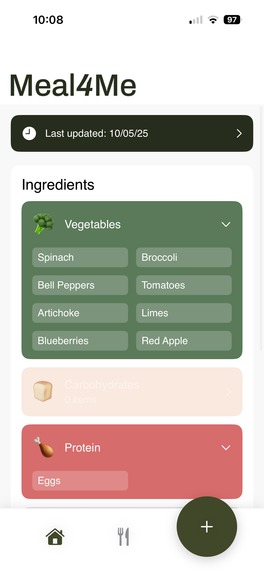
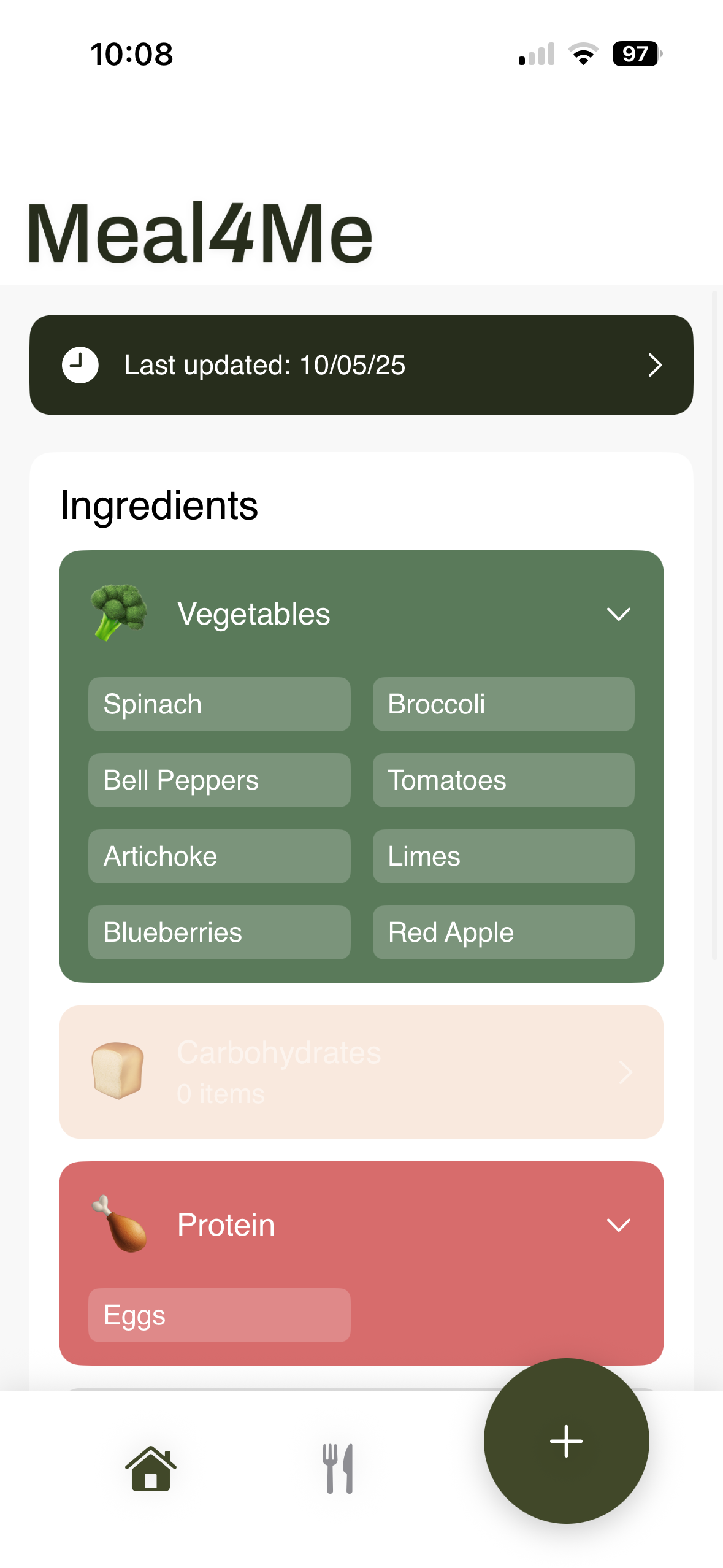
Landing page w/ ingredients
-
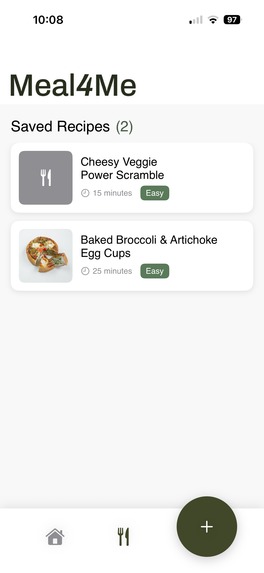
Ingredients list
-
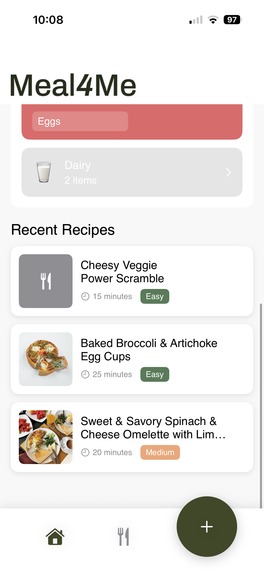
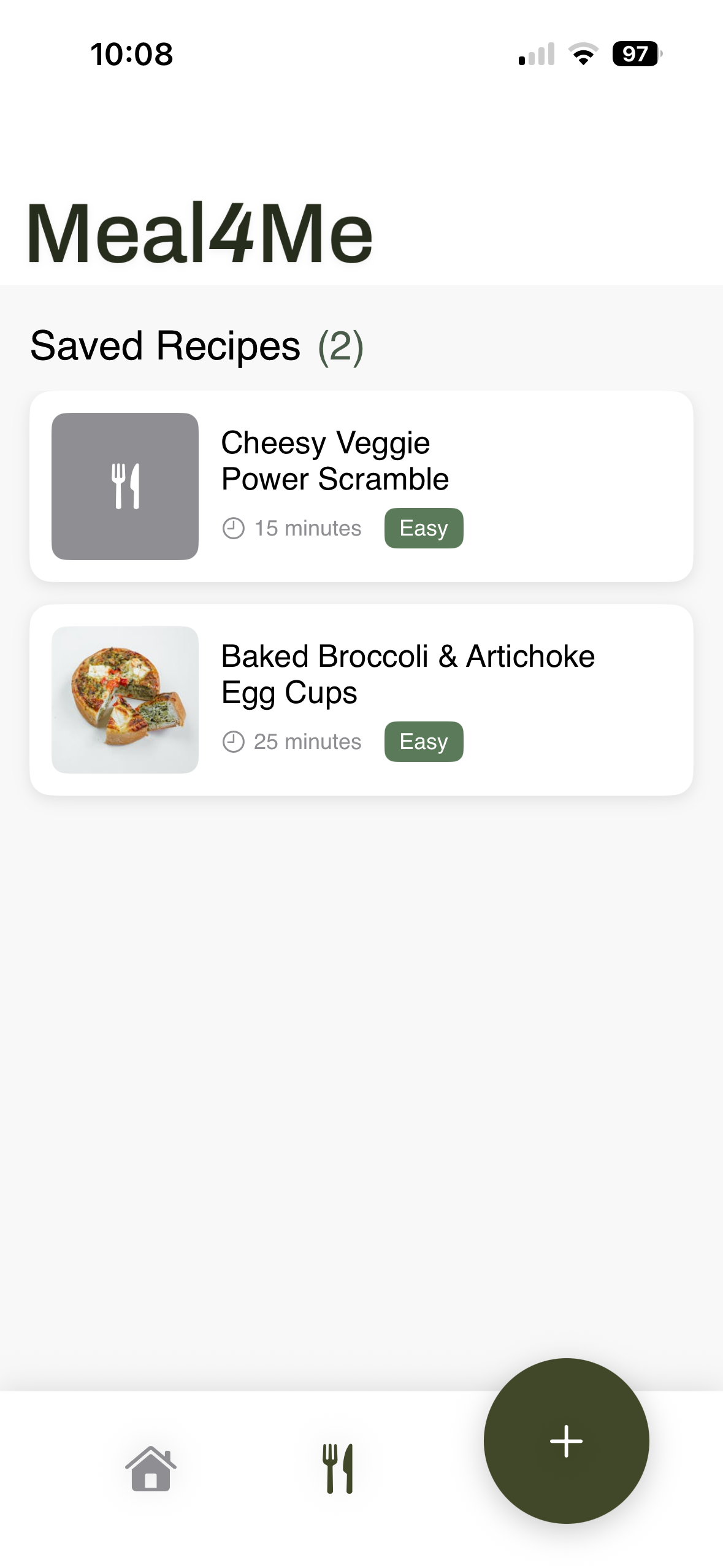
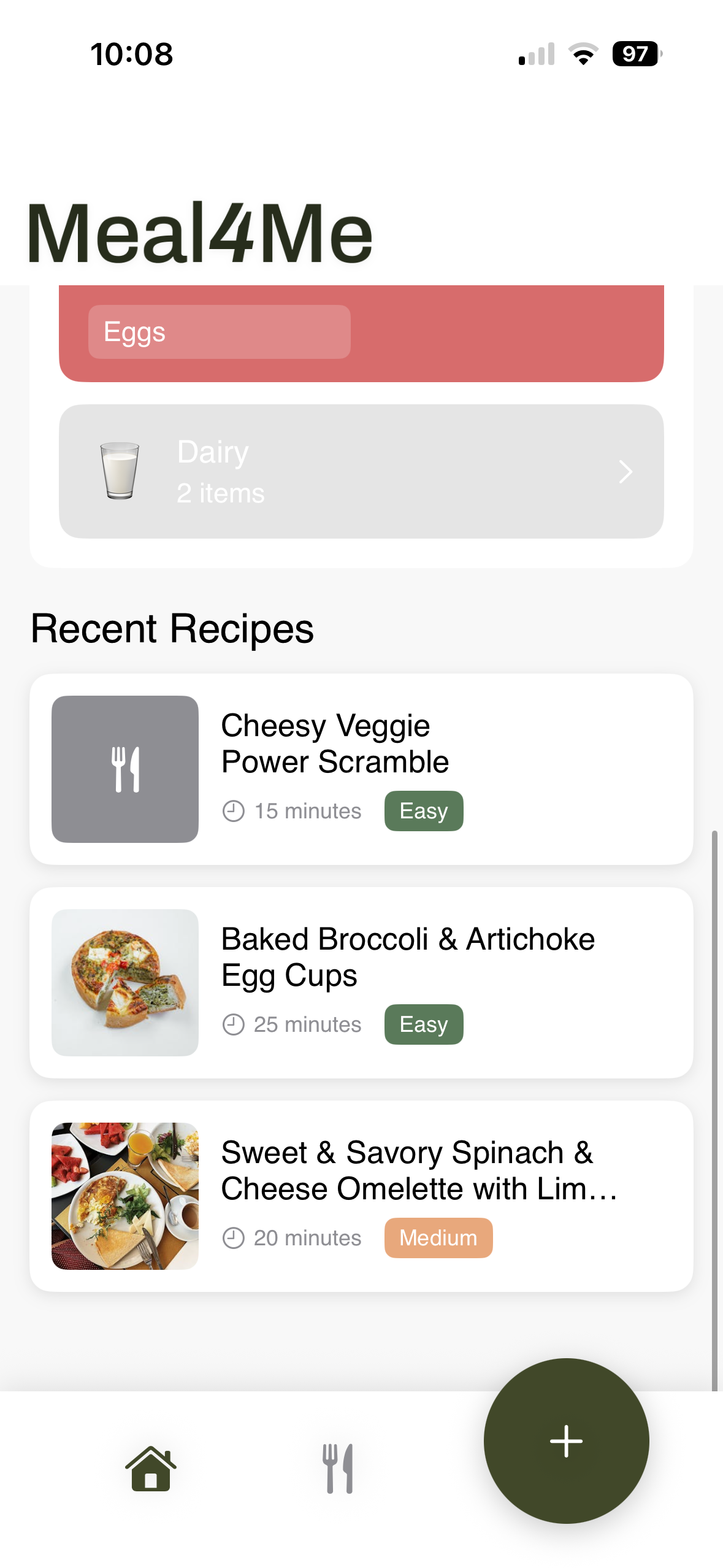
Recipes list
-
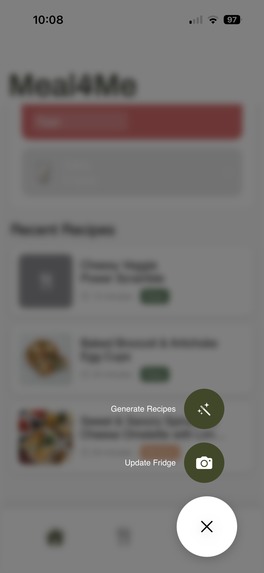
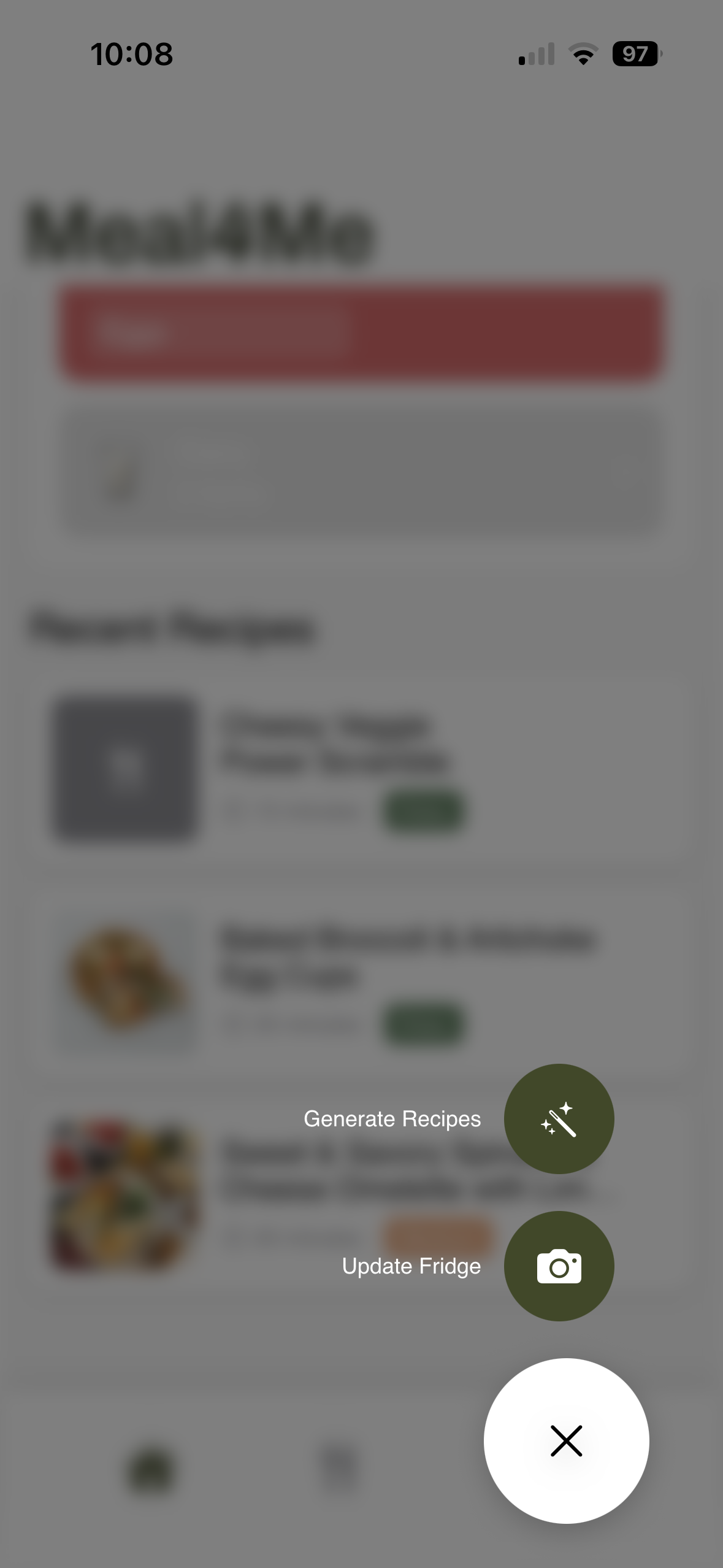
Button with camera updates and recipe generation
-
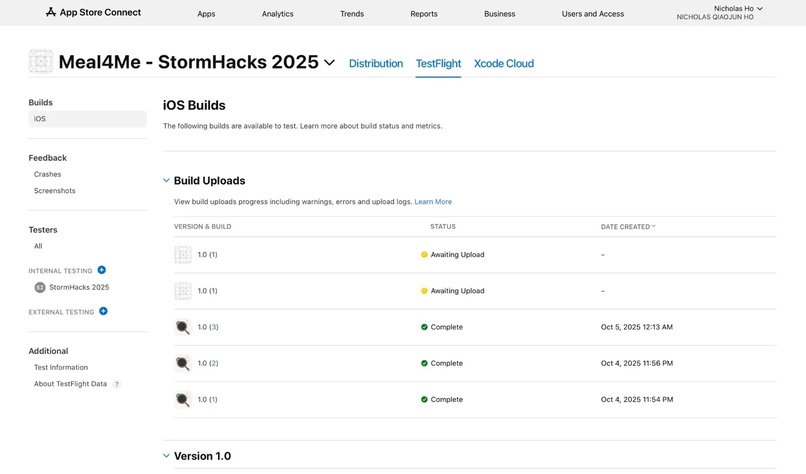
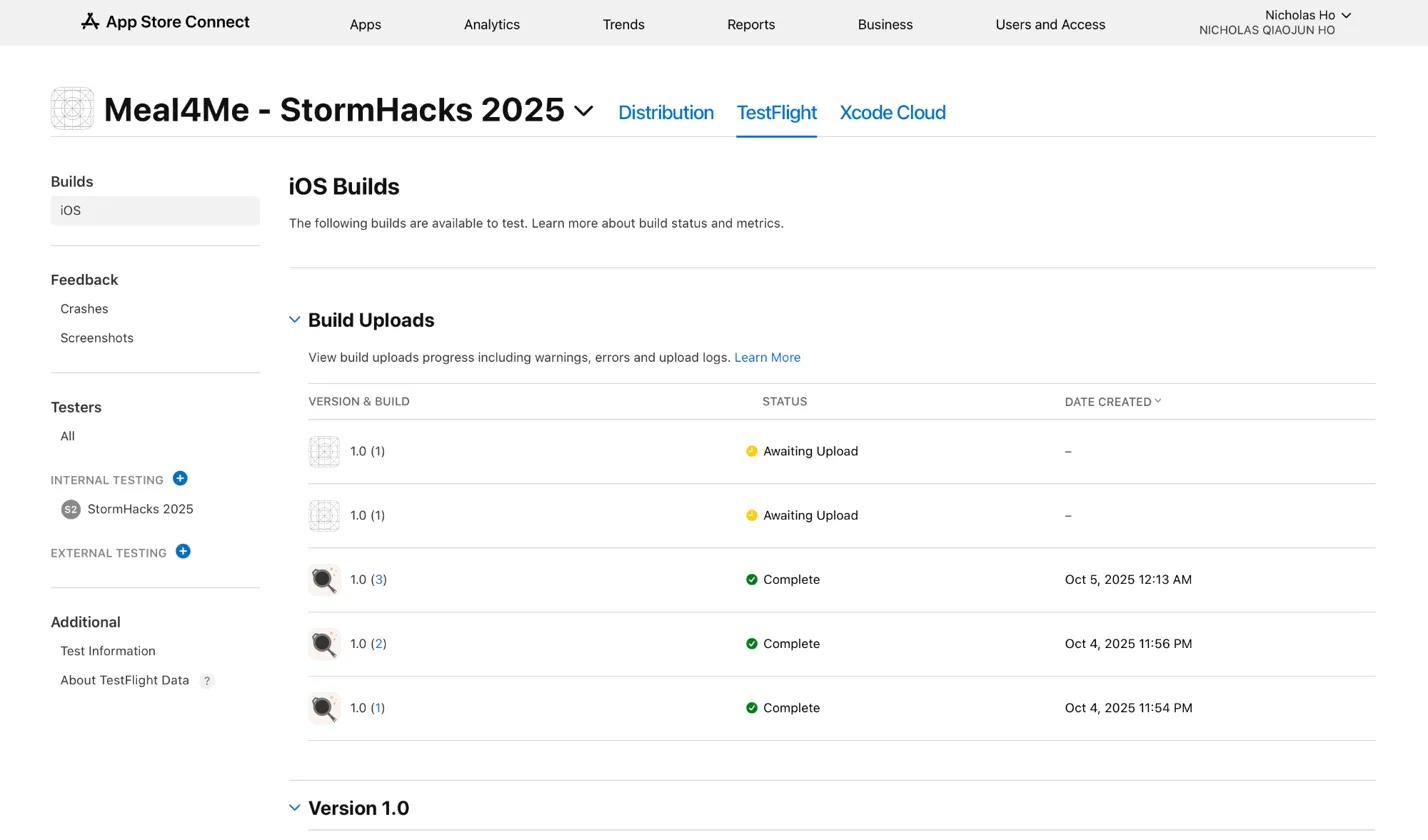
Testflight app listing for closed beta testing
Inspiration
We often have more than enough that we need to cook: endless recipes online, appliances, and most importantly; ingredients in a fridge. But somehow, the gap between these three things feels impossible to bridge. The inspiration was never the ingredients, it was providing a stepping stone towards making a home cooked meal.
What it does
Students have ingredients but struggle to make the first step. Meal4Me makes this simple. Take just one photo of your fridge, and Gemini AI instantly identifies what you have and generates 3 recipes tailored for college cooking.
How we built it
Phase 1: Design & Iteration
Started with Figma mockups, exploring how to make fridge scanning feel natural. After many iterations, we landed on a three-step flow: Scan → Review → Cook. Simple, but getting there required making core decisions and many compromises.
Phase 2: The Foundation
Built the iOS app in SwiftUI for native performance. Integrated UIImagePicker for camera capture and PHPicker for photo library — giving users flexibility in how they scan.
Phase 3: AI Intelligence
Connected Google Gemini's Vision API to identify ingredients and Text API to generate recipes. Added Pexels API so every recipe has a beautiful photo. Everything saves locally with UserDefaults — no account needed, works offline. The result: native iOS experience that feels instant, intelligent, and effortless.
Challenges we ran into
Challenge 1: Design Paralysis
We kept adding features — ingredient substitutions, more catered recipe generation, freezer tracking. The app became bloated. Solution: Focused ruthlessly on the core flow: Scan → Review → Cook. Sometimes less is more. Learning: Simplicity isn't about doing less — it's about doing what matters most.
Challenge 2: Recipe Images
Problem: We initially tried Gemini's Imagen API to generate images — too slow (30+ seconds) and inconsistent quality. Solution: Switched to Pexels API for instant, professional food photos. Learning: Generated images sound cool, but real photos work better and faster. Challenge 3: Speed & Cost at Scale Problem: Initial prototype took 15 seconds and uploaded 4.5MB per scan. At 10K users, that's $8,900/year in API costs. Solution: Built an image processing pipeline (resize, compress, base64) that cut images from 4.5MB to 0.25MB (97% reduction). Split Gemini calls into Vision + Text APIs to reduce payload by 50%. Learning: Optimization isn't optional — it's the difference between a demo and a product.
Accomplishments that we're proud of
90%+ Ingredient Vision Accuracy
Through 20+ prompt iterations, we engineered Gemini to distinguish between "meal-worthy ingredients" and condiment packets. Our constraint-based prompting ensures it detects chicken breast, not ketchup packets — practical results students can actually cook with.
Development Efficiency
Not a prototype. Not a proof-of-concept. A functional iOS app with 18 modular files, MVVM architecture, error handling, local storage, and polished UI. Everything works, end-to-end, from camera to saved recipes.
Design-Software Engineering Collaboration
We didn't silo design and dev. Designers shared Figma updates in real-time, engineers gave feedback on feasibility, everyone tested builds. The result: an app where form and function aren't competing — they're working together.
What we learned
Prompt engineering is an art — 20+ iterations taught us AI accuracy comes from constraints, not just capability SwiftUI's async/await patterns for smooth, responsive UX Designing around AI capabilities taught us a new discipline — the UI had to adapt to what the model could deliver reliably, not what looked cool in Figma.
What's next for Meal4Me
We hope to share our project to the world in hopes of finding a solution to a problem that we all deeply resonate with on a daily basis.


Log in or sign up for Devpost to join the conversation.