-
-

MEal Logo
-
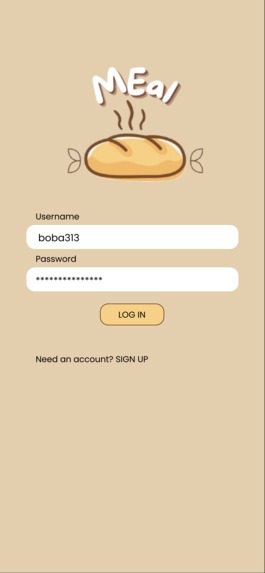
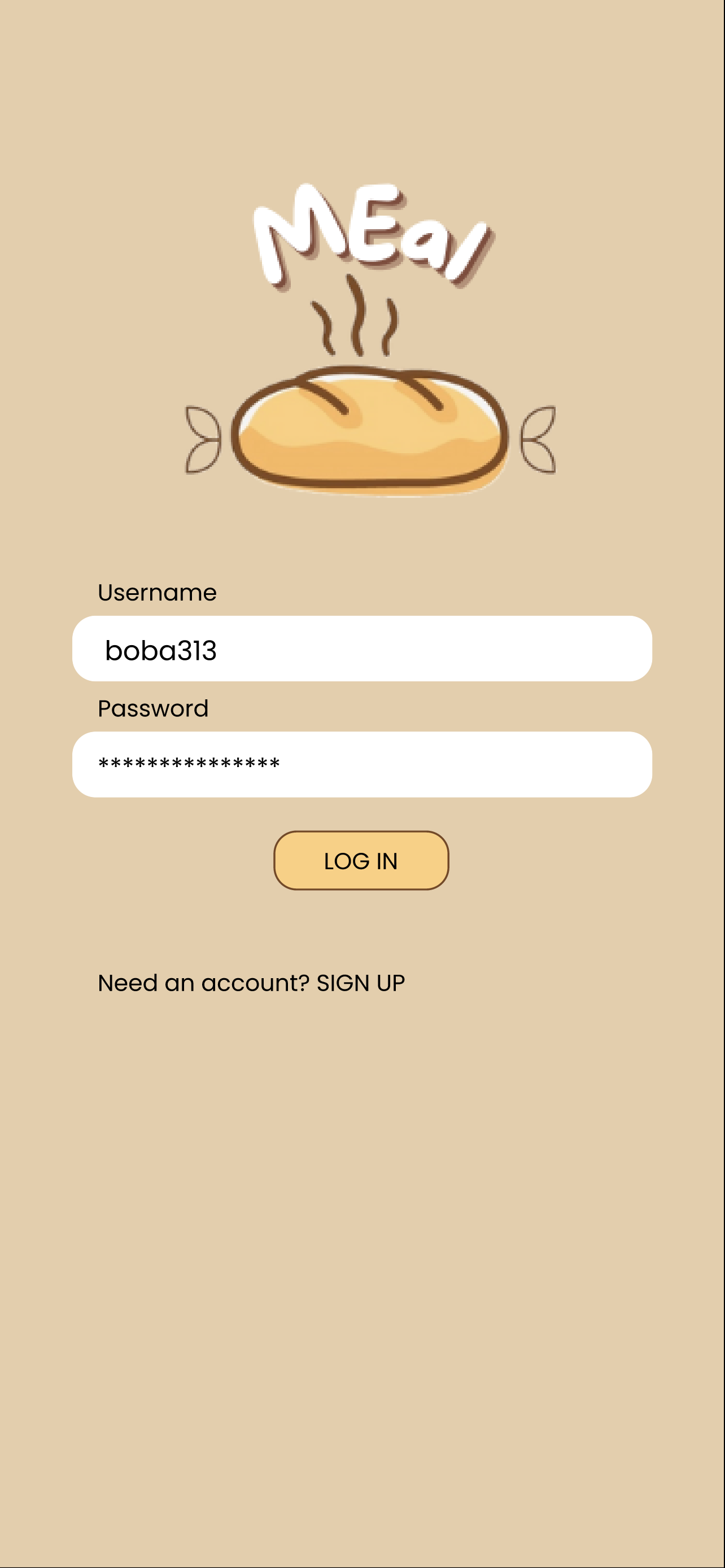
Login Screen
-
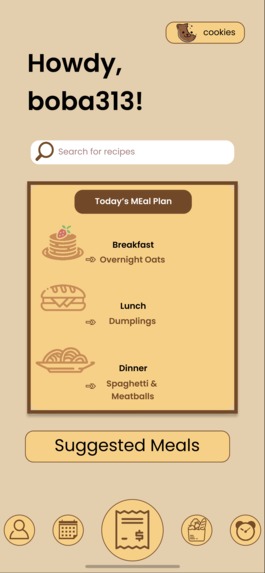
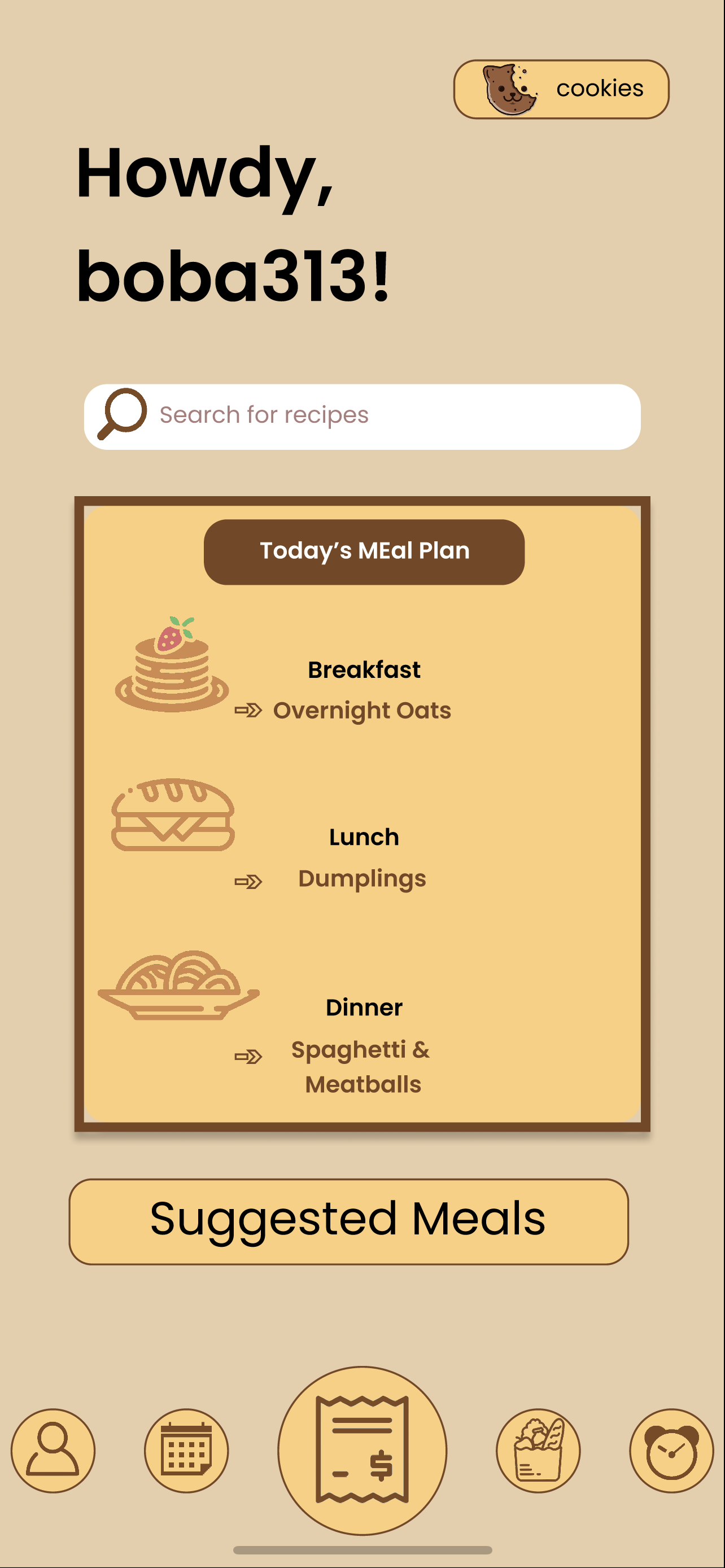
Home Screen
-
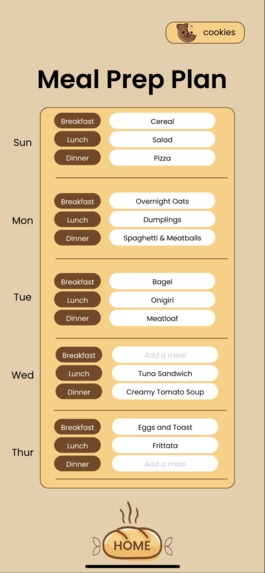
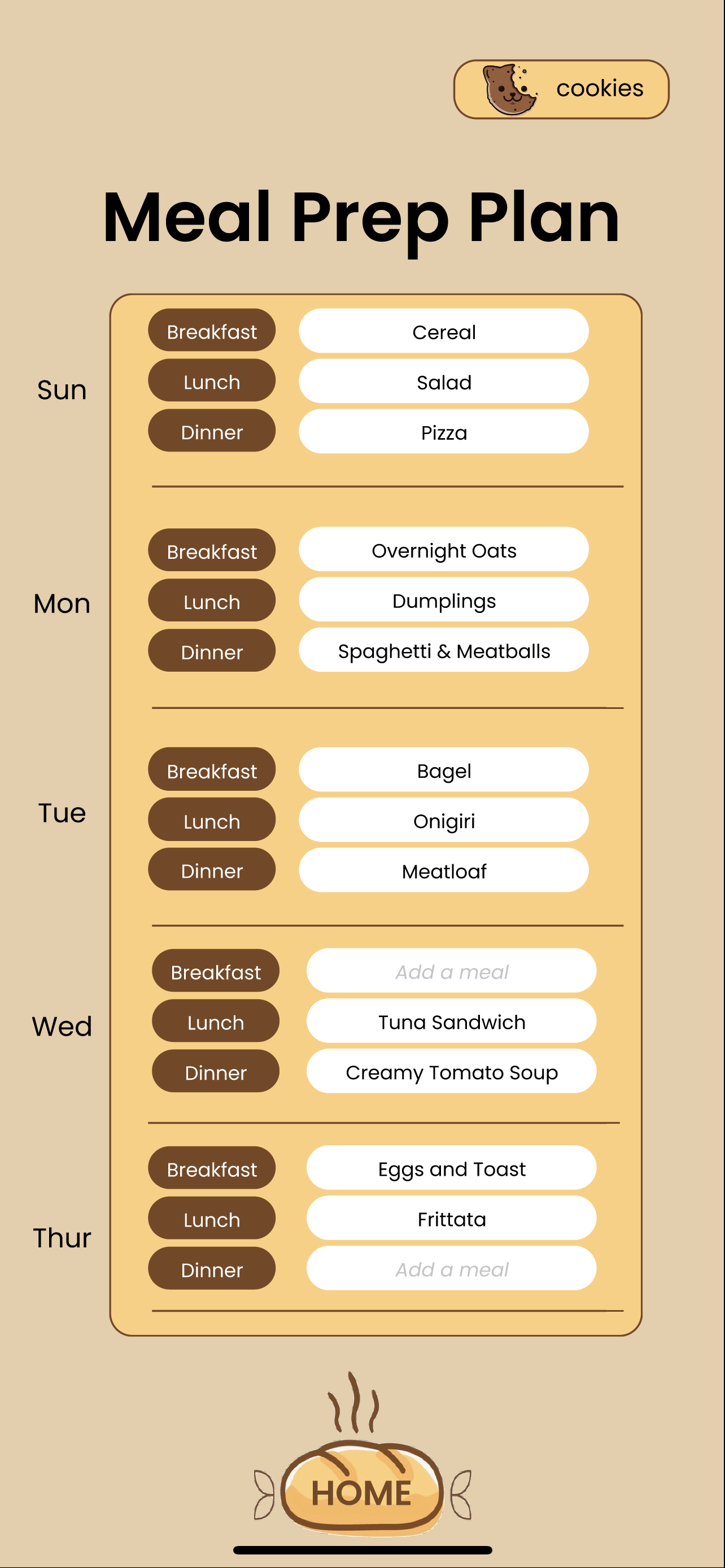
Meal Prep Plan
-
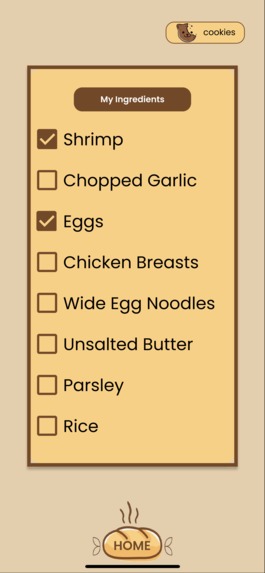
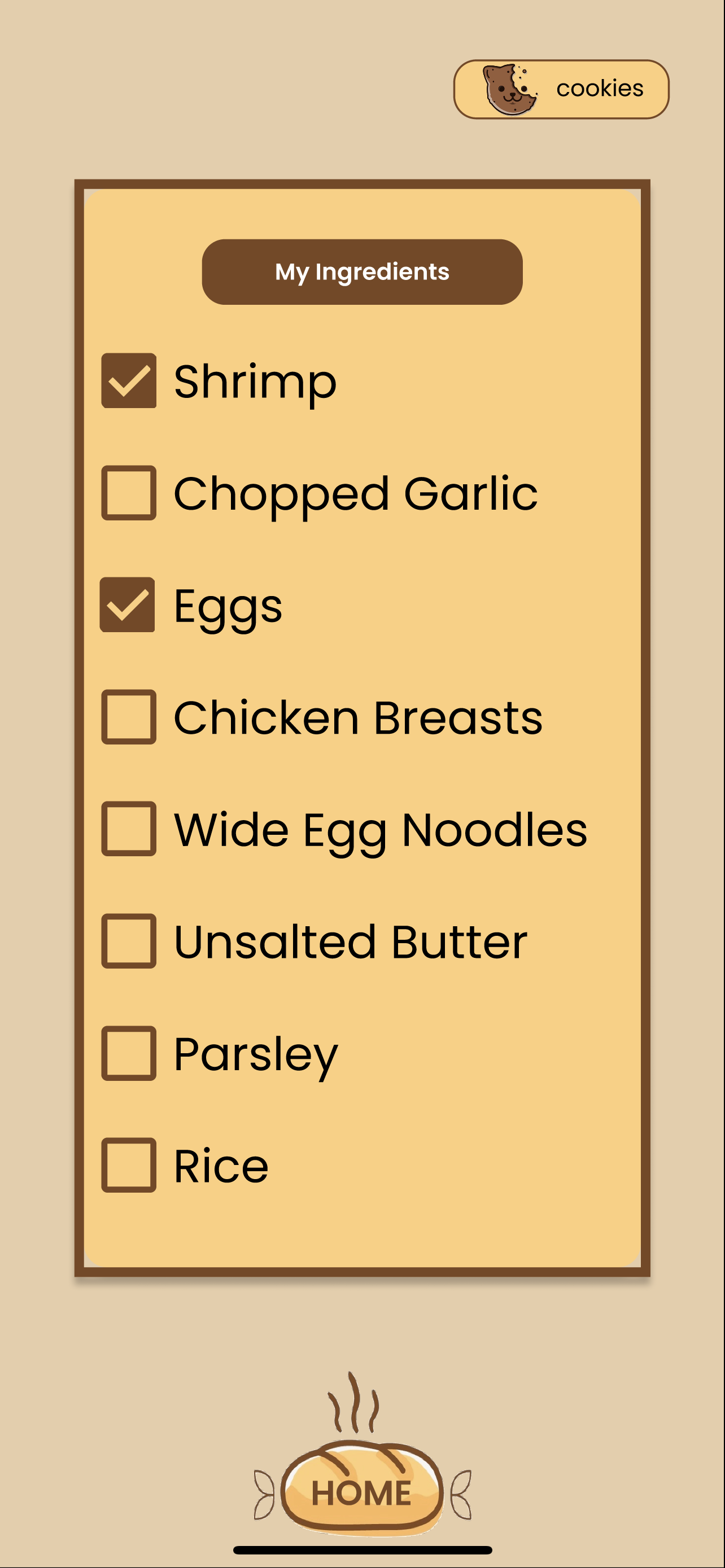
Ingredient List
-
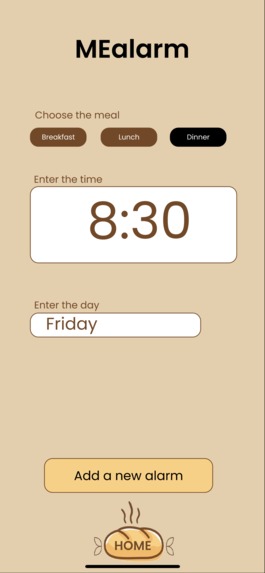
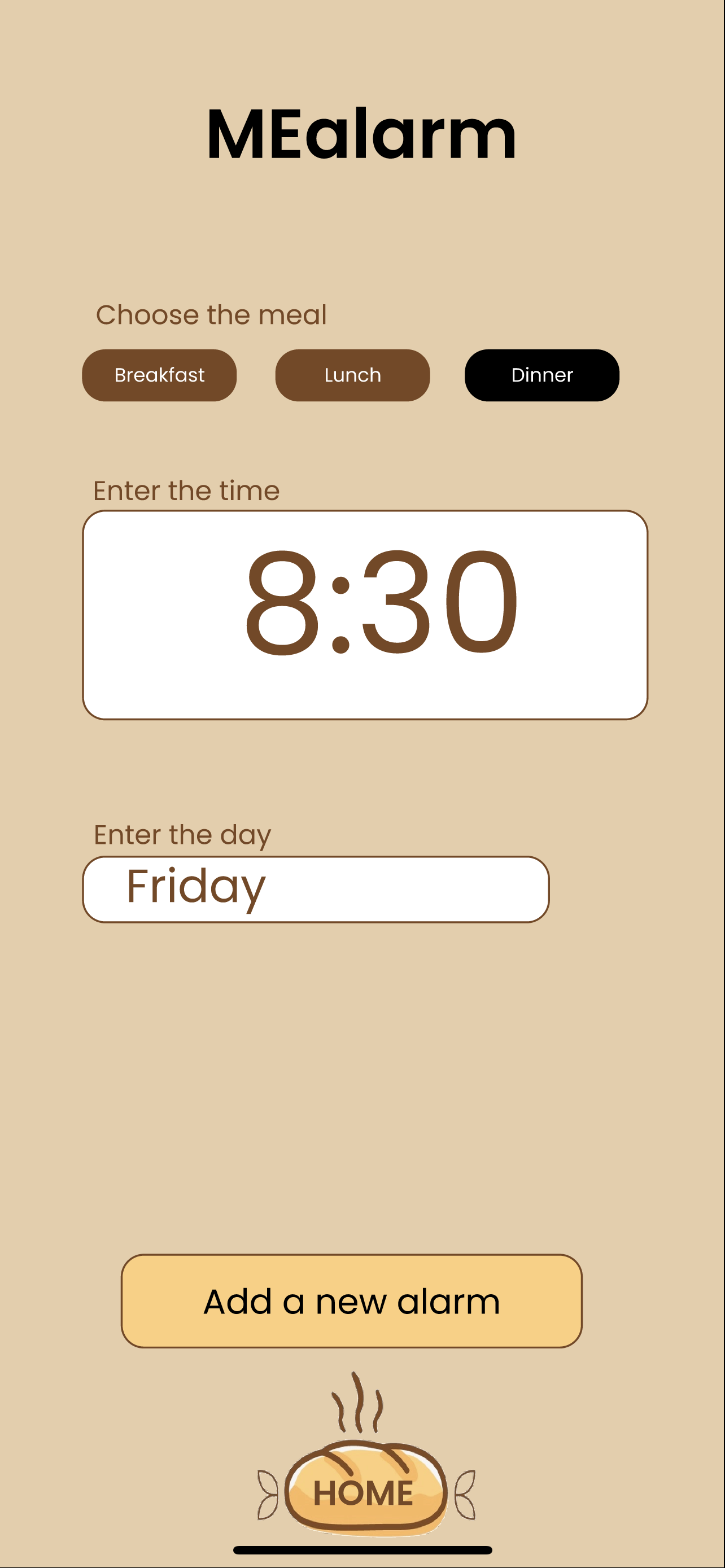
MEalarms
-
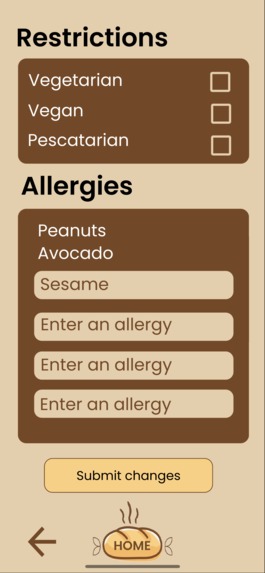
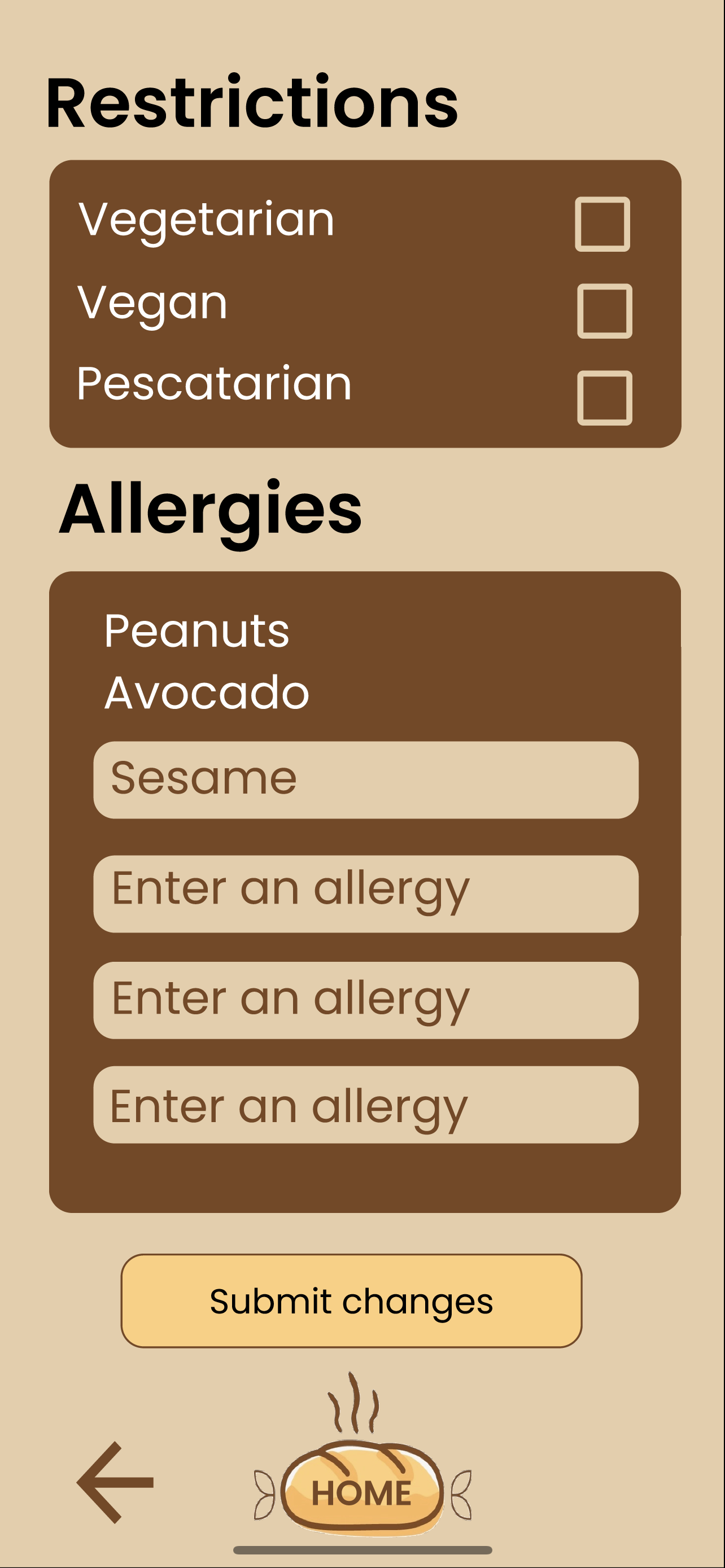
Restrictions and Allergies

Inspiration
Our inspiration for creating this app was our own struggles with eating food. One of our teammates often forgets to eat so she has to set alarms everyday for each meal. That is not entirely helpful because it still requires her to plan the meal beforehand. Another teammate gets stressed when she does not know what she is going to eat or need to cook for the rest of the week. We need to think of what groceries to buy and how to cook with what's available. In the stress of it all, we may skip eating altogether. Having an app that could aid in planning and keeping track of meals would be incredibly helpful to us and others with busy lives.
What it does
MEal is a meal-planning app that can scan groceries and ingredients, keep track of these ingredients, suggest recipes looking at the users' items, create a weekly planner for each meal every day of the week, set cooking alarms, and award points to users who eat three meals everyday. The points add up for users' to cash out in coupons and gift-cards.
How we built it
After deciding on the main idea for our app and brainstorming, we created a task-flow of all the features the app would have, how they connected, and the components needed to build them up. Then we focused on creating a prototype that would demonstrate the features of the app and the connections they add with one another. We also spent time on creating a pleasing and appealing design that would draw others to use the app. After beginning the prototype, we began to code the implementation of the app using Java in android-studio as we were the most familiar with this language and could more easily think of how to build the components to implement the features of MEal. App-development was something that we had never done before, so we watched tutorials on how to get going. Our code has part of the implementation of MEal and our Figma prototype demonstrates all that it would do. After getting started on the front-end of the app, we also looked into scraping to find all the recipes that we would need. Here is the API that we plan to use: https://serpapi.com/recipes-results
Challenges we ran into
Our greatest challenge was that we have limited experience in app development. We had the challenge of having to craft a product within a few days worth of time. Within this time, our teammates began to learn how to develop an app in Java but we were not able to complete much as it took us some time to learn. Because we could not implement much of our ideas, we did our best to display them as best we could within our prototype.
Accomplishments that we're proud of
We are proud of how we planned the implementation and designed of this app. Our teammates thought of every detail and miniscule feature that would be necessary to enhance the experience of using our app and making it as convenient as possible. We are also proud of how much we managed to learn over this period of time about app development since we were so motivated by our app idea.
What we learned
We focused on learning how to satisfy the user and create a visually-appealing, simple interface that would catch users' eyes and be easy to understand. Often times, developers will create well-coded applications that do not have features an actual user would want or is difficult to navigate. Despite having code that required immense skill, it is useless if a user is cannot use it. We spent a lot of time brainstorming and developing our idea into a very complete picture of all our app would encompass. We also learned about app development in the Java language.
What's next for MEal
Our next step with MEal would be to fully code and implement all of the features of MEal, now that we've created a very solid idea and design for the app's interface and features, and have written the code for some of its' features. We are incredibly passionate about this app as this is one that we need in our own lives and know that it can help others like us. We hope to put this app out in the near future.
Built With
- android-studio
- figma
- google-cloud
- java
- python
- serp


Log in or sign up for Devpost to join the conversation.